There's a version of this conversation that happens in every marketing team, freelance studio, and solo business owner's head at least once:
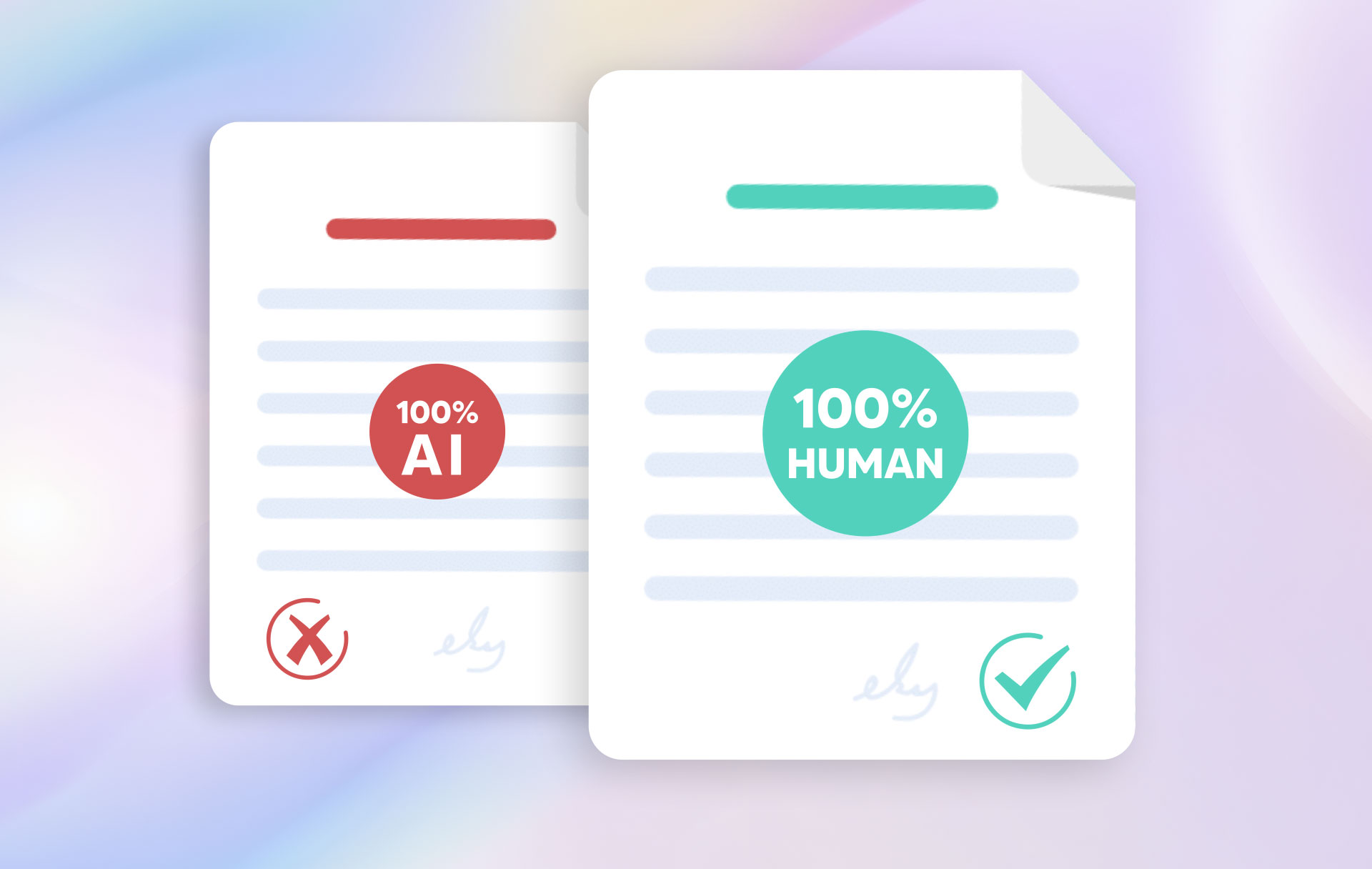
If I use AI to write my posts, will my audience be able to tell?
It's a fair question. And the honest answer is — sometimes, yes. But only if you let it.
The real problem isn't the tool. It's how most people use it. They type a vague prompt, copy whatever comes out, hit publish, and wonder why engagement is flat. Then they either blame AI entirely or abandon the idea of posting consistently altogether.
There's a better way. You can use a Social Media Post Generator and still sound like yourself — maybe even more like yourself than when you were writing every caption from scratch at 11pm, exhausted, just trying to get something out the door.
Here's how to actually make that work.
The Real Difference Between AI and Manual Content Creation
Let's be honest about what manual content creation actually looks like for most businesses.
It's not a thoughtful 45-minute writing session with a cup of coffee and a content strategy document open on one screen. It's scrambling to write a caption while the image is already uploaded. It's copying a post format that worked three months ago and hoping it still lands. It's burning out and going quiet for two weeks, then posting three times in one day to "catch up."
That's not brand voice. That's survival mode.
AI, on the other hand, can produce content on demand, at volume, without fatigue. The catch? Out of the box, it doesn't know your business, your tone, your audience, or the specific way you phrase things. It produces a version of what it thinks you mean — which is often generic.
The gap between manual and AI isn't really about quality. It's about input. The more specific your input, the better your output. That's true whether you're briefing a human copywriter or a post generator.
What Brand Voice Actually Is (And Why It's Hard to Fake)
Brand voice is not just the words you use. It's the personality underneath them.
It's whether you use humor or stay straight-faced. Whether you lead with data or with stories. Whether you write in long flowing sentences or short punchy ones. Whether you call your customers "clients," "members," "friends," or just "you."
When people say AI-generated content doesn't sound like them, what they usually mean is that it sounds like everyone else. Safe, neutral, slightly over-enthusiastic. Three adjectives followed by a call to action. You know the type.
The fix is to stop treating a post generator like a replacement for your thinking. Treat it like a very fast, very capable first-draft machine — one that still needs your direction.
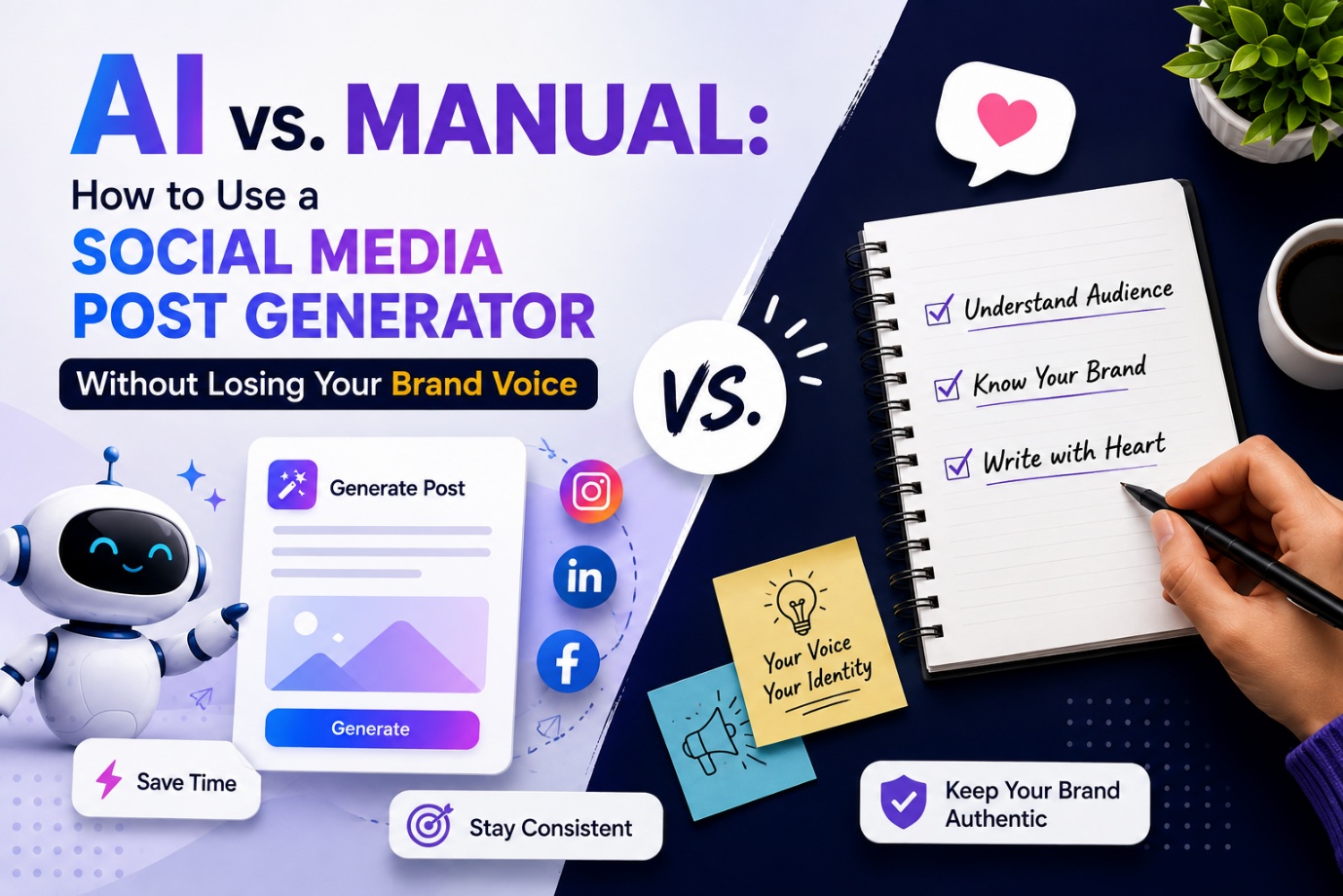
How to Use a Social Media Post Generator Without Losing Your Voice
- Feed It Your Voice Before You Ask for Content
Most people skip this step. They open the tool, type "write a post about my new product," and are disappointed when it sounds like a brochure.
Before you write a single prompt, spend five minutes giving the tool context:
- What's your tone? (Conversational, professional, witty, warm, direct?)
- Who are you talking to? (Busy founders, young creatives, local customers, B2B teams?)
- What do you never do? (Avoid corporate jargon? Never use exclamation marks? Always write in first person?)
- What phrases or terms are uniquely yours?
The more specific you are upfront, the less editing you'll do on the back end. Think of it as briefing a new team member on your brand before they start writing.
- Don't Copy-Paste. Remix.
The best way to maintain your voice with AI is to use the generated post as a structural starting point, not a finished product.
Take what it gives you. Ask yourself:
- Which sentence sounds most like me?
- What would I say differently?
- Is there a story or specific detail from my business I can add here?
Then rewrite it with those changes. You'll often find that 60–70% of the draft is usable, and the 30% you change is exactly the part that makes it sound like you.
This is where the time savings live. You're not writing from scratch. You're editing, which is dramatically faster — and editing is something most business owners are better at than they realize.
- Build a Prompt Library You Actually Reuse
If you find a prompt that generates content close to your voice, save it.
Build a small library of prompts that work for your most common post types — product announcements, behind-the-scenes, customer wins, tips, engagement questions. Each one should include your tone notes, your audience, and any specific formatting preferences (e.g., "no hashtags in the caption," "keep it under 150 words," "start with a question").
Over time, this library becomes a content engine. You open it, pick the right template, add the specific detail for today's post, and you're done in minutes.
- Add One Human Detail to Every Post
Here's a simple rule that makes a big difference: before you publish anything generated with AI, add one detail that only you could write.
A specific customer story. A behind-the-scenes moment from this week. A reaction you actually had to something that happened in your business. A slightly self-deprecating joke that fits your personality.
One real detail grounds the whole post. It's the difference between a post that reads like content and one that reads like a person.
- Audit Your Published Posts Monthly
Once a month, scroll back through what you've posted. Ask:
- Does this still sound like us?
- Are there posts that feel off — too formal, too casual, too generic?
- What are the posts that got the most response, and what do they have in common?
This kind of review helps you refine your prompts, catch drift before it becomes a pattern, and stay intentional about how you show up online.
The Bigger Picture: Consistency Over Perfection
The reason most businesses lose their brand voice isn't because they used AI. It's because they were never consistent enough in the first place for a clear voice to fully develop.
Posting once a week, every week, with posts that are 80% on-brand beats posting twice a month with posts that are 100% perfect — because consistency is what builds recognition and trust over time.
Indzu's Social Media Post Generator doesn't replace your voice. It removes the friction that was stopping you from using it consistently.
When you're not staring at a blank screen, you make better creative decisions. When you're not scrambling, you can afford to add the personal touch that makes people feel like they're hearing from a real business with a real perspective.
That's the real value of the tool. Not automation for automation's sake — but more headspace to show up as yourself, more often.
Frequently Asked Questions
Q1: Can a social media post generator match my brand voice?
Yes — but it depends on how you use it. A social media post generator works best when you give it clear context about your tone, audience, and writing style before generating content. The more specific your input, the closer the output will be to your actual brand voice. Most businesses find that AI-generated drafts need only minor edits when the prompts are set up well.
Q2: Is AI-generated social media content obvious to readers?
It can be, but it doesn't have to be. Generic-sounding posts usually happen when the prompt is too vague or the output is copy-pasted without any editing. Adding one specific detail — a real customer story, a behind-the-scenes moment, or a personal reaction — makes AI-assisted content indistinguishable from something written entirely by hand.
Q3: How is using a post generator different from hiring a copywriter?
A copywriter brings creativity, strategy, and brand intuition — but they take time to brief, have limited availability, and come at a cost. A social media post generator gives you instant drafts at scale, any time you need them. The ideal approach for many businesses is actually a combination: use the generator for speed and volume, and apply your own creative judgment to refine and personalize the output.
Q4: Will my social media content sound too similar to other brands using the same AI tool?
Only if you skip customization. AI tools generate content based on the prompts they receive, so two businesses with different tones, audiences, and brand details will get very different results — even from the same tool. The key is building specific, detailed prompts that reflect what makes your brand unique, rather than using generic one-line inputs.
Q5: How many social media posts can I create with a post generator?
There's no practical limit. A good social media post generator lets you create content for multiple platforms, post types, and topics as often as you need — which is one of its biggest advantages over manual writing. Businesses that commit to consistent posting schedules often find that a generator helps them maintain that consistency without burning out their team.
Q6: What information should I give an AI post generator to get the best results?
The more context, the better. At minimum, include your brand tone (e.g., casual, professional, witty), your target audience, the platform you're posting on, the goal of the post (engagement, awareness, promotion), and any style rules you follow — like word count limits or hashtag preferences. Saving this as a reusable prompt template saves even more time in the long run.
Q7: Is Indzu Social's post generator good for small businesses?
Yes. Indzu Social is designed for businesses that need to post consistently without a large marketing team or a big content budget. The generator helps small business owners create platform-ready content quickly, so they can focus on running their business while still showing up regularly on social media.
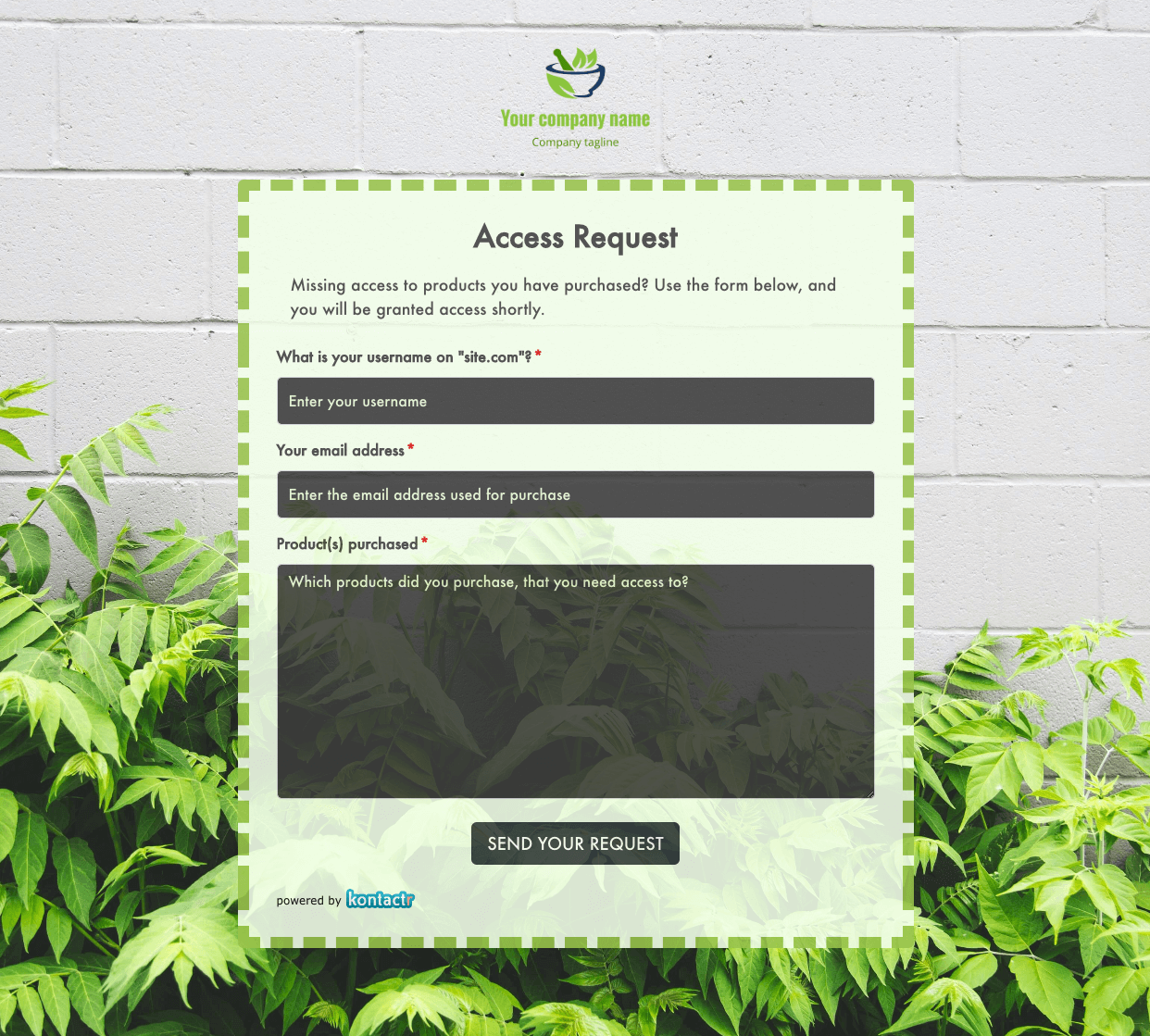 Access Request Form
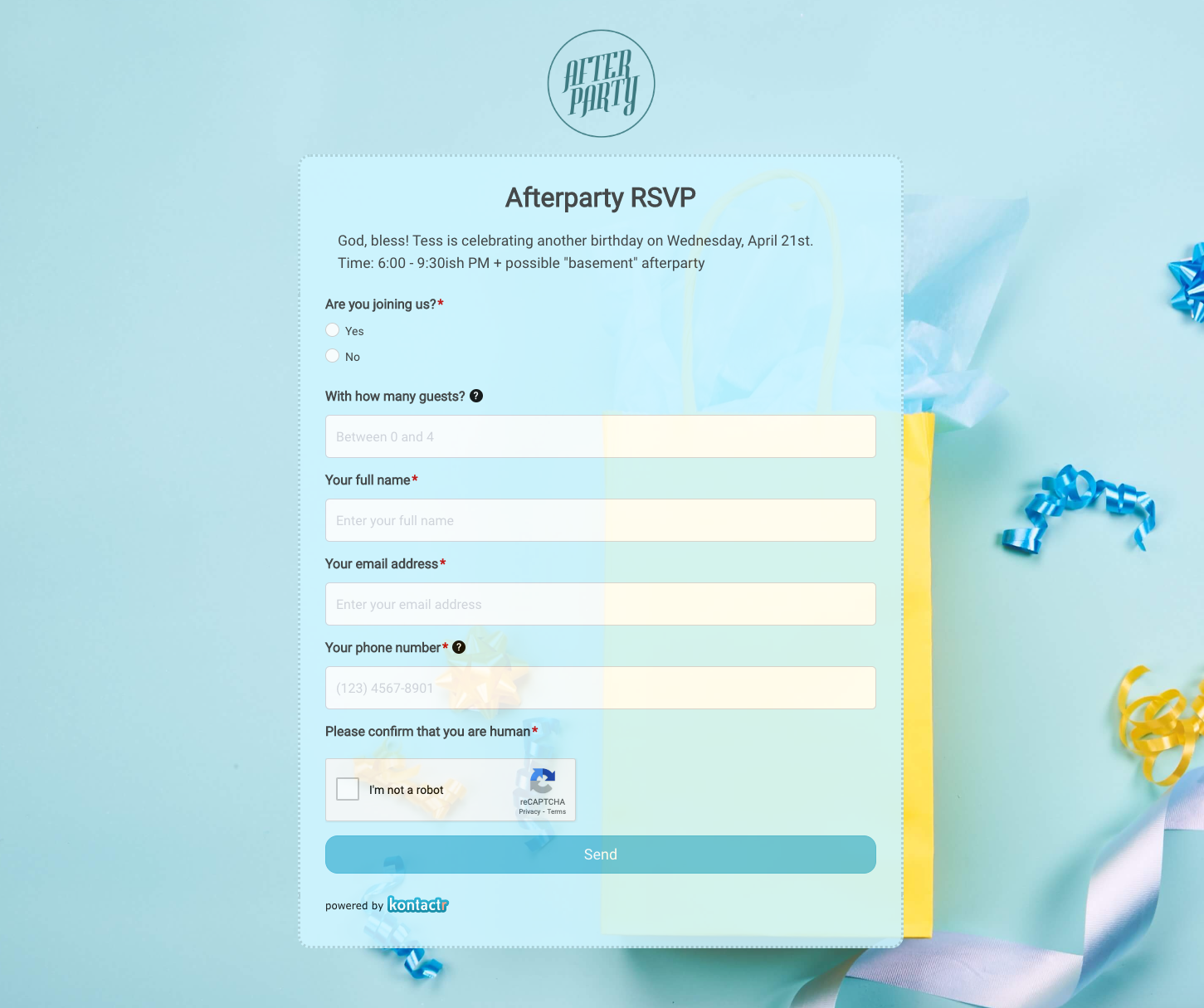 Afterparty RSVP Form
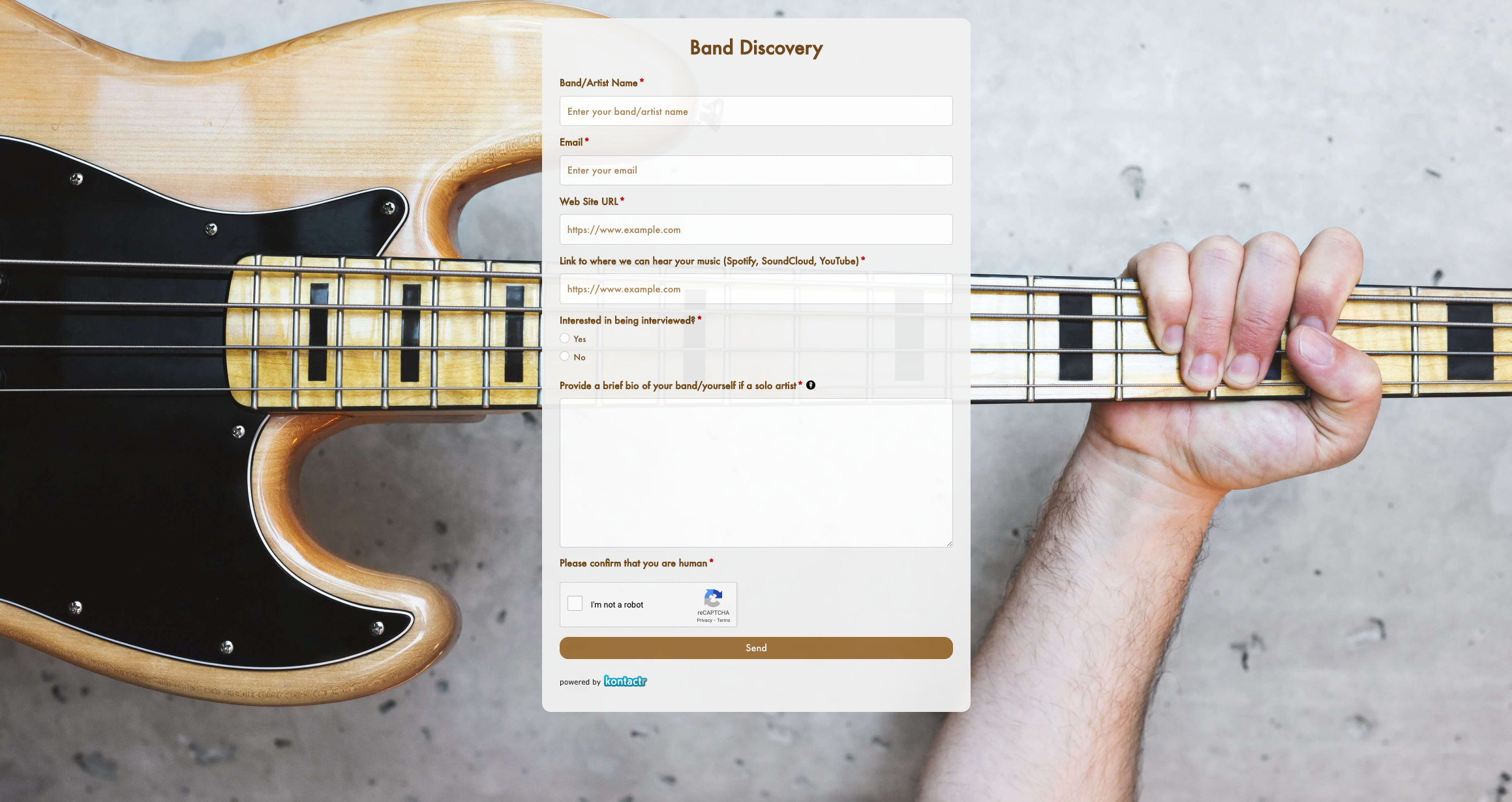 Band Discovery Form
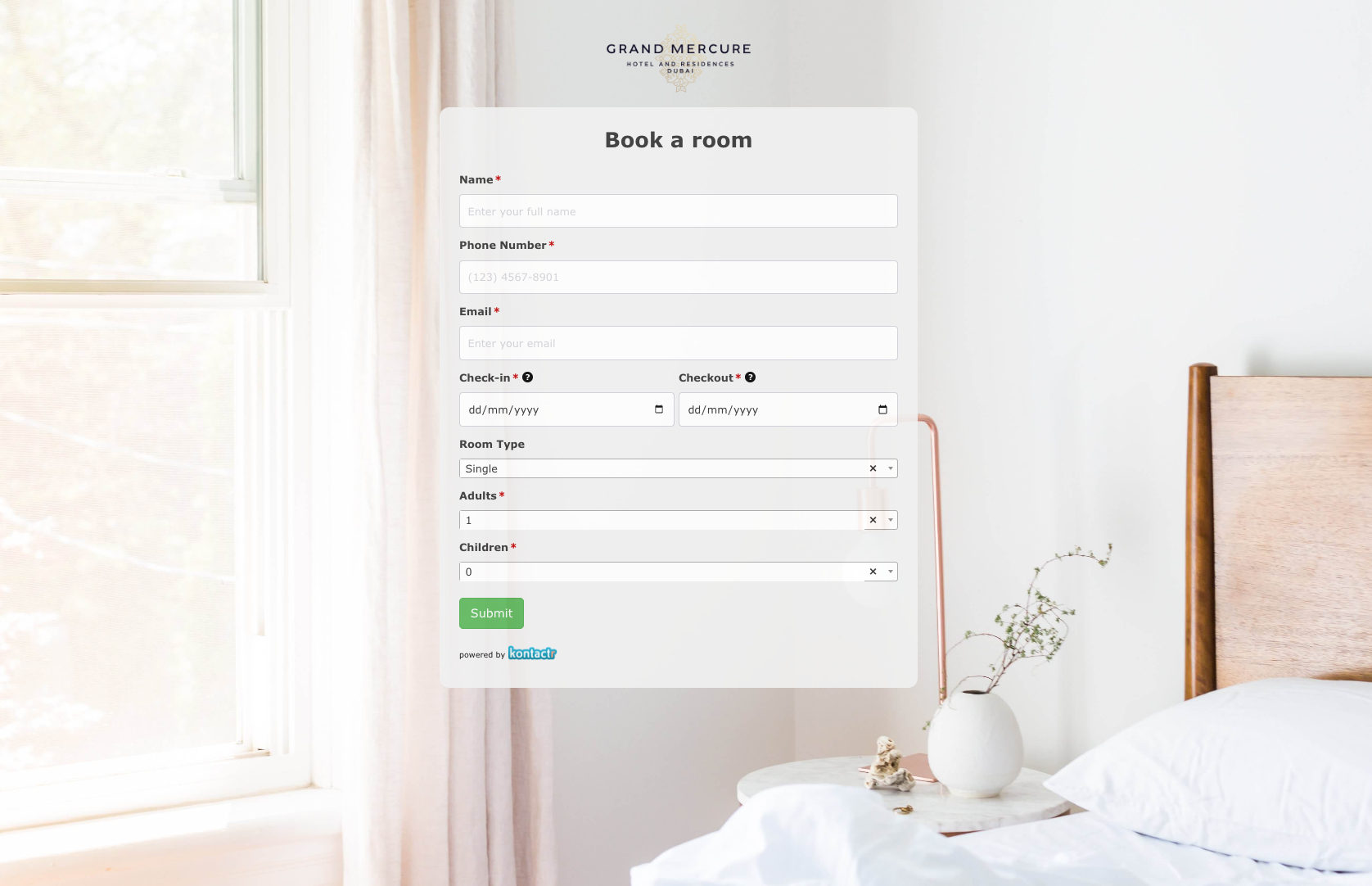 Book a room Form
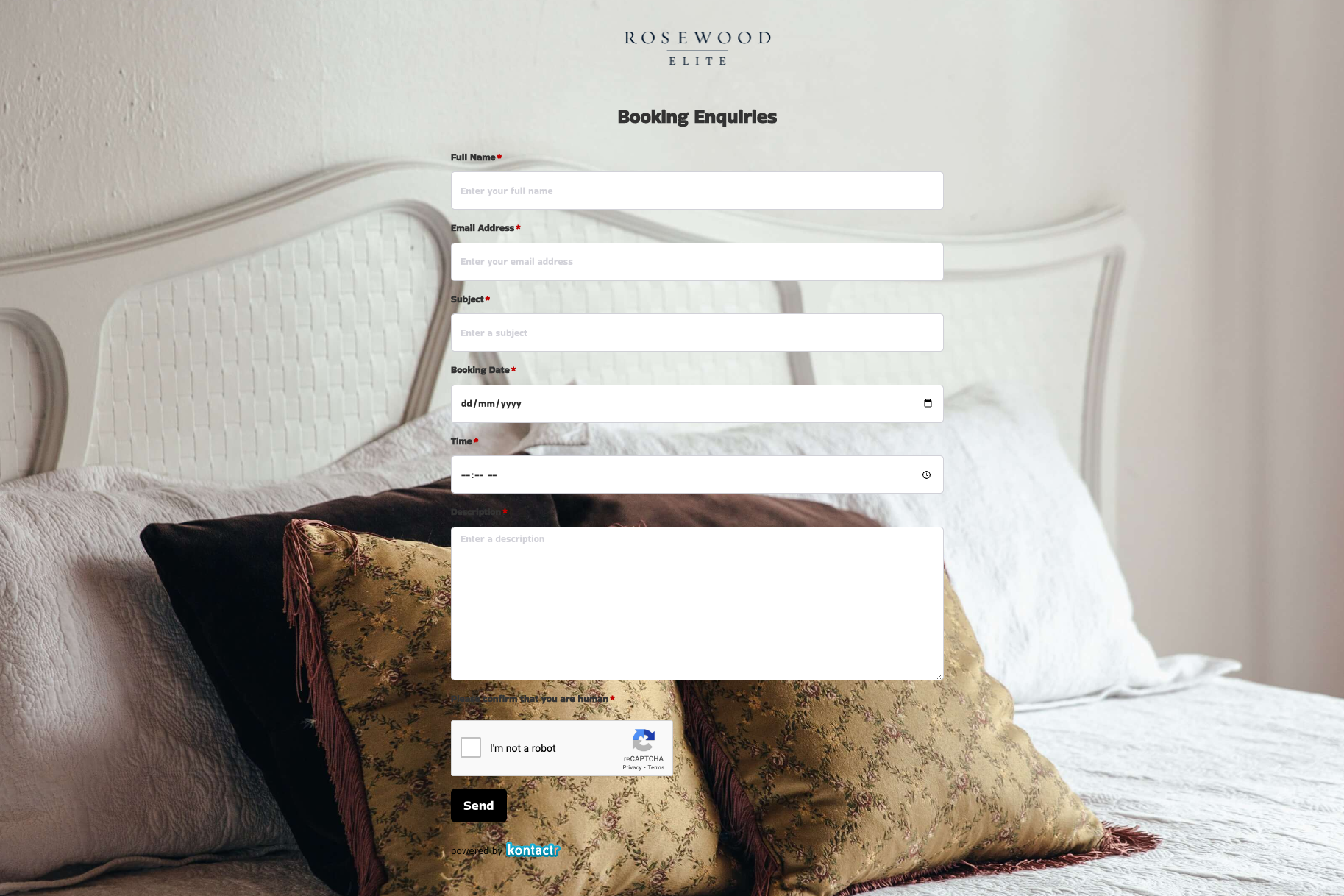 Booking Enquiries Form
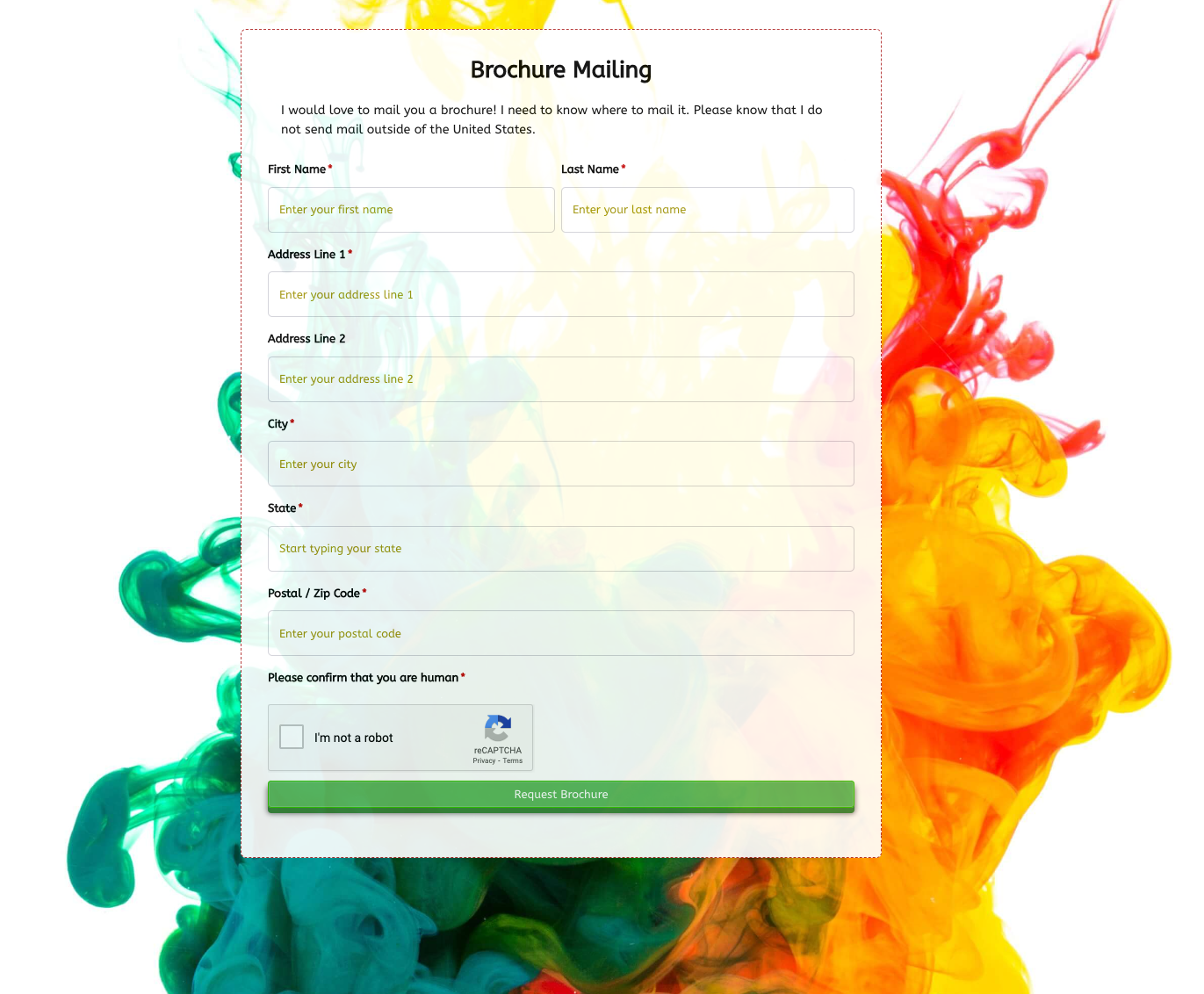 Brochure Mailing Form
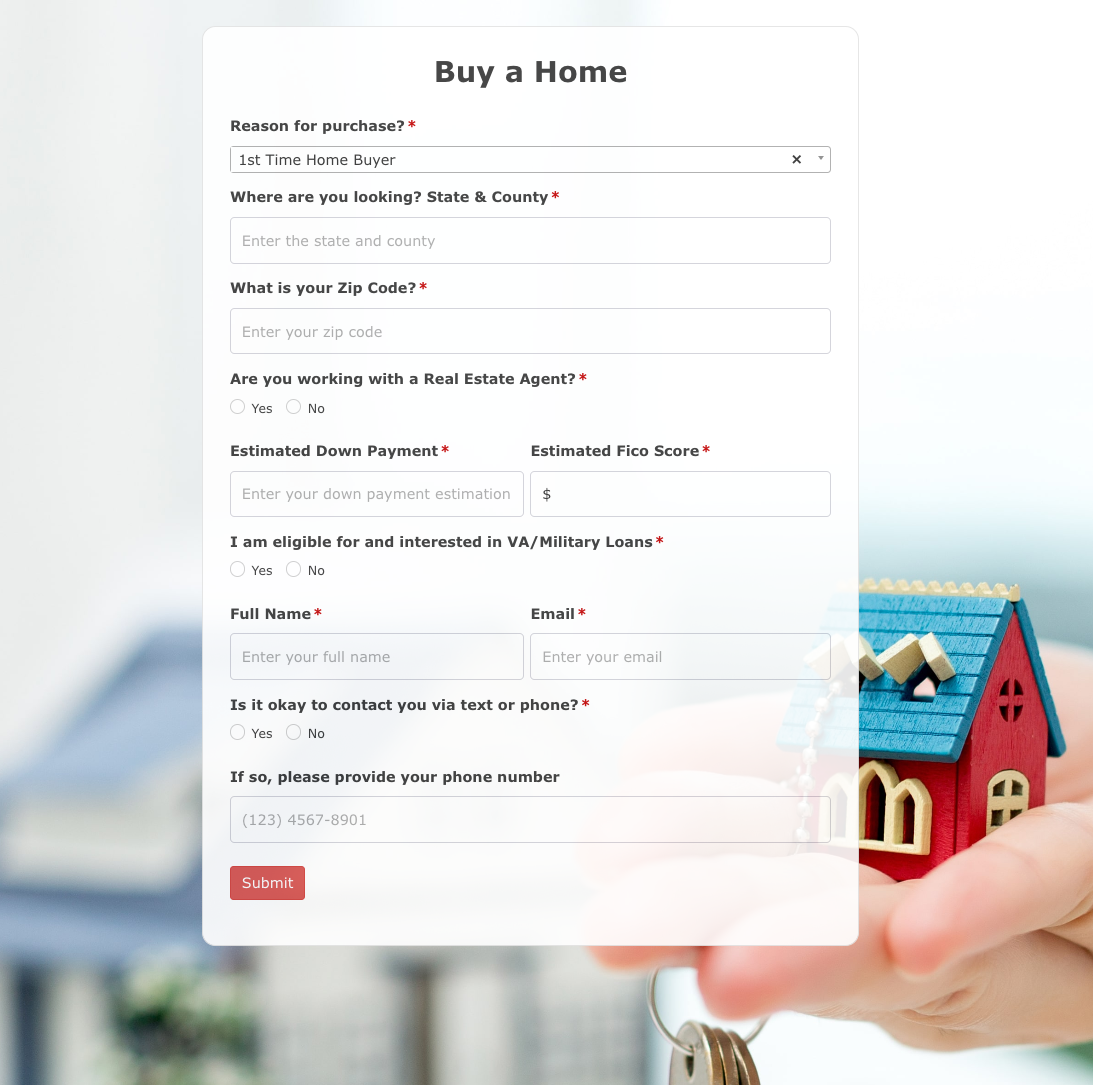 Buy a Home Form
 Catalog Request Form
 Coach Lines Quote Form
 Contact Us Form
 Credit Application Form
 Drop me a line Form
 Enquiry / Feedback Form
 Got a question? Form
 Instant Quote Form
 Job Application Form
 Language & Literacy Lab Form
 Live Streaming Registration Form
 More Information Form
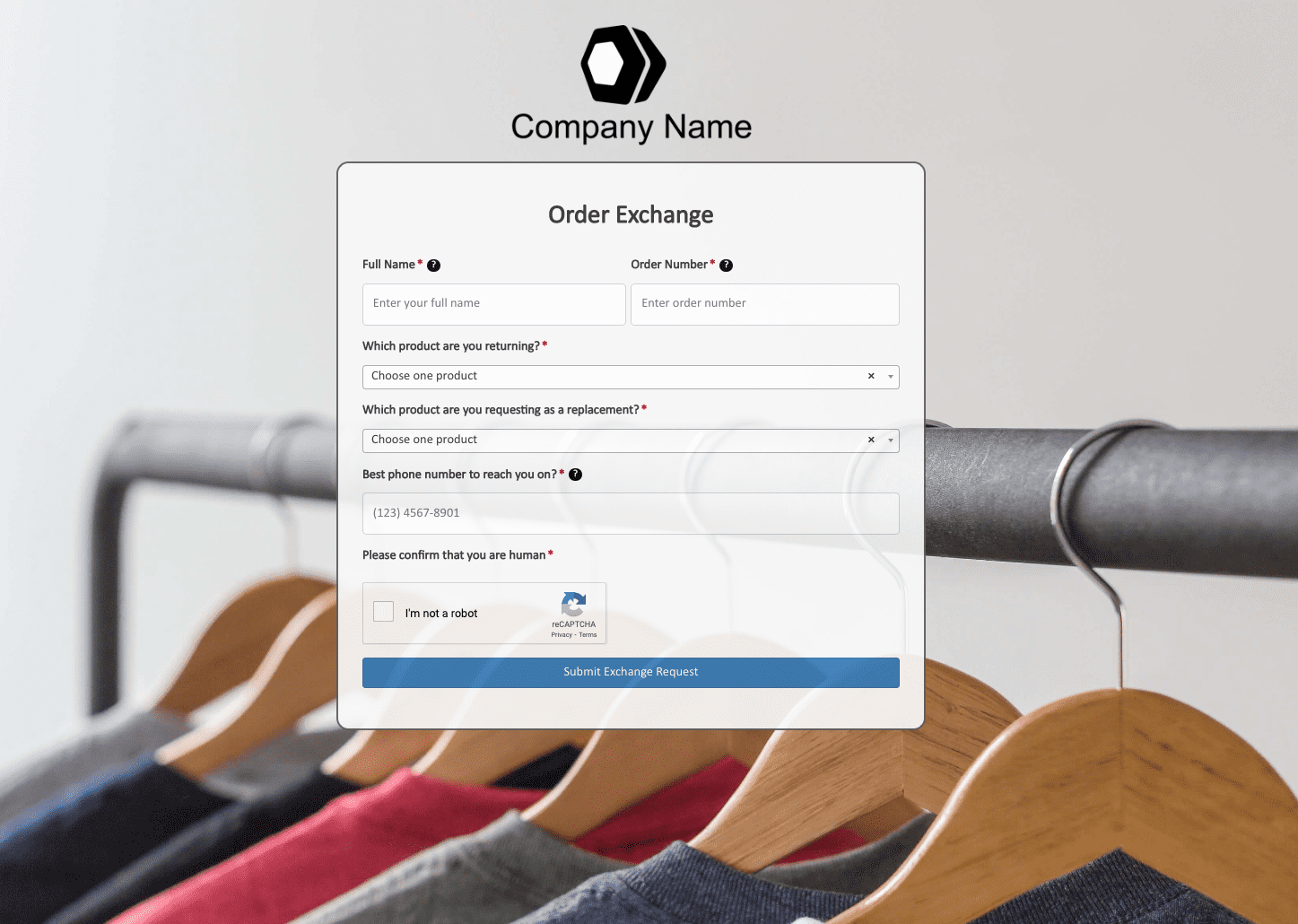 Order Exchange Form
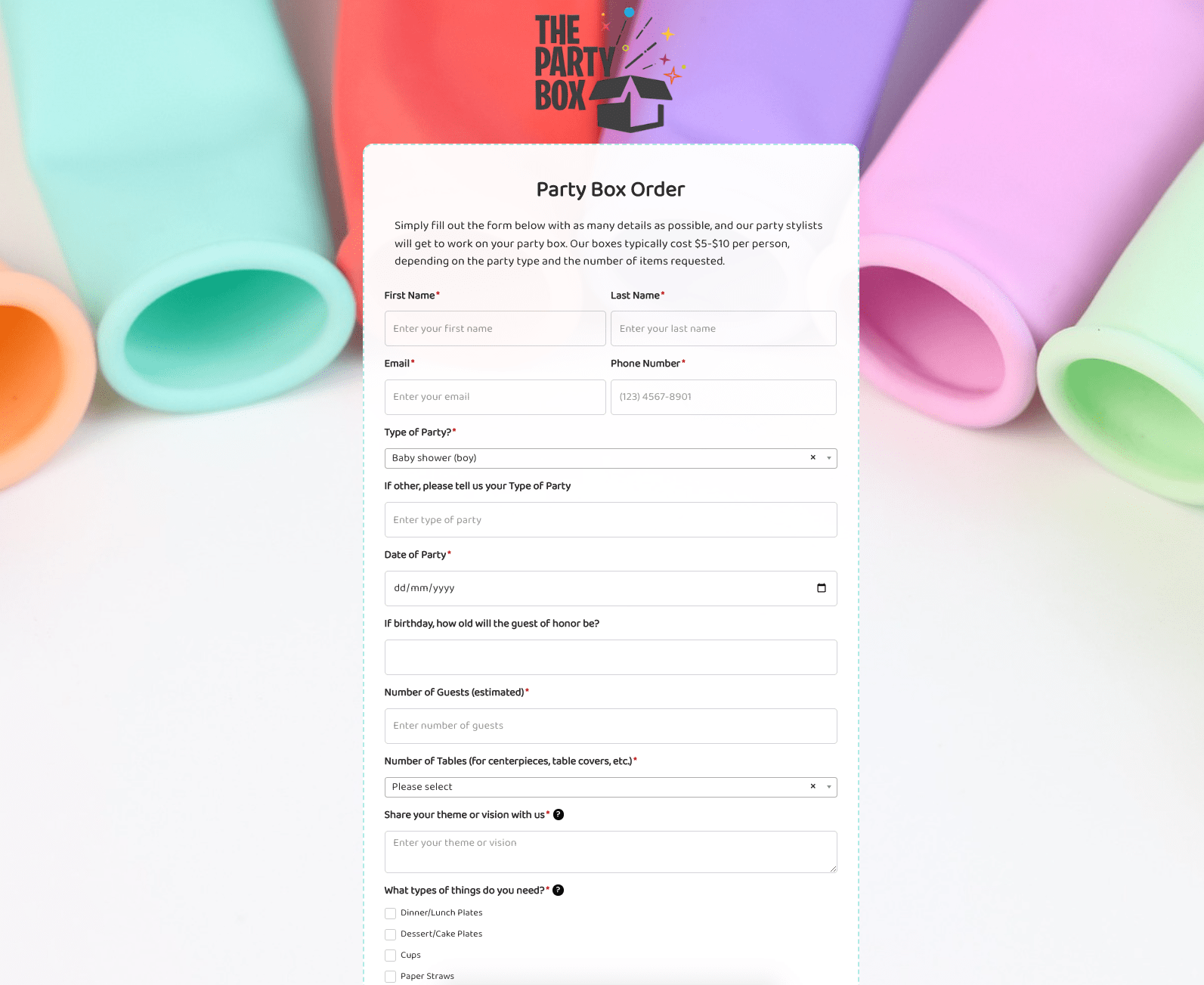 Party Box Order Form
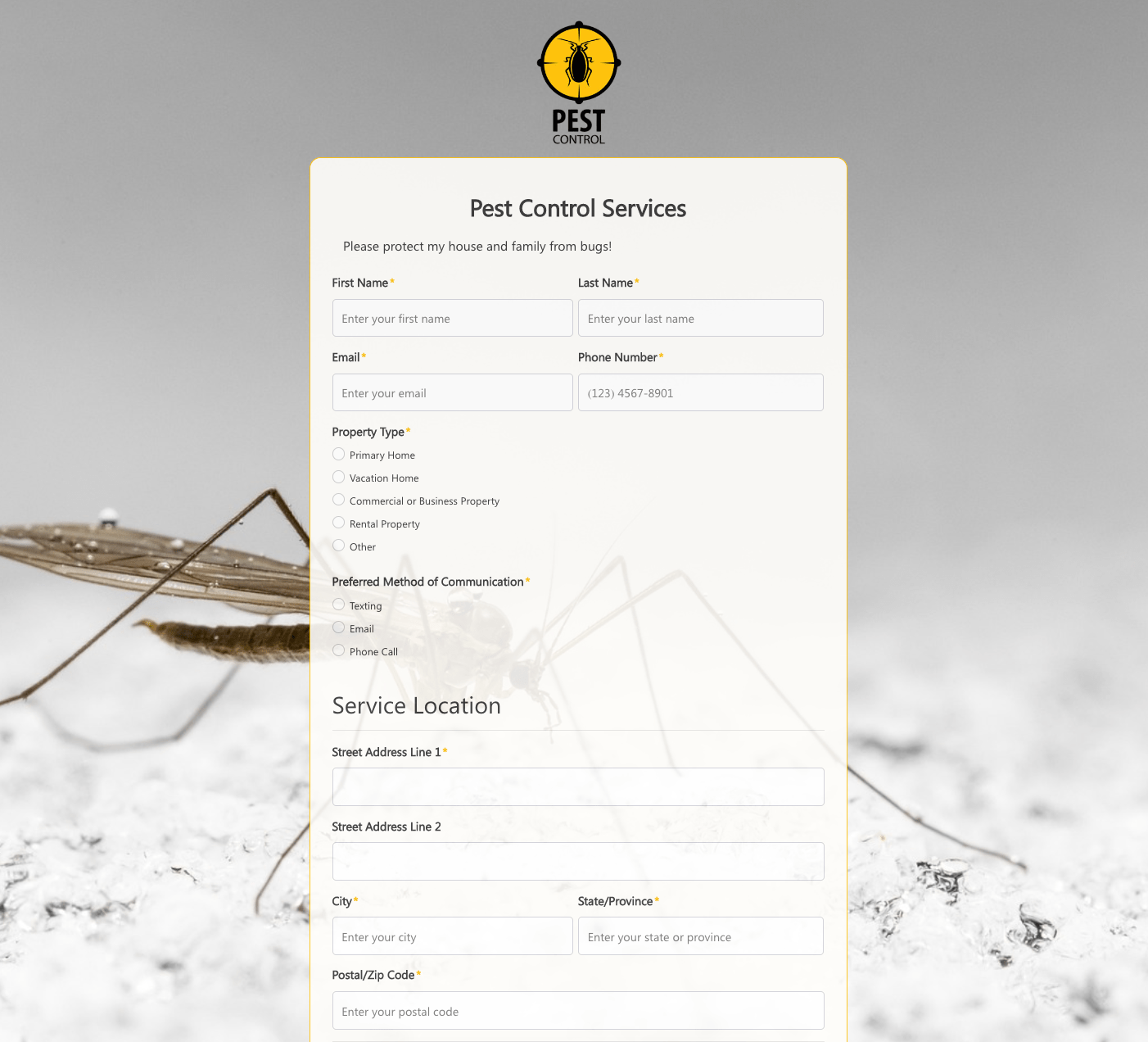 Pest Control Services Form
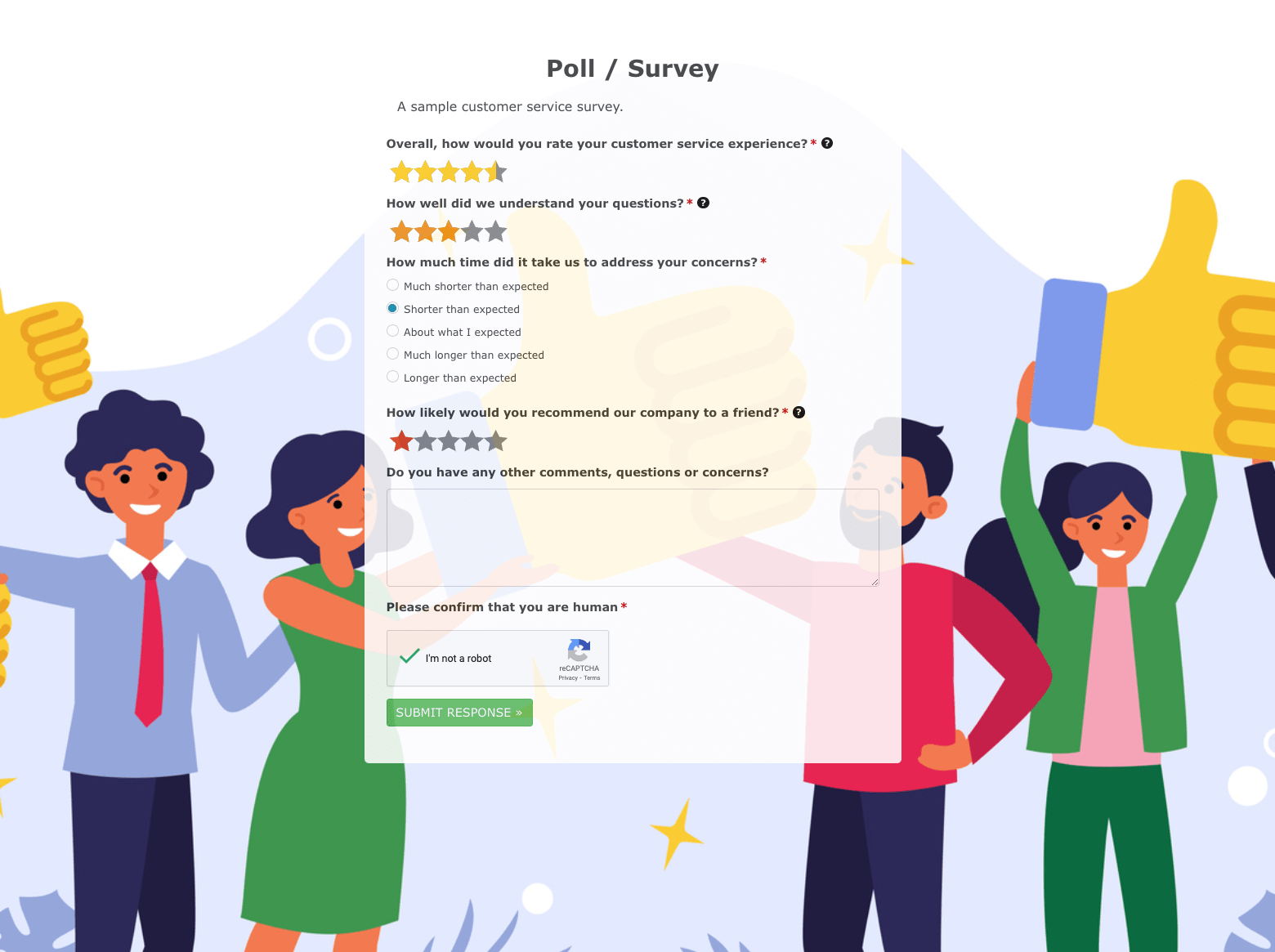 Poll / Survey Form
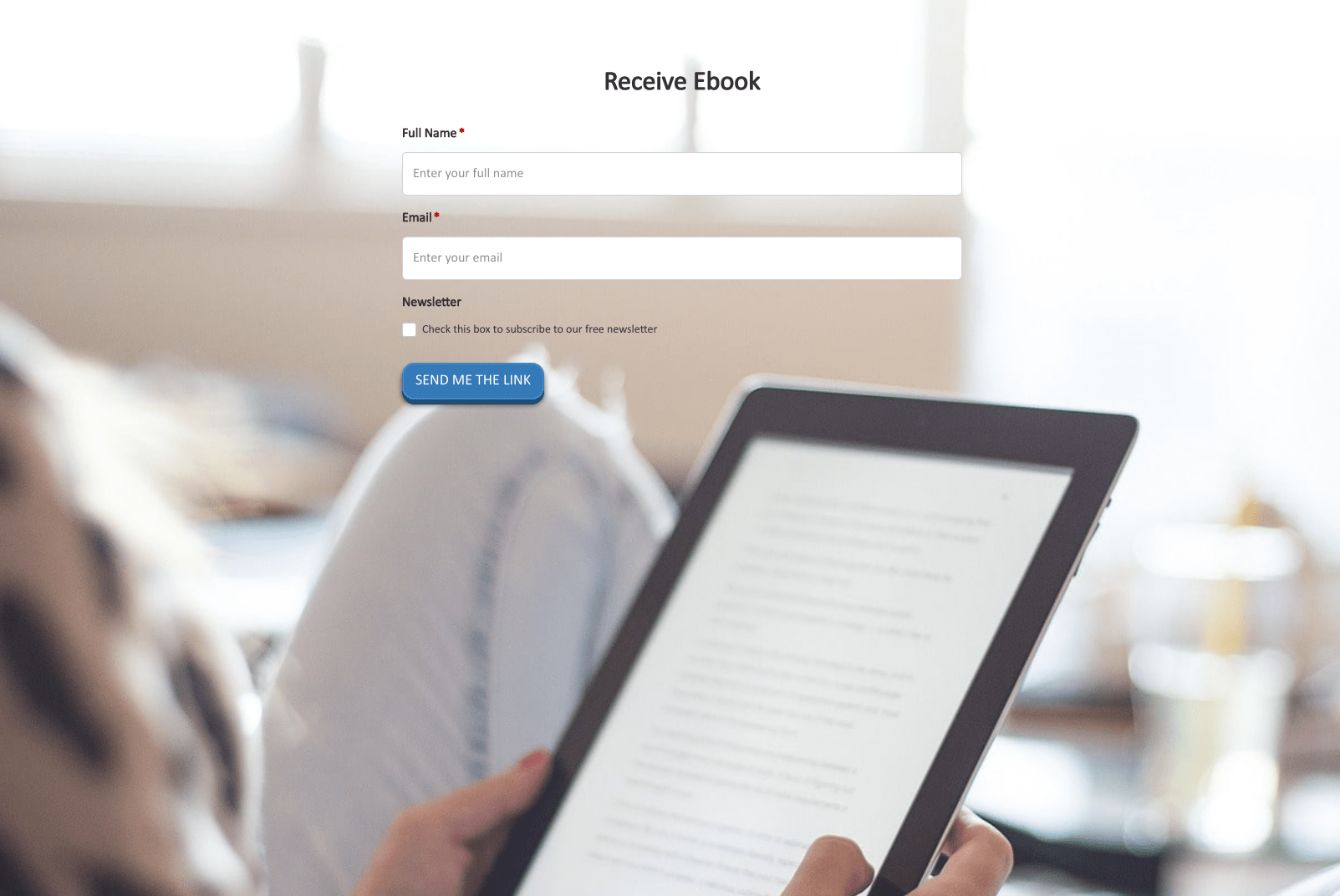 Receive Ebook Form
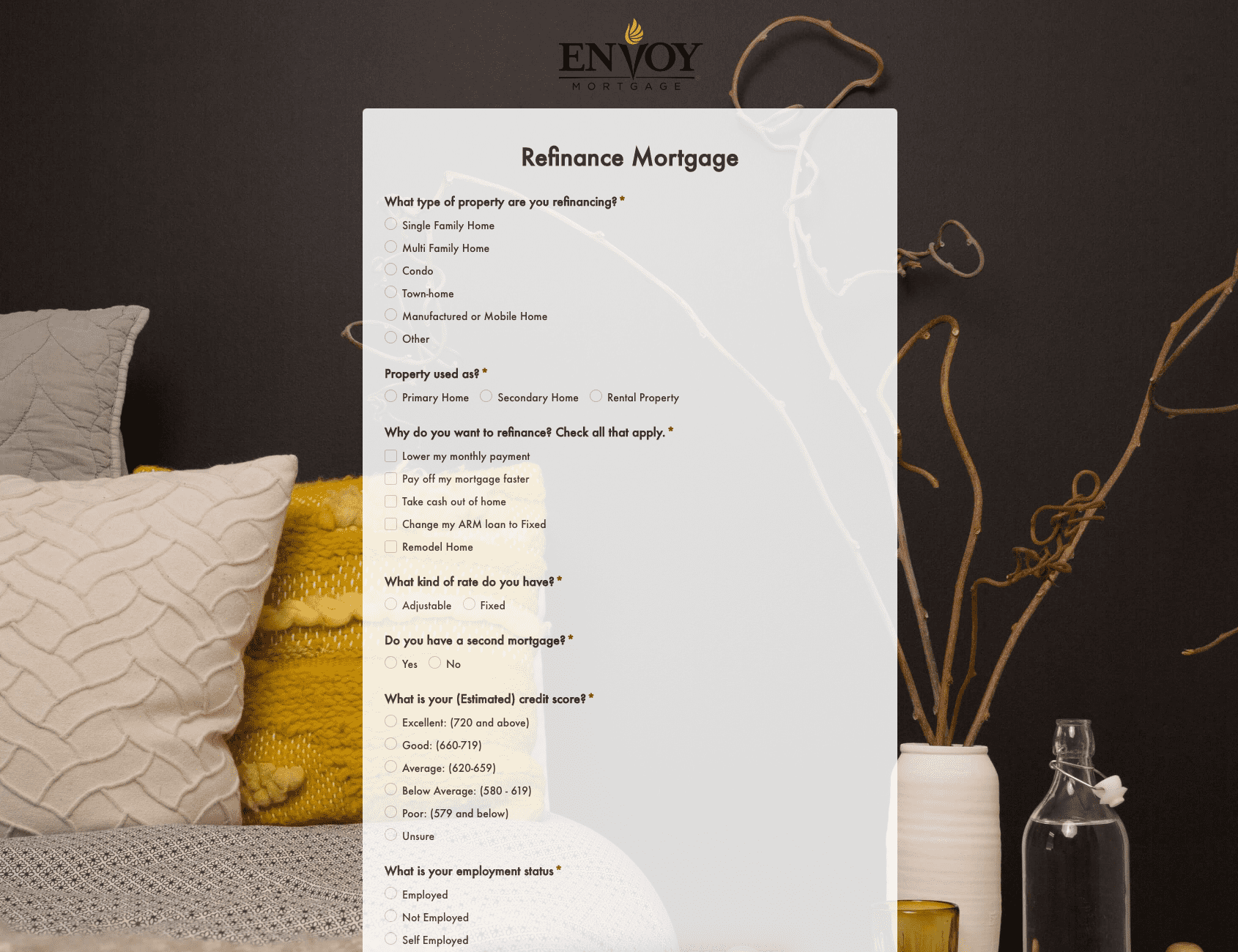 Refinance Mortgage Form
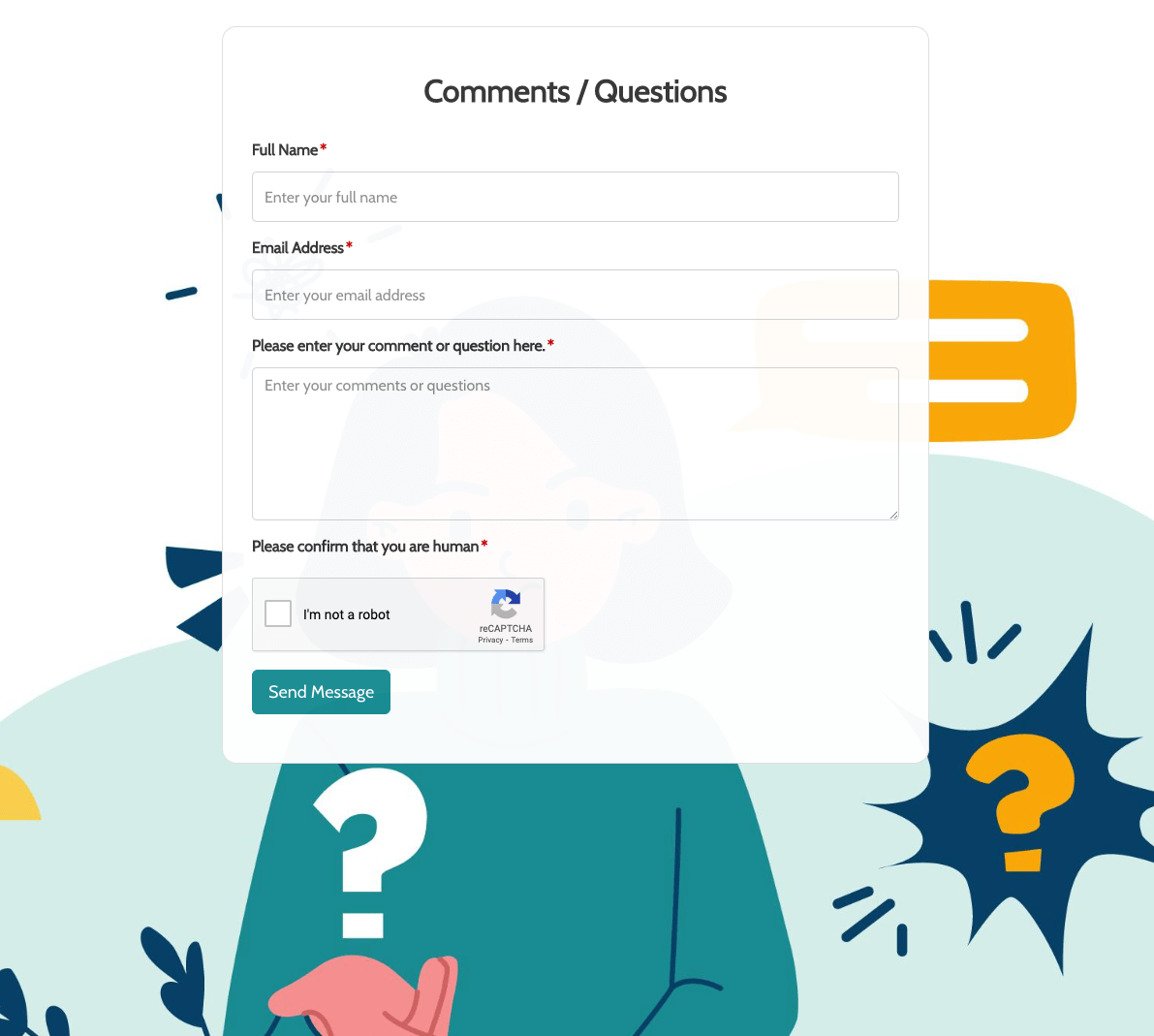 Remarks / Questions Form
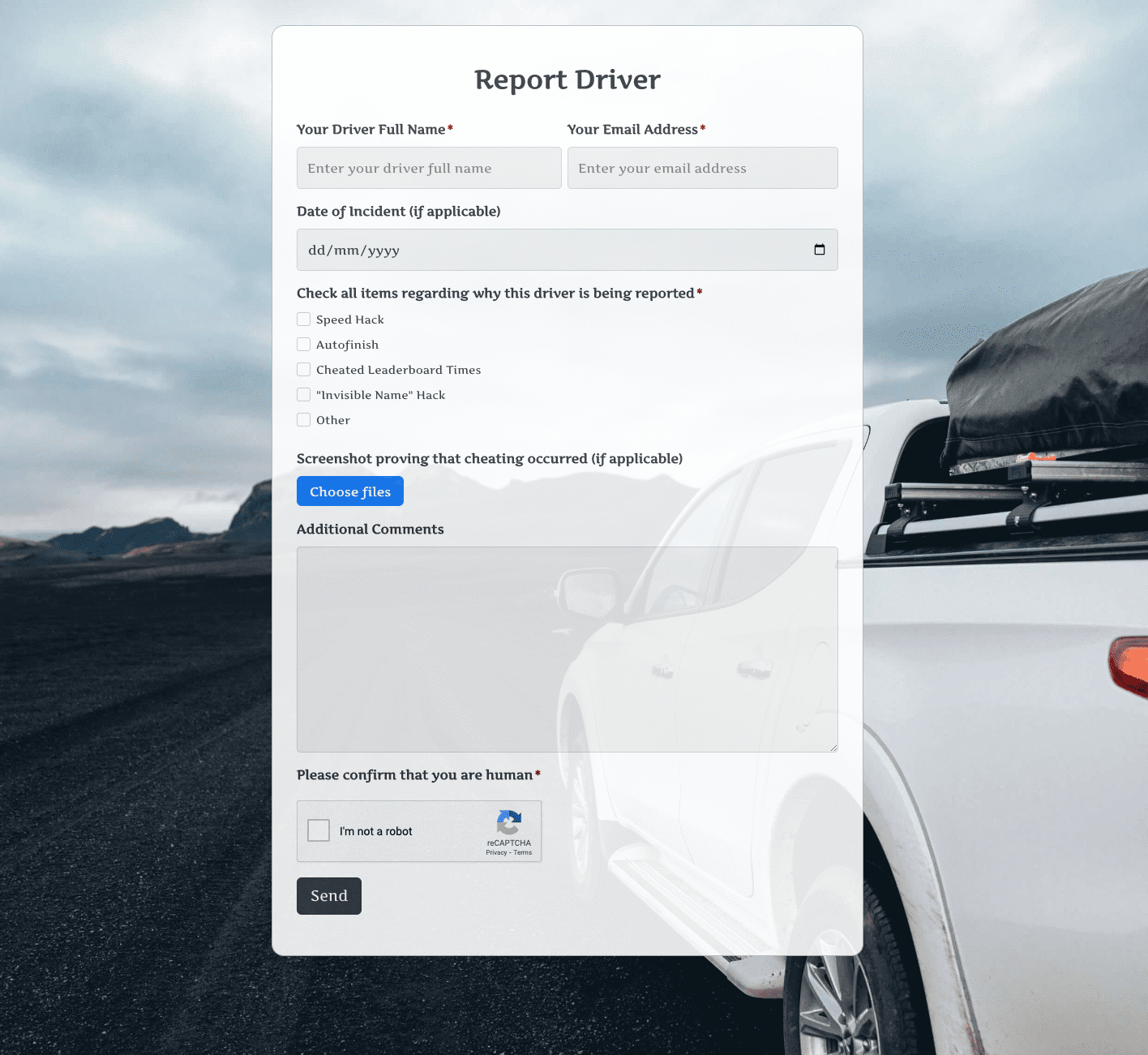 Report Driver Form
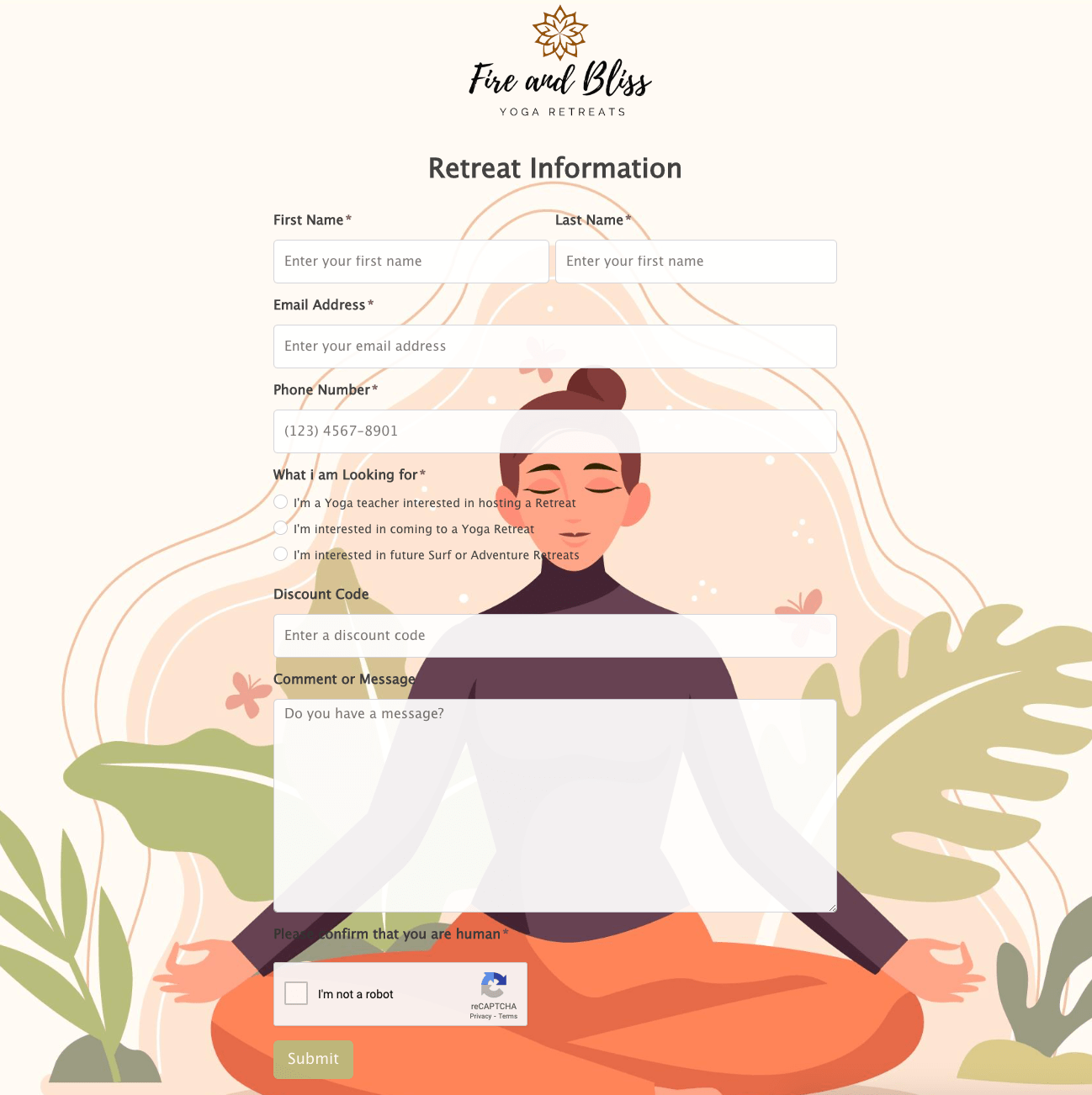 Retreat Information Form
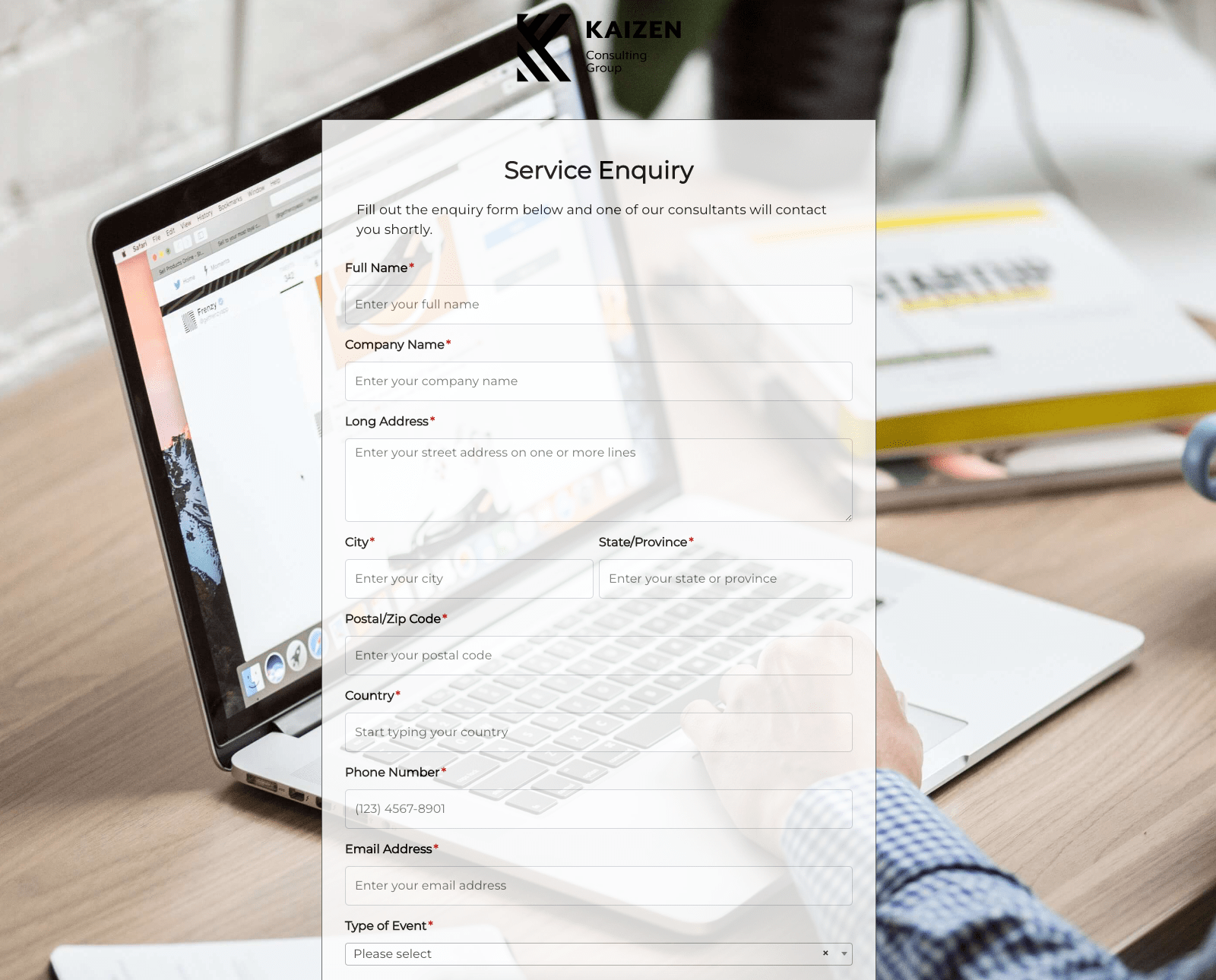 Service Enquiry Form
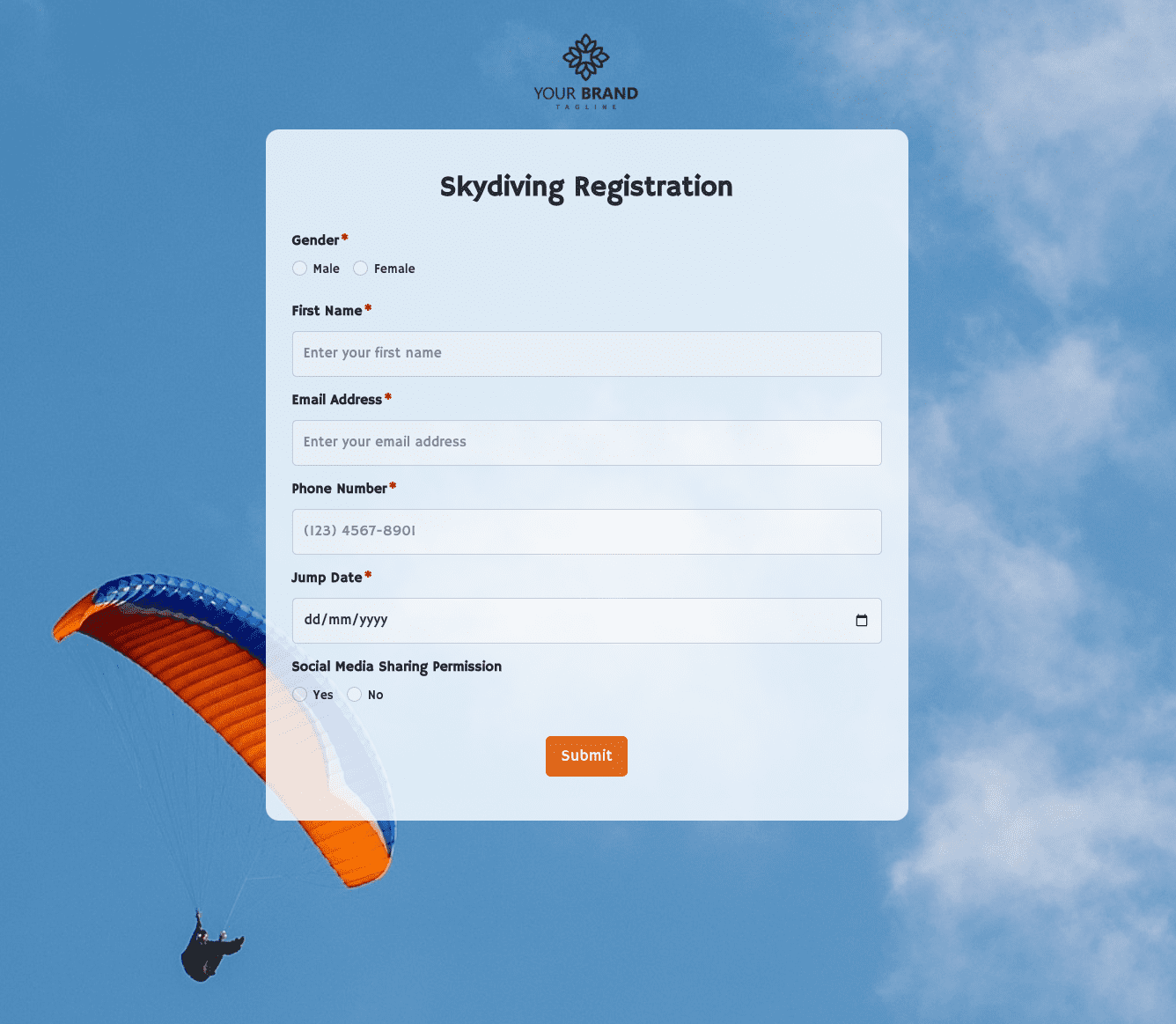 Skydiving Registration Form
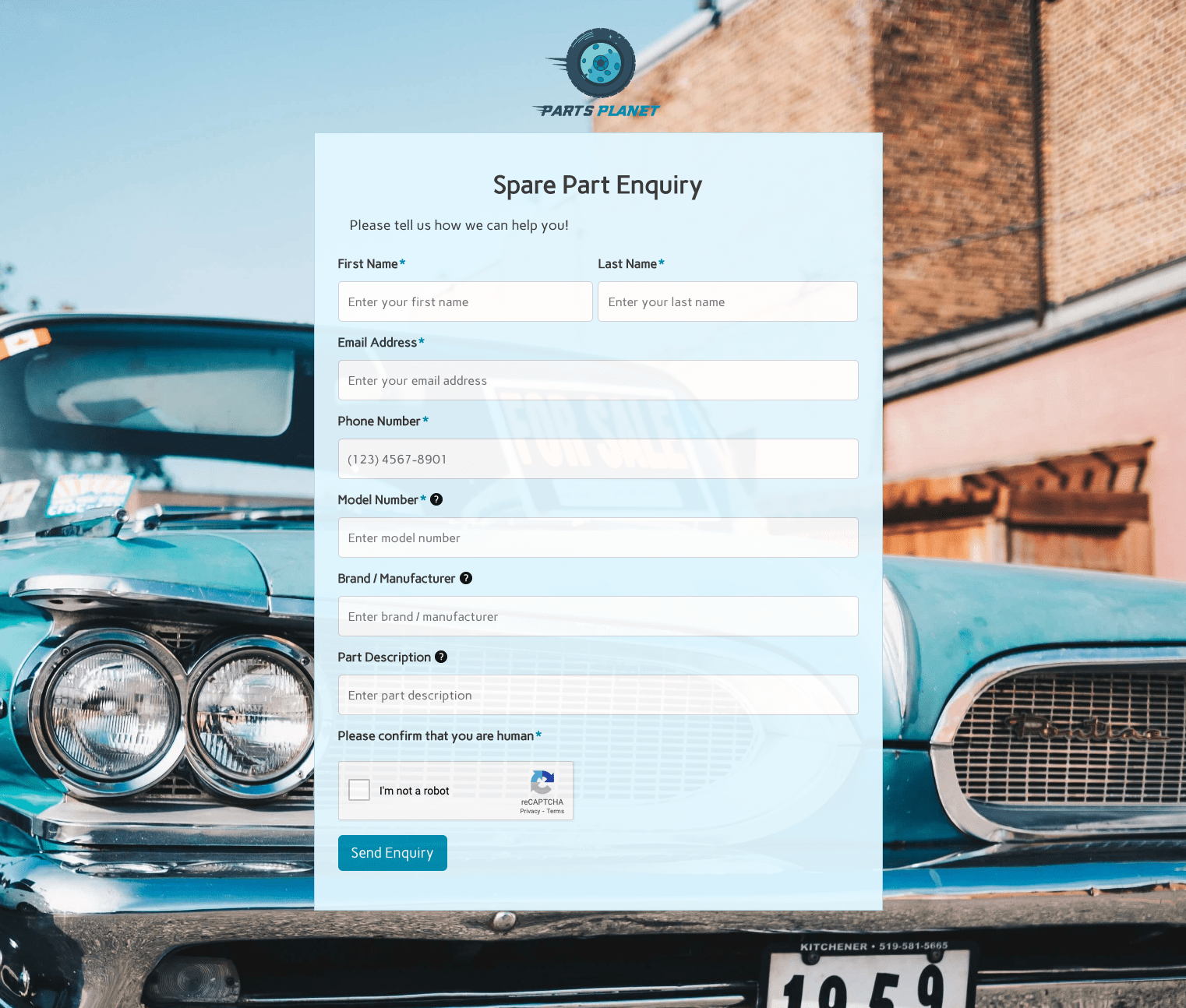 Spare Part Enquiry Form
 Staff Application Form
 Submission Form
 User Registration Form
 Website Under Construction Form
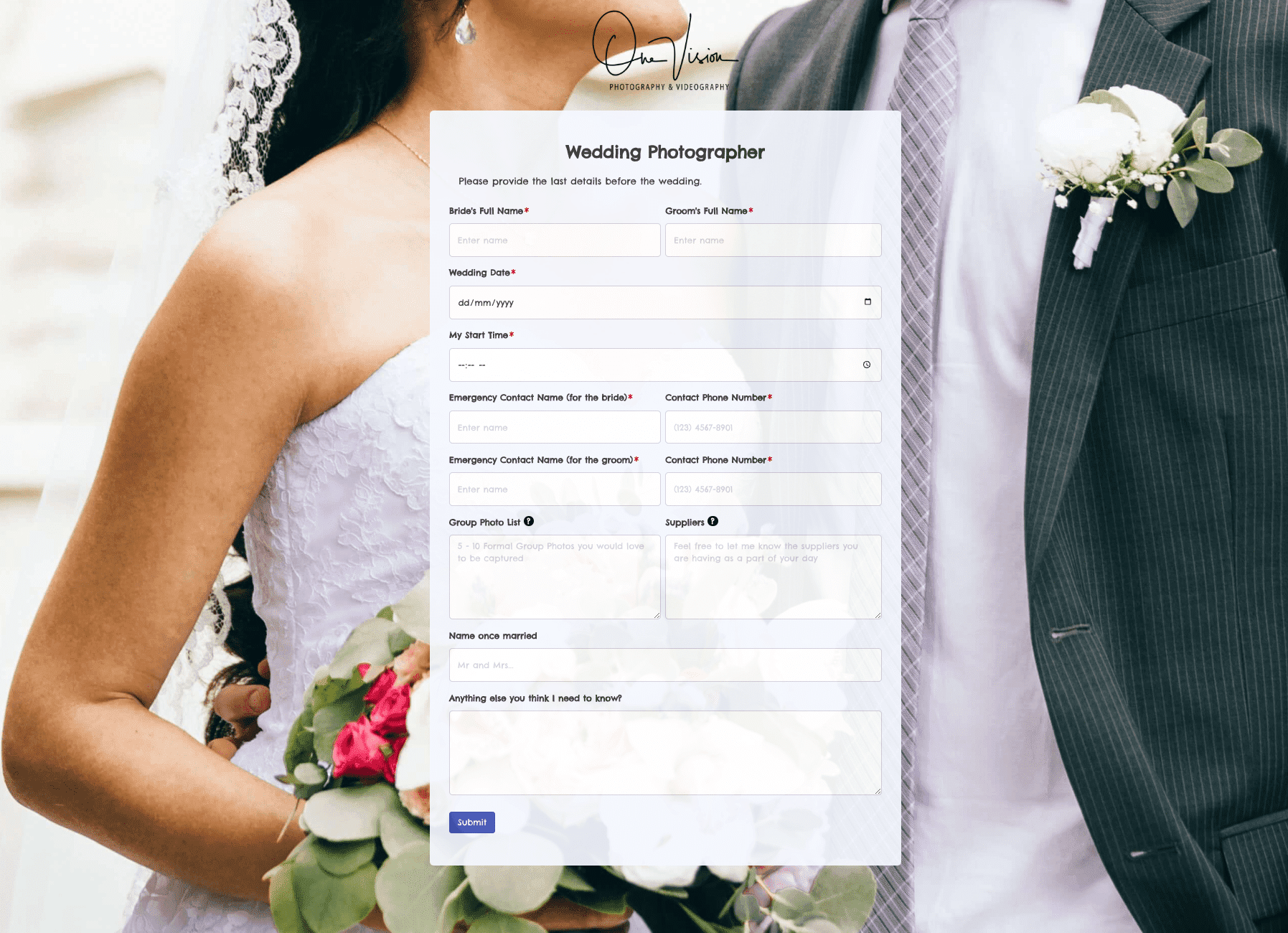 Wedding Photographer Form
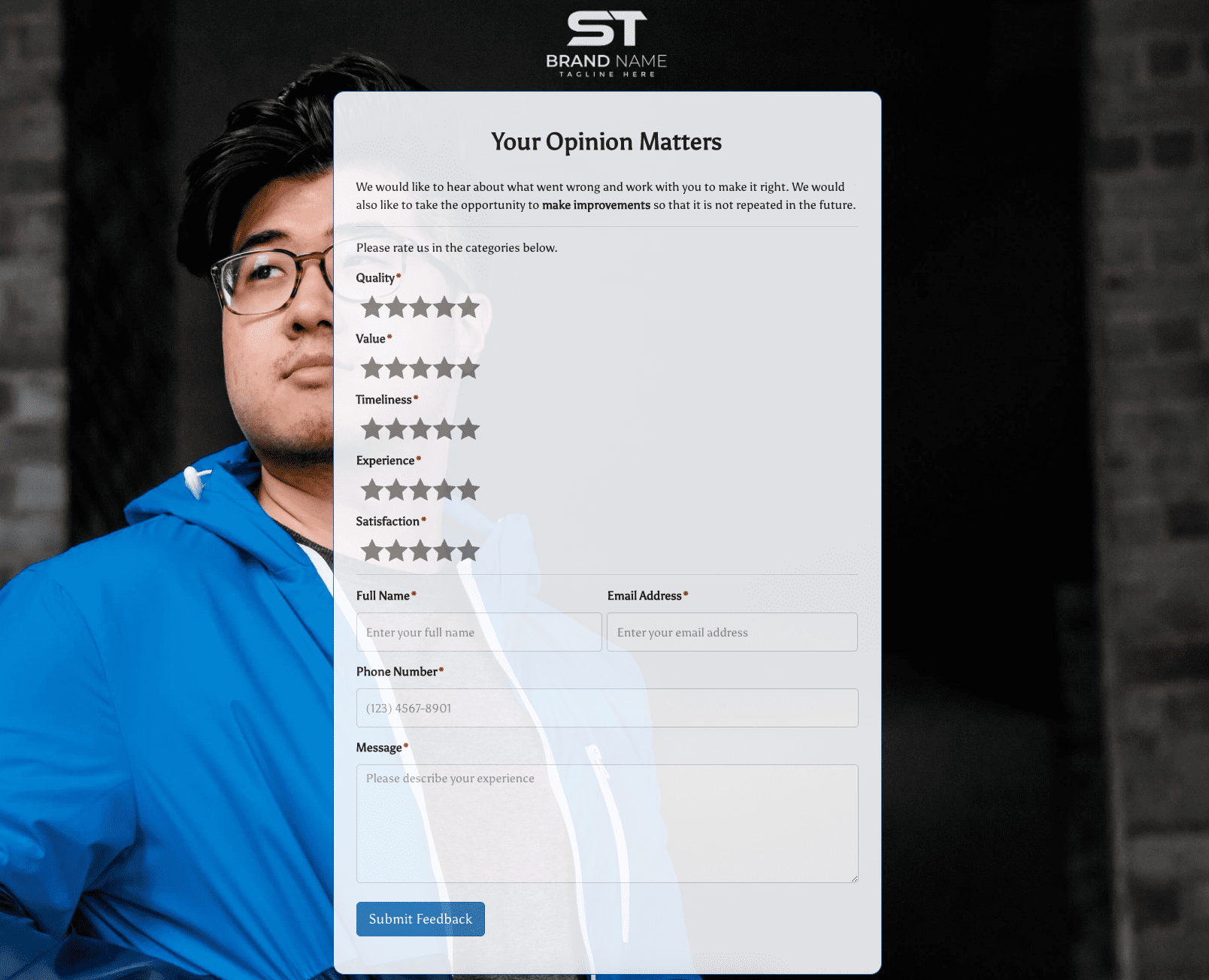 Your Opinion Matters Form





.jpg)