A website form can do a good job of capturing interest, but submitting a form is only the beginning of a customer relationship.
Someone may request a quote, ask a product question, apply for a service, report a problem, or simply want more information before making a decision. At that moment, the business has something valuable: context. The visitor has already explained what they need and, in many cases, provided the details required for a useful response.
What happens next determines whether that inquiry becomes a conversation or disappears into an inbox.
For many companies, the problem is not a lack of leads. It is the gap between receiving a form submission and giving the customer a relevant, timely response. Information may be scattered across email, spreadsheets, messaging apps, customer records and personal devices. One person replies from a phone, another checks the form on a laptop, and a third employee may not even know the conversation has started.
A better follow-up workflow connects those pieces without making the process unnecessarily complicated.

Capturing a Lead Is Only the First Step
Contact forms remain useful because they create structure.
Instead of receiving an unorganized message, a business can ask for specific information such as a name, email address, order number, project type or preferred contact method. A well-designed form reduces unnecessary back-and-forth and gives the team enough context to decide what should happen next.
But a form submission should not be treated as the end goal.
The real objective is usually one of the following:
- answer a question;
- qualify a potential customer;
- resolve a service issue;
- schedule a conversation;
- send relevant information;
- move an opportunity toward a decision.
That means the form needs a clear handoff process.
If an inquiry simply arrives in a shared inbox with no owner, it can easily be overlooked. If several employees reply independently, the customer may receive duplicated or contradictory answers. If important details are copied manually from one system to another, errors become more likely.
The strongest workflows decide in advance who receives each type of inquiry and what happens after it arrives.
Build a Clear Handoff From Forms to Conversations
A practical follow-up process does not need to involve complicated automation.
For many organizations, a simple sequence works well:
- The visitor submits a form.
- The relevant employee receives a notification.
- The inquiry is reviewed and categorized.
- Someone takes ownership of the response.
- The conversation moves to the most appropriate channel.
- Important outcomes are recorded in the company's main customer or project system.
The communication channel used in step five depends on the situation.
Email may be appropriate for formal proposals or detailed documentation. A phone call can be useful when an issue is urgent or complicated. Messaging can work well for quick clarification, ongoing coordination or customers who already prefer real-time communication.
The key is not forcing every inquiry into the same channel.
It is making sure the transition from a structured form to a human conversation feels seamless to the customer.
Desktop Communication Works Better for Complex Follow-Ups
Some conversations are difficult to manage from a phone.
A salesperson responding to a detailed request may need to review the customer's original form submission, open a pricing document, check previous correspondence and compare several product options. A support employee may need to look at screenshots, account information and an internal knowledge base before replying.
In those situations, desktop communication is often more practical.
A full-size keyboard makes longer replies easier. Multiple windows can remain open at the same time, and files can be located, renamed and shared without constantly switching between devices.
For teams in Hong Kong, Taiwan and other markets where Traditional Chinese may be used alongside English, having clear desktop instructions can also make onboarding easier. Users who need a consistent PC-based setup can refer to a Telegram 電腦版下載指南 when reviewing desktop installation, compatibility and everyday communication options.
The point is not that every customer conversation belongs on a desktop.
Rather, employees should use the environment that best supports the task they are handling.
A quick appointment confirmation might take seconds on a phone. A complex quotation involving documents and several stakeholders is usually easier from a computer.
Response Speed Matters, but Context Matters More
Businesses are often told that faster responses automatically lead to better conversion rates.
Speed certainly matters, especially when a visitor is actively comparing several companies. But a fast response that ignores the information already supplied in the form can be worse than a slightly slower, thoughtful one.
Imagine a customer spends three minutes explaining a technical problem and then receives:
“Hi, how can we help you?”
The company responded quickly, but the customer now has to repeat everything.
A better workflow carries context forward.
Employees should be able to see:
- what the visitor asked;
- which page or service the inquiry relates to;
- whether the person has contacted the company before;
- who is responsible for the next step;
- what has already been promised.
This is where organized communication becomes more important than simply adding another messaging app.
The channel should support the process, not replace it.
Match the Follow-Up Method to the Inquiry
Different types of form submissions deserve different communication styles.
A sales inquiry may require a rapid response because the prospect is evaluating several providers.
A technical support request may require additional research before anyone replies.
A partnership proposal may be better handled through email, where details can be documented and forwarded internally.
General feedback might not require a real-time conversation at all.
Companies can make this easier by creating a small number of categories and assigning each one a default response process.
For example:
Sales requests
Notify the sales team immediately and assign an owner.
Support questions
Route the request to the appropriate specialist and preserve any uploaded files or screenshots.
Billing inquiries
Send them to a restricted group of employees who have access to the relevant records.
Partnership requests
Use a more formal communication channel and make sure decisions are documented.
The system does not need dozens of rules. It simply needs enough structure to prevent every inquiry from being handled differently.
Mobile Follow-Up Keeps Conversations Moving
Desktop communication is useful, but employees do not spend every minute at a desk.
Sales teams travel. Small business owners move between meetings. Ecommerce operators may check customer questions while away from the office. Managers often need to review an update before they return to a computer.
Mobile access helps conversations continue without forcing employees to remain online constantly.
The important distinction is between availability and interruption.
A good mobile workflow makes important conversations accessible. A bad one creates notifications from every group, customer and internal discussion throughout the day.
Teams should decide which conversations genuinely require immediate mobile alerts and which can wait until the next focused work session.
That small change can reduce notification fatigue significantly.
Cross-Device Continuity Prevents Lost Conversations
One of the most common communication problems occurs when a conversation moves between devices.
An employee may begin a discussion on a desktop computer, continue from a phone during a commute, and return to the desktop later. If files, messages or account sessions are poorly organized, information can become fragmented.
The same problem becomes larger when several employees are involved.
A useful cross-device workflow should make it easy to understand:
- where the conversation started;
- what information has already been shared;
- which files belong to the inquiry;
- who is currently responsible;
- what action is expected next.
For teams that regularly switch between Windows computers and mobile devices, standardizing the desktop environment can help reduce inconsistencies. Traditional Chinese users setting up workstations can consult a Telegram Windows 版使用教學 when reviewing practical desktop usage and communication workflows.
This kind of standardization is especially useful when several employees perform the same role.
If everyone configures communication tools differently, training becomes harder and troubleshooting takes longer. A consistent setup reduces those small but recurring operational problems.

Do Not Let Messaging Become Another Data Silo
Messaging is convenient precisely because conversations happen quickly.
That convenience can become a weakness when important information exists only inside chat history.
Suppose a potential customer confirms a budget, deadline and technical requirement during a messaging conversation. If that information never makes it back into the company's CRM or project record, another employee may have no idea what was agreed.
The same applies to support issues.
A workaround shared in a chat may solve one customer's problem, but if the solution is never documented elsewhere, the next employee has to rediscover it.
Teams should identify which information needs to leave the messaging stream.
That usually includes:
- final pricing decisions;
- project requirements;
- customer complaints;
- approvals;
- deadlines;
- support resolutions;
- important commitments.
Messaging is excellent for conversation. It is not always the best permanent record.
Protect Customer Information During Follow-Up
Lead follow-up often involves personal information.
Even a basic contact form may include names, email addresses and phone numbers. More specialized forms can contain uploaded documents, business details or information about a customer's account.
That makes security part of the communication workflow.
Employees should avoid copying sensitive information into unnecessary conversations. Shared computers should be protected with individual accounts where possible. Old sessions should be reviewed, and access should be removed promptly when someone changes roles or leaves the company.
Teams should also be cautious with links and attachments received through messaging channels.
A familiar-looking message does not guarantee that the sender is legitimate. Phishing attempts often depend on urgency, impersonation and the assumption that employees will click before verifying.
Basic security habits remain effective:
- confirm unexpected requests;
- do not share verification codes;
- review active sessions periodically;
- keep devices updated;
- avoid using shared accounts where individual access is possible;
- move sensitive records into systems designed to store them securely.
The faster communication becomes, the more valuable these habits are.
Measure What Happens After the Form Submission
Many websites measure how many people complete a form.
That number is useful, but it does not reveal whether the follow-up process is working.
Businesses should also look at what happens after submission.
Useful metrics can include:
First-response time
How long does it take before a visitor receives a meaningful reply?
Contact rate
How many submitted inquiries actually become conversations?
Qualified lead rate
How many inquiries match the type of customer the company can serve?
Resolution rate
For support forms, how many issues are successfully closed?
Follow-up completion
How many opportunities receive the planned second or third contact?
Conversion by inquiry source
Do certain forms, landing pages or campaigns generate better conversations than others?
These measurements can reveal problems that form-completion statistics alone cannot show.
A landing page may generate many leads but poor-quality conversations. Another form may generate fewer submissions but significantly stronger opportunities.
The goal is not simply collecting more data. It is understanding which interactions create useful business outcomes.
Build a Workflow, Not a Collection of Apps
It is easy to respond to communication problems by adding more applications.
A new messaging app solves one issue. A new CRM solves another. Someone introduces a project management system, another employee builds a spreadsheet, and eventually the company has several disconnected places containing different versions of the same customer information.
A better approach starts with the workflow.
Ask:
Where does the inquiry begin?
Who needs to see it?
How quickly does it require a response?
Which channel is most appropriate?
Where should the final outcome be recorded?
Once those questions are answered, choosing technology becomes easier.
Forms are excellent for collecting structured information. Messaging is useful for fast, flexible conversation. Email remains valuable for formal communication. CRMs and project systems are better for maintaining longer-term records.
None of these channels needs to replace the others.
The strongest workflow gives each one a clear job.
Final Thoughts
The most successful lead follow-up processes rarely depend on a single application.
They depend on continuity.
A visitor should be able to submit an inquiry without wondering whether anyone received it. An employee should be able to understand the request without asking the customer to repeat everything. Conversations should continue across desktop and mobile environments without losing context, and important decisions should eventually be recorded somewhere the rest of the team can find them.
That is the difference between simply collecting leads and building a reliable communication process.
A contact form may begin the relationship, but thoughtful follow-up is what turns that first message into a useful conversation.
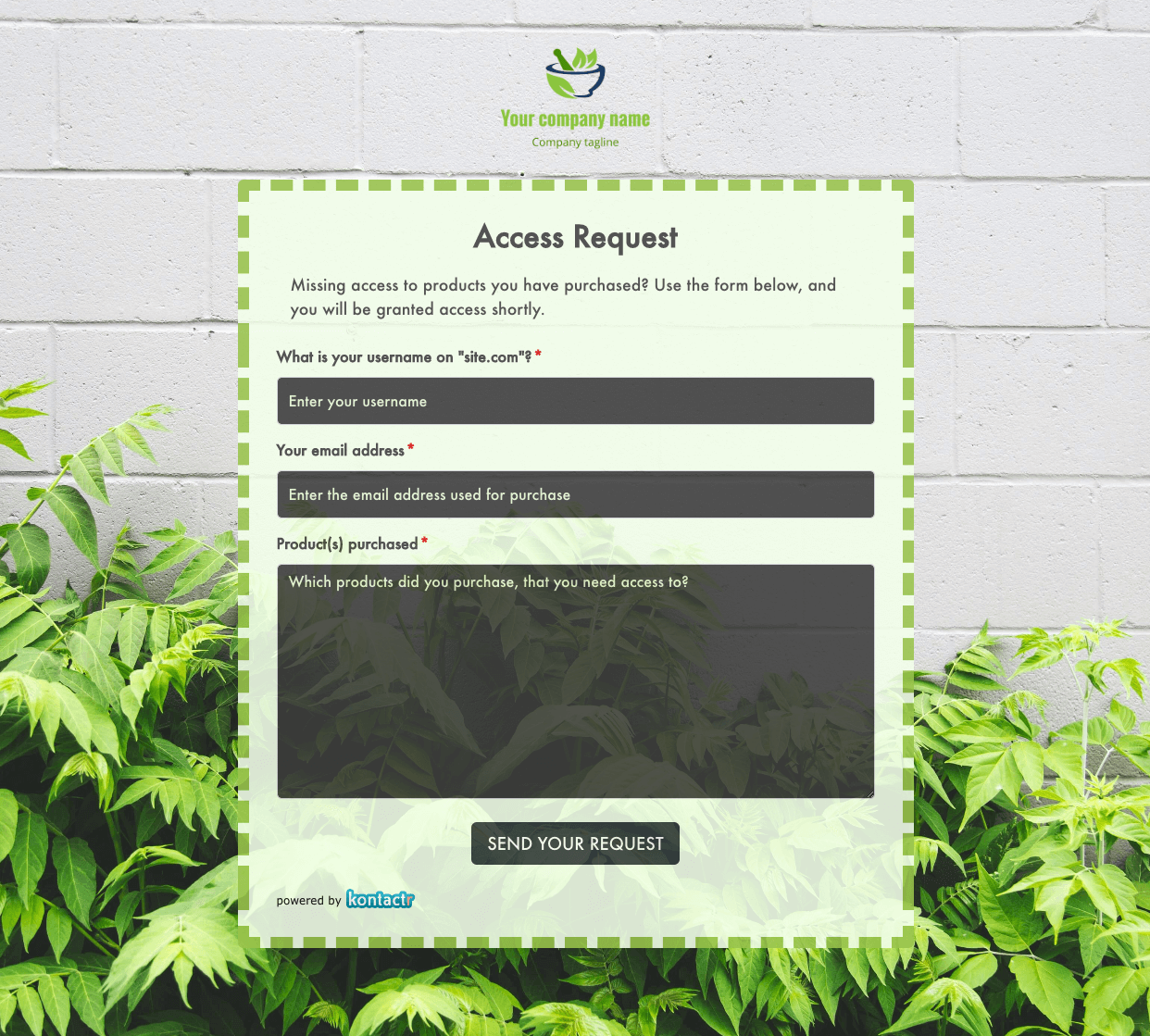 Access Request Form
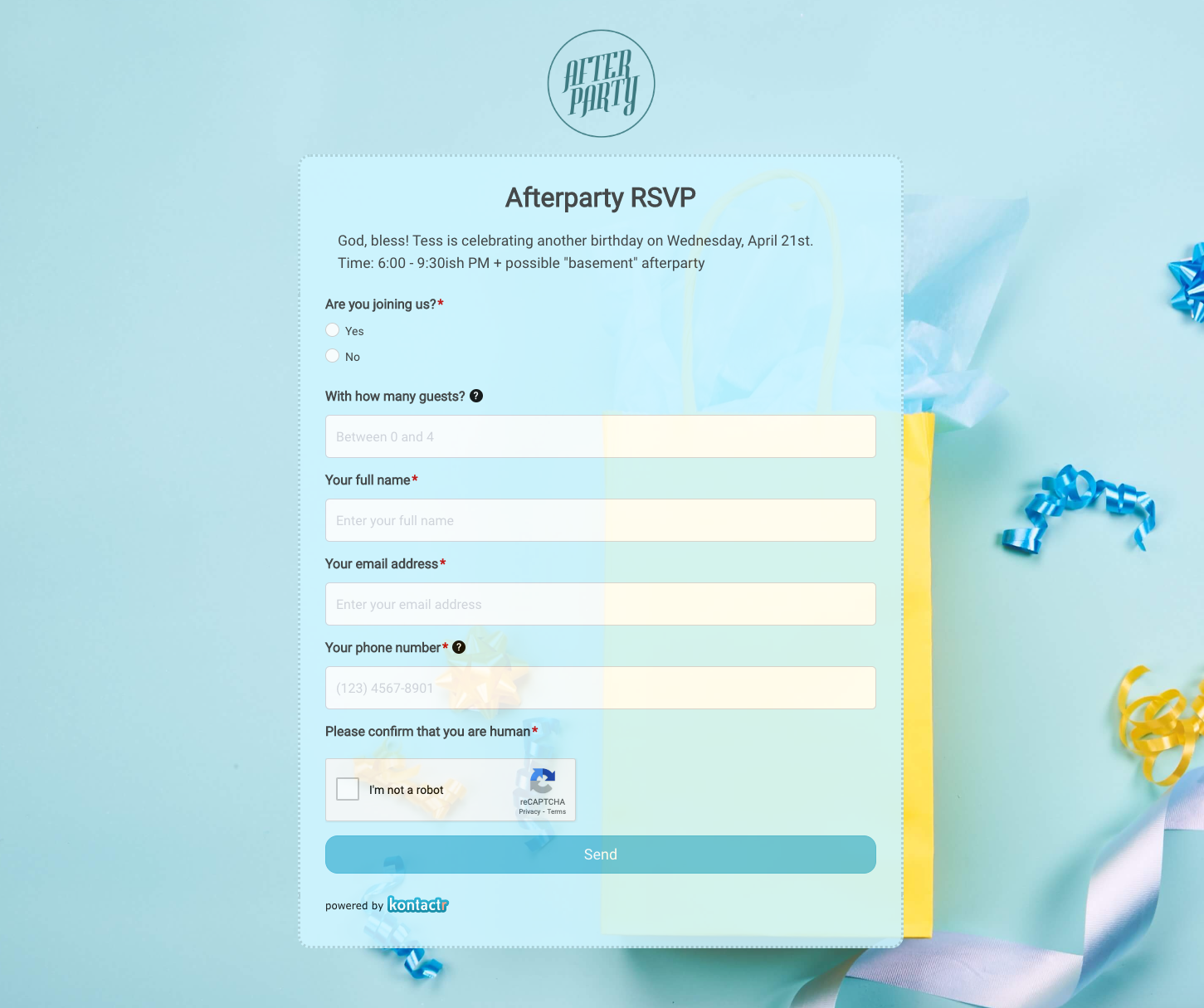 Afterparty RSVP Form
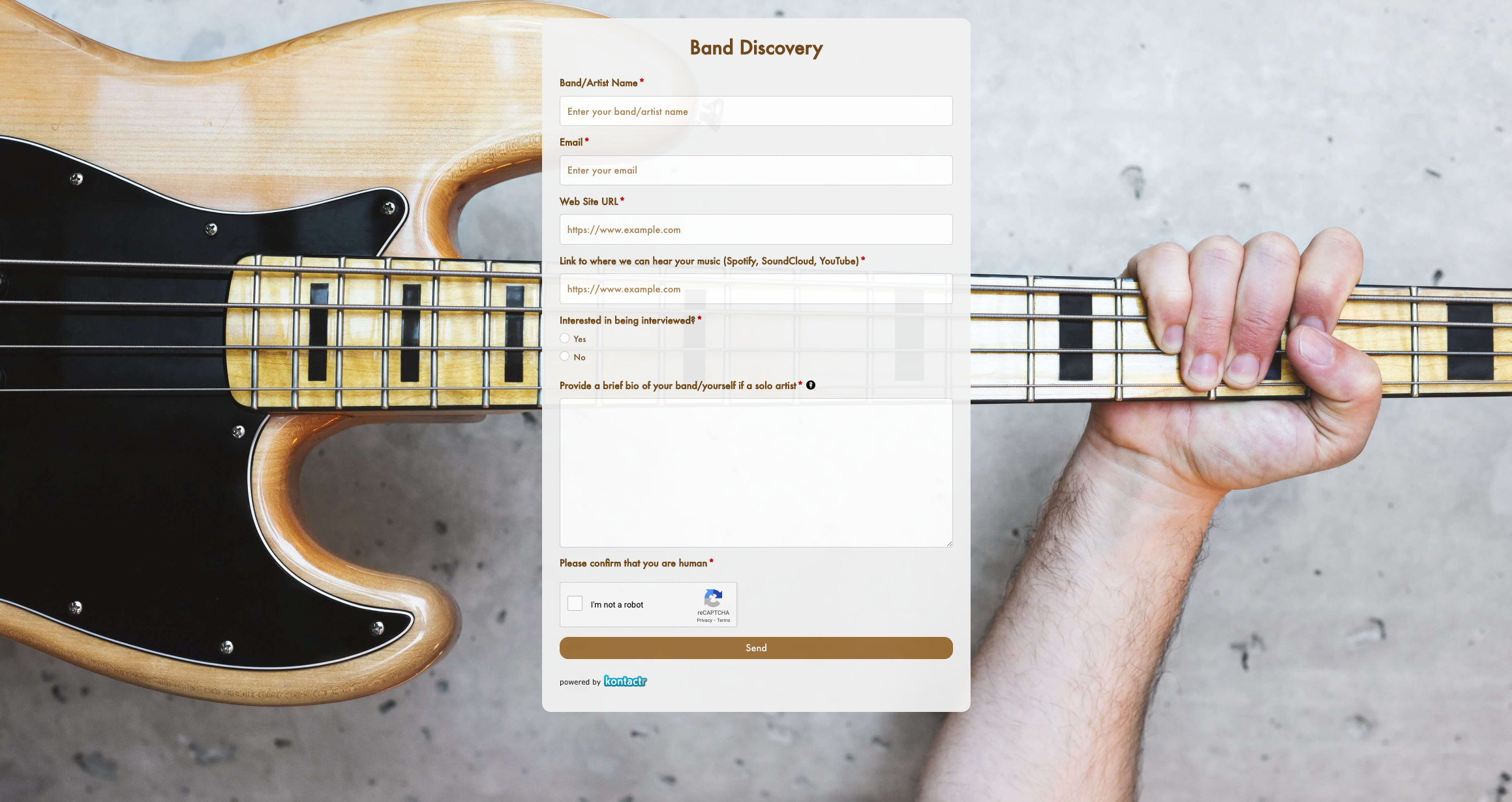 Band Discovery Form
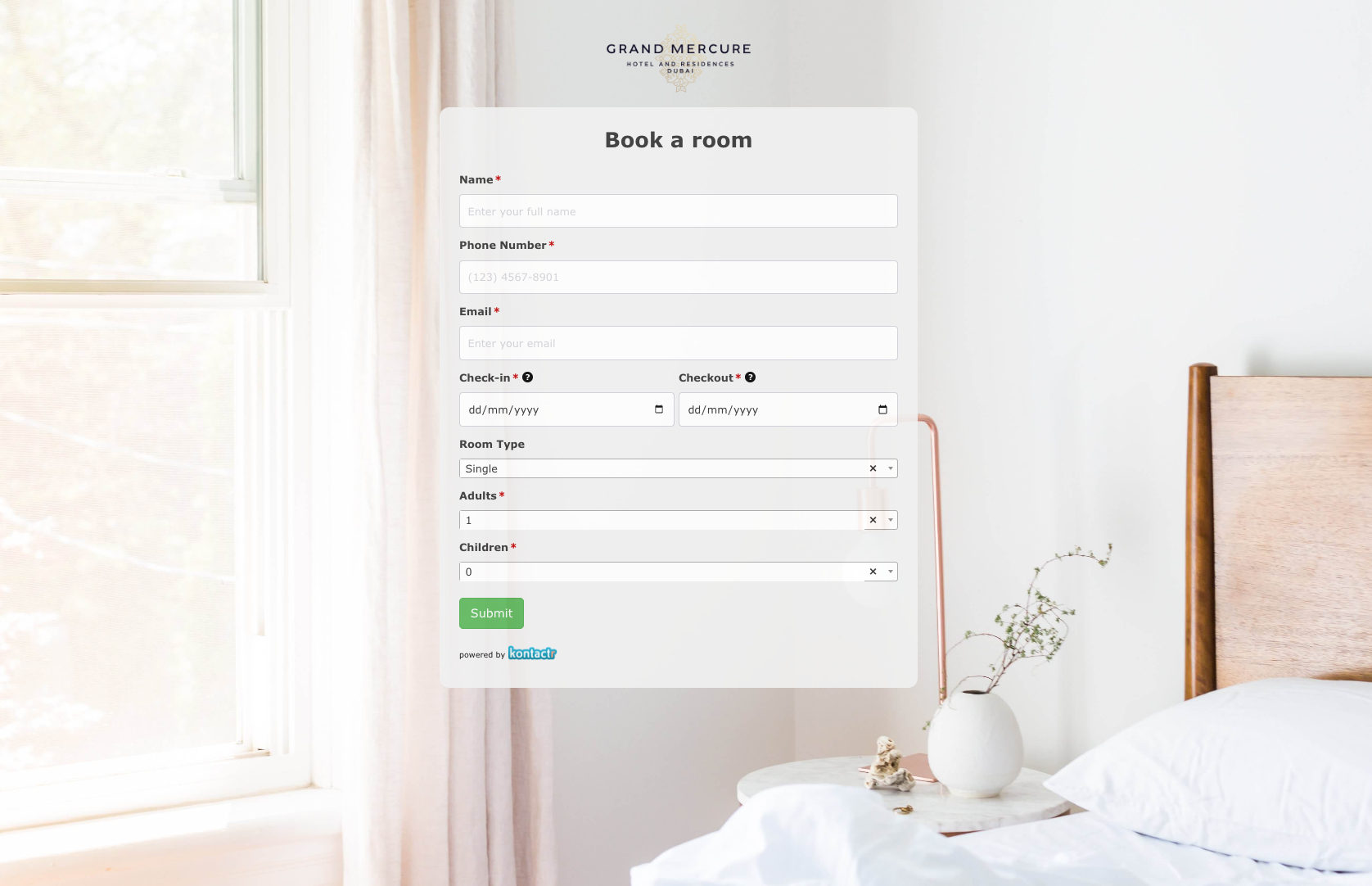 Book a room Form
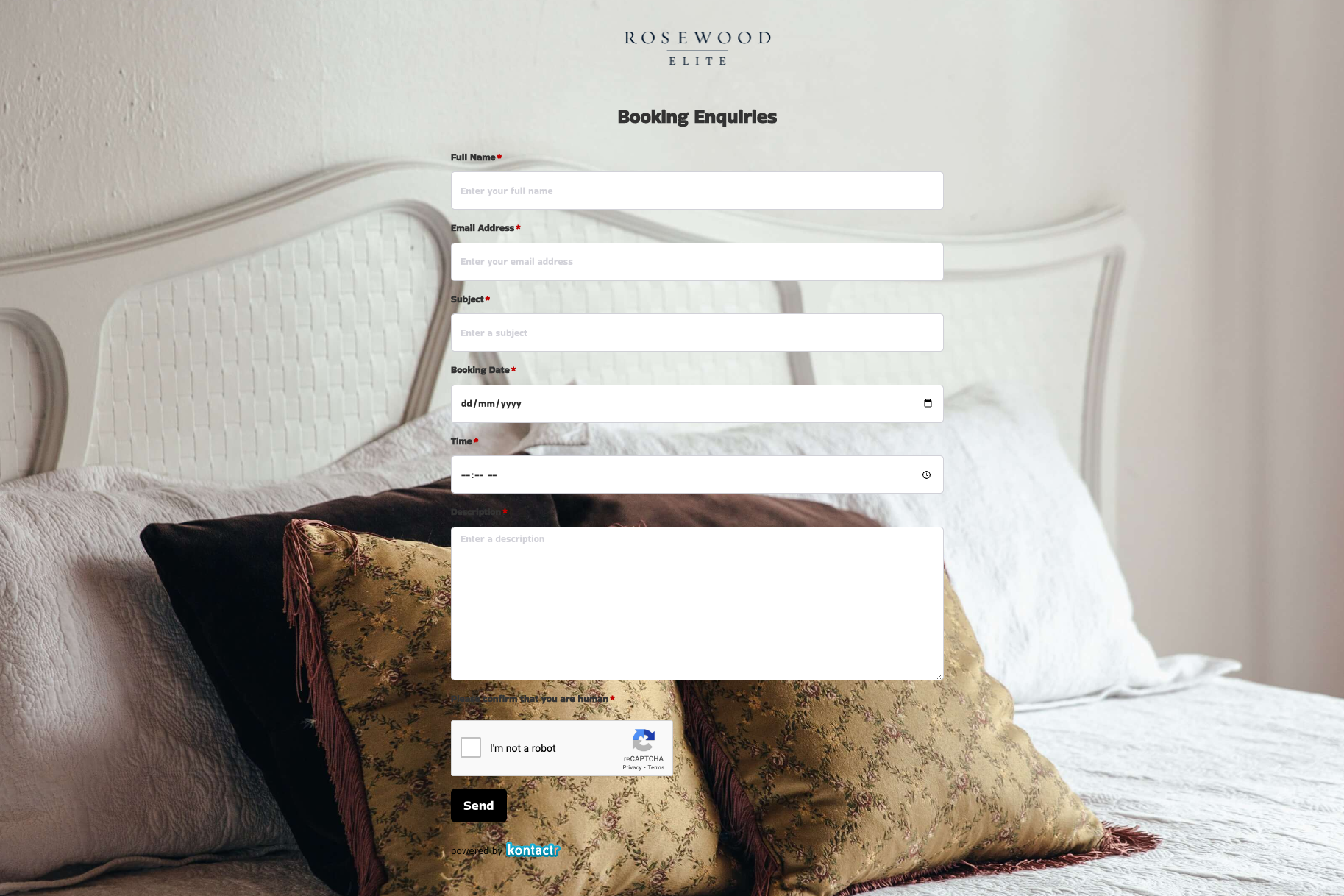 Booking Enquiries Form
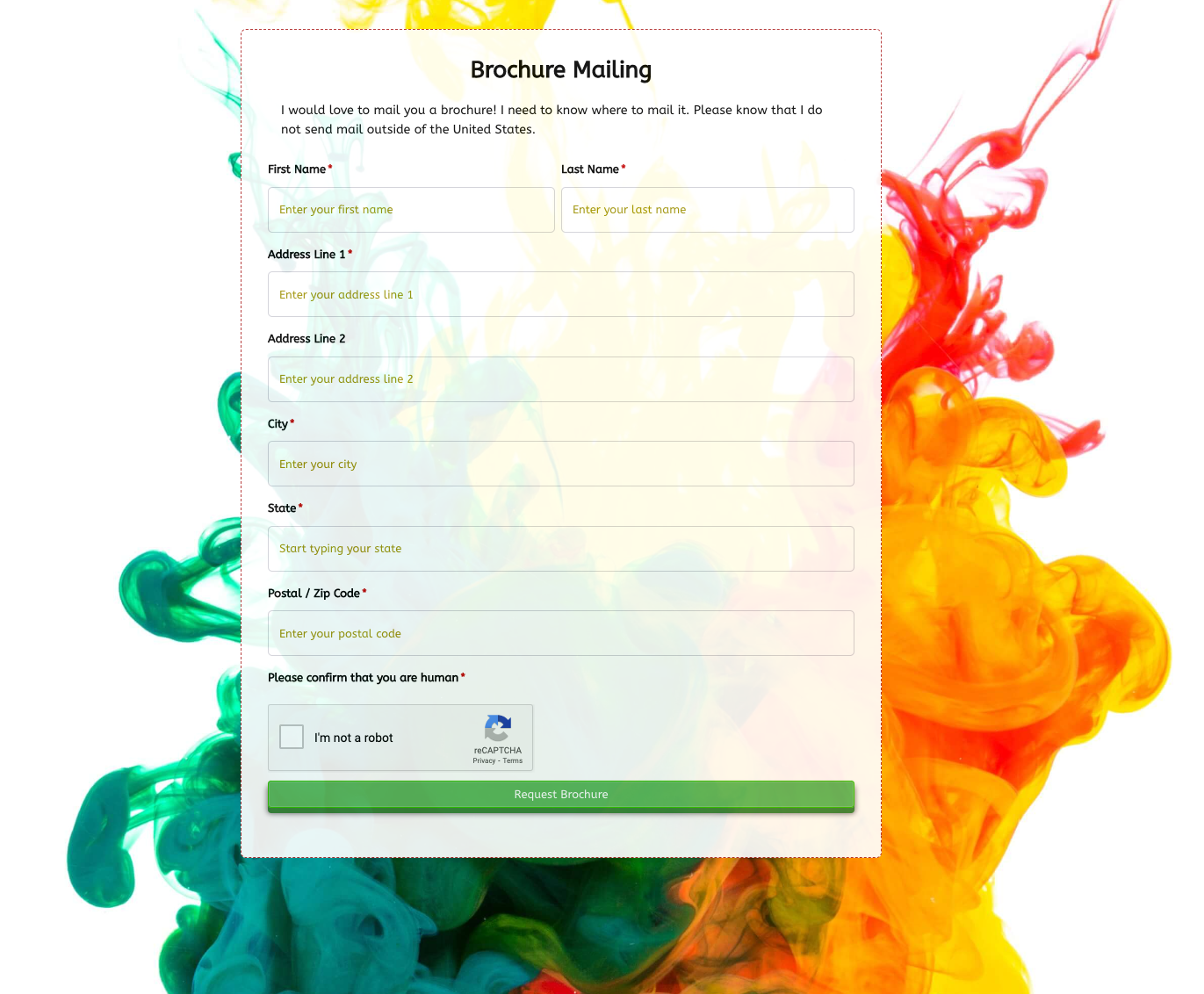 Brochure Mailing Form
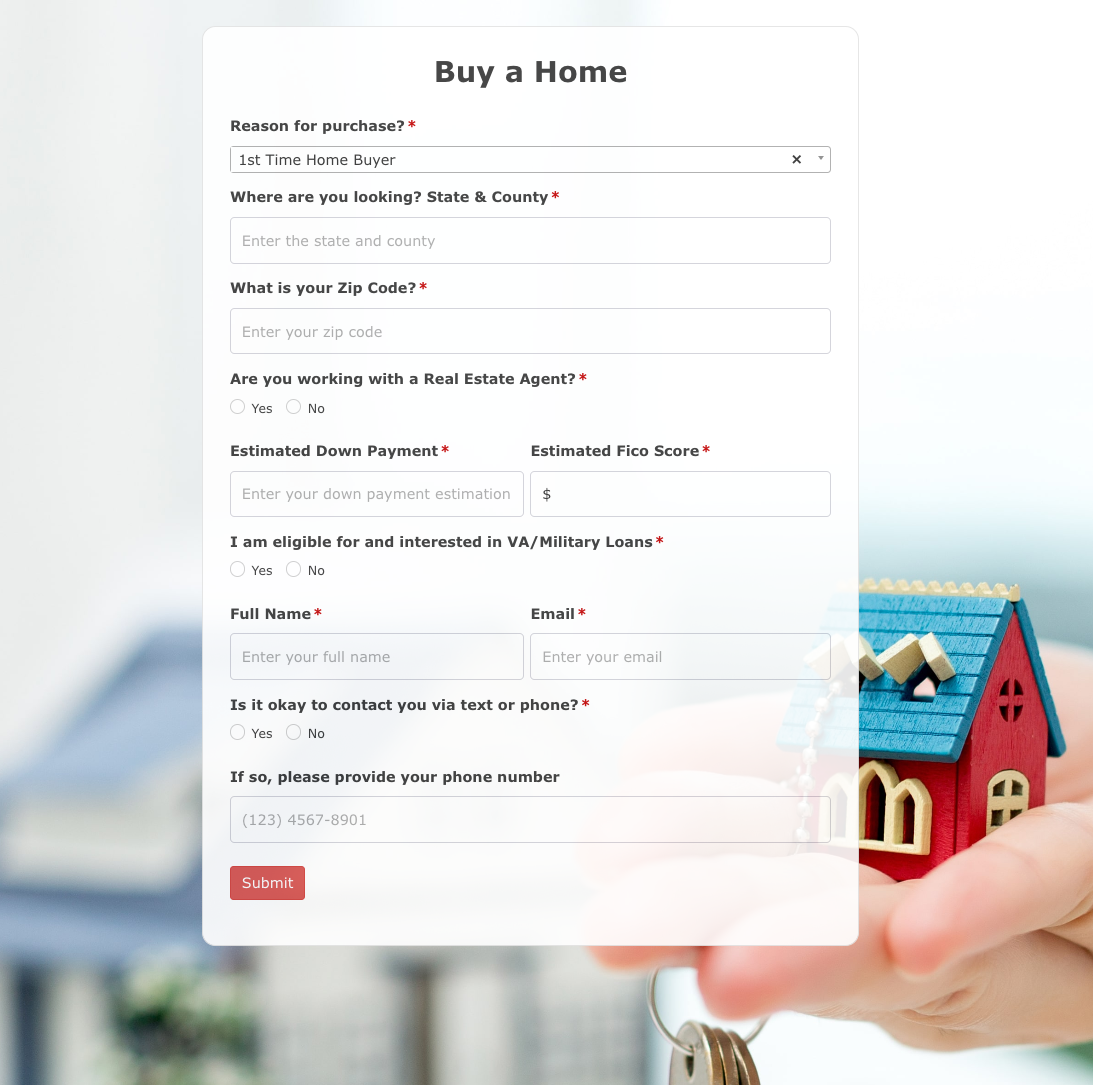 Buy a Home Form
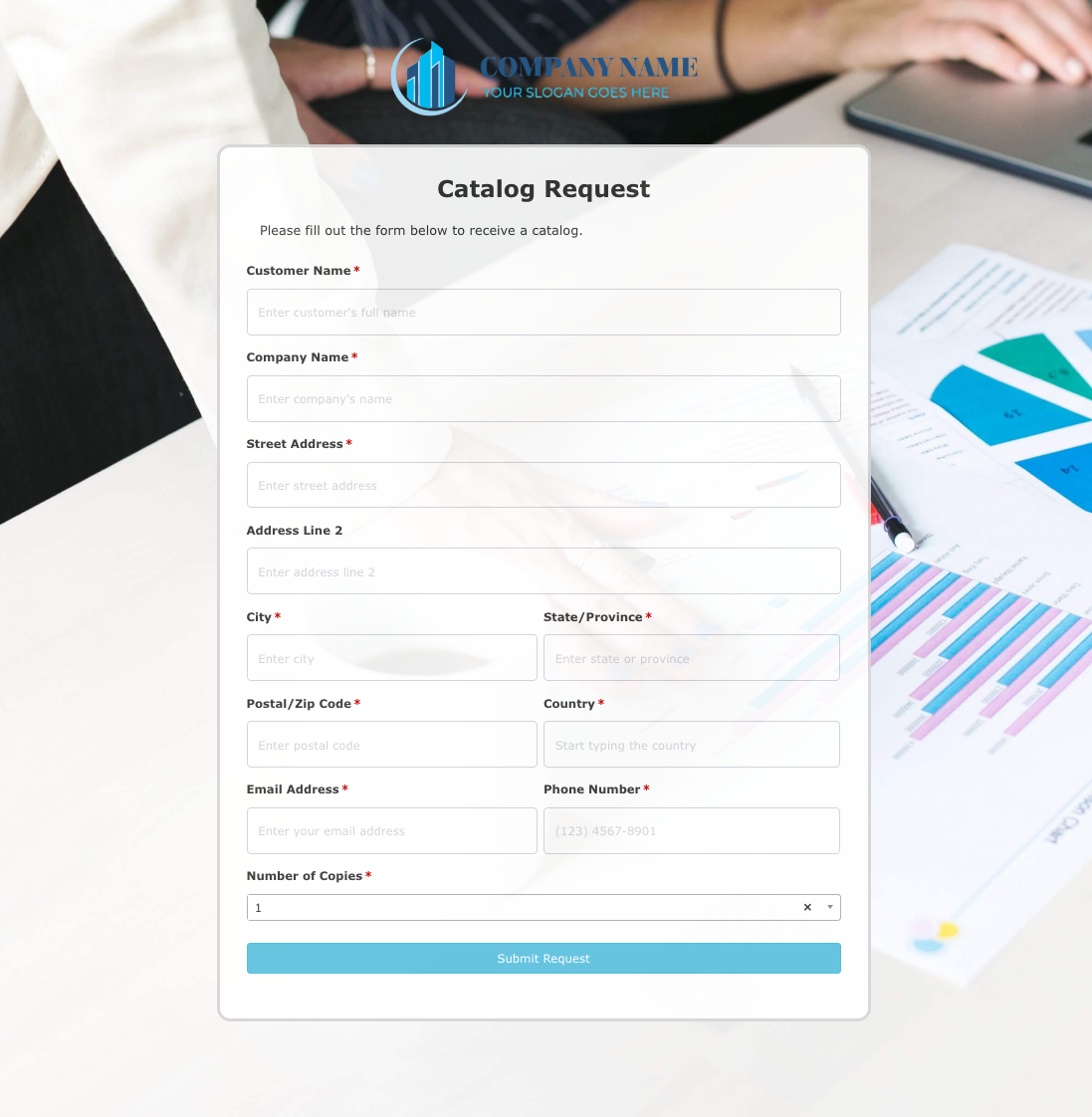 Catalog Request Form
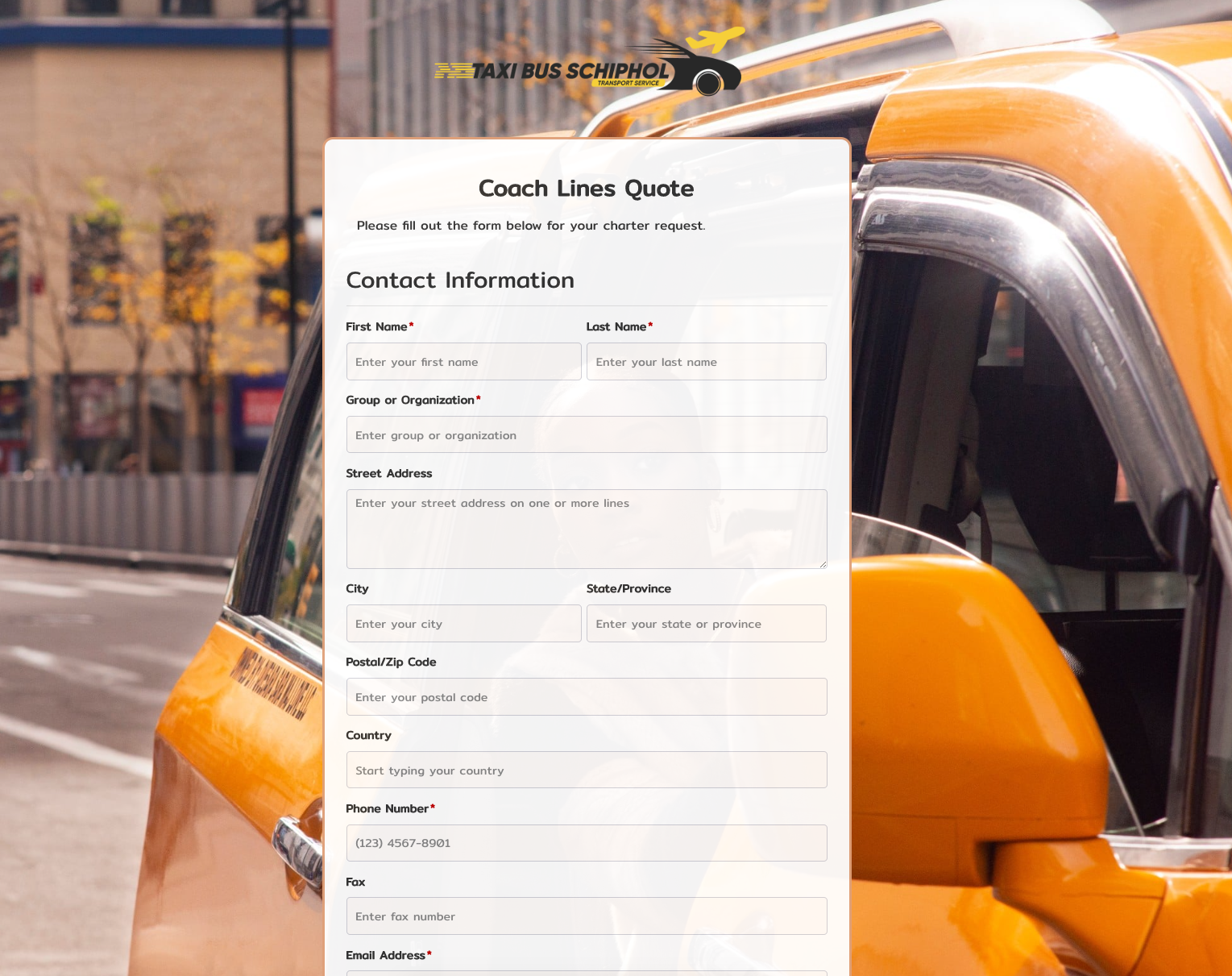 Coach Lines Quote Form
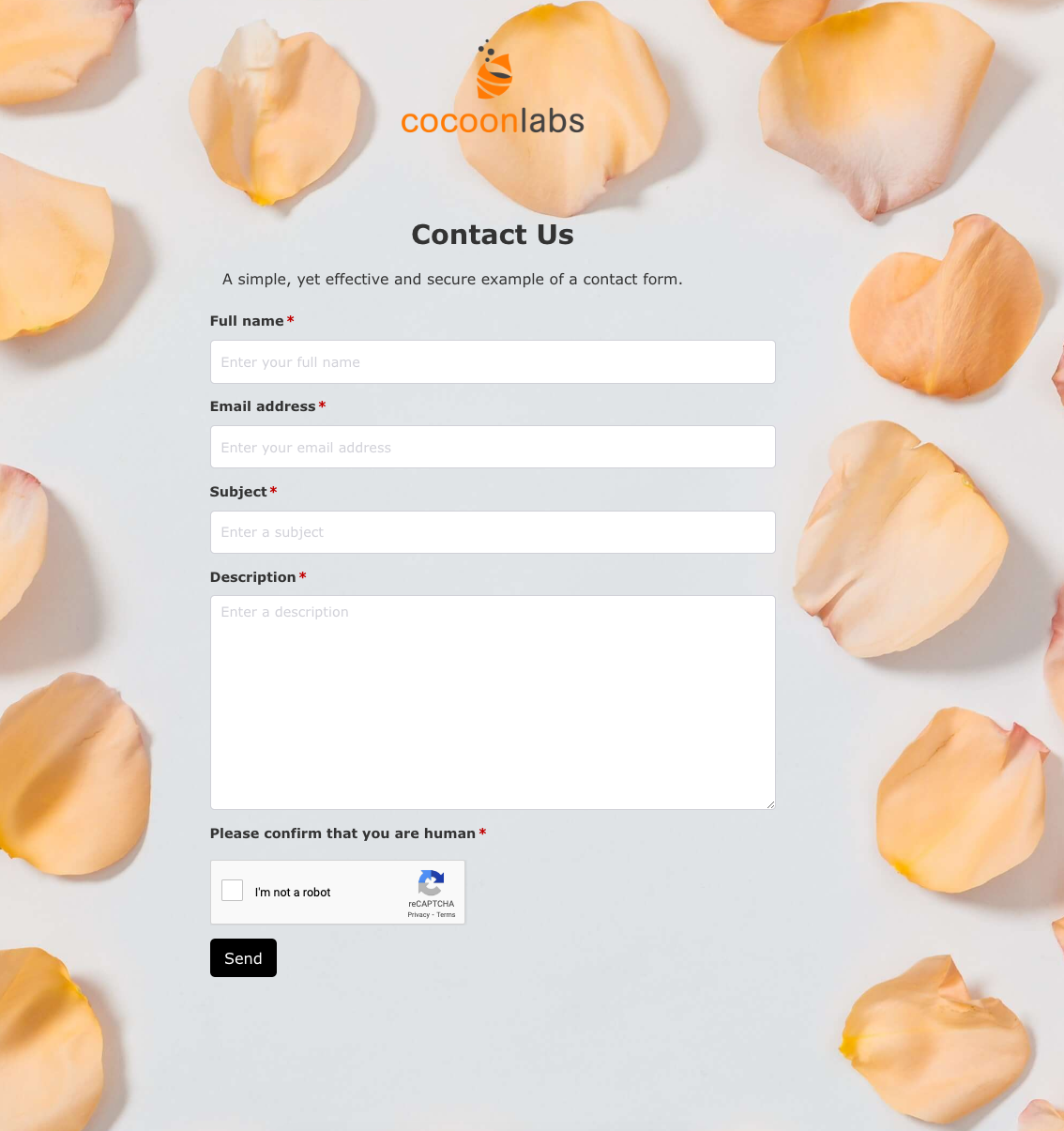 Contact Us Form
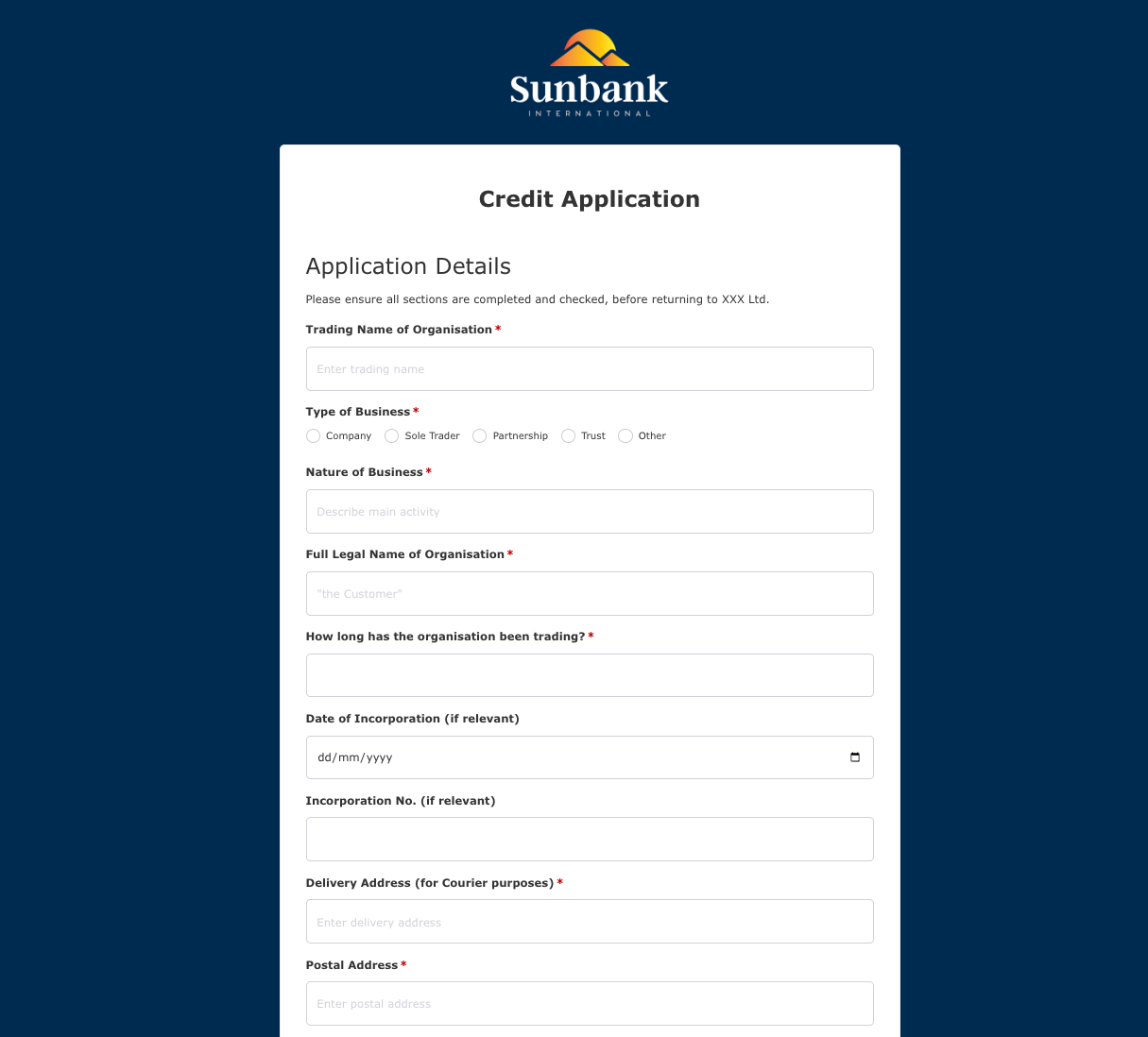 Credit Application Form
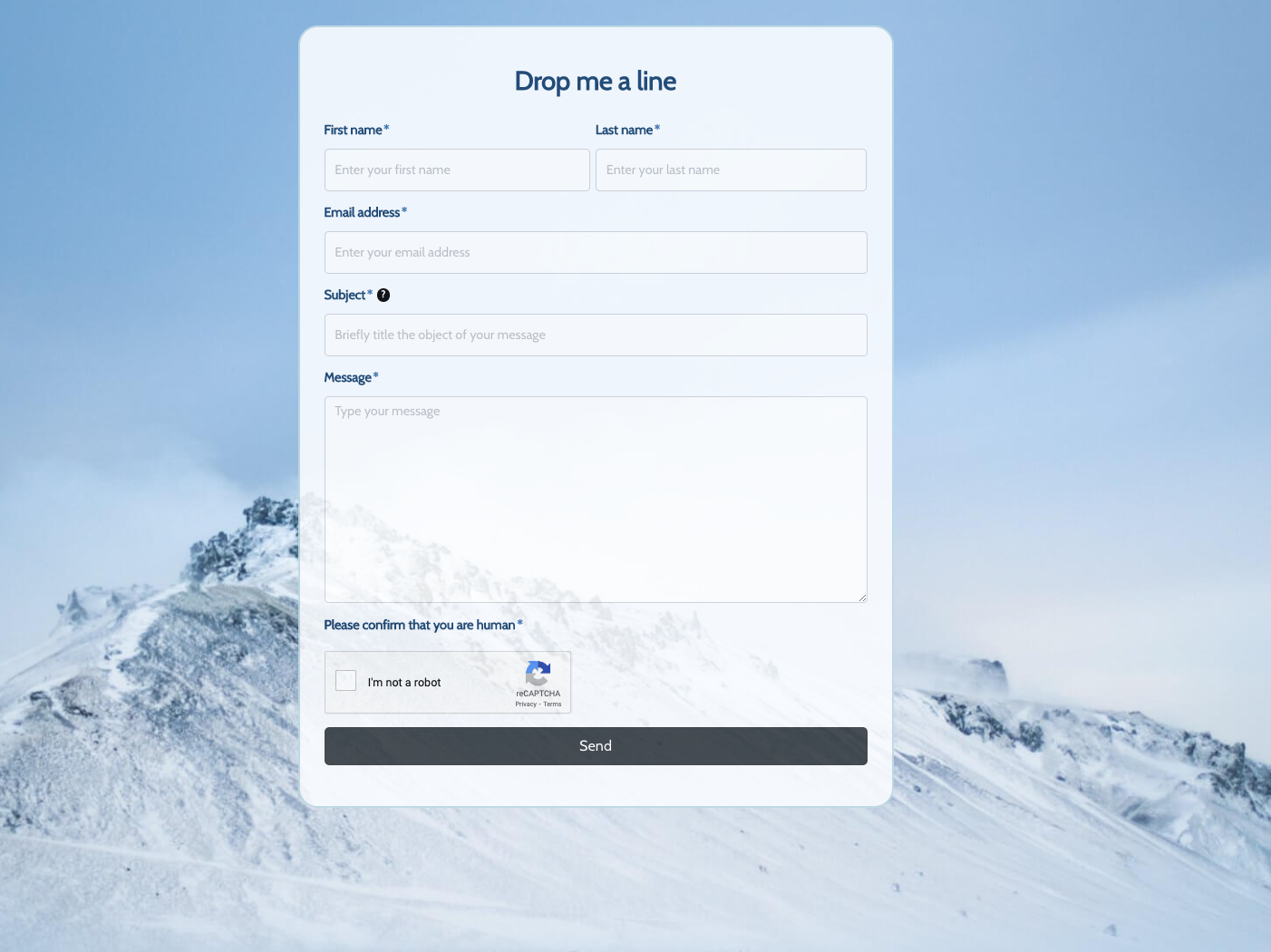 Drop me a line Form
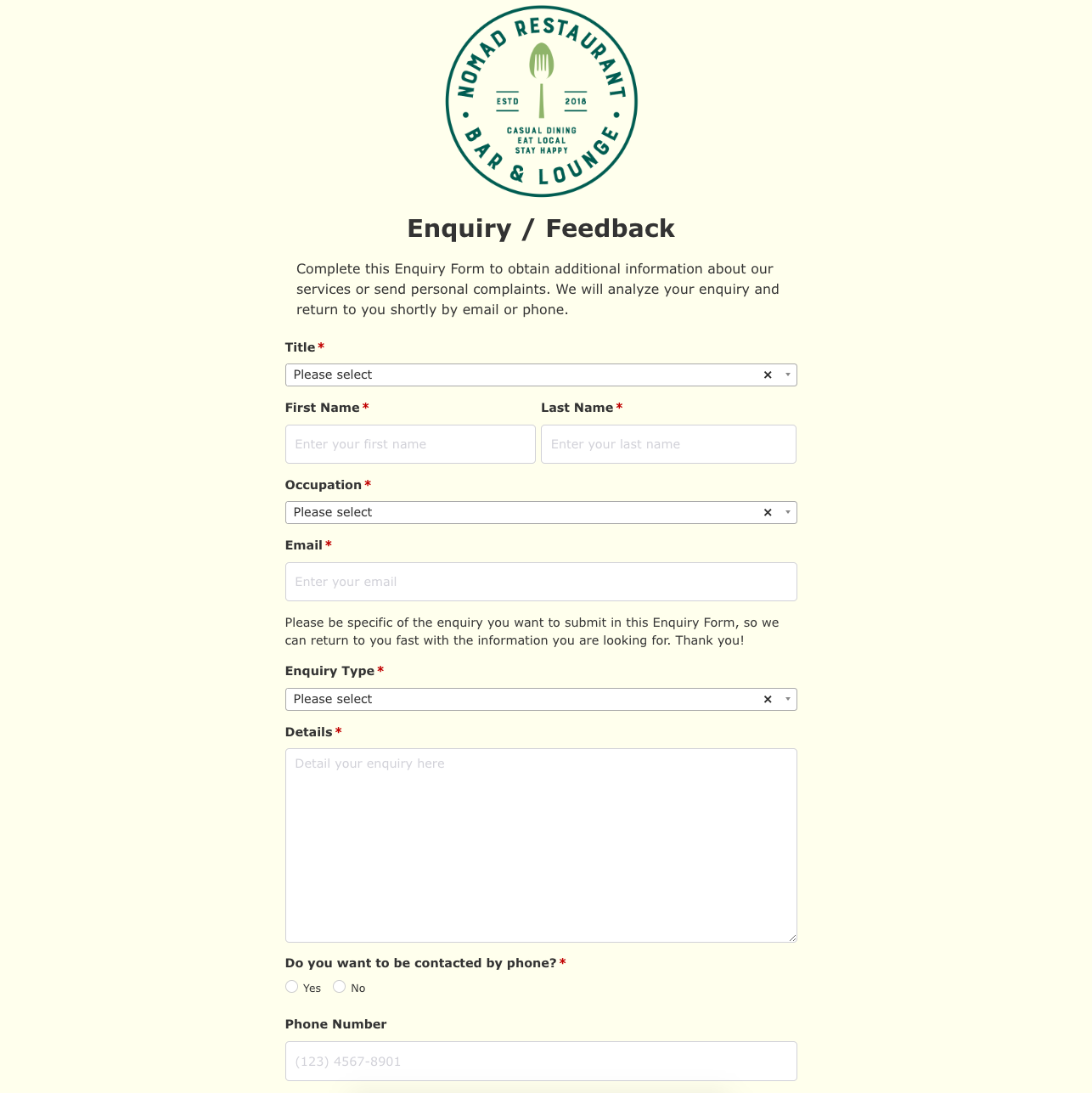 Enquiry / Feedback Form
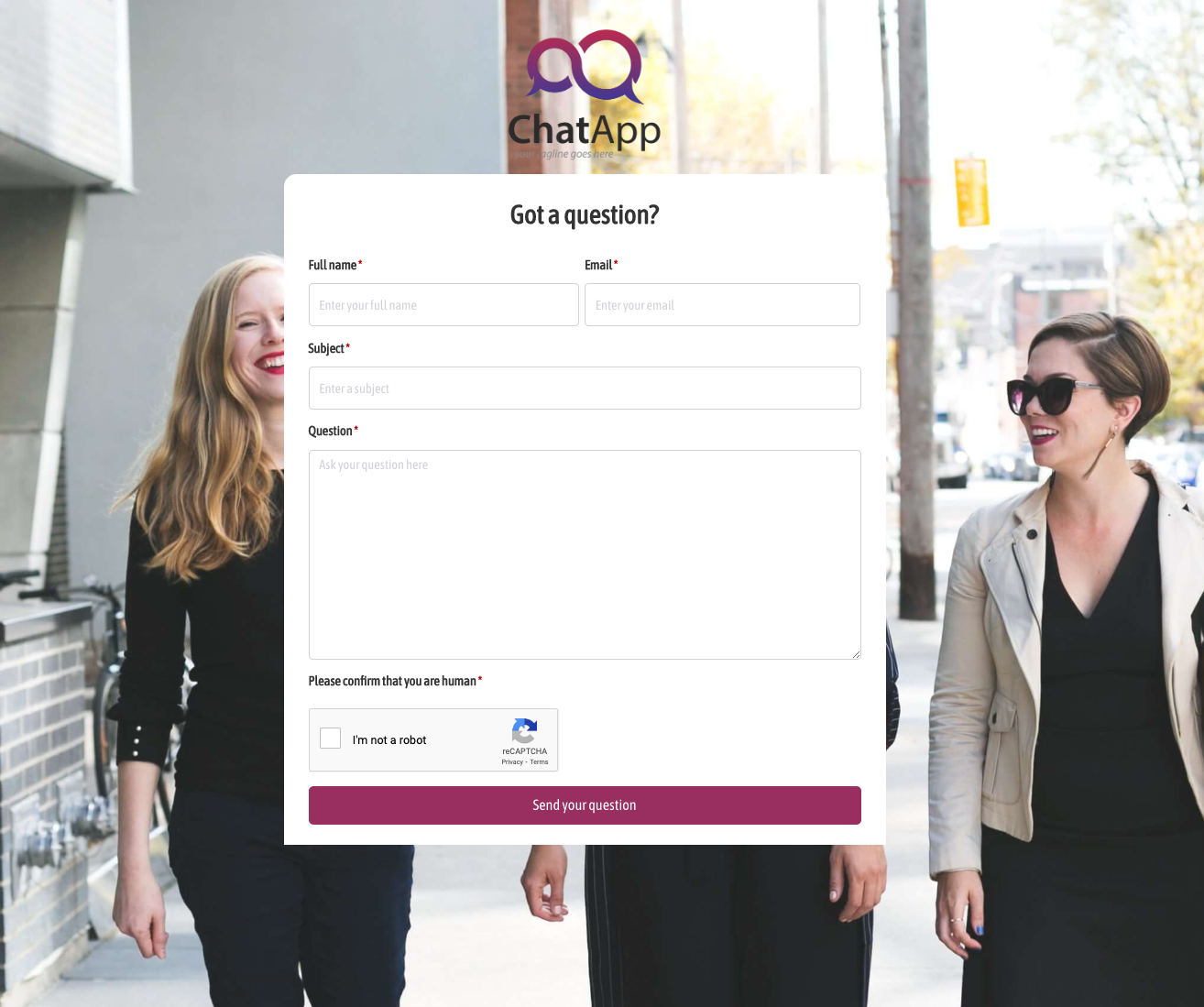 Got a question? Form
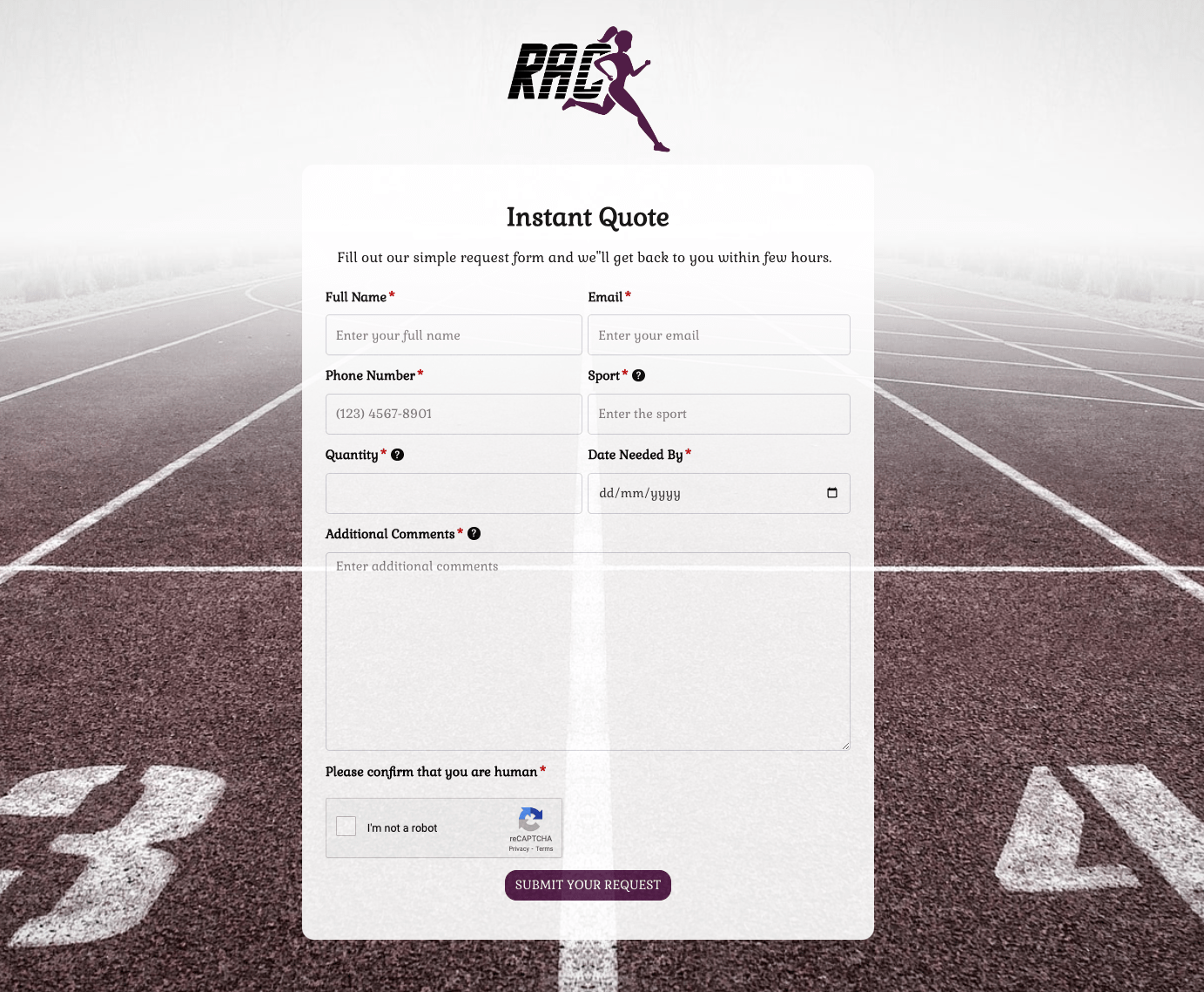 Instant Quote Form
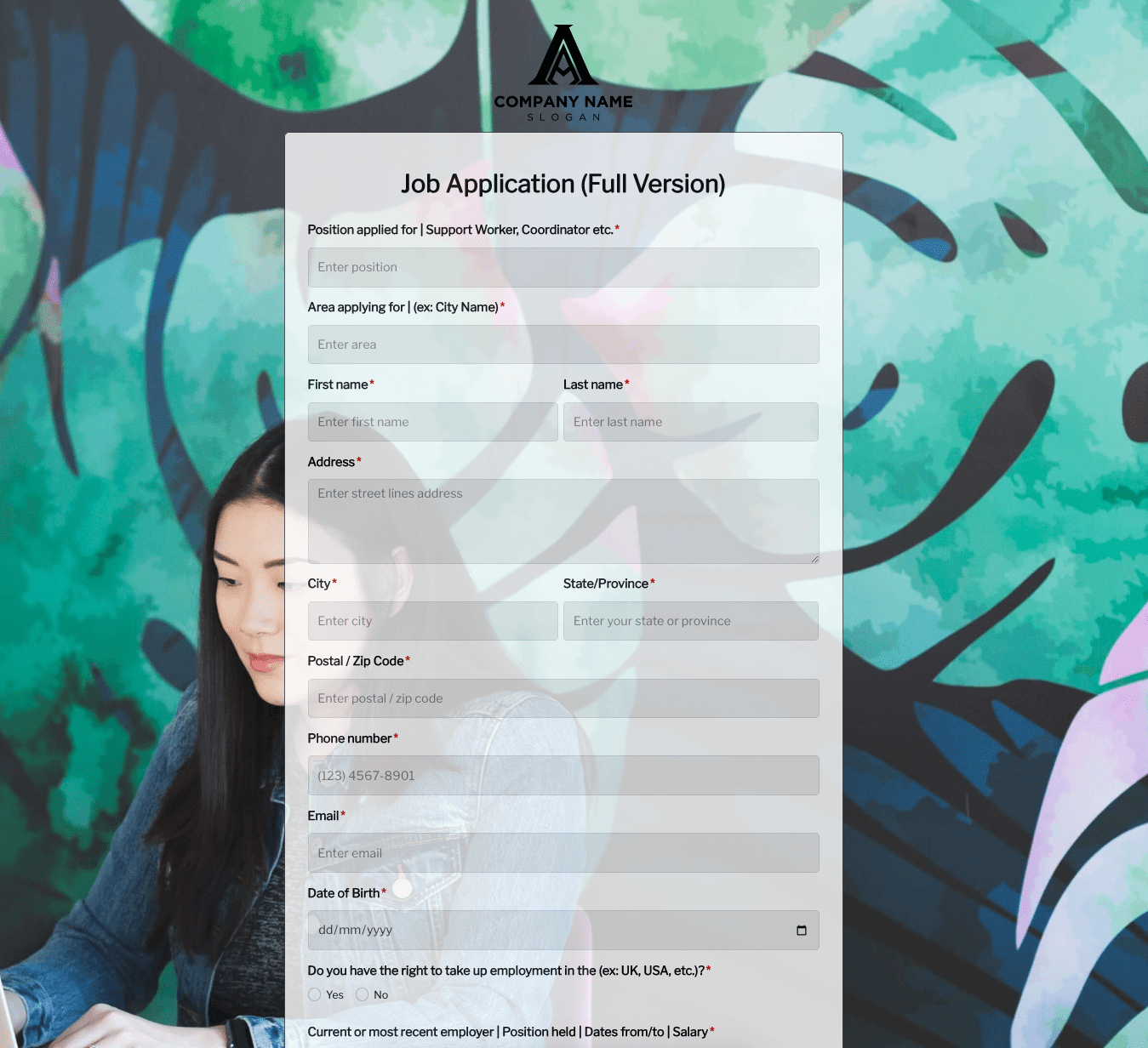 Job Application Form
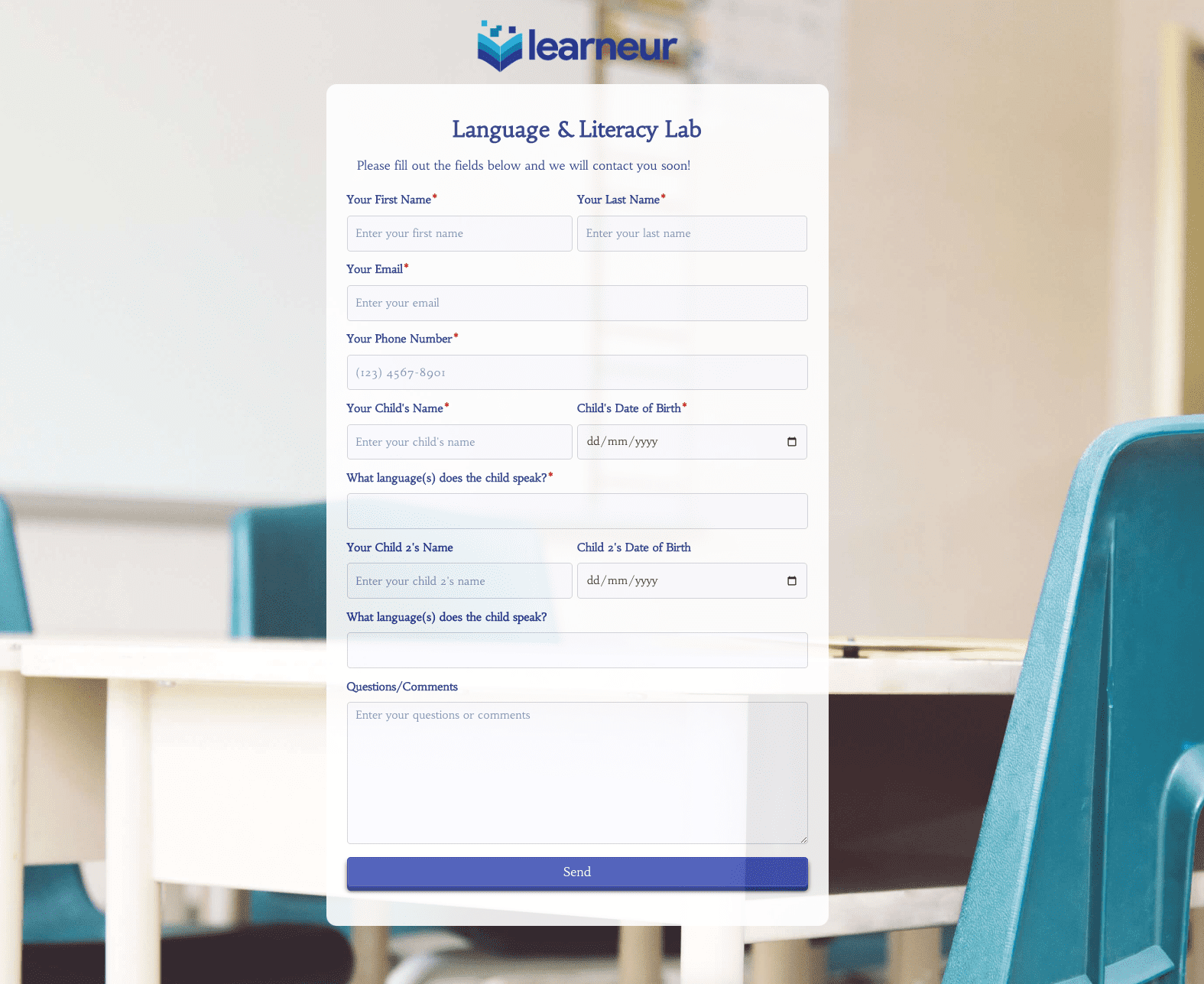 Language & Literacy Lab Form
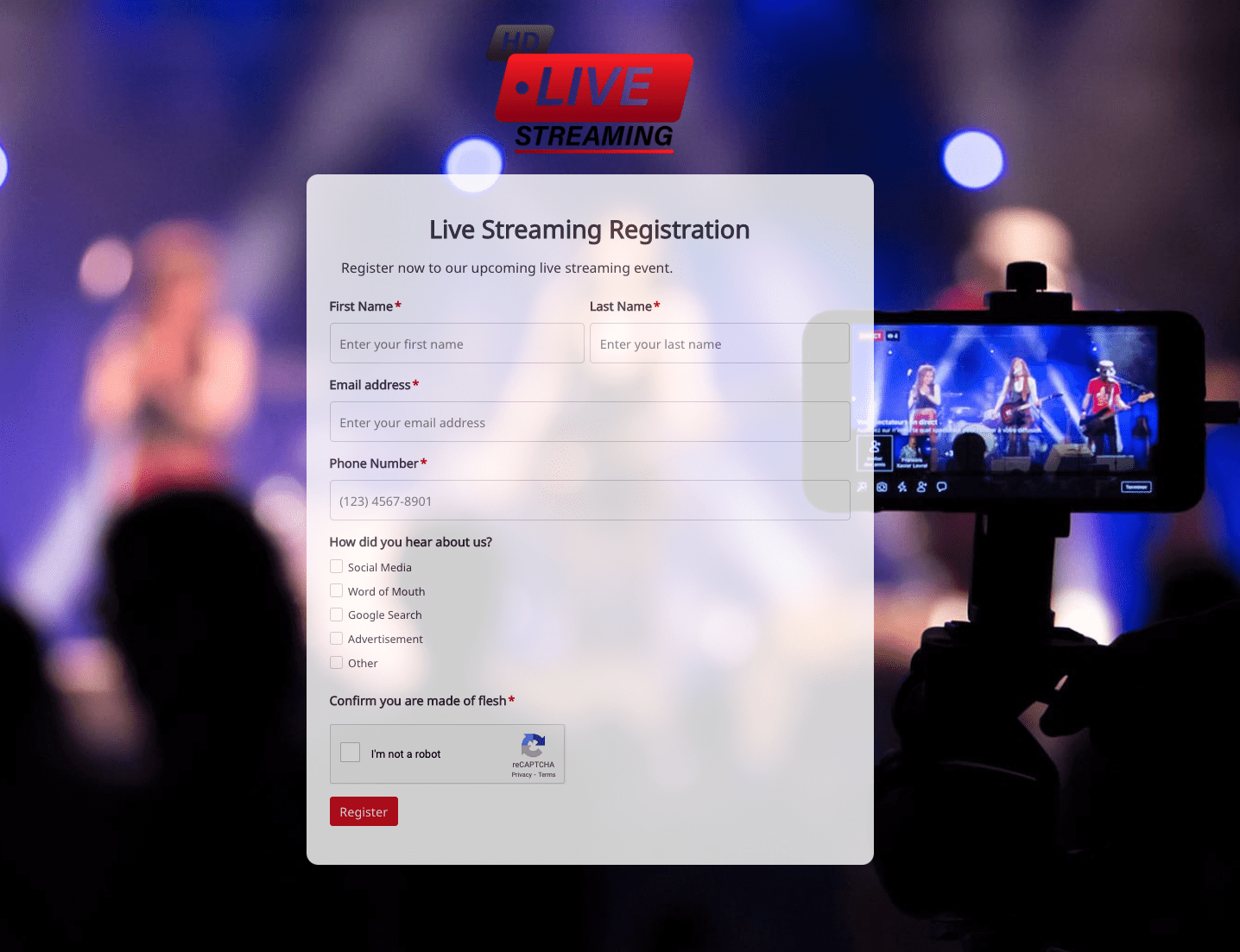 Live Streaming Registration Form
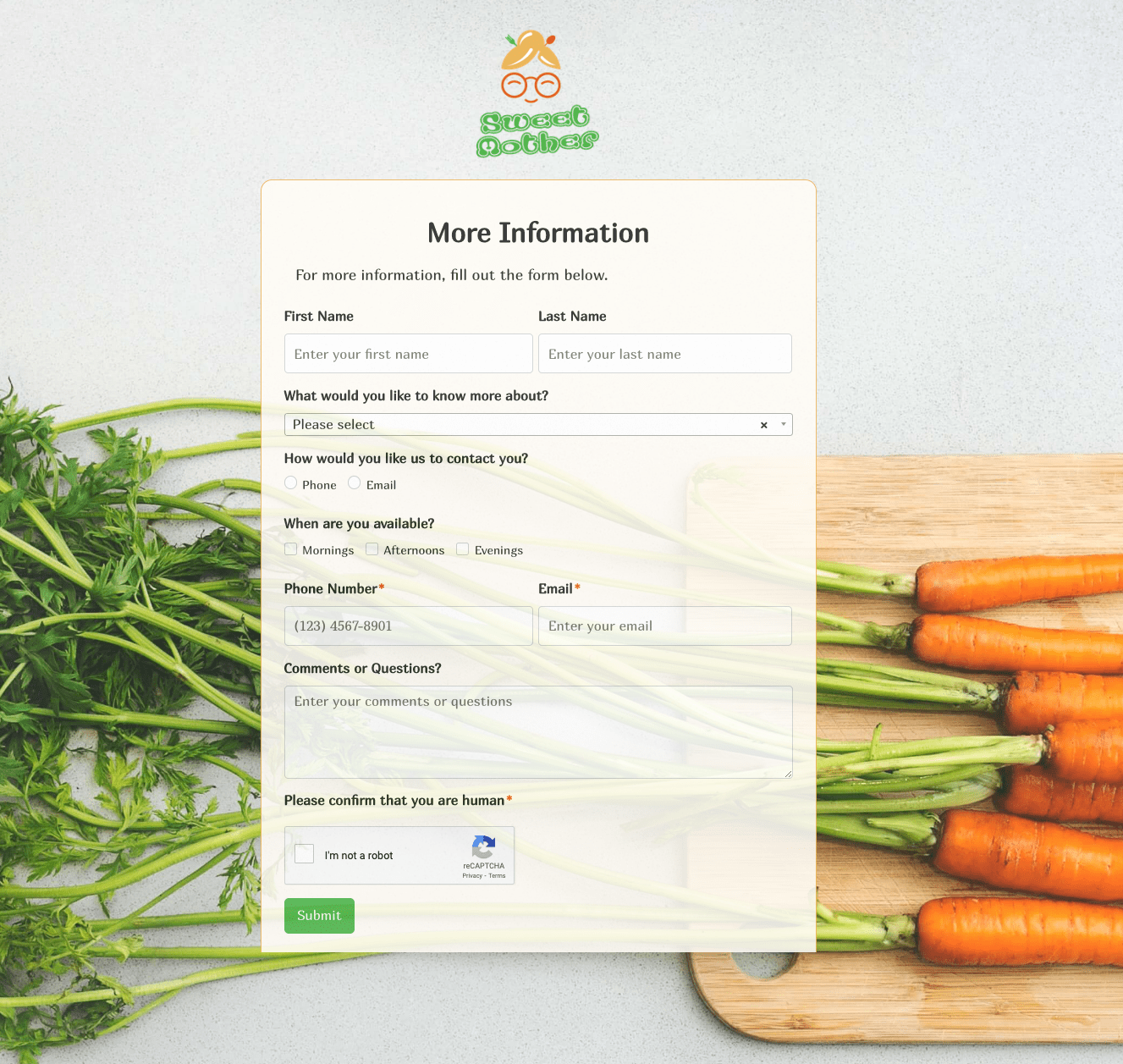 More Information Form
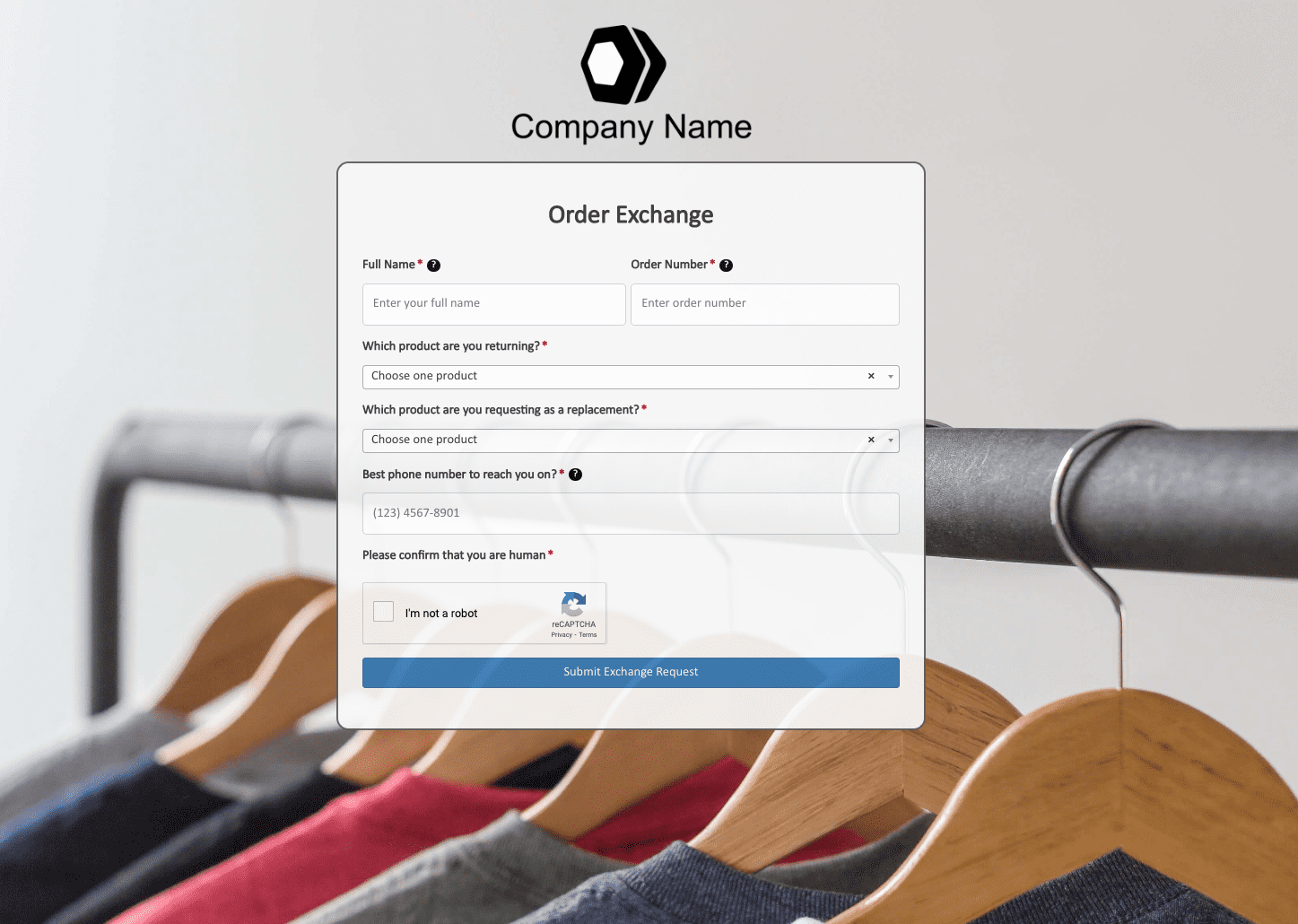 Order Exchange Form
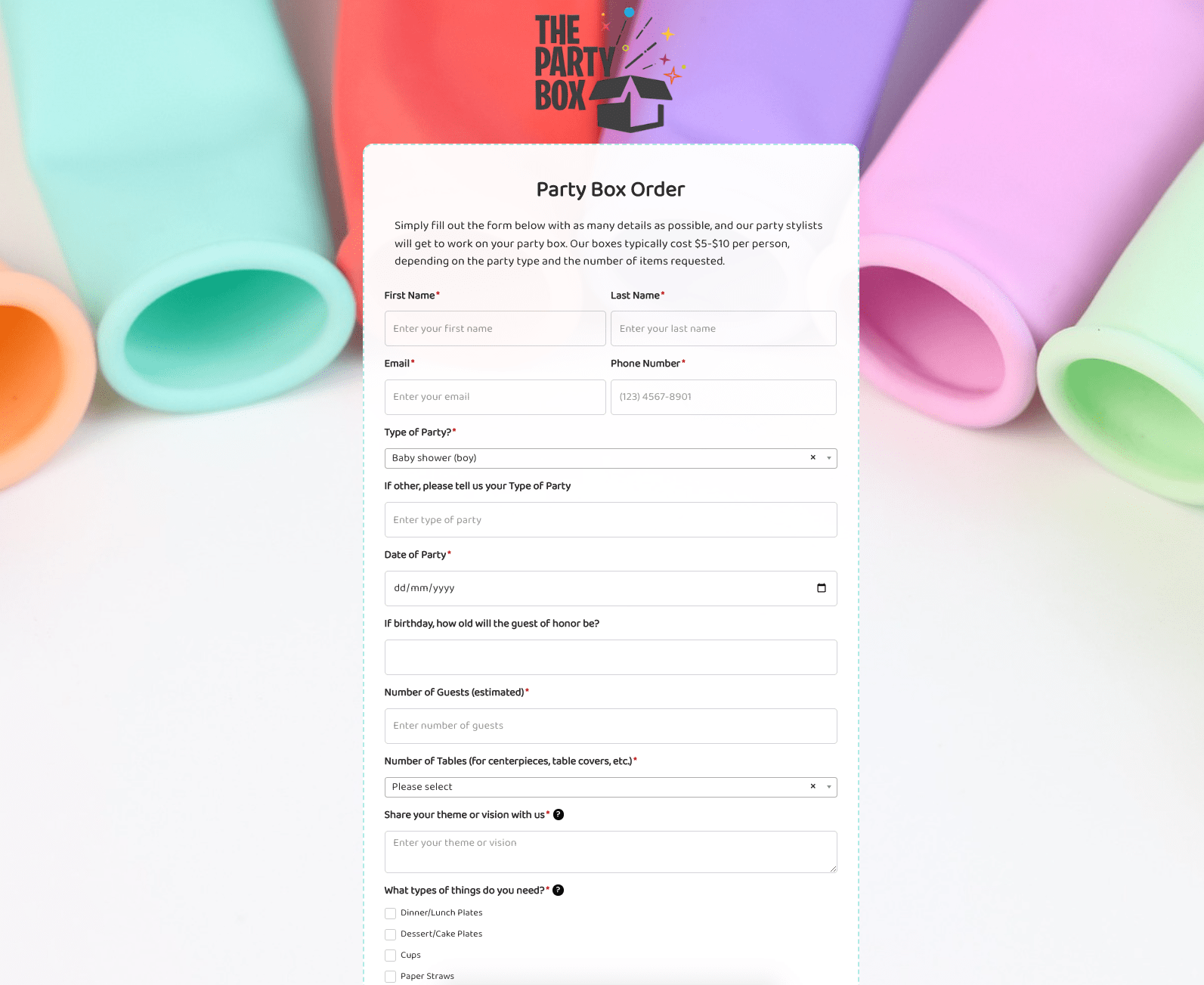 Party Box Order Form
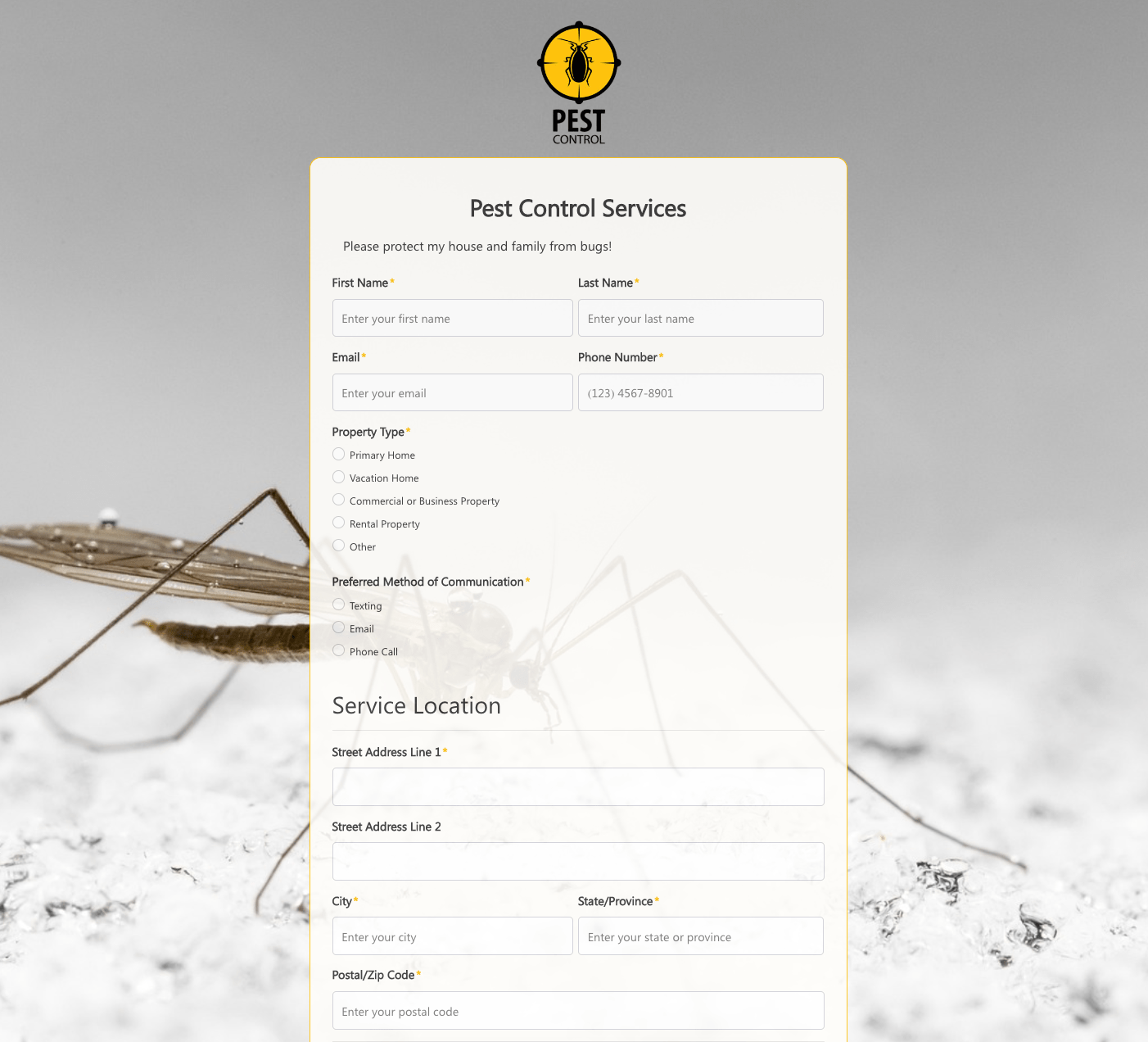 Pest Control Services Form
 Poll / Survey Form
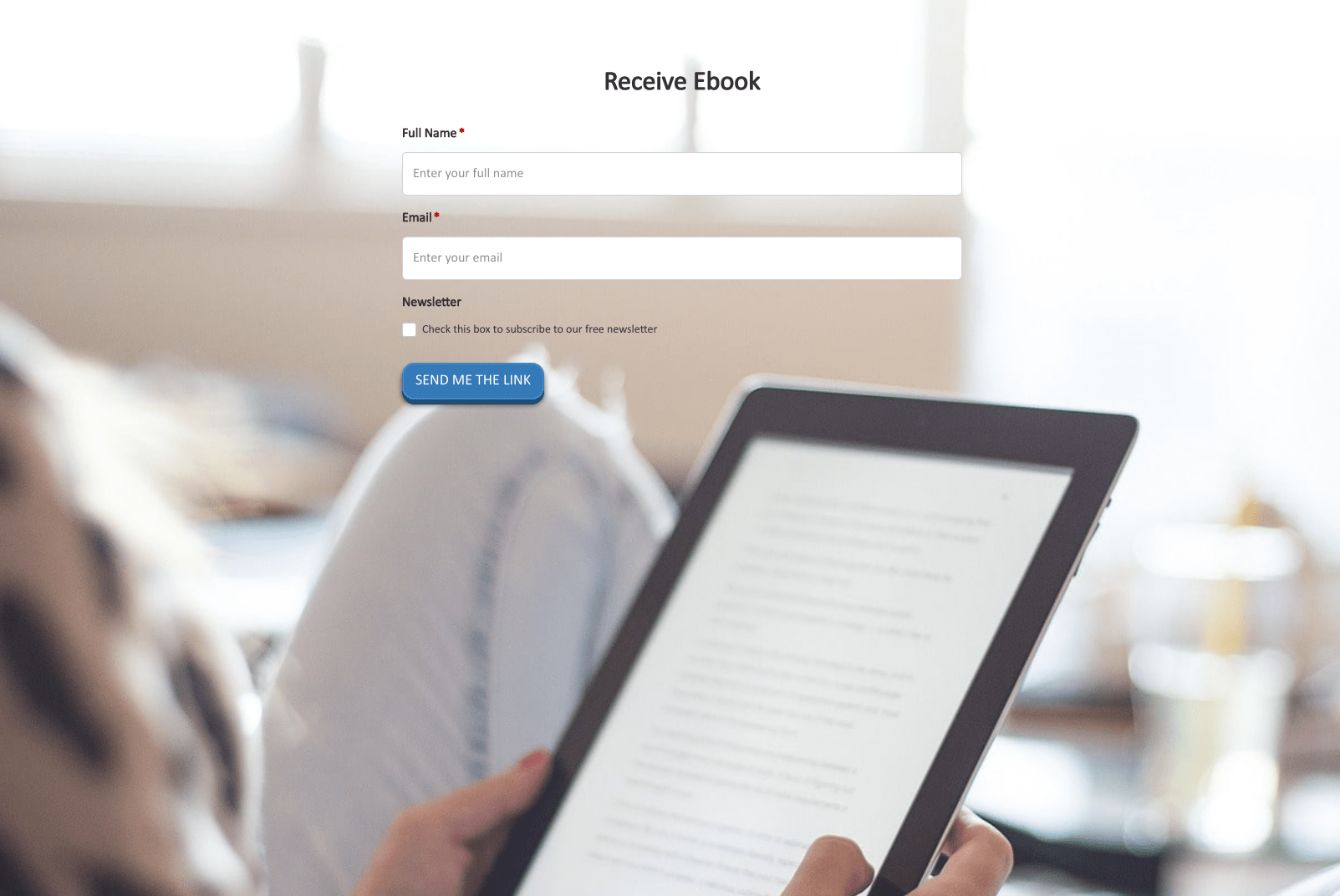 Receive Ebook Form
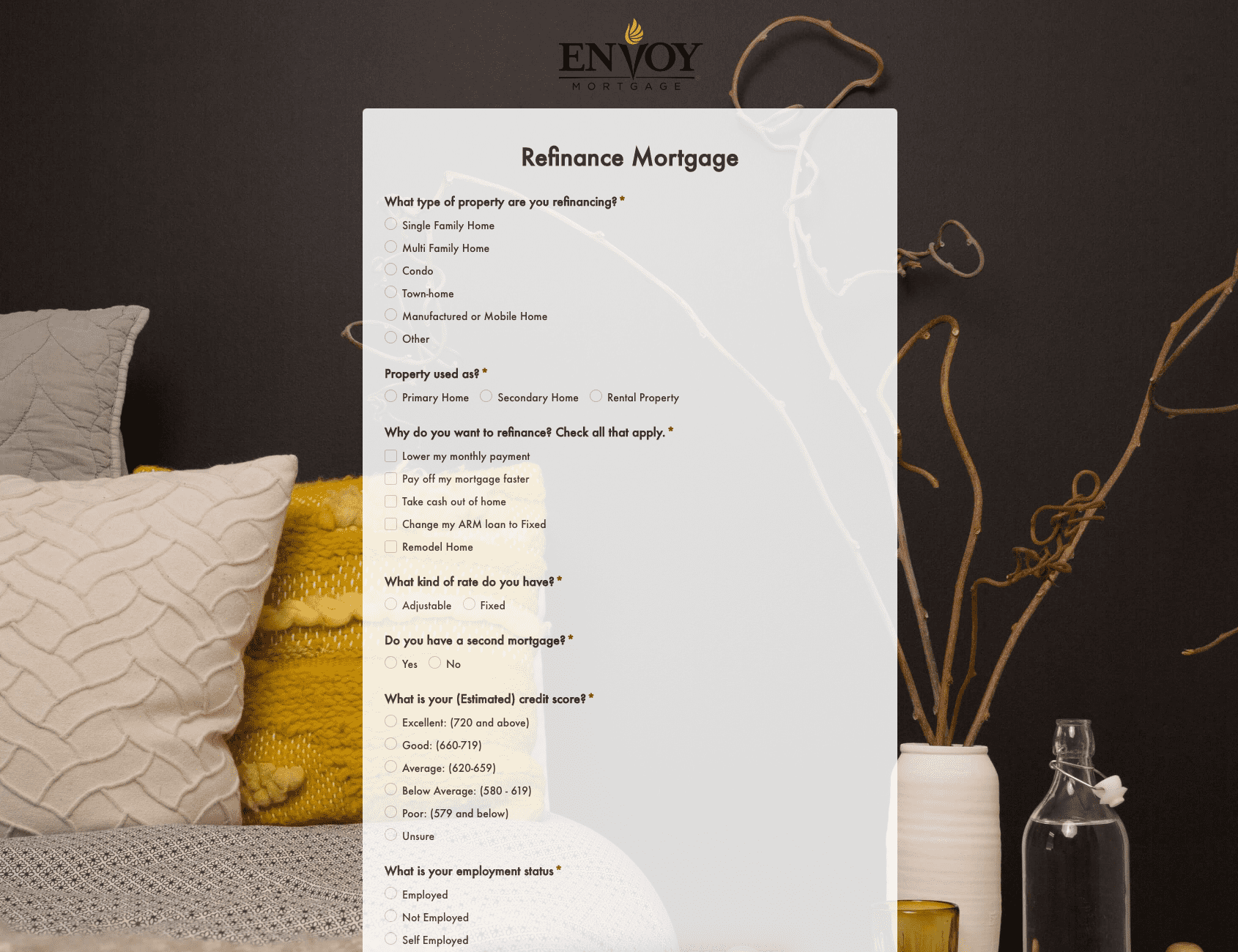 Refinance Mortgage Form
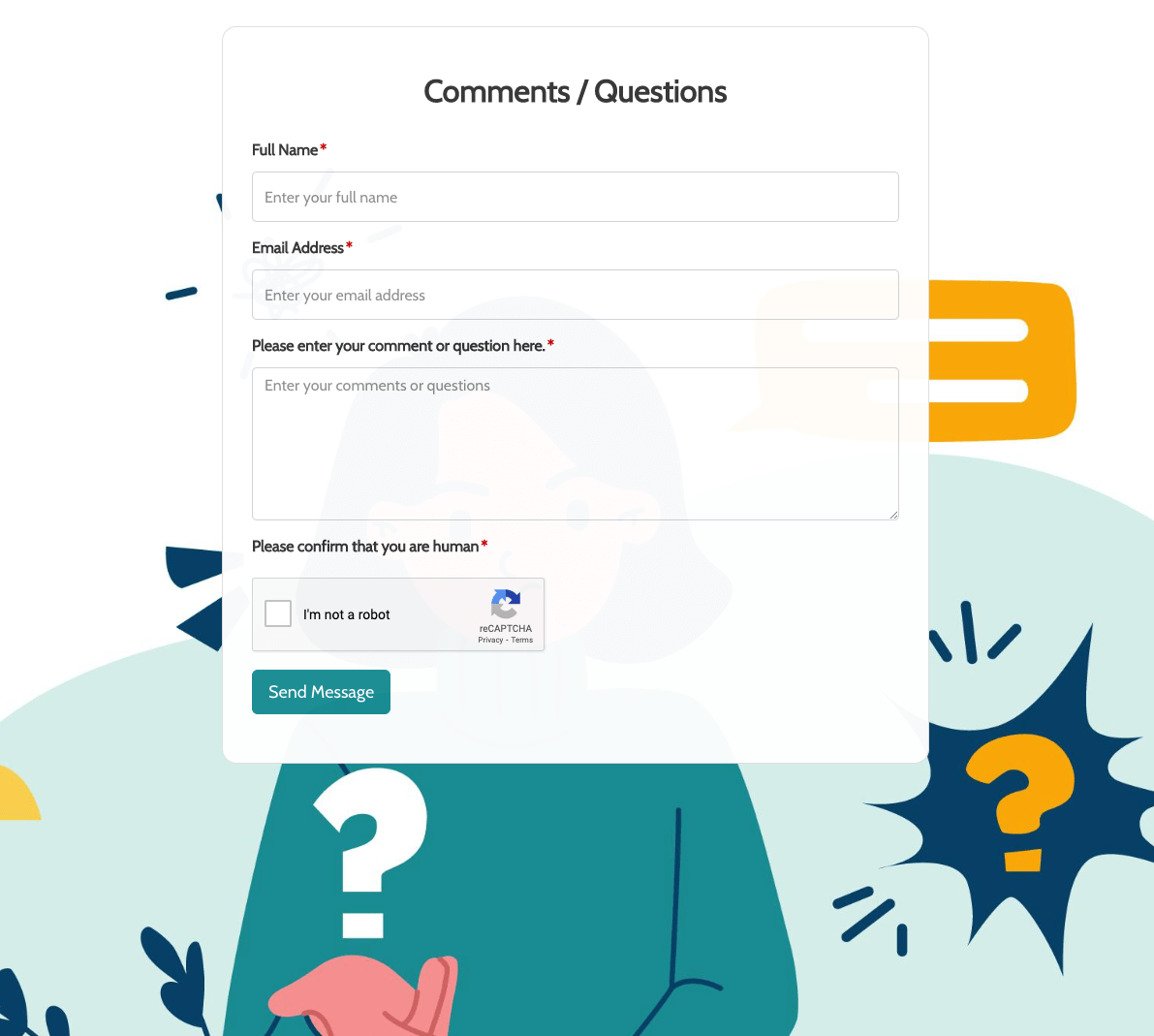 Remarks / Questions Form
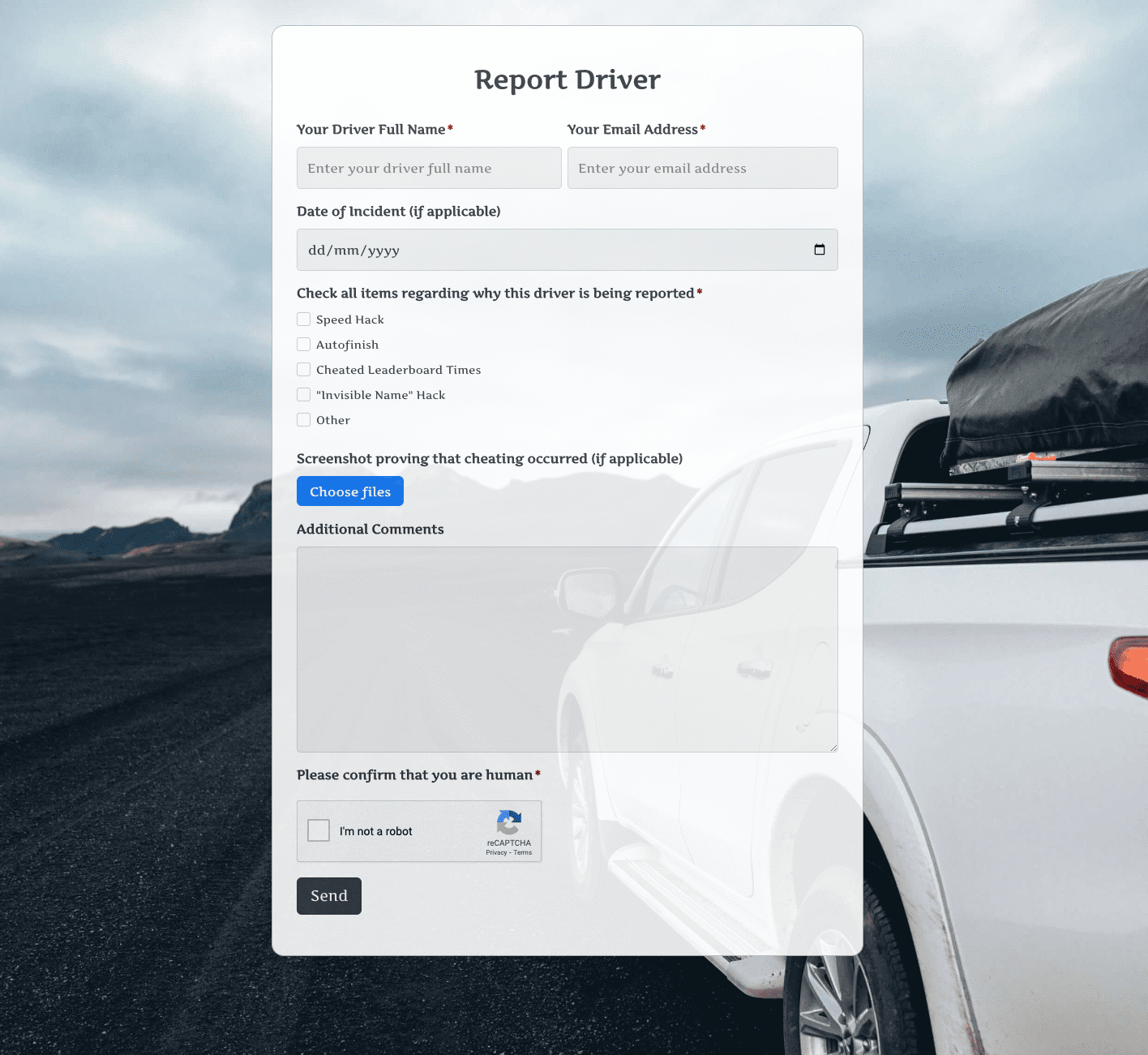 Report Driver Form
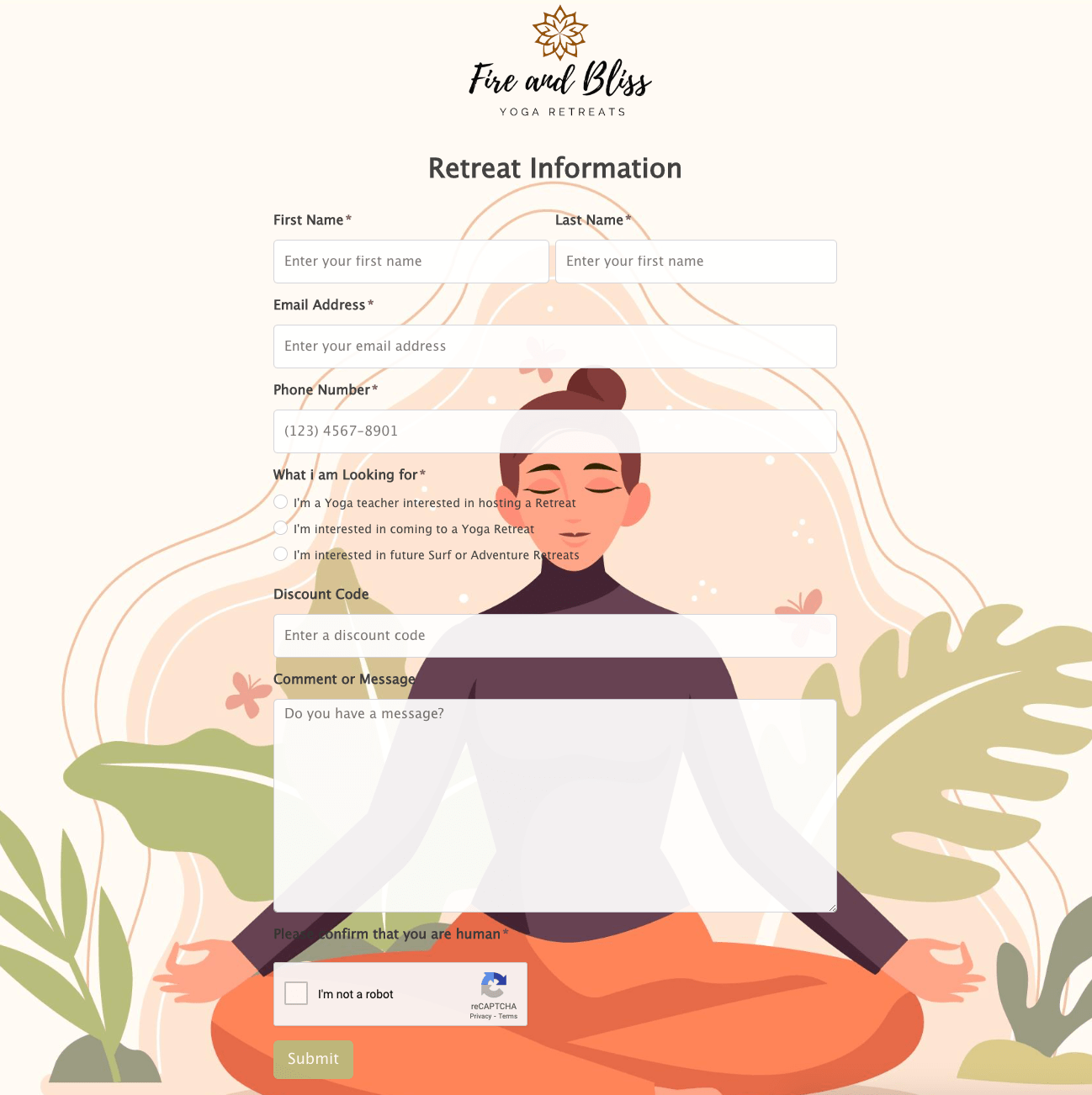 Retreat Information Form
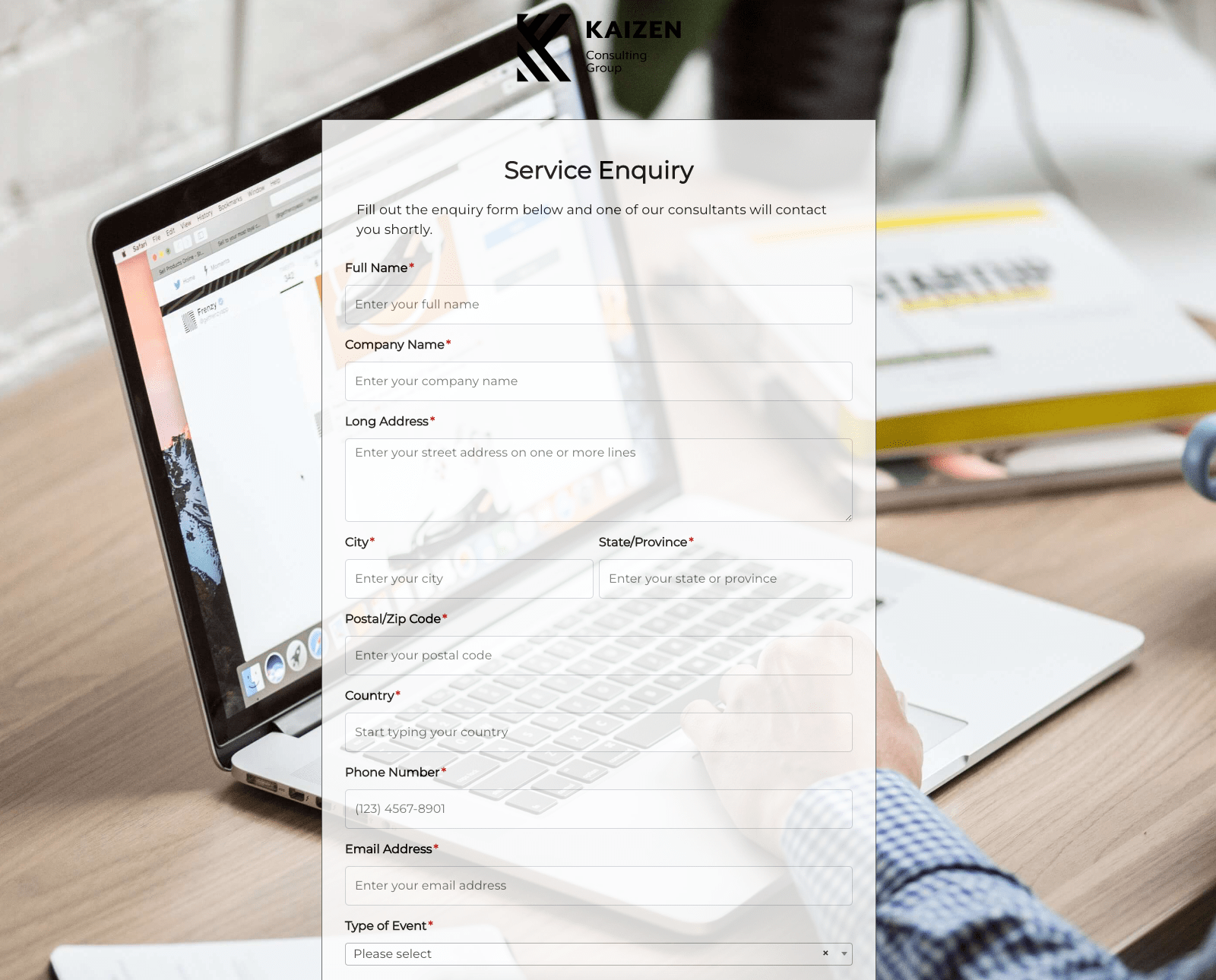 Service Enquiry Form
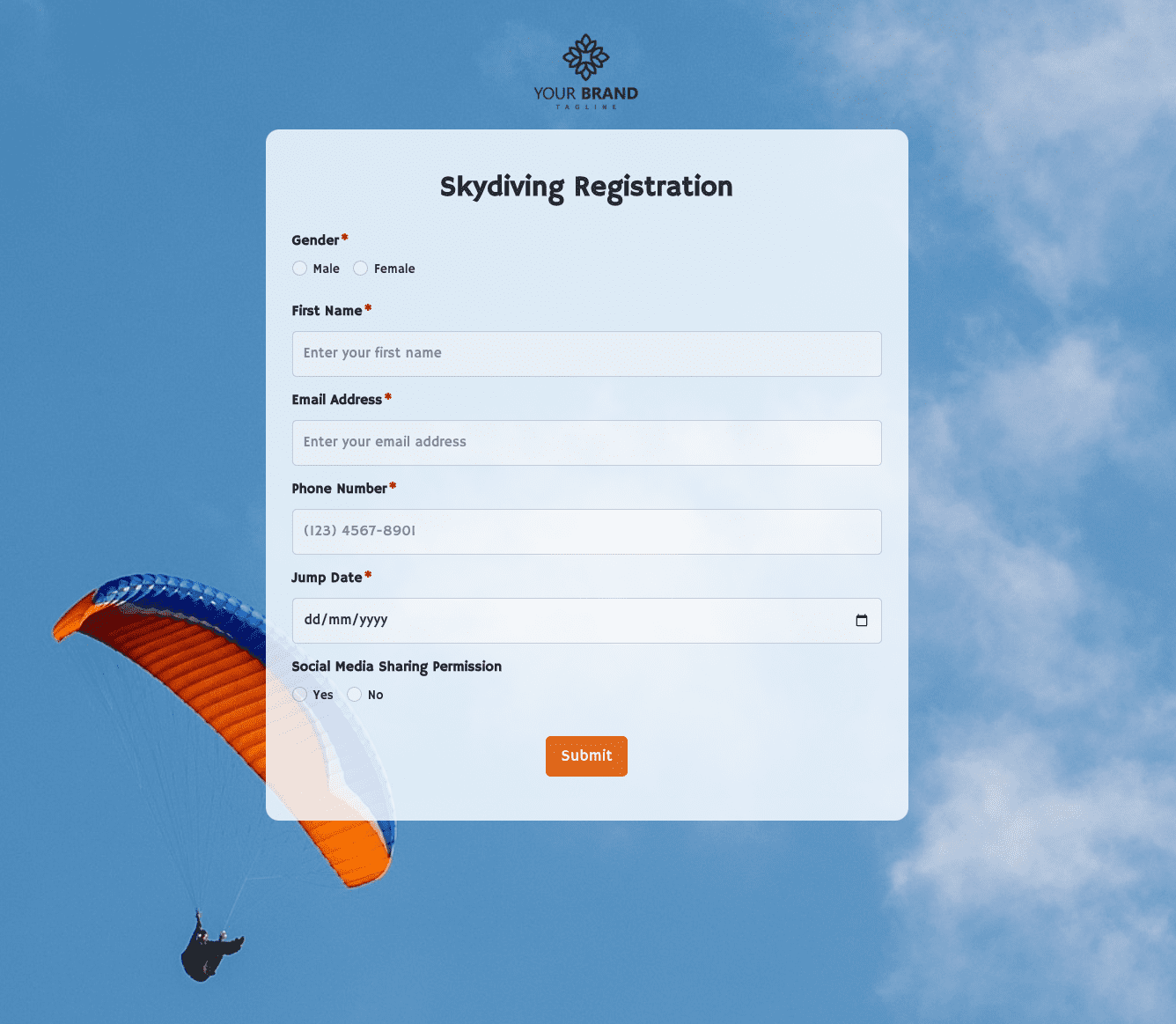 Skydiving Registration Form
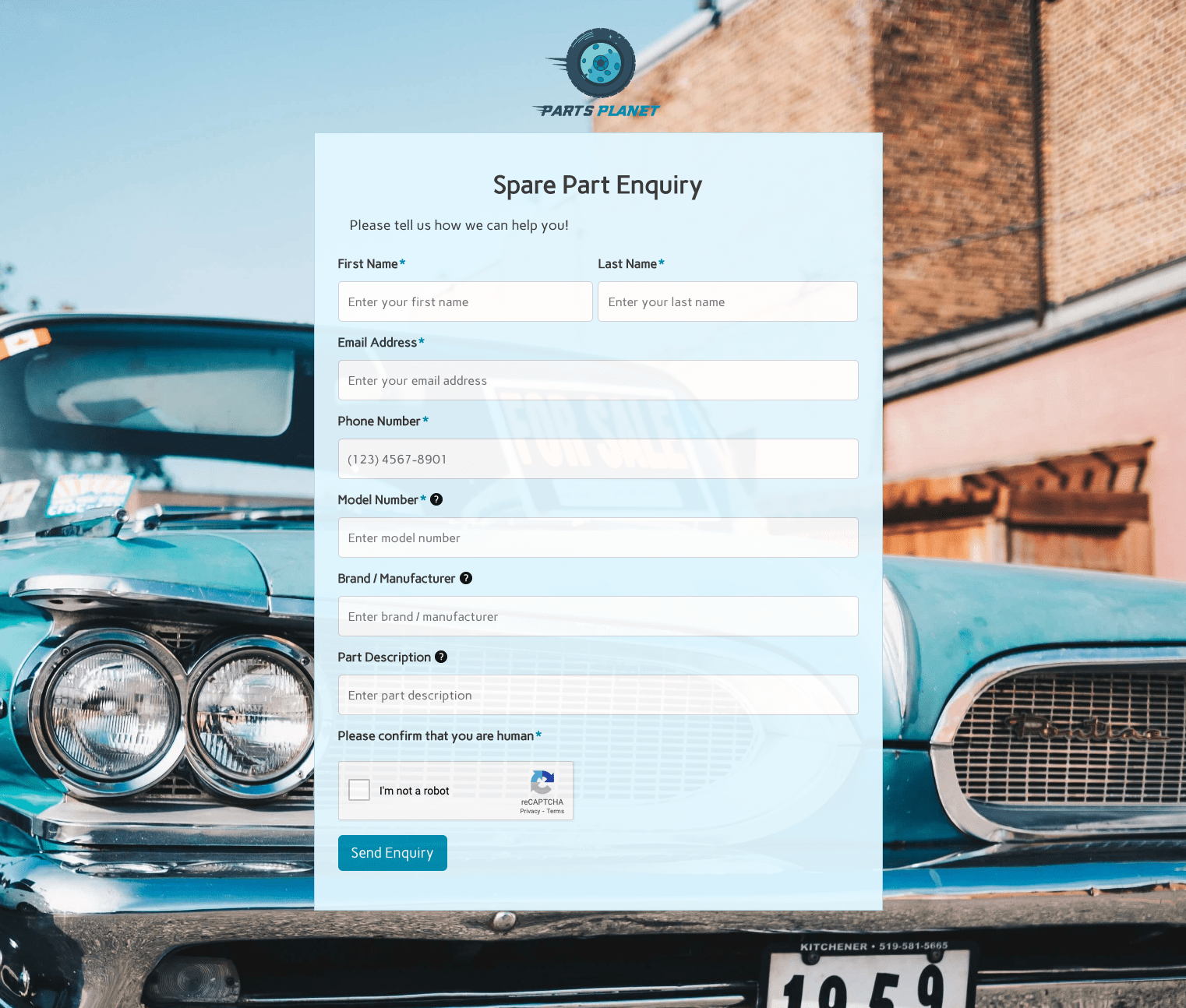 Spare Part Enquiry Form
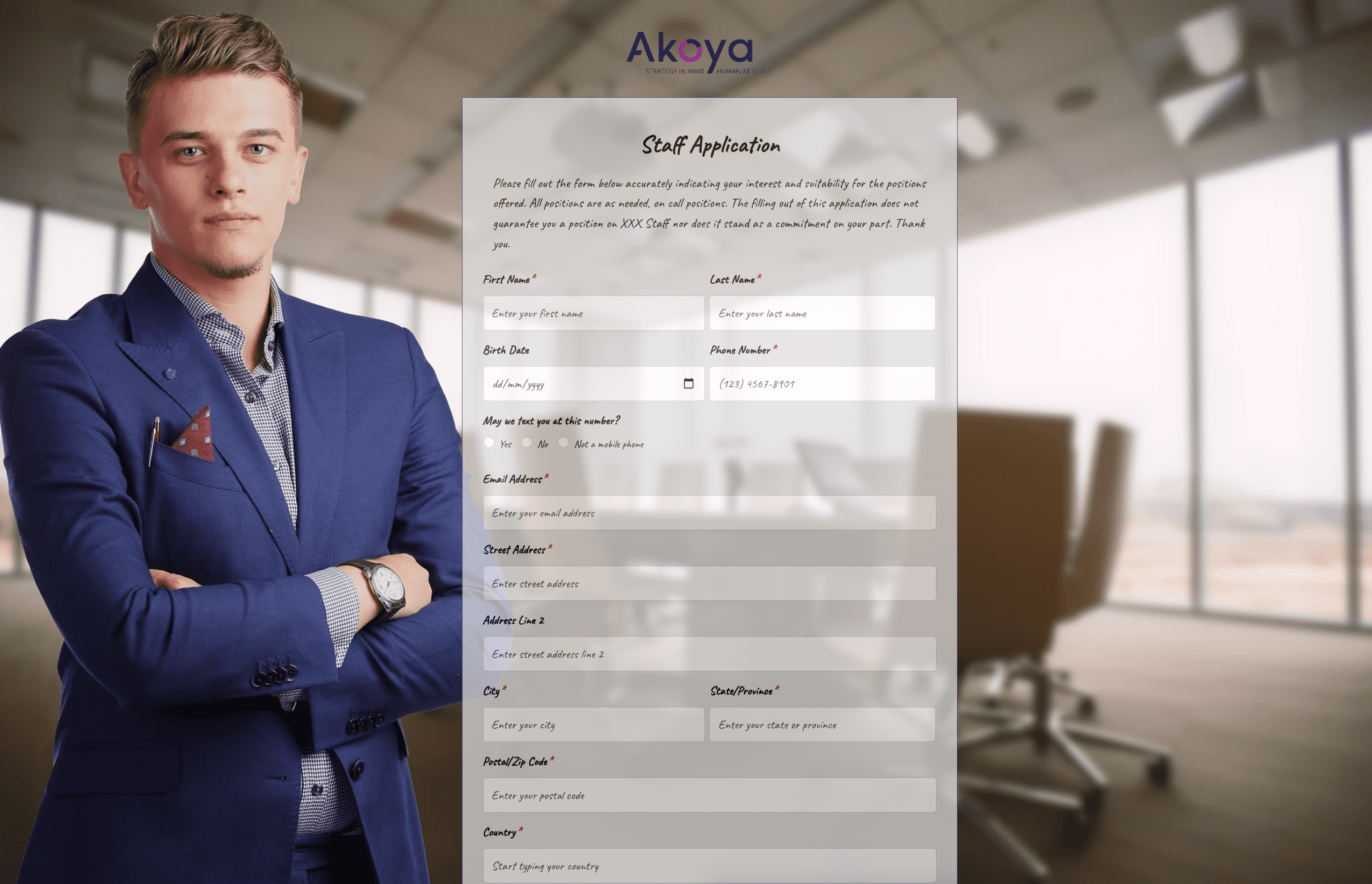 Staff Application Form
 Submission Form
 User Registration Form
 Website Under Construction Form
 Wedding Photographer Form
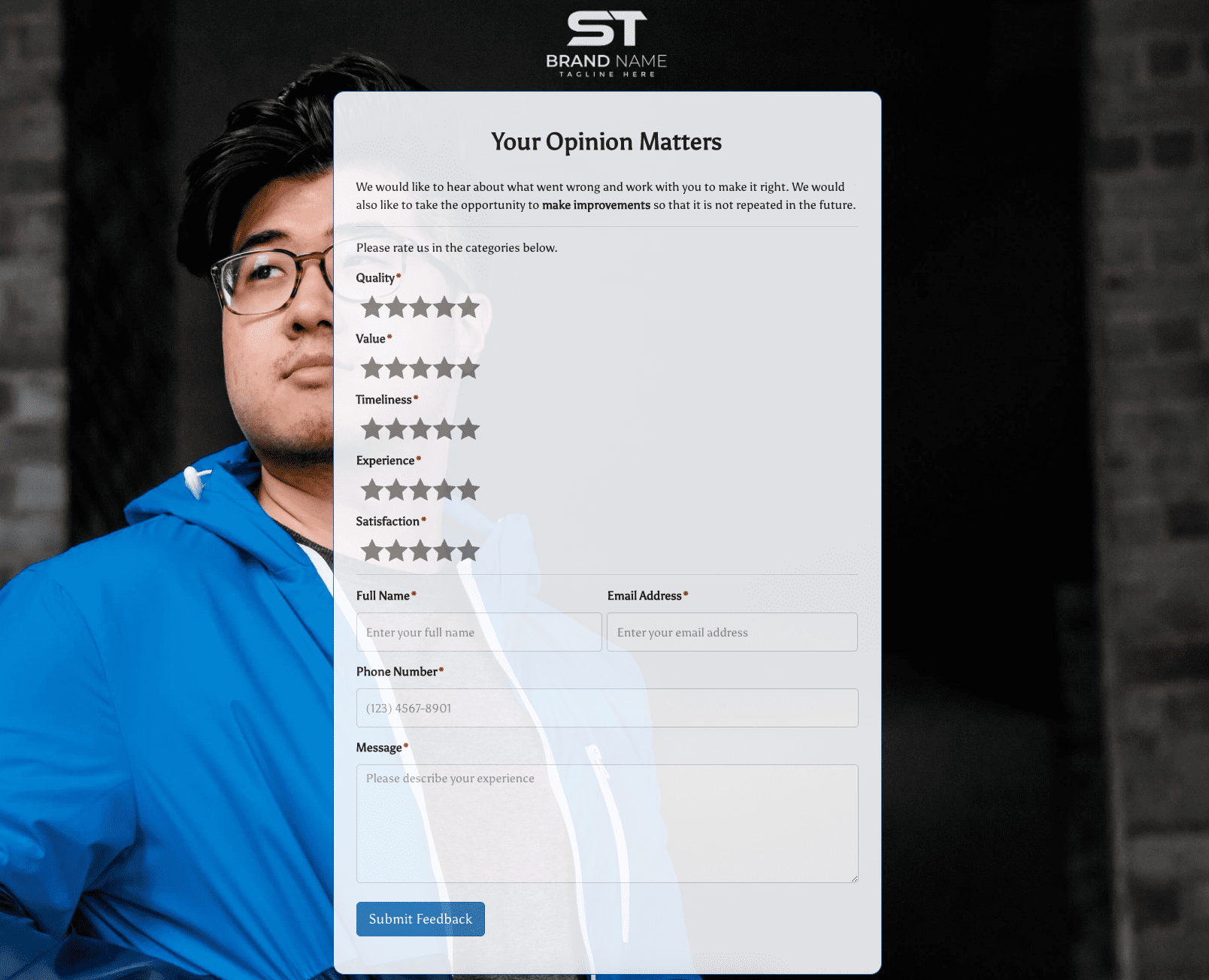 Your Opinion Matters Form


.png)





.jpg)