A customer asks for the second fabric option from a set of reference pictures. Between sending the images and receiving the reply, the seller has reordered the gallery. The second picture now shows another colour. The message is sincere and specific from the customer's perspective, but the team no longer has a reliable way to connect it to the intended choice.
When an AI Photo Editor helps prepare reference options, give each choice a stable identifier before sharing it. The identifier should travel with the option through revisions, gallery changes and inquiry handling. An attractive picture is only useful in this workflow if the person answering the inquiry can tell which option the customer means.
Prepare Choice Identifiers Before Creating the Image Set
Start with the actual choices the customer may request. A set might contain three verified fabric treatments, each associated with a product or a sample the business can provide. Assign a simple internal identifier to each one. Do not use the current gallery position as that identifier, because positions change when images are added, removed or rearranged.
Keep the identifier separate from the creative filename. A candidate might be exported several times while it still represents the same option. Conversely, a visually similar replacement may represent a different product. The record should distinguish the thing being offered from the image used to show it, so the team can update one without silently changing the other.
PicEditor AI can help revise a reference picture from an existing image and a written request. For customer-facing options, review the candidate against the actual choice before associating it with the identifier. A generated texture or colour variation is not automatically an available product, and the team should not offer it merely because it looks convincing.
Use an AI Photo Editor for the bounded presentation task rather than to invent the business's catalogue. If the goal is to edit a photo of an existing swatch, preserve the information needed to recognize that swatch. When the candidate changes the surface materially, reject it for that role or label it clearly as an exploratory concept outside the available choices.
Write down who owns the mapping between option and picture. In a small business, that may be the person answering inquiries. They need access to the approved reference and the actual product information. A design team can prepare attractive files while still leaving that operational connection incomplete if nobody is responsible for checking it.
Make the Differences Visible Without Creating New Options
Review the set together. Each picture should show the relevant difference clearly enough for the customer's decision. Avoid changing the lighting or background so dramatically that two identical materials appear to be different offerings. Equally, do not force genuinely different finishes into a uniform treatment that removes the distinction the customer needs.
For a hypothetical fabric set, the customer might be choosing between a plain weave and a visible rib. The pictures should make that difference understandable while avoiding unsupported claims about texture or colour accuracy on a screen. If a physical sample is needed for a reliable choice, say so in the inquiry process rather than presenting the edited picture as a substitute.
PicEditor AI candidates can help improve the clarity of the presentation, but the selected images must still correspond to the verified options. Compare each one with its source and its identifier before assembling the gallery. This is a mapping check as well as a visual review. A correct picture placed under the wrong name remains a practical error.
Keep the selected export easy to distinguish from rejected variants. The person answering a message should not have to infer which of several similar files is current. Retain the option identifier in the working record and use a separate revision marker for the picture. That allows the presentation to improve without renaming the choice every time.
If an option is withdrawn, preserve the old mapping for inquiries that refer to an earlier set. The business can then explain that the requested choice is no longer available instead of guessing which current option resembles it. Do not quietly reuse the retired identifier for another item while old reference pictures are still circulating.
Pair the Image Choice With the Actual Request Field
The inquiry form or message template should let the customer refer to the stable option name. Display it near the relevant picture and make the relationship clear in the final layout. The exact method depends on the publishing and form tools being used. This is an external workflow recommendation, not a claim that the image editor integrates with a particular form service.
When you edit a photo for this purpose, associate the result with its choice through the surrounding page or catalogue rather than through generated lettering inside the image. Keeping the identifier as ordinary page text can make later updates easier to manage. Whatever method is chosen, inspect the published arrangement so that each name sits beside the intended picture.
Try a simple rehearsal before sharing the set widely. Ask a colleague to choose an option from the customer-facing view and submit the same kind of inquiry a customer would send. The receiving person should identify the selected option without seeing the colleague's screen. A mismatch reveals a handoff problem that visual approval alone would not catch.
Suppose the colleague submits the identifier for the ribbed fabric, but the notification arriving with the inquiry contains only a generic product name. The customer-facing page may look correct while the receiving workflow loses the choice. Repair the request field or the handling instructions before using the set. Save the rehearsal message as a reference for the person who will answer real inquiries, without presenting it as a customer result.
Repeat that check after changing the gallery order. The identifier should continue to point to the same choice even when it is no longer second. If the process still relies on position, revise the wording or mapping. The purpose of the rehearsal is to expose that dependency, not to claim a measured improvement in conversions or response time.

Resolve Ambiguous Replies With the Original Reference Set
When a customer does refer to the second option, retrieve the set they actually received if it is available. Ask for clarification using the relevant reference pictures and stable names. Do not assume the current gallery order matches the customer's copy. A short clarification is preferable to preparing the wrong item with misplaced confidence.
PicEditor AI can help prepare the images, while the business maintains the connection between those images and the available choices. Keep the approved reference set and its identifiers with the inquiry record. That gives the next person a useful starting point even if the public gallery has changed since the conversation began.
Close the handoff when the selected option is confirmed in terms both sides can recognize. The image should support that agreement rather than become another source of ambiguity. Use the archived set to clarify the original choice before preparing the order.
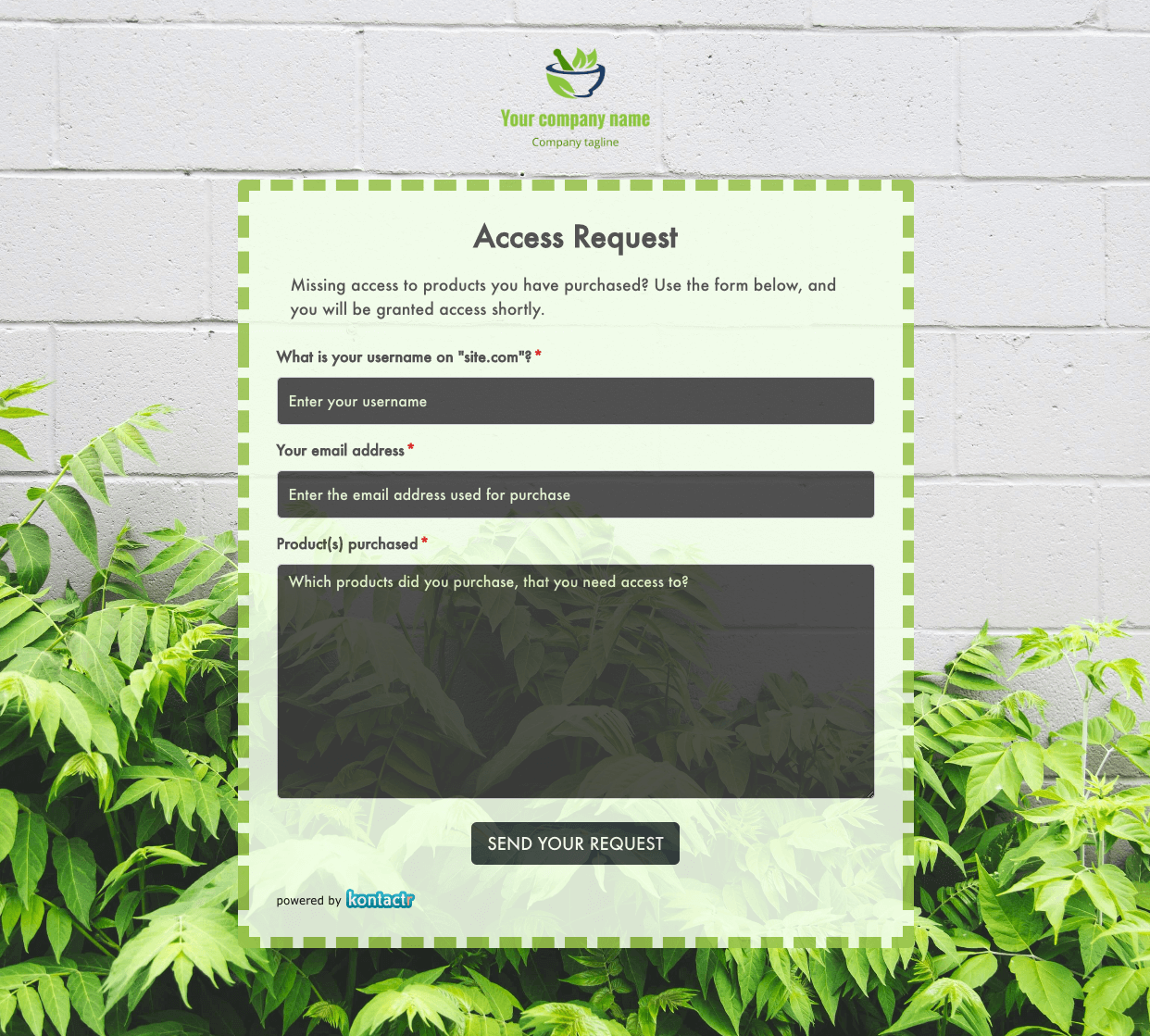 Access Request Form
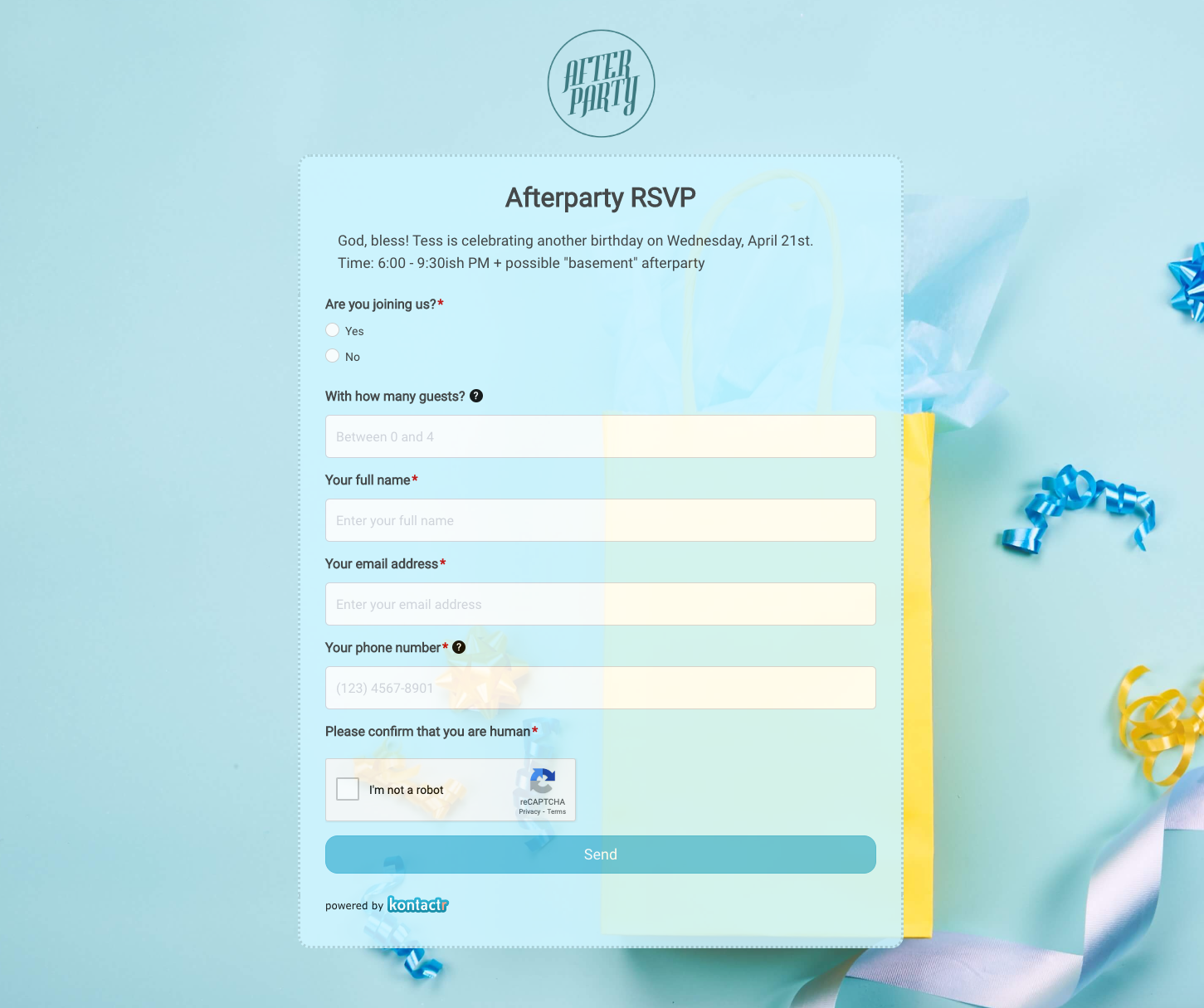 Afterparty RSVP Form
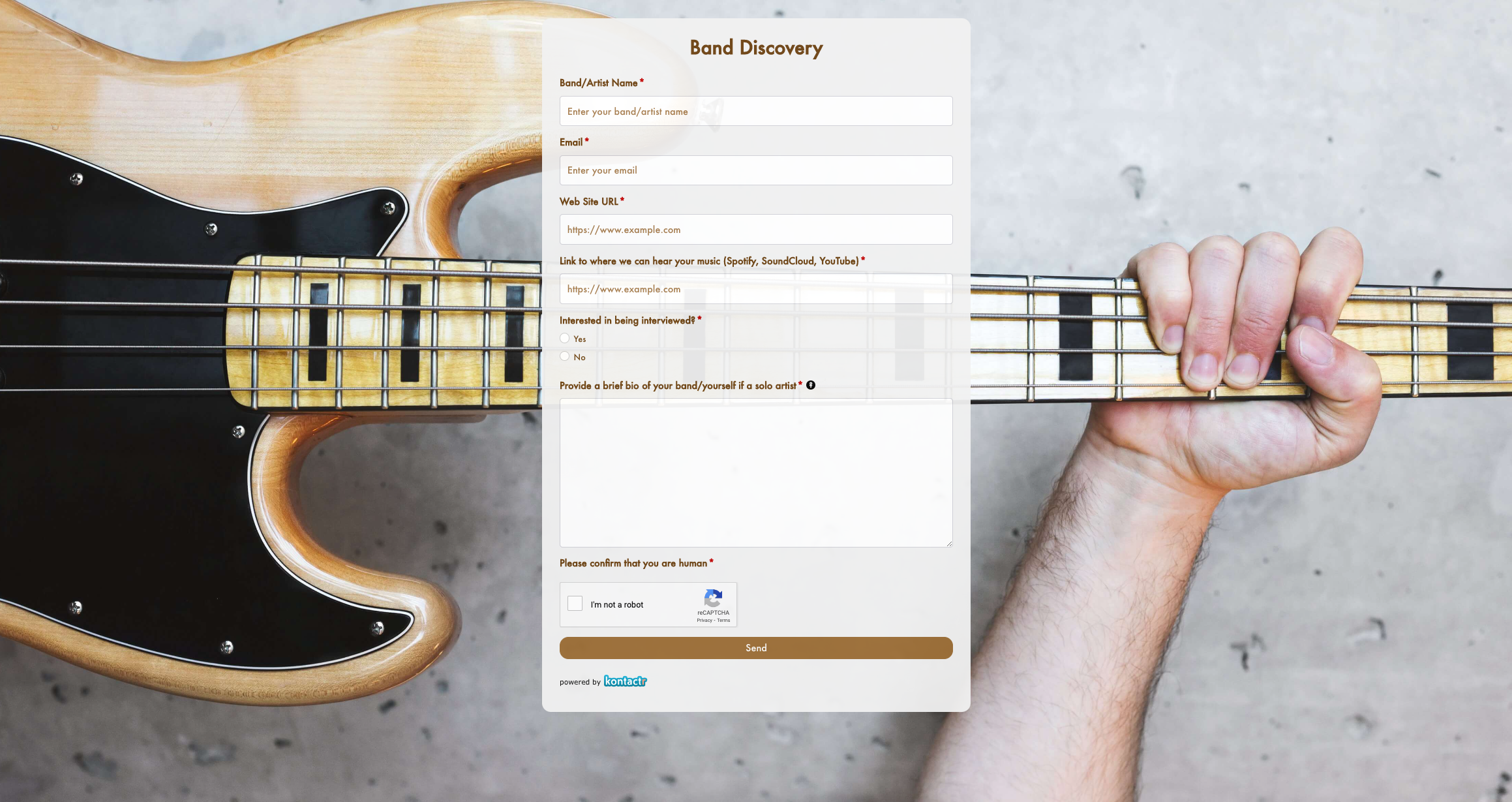 Band Discovery Form
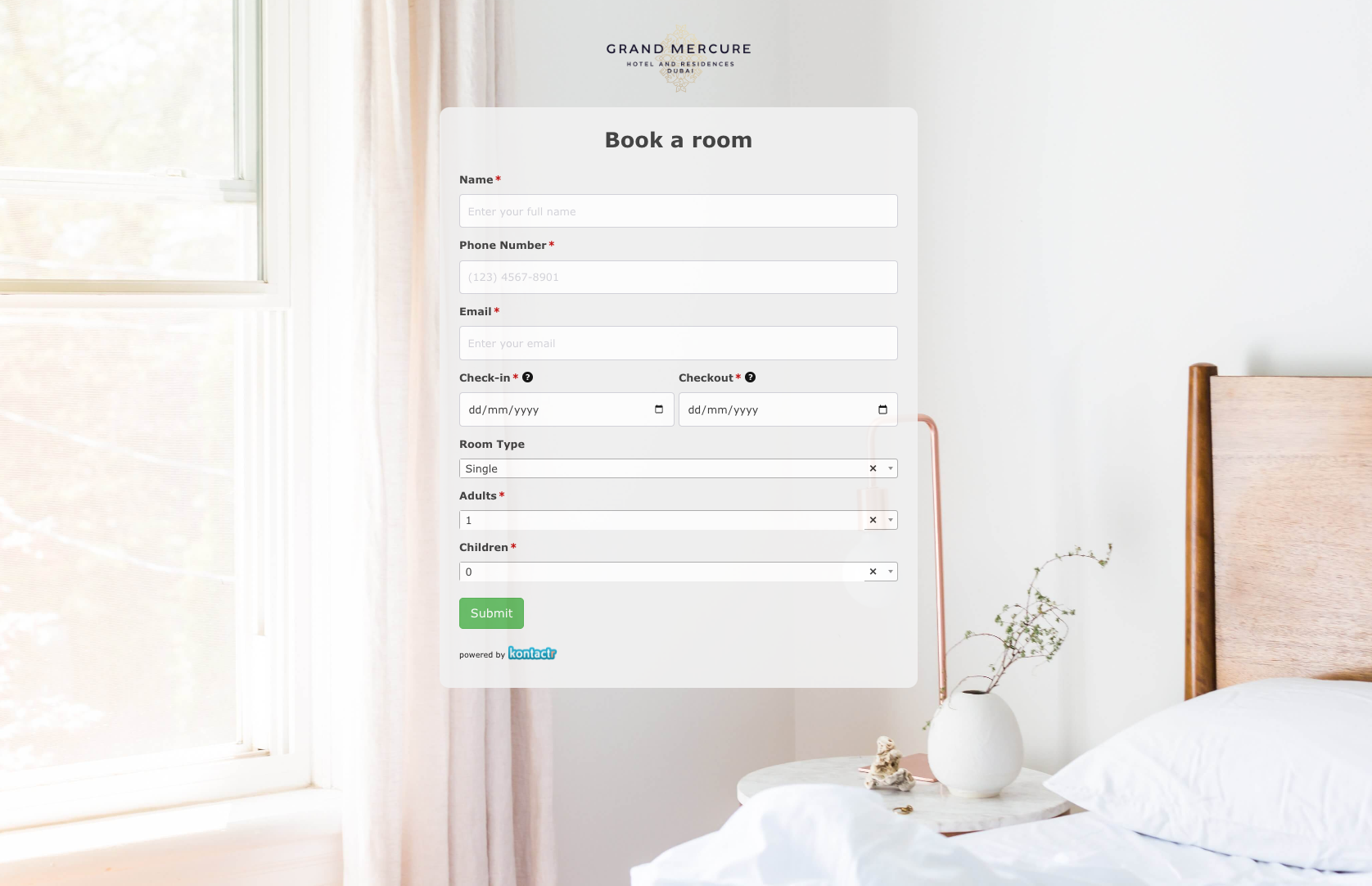 Book a room Form
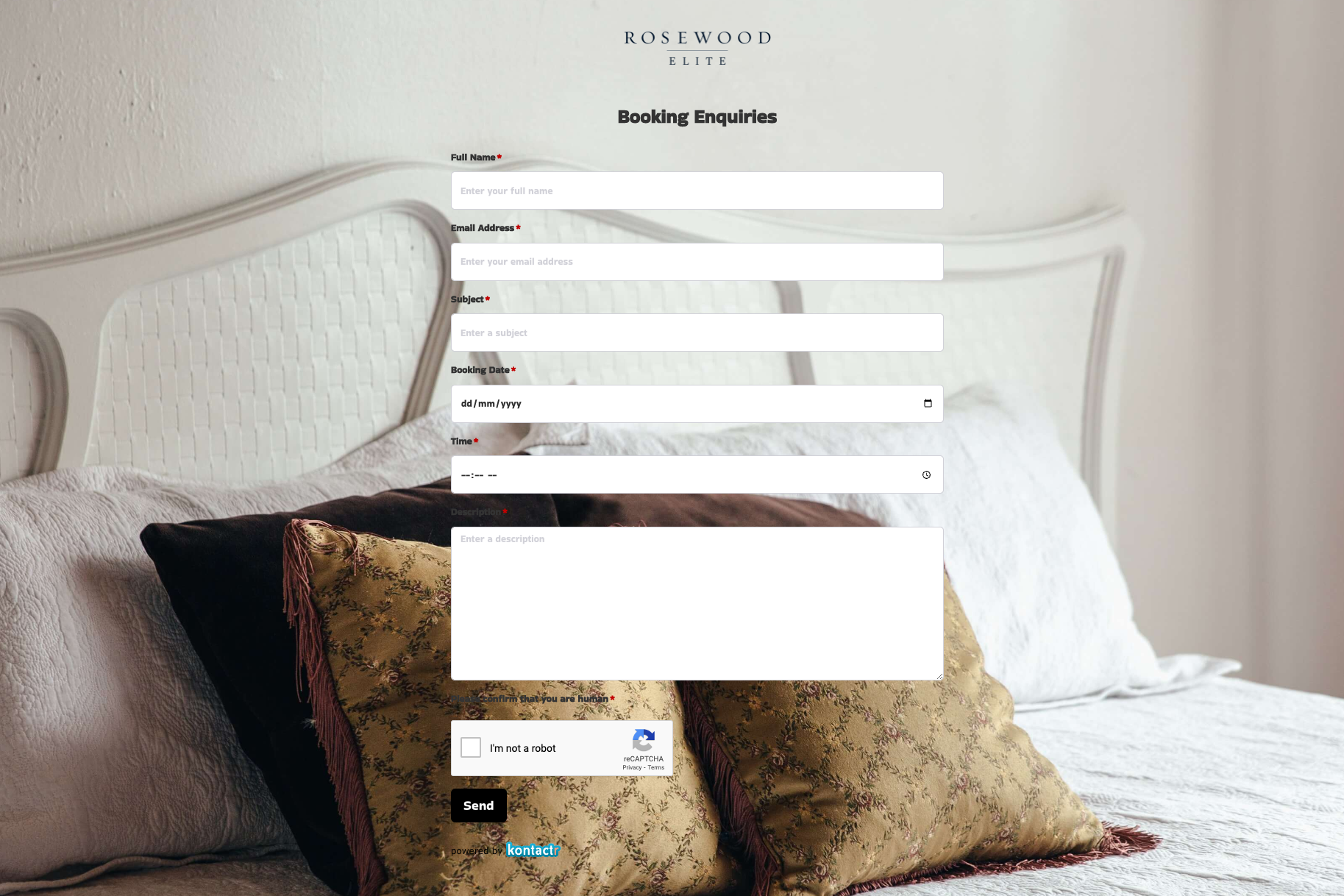 Booking Enquiries Form
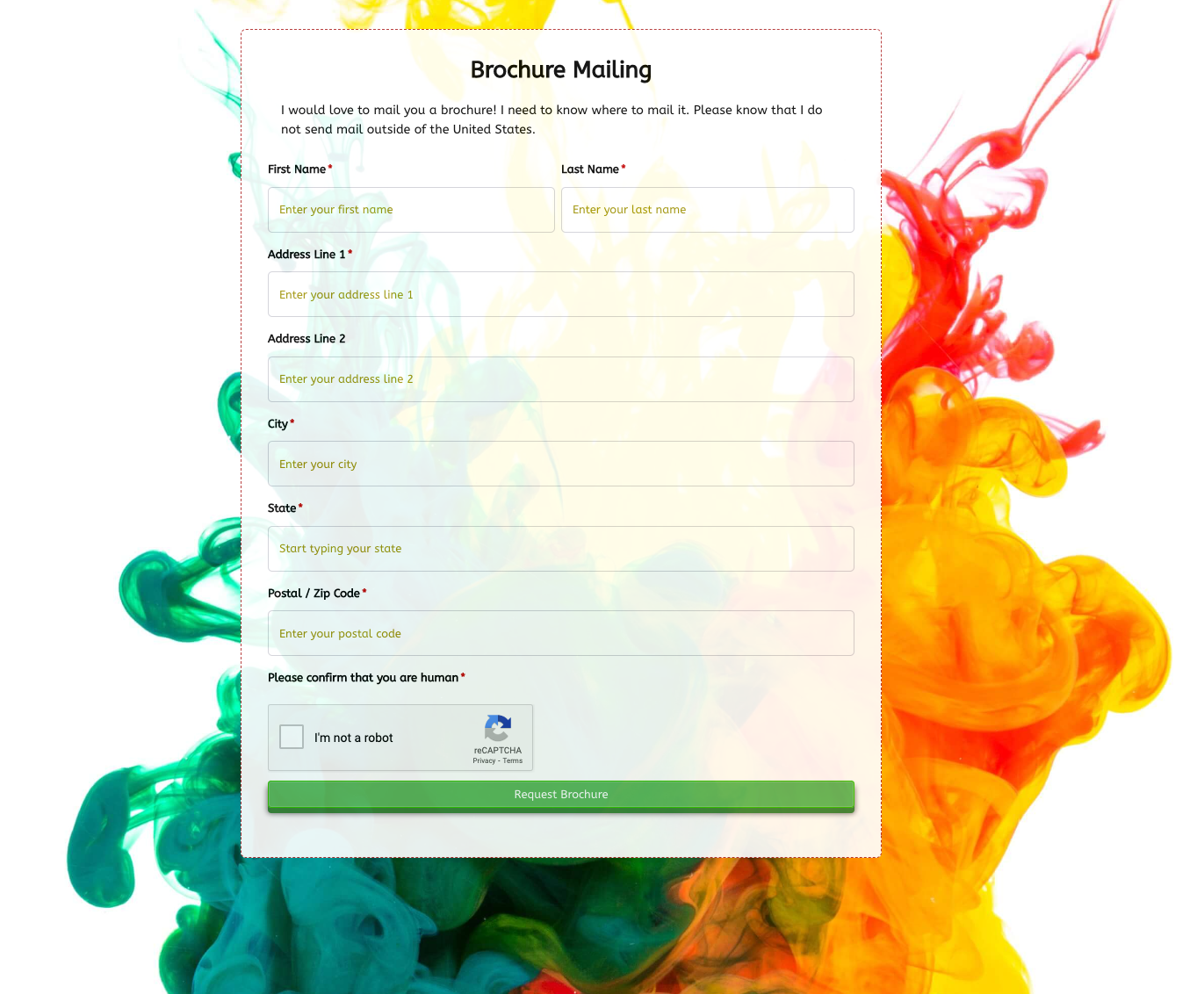 Brochure Mailing Form
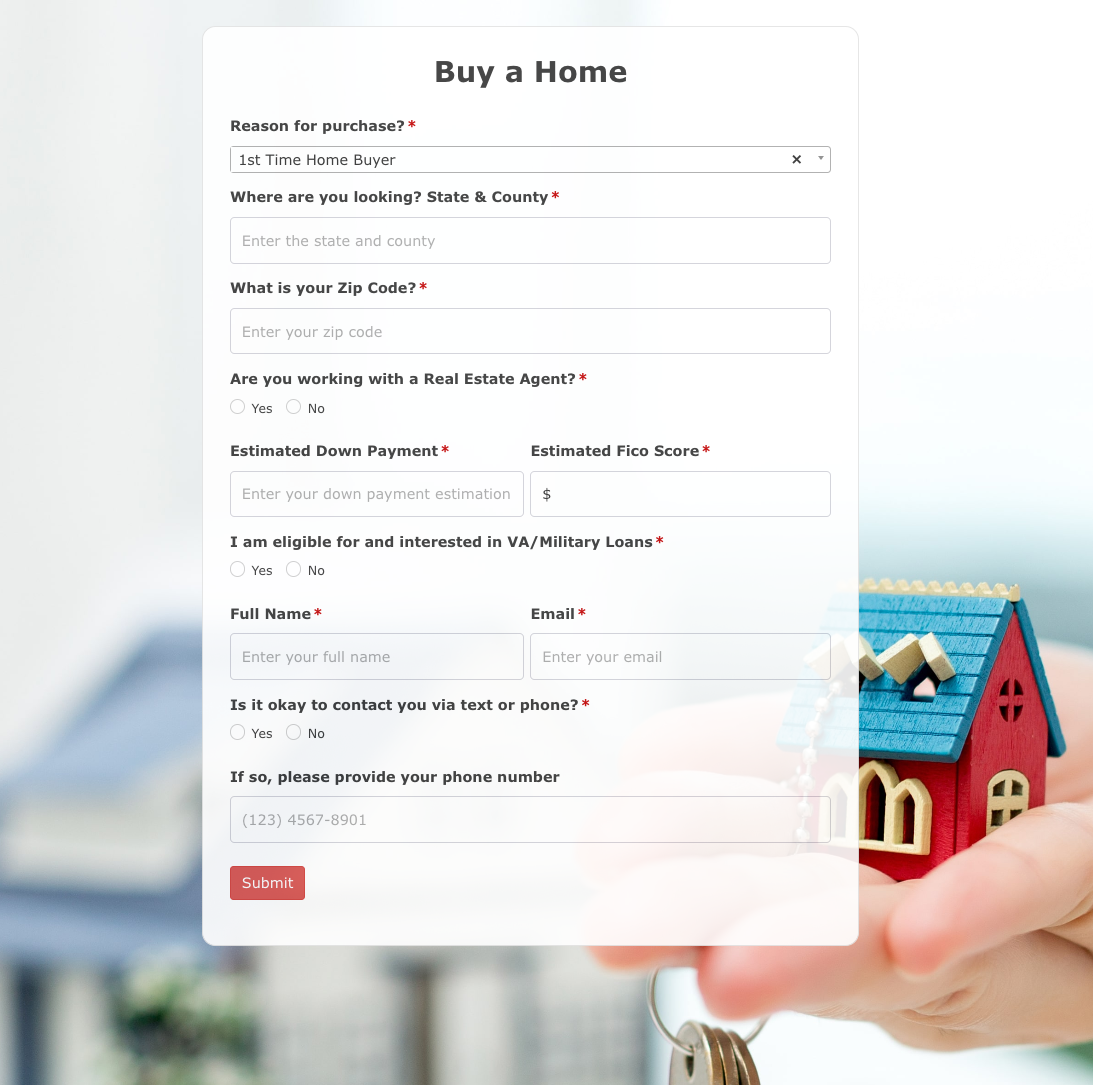 Buy a Home Form
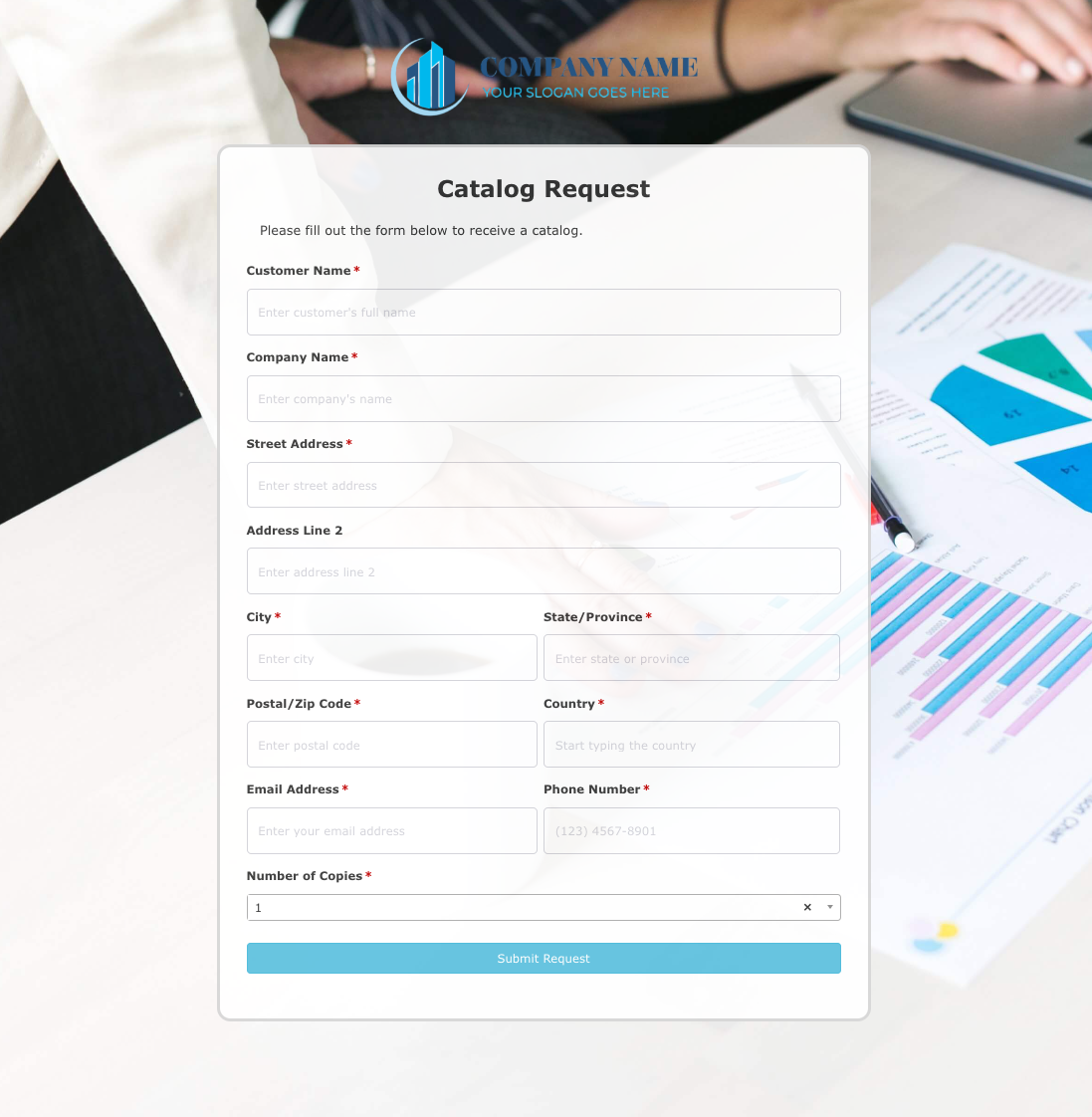 Catalog Request Form
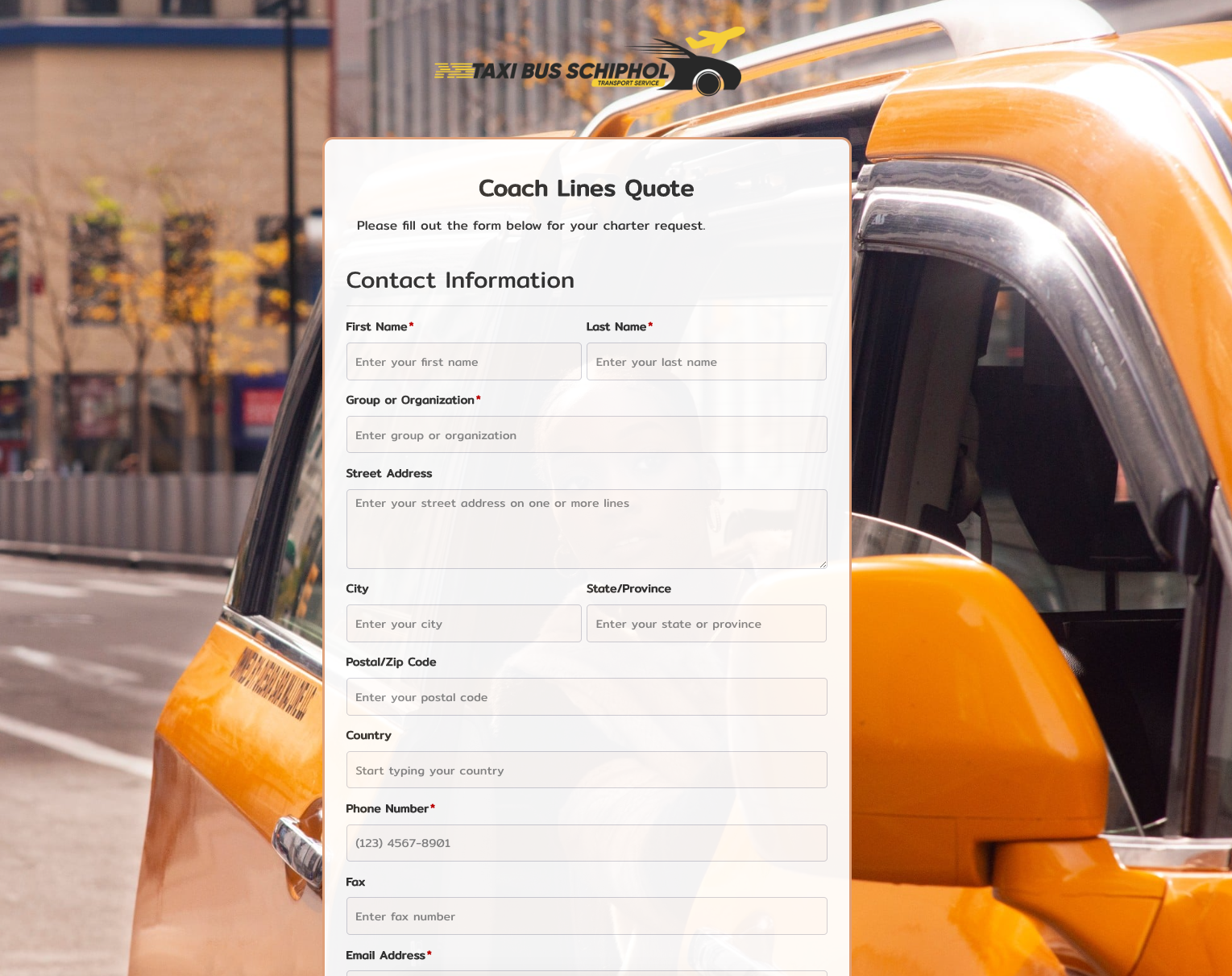 Coach Lines Quote Form
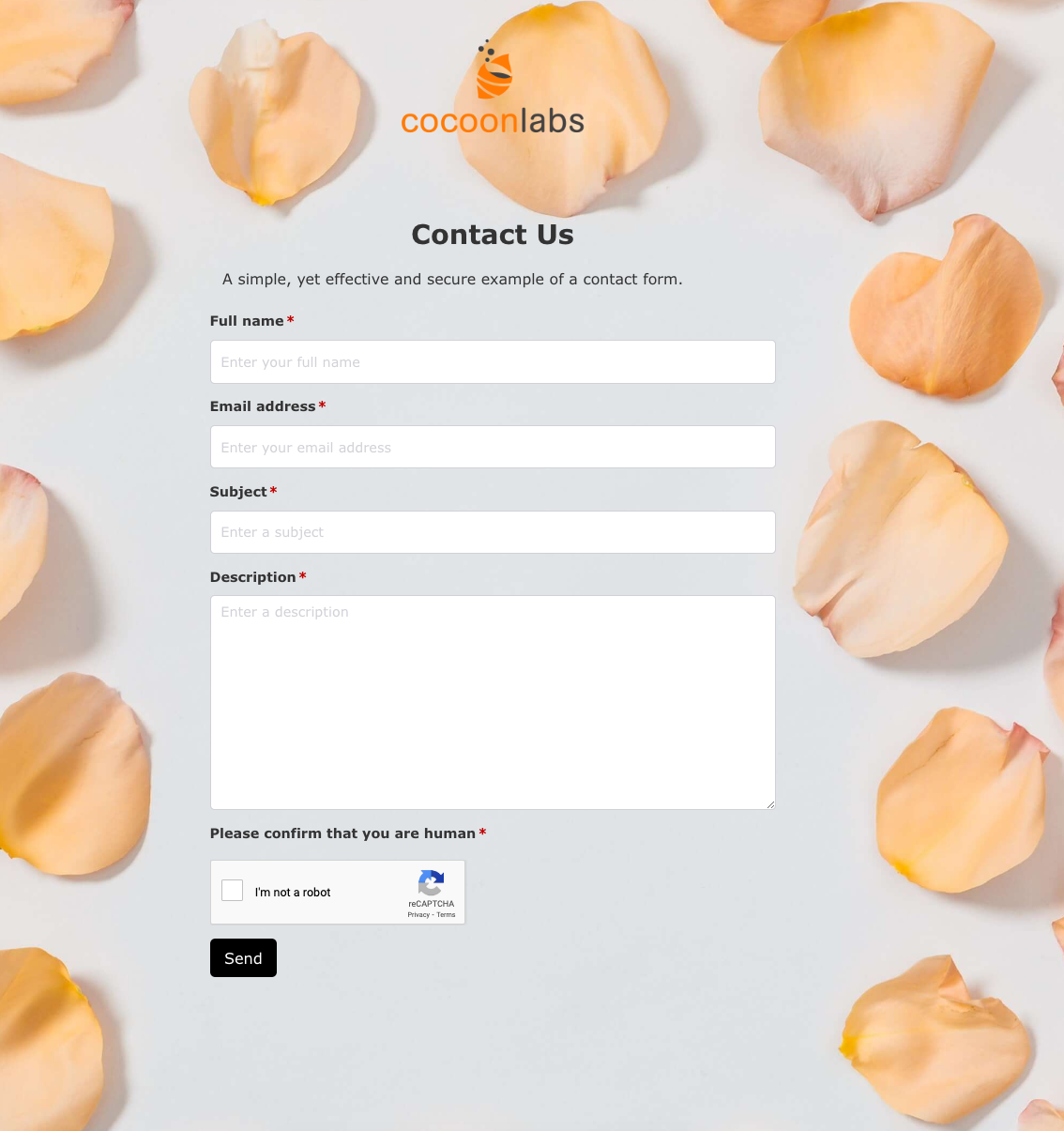 Contact Us Form
 Credit Application Form
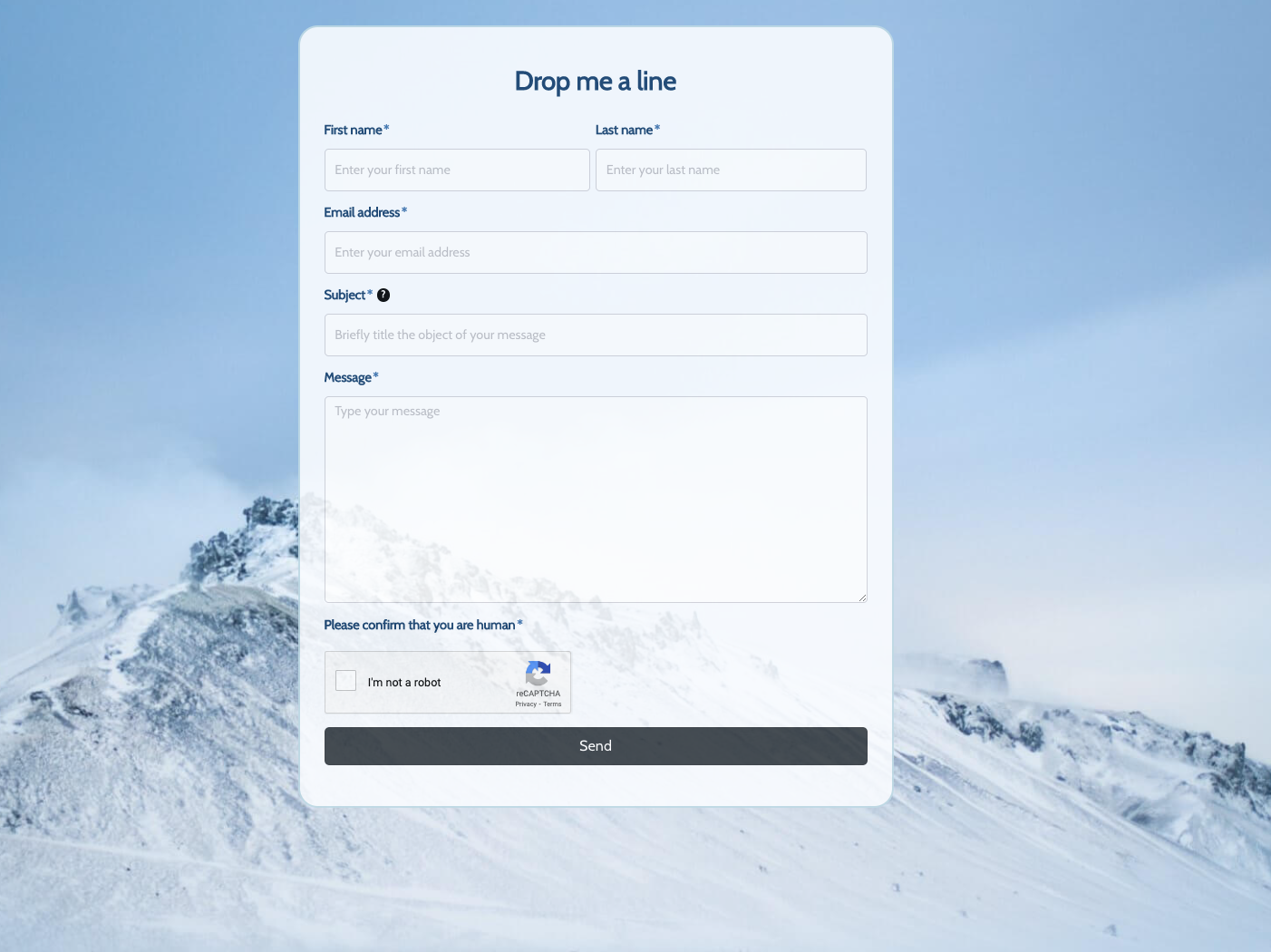 Drop me a line Form
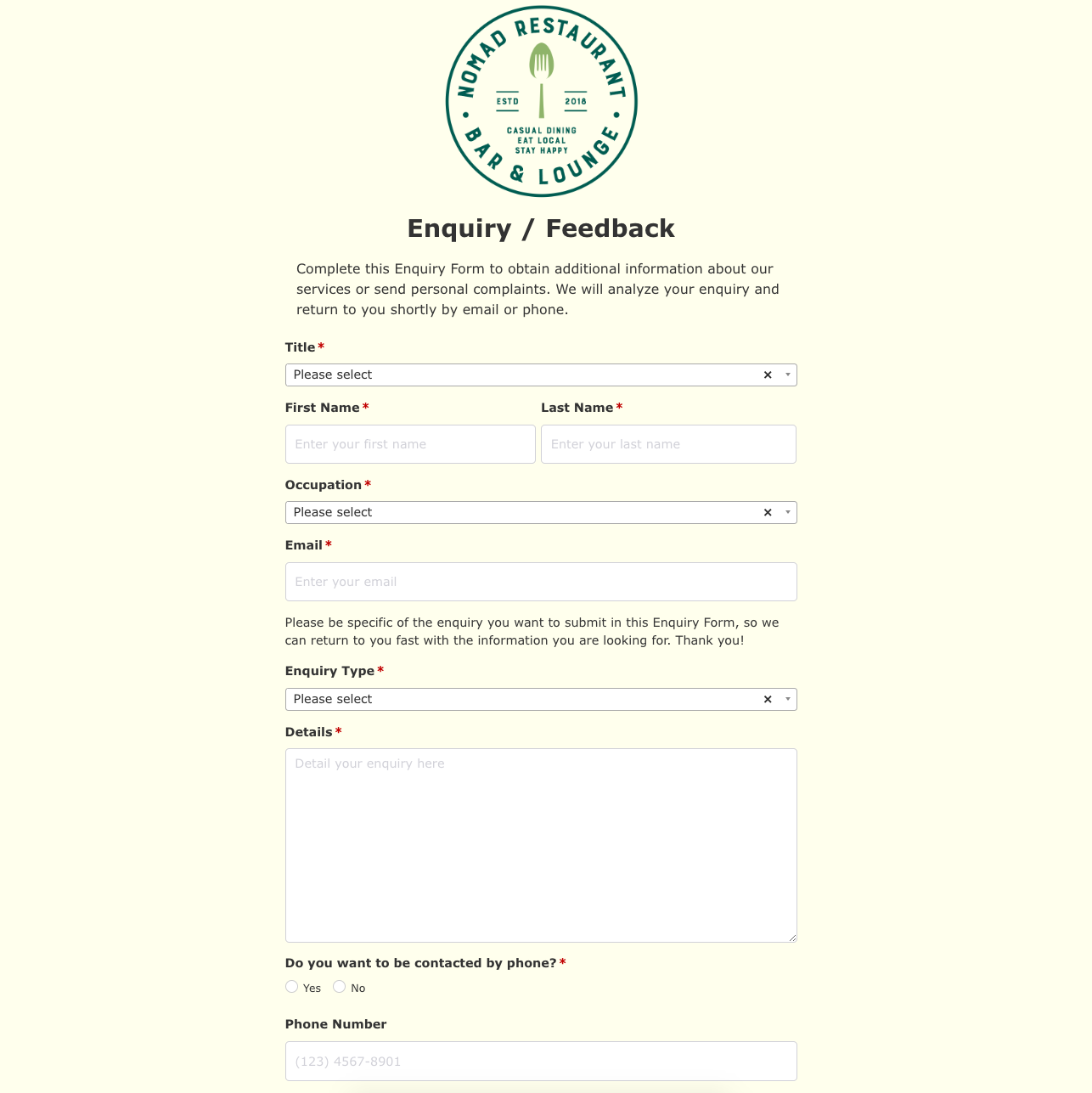 Enquiry / Feedback Form
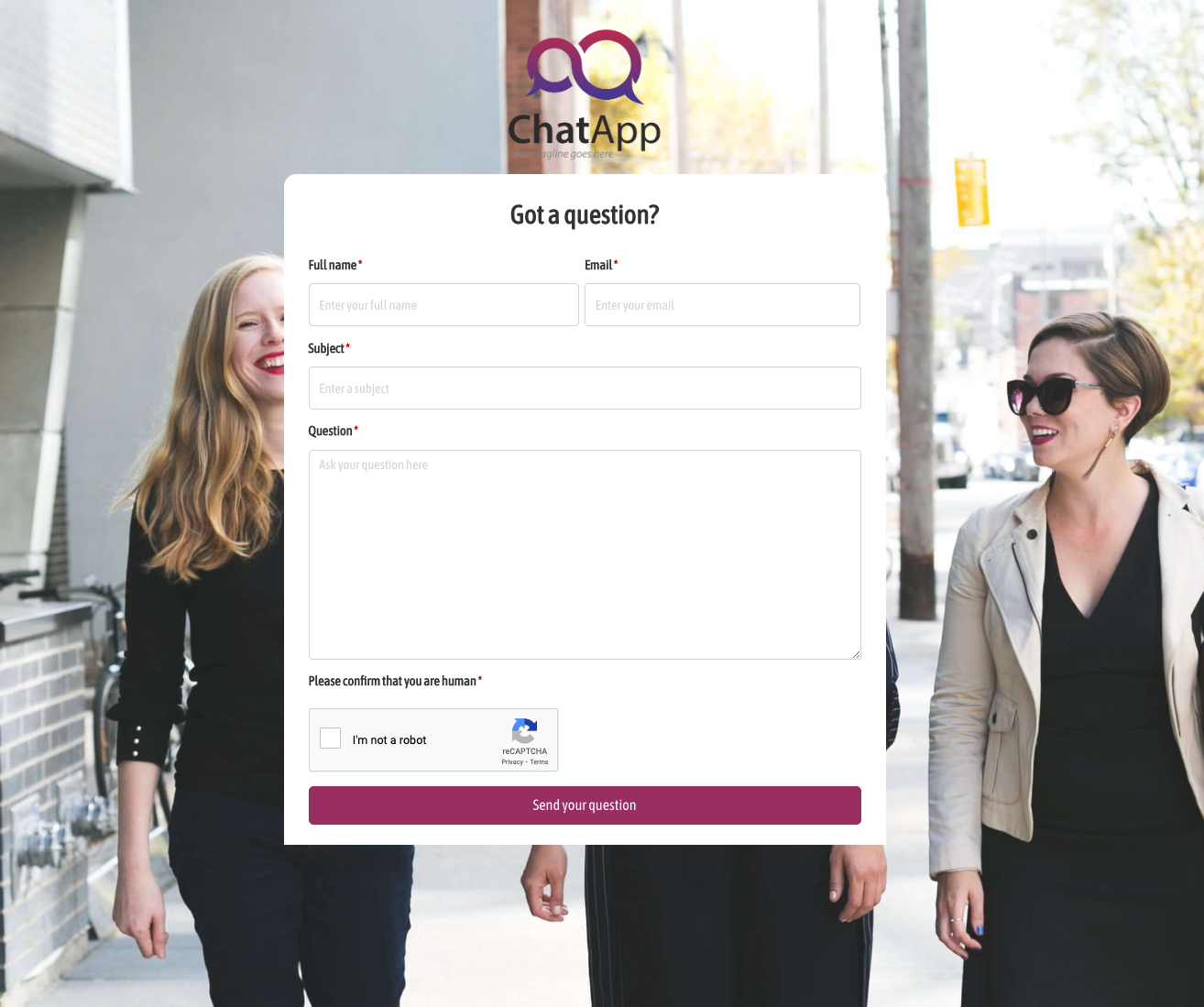 Got a question? Form
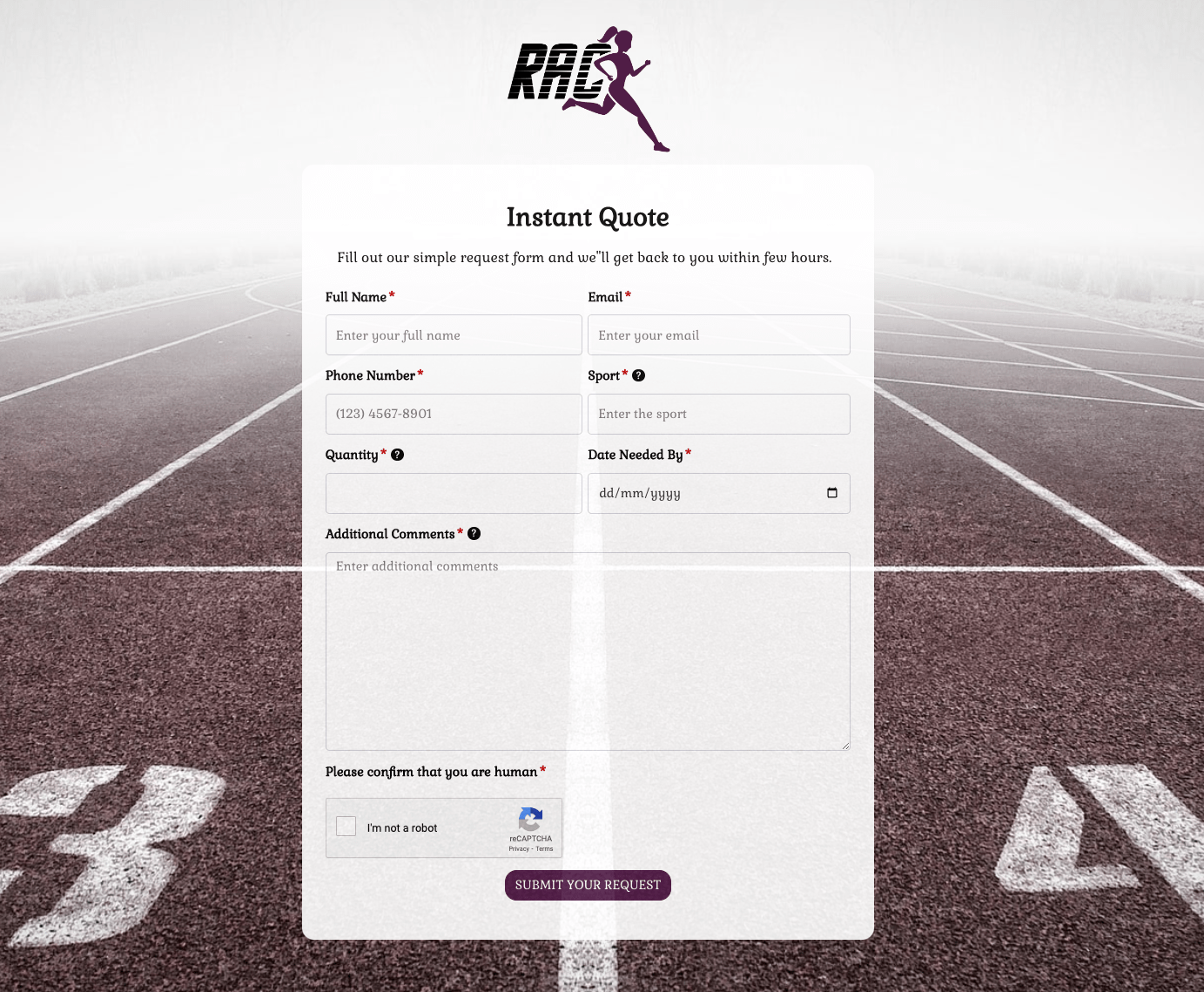 Instant Quote Form
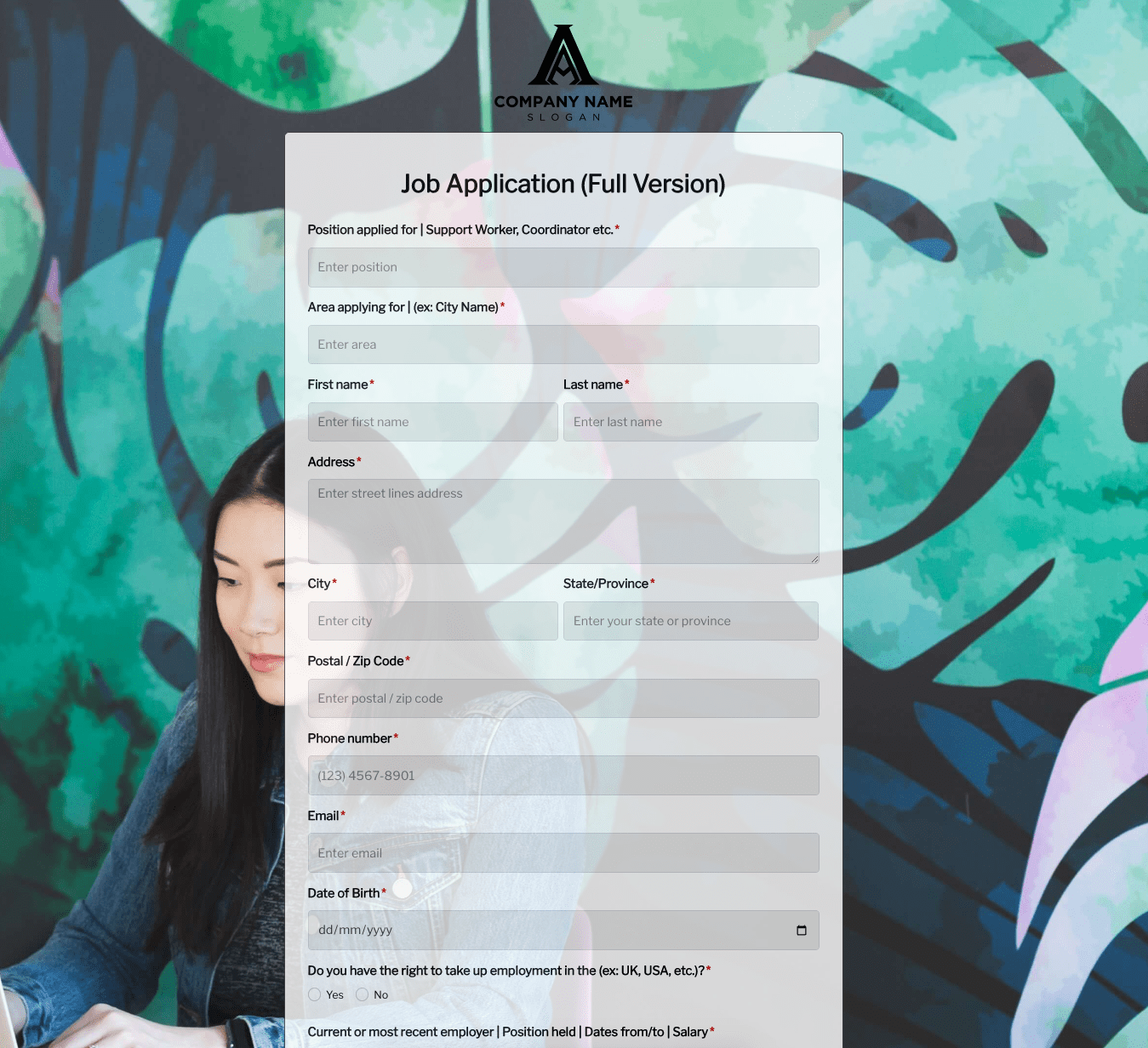 Job Application Form
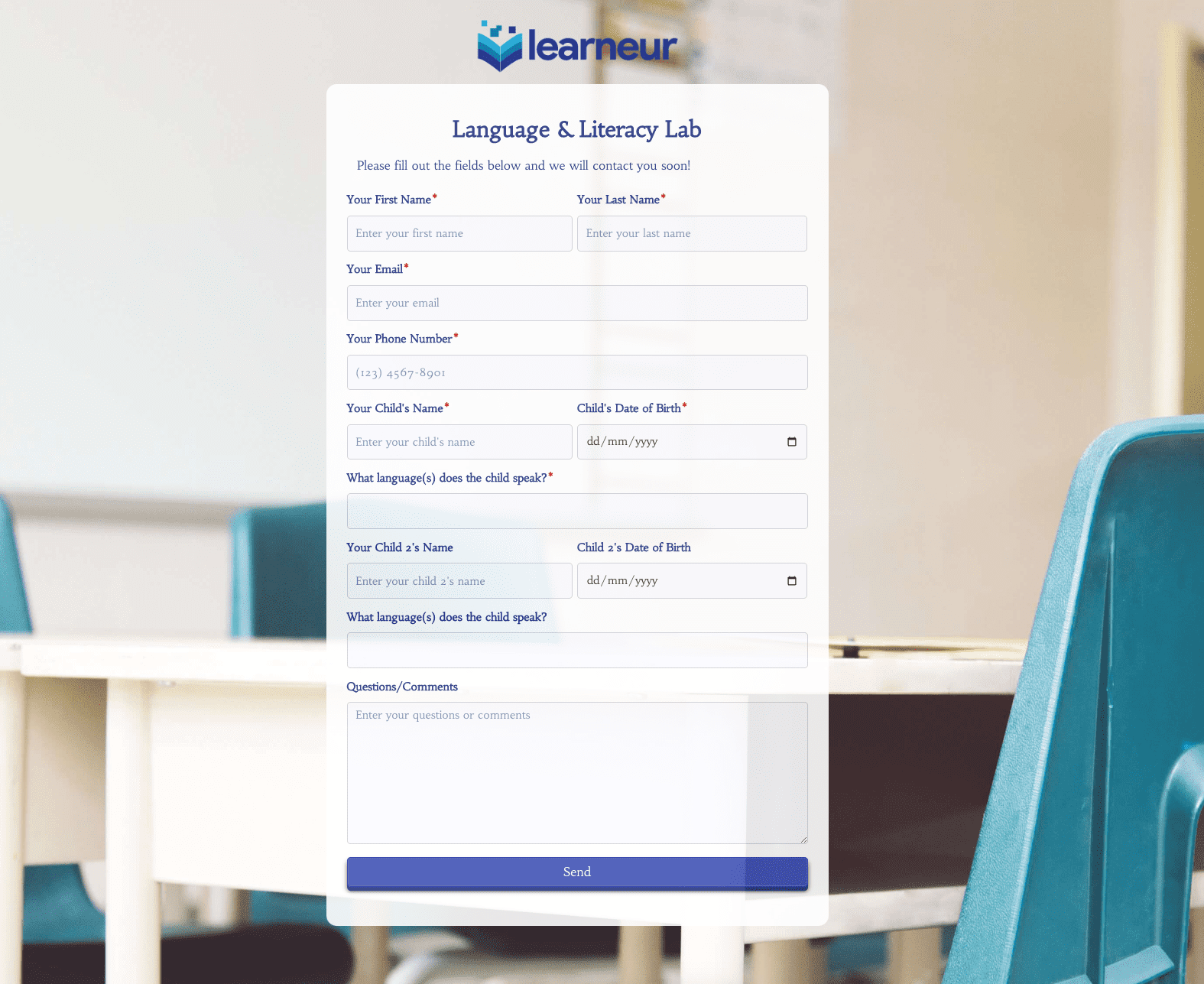 Language & Literacy Lab Form
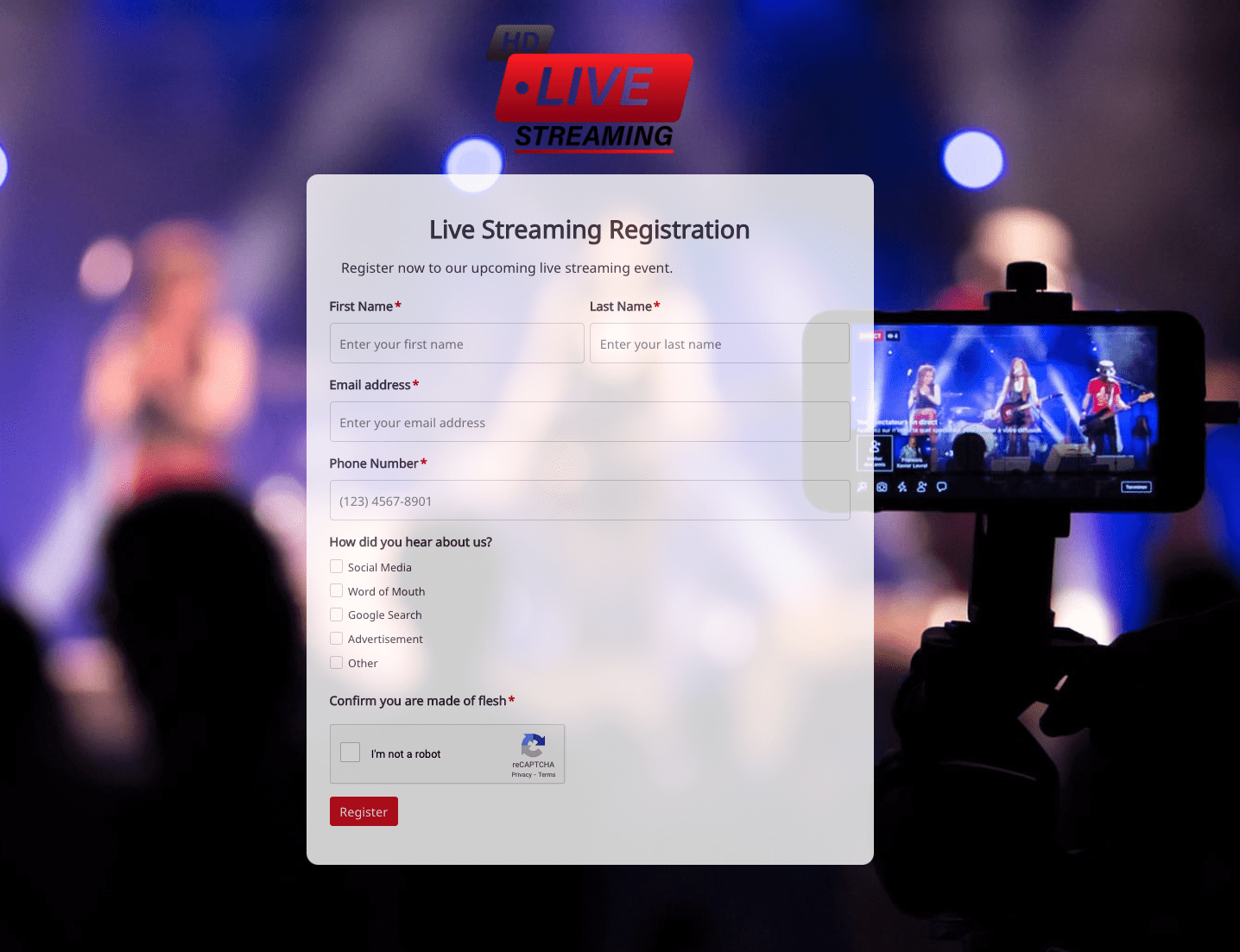 Live Streaming Registration Form
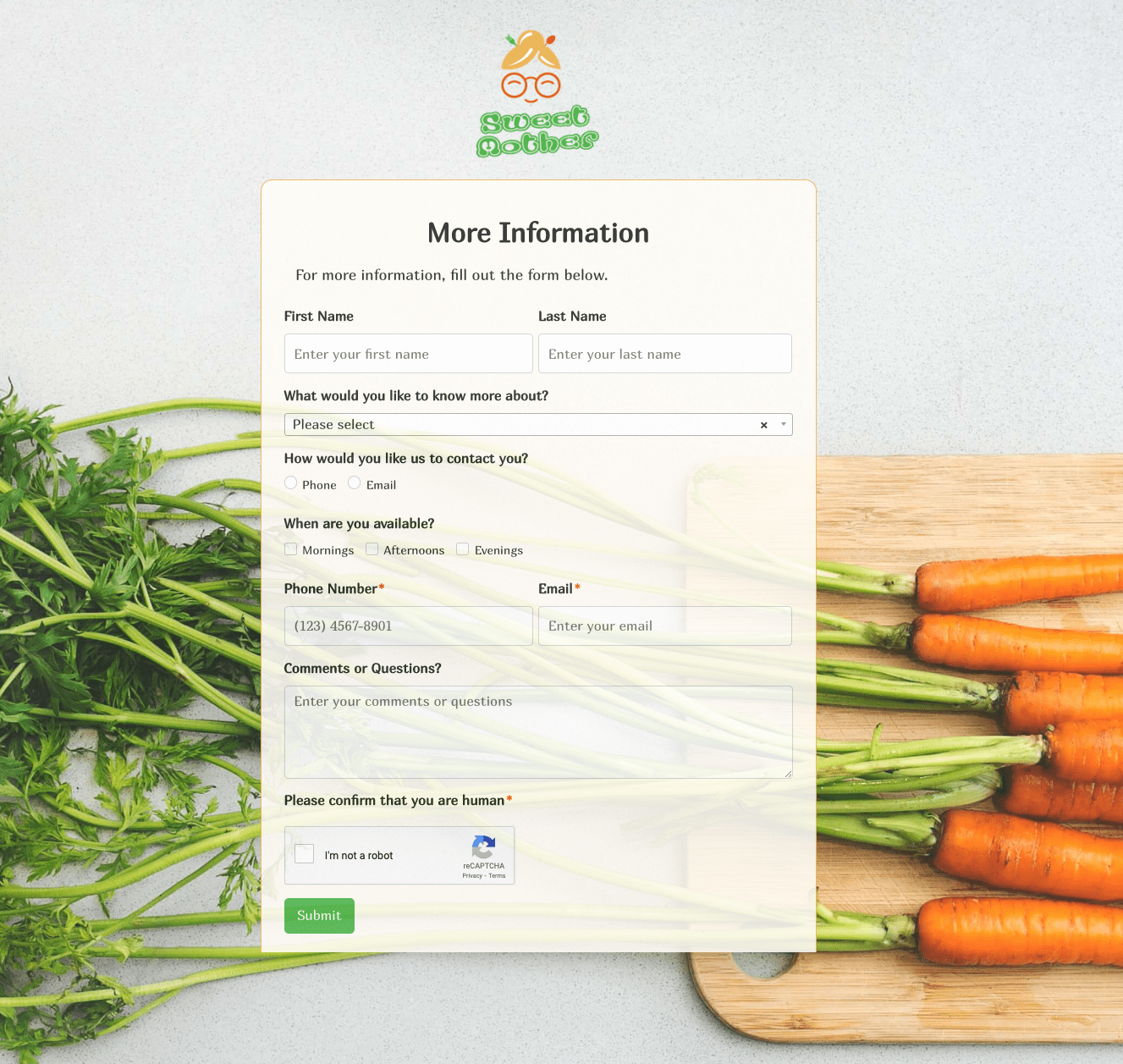 More Information Form
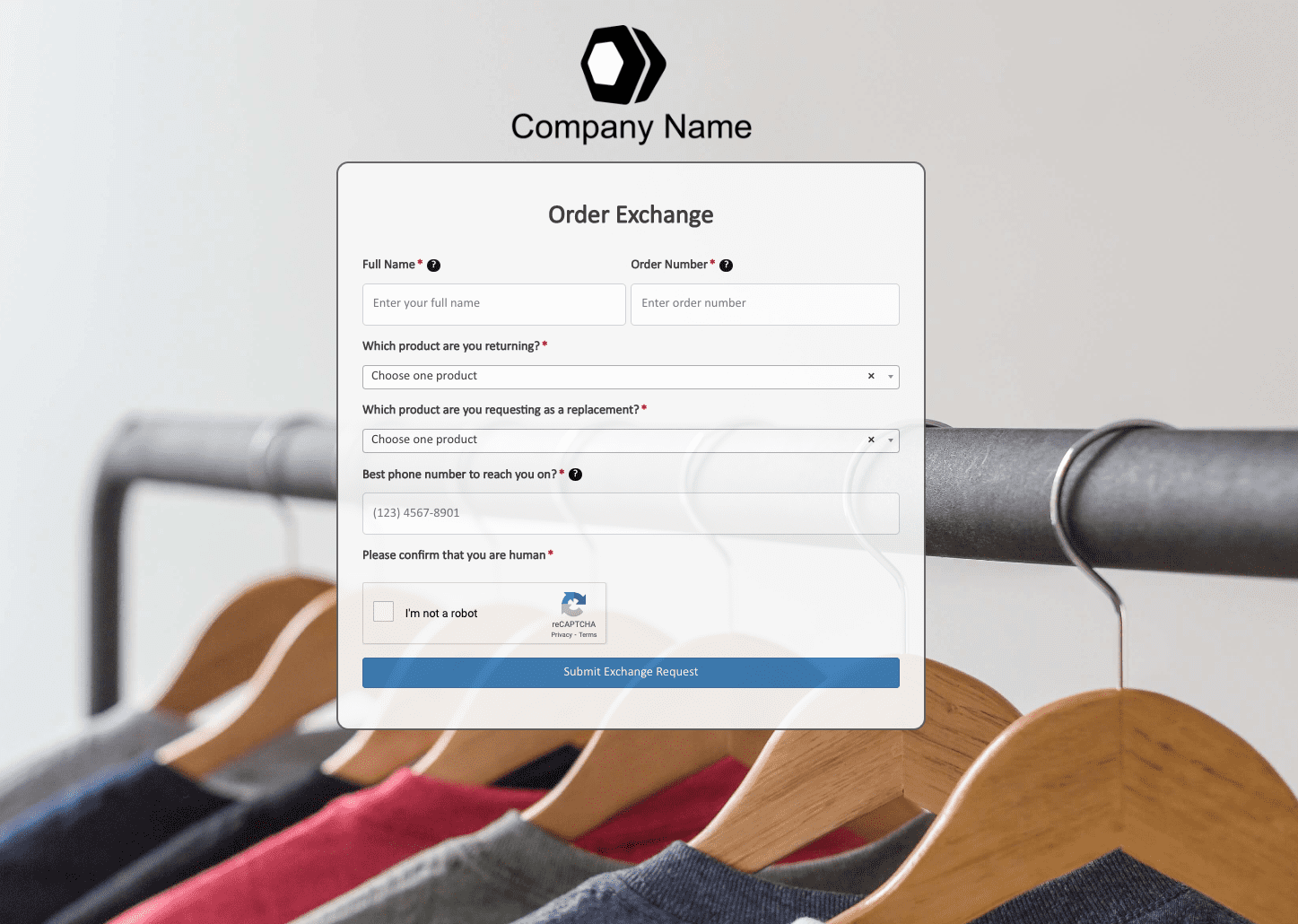 Order Exchange Form
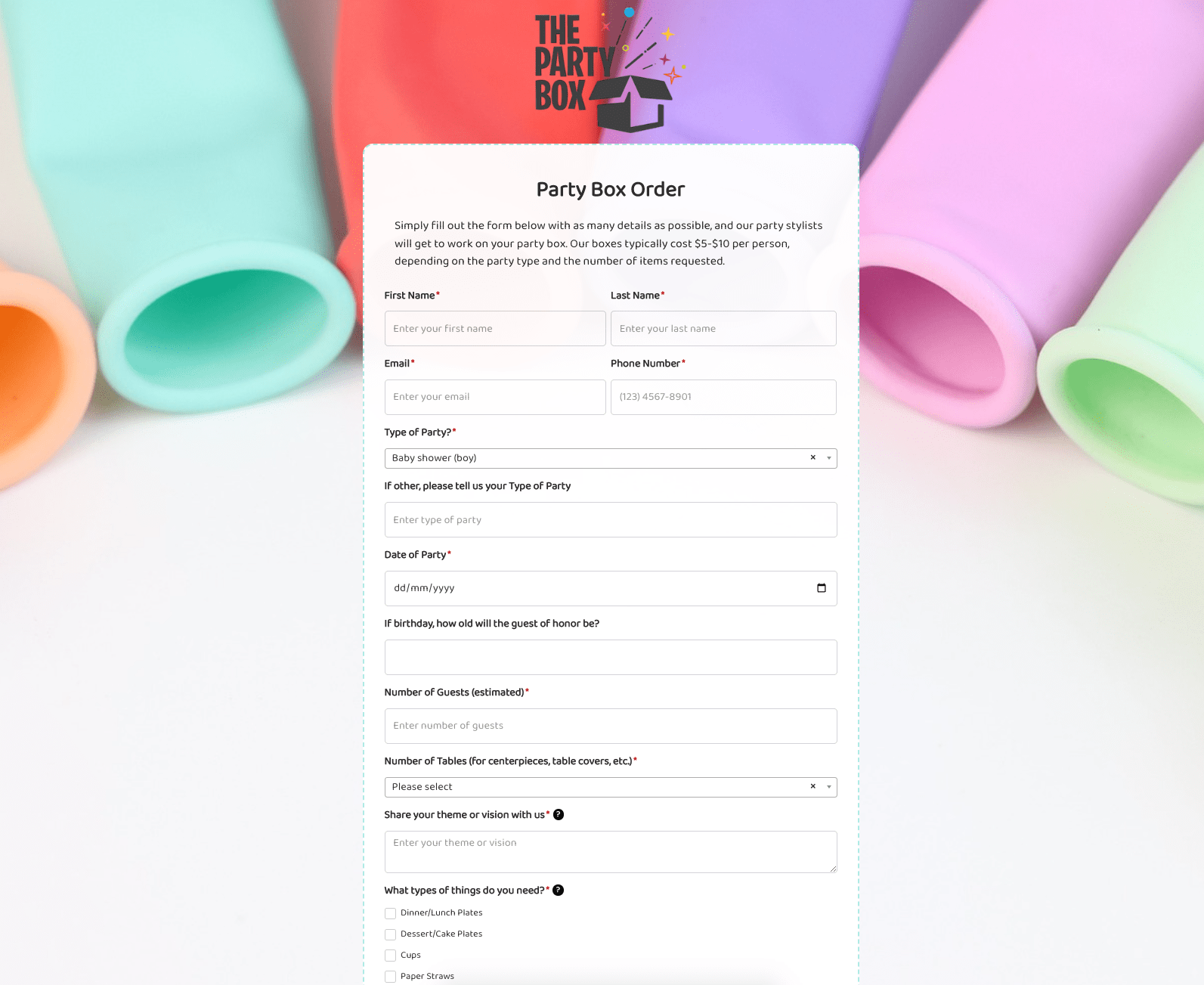 Party Box Order Form
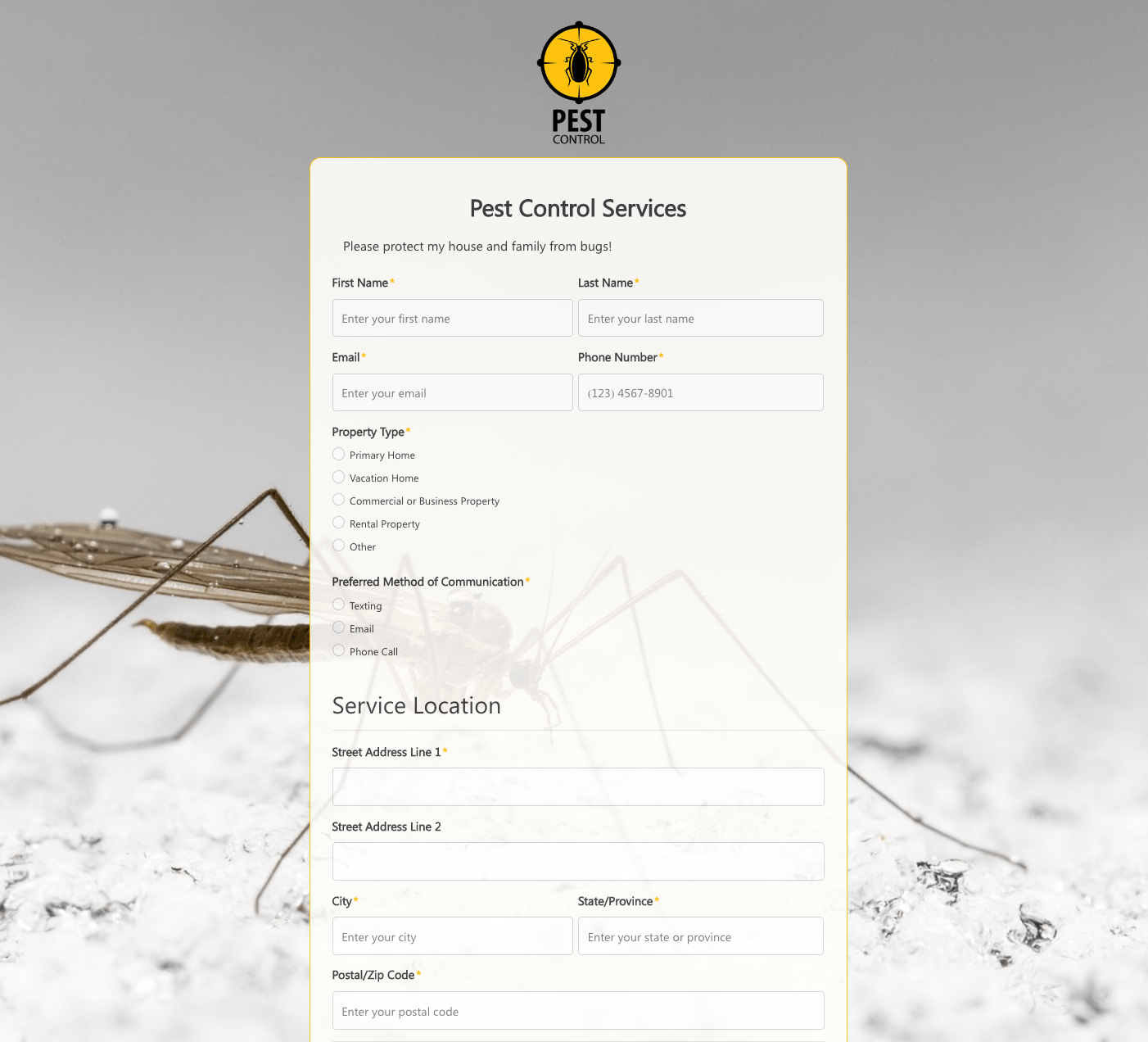 Pest Control Services Form
 Poll / Survey Form
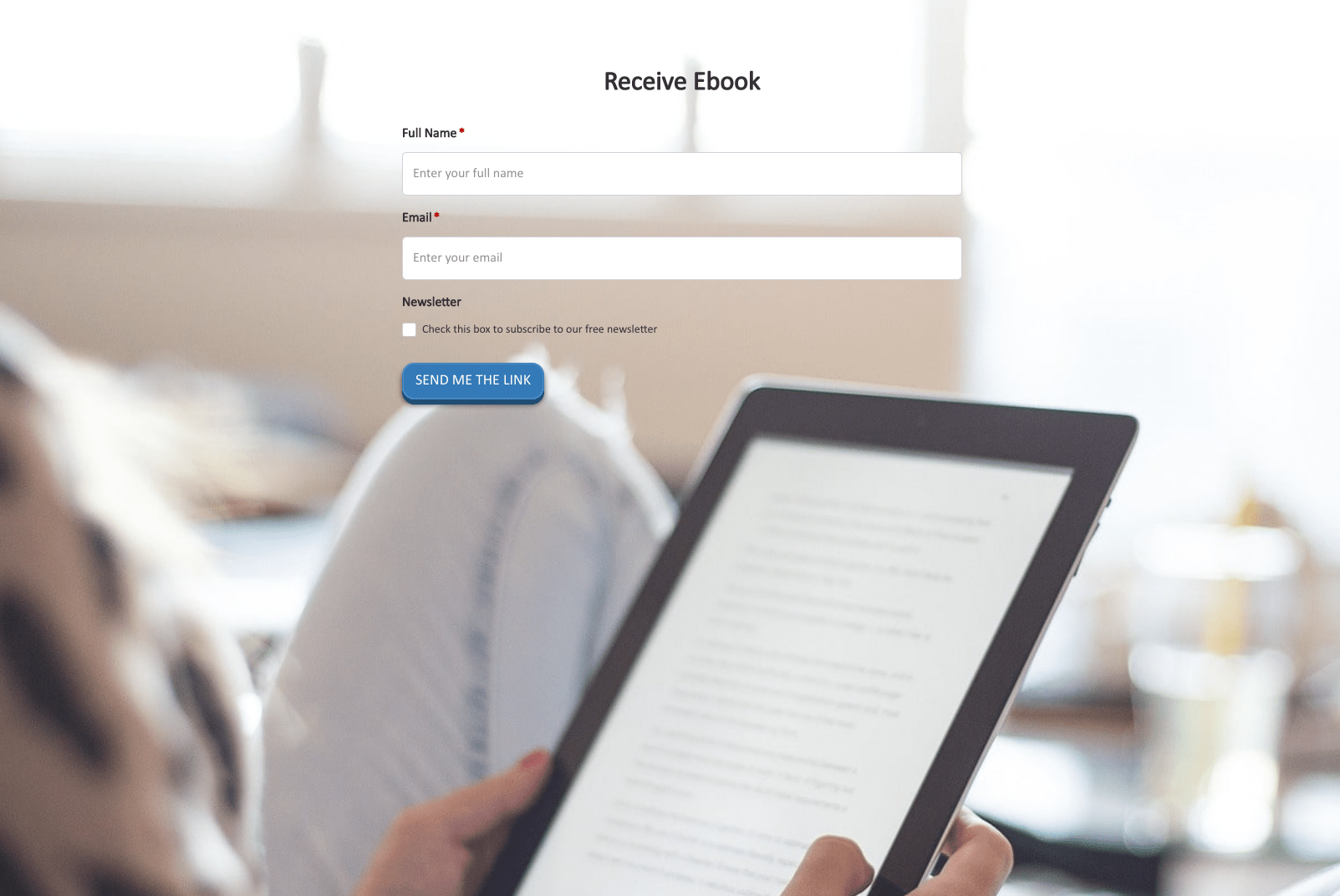 Receive Ebook Form
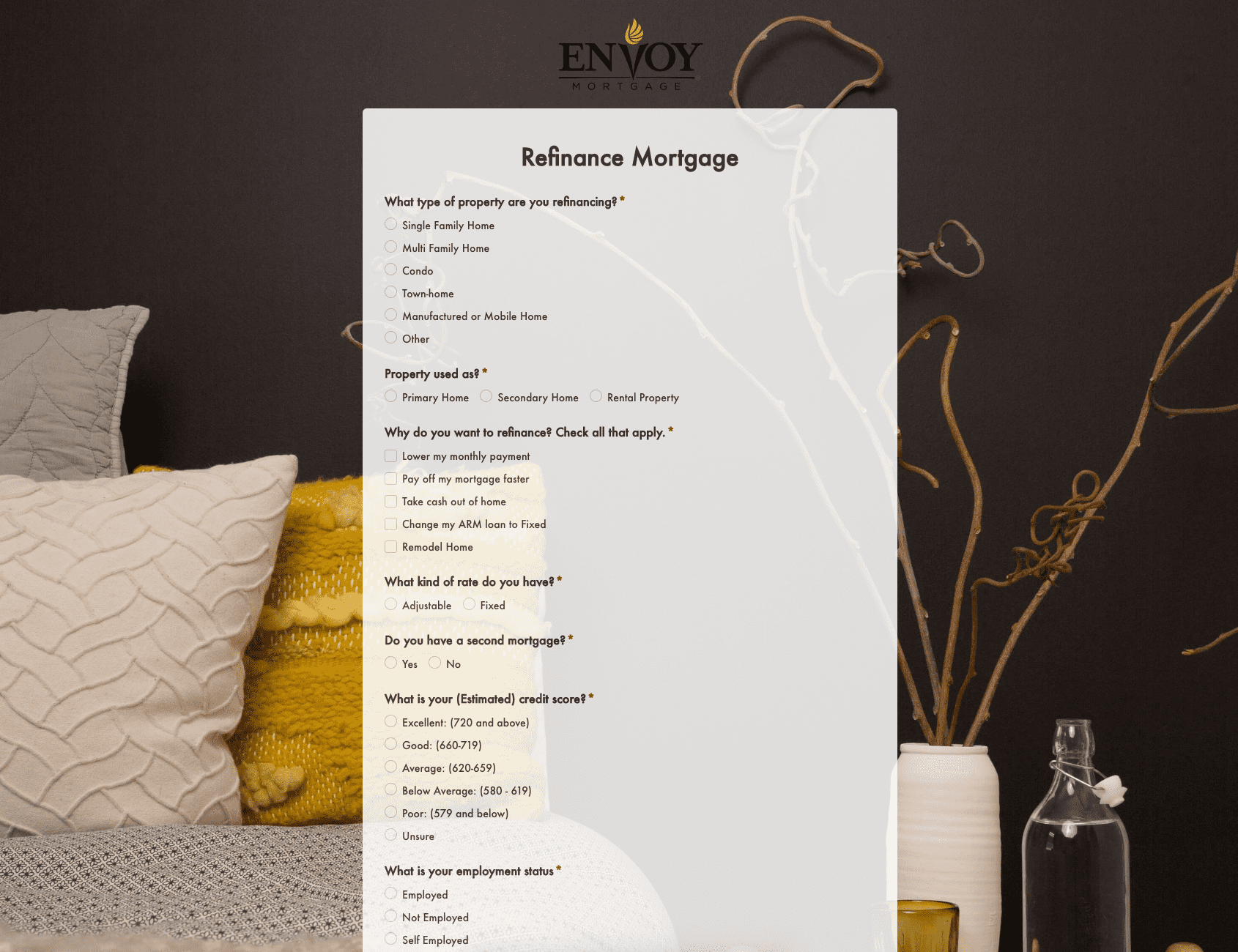 Refinance Mortgage Form
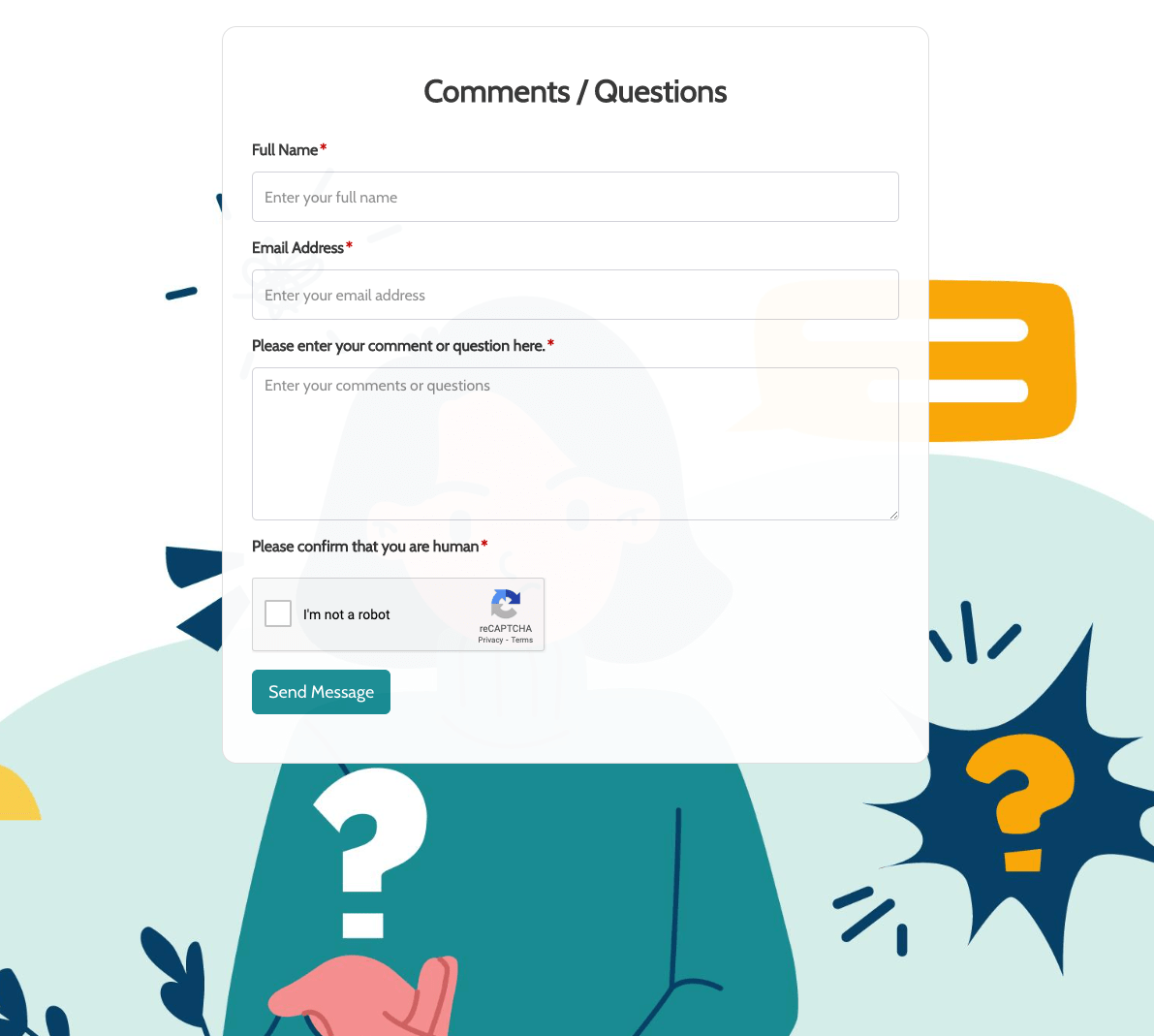 Remarks / Questions Form
 Report Driver Form
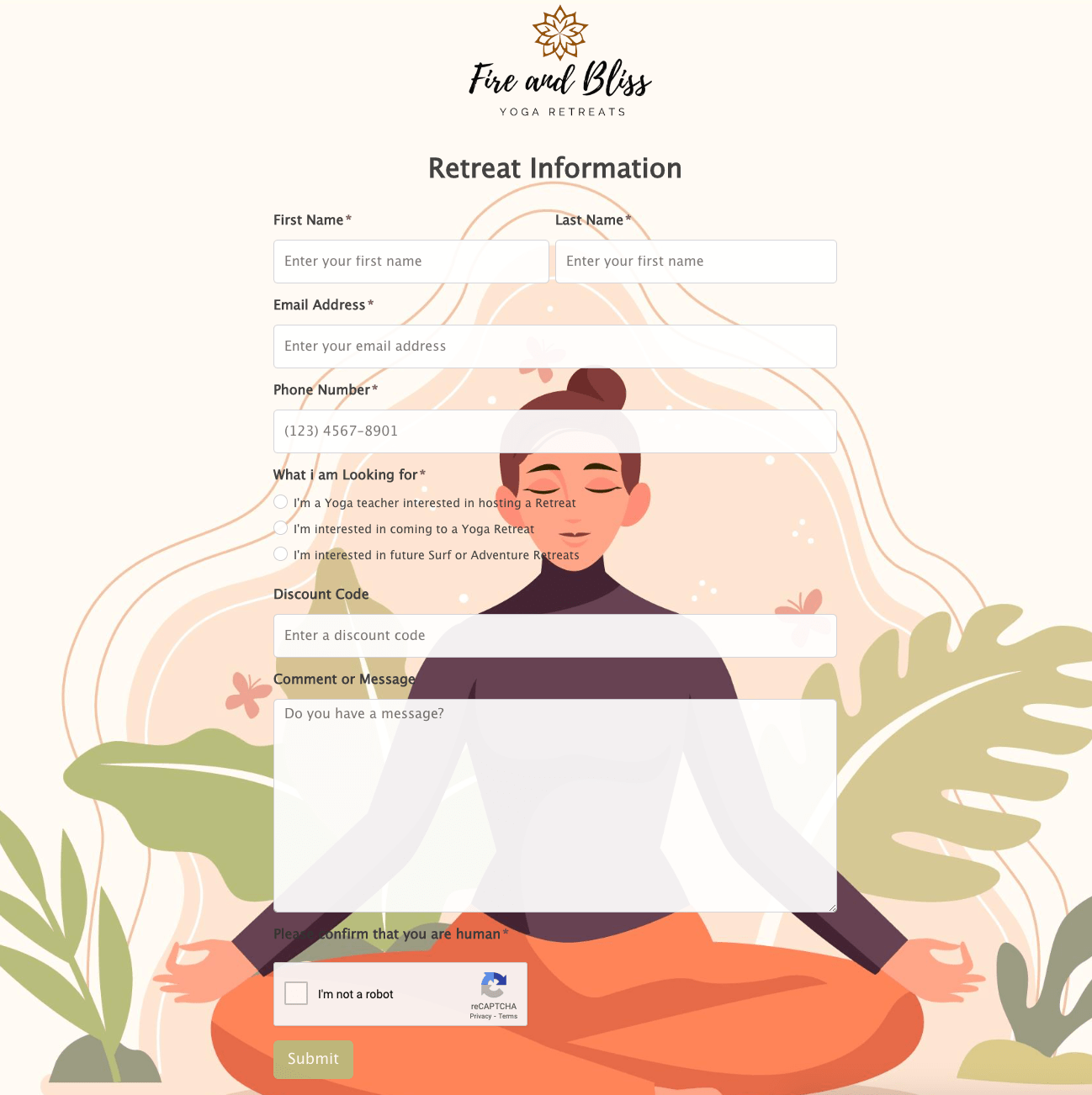 Retreat Information Form
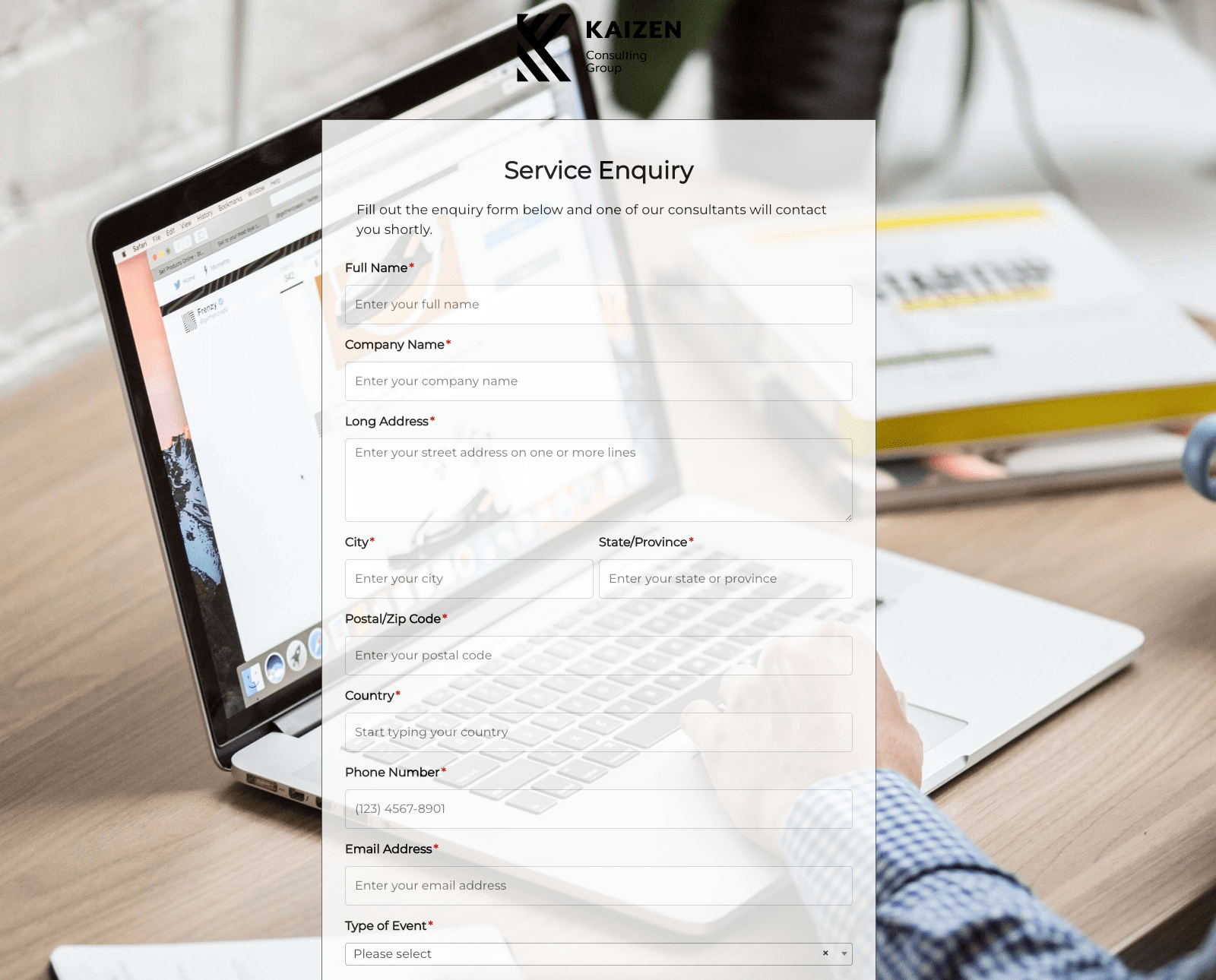 Service Enquiry Form
 Skydiving Registration Form
 Spare Part Enquiry Form
 Staff Application Form
 Submission Form
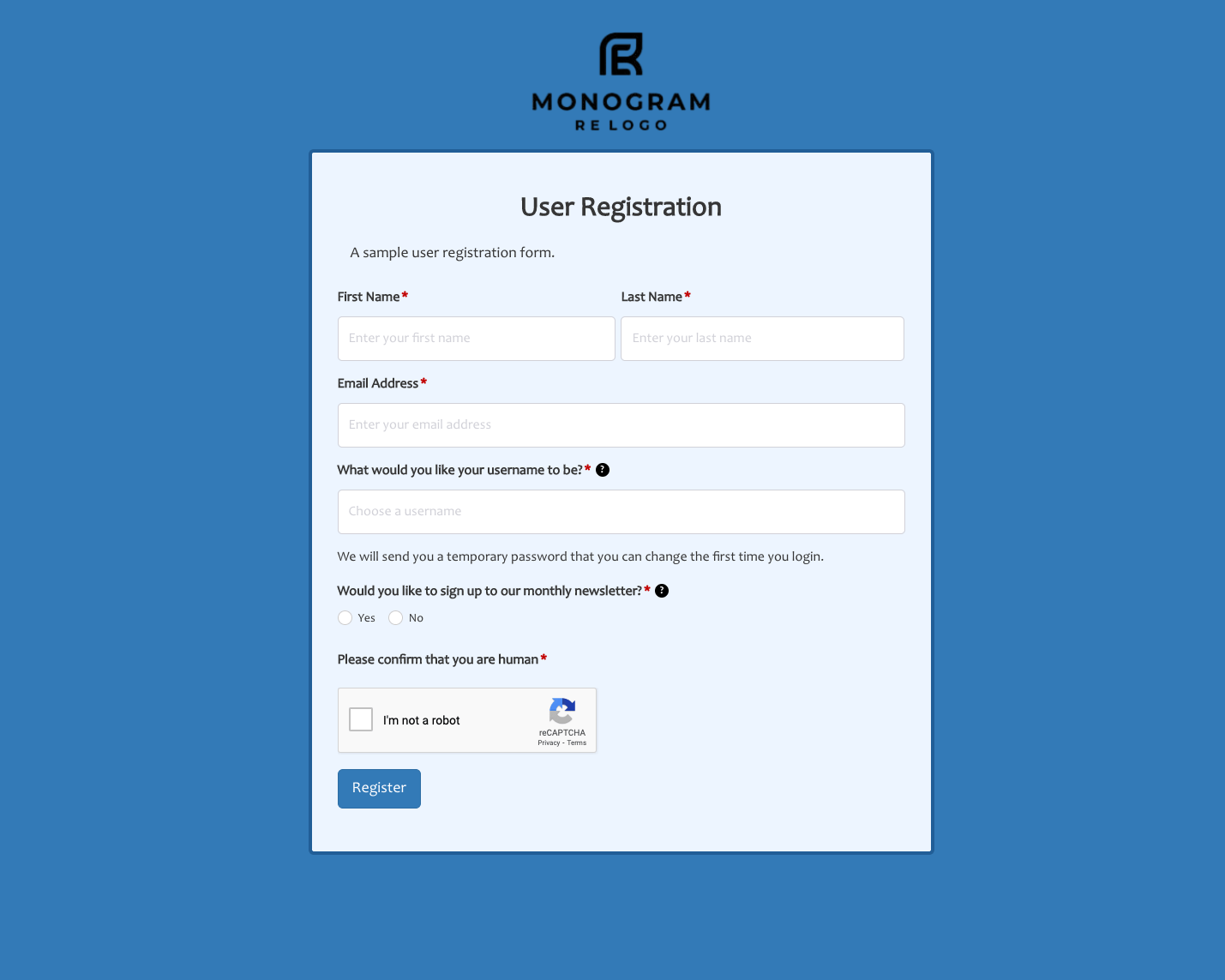 User Registration Form
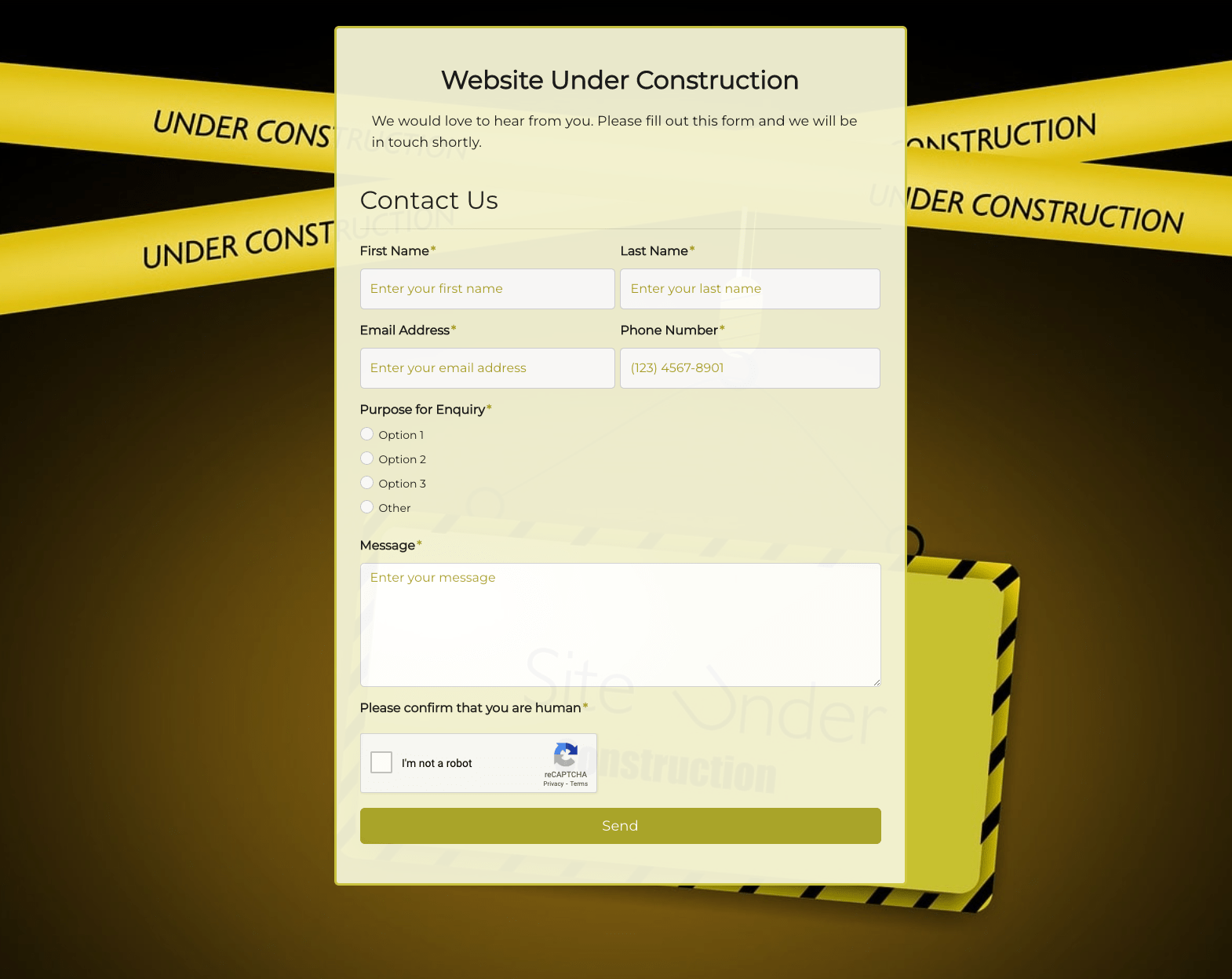 Website Under Construction Form
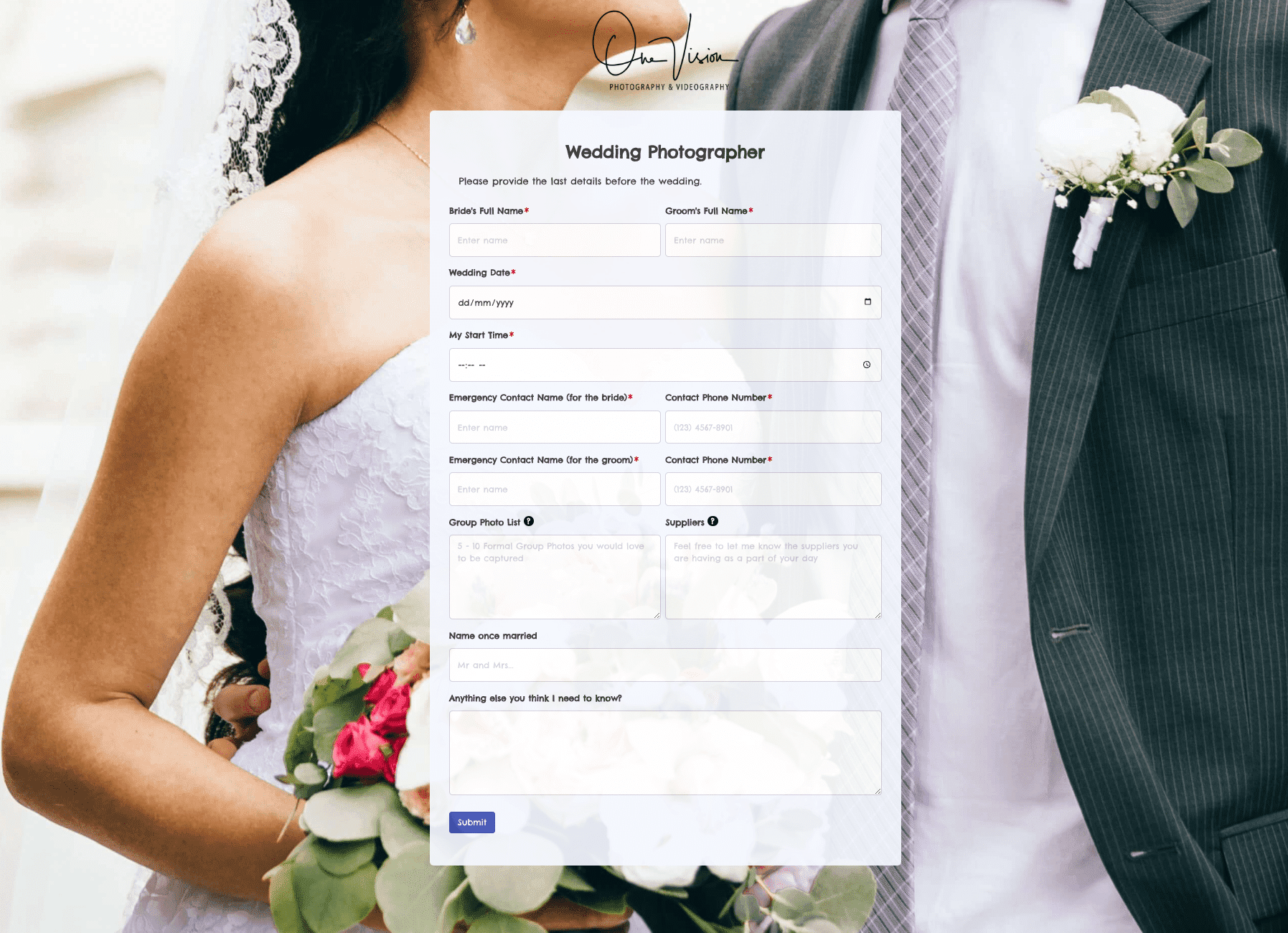 Wedding Photographer Form
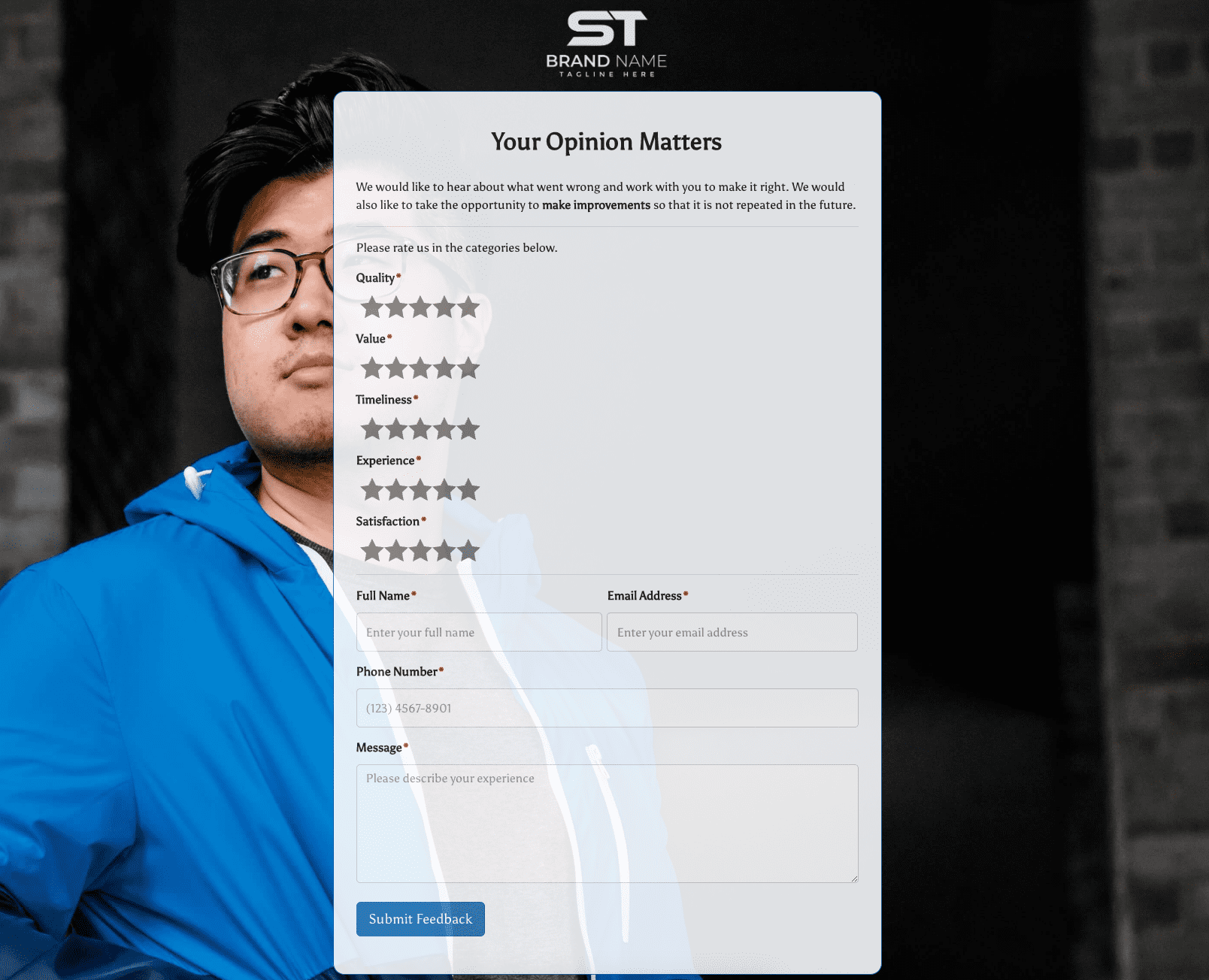 Your Opinion Matters Form