A visitor is halfway through a booking enquiry when a bright movement catches the edge of their vision. They look back at the question and read it again. The video beside the form may be attractive, relevant, and technically smooth. It can still be doing the wrong job at the exact moment the visitor needs to understand a condition.
When a website team commissions an ambient clip through an AI Video Generator, the evaluation should include the nearby reading task. The question is whether the motion interrupts comprehension, not whether the asset looks impressive on its own. A decorative scene that works in a large hero area may be a poor neighbour for a form asking someone to make a careful choice.
How Nearby Movement Interrupts a Difficult Form Question
Inspect the form before deciding where animation belongs. Some fields require almost no interpretation: a familiar name field is usually straightforward. Other questions ask the visitor to distinguish between options, understand eligibility, or decide whether a service fits their situation. Those are the places where competing movement deserves closer attention. Improving an unclear question should come before decorating the space beside it.
Consider a hypothetical workshop booking form asking whether the visitor needs introductory instruction or already has the required experience. The difference affects which session is appropriate. A looping scene made with an AI video generator, showing materials swirling across a desk, might fit the workshop's visual identity, yet draw attention away from the sentence explaining the options. The relevance of the subject does not settle the question of placement.
MakeShot can supply a generated atmospheric scene for a web design experiment. Keep that role separate from form behaviour. Generating a clip does not add validation, improve the wording, or tell the site which visitors are confused. The team still controls the form, the surrounding page, and the way the asset is presented. Judge the entire arrangement rather than assigning the tool responsibility for a decision made in layout.
Compare Stillness With Two Different Motion Intensities
Prepare a comparison that includes no decorative motion. Without that baseline, the team may only choose between two distractions. A second version can use restrained movement in a limited area. A third can use a more active version of the same visual idea. These are proposed design conditions, not a claim that any particular level of motion has already been tested with visitors.
MakeShot's prompt-led generation allows the team to request different scene behaviour. For example, a single ribbon moving gently in the background is a different brief from several ribbons sweeping across the frame. The outputs will not be perfectly controlled laboratory stimuli. Select candidates that are similar enough in subject and composition for the comparison to remain useful, and acknowledge differences that cannot be held constant.
Keep the form wording and layout unchanged while comparing the candidates. If the animated version also has clearer labels and a larger button, any improvement could come from those changes. The team can still make several improvements at once when shipping a page, but a focused comparison answers a narrower question: what does this nearby motion do to this reading task?
Use the actual display size. A quiet-looking movement in a large preview can become visually dense when cropped beside a narrow form. Conversely, a small detail may disappear entirely. Check the page at the layouts visitors will encounter. The asset's dimensions and placement affect its prominence, so approval of the standalone video should remain provisional until the page is reviewed.
Watch for Hesitation Instead of Asking About Taste
Ask a willing reviewer to complete a realistic task using fictional information. Avoid personal or sensitive details in an informal design check. Watch where they stop, reread, or ask what a question means. Then ask them to explain their interpretation. A statement that the animation looks nice does not answer whether they understood the choice correctly.
The video AI generator gives the team visual candidates; the task observation supplies a different kind of evidence. If a reviewer repeatedly looks away during the explanatory sentence, investigate the motion's timing and position. Do not automatically blame the video. The question itself may be unclear, and a small informal check cannot establish a general conversion effect.
A simple record helps keep observations distinct from guesses. Note the question being read, the visible interruption, and what the reviewer said afterwards. Avoid translating a single pause into a percentage improvement or a claim about all customers. A pause may indicate thought rather than confusion. Its meaning comes from the person's explanation and the surrounding task.
Order can influence an informal comparison. Someone who has already read the same question twice may answer more quickly on the third version simply through familiarity. Vary which presentation appears first when practical, and keep that limitation in the notes. The observation is about a possible interruption, not a clean measurement of the isolated effect of motion.
Different reviewers may reasonably prefer different presentations. One may find the background calming while another finds its repeated sweep distracting. That disagreement is a reason to consider a quieter default or a user-controlled experience, not to declare one participant wrong. The site design should support people who need to read at their own pace.
Change the Placement Before Regenerating the Entire Asset
If the clip is distracting beside a difficult question, move it away from that part of the page or remove it. A separate introductory area may give the same visual room to work without competing with the form. These are page-design choices. They may solve the problem more directly than generating increasingly subtle versions of an asset whose location is the real issue.
Recheck the form after making the change. A layout that removes the video but leaves a large empty panel may create a new distraction or push useful information out of view. The objective is a readable task area. Keep instructions close to the relevant field and make the distinction between choices easy to follow in the finished arrangement.
Informal Checks Still Need a Narrow Interpretation
A few observations can reveal a problem worth fixing, but they do not establish a conversion rate, an accessibility certification, or a universal rule against animation. Formal testing and accessibility review have their own requirements. Use the exercise to identify specific interruptions and improve the page without overstating what the small comparison proves.
Retain the Version That Lets People Finish Reading
MakeShot is useful when a team wants to explore an original decorative scene and has a clear place to evaluate it. It is less useful as a remedy for a form whose questions remain confusing. The baseline without motion should always be a serious candidate, especially near a choice that needs careful reading.
Keep the visual only if it earns its place in the complete page. If removing it lets a visitor read the condition and choose an answer without an avoidable interruption, the quieter layout has done its job.
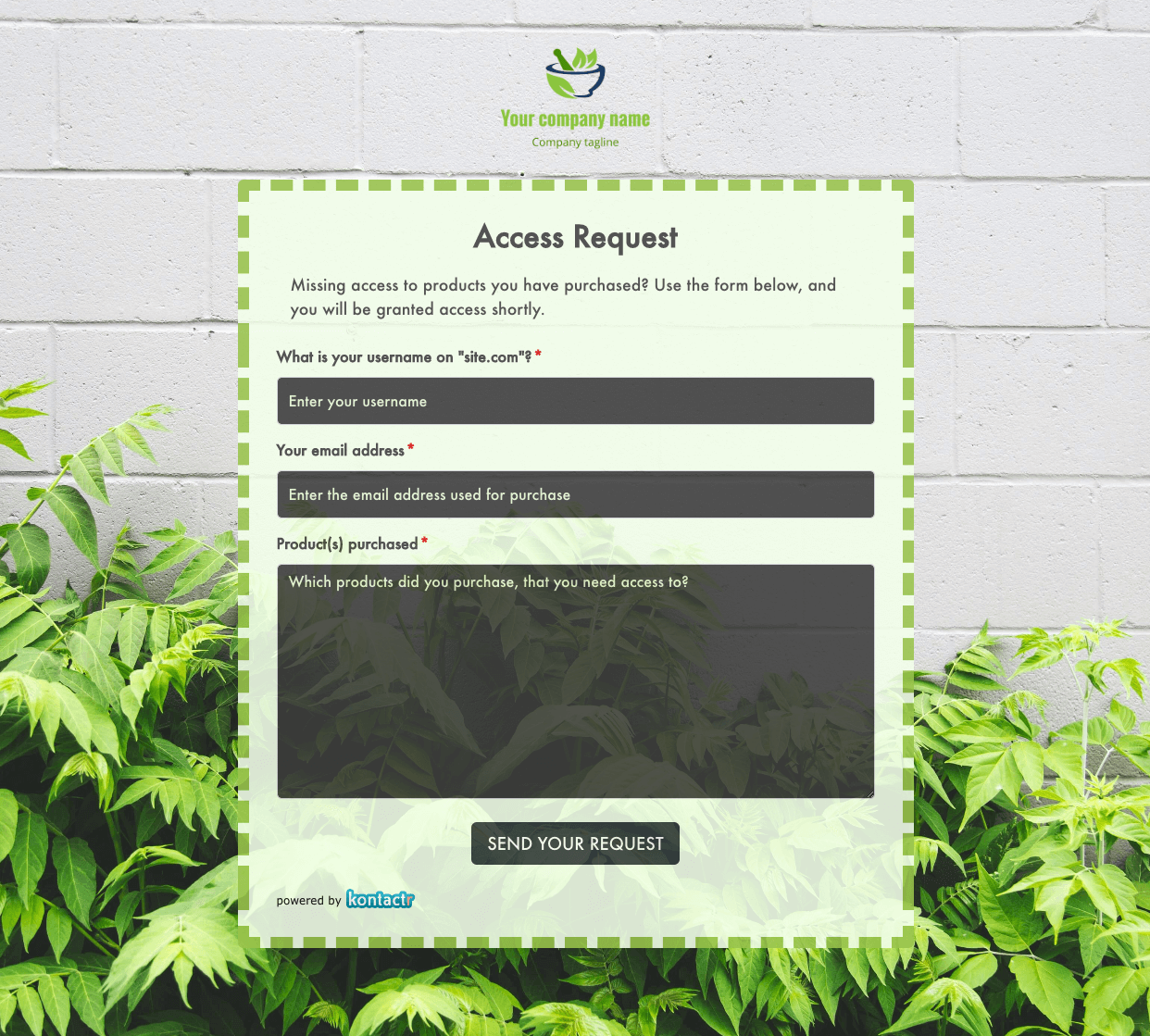 Access Request Form
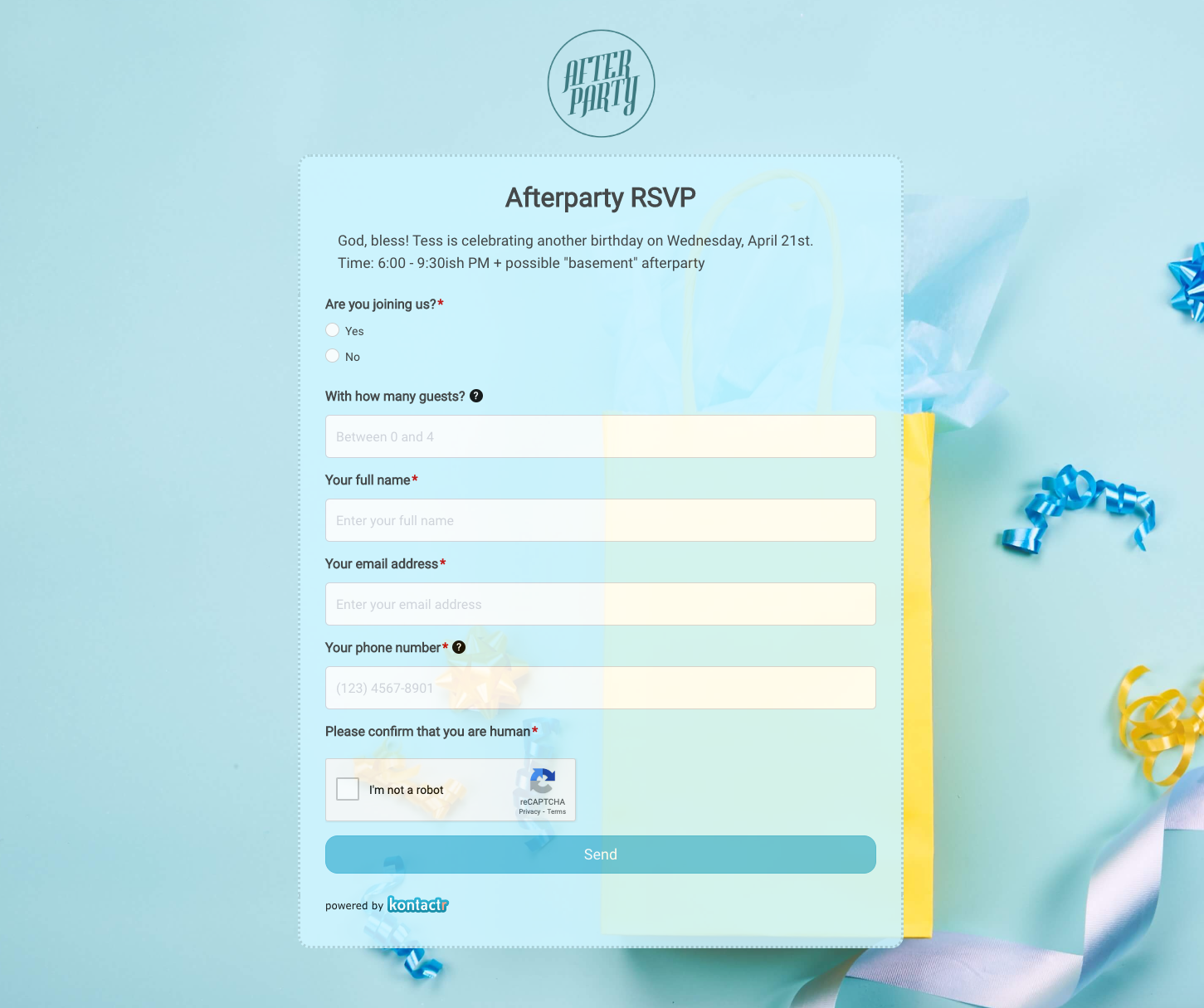 Afterparty RSVP Form
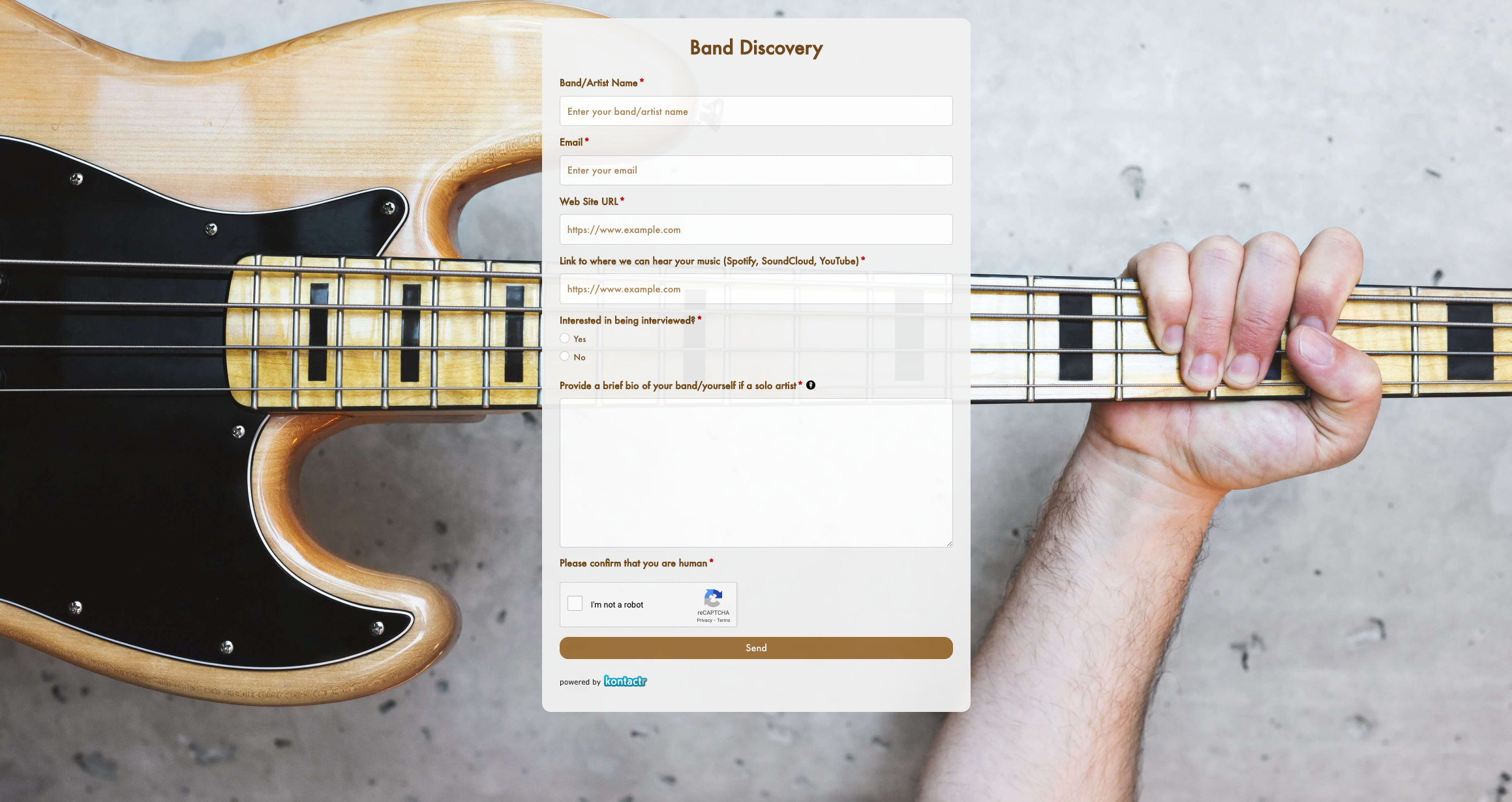 Band Discovery Form
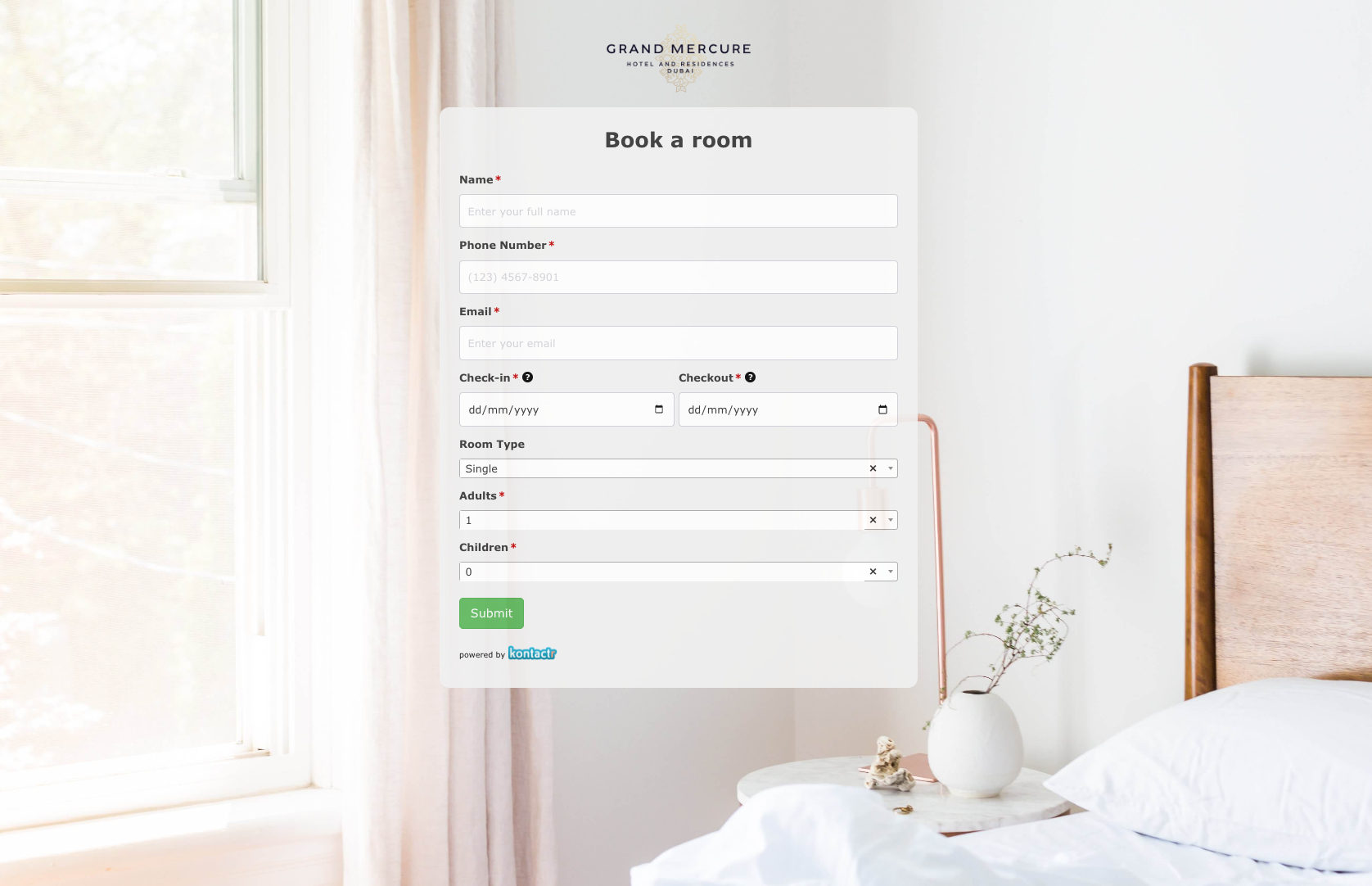 Book a room Form
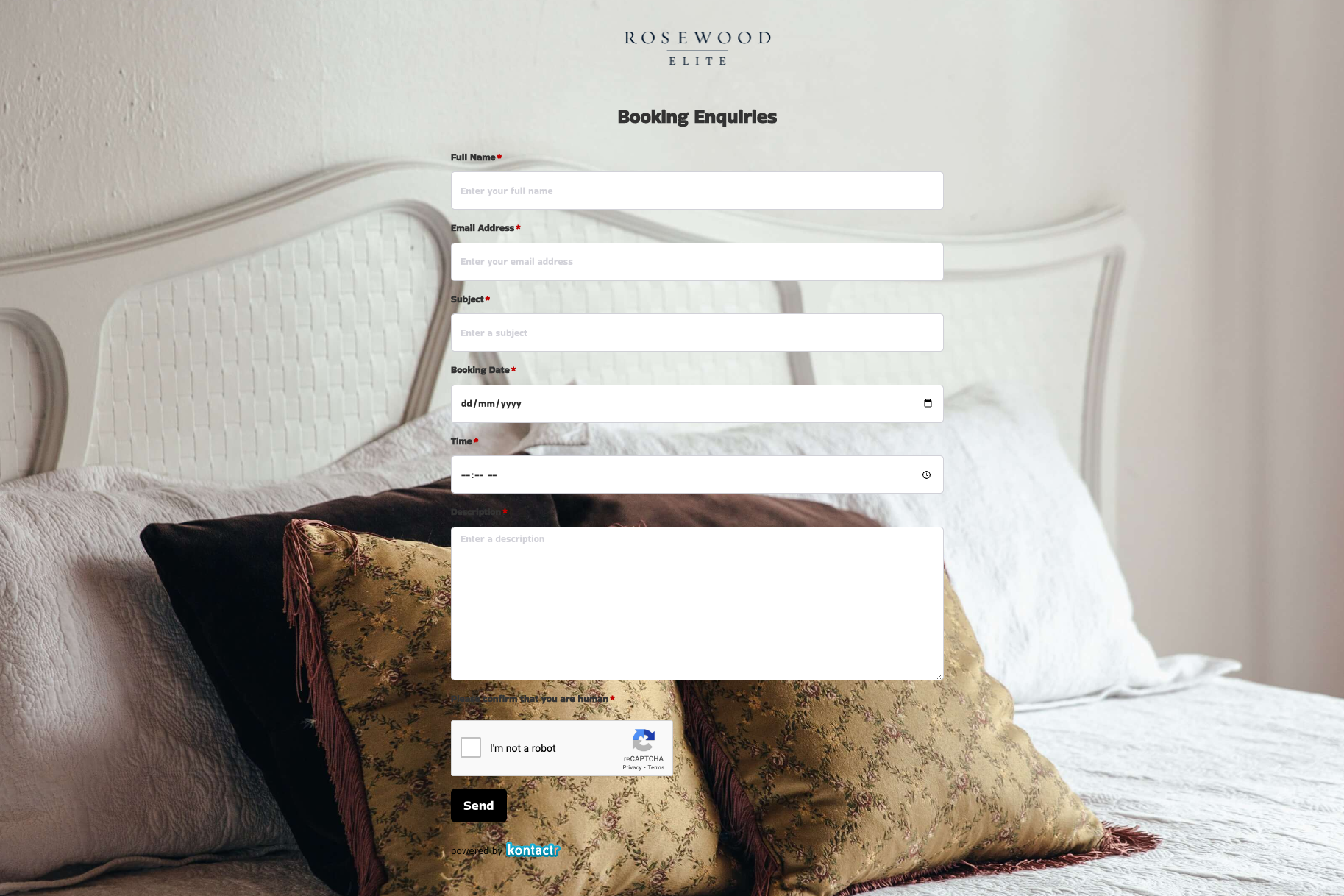 Booking Enquiries Form
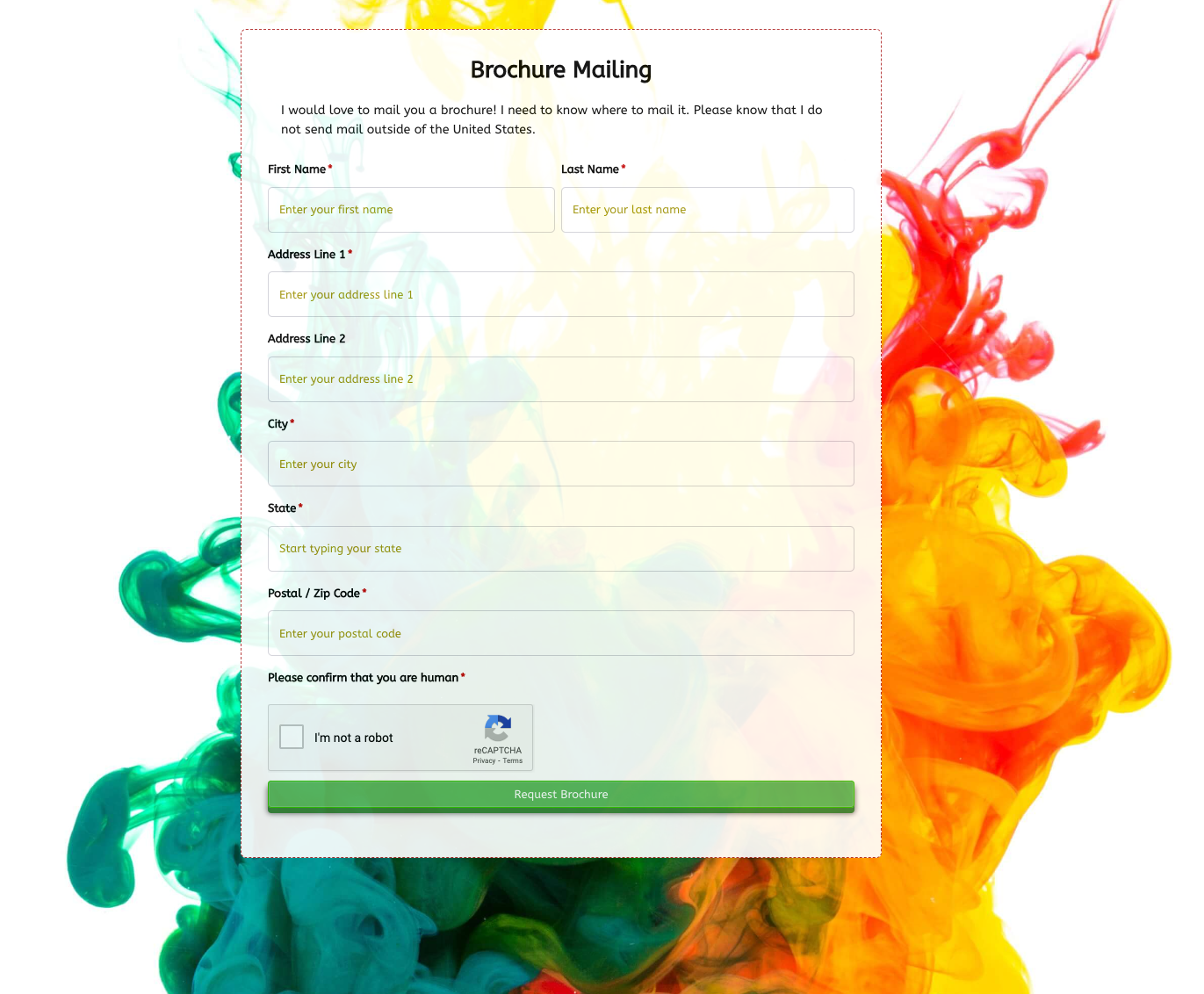 Brochure Mailing Form
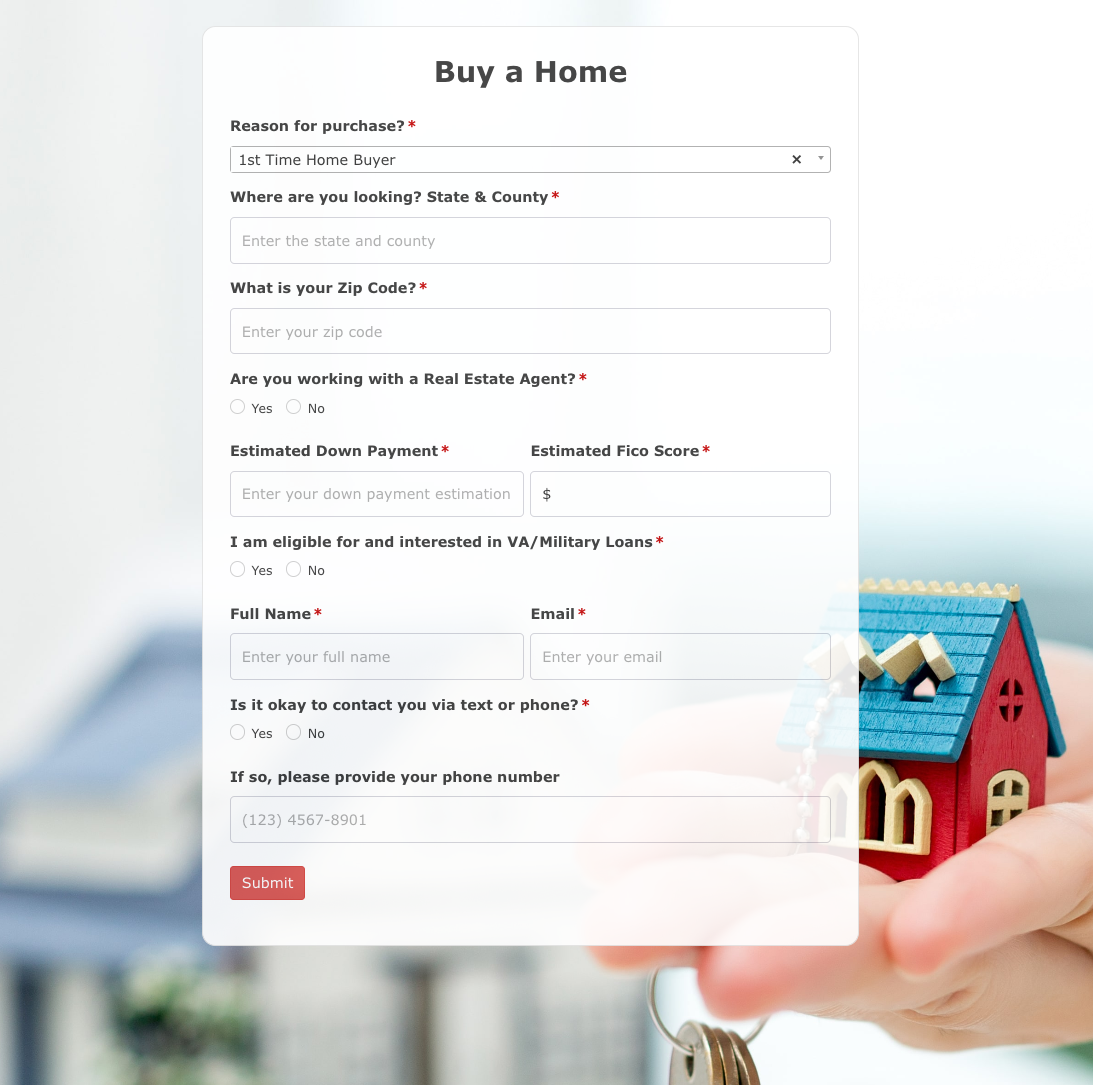 Buy a Home Form
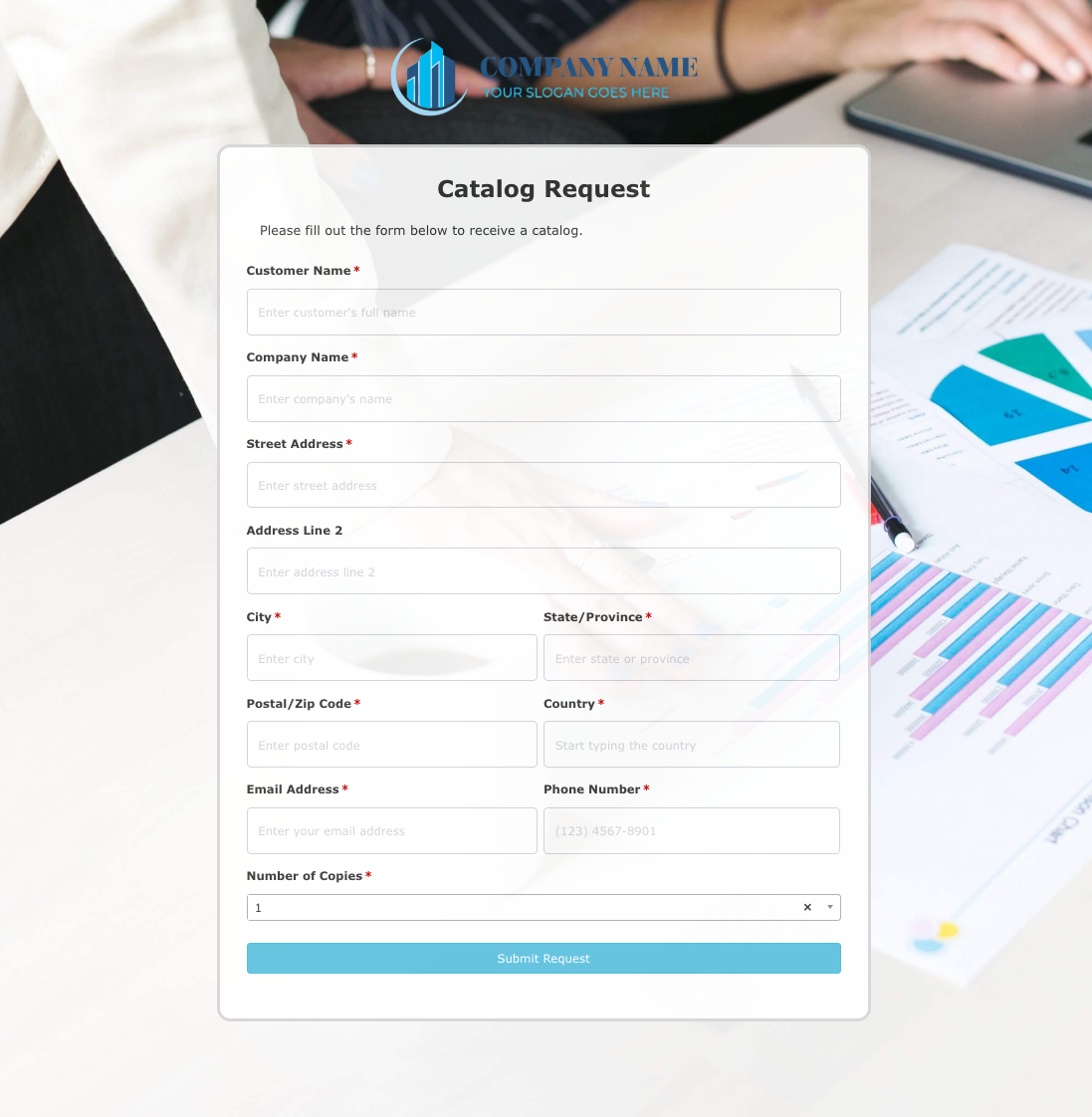 Catalog Request Form
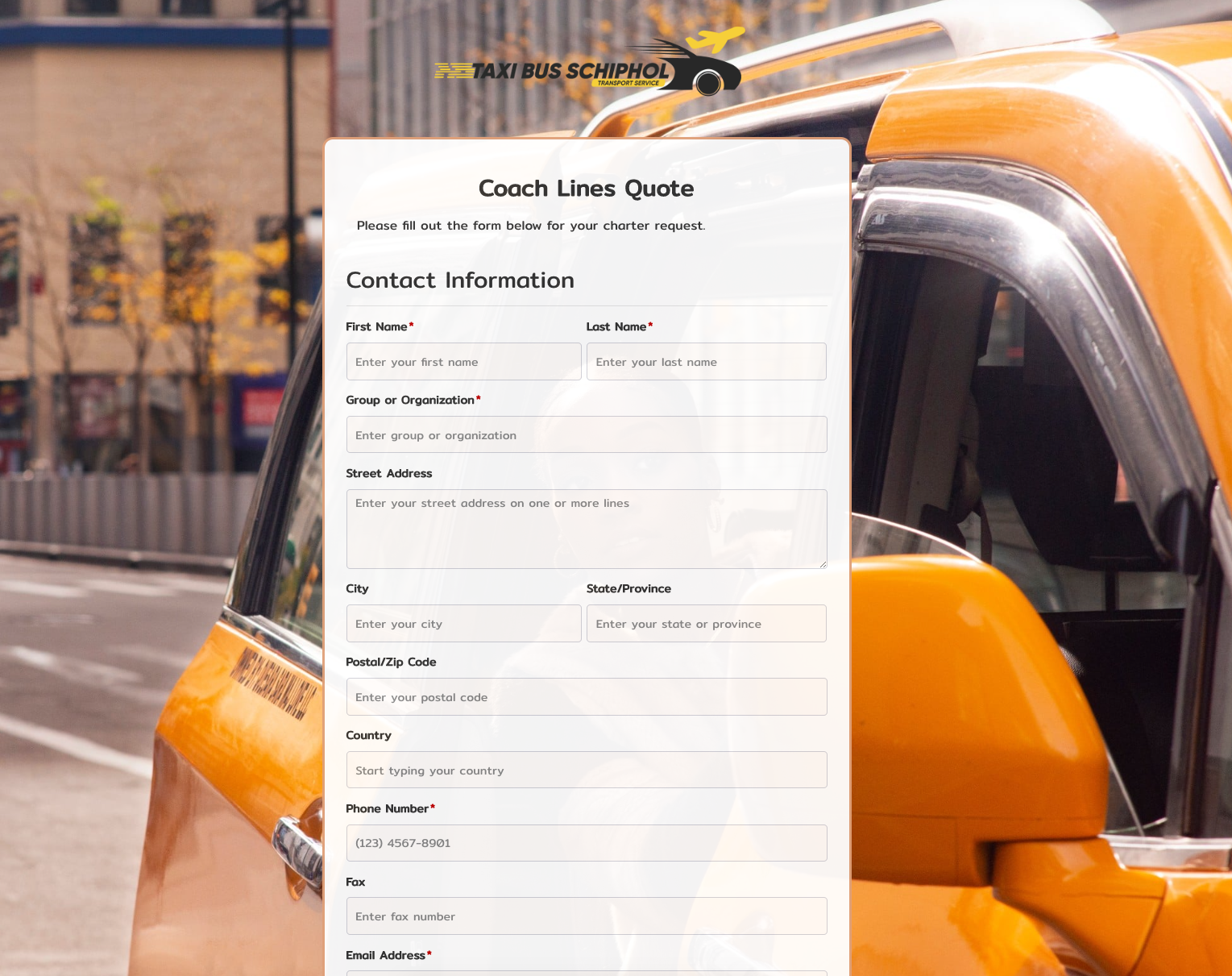 Coach Lines Quote Form
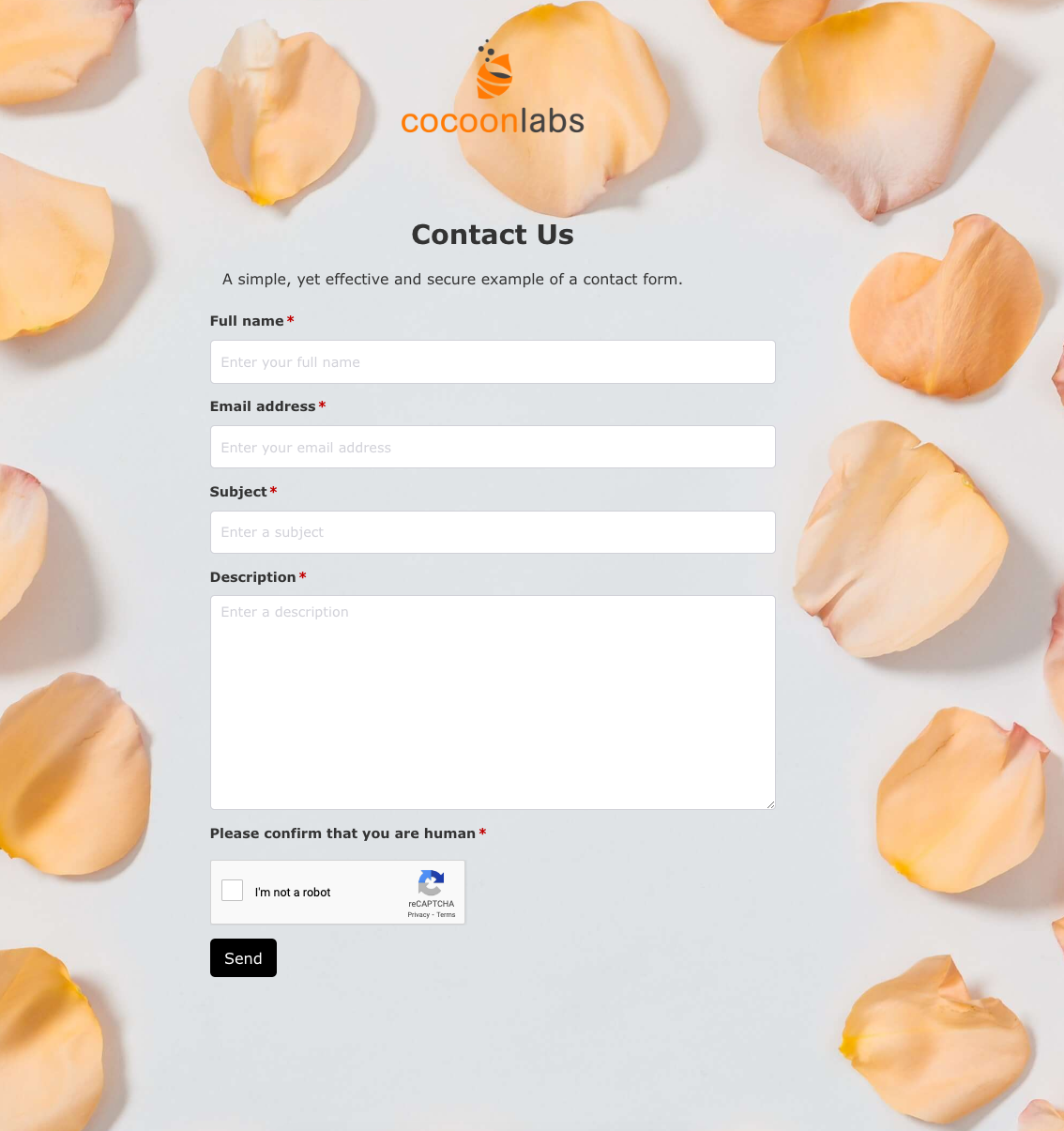 Contact Us Form
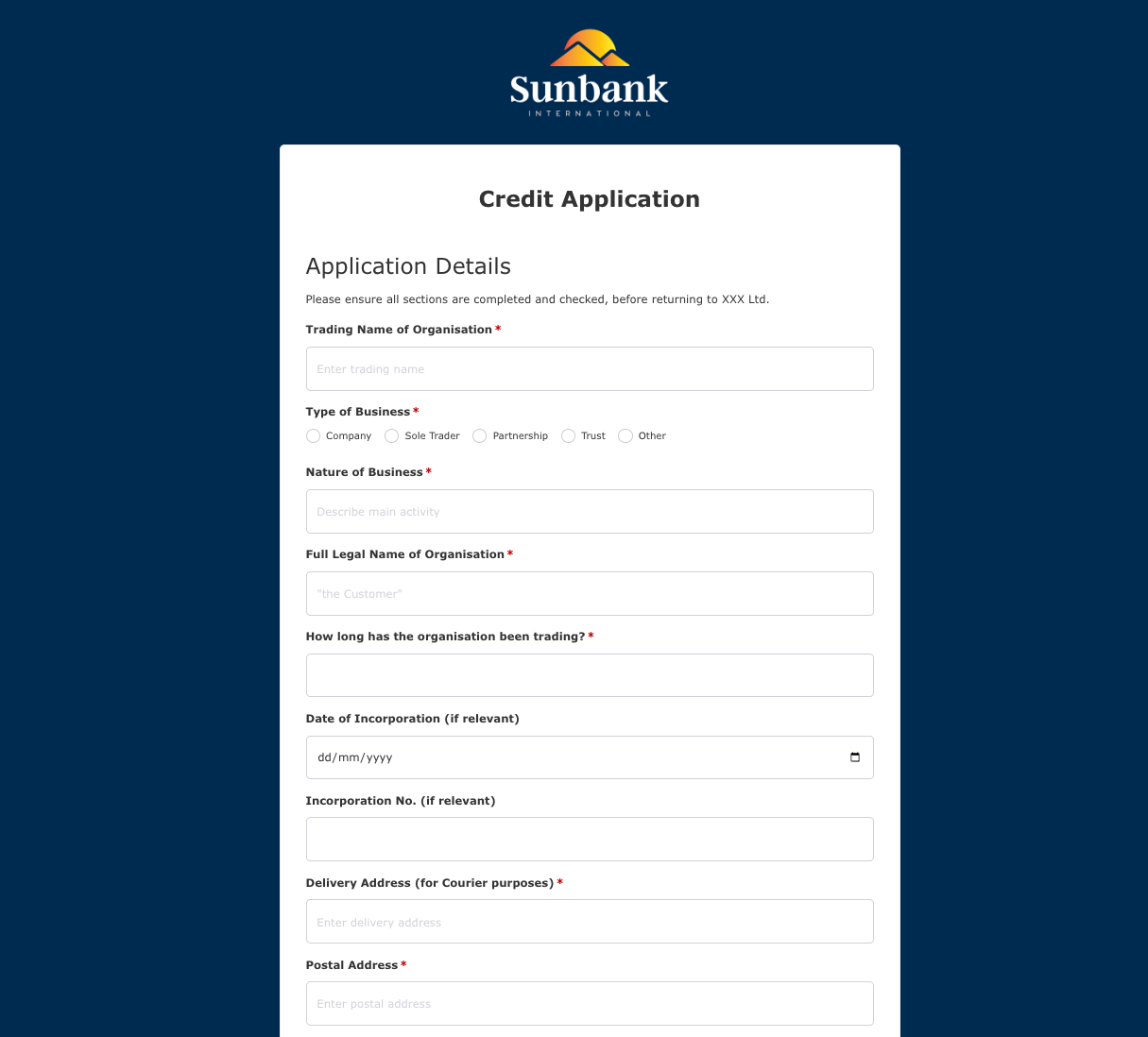 Credit Application Form
 Drop me a line Form
 Enquiry / Feedback Form
 Got a question? Form
 Instant Quote Form
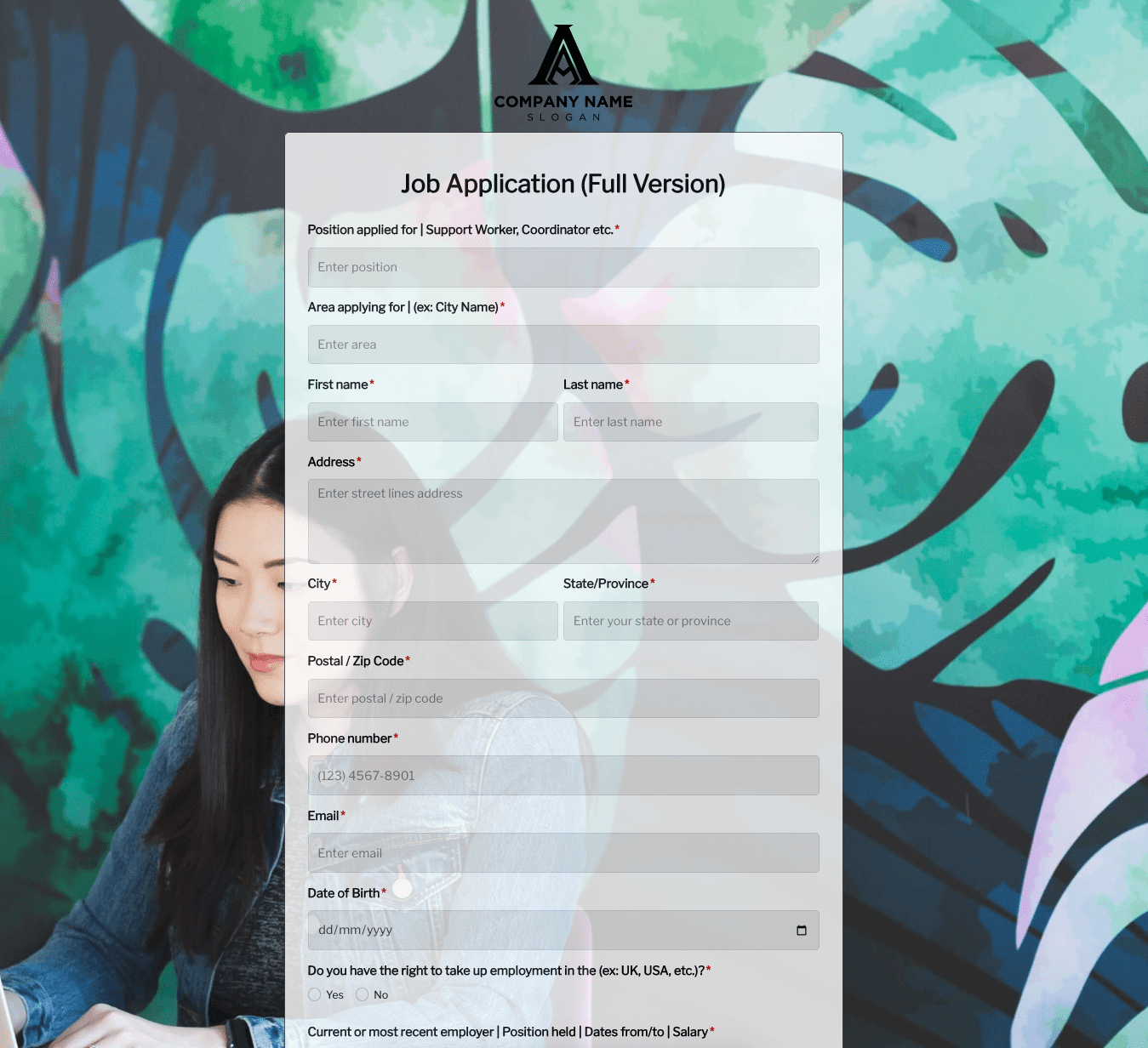 Job Application Form
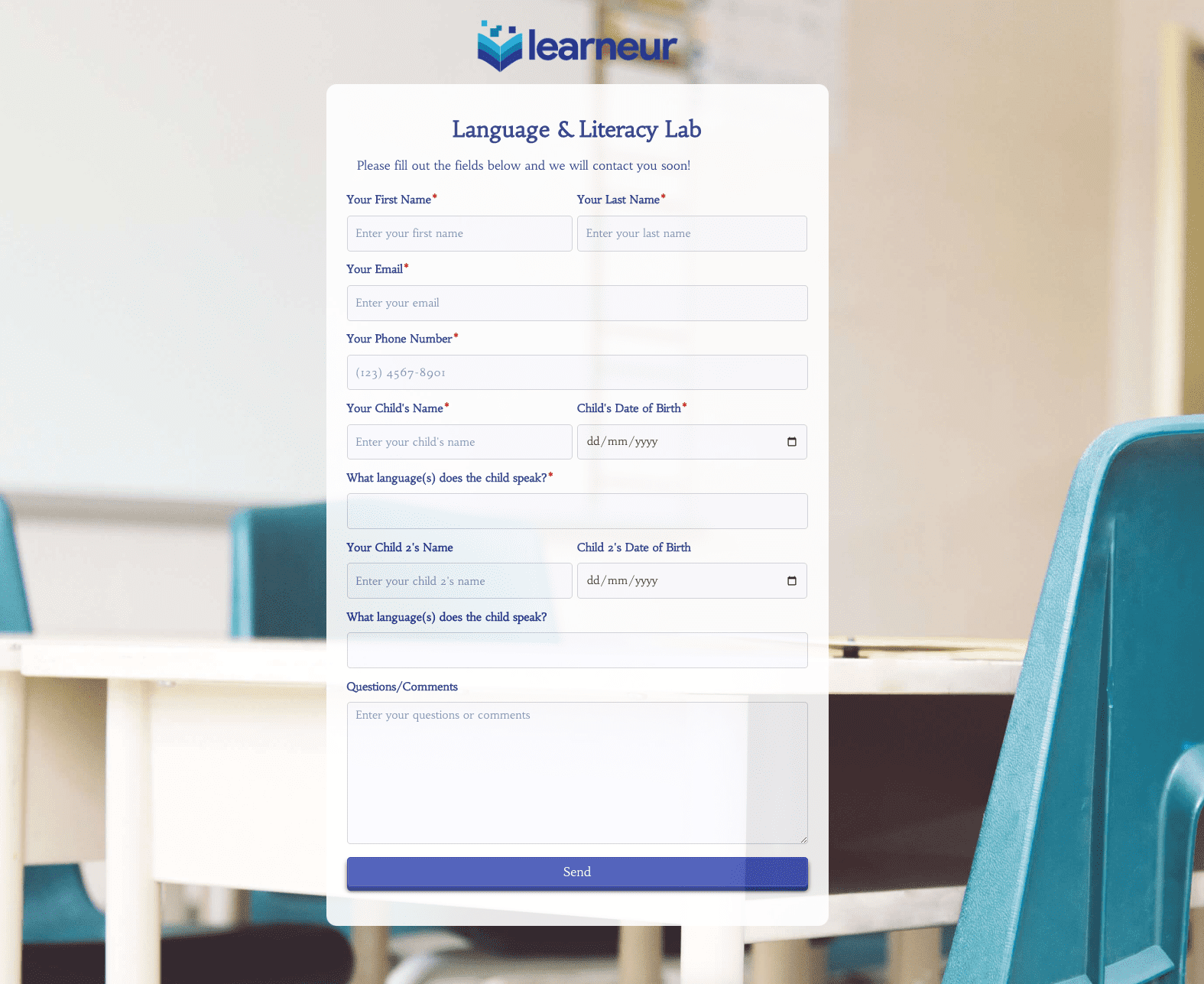 Language & Literacy Lab Form
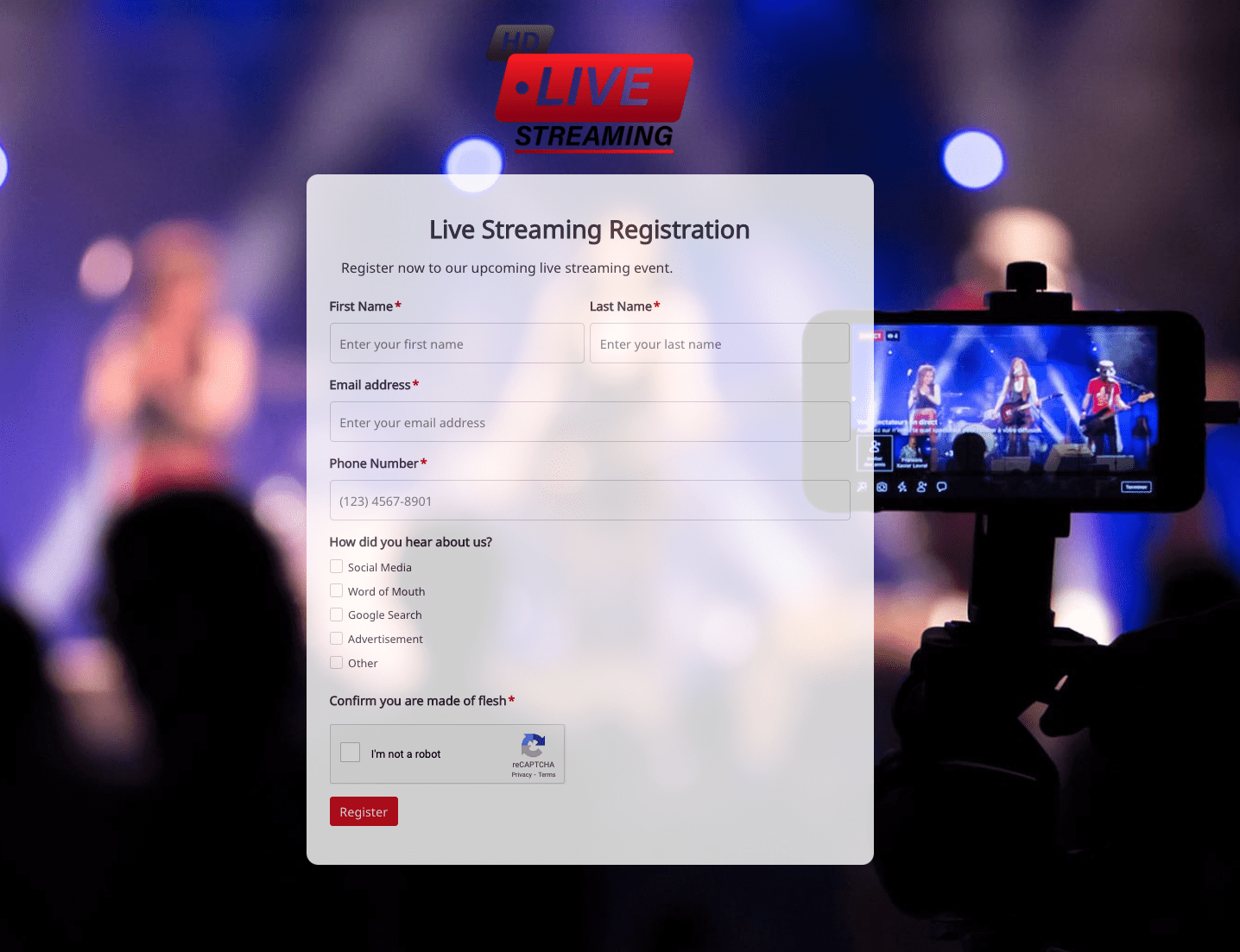 Live Streaming Registration Form
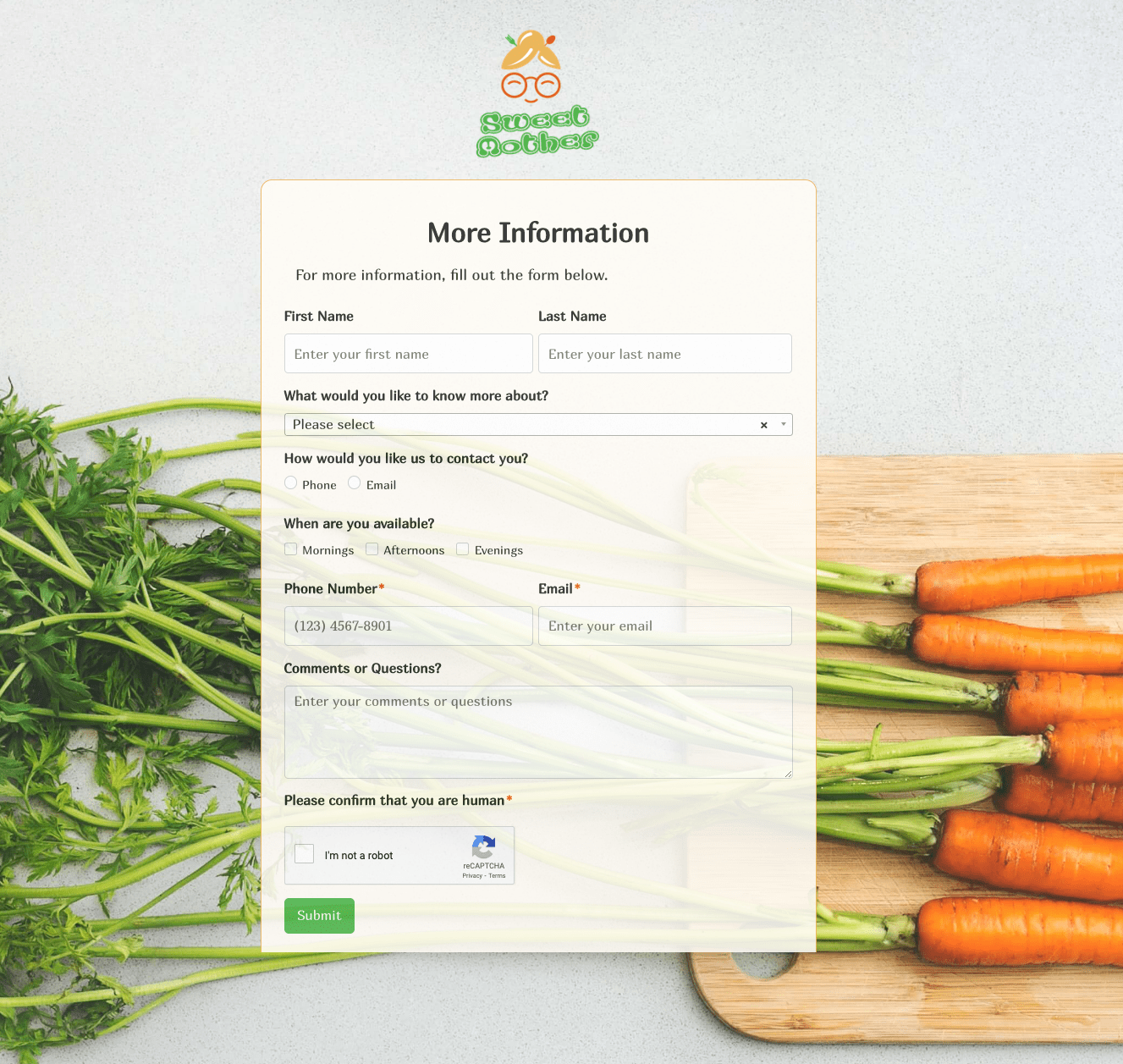 More Information Form
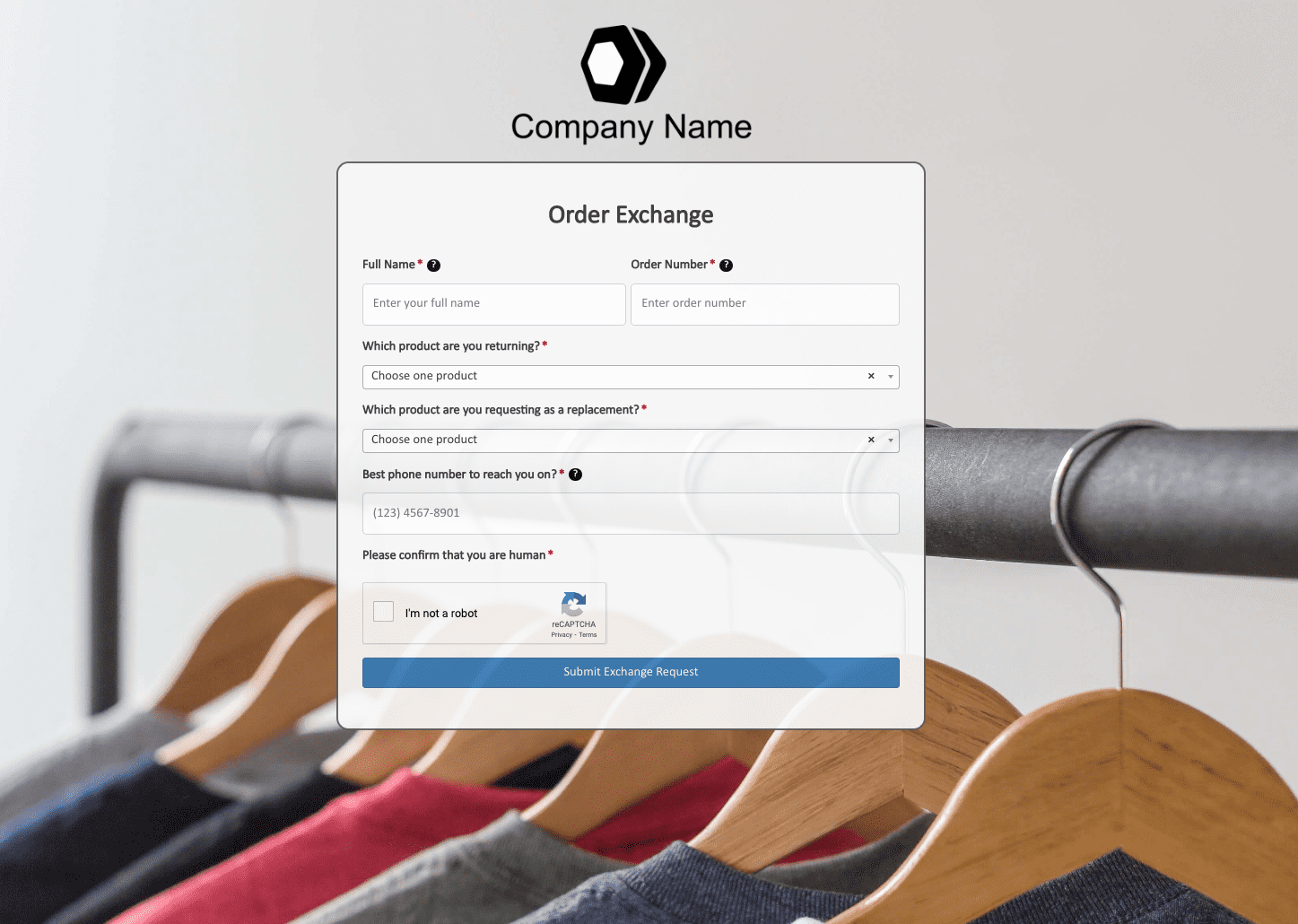 Order Exchange Form
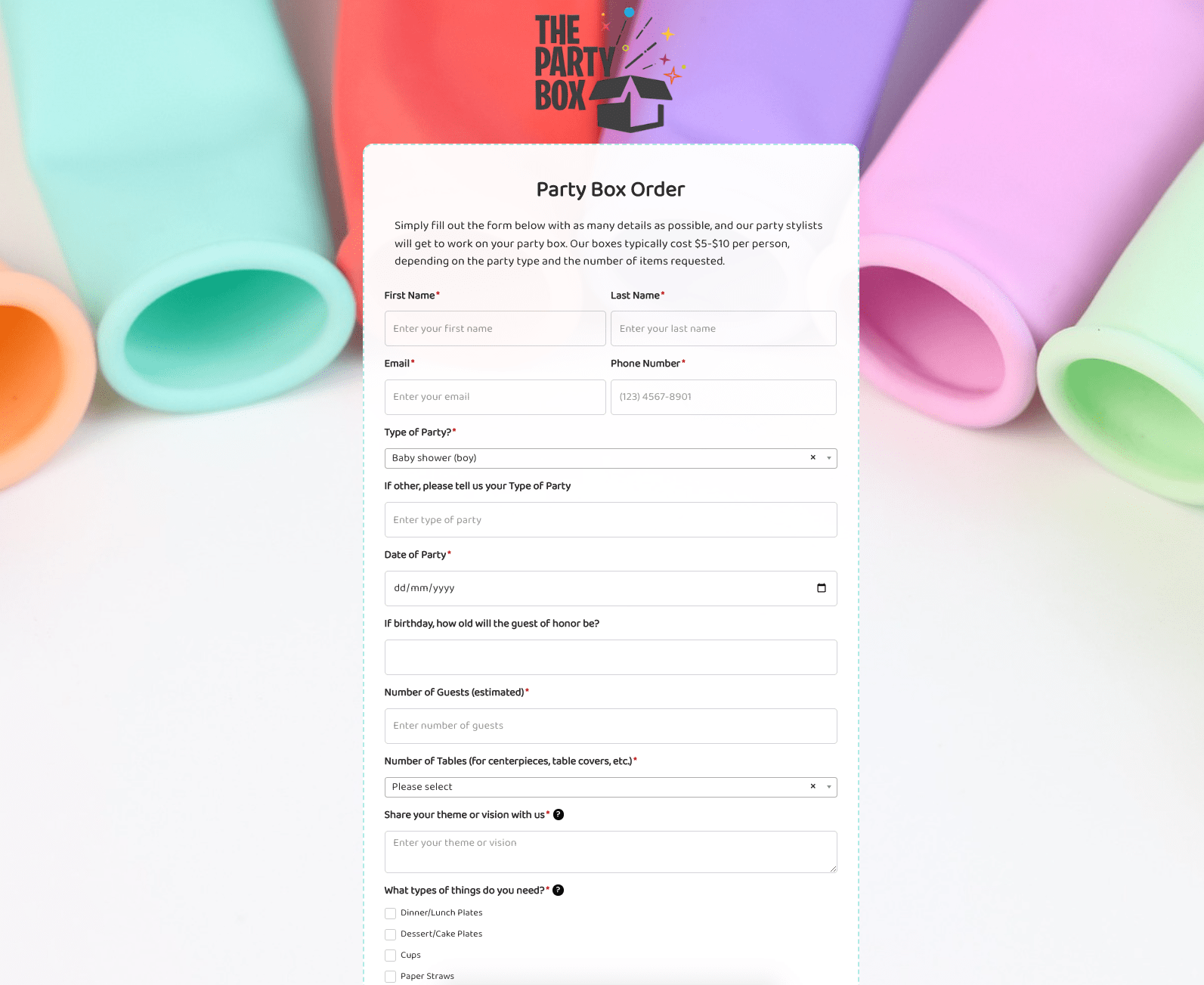 Party Box Order Form
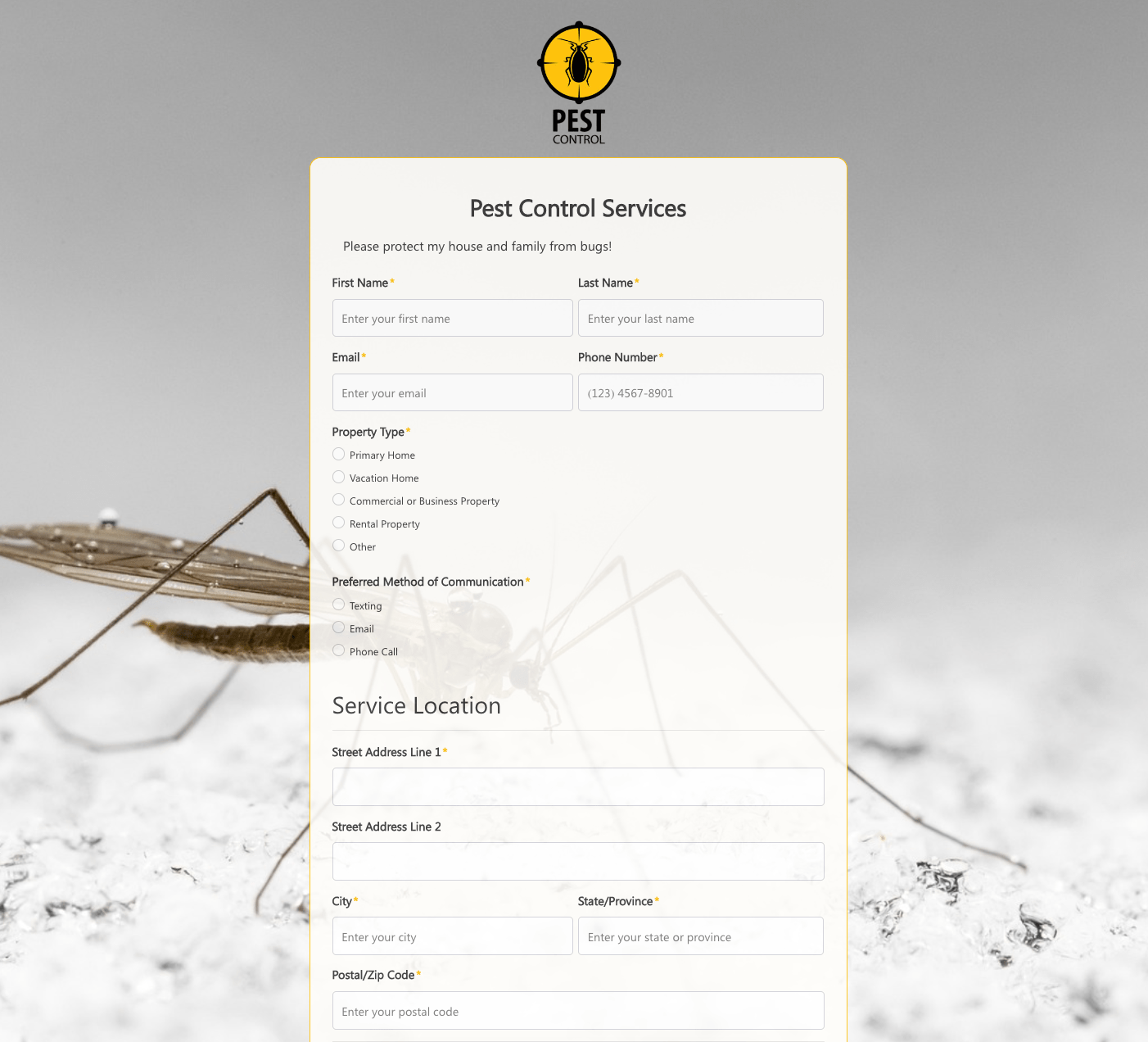 Pest Control Services Form
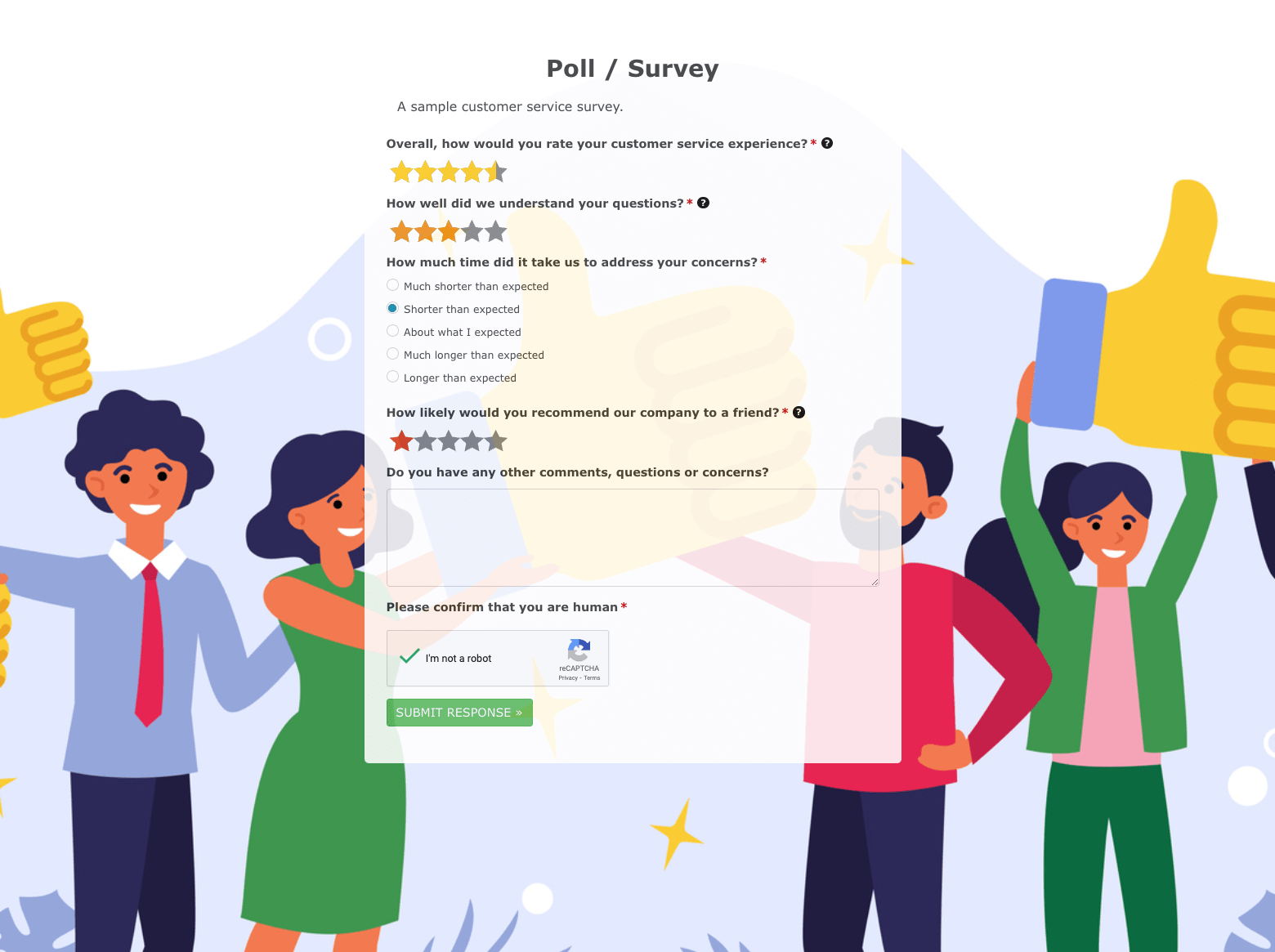 Poll / Survey Form
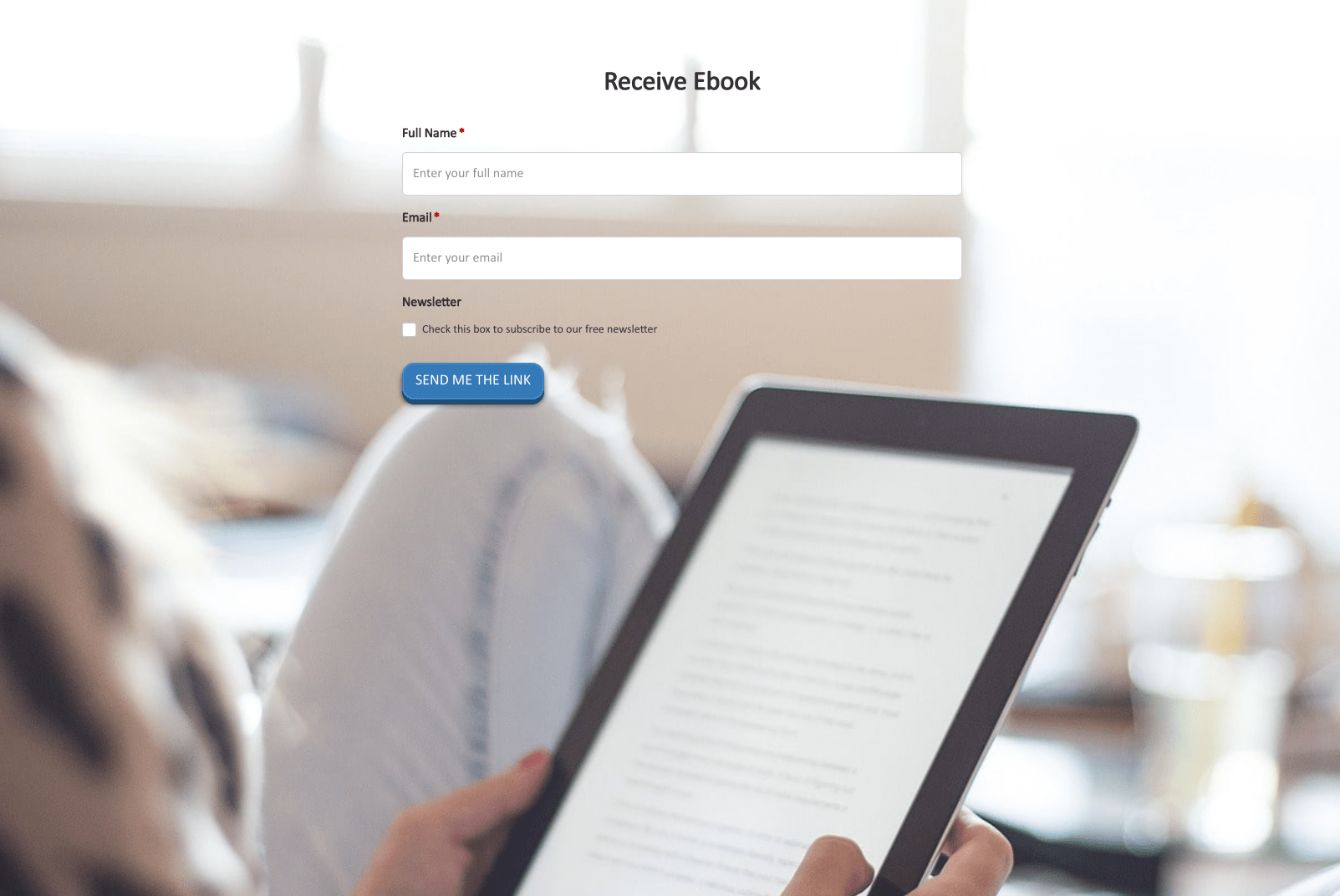 Receive Ebook Form
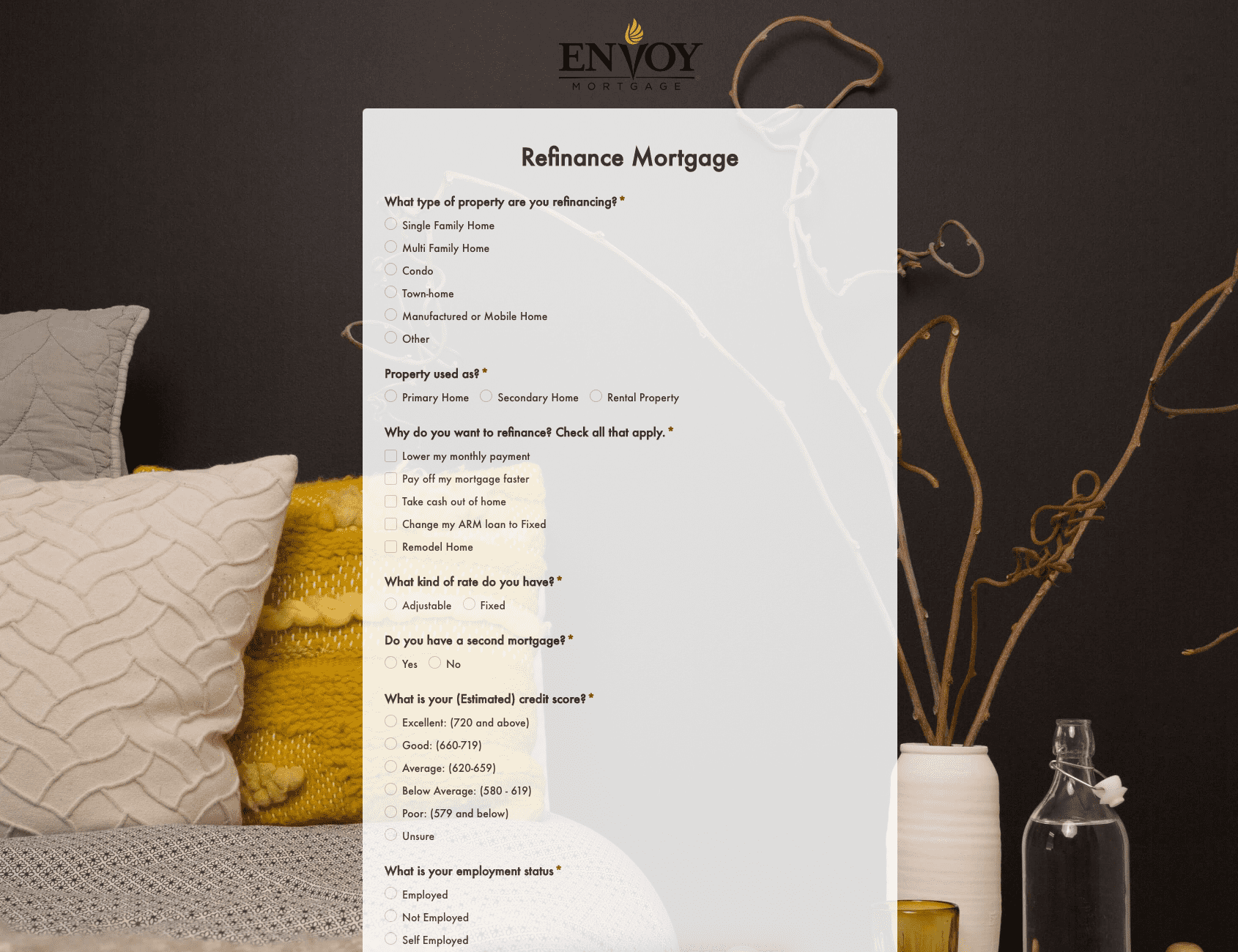 Refinance Mortgage Form
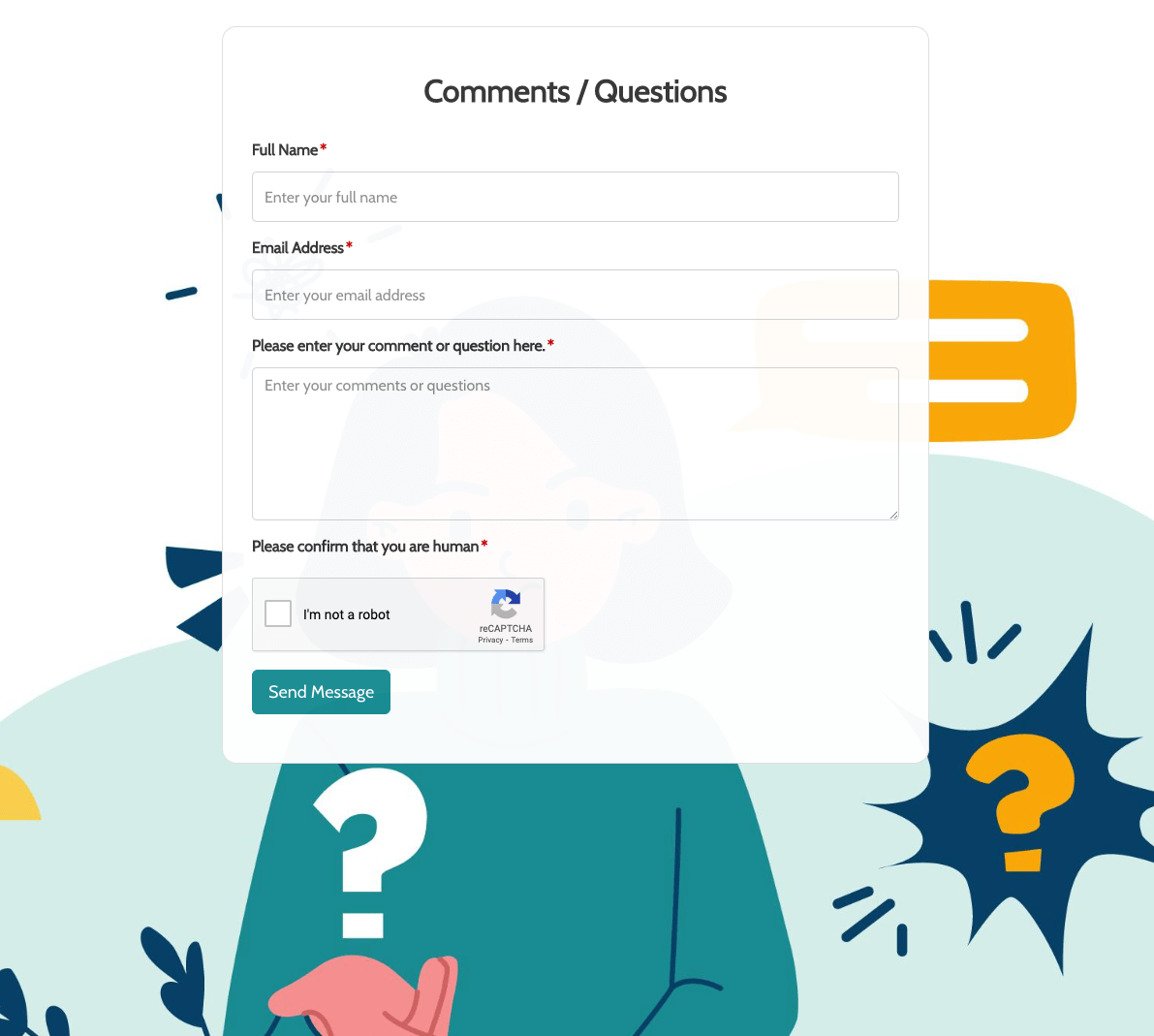 Remarks / Questions Form
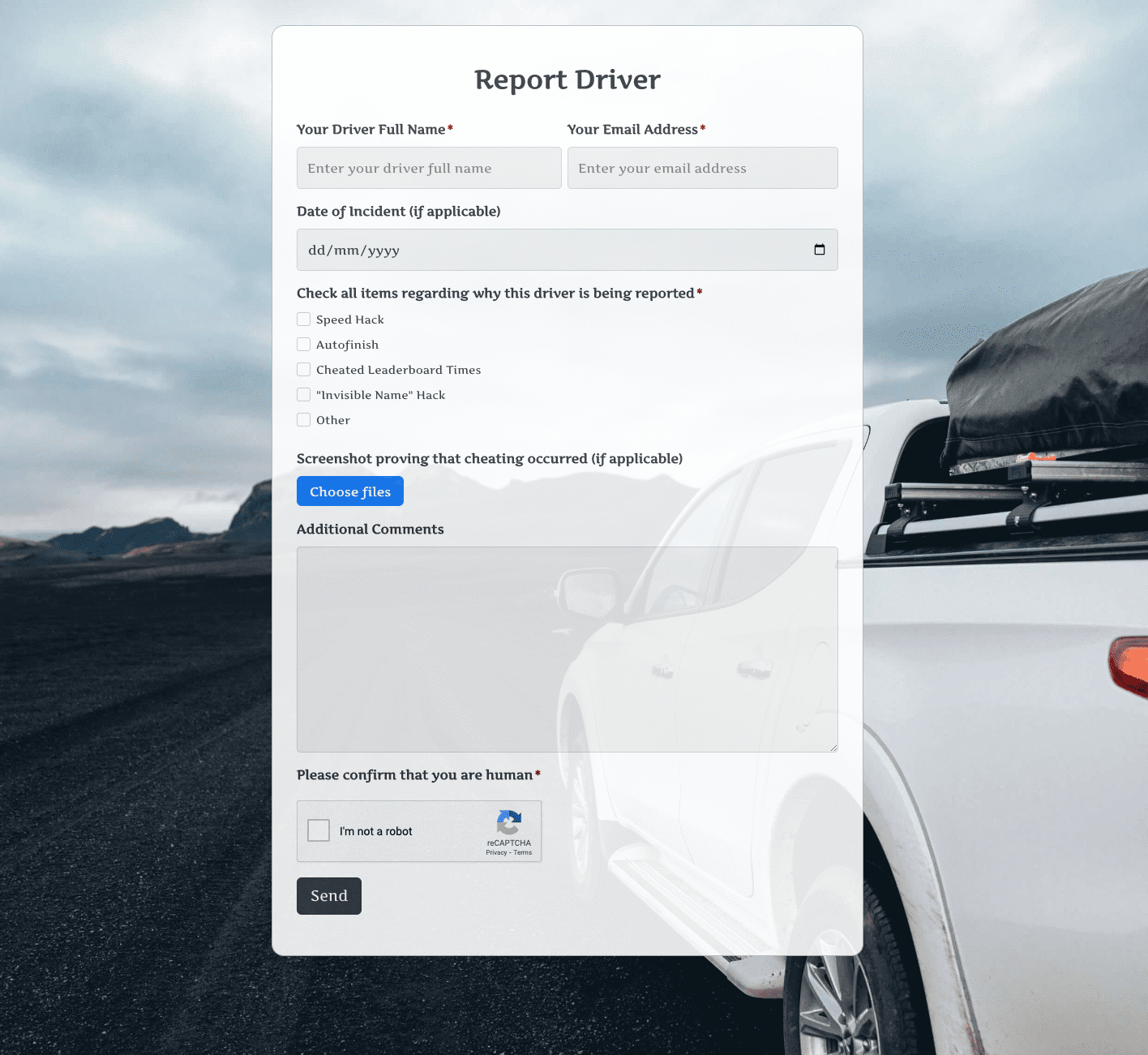 Report Driver Form
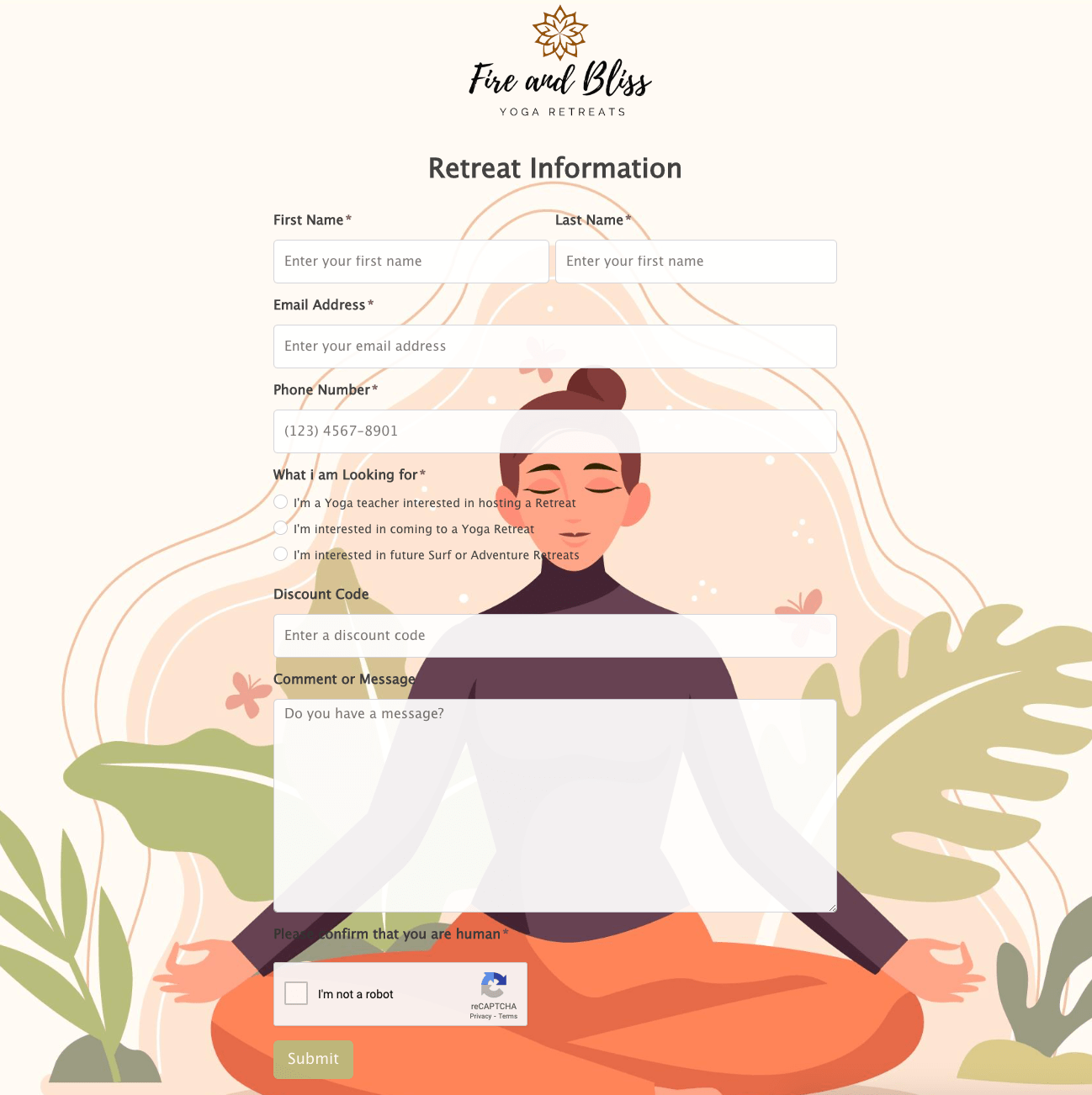 Retreat Information Form
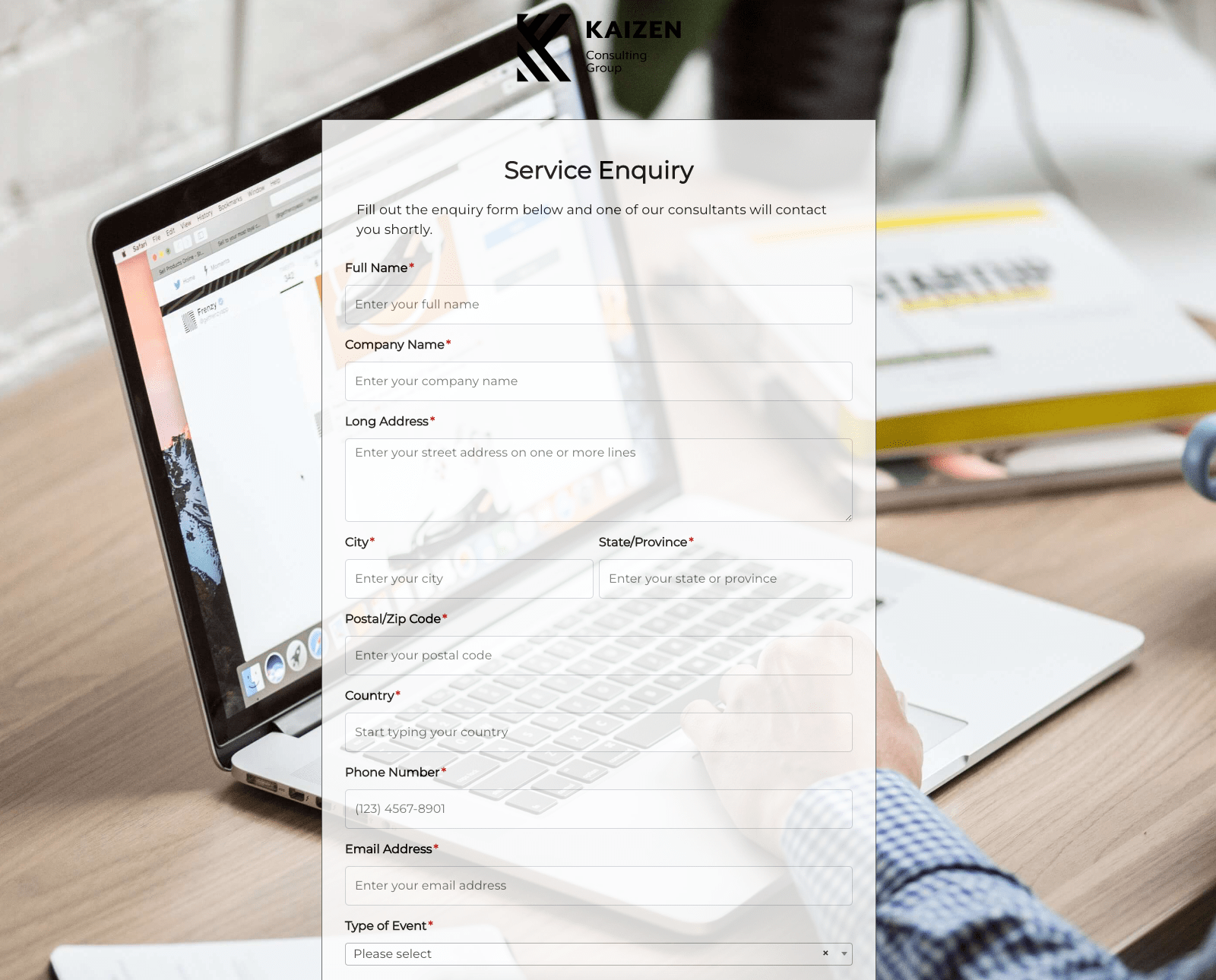 Service Enquiry Form
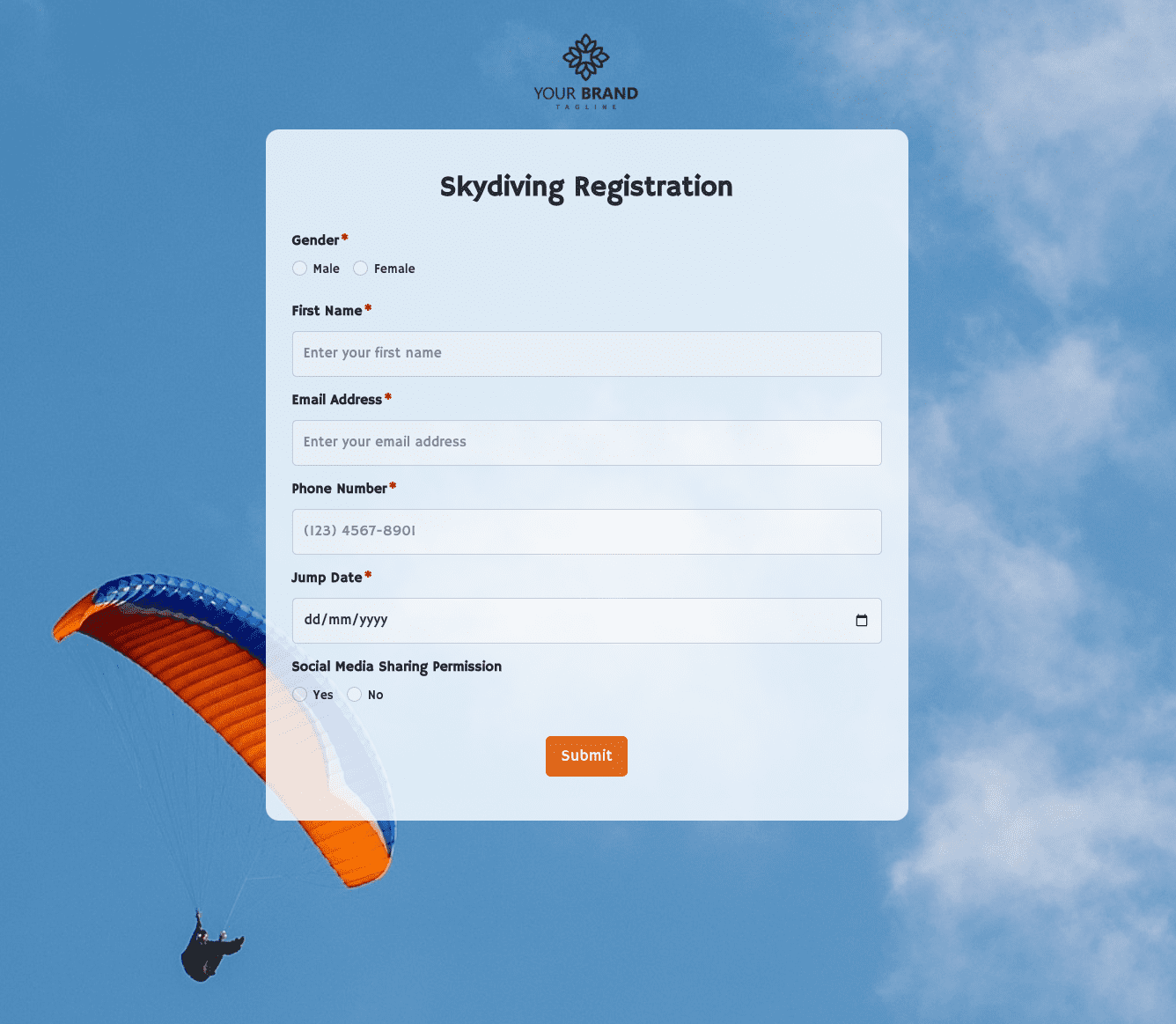 Skydiving Registration Form
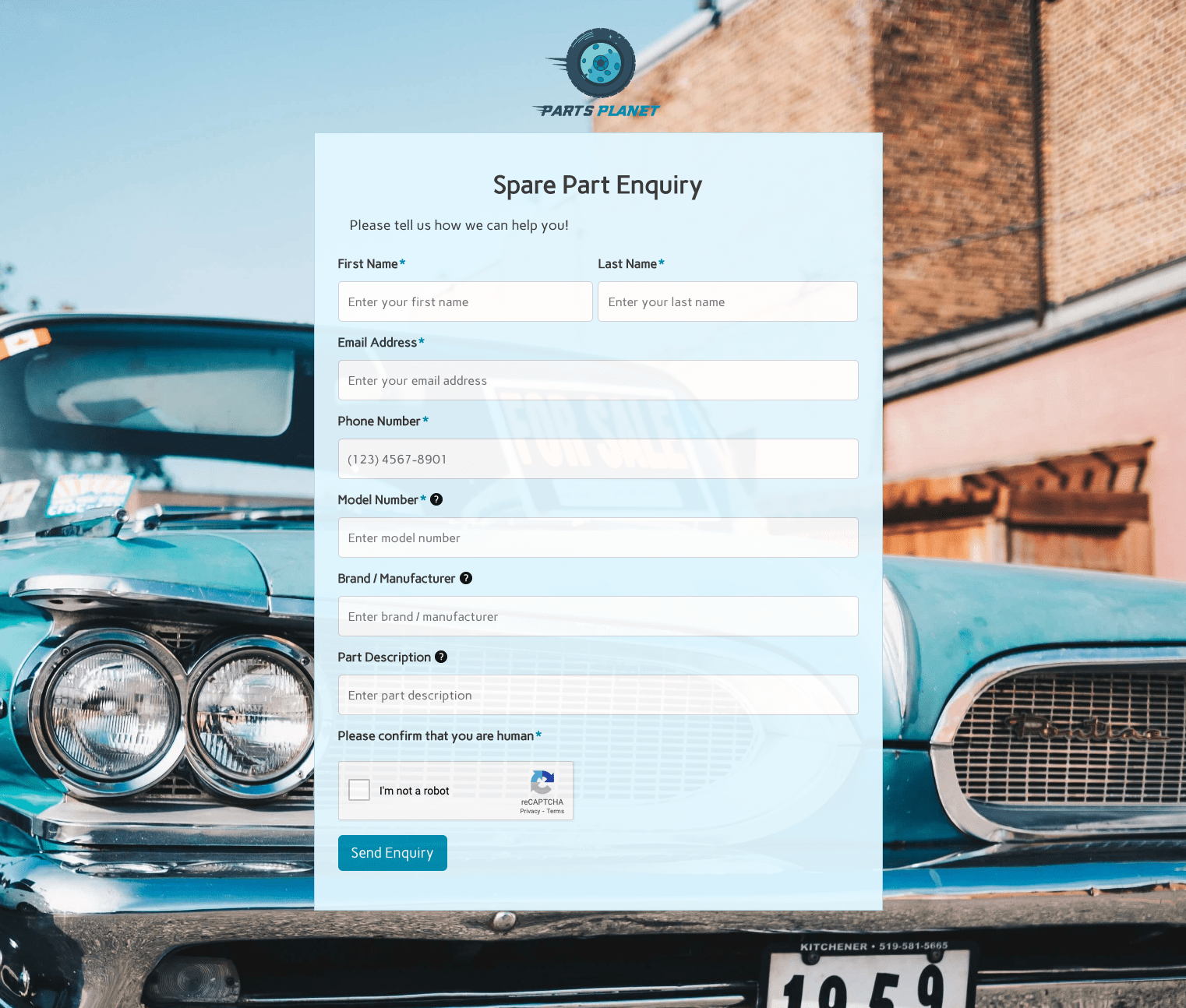 Spare Part Enquiry Form
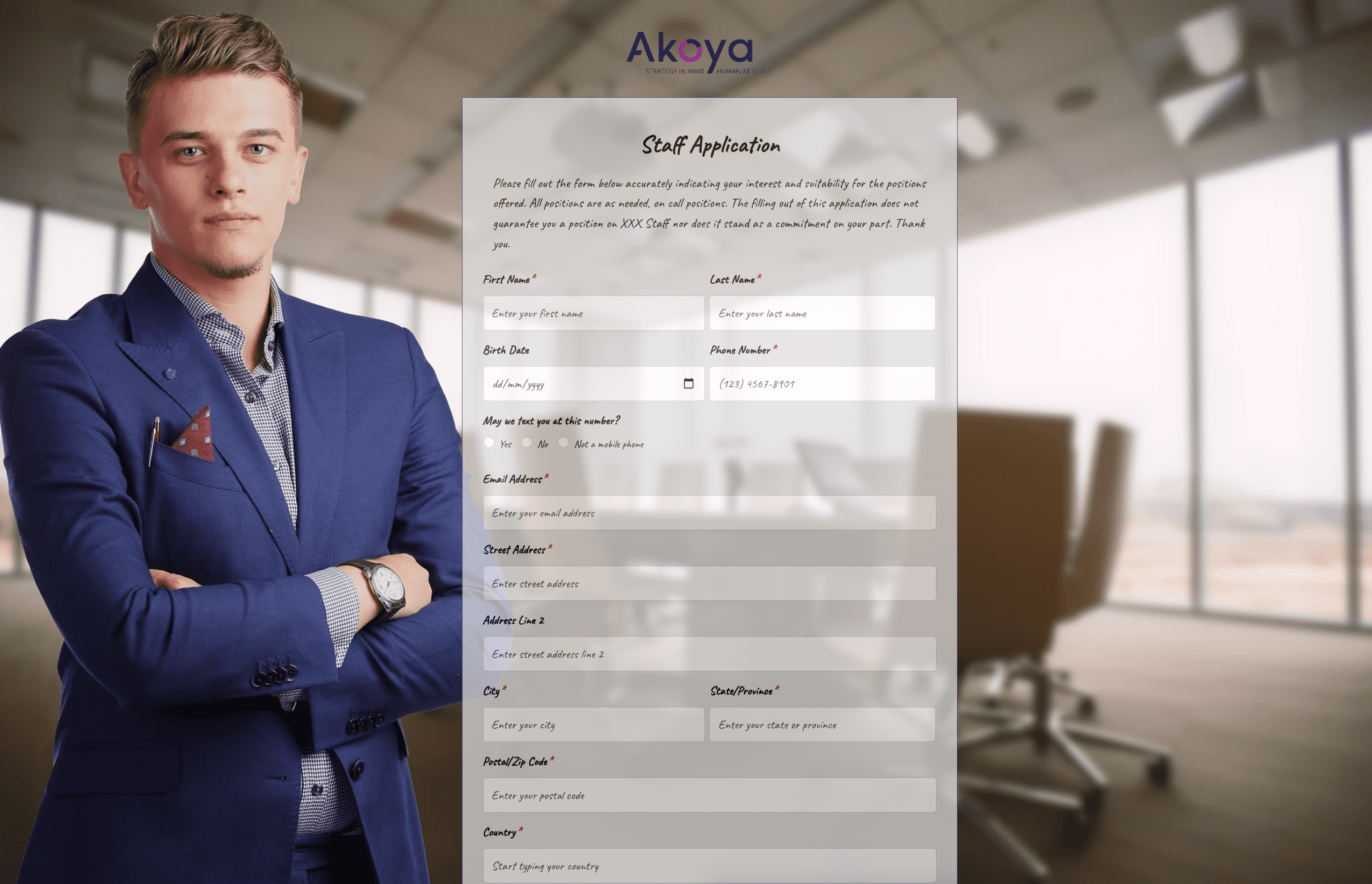 Staff Application Form
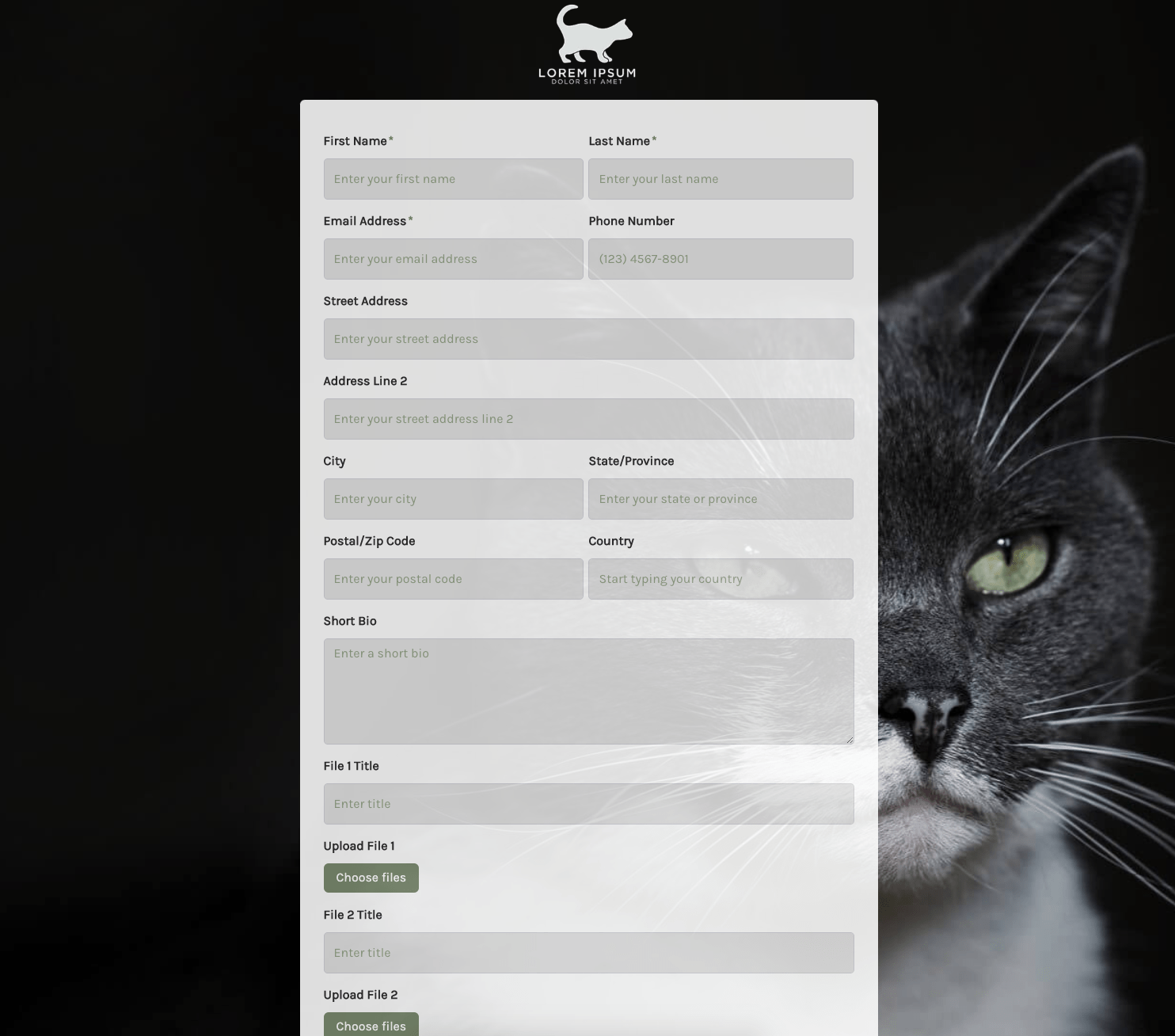 Submission Form
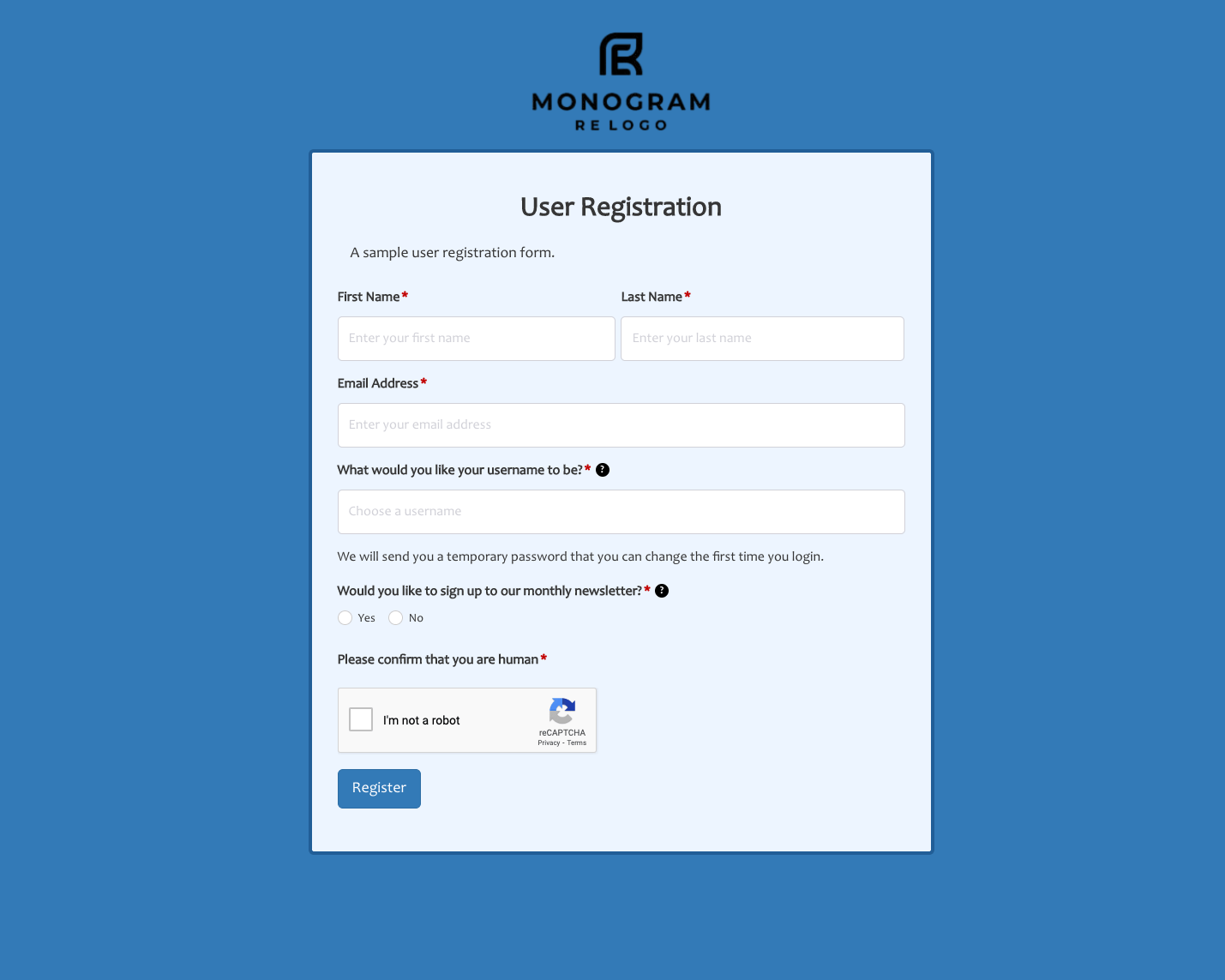 User Registration Form
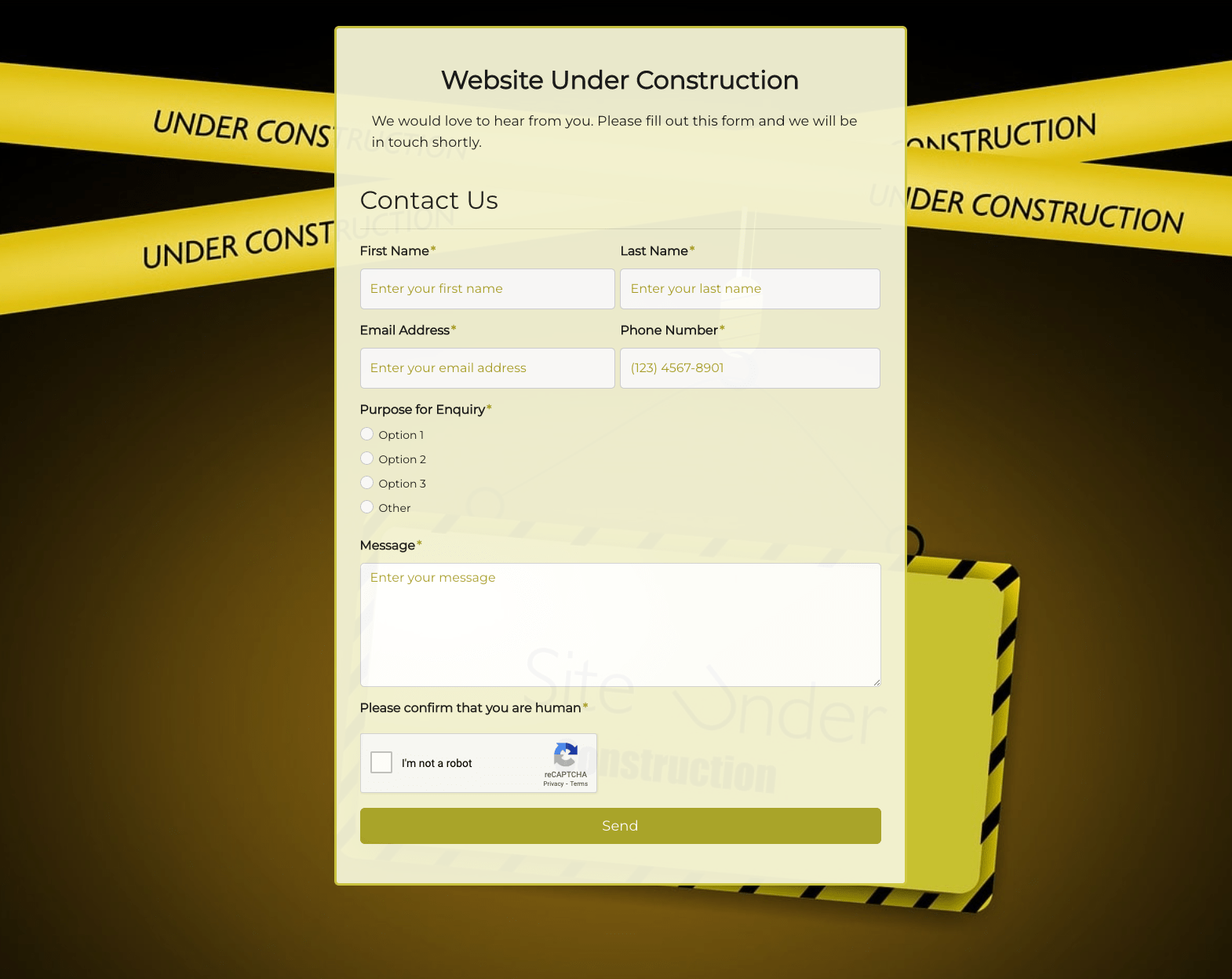 Website Under Construction Form
 Wedding Photographer Form
 Your Opinion Matters Form