A visitor is ready to ask about a service but stops above the submit button. Will this reserve a time? Will someone call immediately? Does the message commit them to a purchase? A brand video playing beside the form may explain what the business stands for while leaving all three practical questions unanswered.
At this point in the visit, another general pitch may not be the most useful message. A short explanation can clarify what happens when the form is sent, what information is needed and what remains undecided. The script should start with the real submission process. It should not promise an easier journey than the business can actually provide.
Start With The Meaning Of The Submit Button
Consider a fictional photographer who accepts requests for family sessions. The form asks for a preferred date, but submitting it does not reserve that date. The photographer checks availability and replies before any booking is agreed. A visitor who mistakes the request for a confirmed reservation may arrive with expectations the page never intended to create.
Write the actual sequence in plain language before planning the video: the visitor sends a request, the photographer checks it, and a later exchange settles the booking. Confirm the sequence with the person responsible for handling submissions. Do not infer it from the labels on the form, which may themselves be unclear or outdated.
The central line might be, “Send a preferred date and a little about the session you have in mind; this is an inquiry, not a confirmed booking.” That is invented copy for the example, not a universal statement suitable for every website. A business taking binding reservations would need a different explanation because the action itself is different.
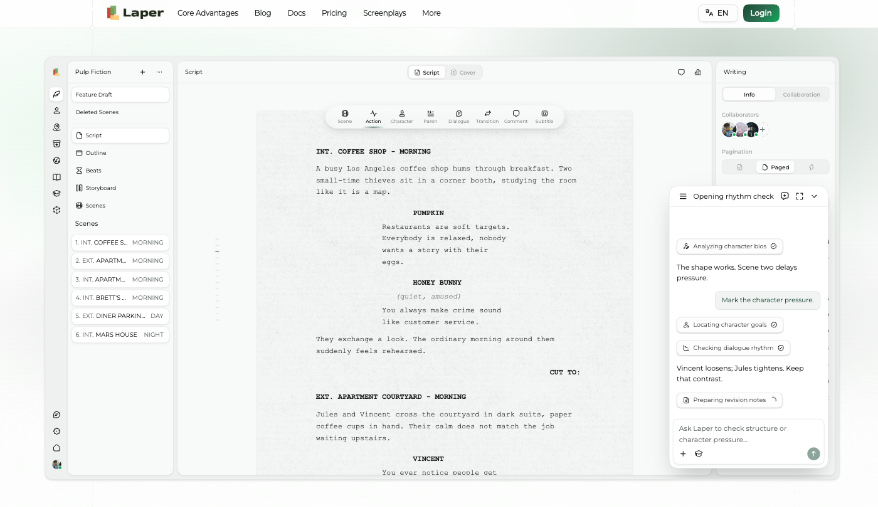
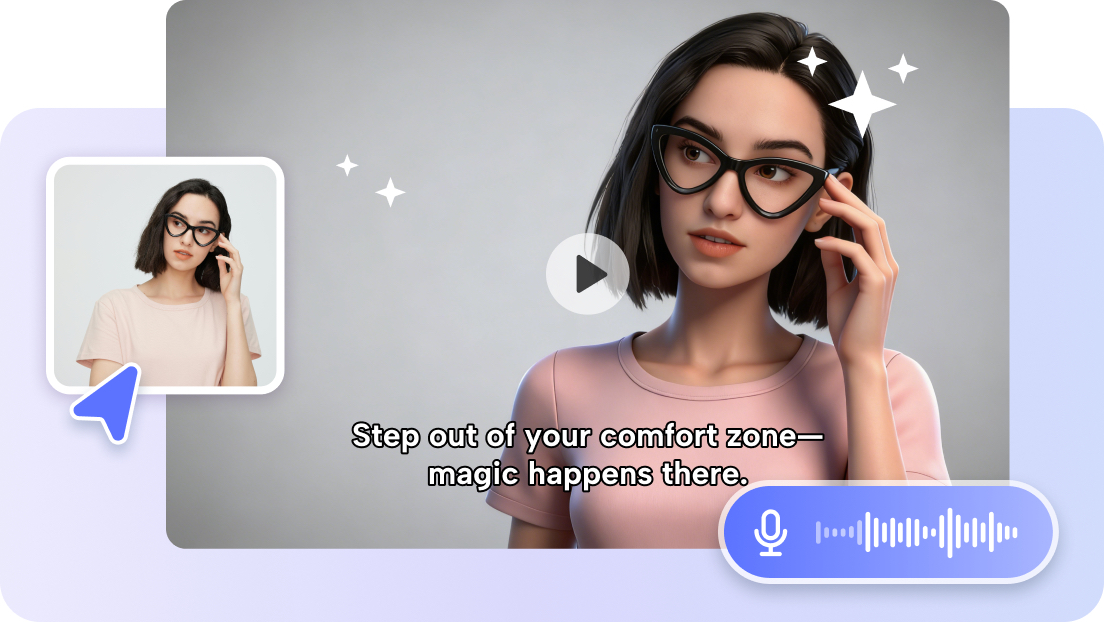
Laper's AI screenplay generator can help turn a verified process into a short spoken explanation. Give it the distinction that must survive every rewrite. In this example, the preferred date is a request. An energetic line such as “secure your session today” would be inappropriate, however well it fits a familiar promotional rhythm.
Keep the essential explanation available as text on the page too. A visitor should not have to play a video to discover what submitting a form does. The clip can make the process feel approachable, but the button, nearby copy and confirmation message must communicate the same action without relying on sound or uninterrupted playback.
Answer The Question That Blocks This Particular Request
Different forms create different uncertainties. A consultation request may raise questions about cost. A quote request may raise questions about the detail required. A booking form may raise questions about availability and confirmation. Choose the uncertainty connected to the actual page, rather than loading a short clip with every reassurance the business has ever used.
For the photographer, a visitor might not know the exact location or number of family members yet. If the business genuinely accepts an initial inquiry without those details, say so. If the information is required, explain why it is useful and what the visitor can enter. Do not tell people that rough answers are fine when the form rejects them.
Review incoming questions or speak with the staff member who handles inquiries to identify recurring confusion. Treat those observations as local evidence, not as a claim about all website visitors. A few real questions can help sharpen a script, but they do not justify invented statistics about abandonment or promises of a particular conversion improvement.
Be especially careful with response times. “Someone will get back to you soon” is vague; “within an hour” may be false when no one is monitoring the inbox. If no firm window can be offered, explain the next event accurately: the photographer will reply after checking availability. Keep any maintained response-time detail in page text, and have the person handling inquiries review that wording alongside the Laper script.
Show The Process Without Simulating A Promise
A simple sequence can show the inquiry, an availability check and a reply. Inspect the final frame on its own. Does it contain a reserved time, a confirmation tick or wording that sounds like an appointment is held? If confirmation requires another step, replace that frame with the actual reply stage. A spoken qualification should not have to fight the most conclusive-looking image in the clip.
Use a real, approved demonstration of the current form where practical, with fictional information. Check the confirmation screen and any follow-up message as part of the process. Avoid showing real customer details in a screen recording. A clean sample should make the action legible without turning someone's private inquiry into production material.
An AI Script Writer can suggest a compact shot sequence from the verified steps, but each proposed screen needs checking. A generated thank-you page or calendar interaction does not establish how the website behaves. If the suggested image implies an automatic booking that the business does not offer, remove it before the storyboard becomes a production reference.
Laper's storyboarding organizes shots within a scene. For this small video, that can be enough to distinguish the form, the review step and the reply. There is no need to build a dramatic transformation around a routine inquiry, and no integration with the website's form system should be assumed. The script describes the process; it does not operate it.
The most useful human presence may be the person who actually responds, explaining what they need to help. Keep the delivery conversational and specific. A long founder introduction can delay the answer the visitor came for. If the speaker says their name, let it support recognition rather than become the start of another company history.
Check The Whole Page For Contradictory Messages
Read the headline, field labels, submit button, video script and confirmation together. A clip saying “no booking is confirmed yet” conflicts with a button labeled “confirm booking.” Resolve the underlying mismatch through the appropriate website owner. Video is a poor place to explain away misleading interface copy that could be corrected directly.
Try the page without audio and on a small screen. Ensure the form remains usable and that the explanation does not hide the action behind an oversized player. Captions and nearby text should preserve the essential meaning. These checks concern whether the message can be understood; they do not establish a performance gain on their own.
Ask a person unfamiliar with the page to describe what they expect after submitting. Do they think the date is held, a quote is guaranteed or a call is required? Their answers can reveal a mismatch worth investigating. A small review is useful for finding problems, but it should not be described as a conclusive conversion study.
Keep a note of which operational changes would make the recording inaccurate. Adding instant booking would change the video's central explanation, while updating a response window might affect only the page text. Recheck the confirmation message after either change. A page that invites an inquiry should not finish by congratulating the visitor on a reservation nobody has made.
A visitor should finish the explanation knowing what to send, what the submission means and what comes next. That is a modest job for a short video, but an important one. The page becomes more trustworthy when its most reassuring message is also an accurate description of the action the visitor is about to take.
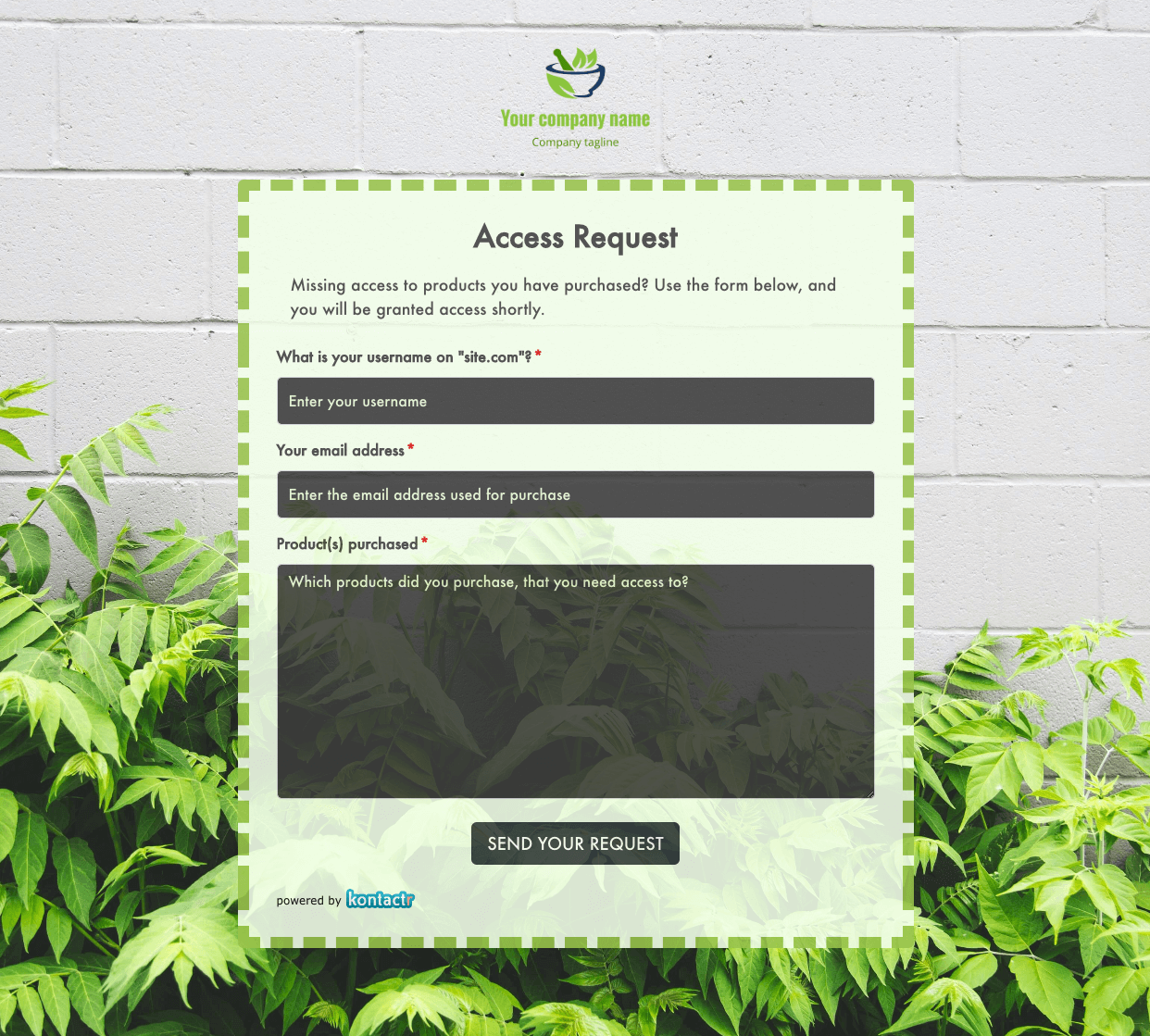 Access Request Form
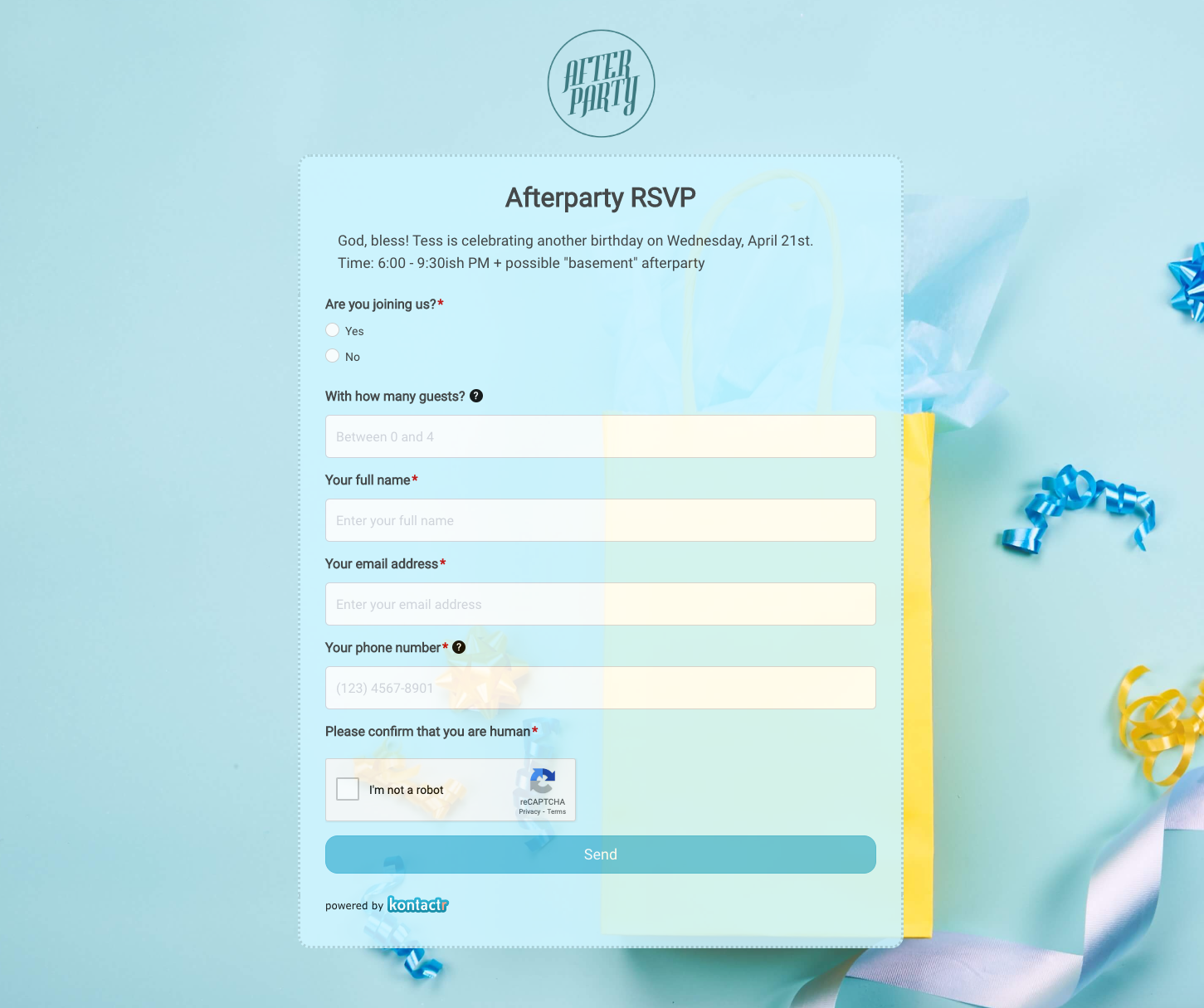 Afterparty RSVP Form
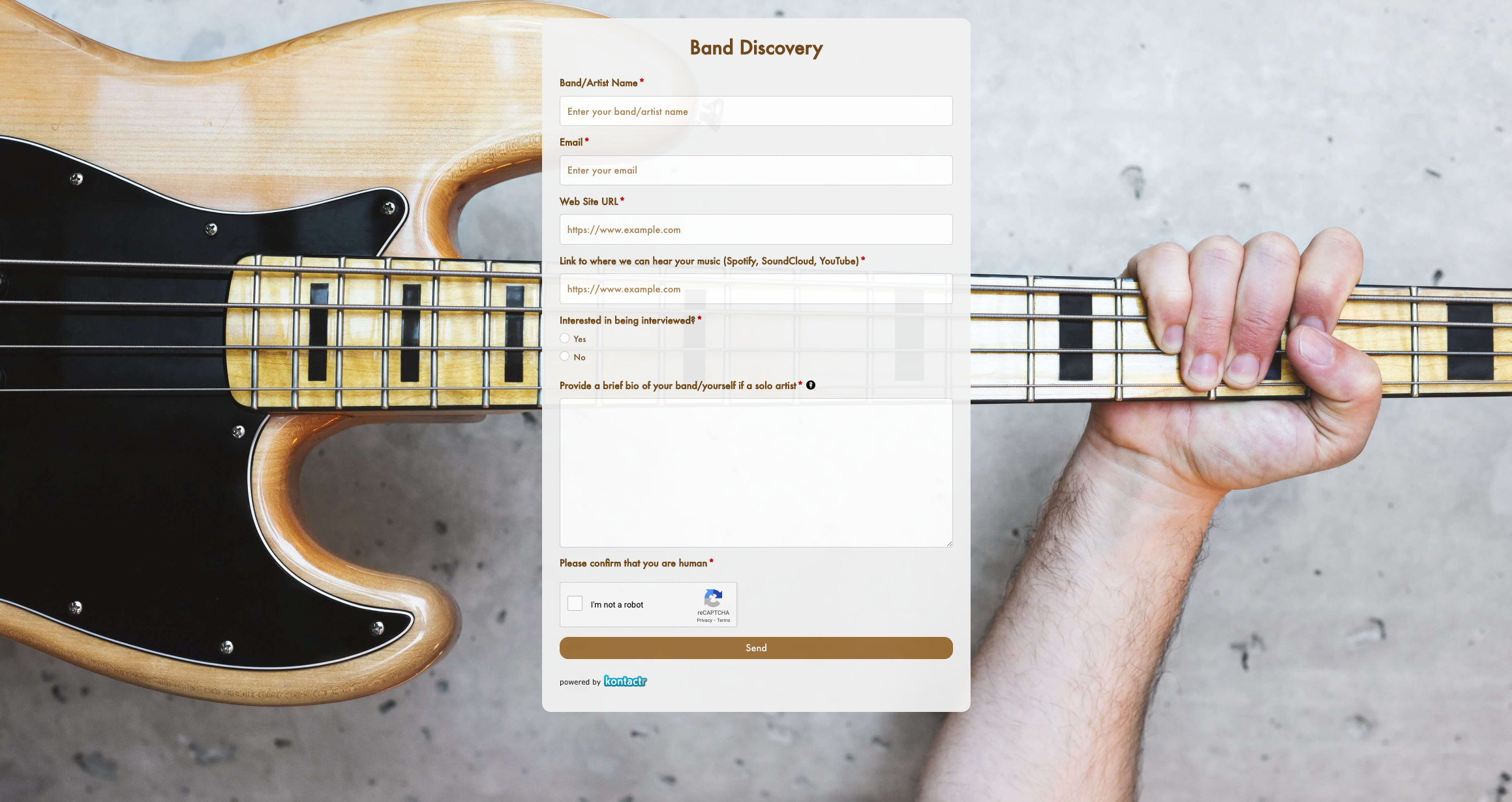 Band Discovery Form
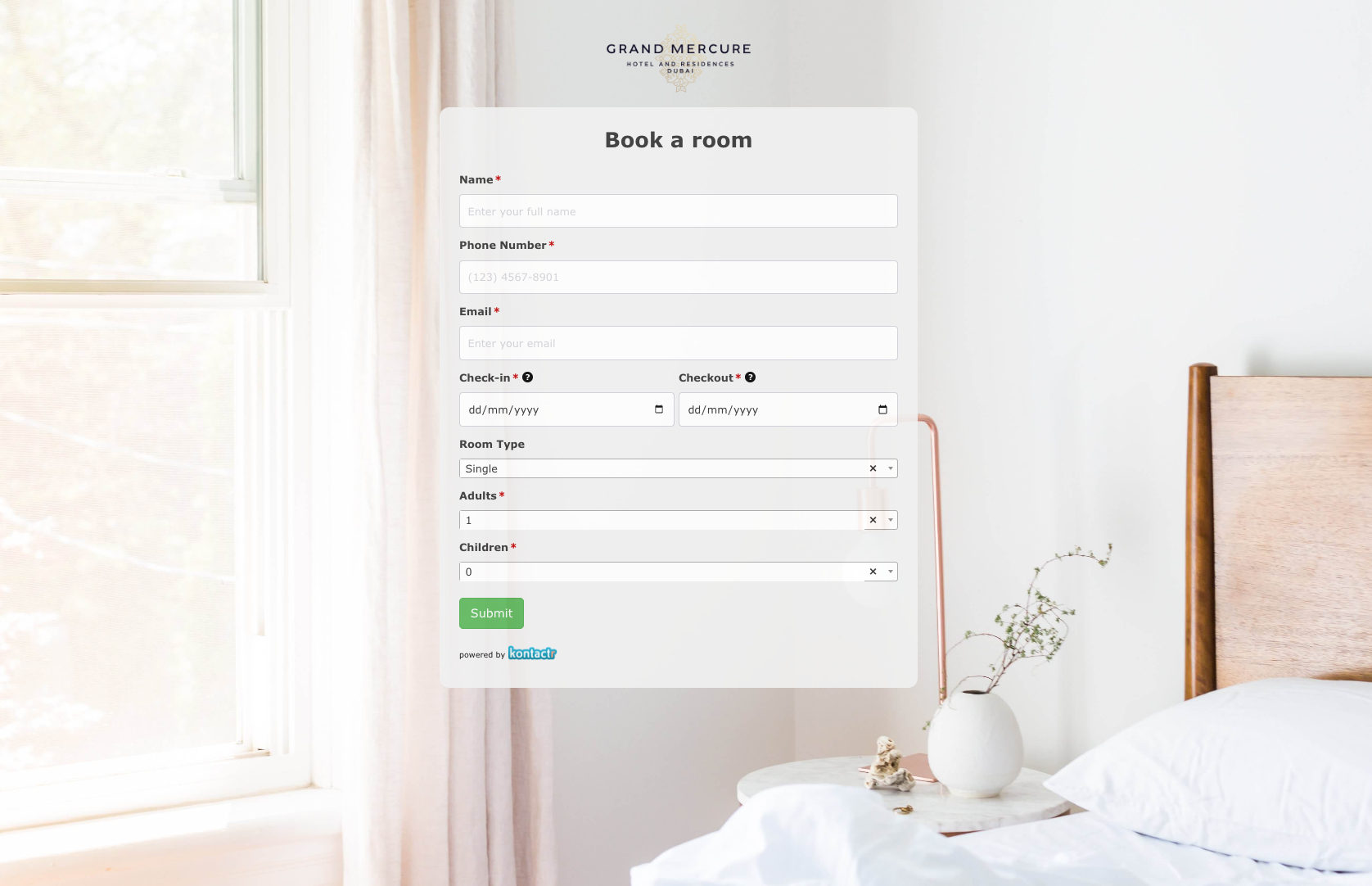 Book a room Form
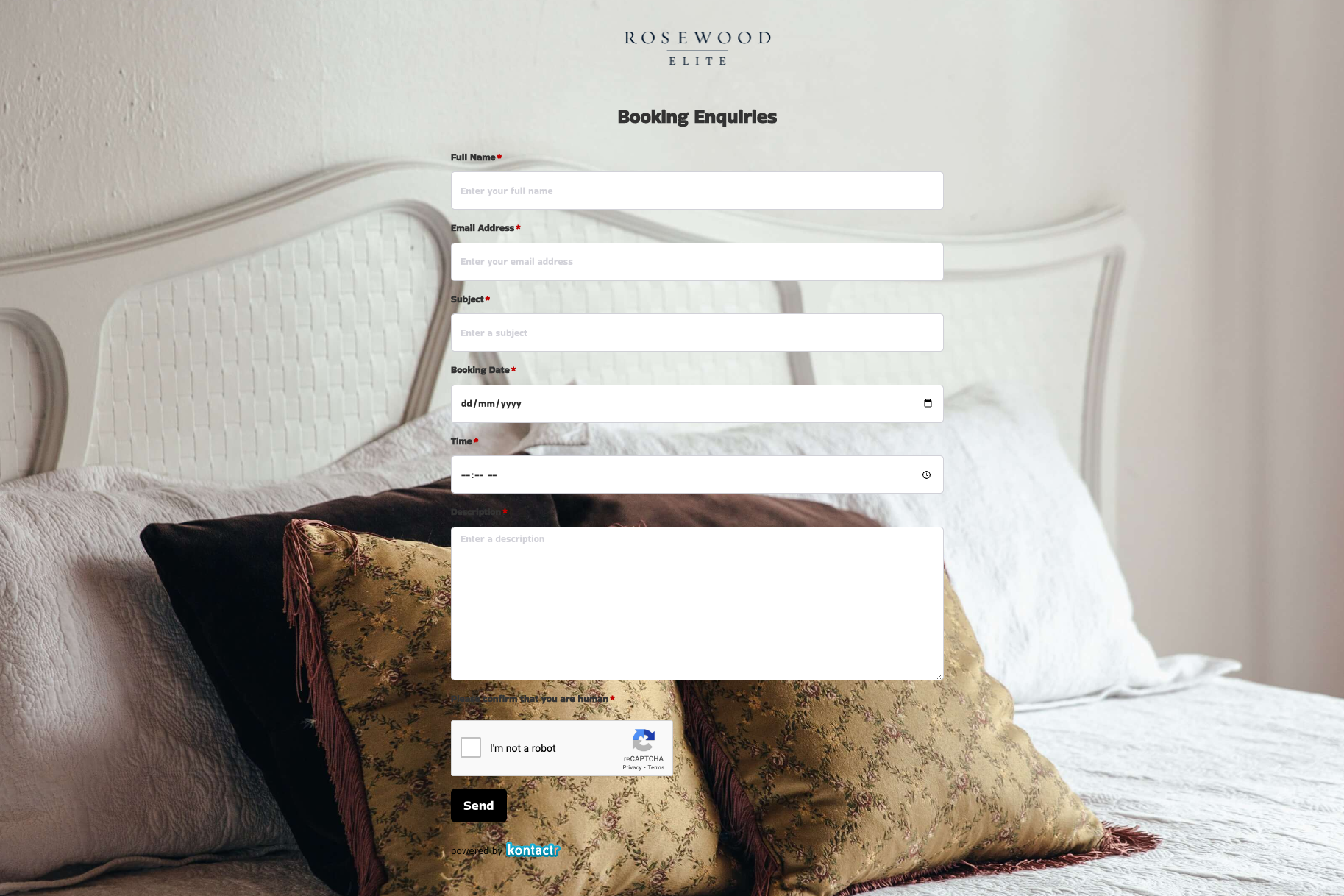 Booking Enquiries Form
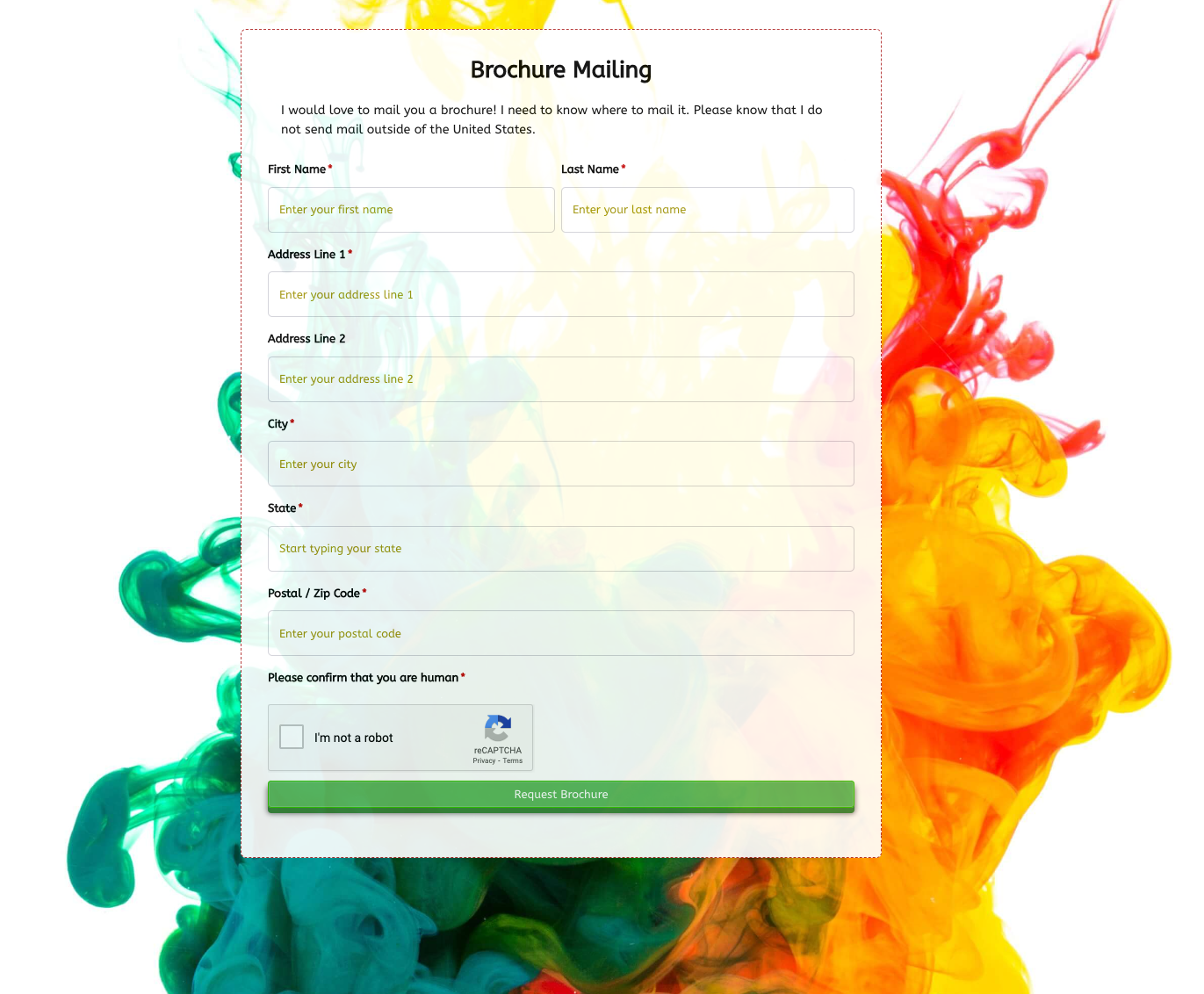 Brochure Mailing Form
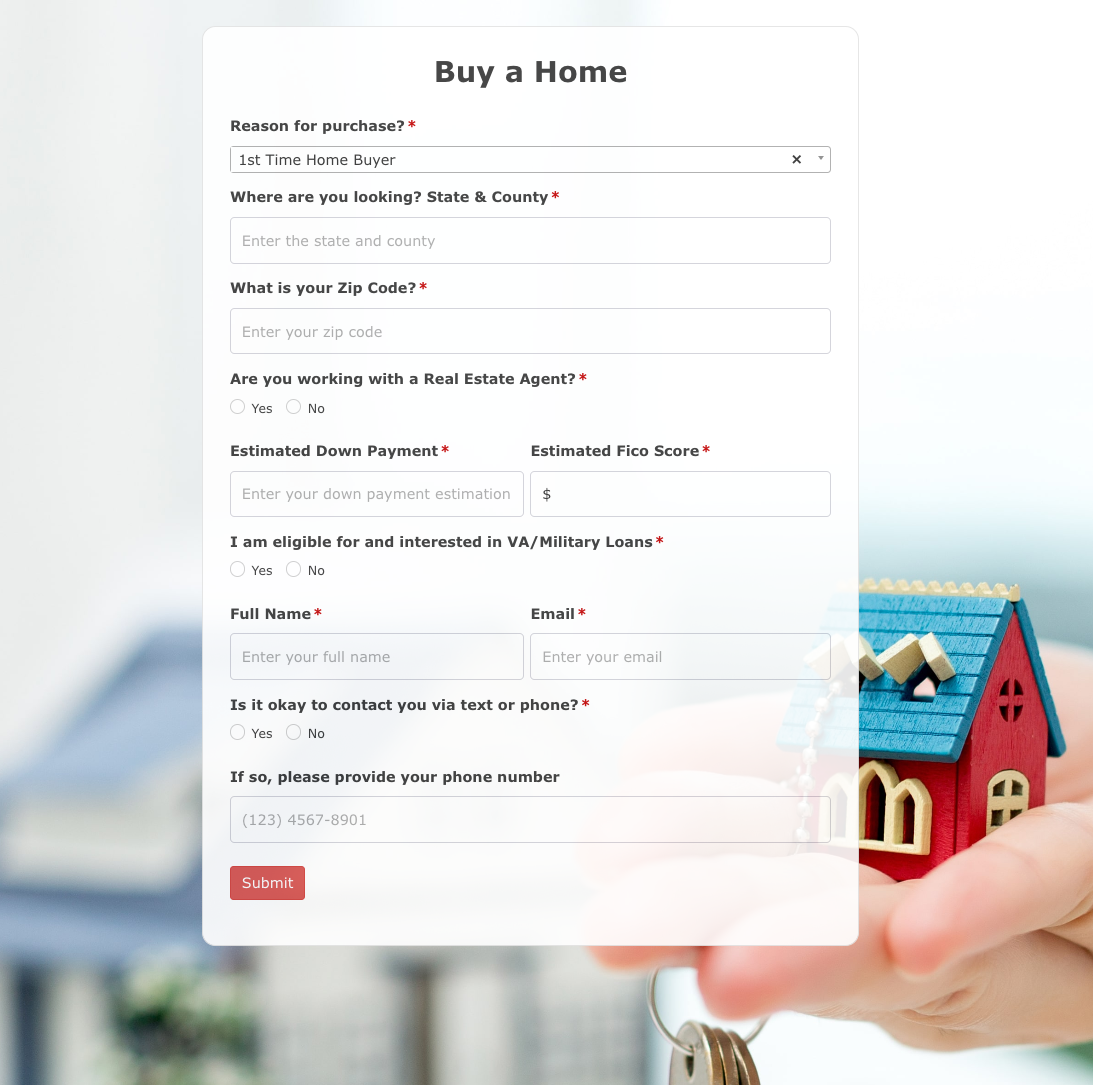 Buy a Home Form
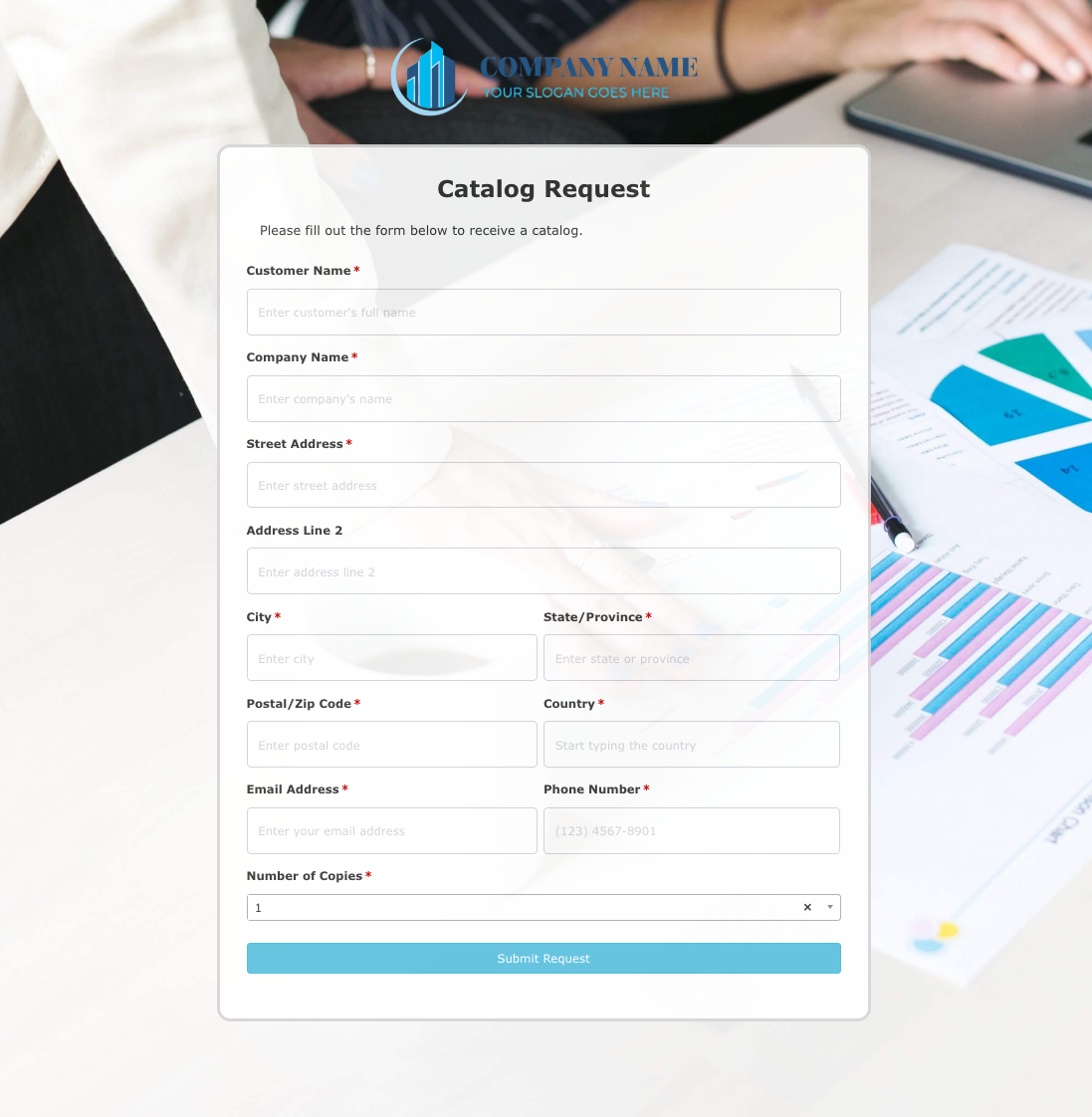 Catalog Request Form
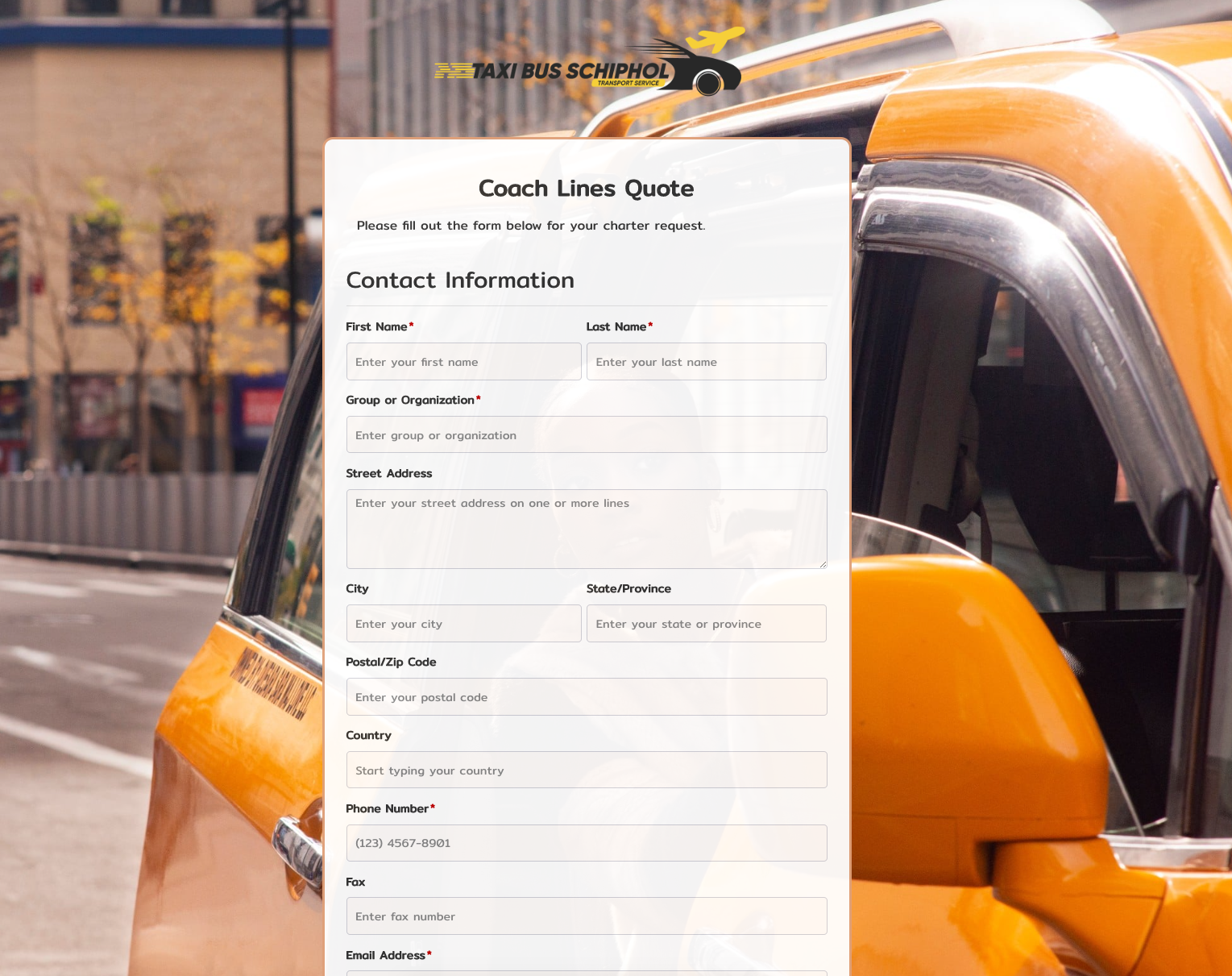 Coach Lines Quote Form
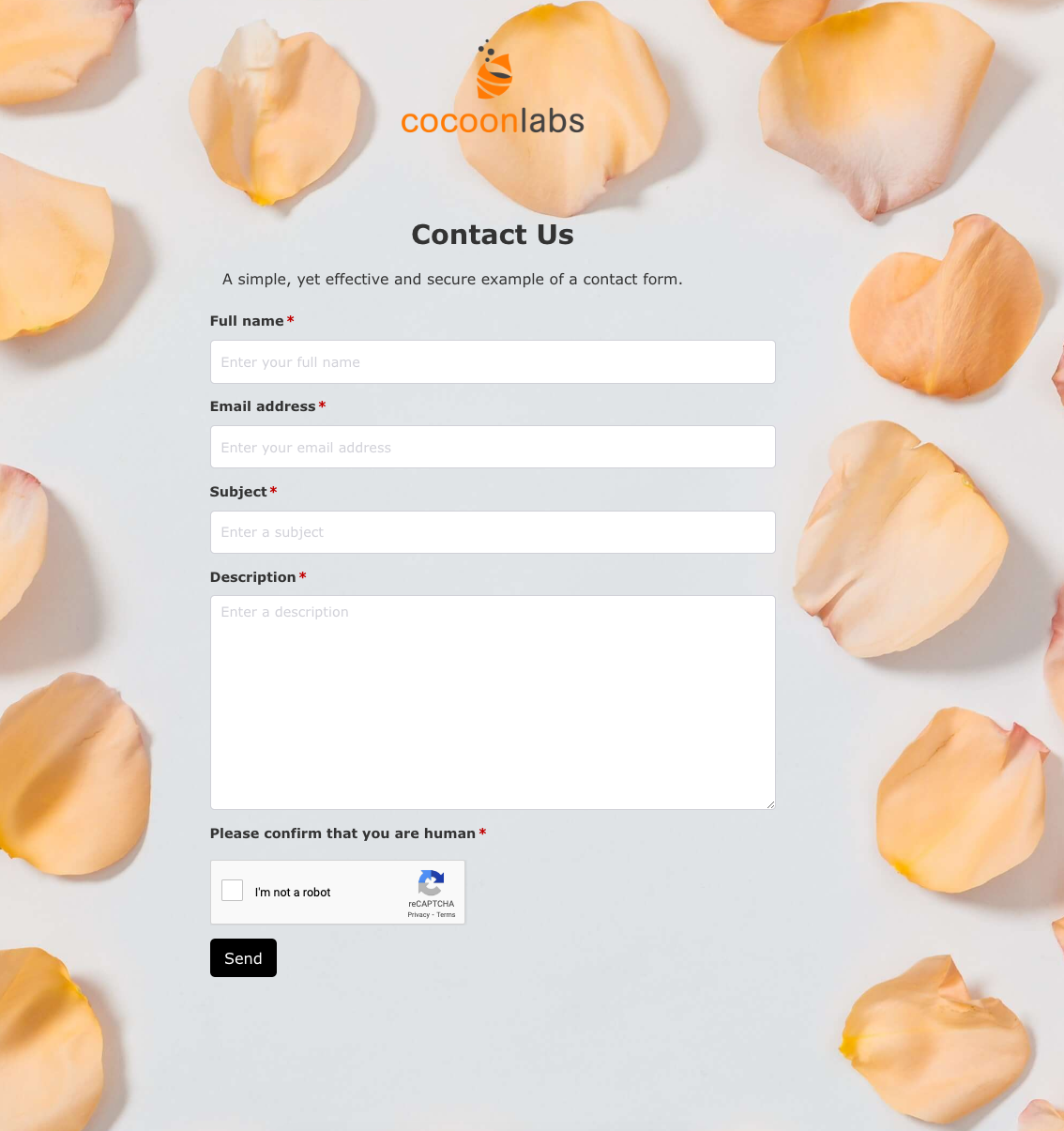 Contact Us Form
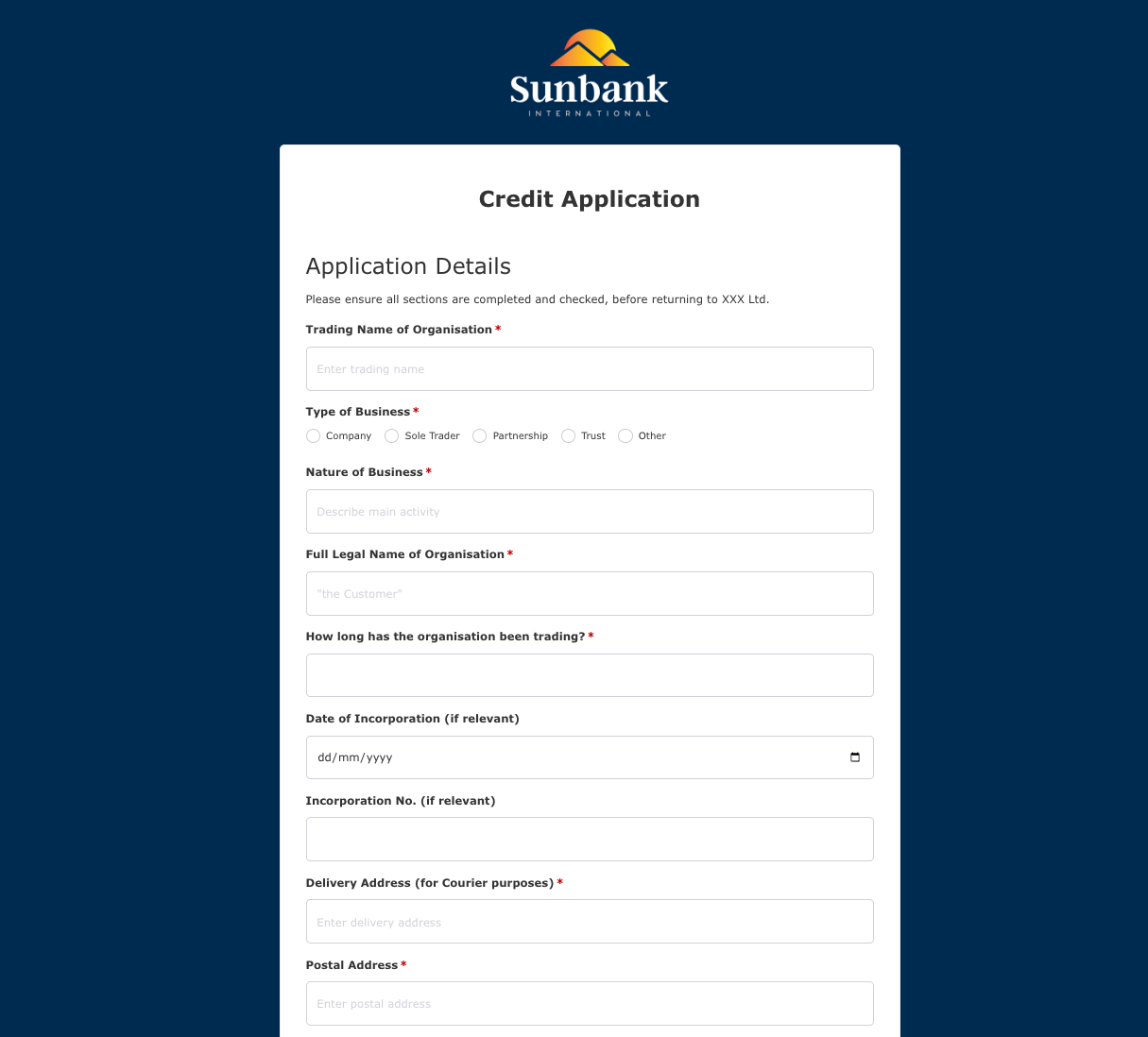 Credit Application Form
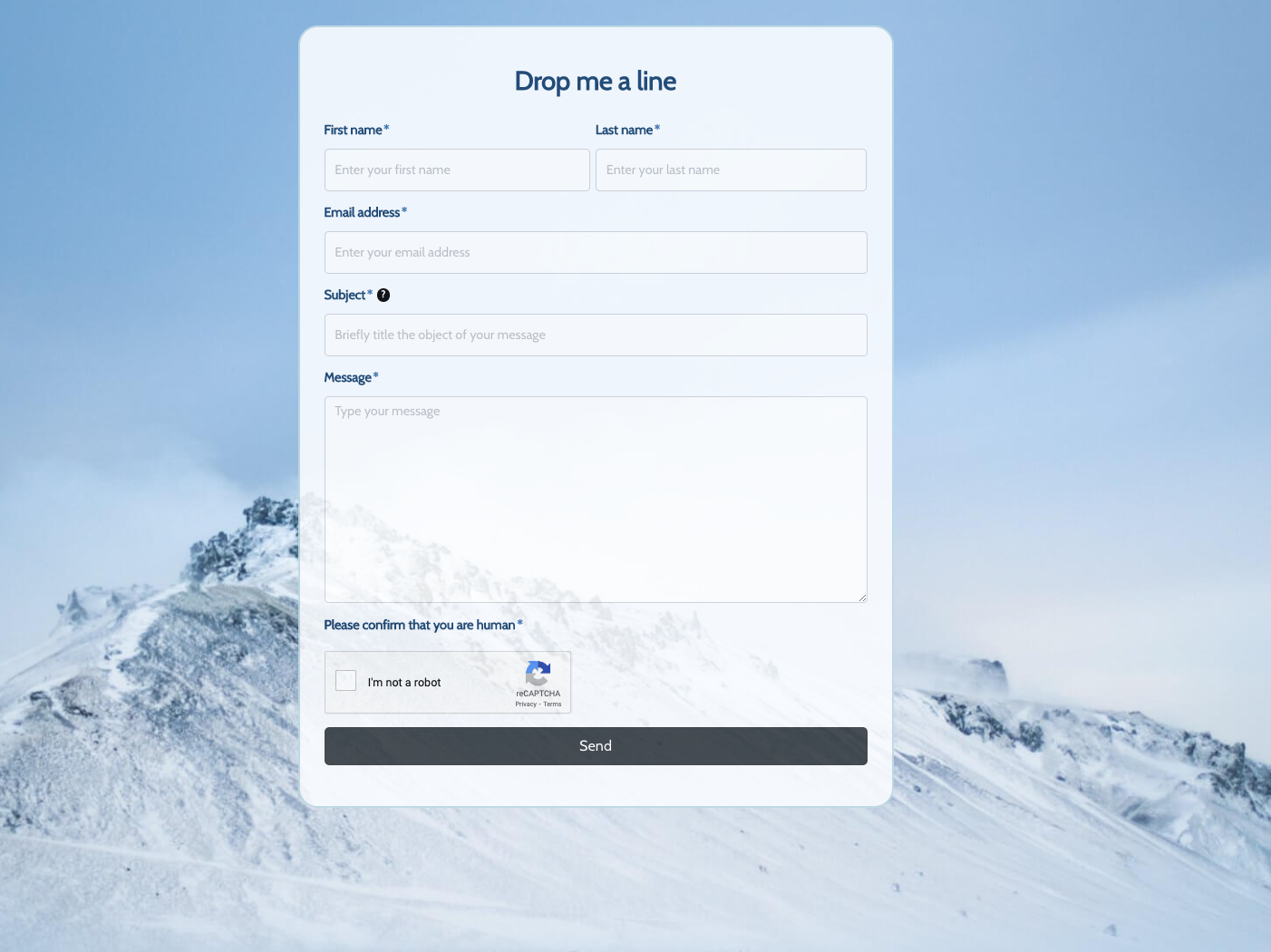 Drop me a line Form
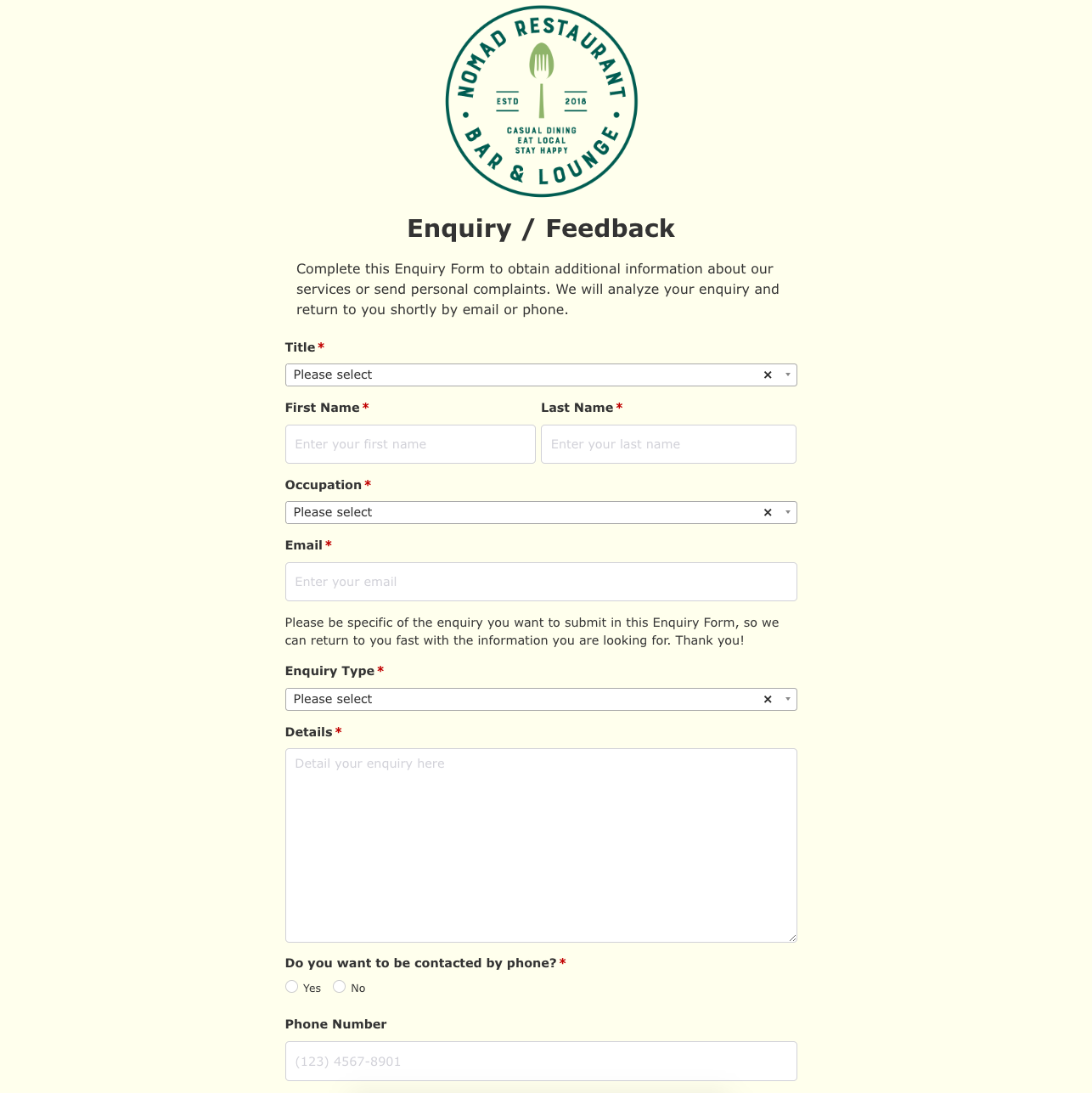 Enquiry / Feedback Form
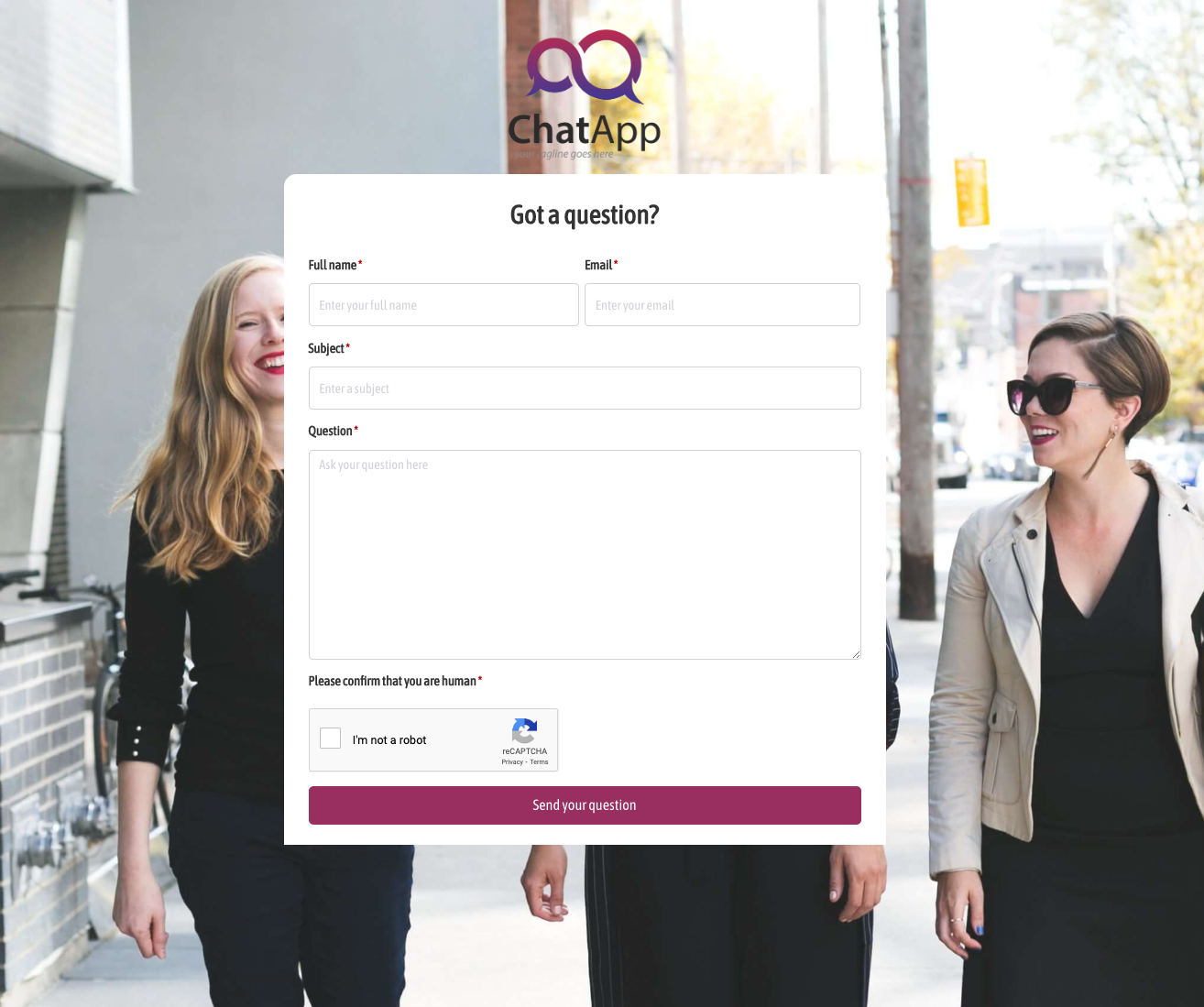 Got a question? Form
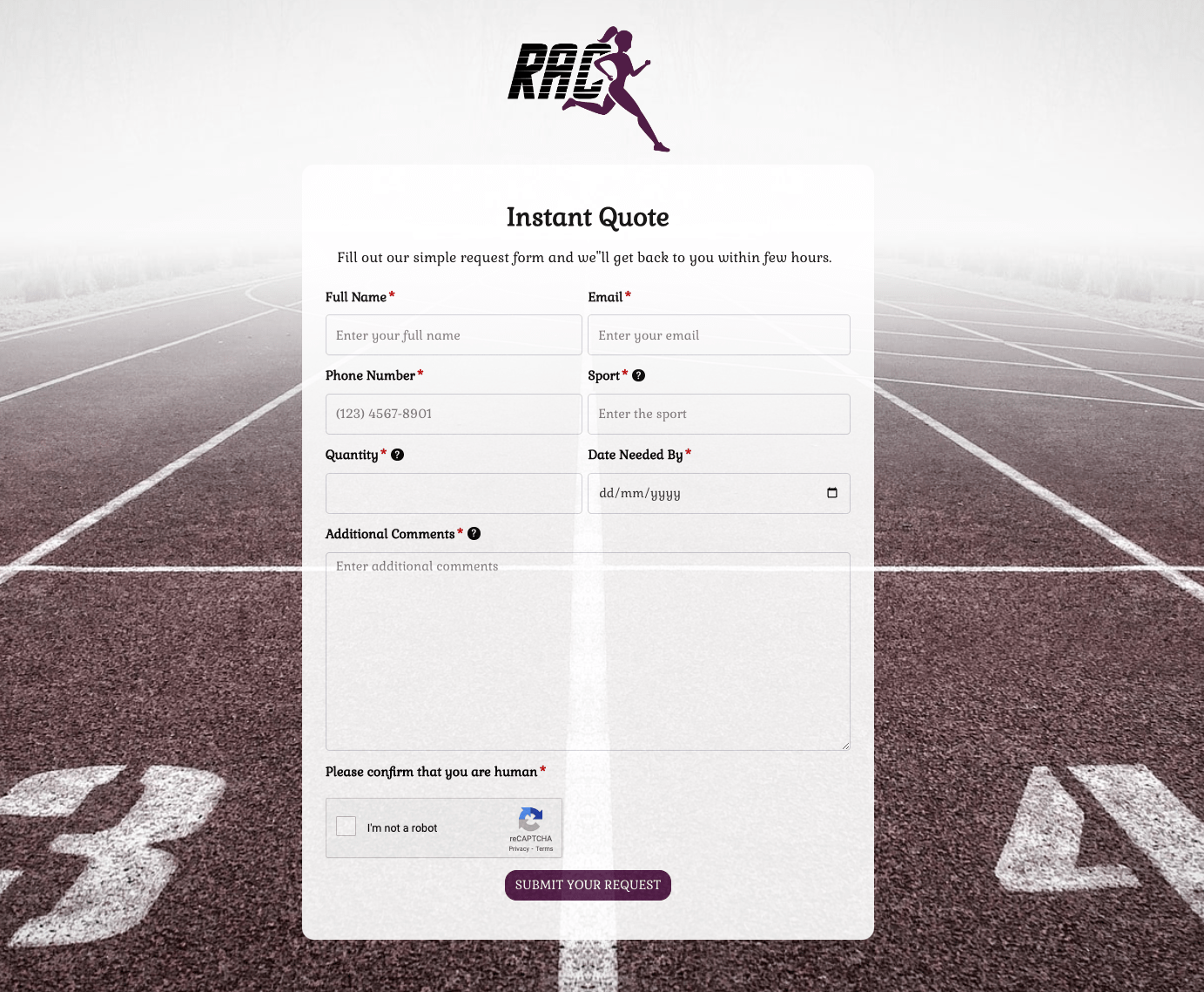 Instant Quote Form
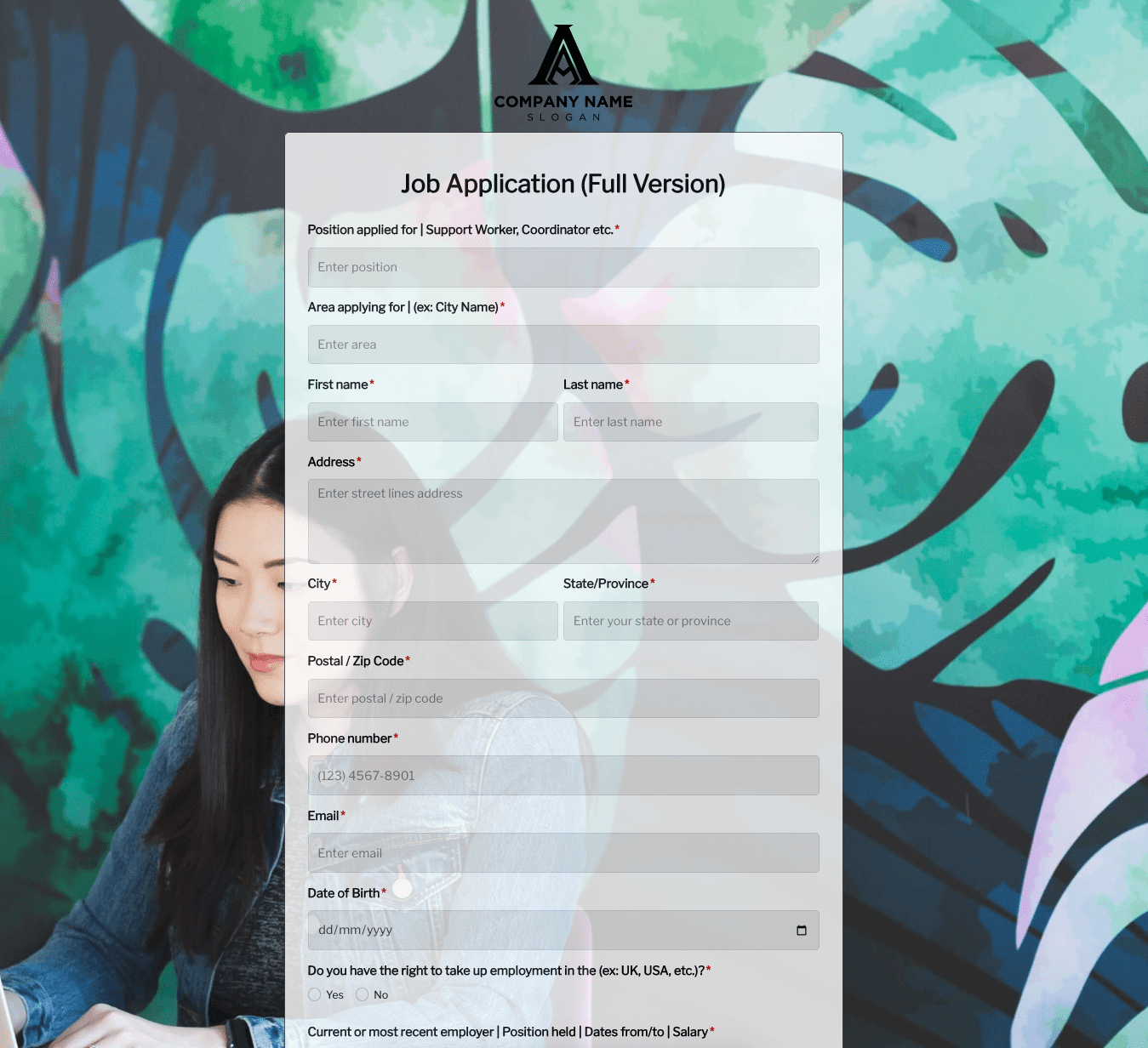 Job Application Form
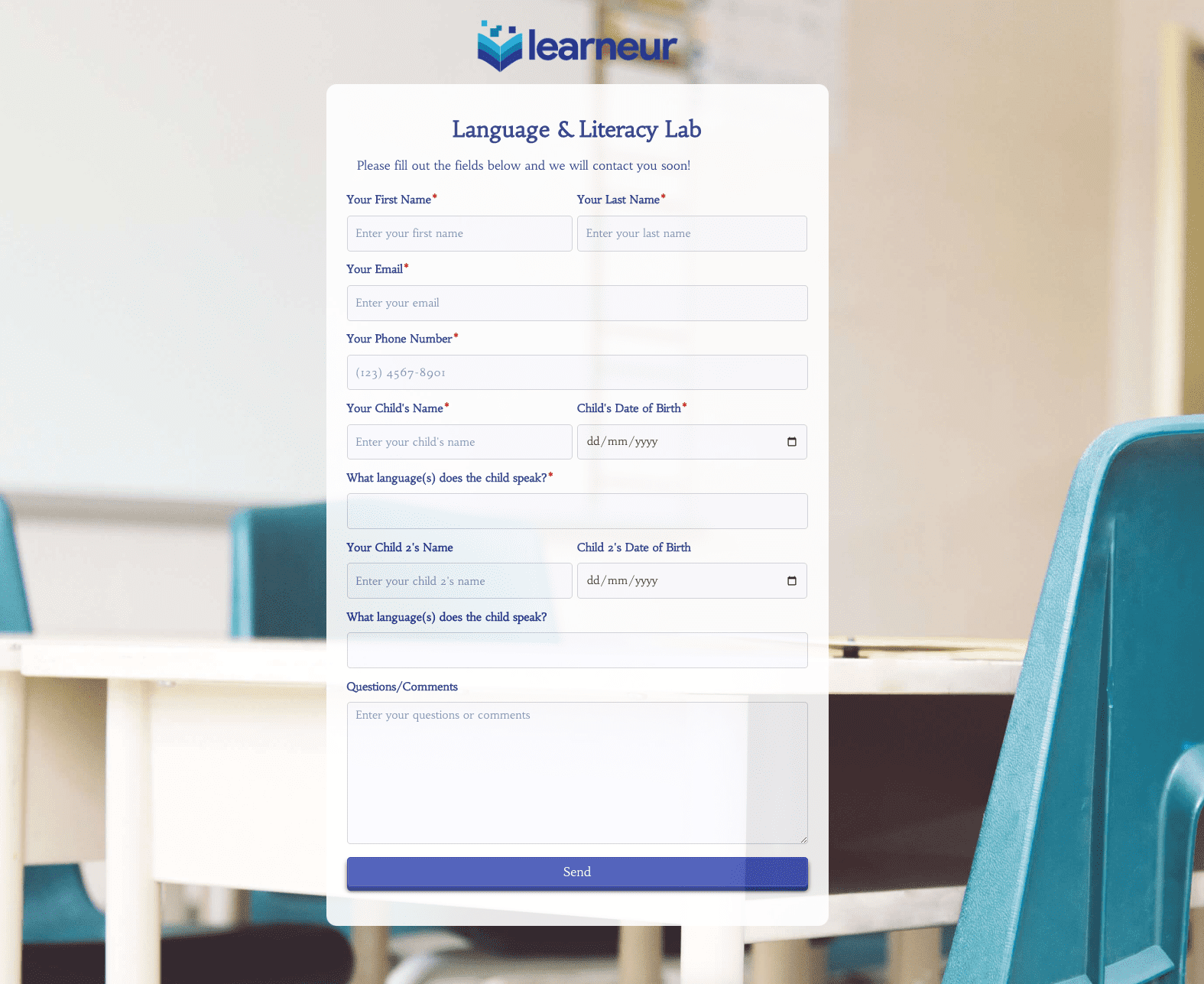 Language & Literacy Lab Form
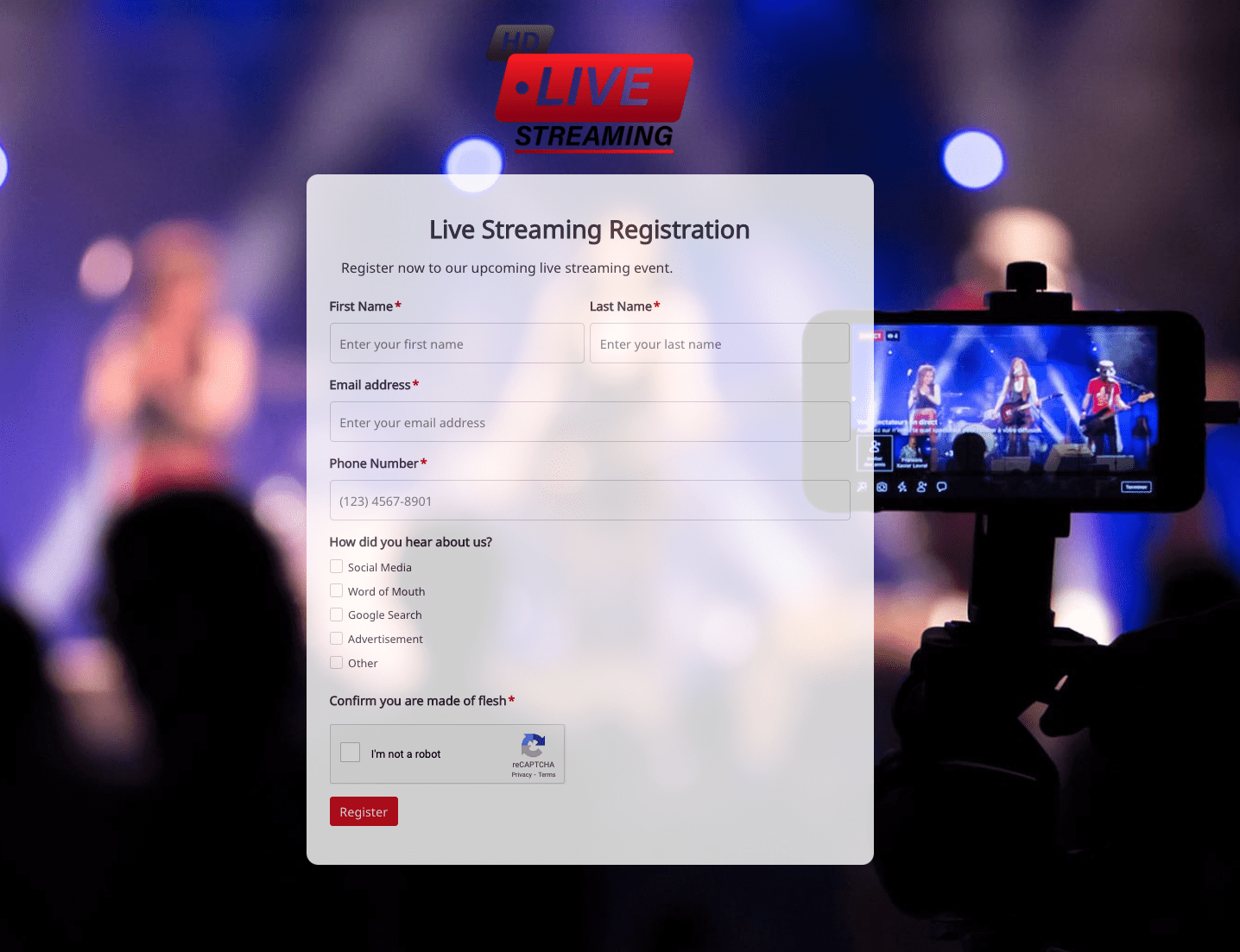 Live Streaming Registration Form
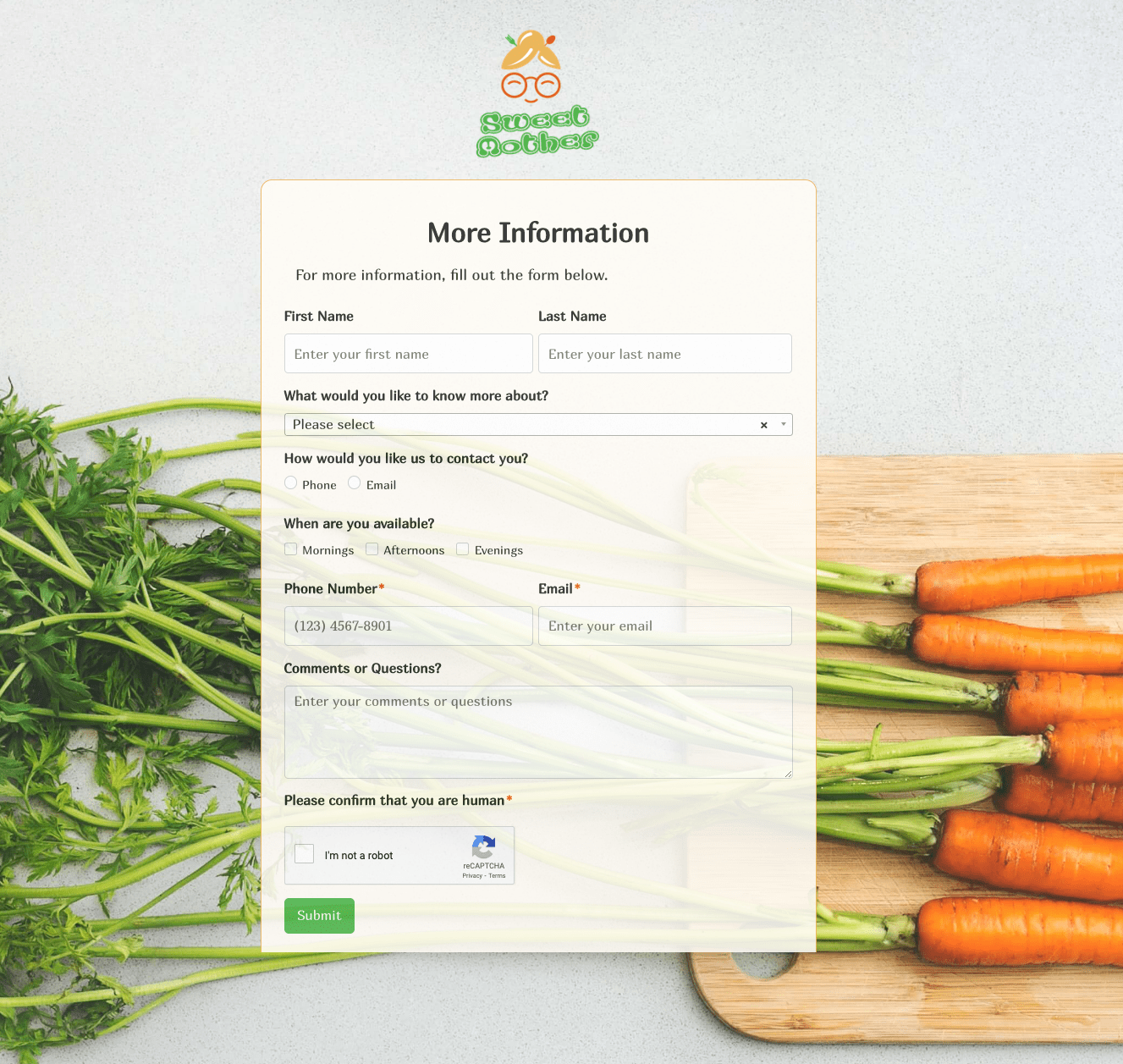 More Information Form
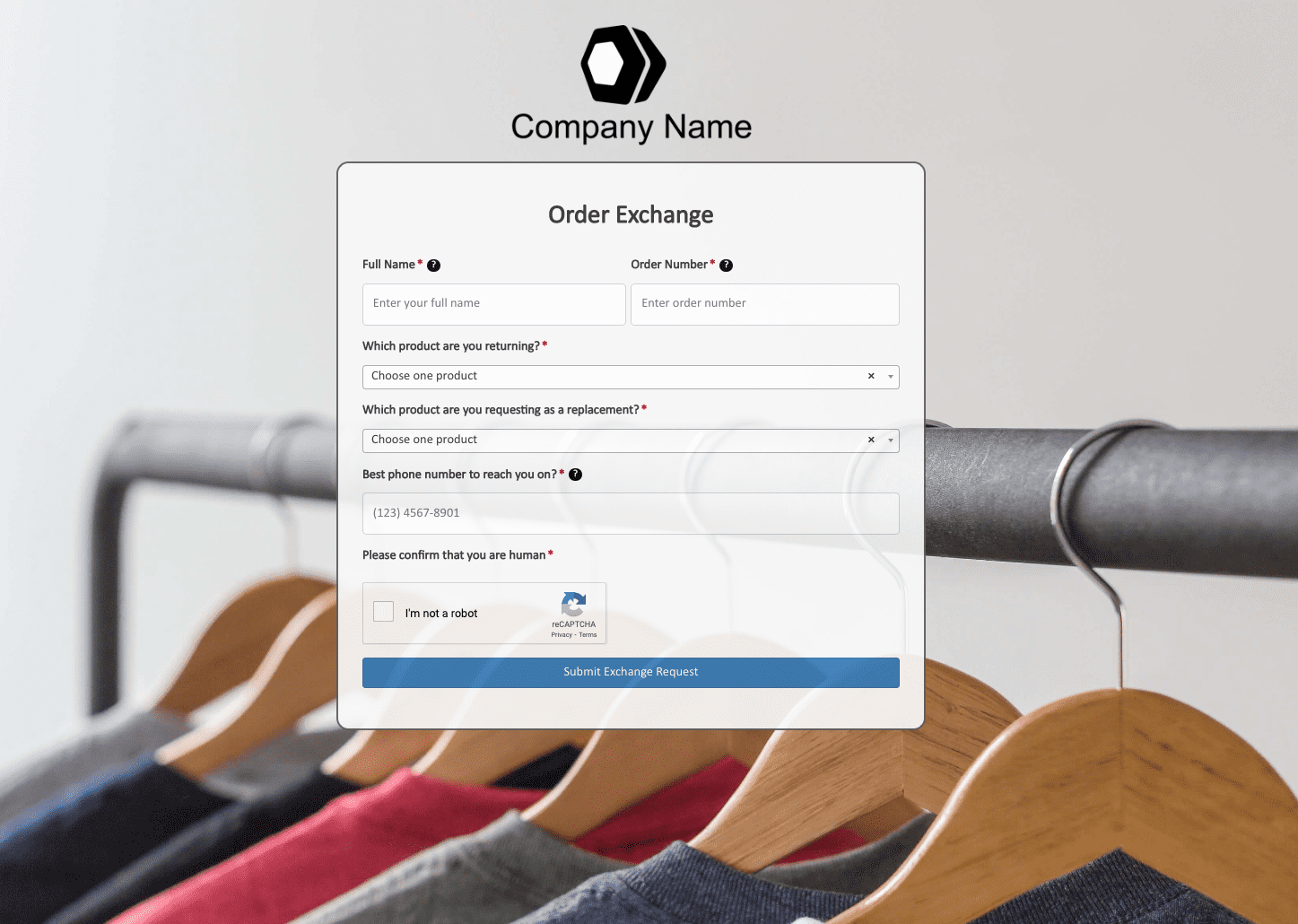 Order Exchange Form
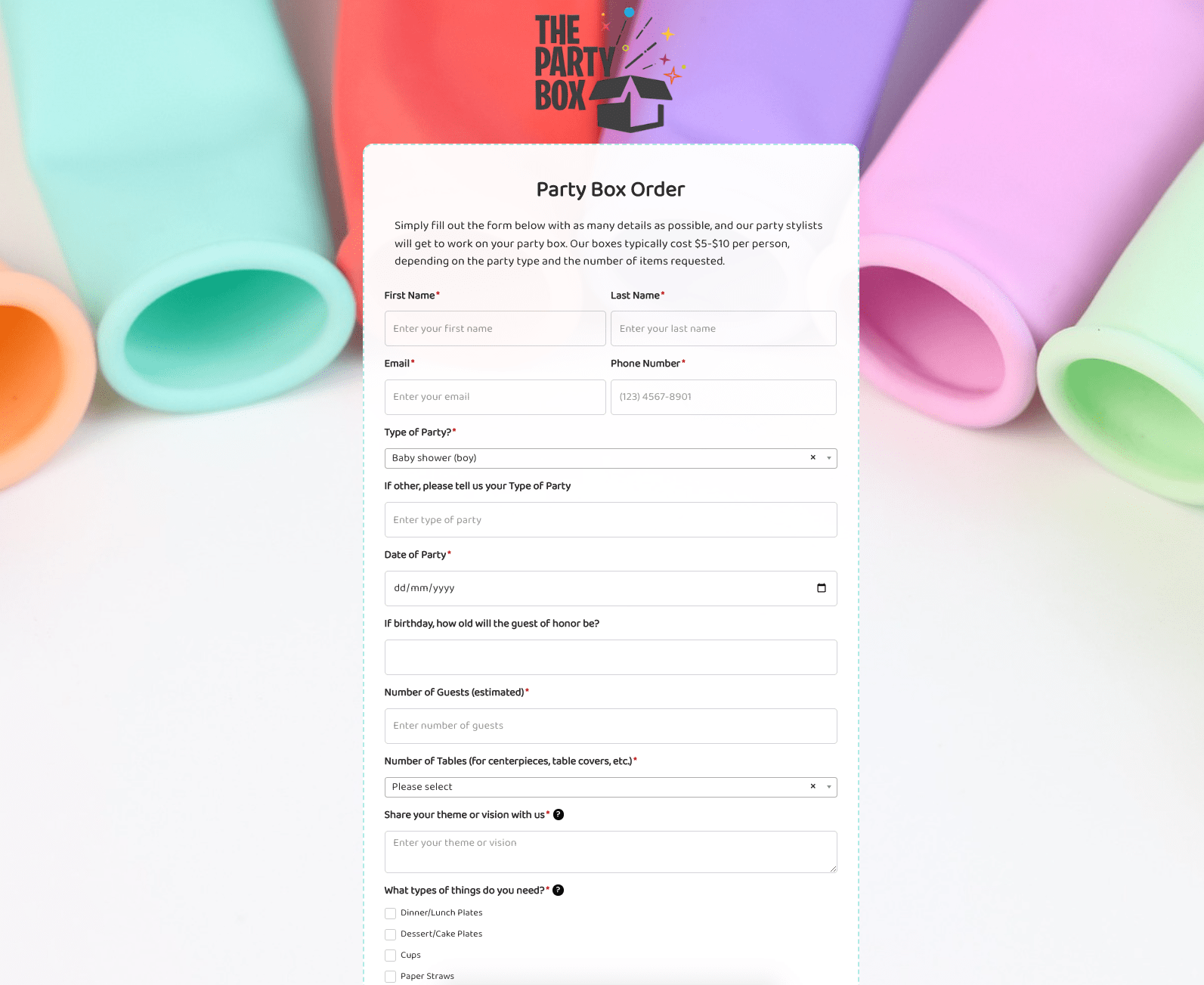 Party Box Order Form
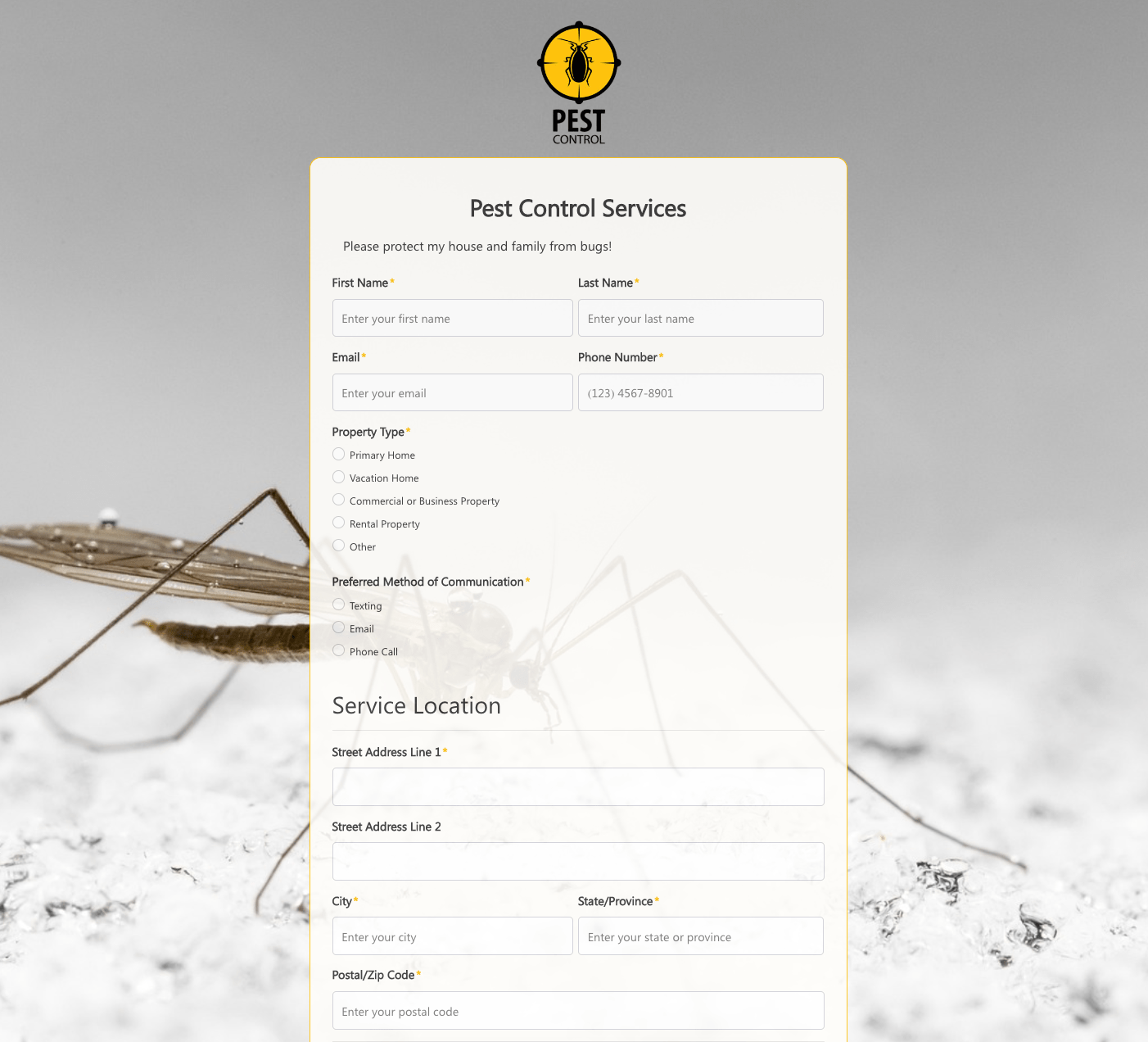 Pest Control Services Form
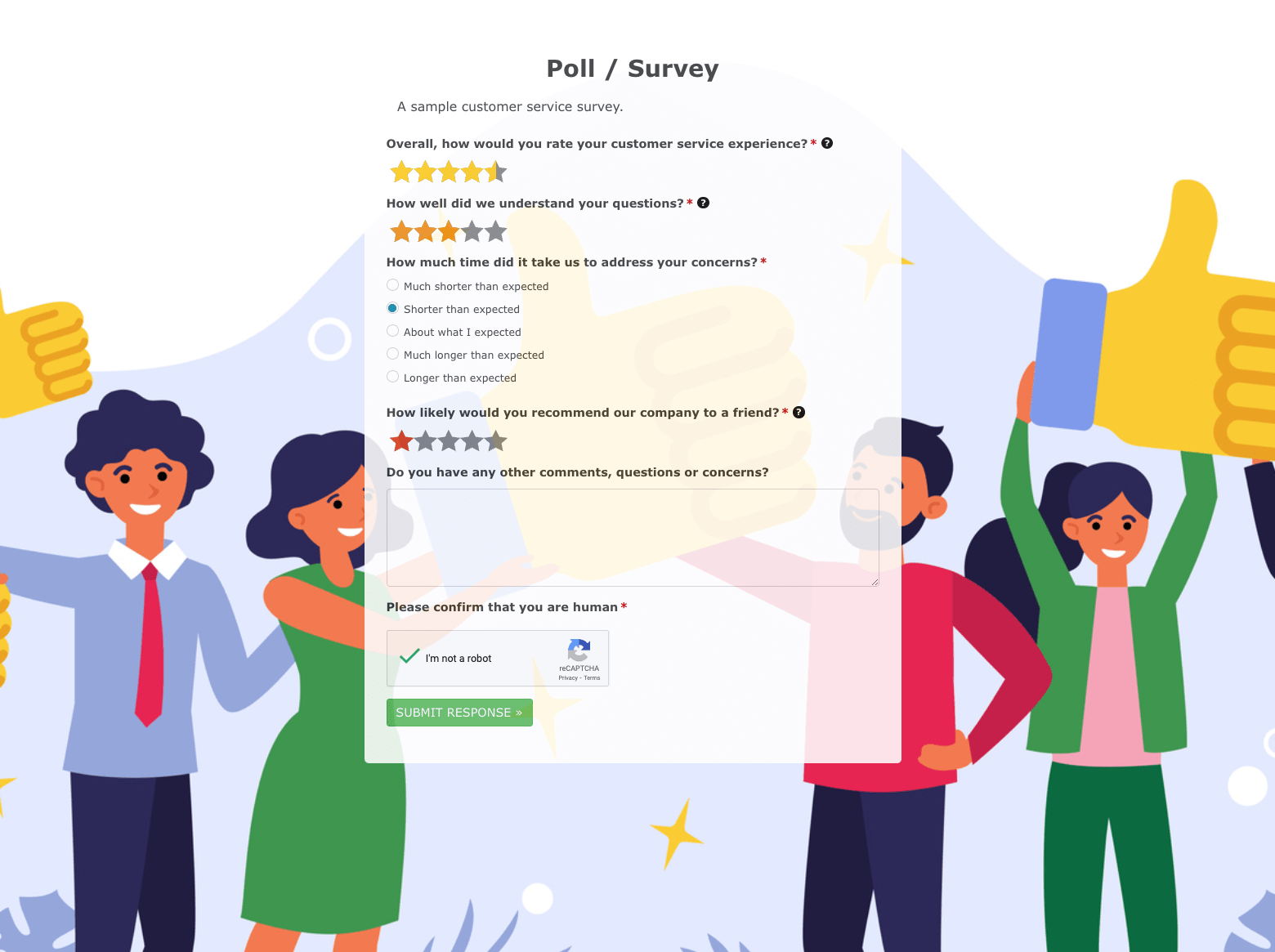 Poll / Survey Form
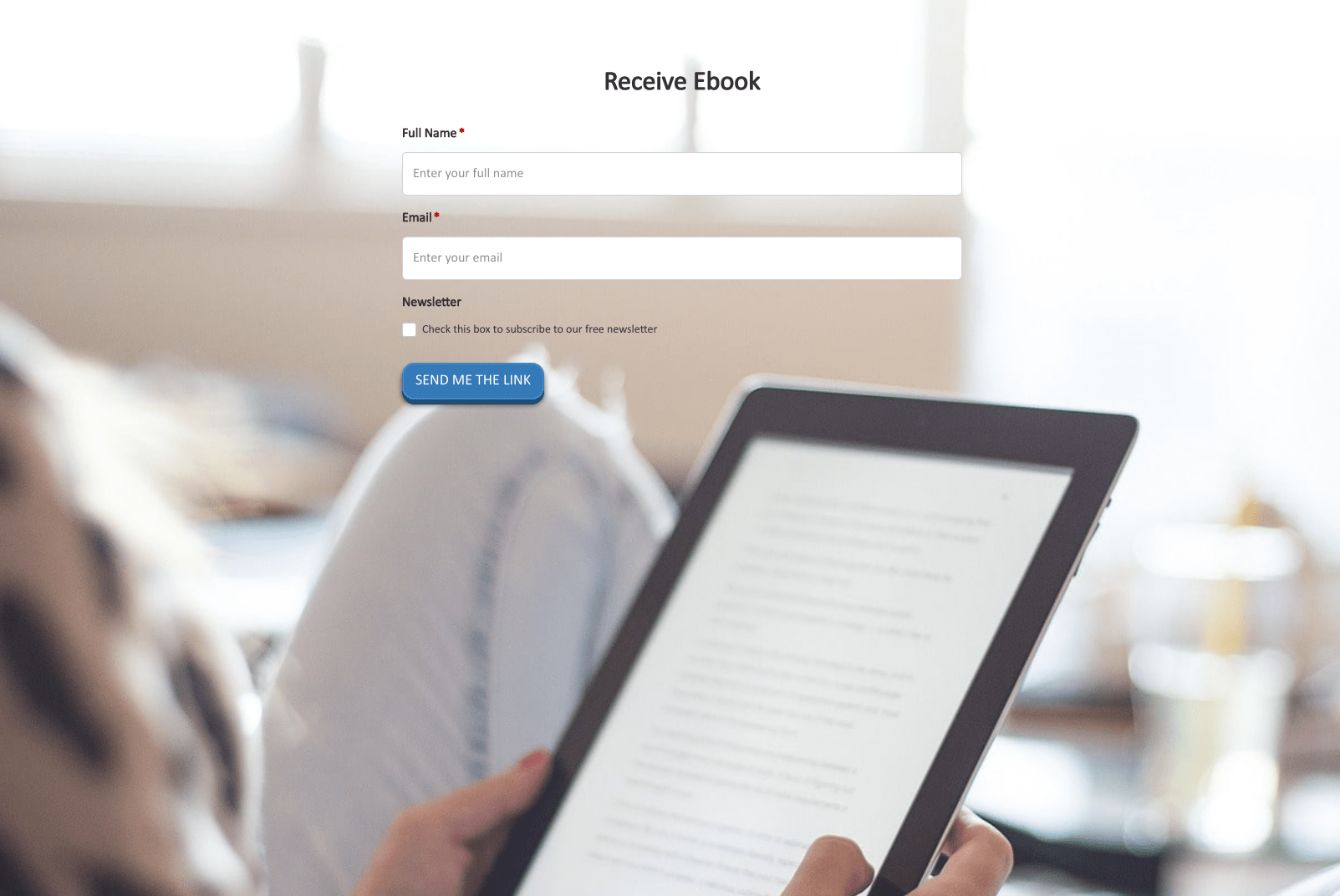 Receive Ebook Form
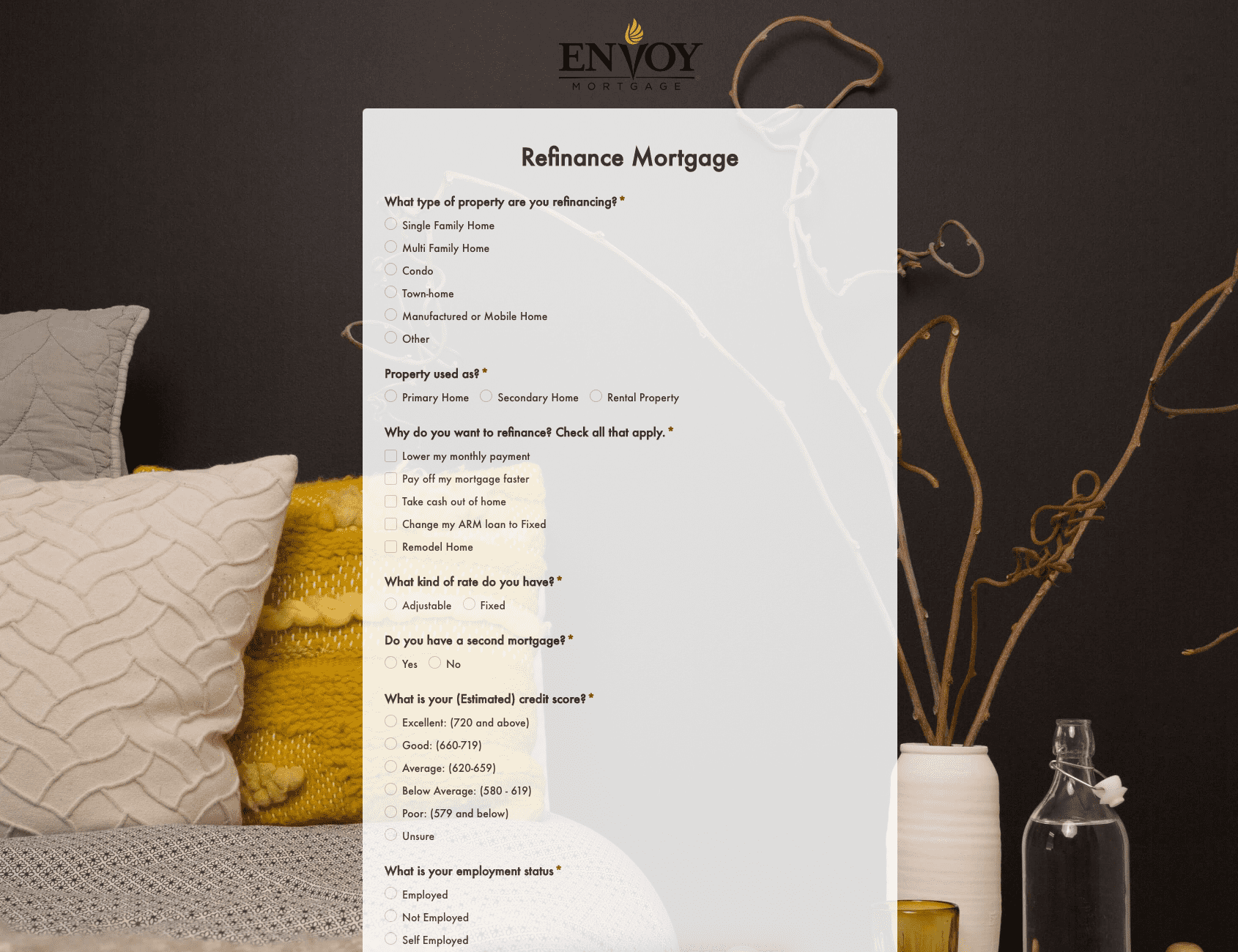 Refinance Mortgage Form
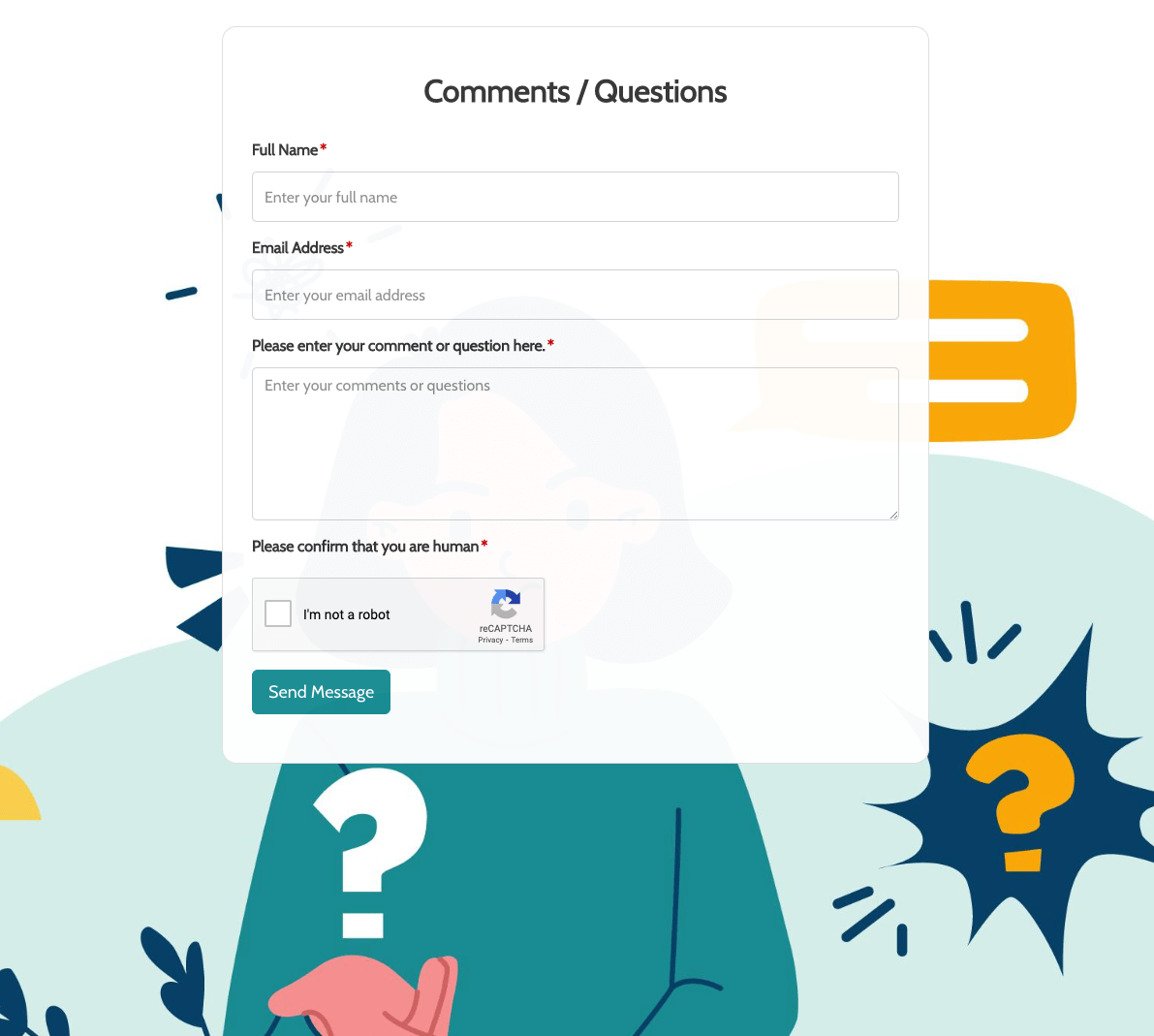 Remarks / Questions Form
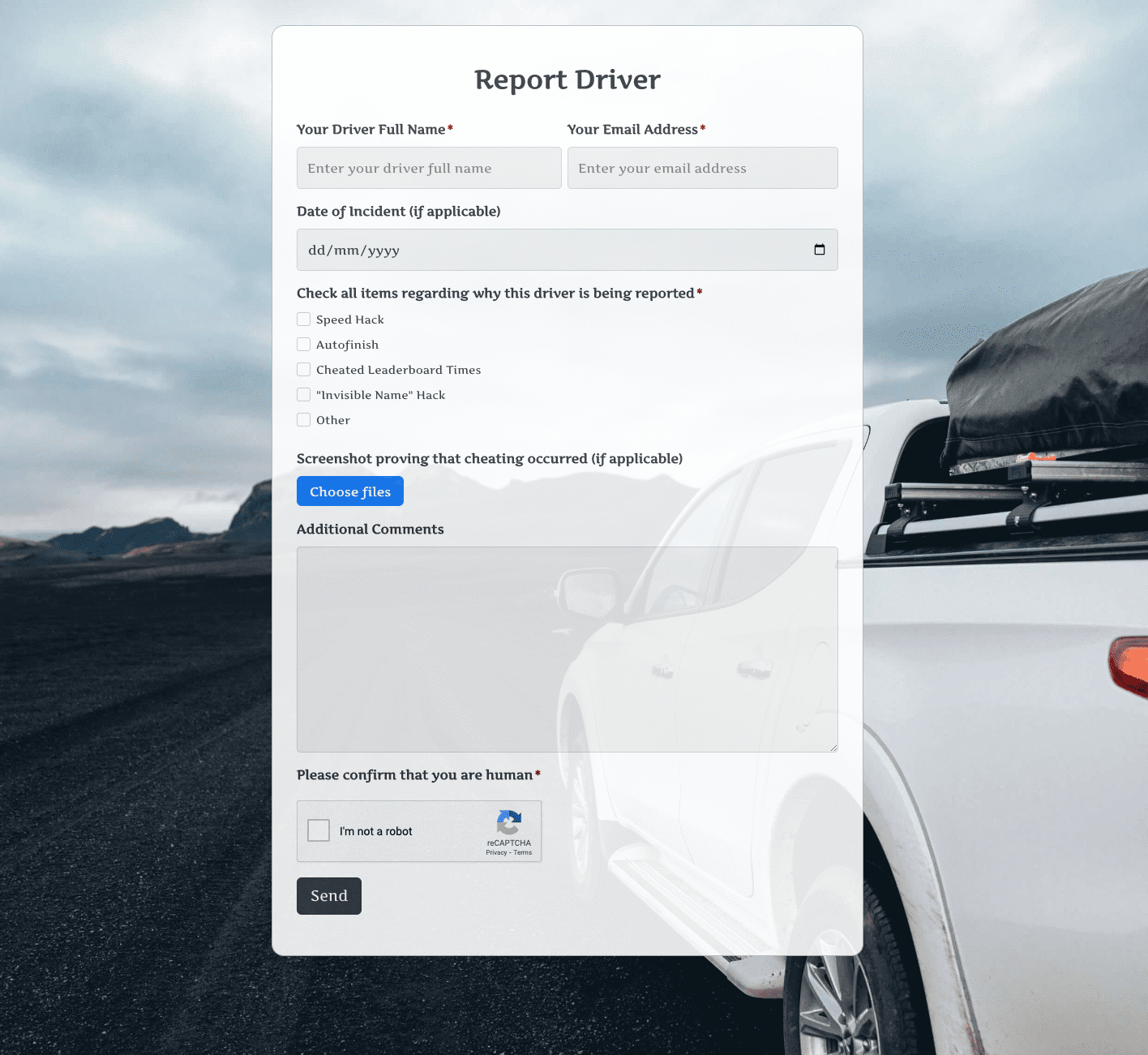 Report Driver Form
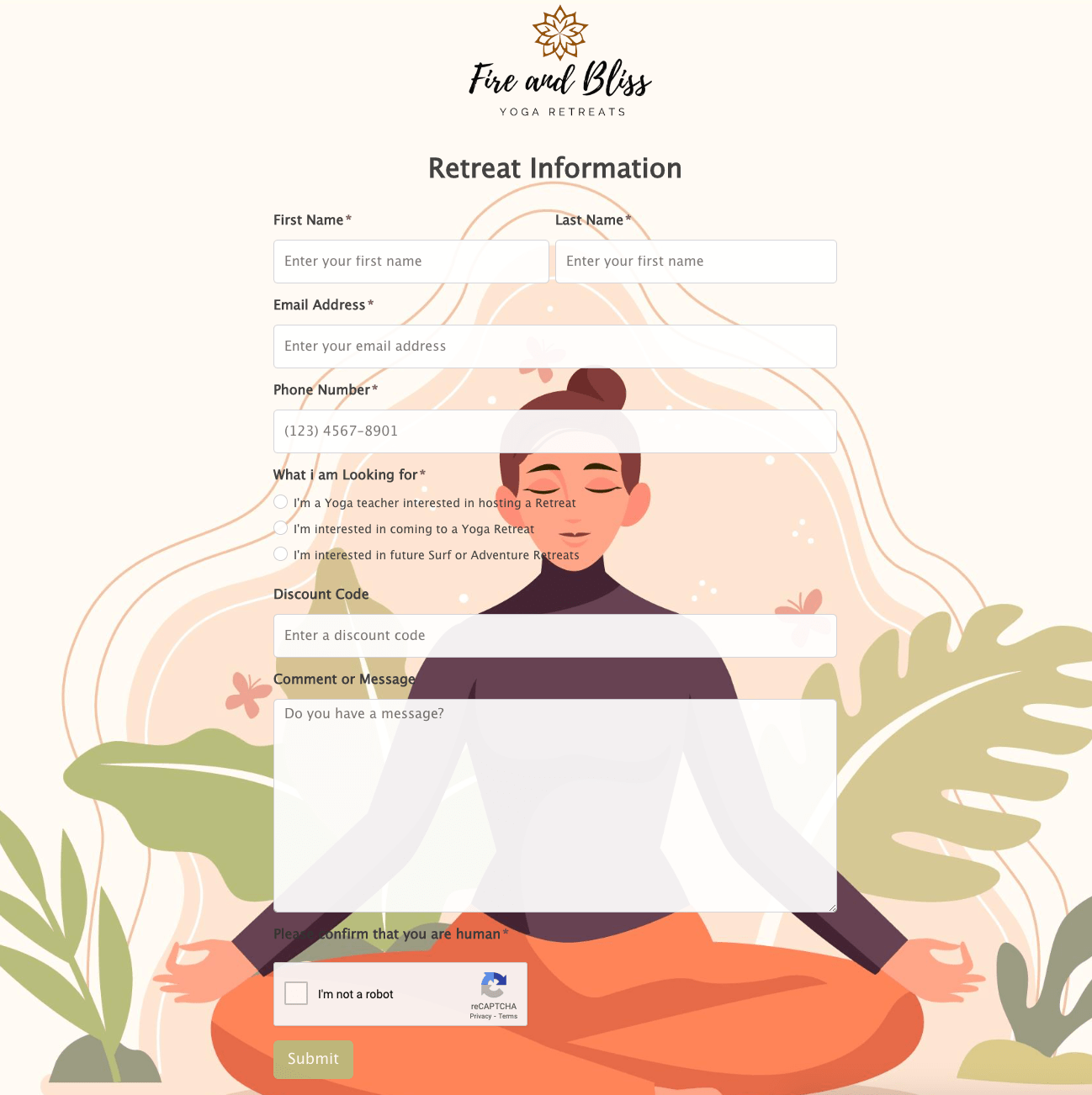 Retreat Information Form
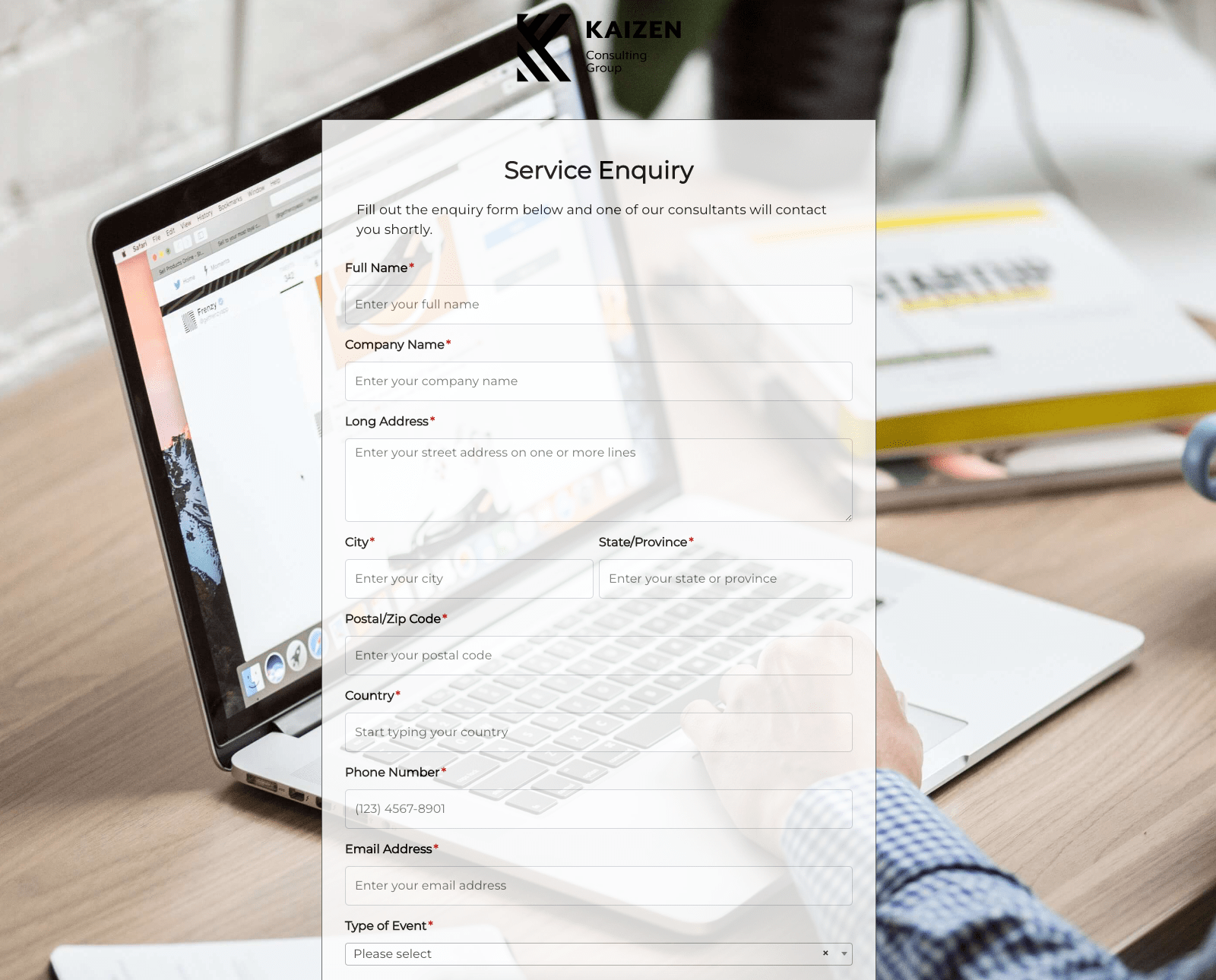 Service Enquiry Form
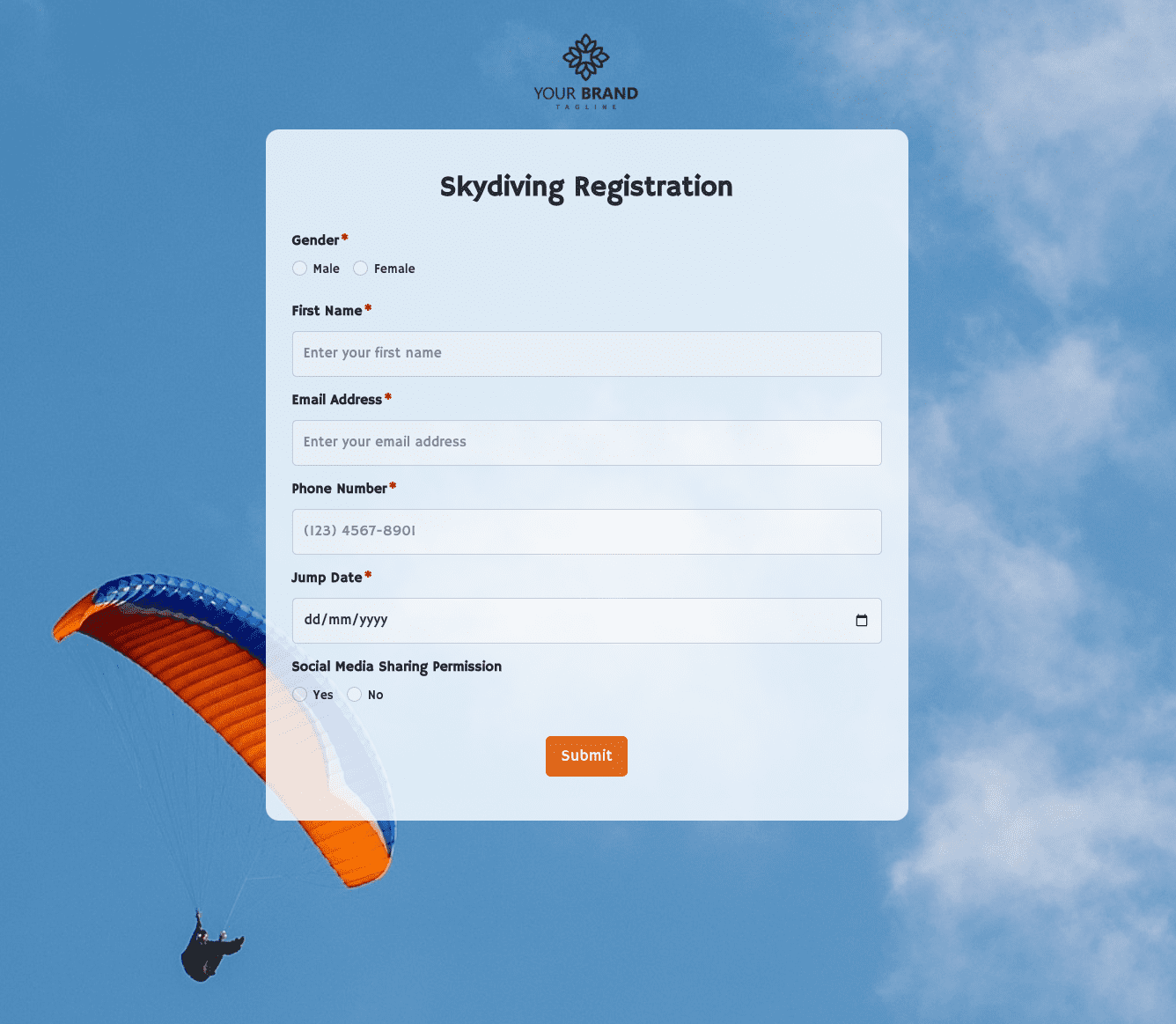 Skydiving Registration Form
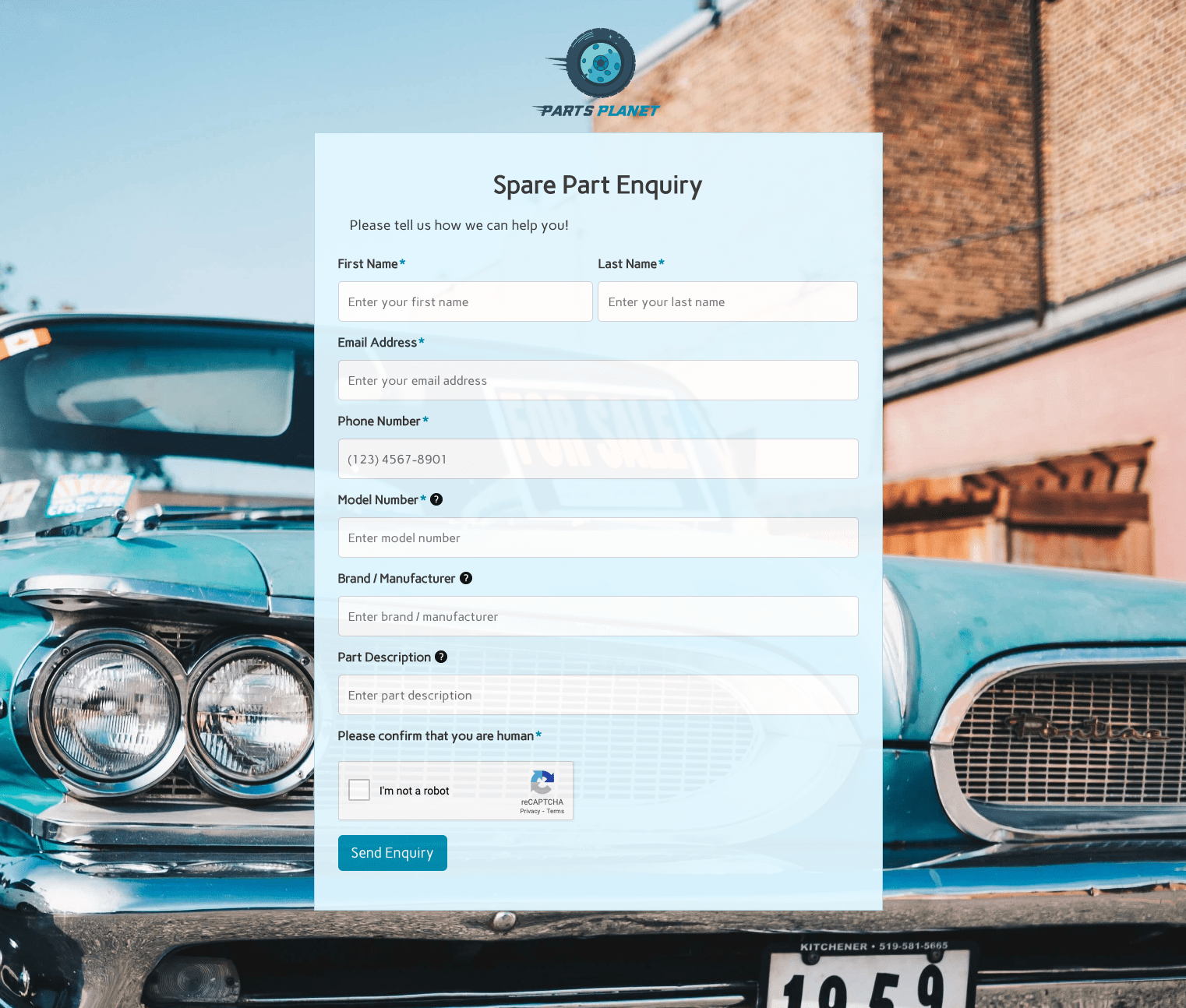 Spare Part Enquiry Form
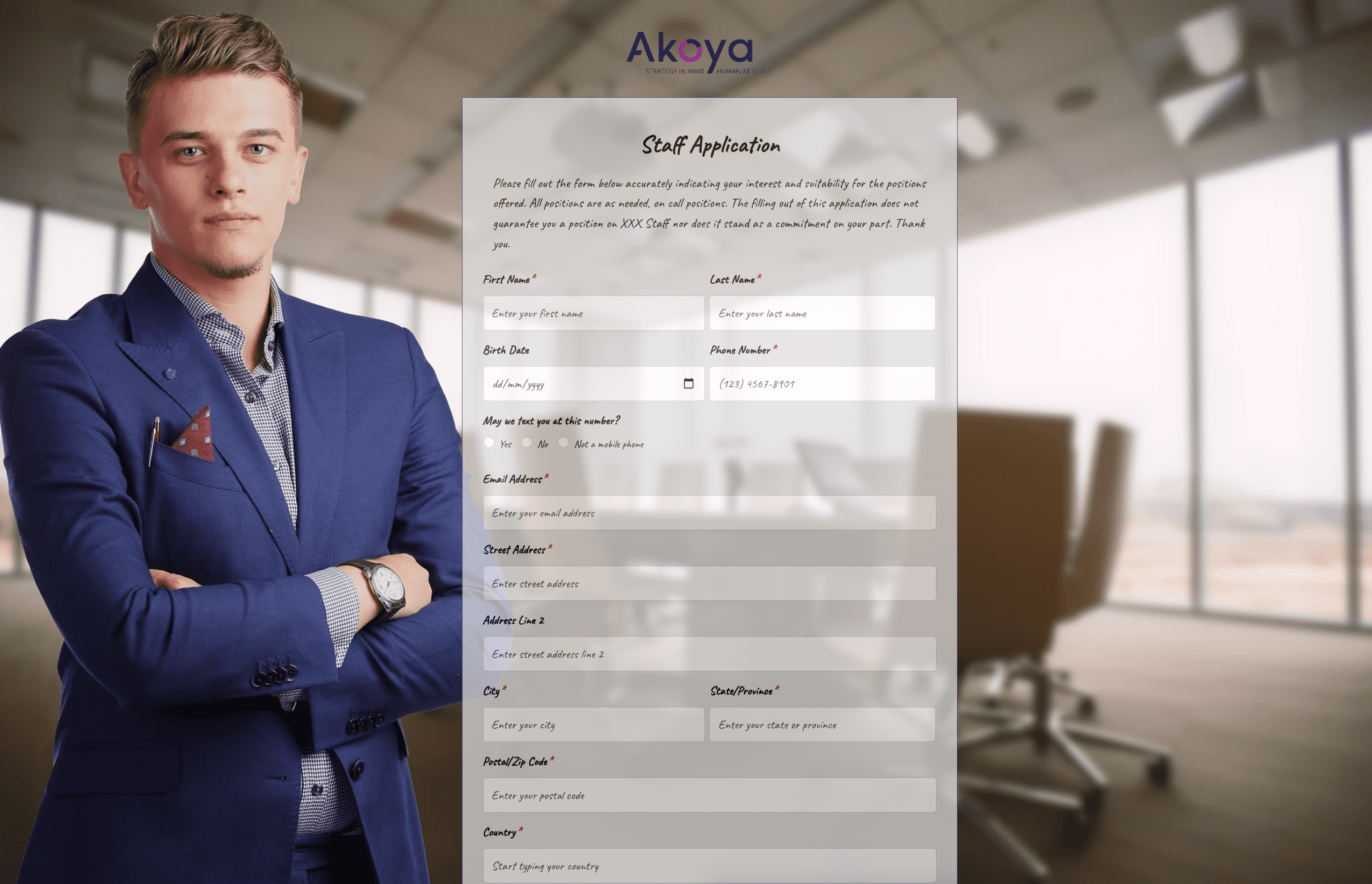 Staff Application Form
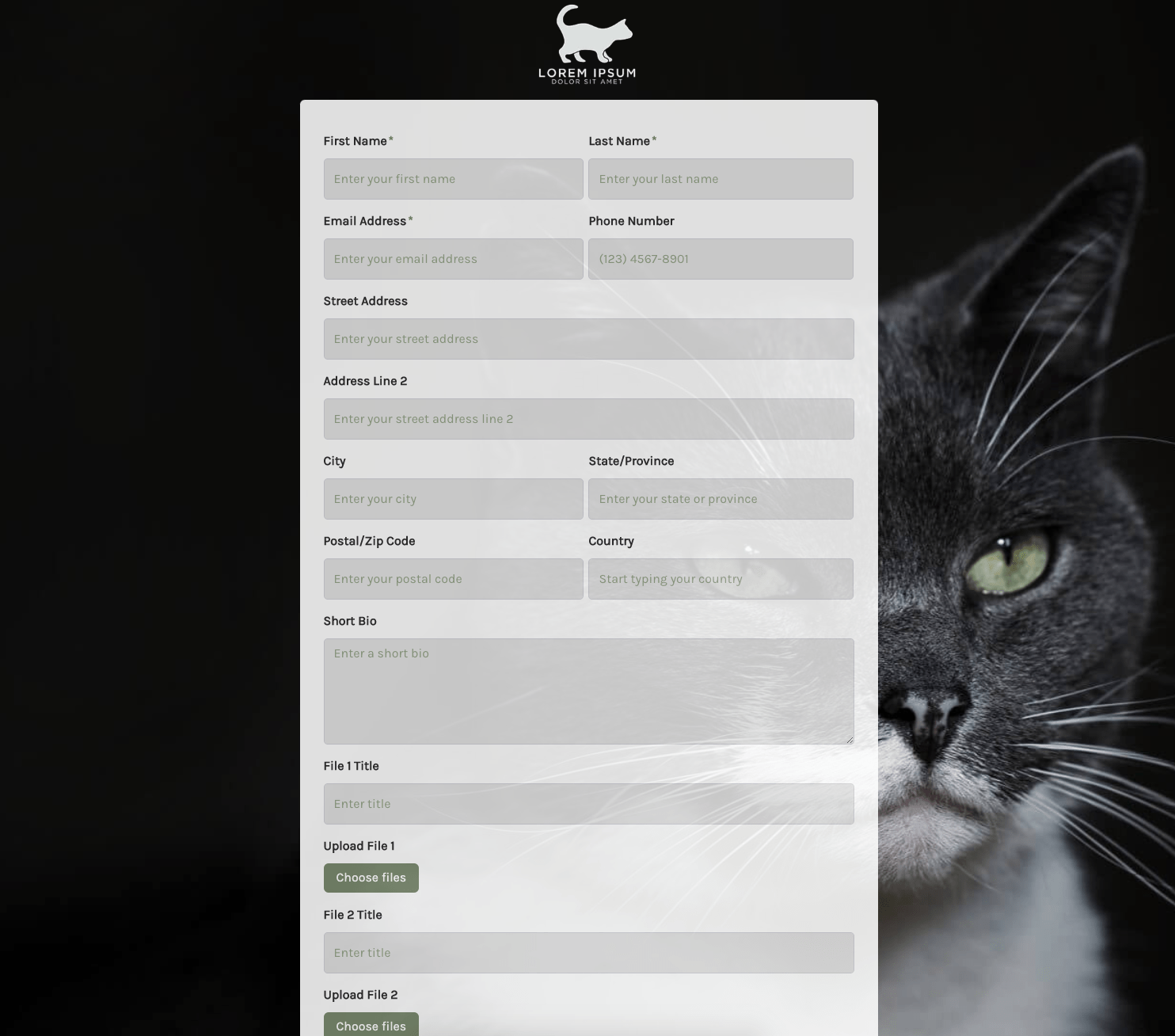 Submission Form
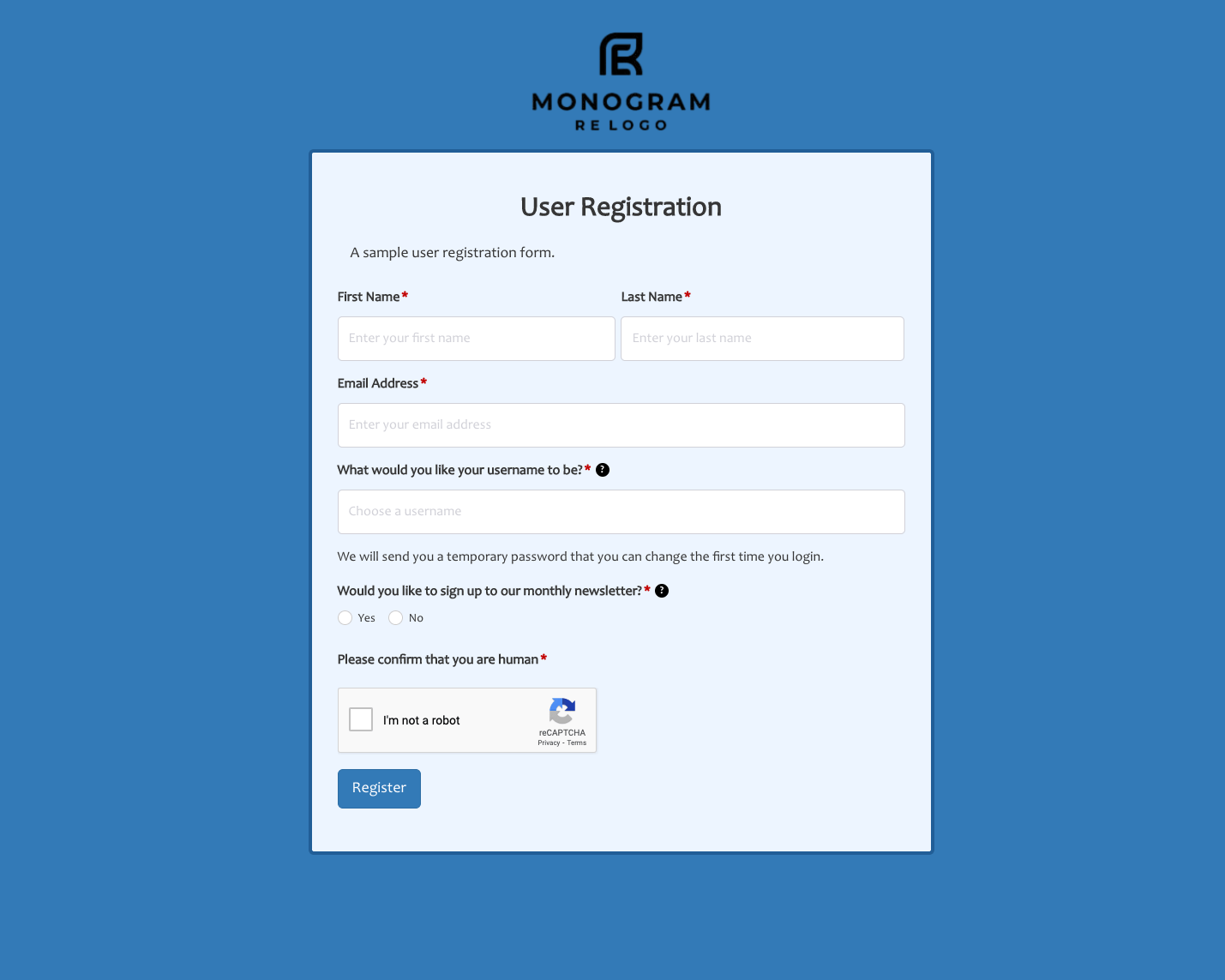 User Registration Form
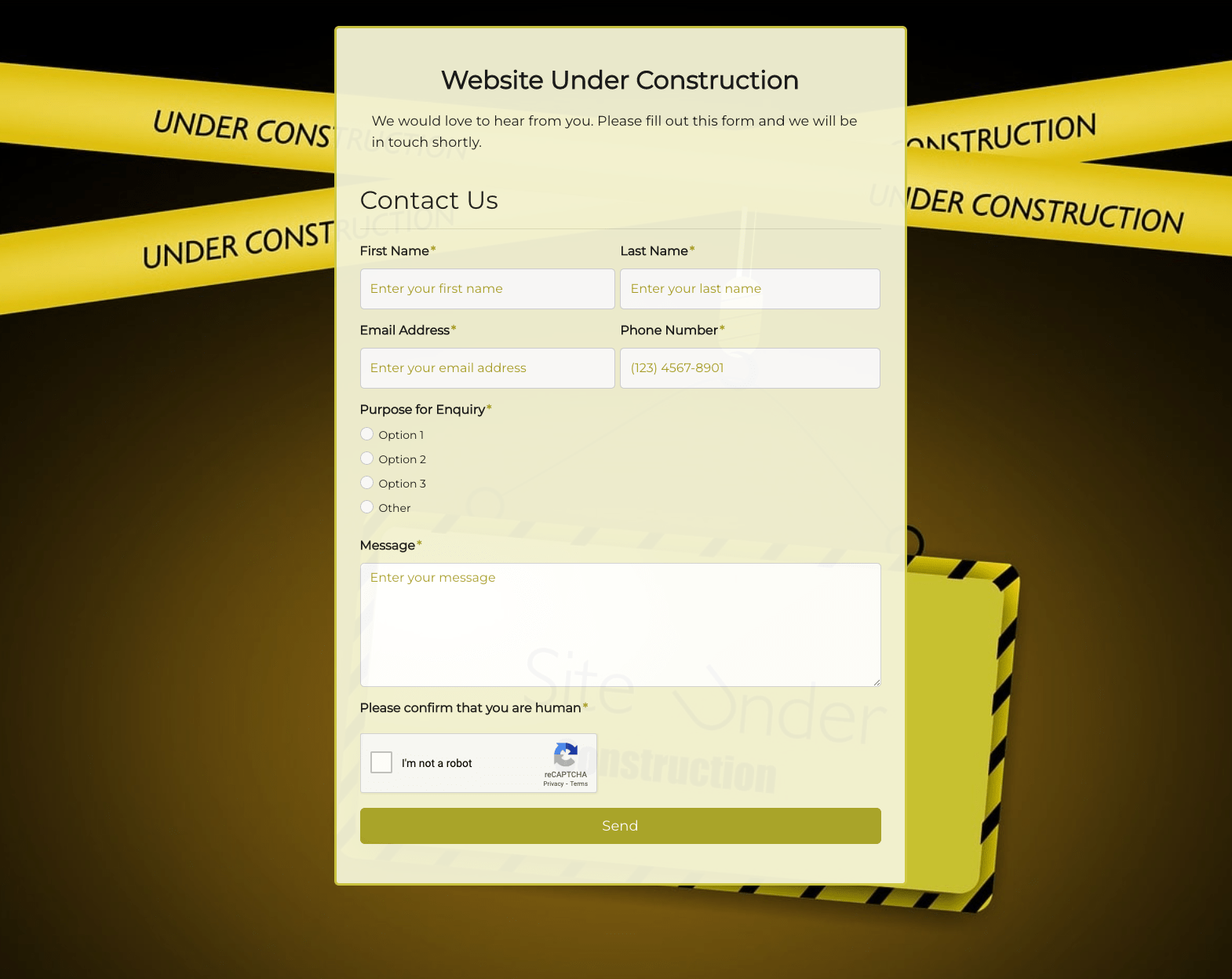 Website Under Construction Form
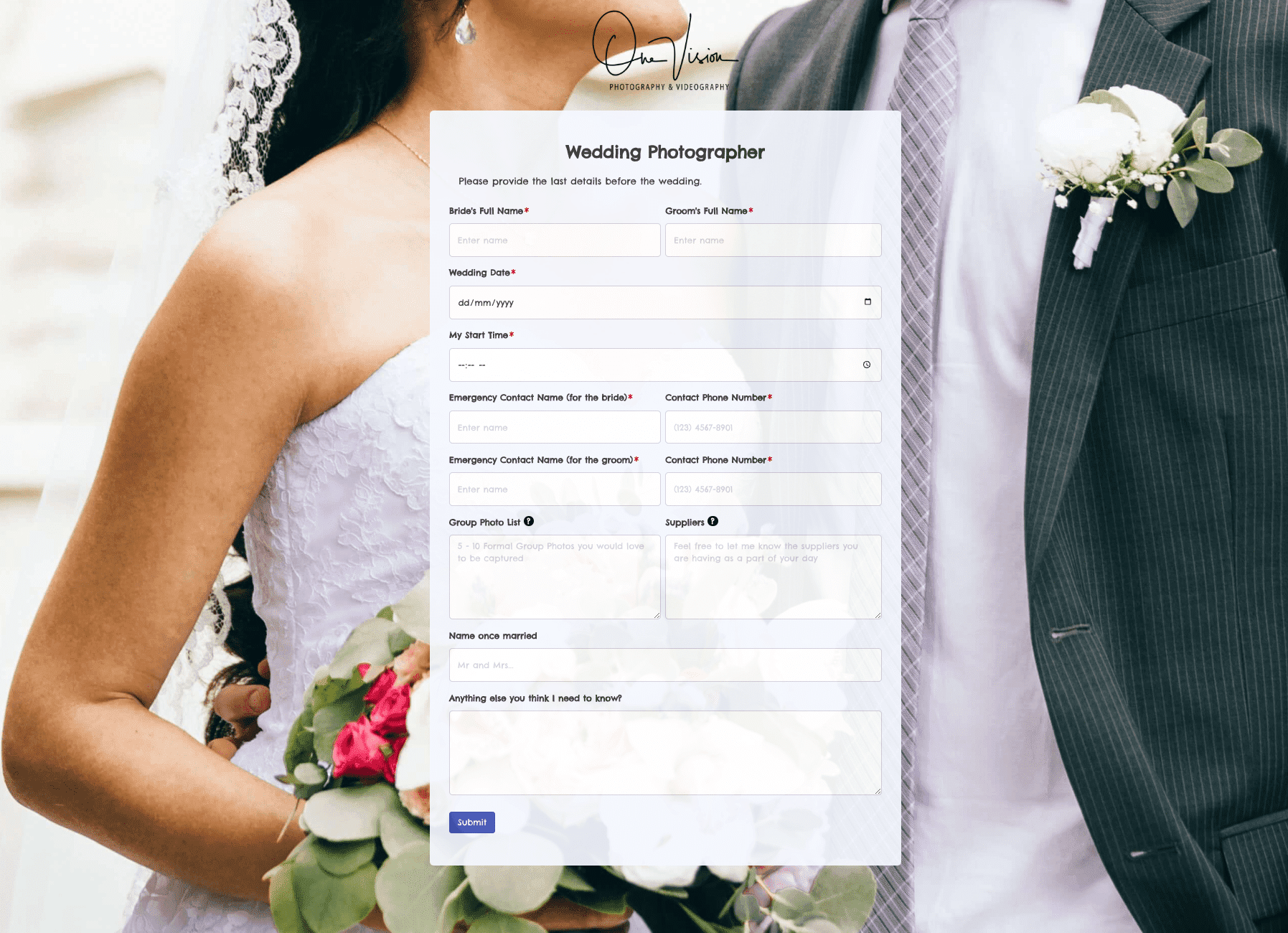 Wedding Photographer Form
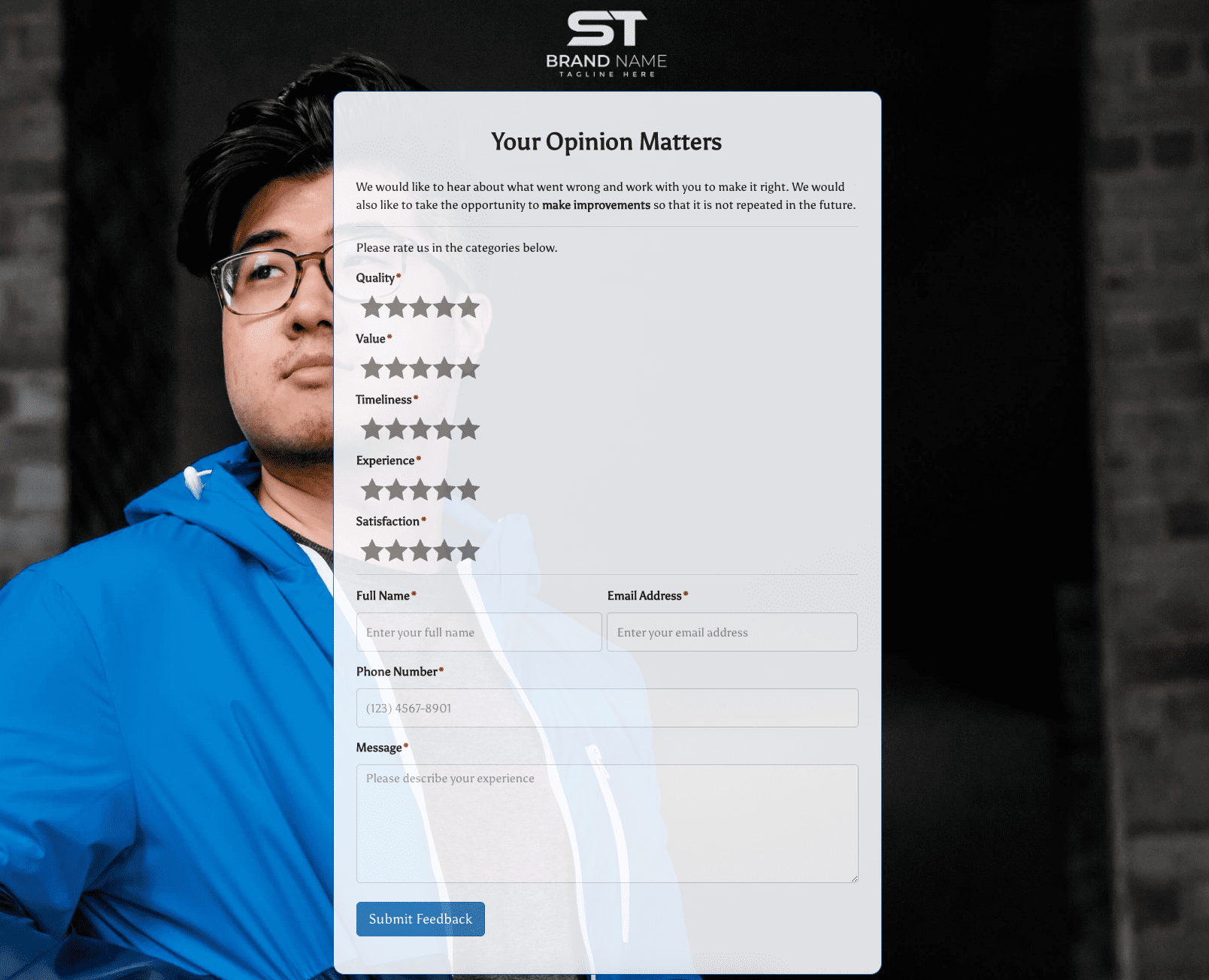 Your Opinion Matters Form







.png)