Running a repeatable presentation to explainer video workflow lets small business marketing and client-services teams turn the slide decks they already use on discovery calls into two-minute narrated videos for service pages and contact-form confirmation emails. Most service businesses (IT managed service providers, specialty logistics firms, commercial remodelers, B2B bookkeeping agencies) do not have ten thousand dollars lying around to hire an animation studio every time they launch a new service package. What they do have is a ten-slide PowerPoint deck sitting in a shared folder that the founder or sales lead walks through on every first phone call.
The trouble is that high-intent prospects decide whether to fill out your contact form before they ever hear that live pitch. If your service page only offers three paragraphs of generic brochure copy, prospects leave with unanswered questions about your onboarding timeline, pricing model, and deliverable scope. And even after someone books a consultation, sending them a twelve-page PDF capabilities deck as a pre-read rarely works; busy buyers open the attachment on their phone, see tiny 10-point text, and close it immediately.
Converting your existing sales and onboarding slides into a short, voice-guided explainer bridges that gap without adding a video production line item to your monthly budget.
Why a presentation to explainer video workflow beats sending PDFs before discovery calls
When a prospective client submits a quote request or books a fifteen-minute intro call on a Tuesday afternoon, the forty-eight hours before you actually speak are when buyer hesitation sets in. They wonder whether your team handles companies of their size, what happens during week one of onboarding, and whether the call is going to be a high-pressure pitch.
Sending a static .pptx or .pdf deck asks the buyer to do the interpretive work on their own. Without spoken context, a slide titled "Phase 2: Systems Integration & Audit (Weeks 2 to 4)" looks like abstract consulting jargon. When that exact same slide is paired with twenty seconds of clear voiceover ("During weeks two through four, our engineers map your existing QuickBooks chart of accounts in a sandbox environment so your daily invoicing never goes offline"), the buyer immediately understands the practical value.
Guidance from the U.S. Small Business Administration on marketing and sales communication emphasizes defining a clear, differentiated value proposition and addressing customer qualification questions early in the buying cycle. Pairing visual slide steps with concise spoken narration also aligns with Nielsen Norman Group research on instructional video, which notes that short, task-focused videos keep viewers engaged when every scene answers a single concrete question.
|
Pre-Call or Service Page Asset
|
Buyer Experience on Mobile & Desktop
|
Effort to Update When Packages Change
|
Impact on Discovery Call Quality
|
|
Static 12-slide PDF attachment
|
Hard to pinch-and-zoom on phones; skips spoken nuance
|
Fast to edit text, but no way to see if prospects read past page 2
|
Reps still spend the first 15 minutes explaining basic company background
|
|
Custom studio-filmed promo video
|
Polished look, but often light on concrete operational steps
|
Expensive and slow; requires new shoot if pricing or deliverables change
|
Good for brand awareness, rarely answers tactical onboarding questions
|
|
90-second slide-to-explainer video
|
Plays in browser with captions; walks through exact workflow steps
|
Under 10 minutes; update one slide scene and re-export
|
Prospects arrive knowing the process and ready to discuss their specific scope
|
Stripping a 15-slide pitch deck down into a 90-second explainer
You cannot take a fifteen-slide conference deck, dump the whole file into a video generator, and expect website visitors to sit through a seven-minute monologue. A discovery deck is built for a two-way conversation; a web explainer must earn every ten seconds of attention.
Before converting your presentation, trim the deck down to six focused slides that follow a buyer's actual train of thought:
-
Slide 1 (The exact problem and audience): Skip the "Founded in 2016" company history slide. Open directly on the problem you solve and who it is for ("How multi-location dental practices consolidate insurance billing without hiring extra front-desk staff").
-
Slide 2 (Why the usual workaround fails): Show the spreadsheet bottleneck or manual handoff that is currently costing them time.
-
Slides 3 and 4 (Your 3-step delivery process): Use one clean diagram or screenshot per slide to show what happens in week one, week two, and ongoing maintenance.
-
Slide 5 (What is included and what is not): State your scope boundaries clearly so mismatched leads self-select out before booking time on your calendar.
-
Slide 6 (What happens on the 15-minute intro call): Remove the mystery around the contact form by listing the three things you will review together on the call.
Assembling the explainer and embedding it across your buyer journey
Once your six-slide mini-deck is clean, teams that turn a presentation into an explainer video in Leadde.ai can upload the .pptx file directly, let the workspace parse each slide into an editable scene, and either refine the imported speaker notes or generate a structured script tuned to their target audience.
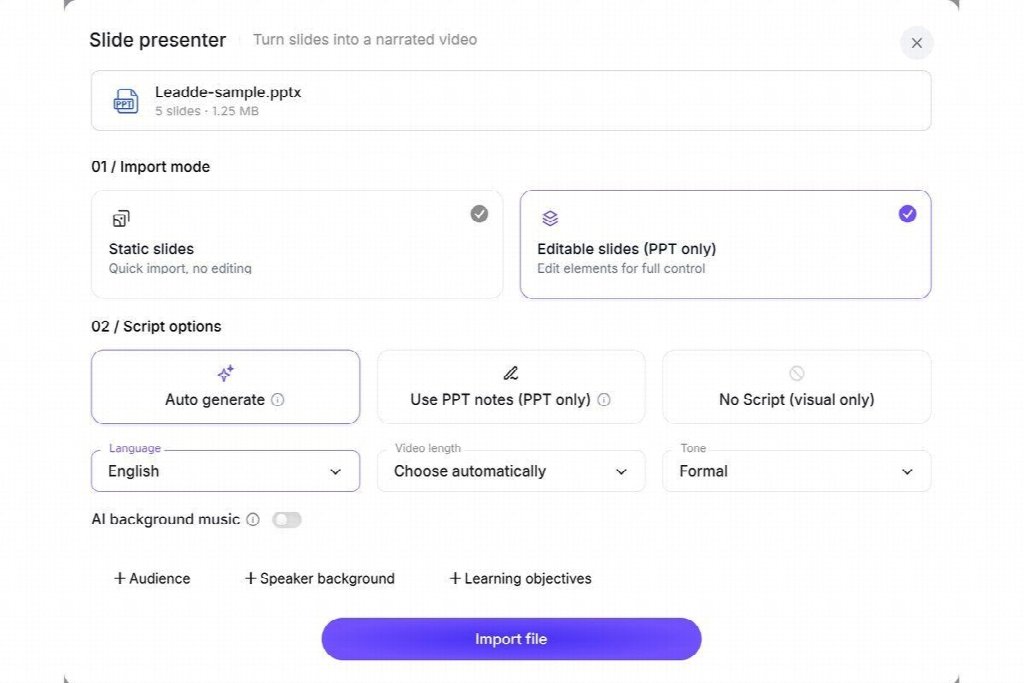
Keep each slide's spoken script between 30 and 40 words, which runs roughly twelve to sixteen seconds per scene. If you want a personal, consultative feel on the opening and closing slides, place an on-screen presenter in the corner frame; on slides three and four where you display process timelines or pricing tiers, switch to voiceover-only so the slide graphics remain large and easy to read. Apply your company logo, brand colors, and one of the nine built-in subtitle styles so the video matches your website without manual timeline editing.

Where you place the finished 90-second video matters just as much as how you build it. Instead of burying it on a blog archive page, put it to work in three high-intent spots:
-
Right beside your primary service-page contact form: Prospects who watch a 90-second walkthrough of how the first call works submit much more detailed project notes in the message box.
-
On the booking confirmation ("Thank You") page: Embed the video on the page prospects see immediately after scheduling a consultation, framed as "Watch this 90-second overview so we can skip the basics on Tuesday."
-
In proposal follow-up links: When a prospect forwards your quote to a business partner or finance co-founder who was not on the call, a password-protected share link to a two-minute narrated deck ensures the second decision-maker hears your exact positioning rather than a secondhand summary.
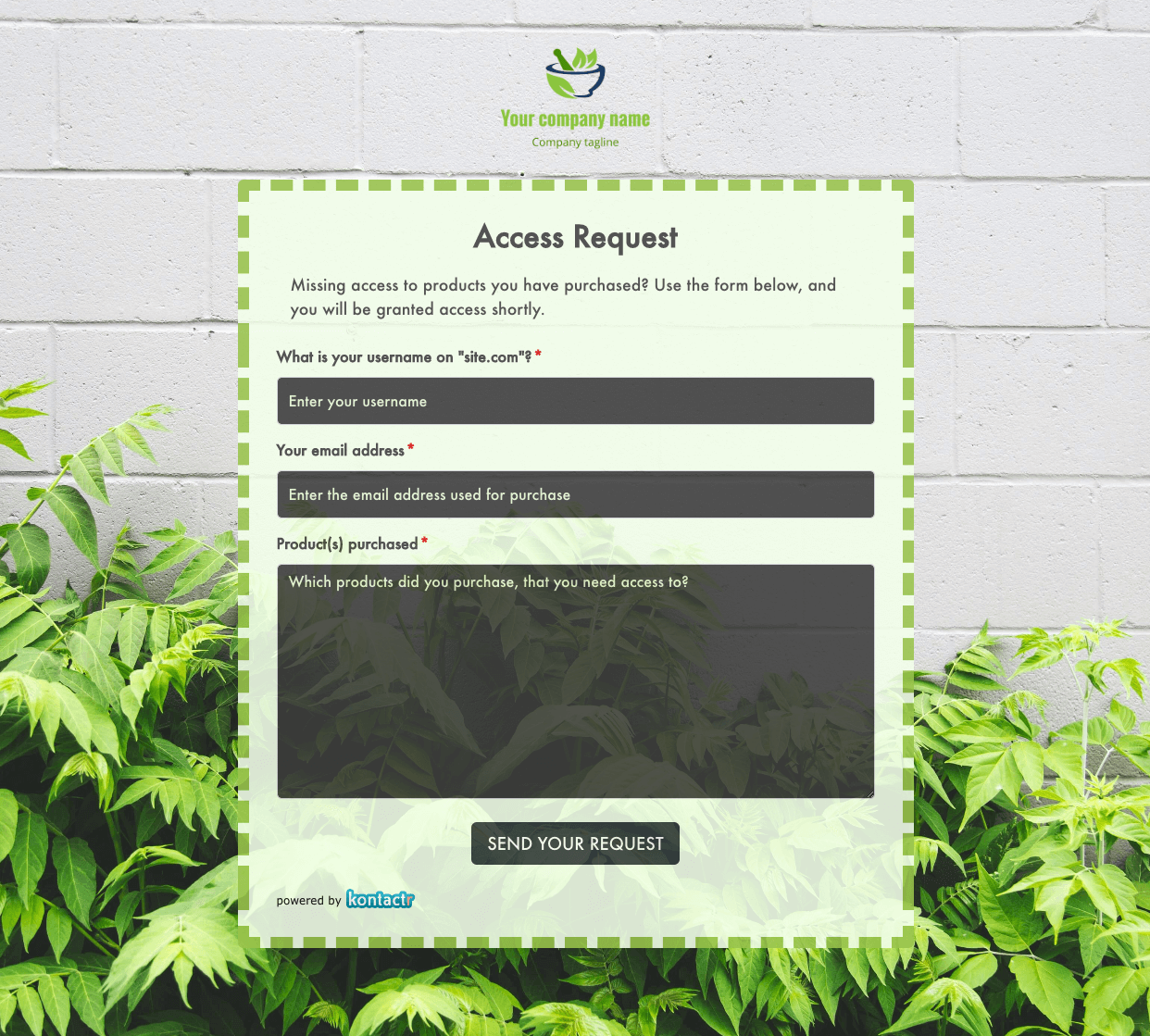 Access Request Form
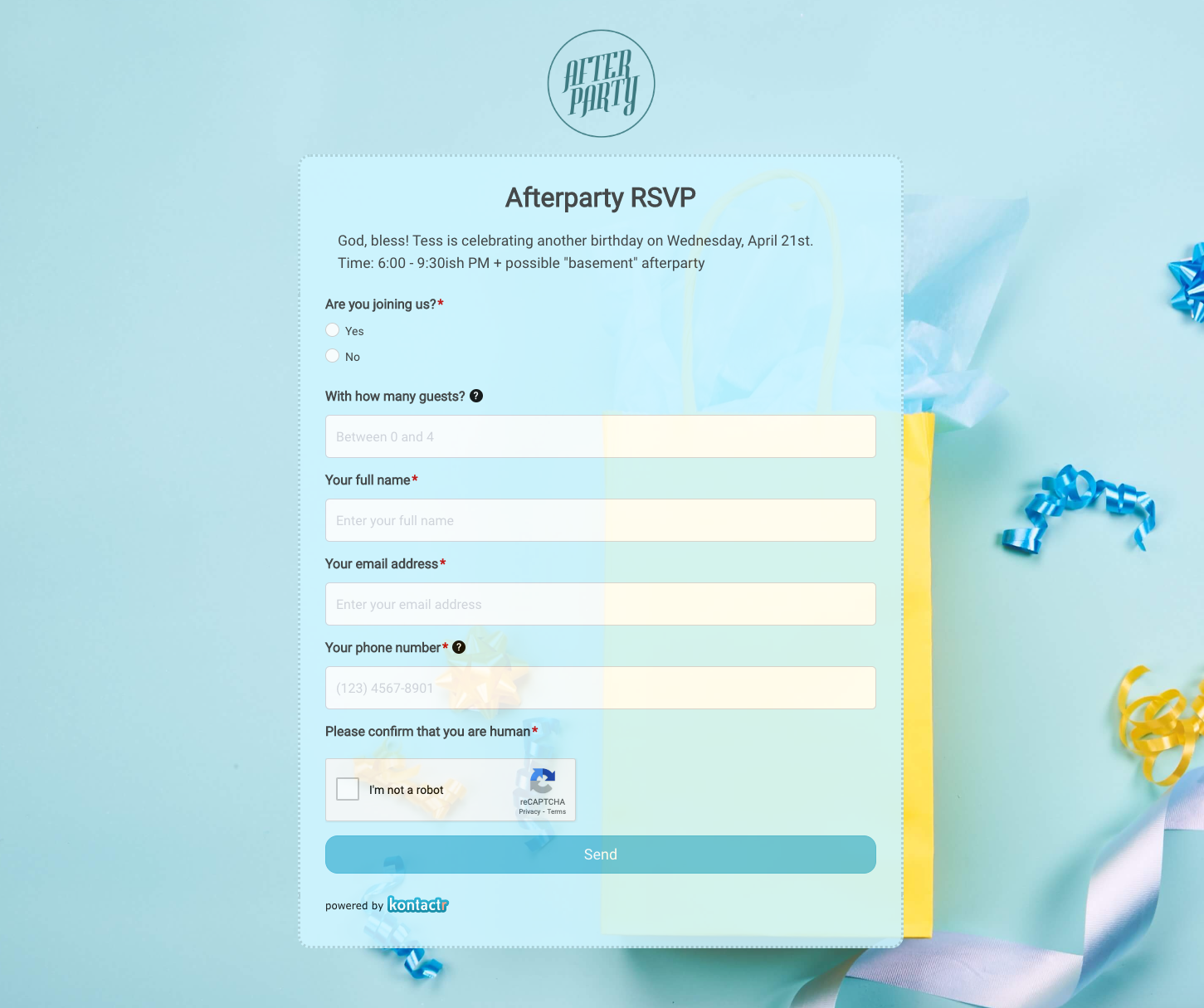 Afterparty RSVP Form
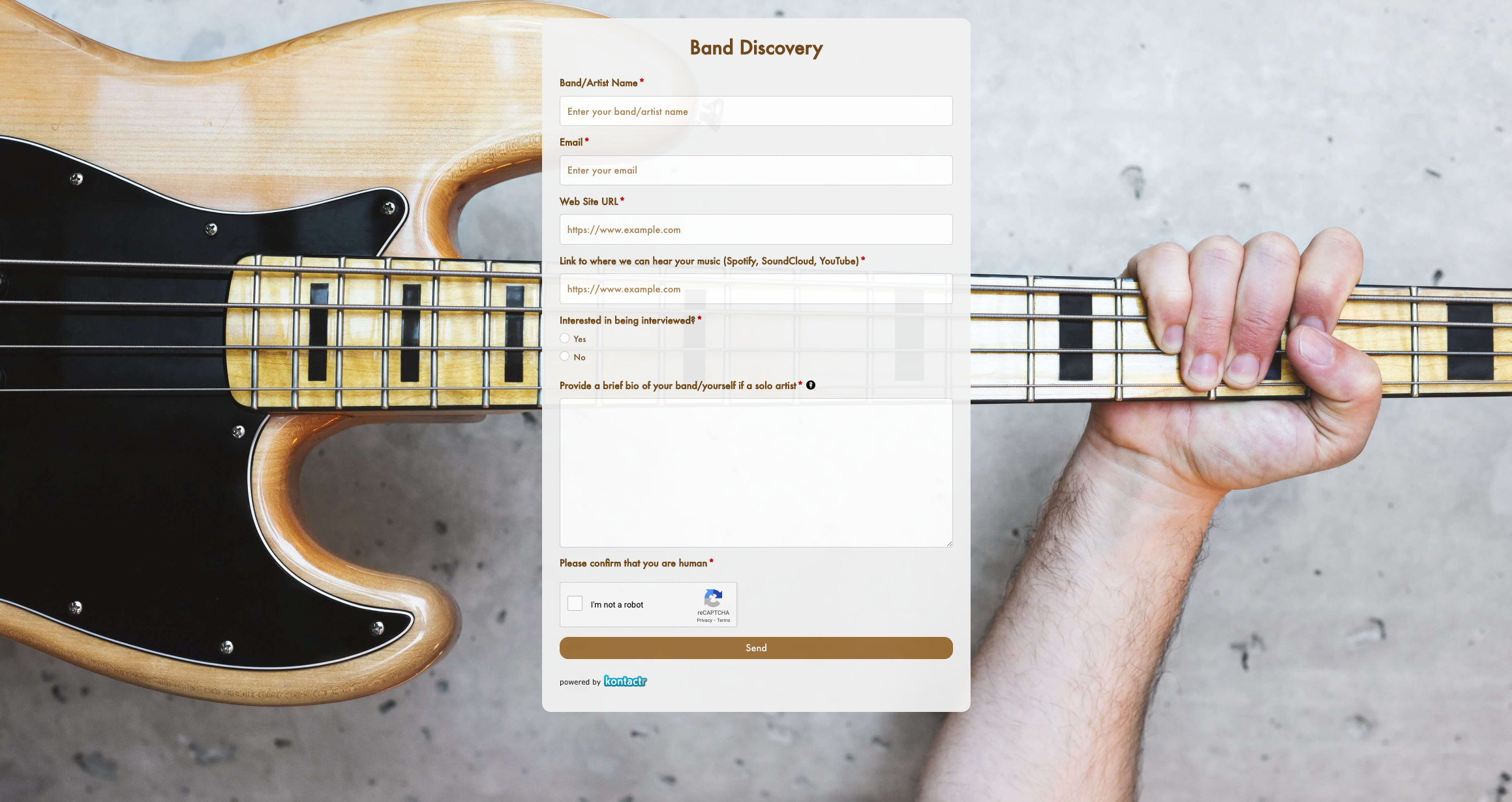 Band Discovery Form
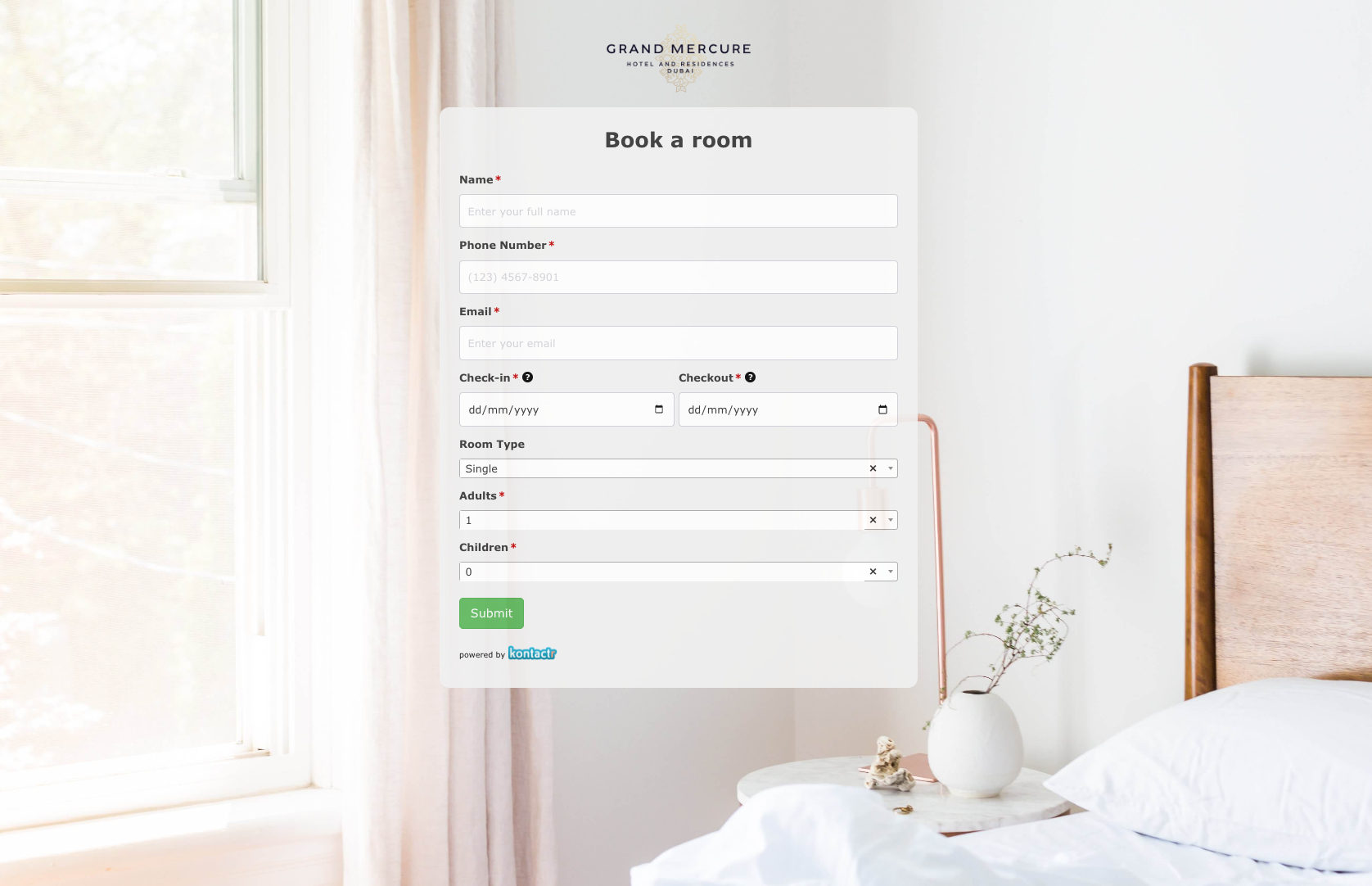 Book a room Form
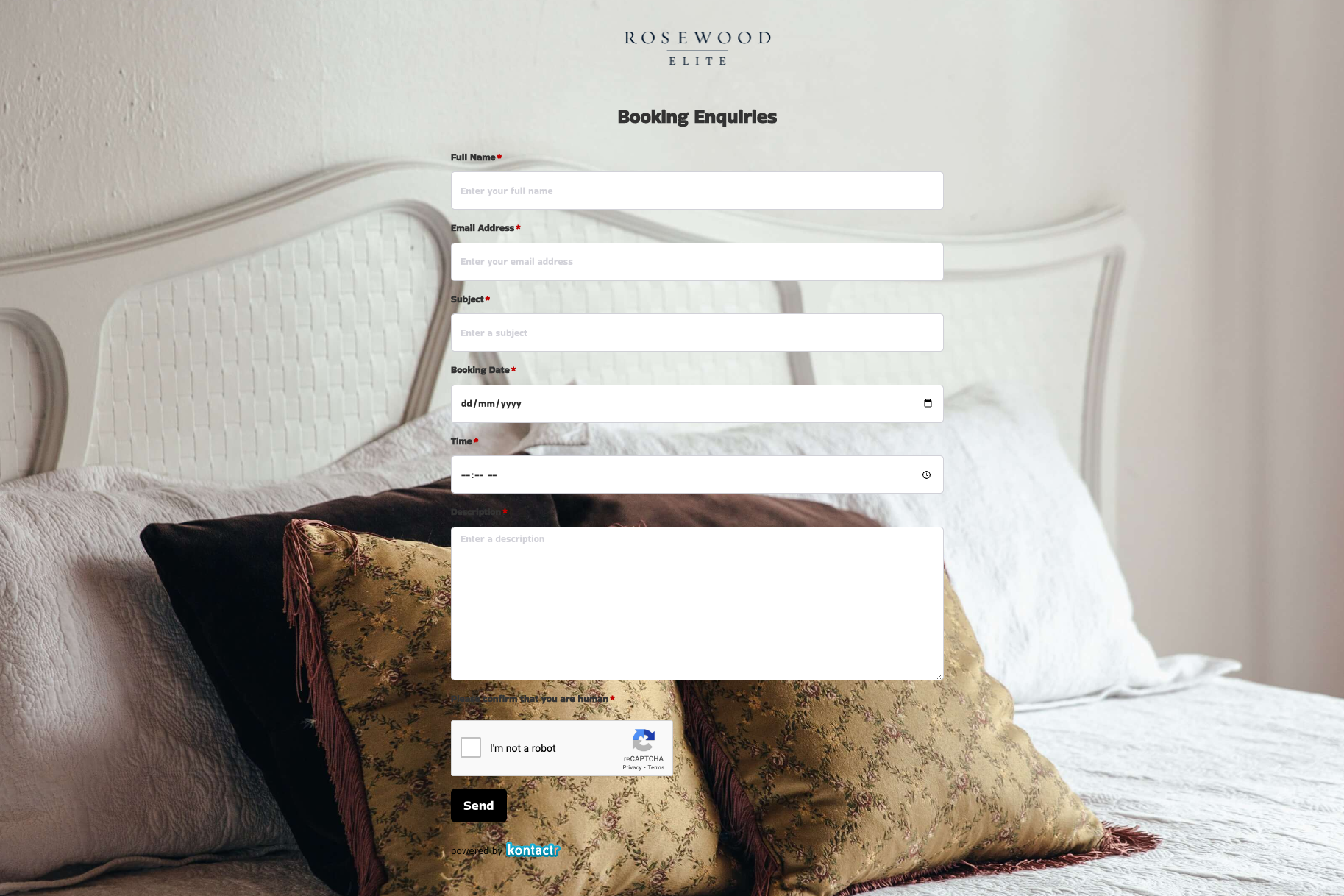 Booking Enquiries Form
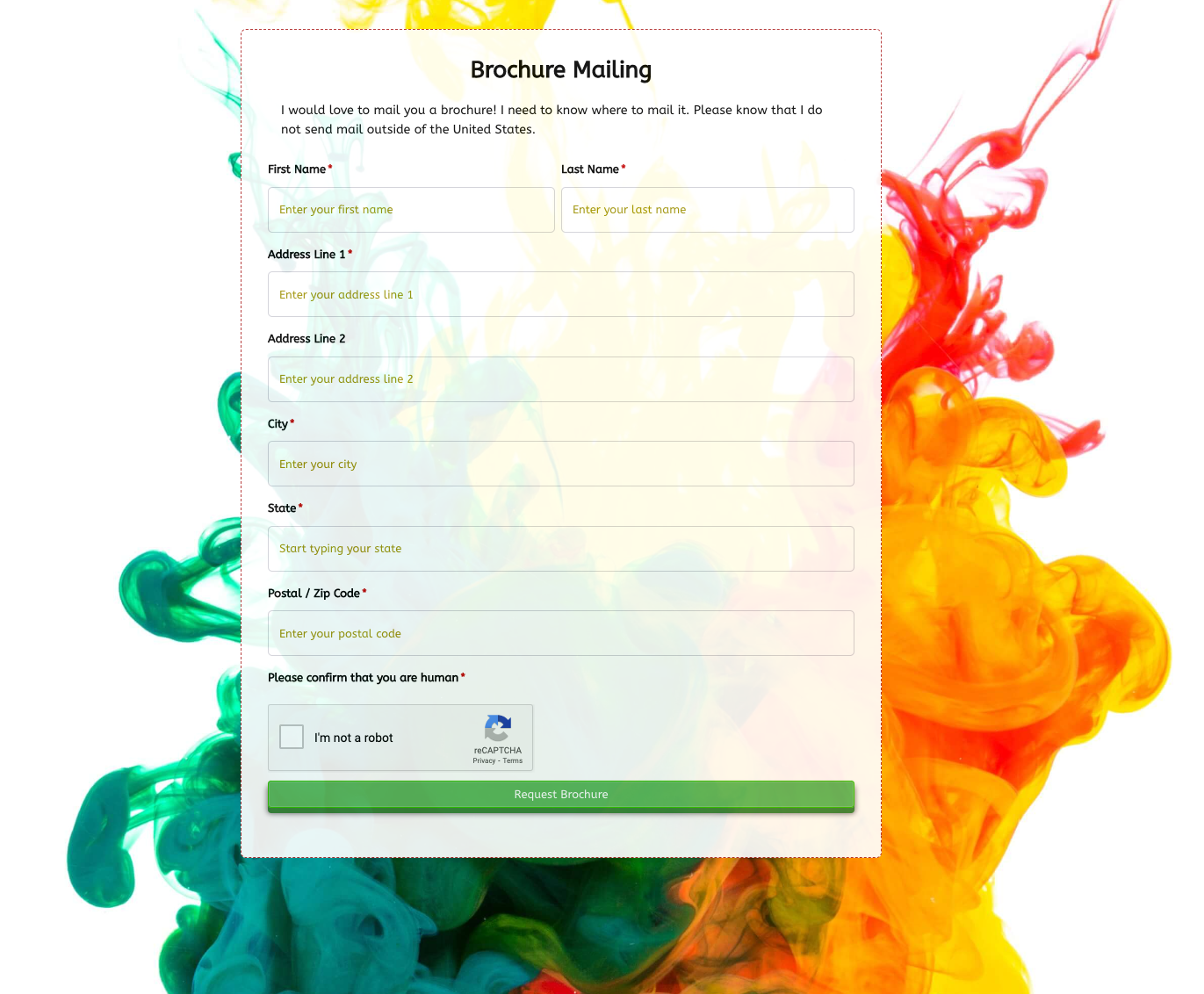 Brochure Mailing Form
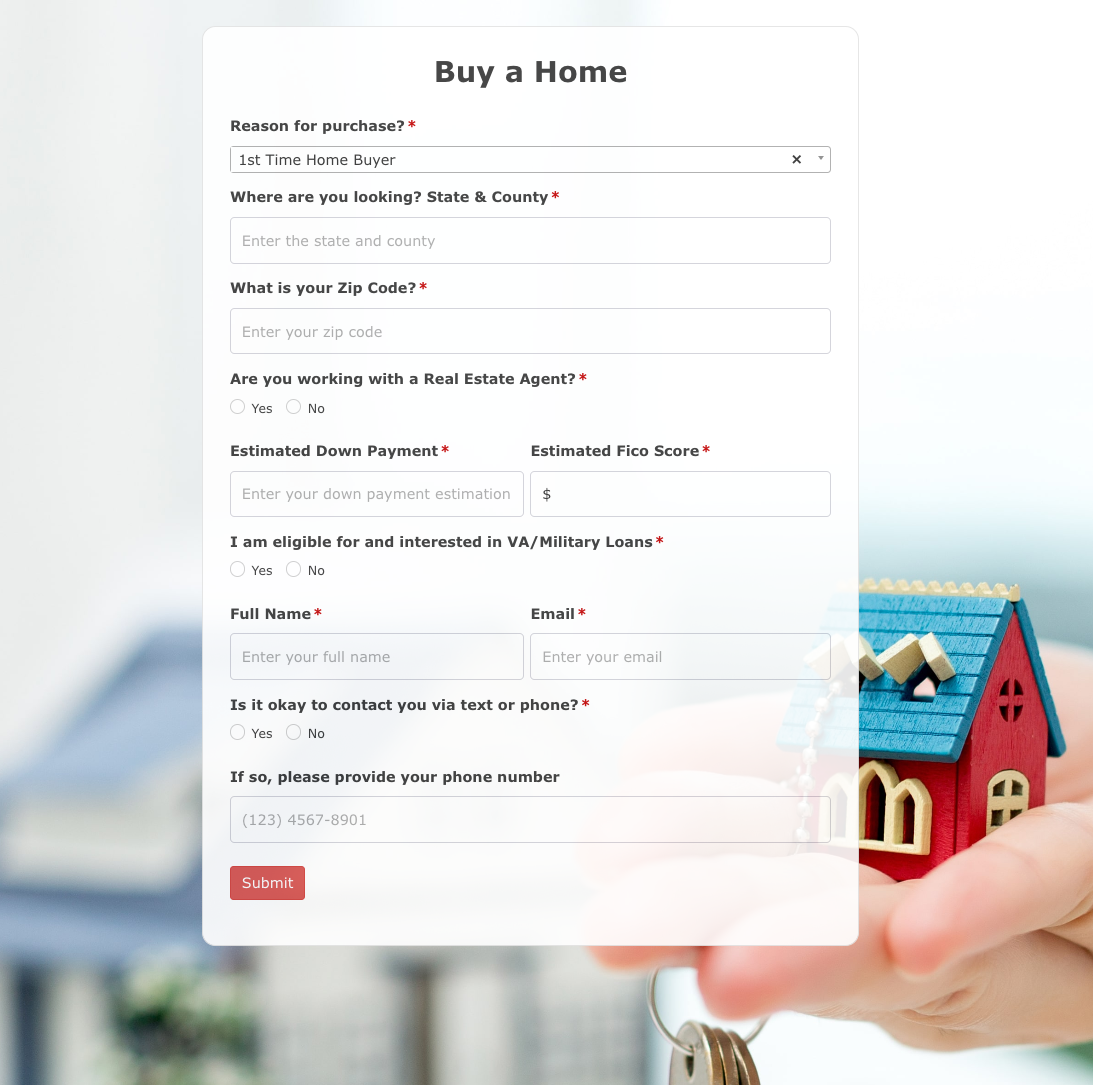 Buy a Home Form
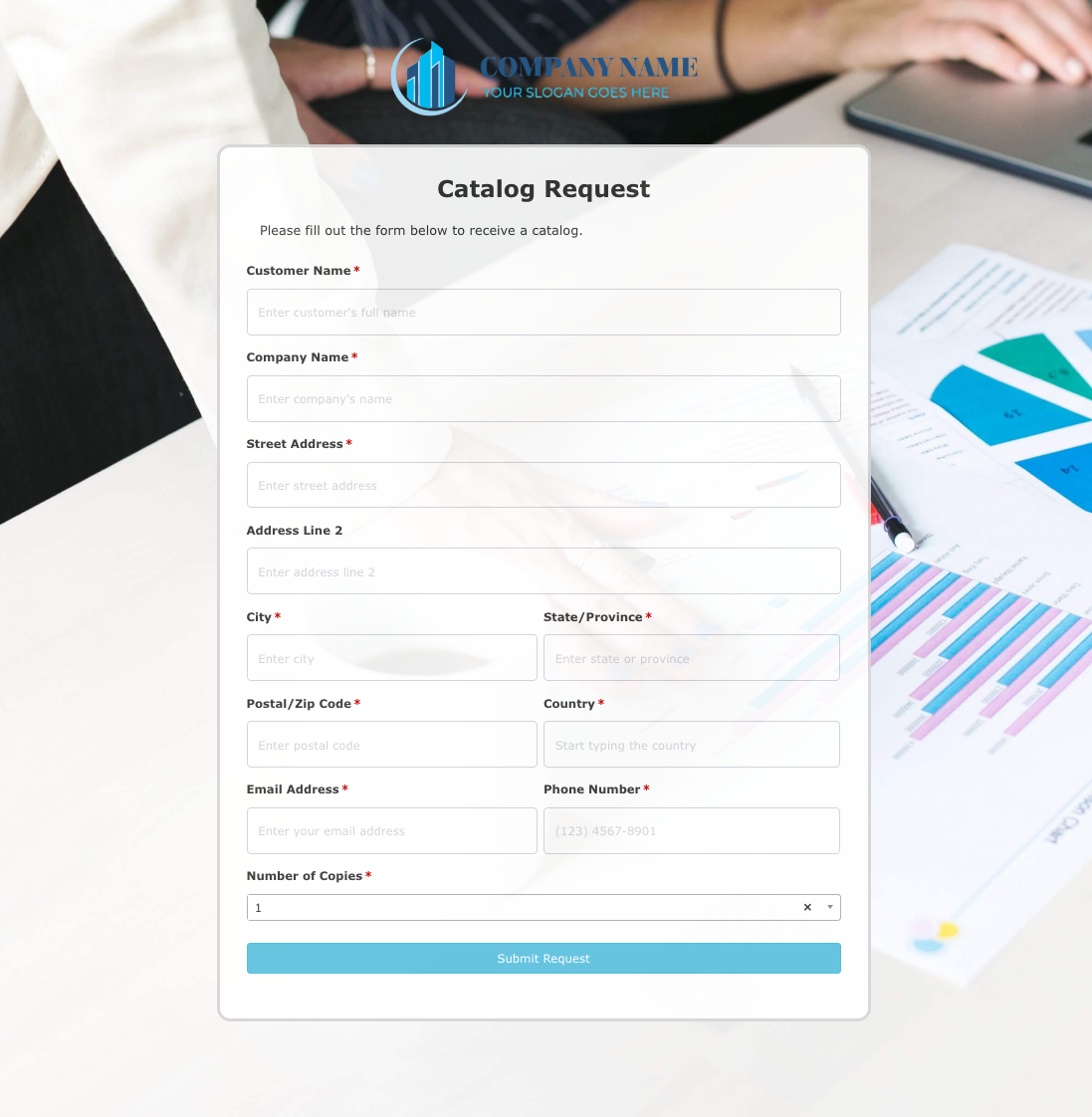 Catalog Request Form
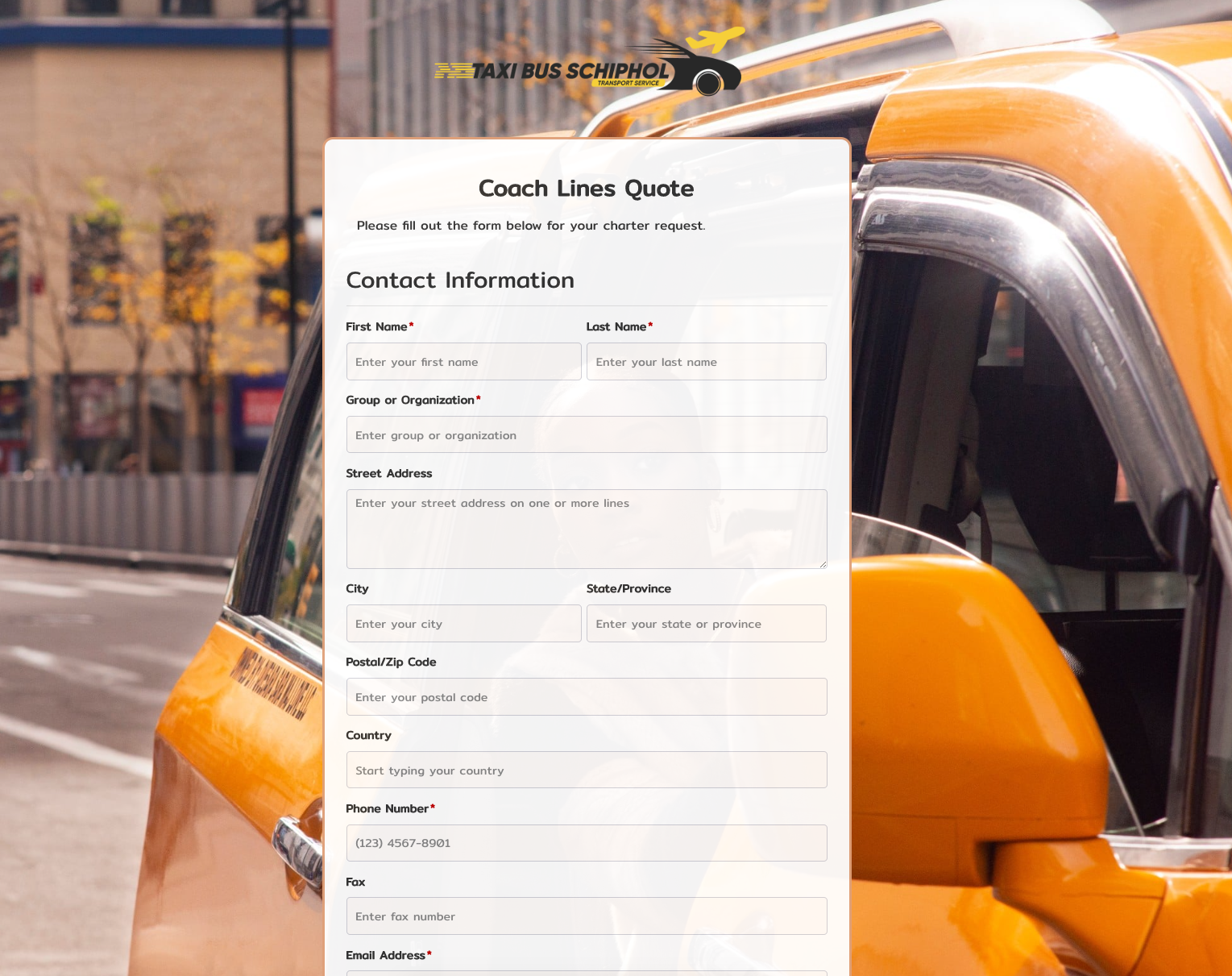 Coach Lines Quote Form
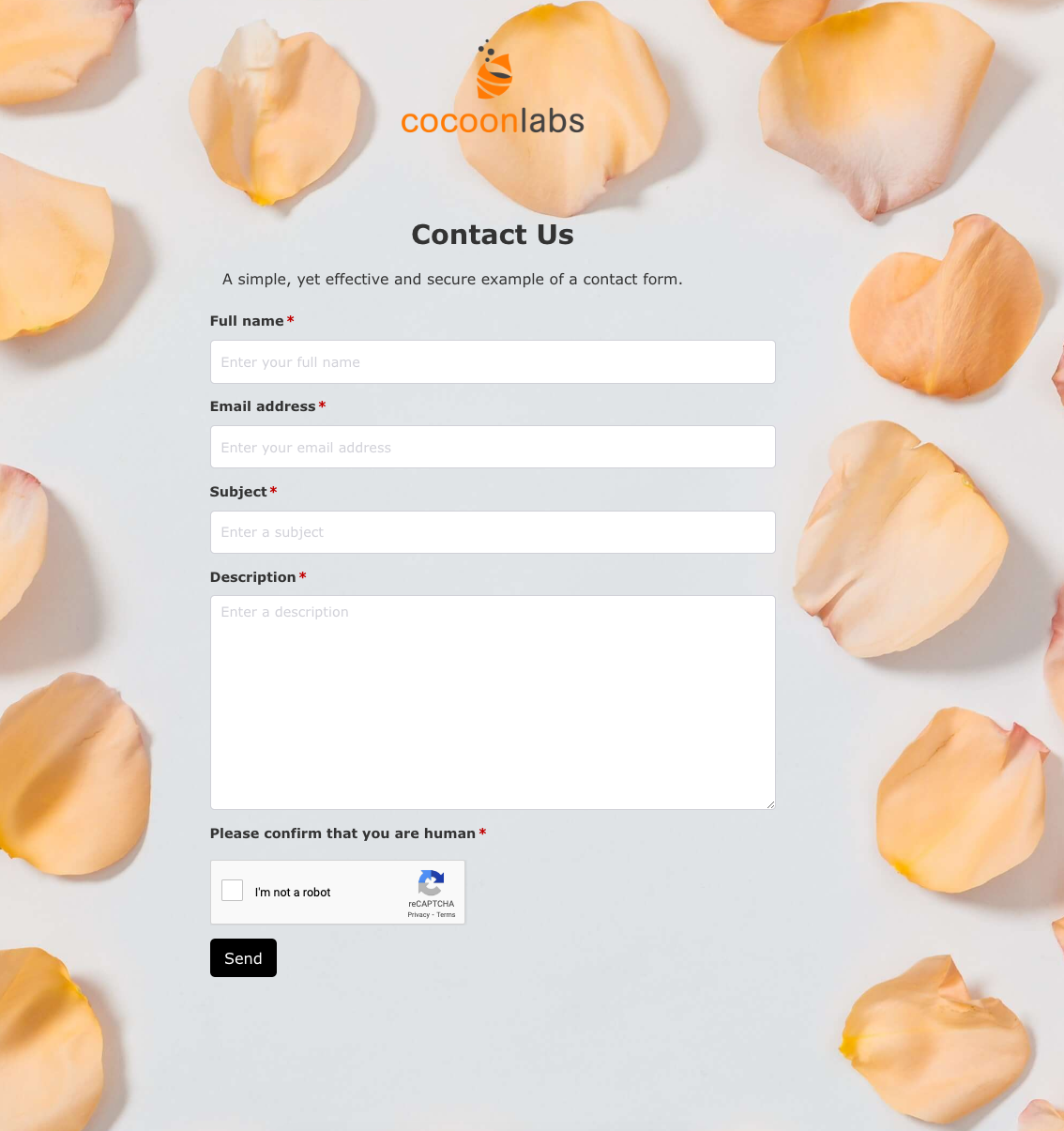 Contact Us Form
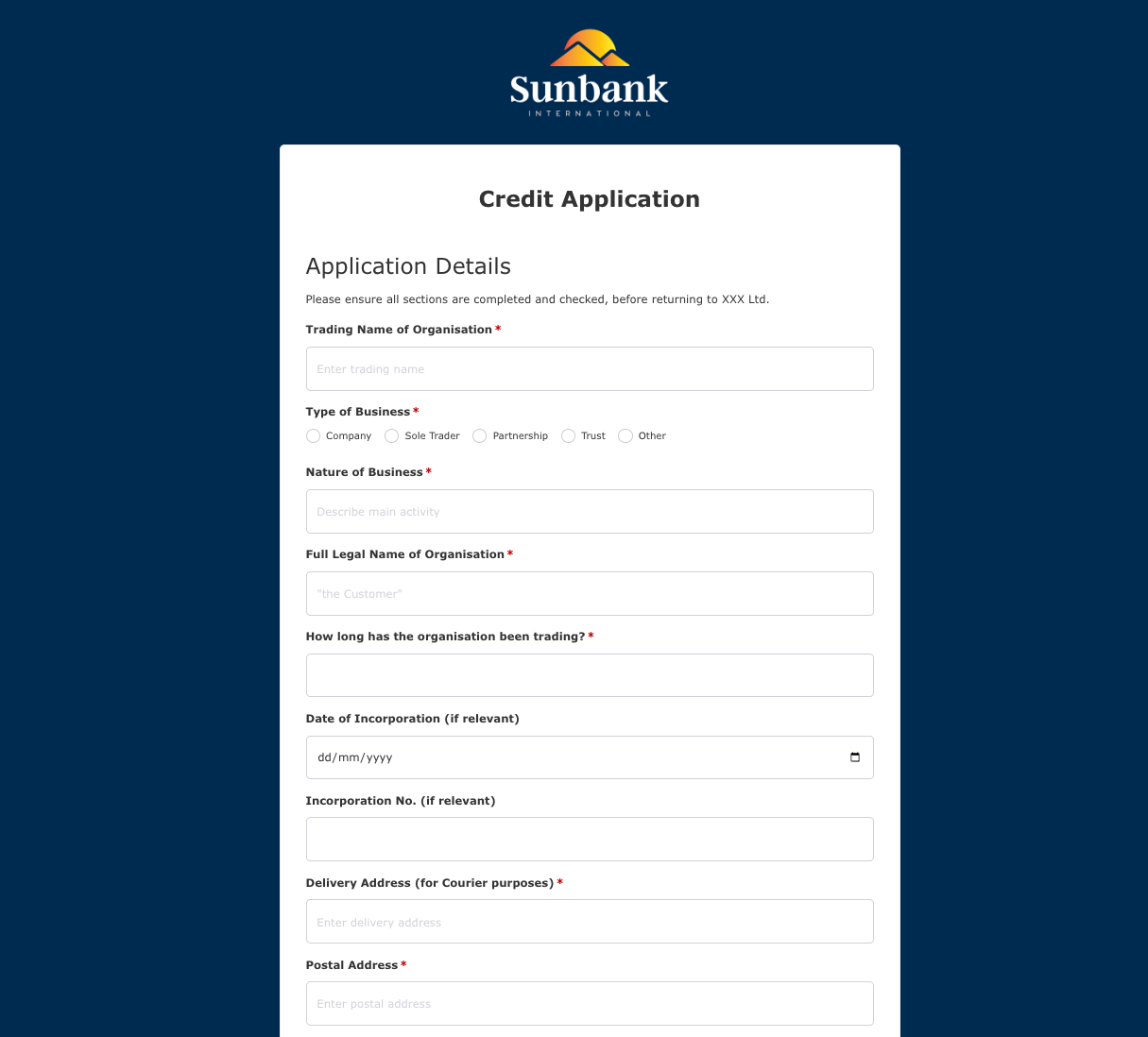 Credit Application Form
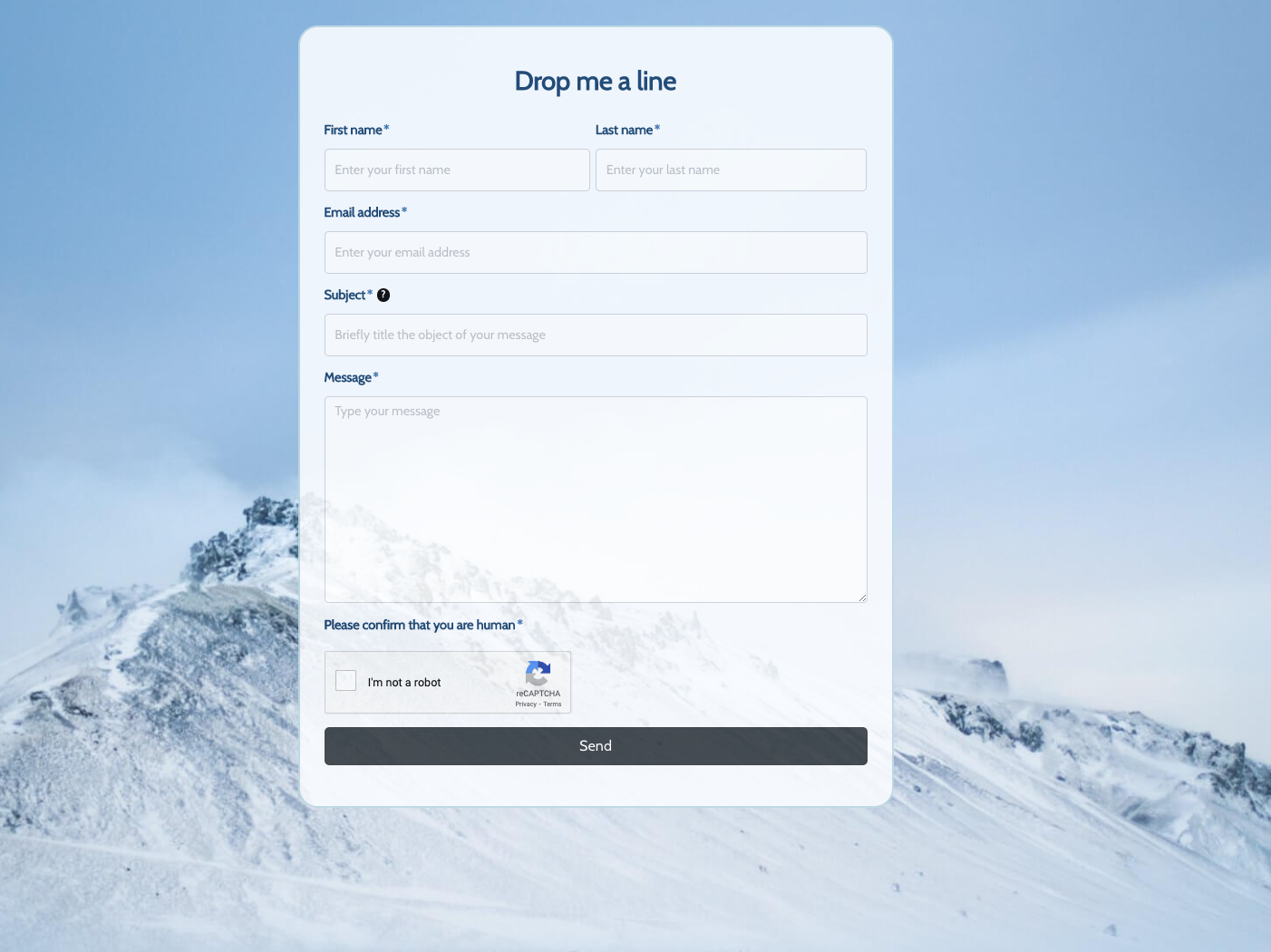 Drop me a line Form
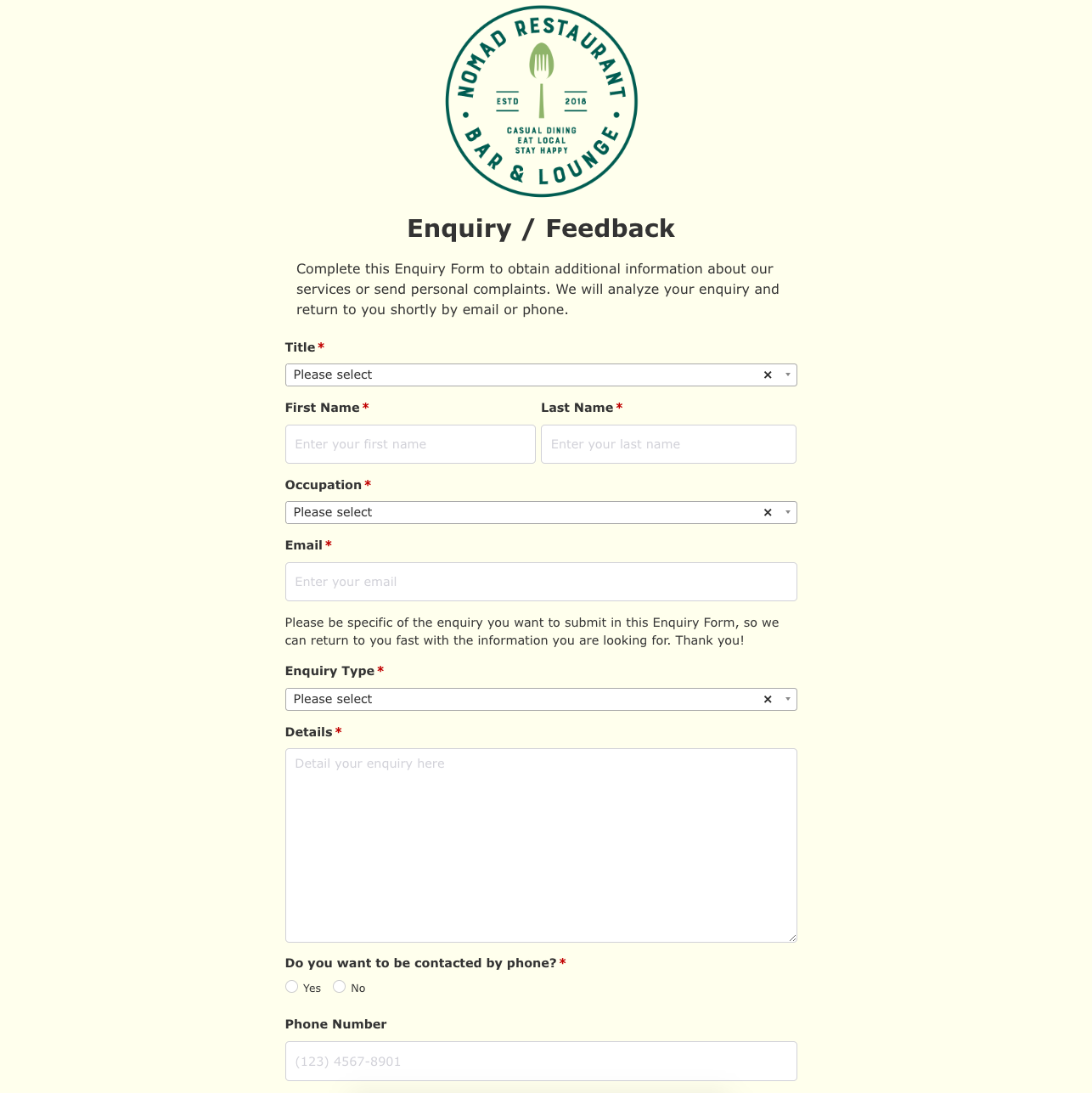 Enquiry / Feedback Form
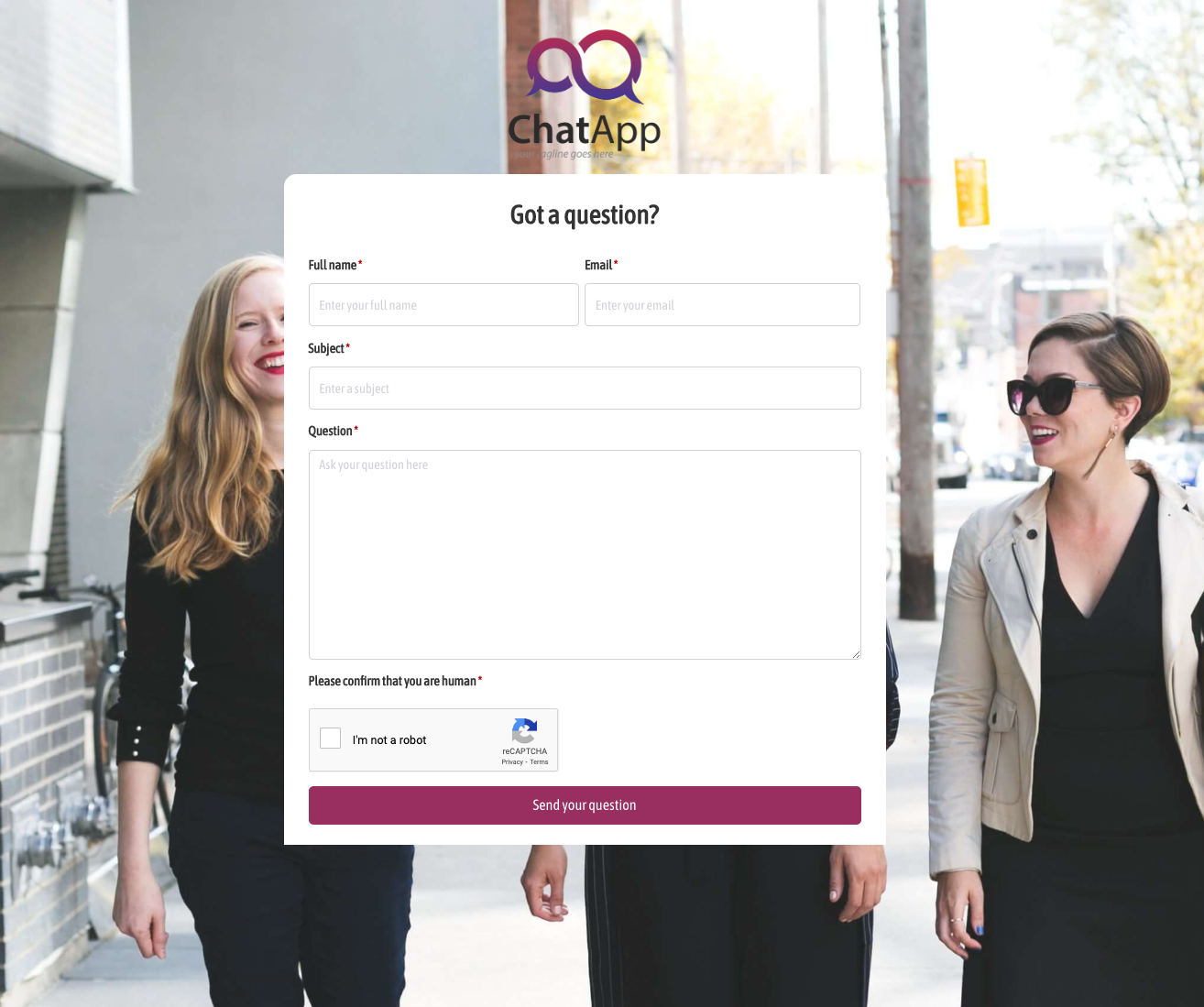 Got a question? Form
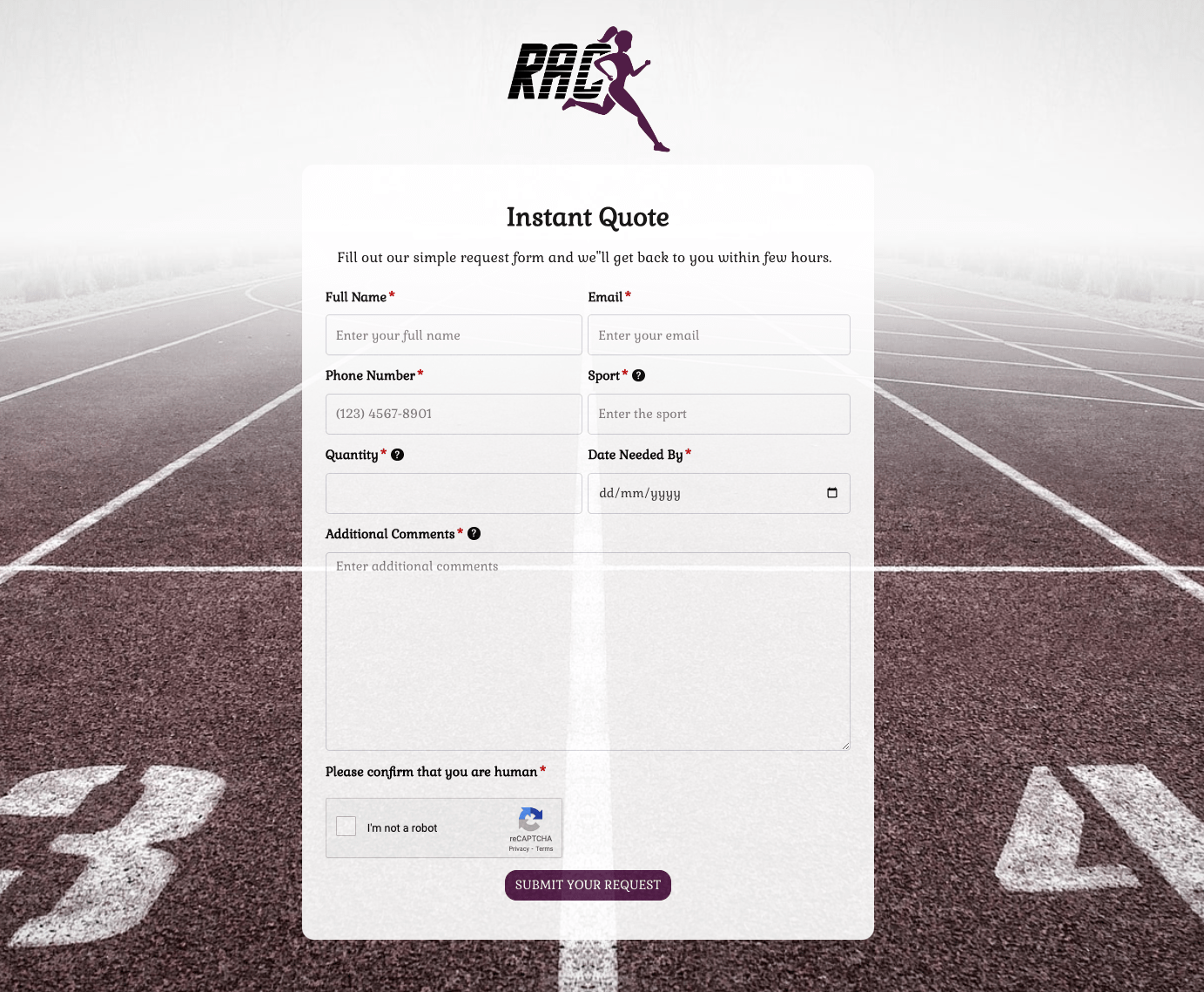 Instant Quote Form
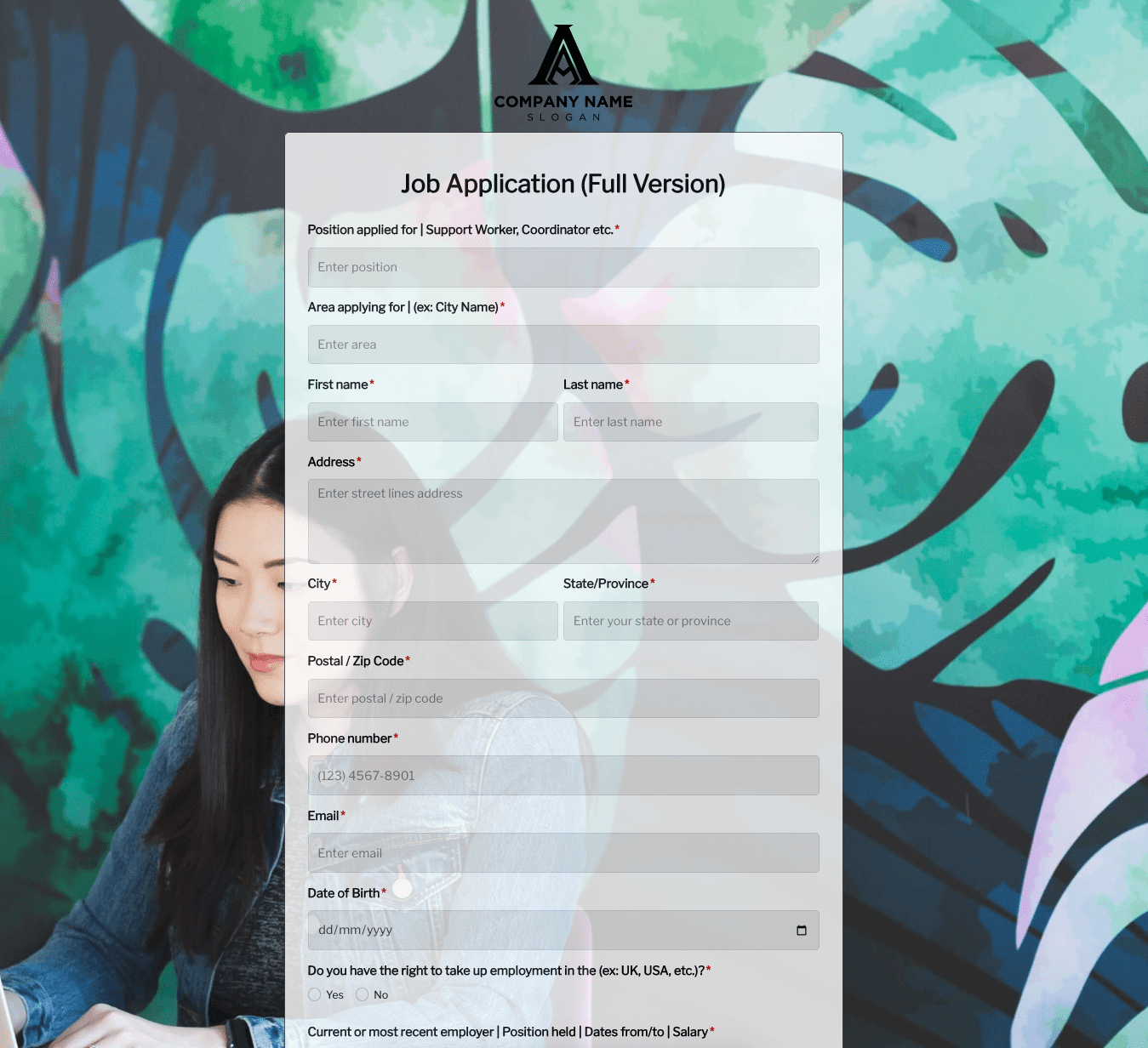 Job Application Form
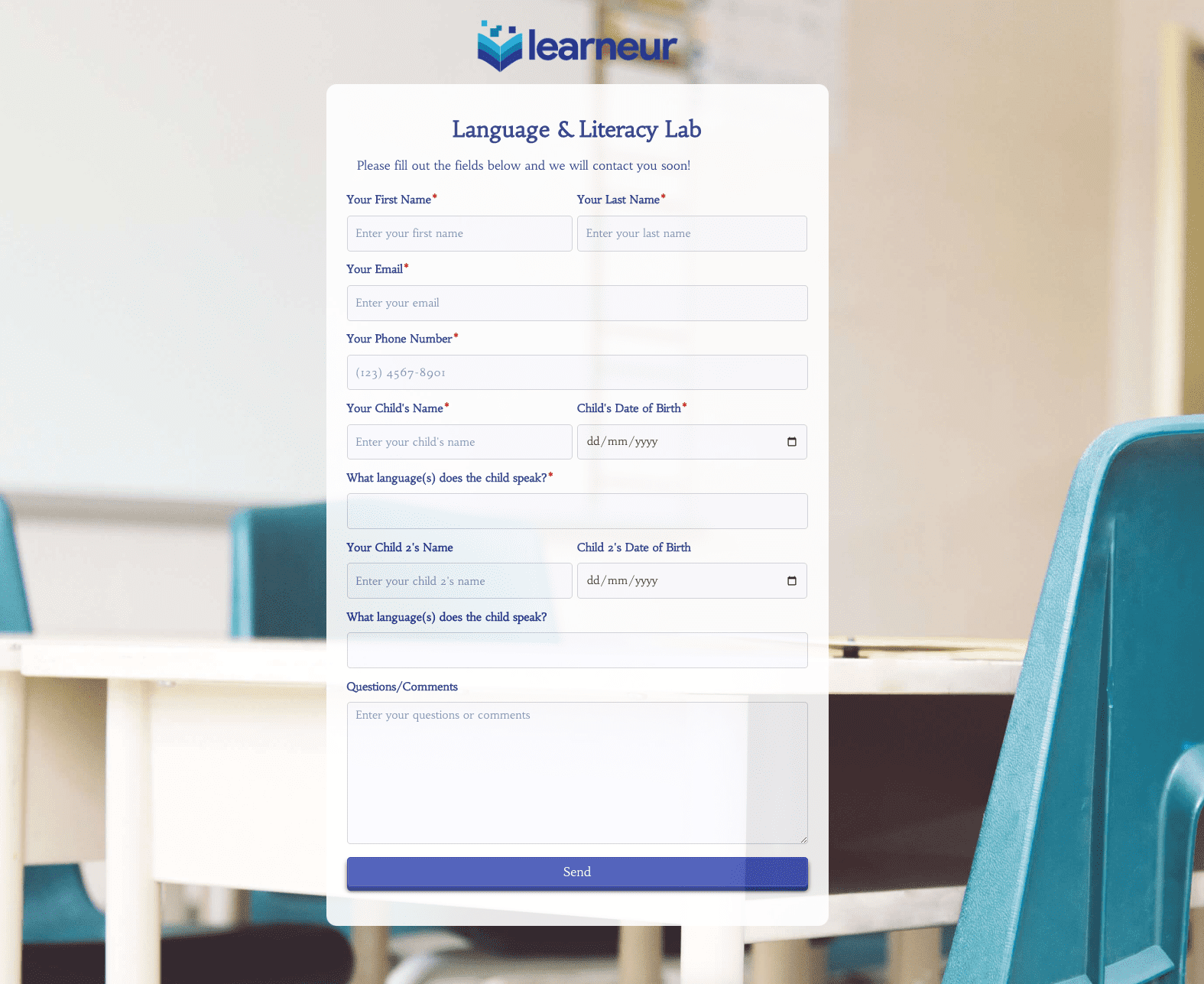 Language & Literacy Lab Form
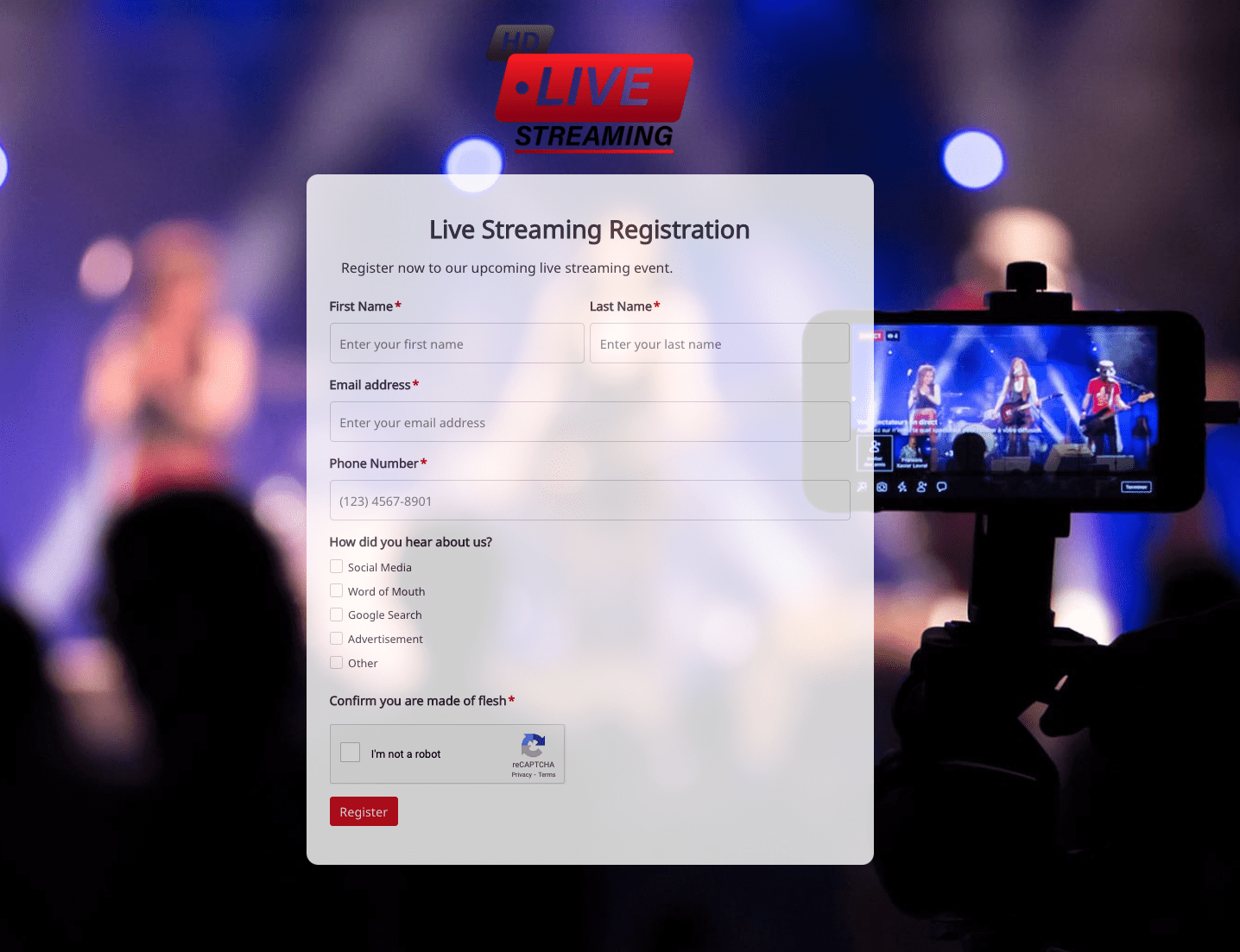 Live Streaming Registration Form
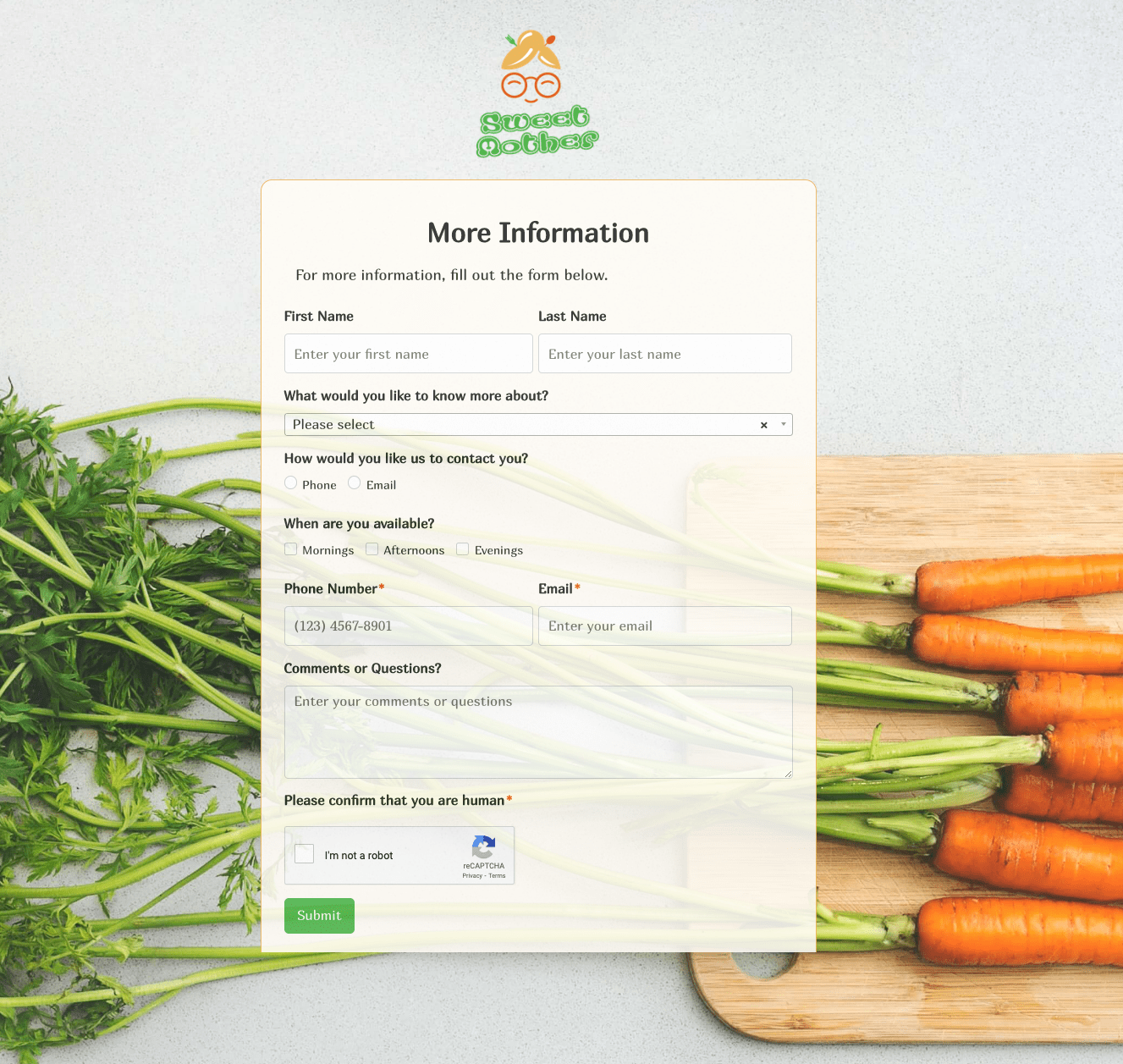 More Information Form
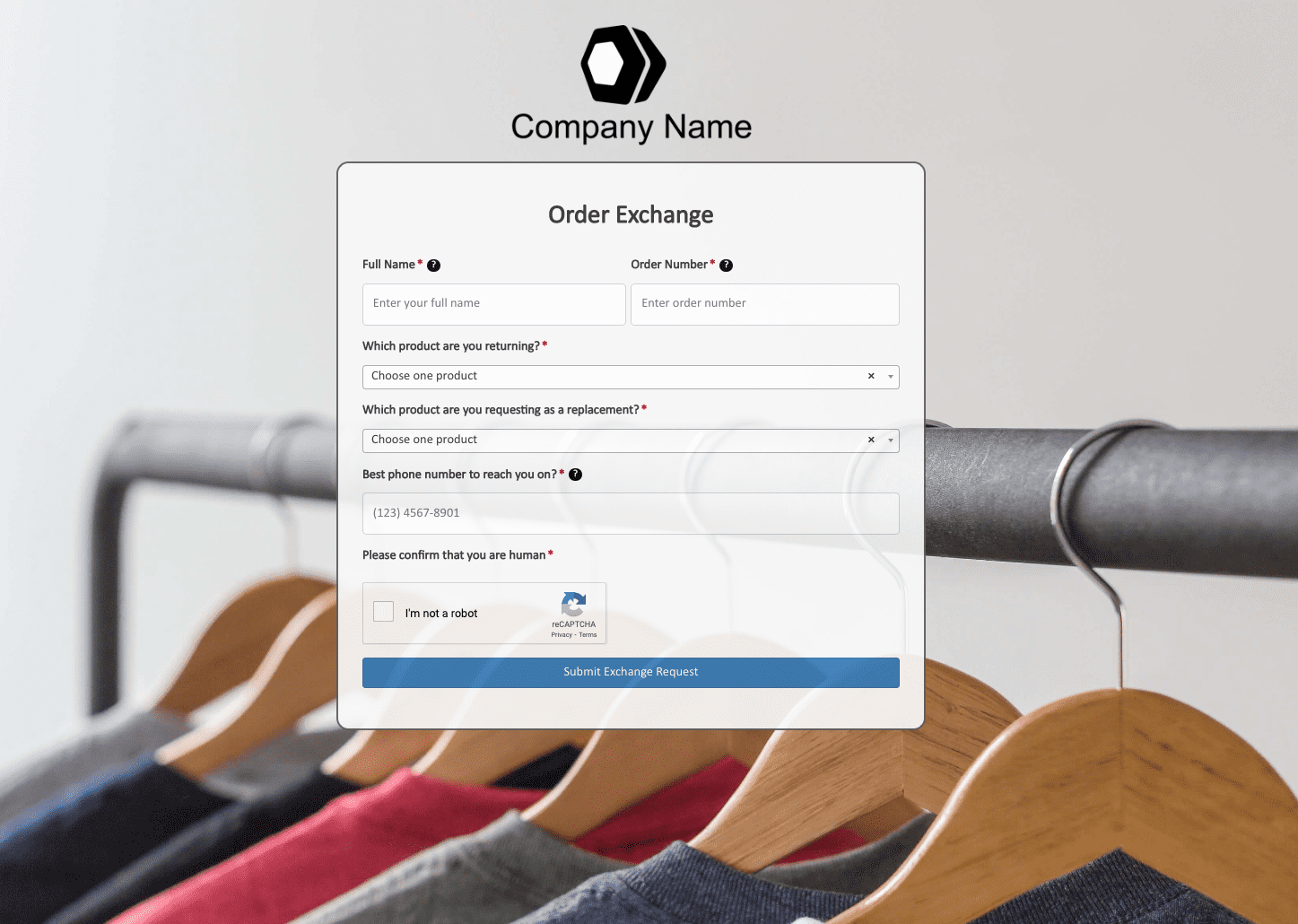 Order Exchange Form
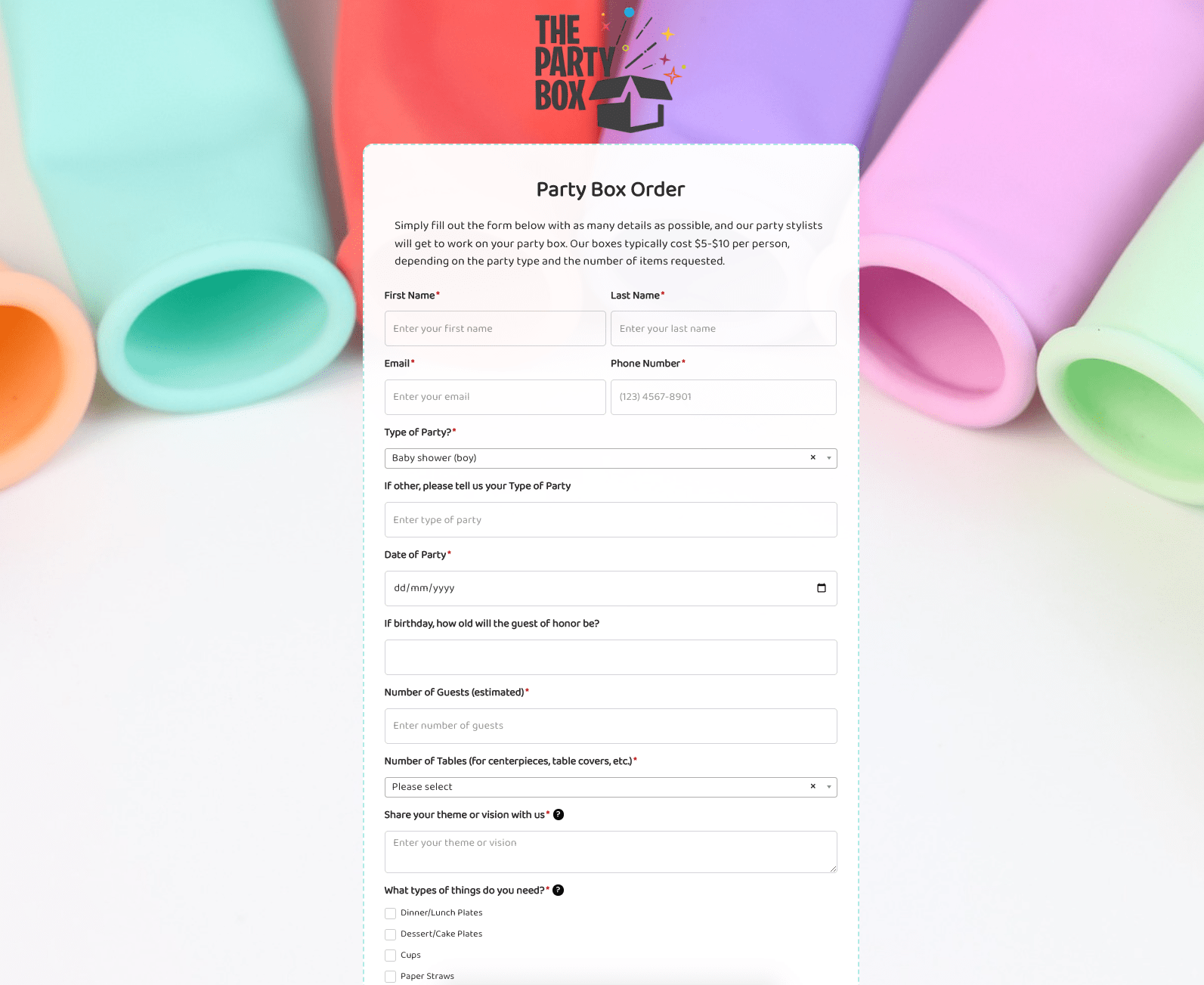 Party Box Order Form
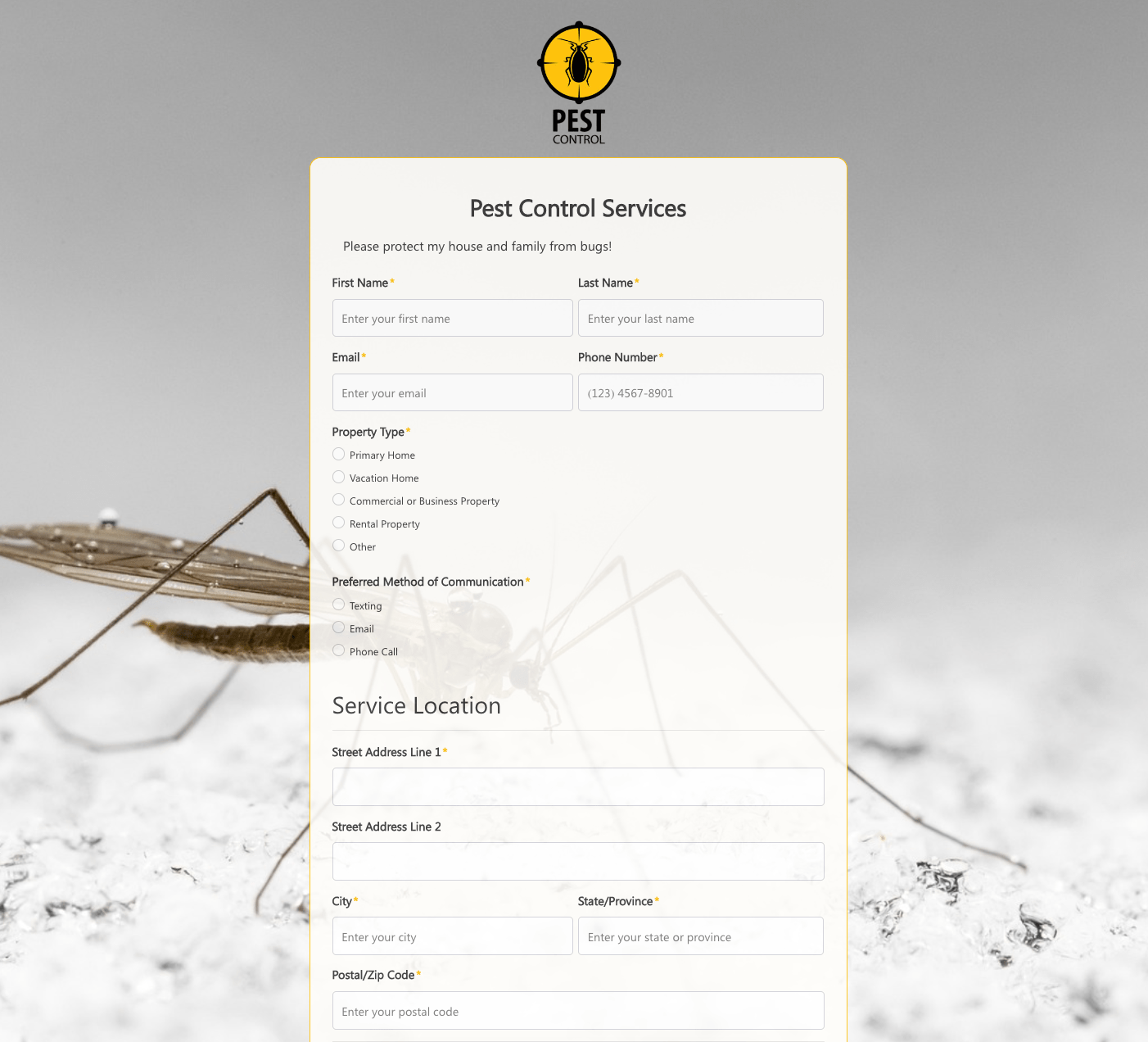 Pest Control Services Form
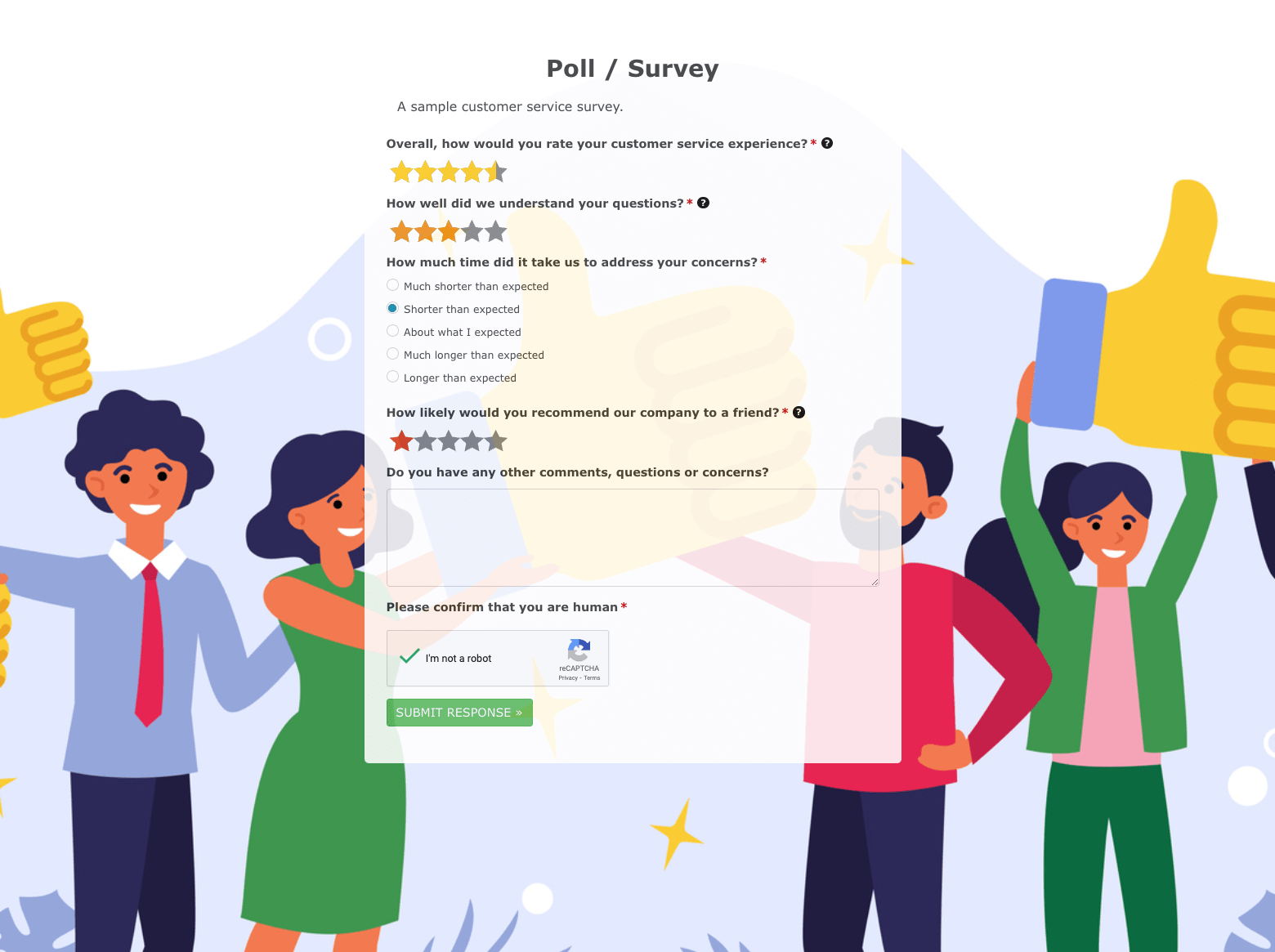 Poll / Survey Form
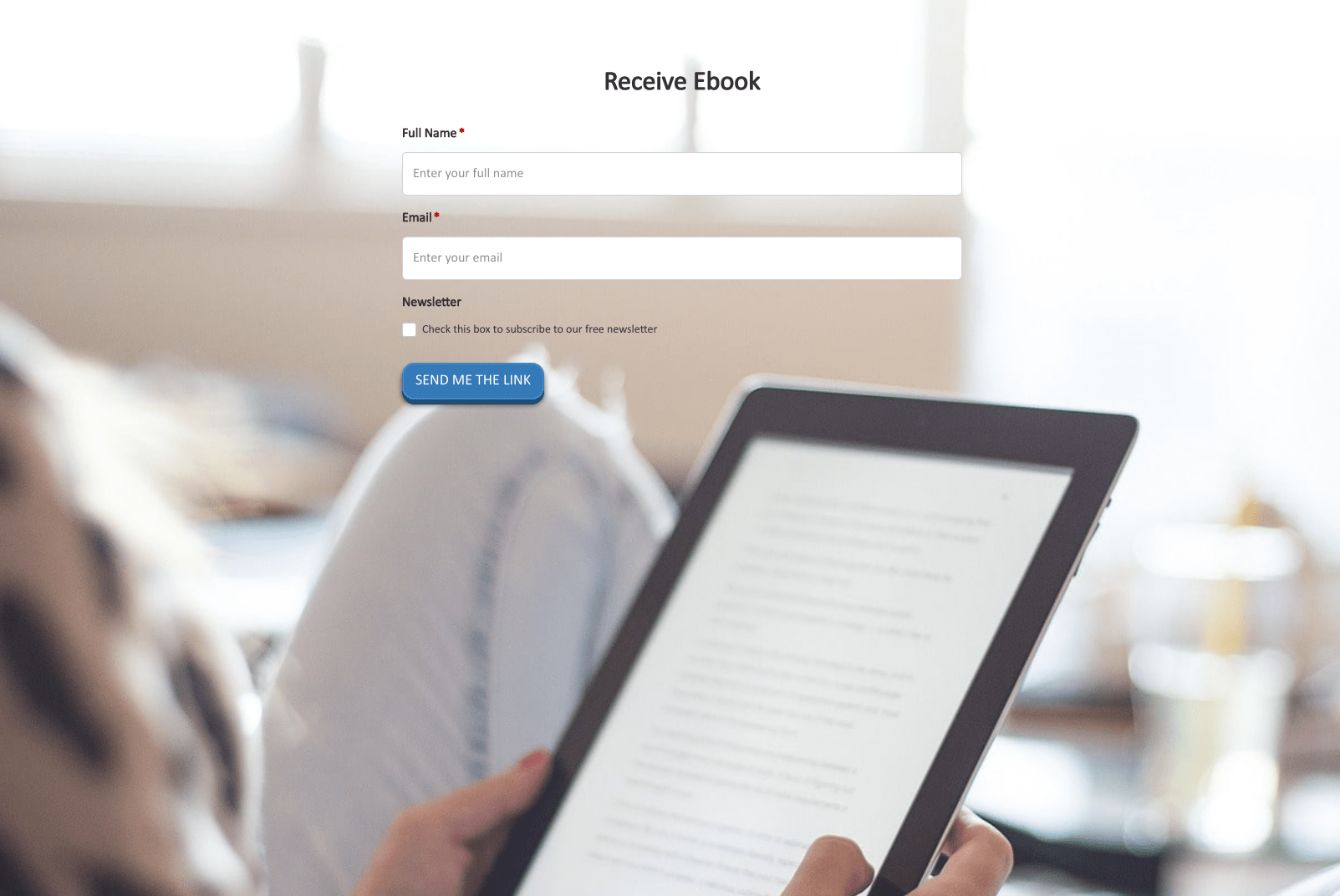 Receive Ebook Form
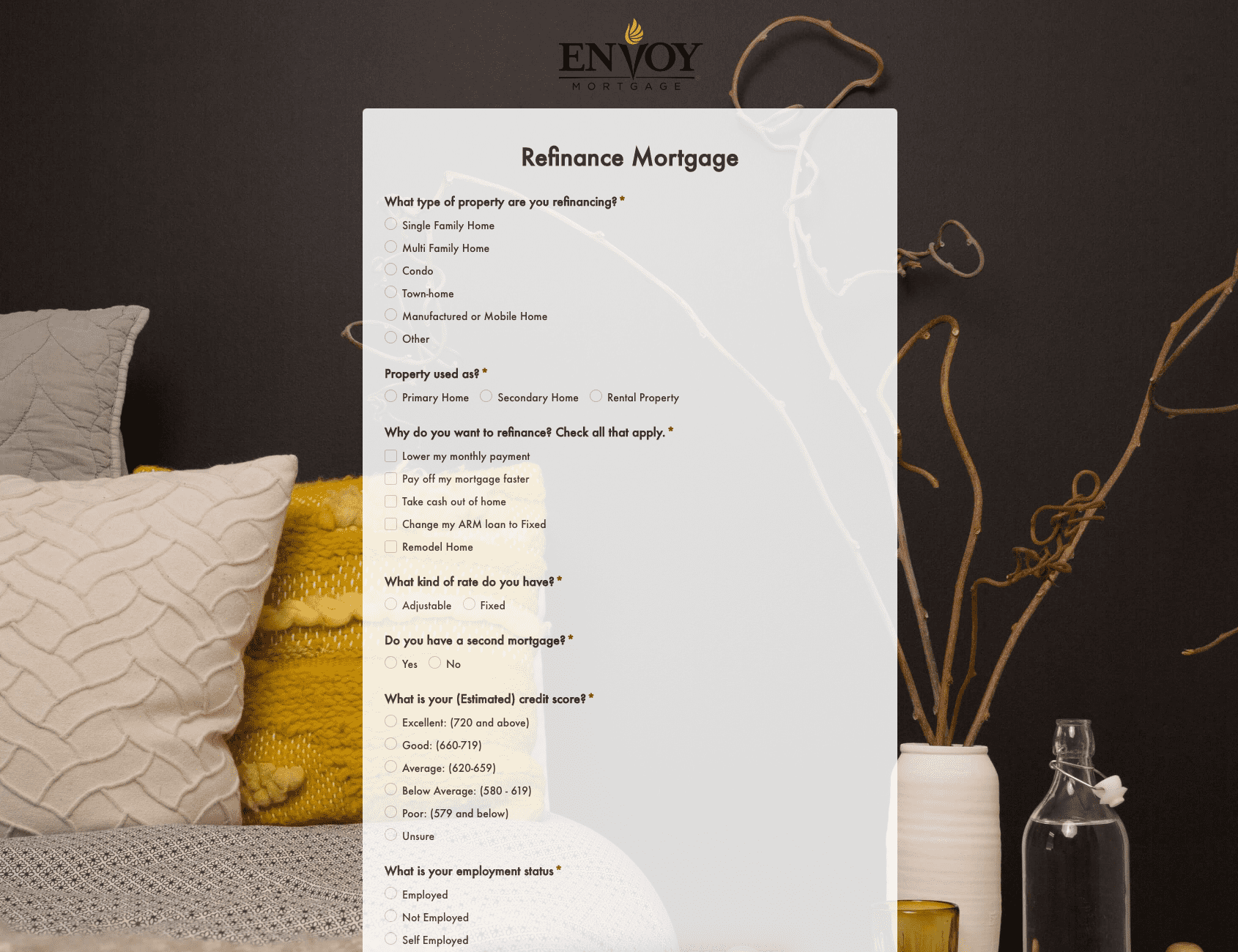 Refinance Mortgage Form
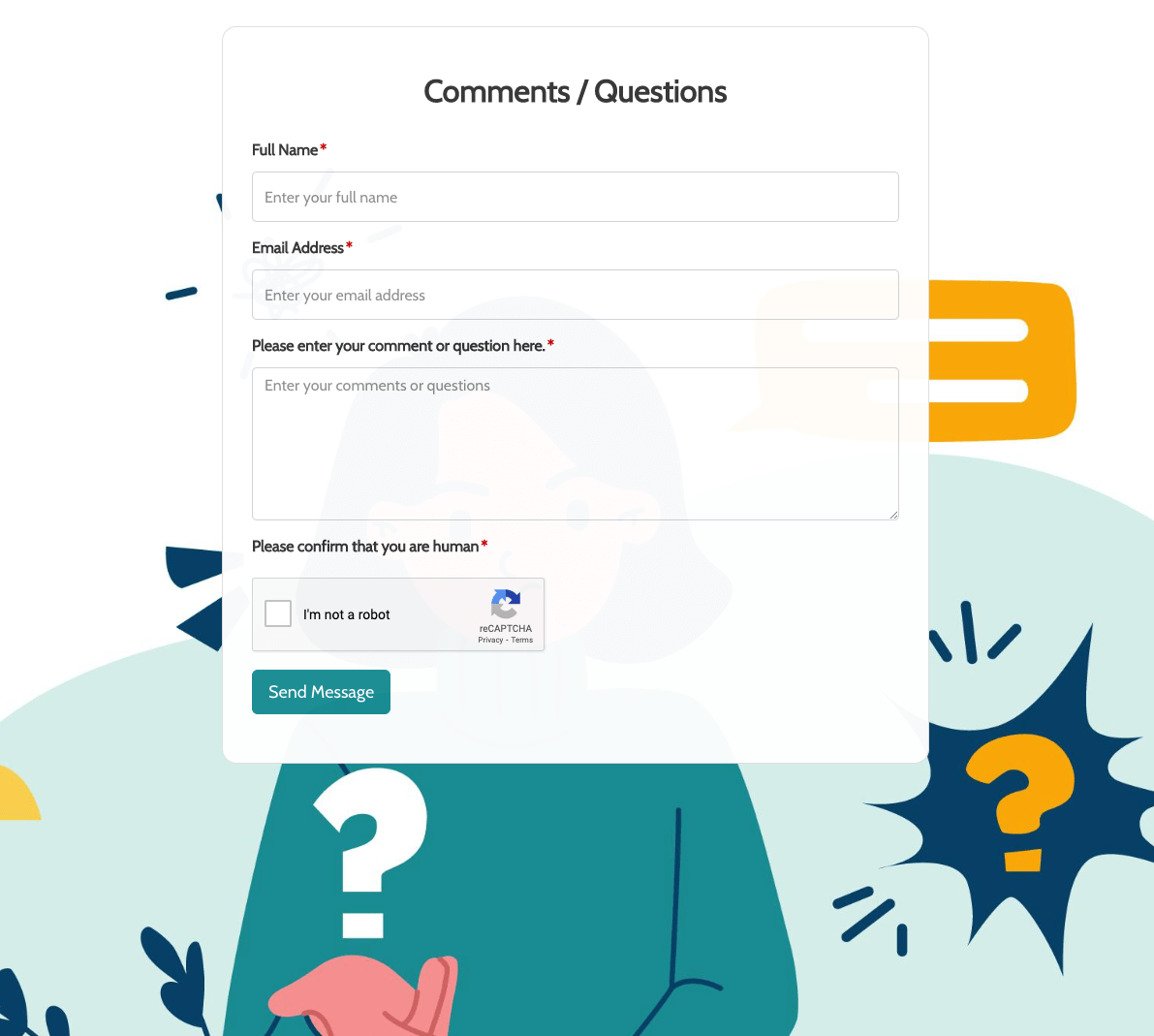 Remarks / Questions Form
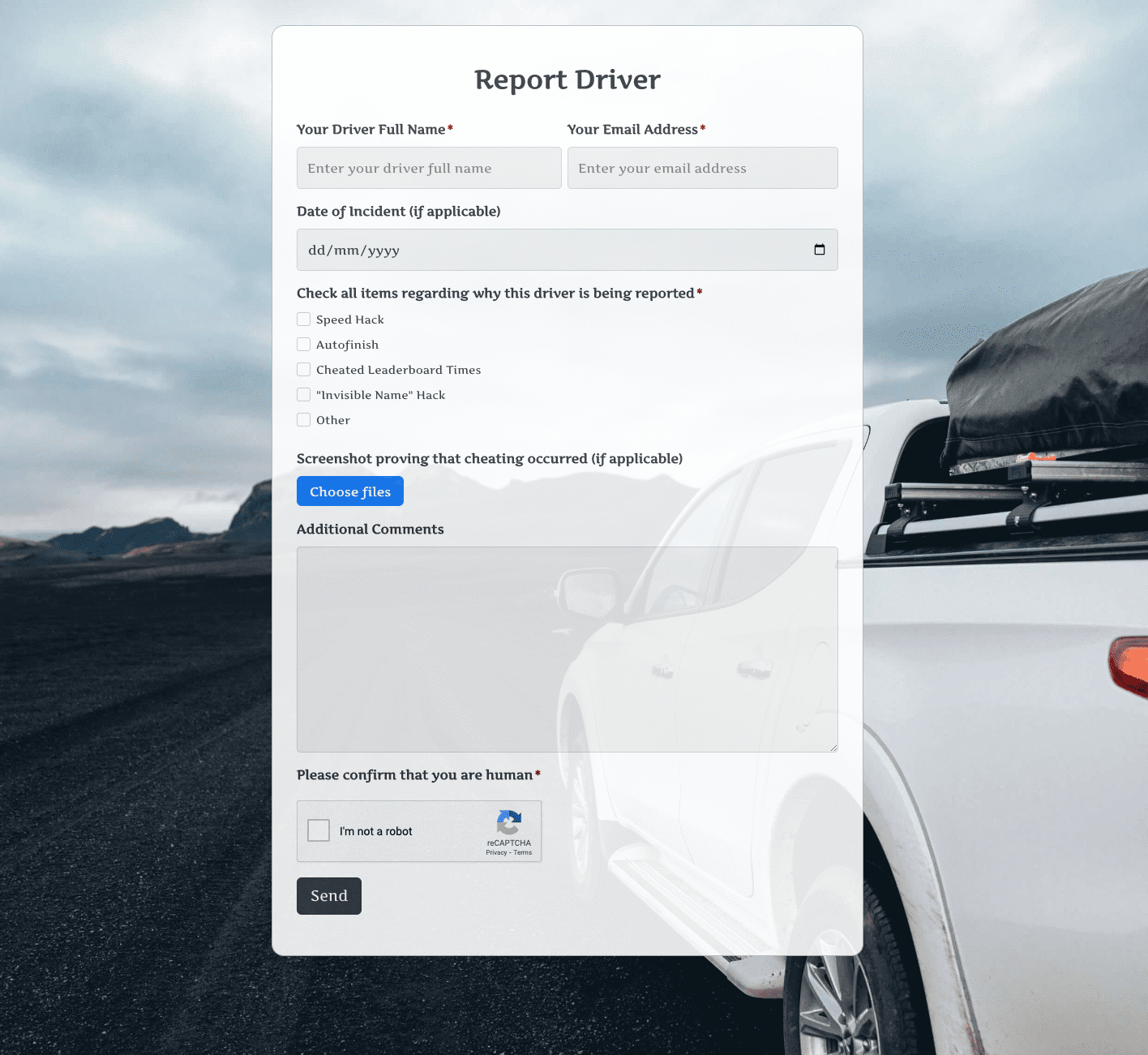 Report Driver Form
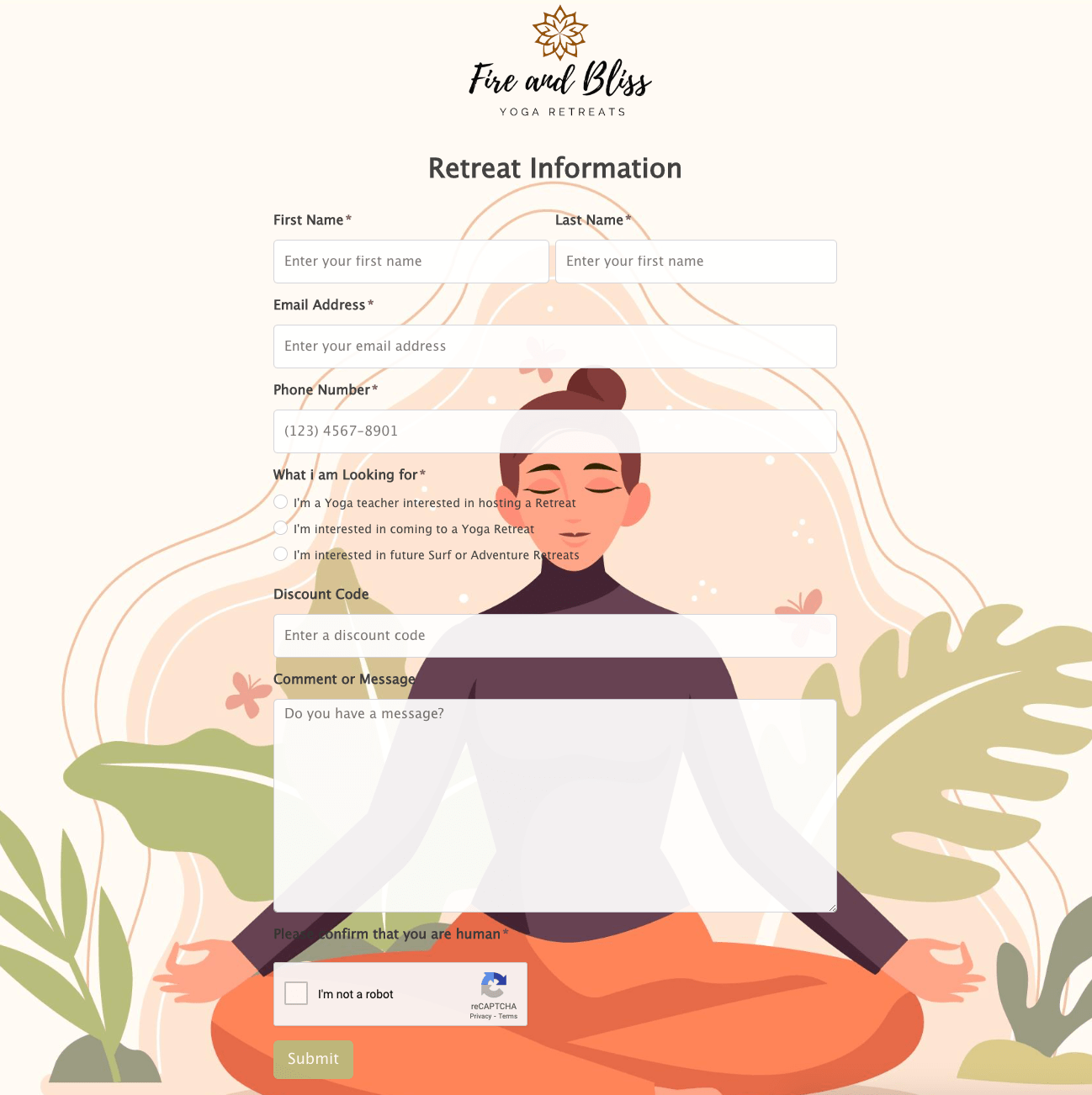 Retreat Information Form
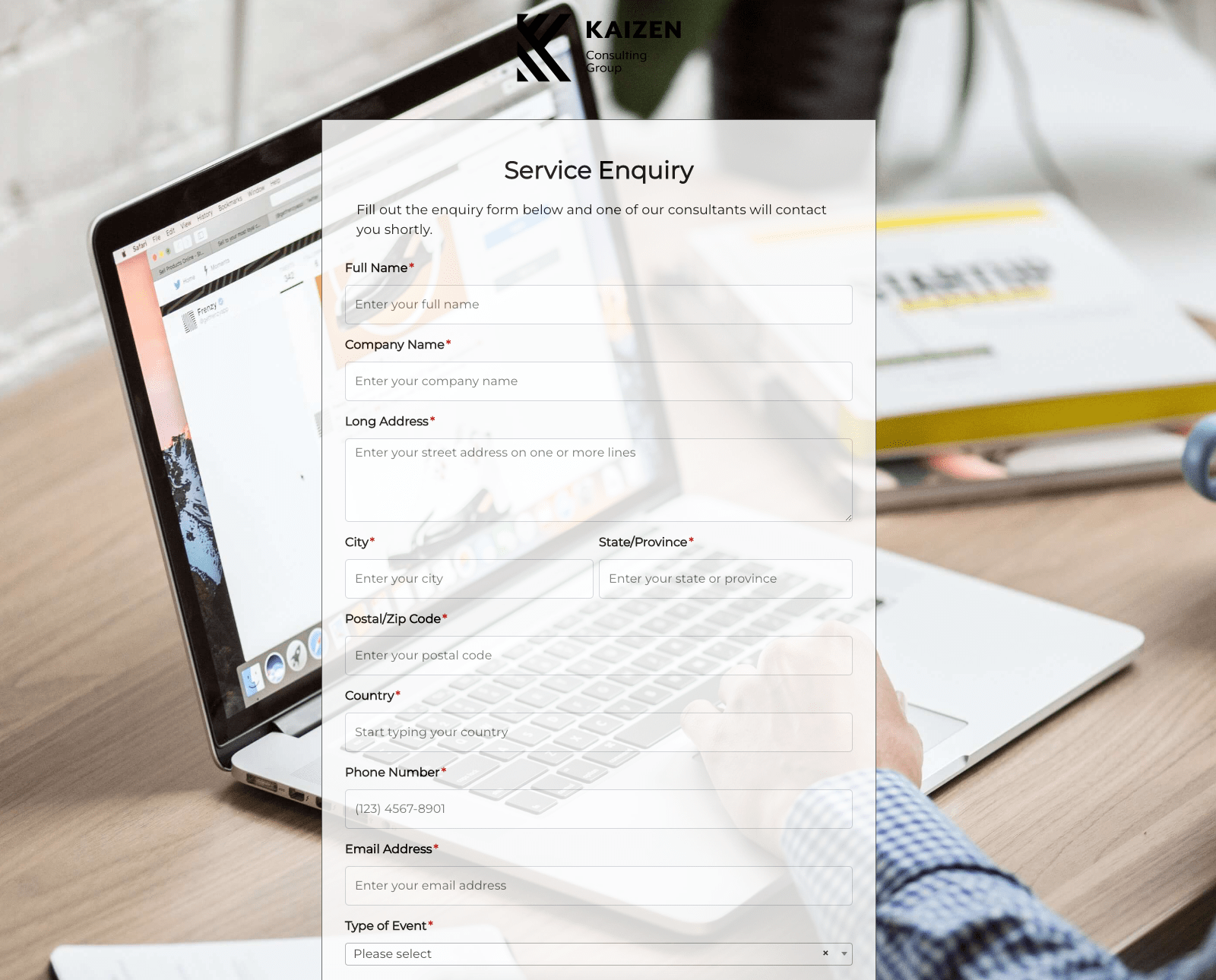 Service Enquiry Form
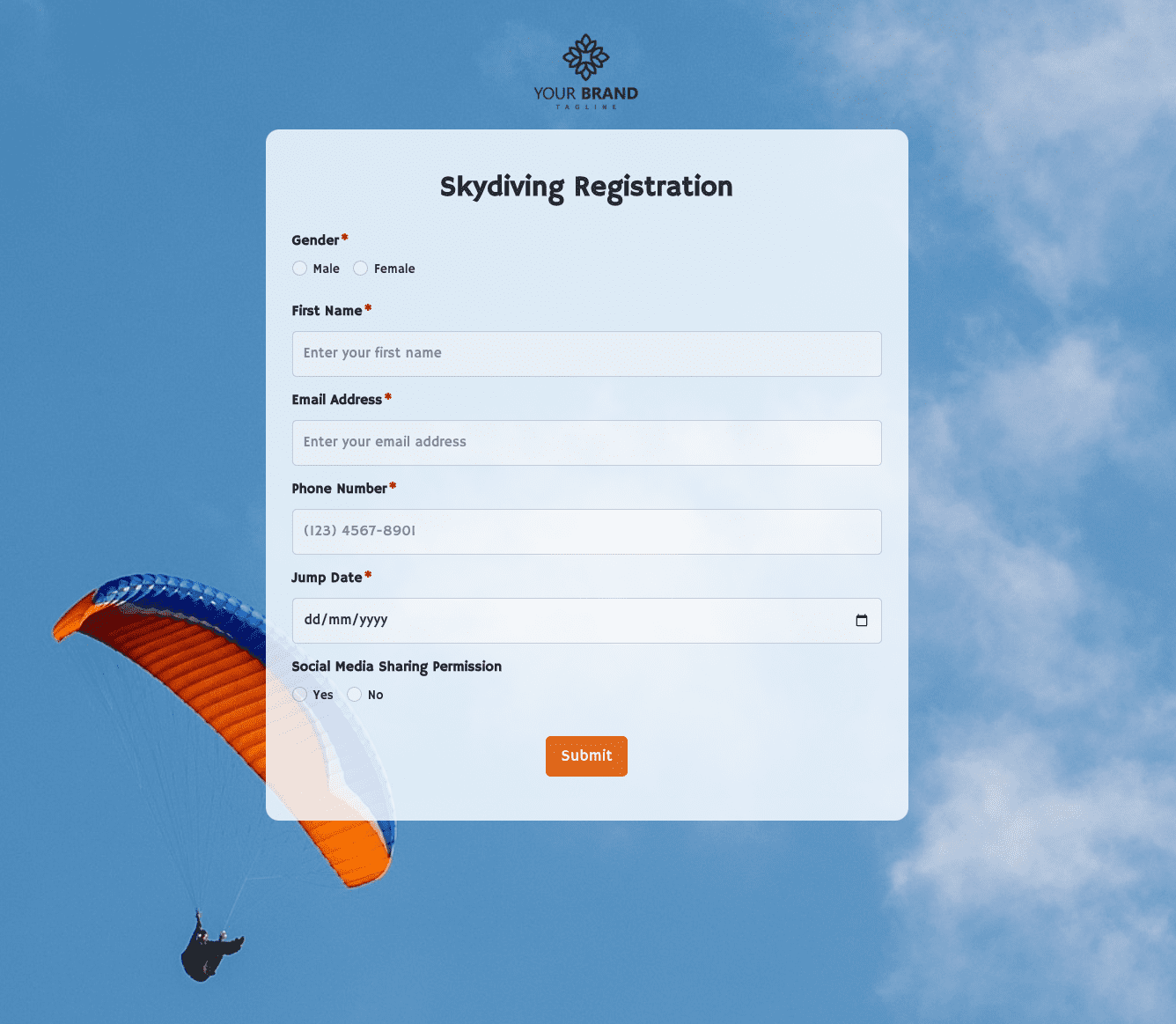 Skydiving Registration Form
 Spare Part Enquiry Form
 Staff Application Form
 Submission Form
 User Registration Form
 Website Under Construction Form
 Wedding Photographer Form
 Your Opinion Matters Form