For most events, a well-built form is all the registration system you need. A workshop, a webinar, a meetup or a company party can run on a form builder with conditional logic and an email confirmation. The real work is in the design: which fields you ask for, how many ticket choices you show, and what happens after someone clicks submit.
What fields should an event registration form include?
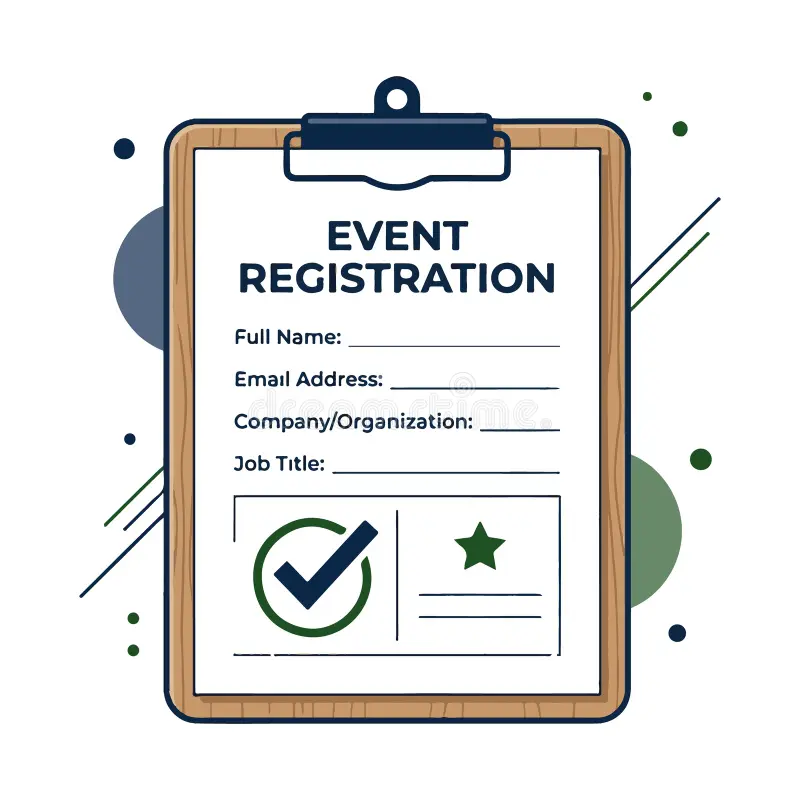
Start with the data you will actually use before, during and after the event:
-
Always: first name, last name, email address and a clear consent statement.
-
Usually: company and job title for business events, plus the ticket or session choice, and a payment step if the event is paid.
-
Only if you need it: phone number, dietary needs, accessibility requirements, T-shirt size.
Keep first and last name in separate fields so you can personalize emails and sort lists. If you plan to print name badges, add an optional "name on badge" field, because many people prefer a shorter name than the one they type into a form.
How many fields is too many?
Fewer required fields usually means more completed forms, but the relationship is not a straight line. Factors.ai recorded more than 50,000 web sessions and, in a September 2025 analysis of the ones where visitors interacted with a demo-request form, found that forms with four to six required fields had a success rate of about 51%, compared with about 41% for one to three fields and about 31% for seven or more. Demo forms are not event forms, but the lesson carries over: require only what you need and make everything else optional.
For events, ticket choices matter more than questions. PheedLoop's Event Data Lab, which analyzes registrations on its own platform, reported in March 2026 that median completion fell from 93% with one ticket type to 88% with two or three, and to 83% with eleven or more. In the same data, custom questions showed no measurable negative effect, and spreading ticket types across registration categories was associated with a recovery of about nine percentage points. If you offer many options, use conditional logic to reveal them step by step.
Design for phones first
Zuko's 2025 benchmarks, based on 93 million form views between January 2022 and April 2025, put form completion at 54.5% on desktop and 47.5% on mobile. Use a single column, set the right input types so phones show the email keyboard for email fields, avoid dropdowns with dozens of options, and test the whole flow on a phone, including payment and the confirmation page.
Be specific about consent
A single "I agree" checkbox rarely covers everything an event does with personal data. Ask separately for consent to event communications, marketing after the event, sharing details with sponsors or exhibitors, and photography. On sharing with exhibitors, UK law firm Freeths LLP noted in January 2025 that exhibitors have no automatic right to delegate data and may access it only with the delegate's consent, typically given by agreeing to a badge scan, and that delegates should be able to read the exhibitor's privacy notice, for example through a QR code on the stand, before the scan.
Plan for no-shows from the start
A registration is not an attendance. PheedLoop's April 2026 report on more than 1,070 live events with check-in data found a median no-show rate of about 20% (the mean was 29%, pulled up by a minority of badly affected events): around 28% for free events and 17% for paid ones. For small free events of 10 to 49 people, it rose to about 37%. The report suggests planning for roughly 70% attendance at free events and 80% at paid events.
A clear confirmation email helps on both sides. Include the date, time, venue or joining link, a calendar file and a simple way to cancel, so attendees keep the date and you can release places to others. If you cap capacity, add a waitlist so each cancelled place goes straight to the next person.
Signs your event has outgrown a form builder
Form builders handle far more than most organizers use. These are the points where event-specific tools start to pay for themselves:
-
Many registration types with different prices, approval steps or rights, such as visitor, exhibitor, press and VIP.
-
Badges that must be generated from registration data and printed or scanned on site.
-
Check-in and access control: scanning people in and letting each registration type into only the halls or sessions it is entitled to.
-
Duplicate records: the same person registering twice, or through two channels, with a rule for which record wins.
-
Several languages across forms, emails and confirmation pages, or an event that repeats every year with the same setup.
If two or three of these apply, it is worth looking at dedicated event registration software. At exhibition scale, registration data also drives badge printing and on-site check-in and event access control, so these work best when they share one attendee record.
If none of them apply, keep your form builder. Refine the fields and the confirmation email, then compare completion and attendance after each event to see what to change next time.
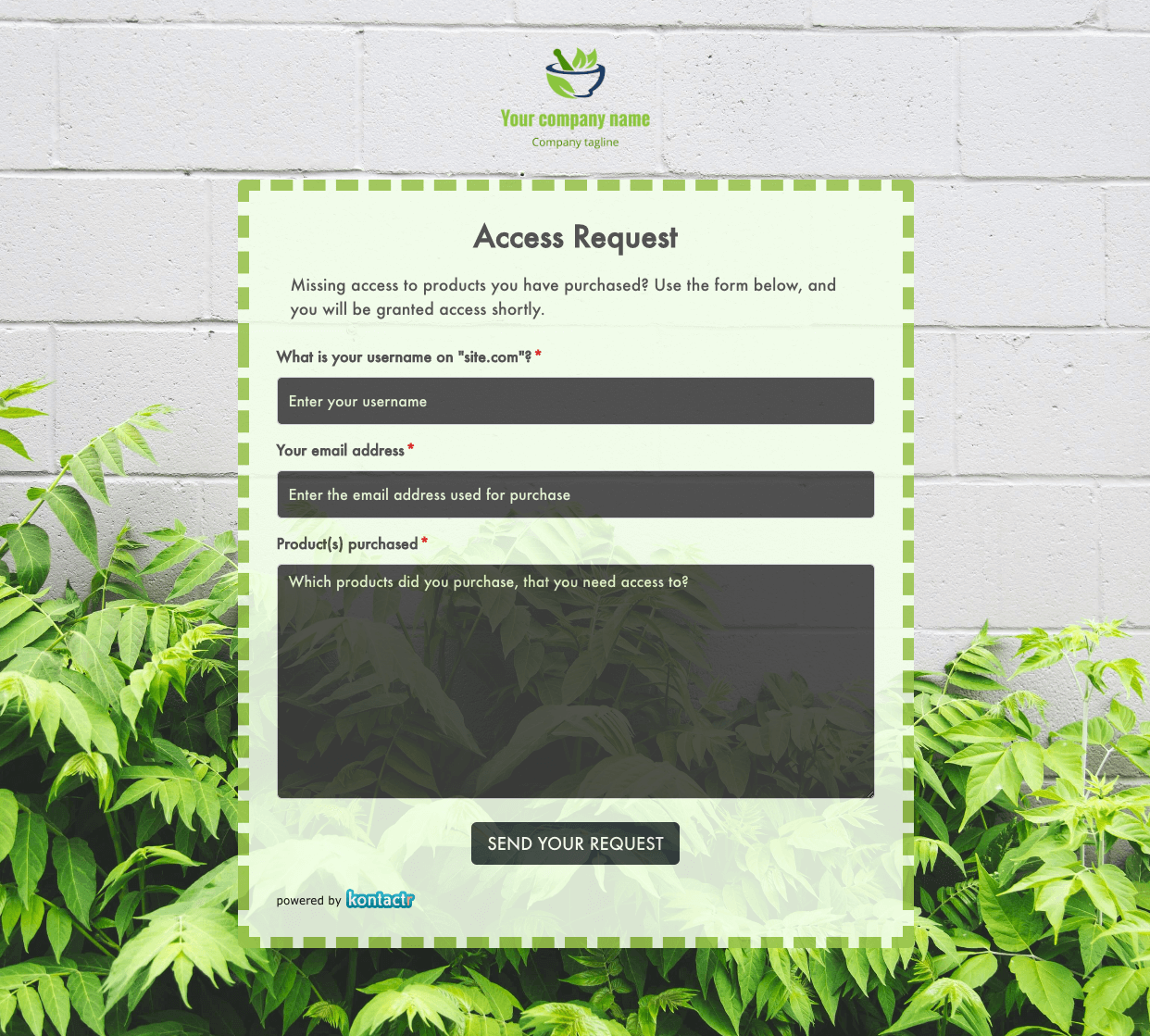 Access Request Form
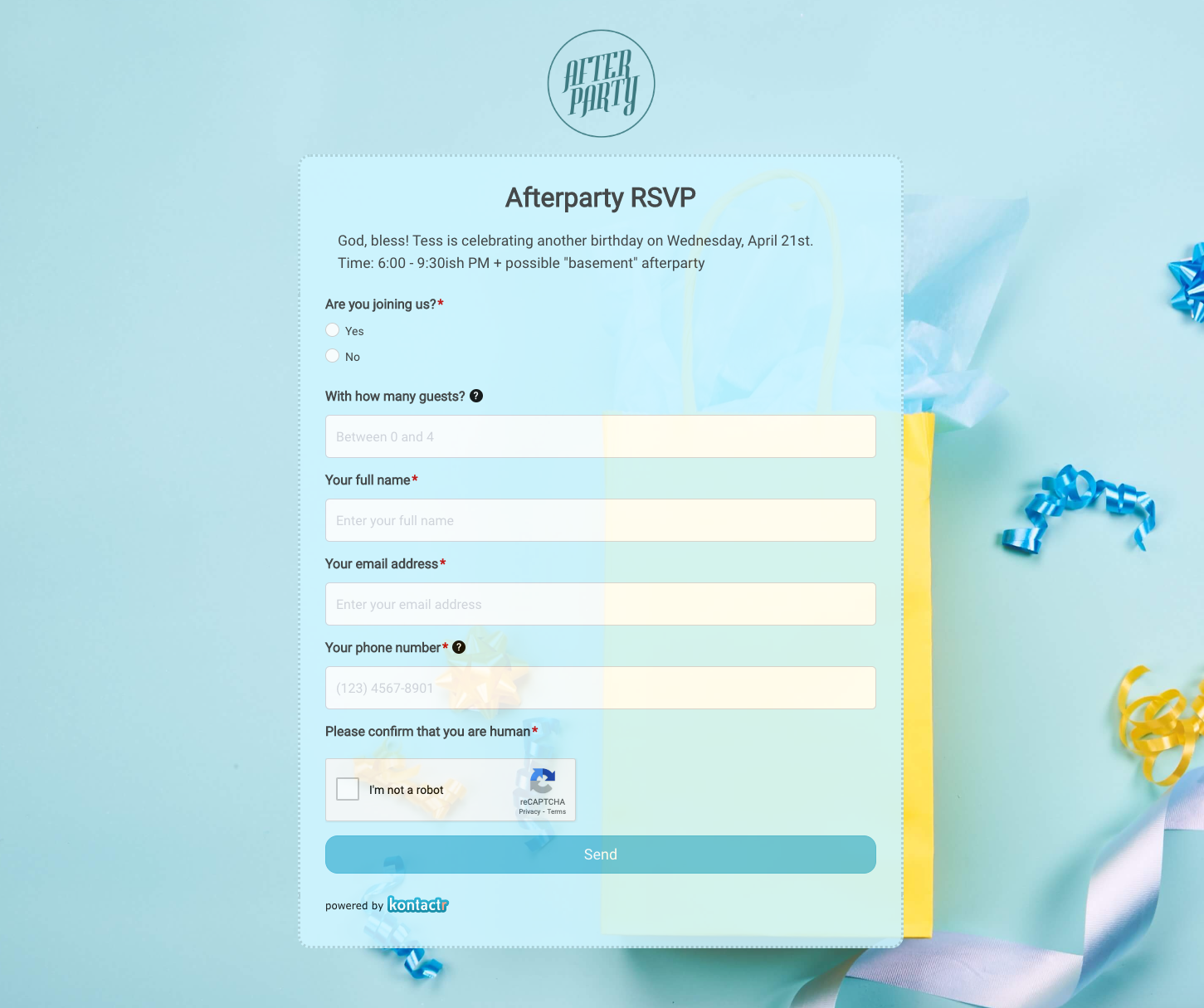 Afterparty RSVP Form
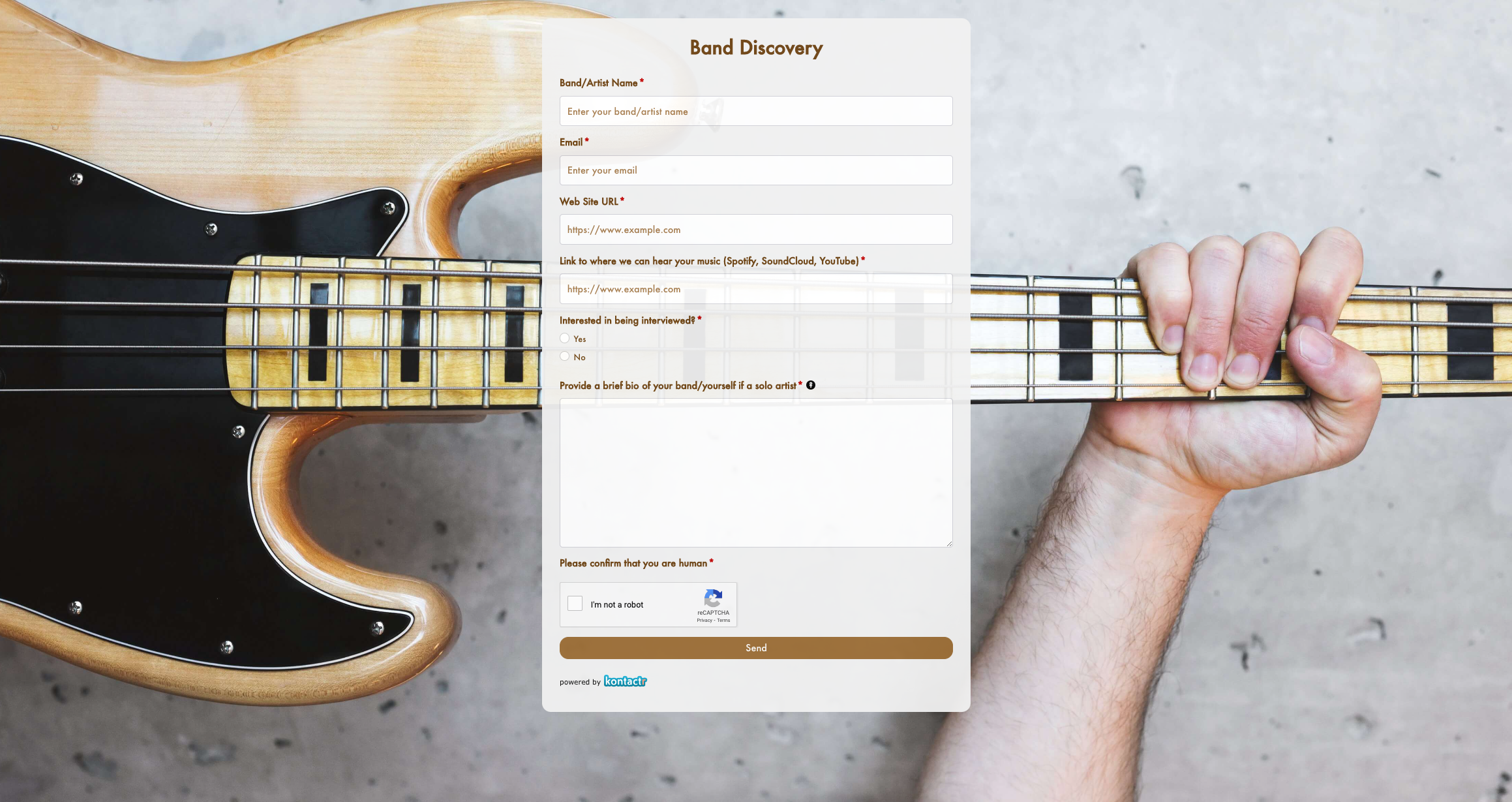 Band Discovery Form
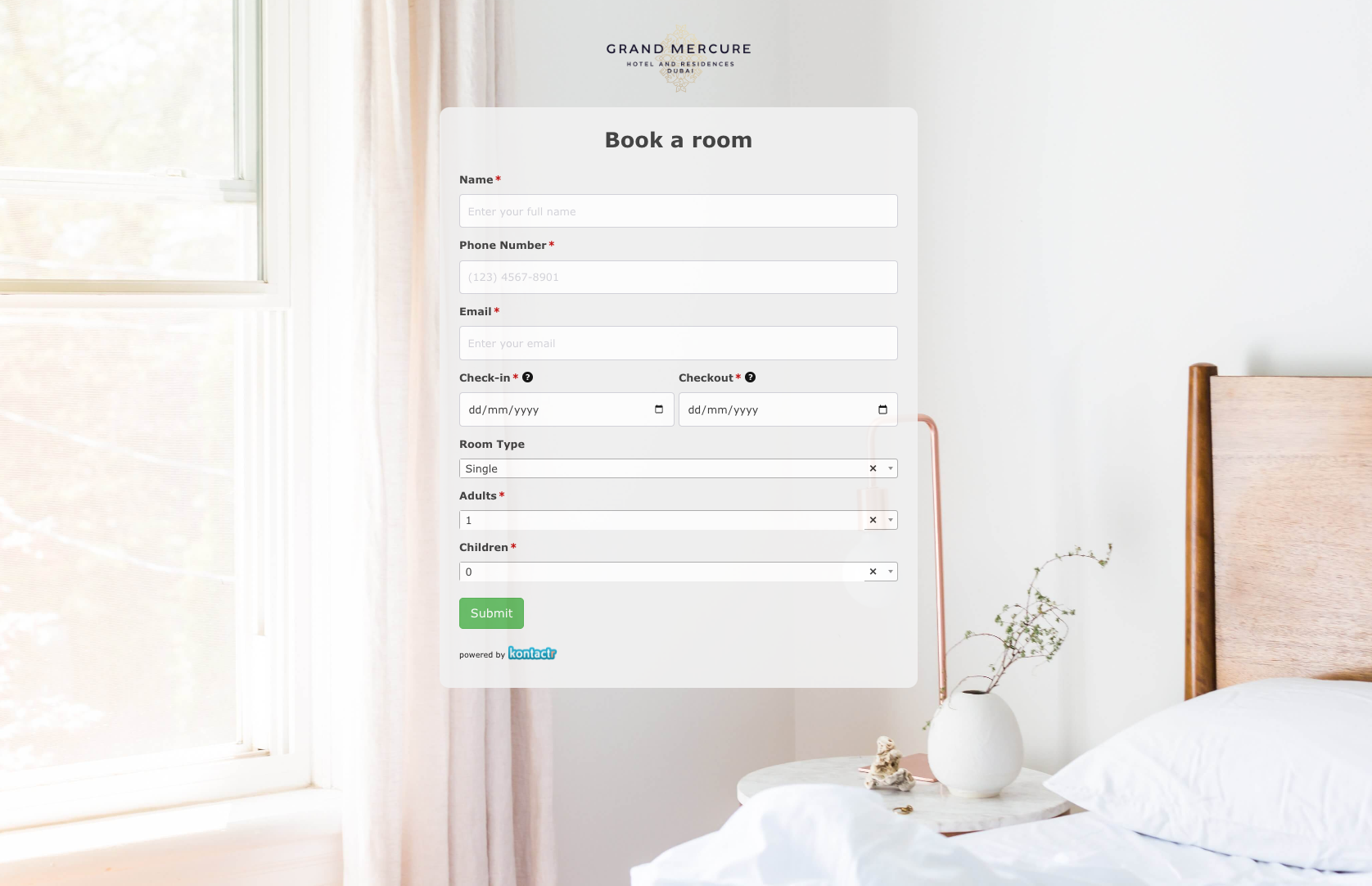 Book a room Form
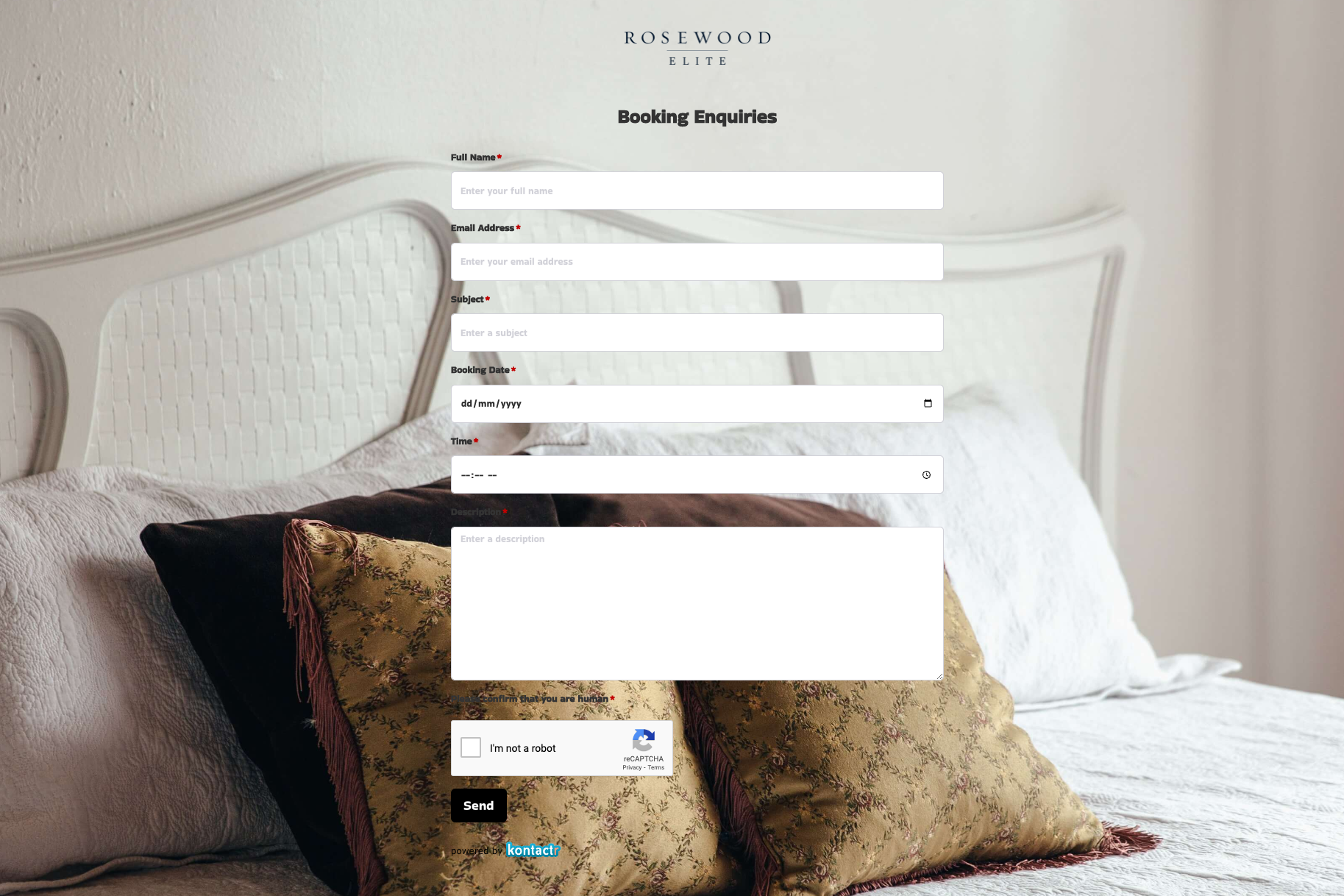 Booking Enquiries Form
 Brochure Mailing Form
 Buy a Home Form
 Catalog Request Form
 Coach Lines Quote Form
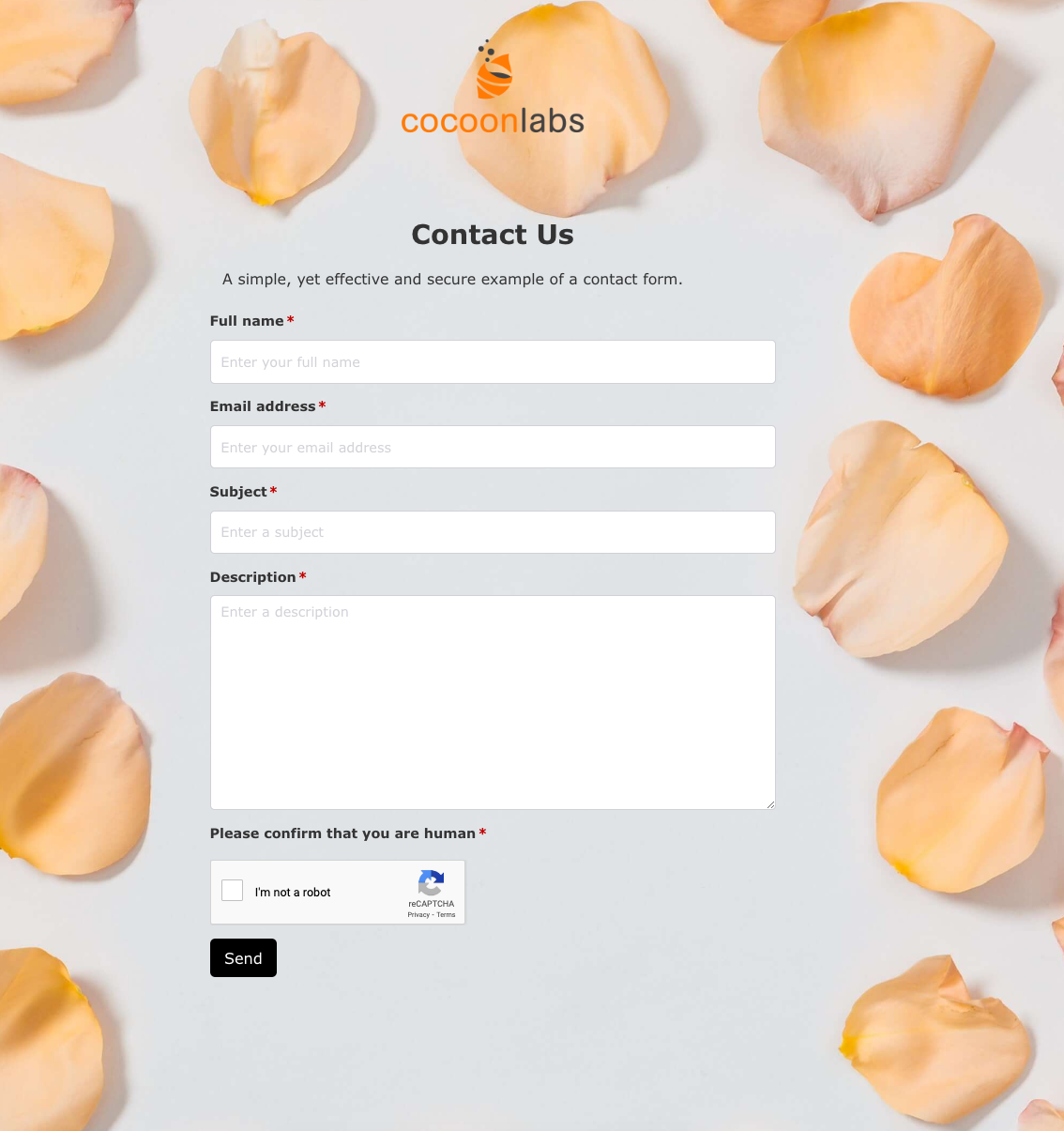 Contact Us Form
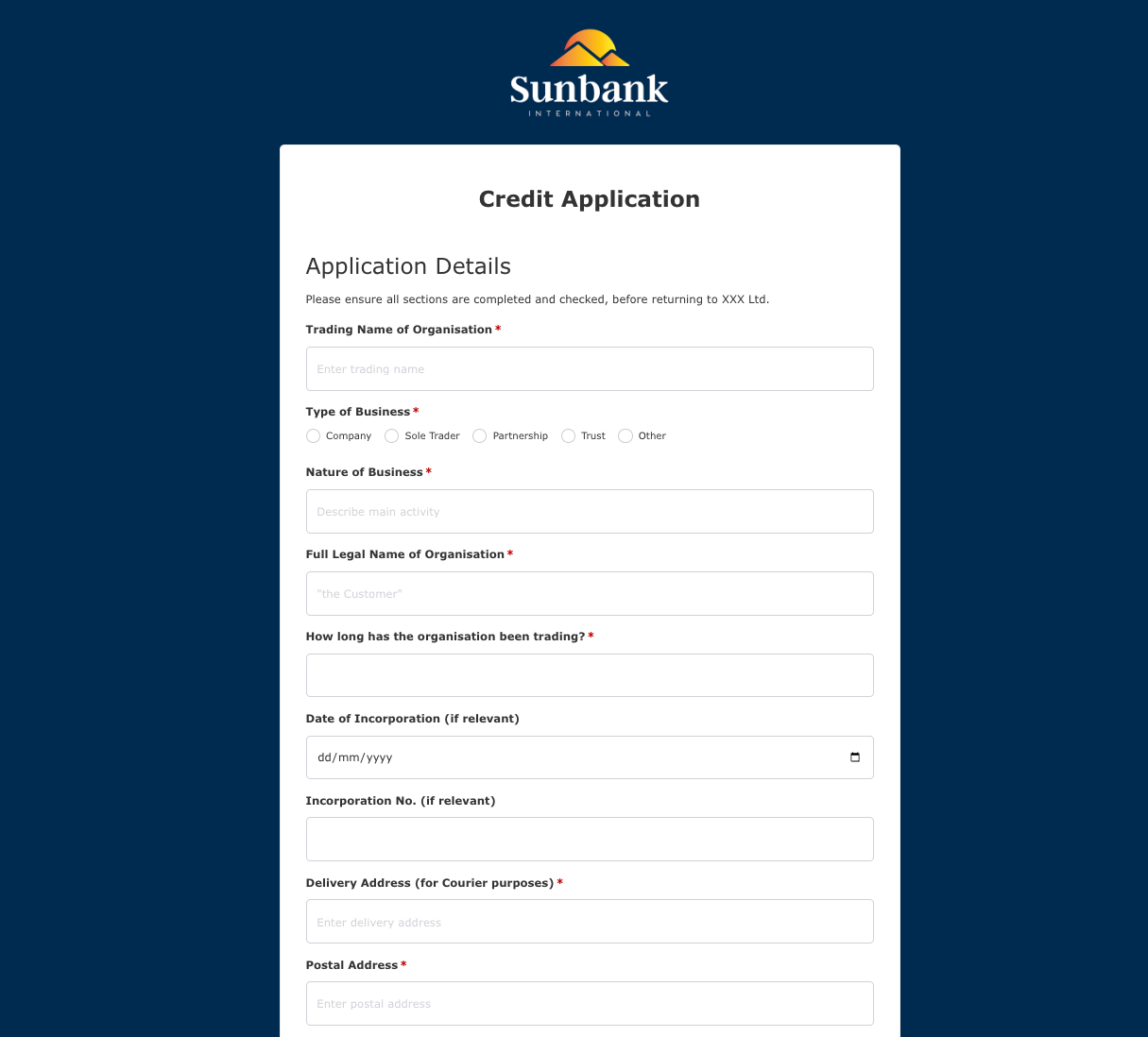 Credit Application Form
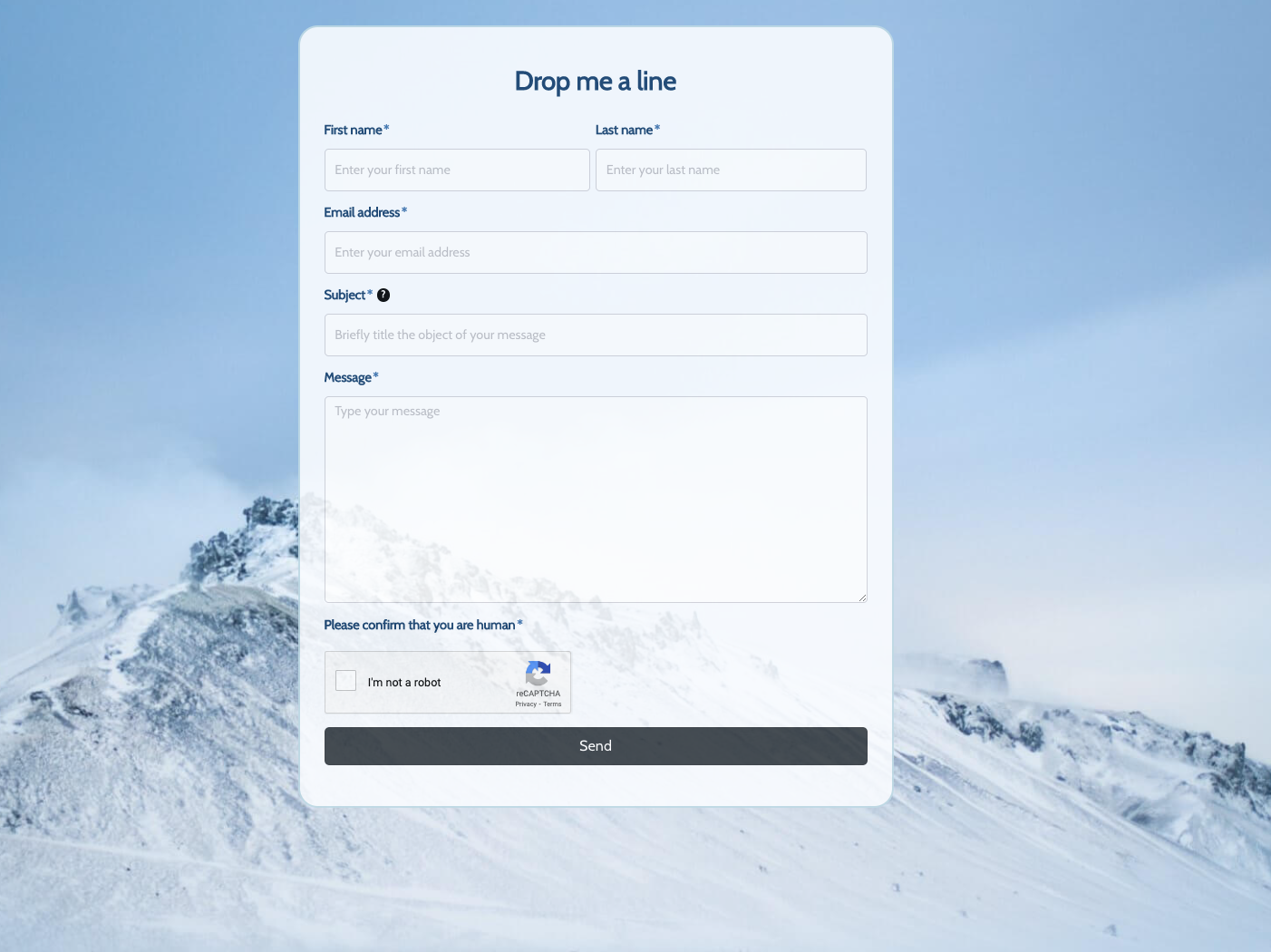 Drop me a line Form
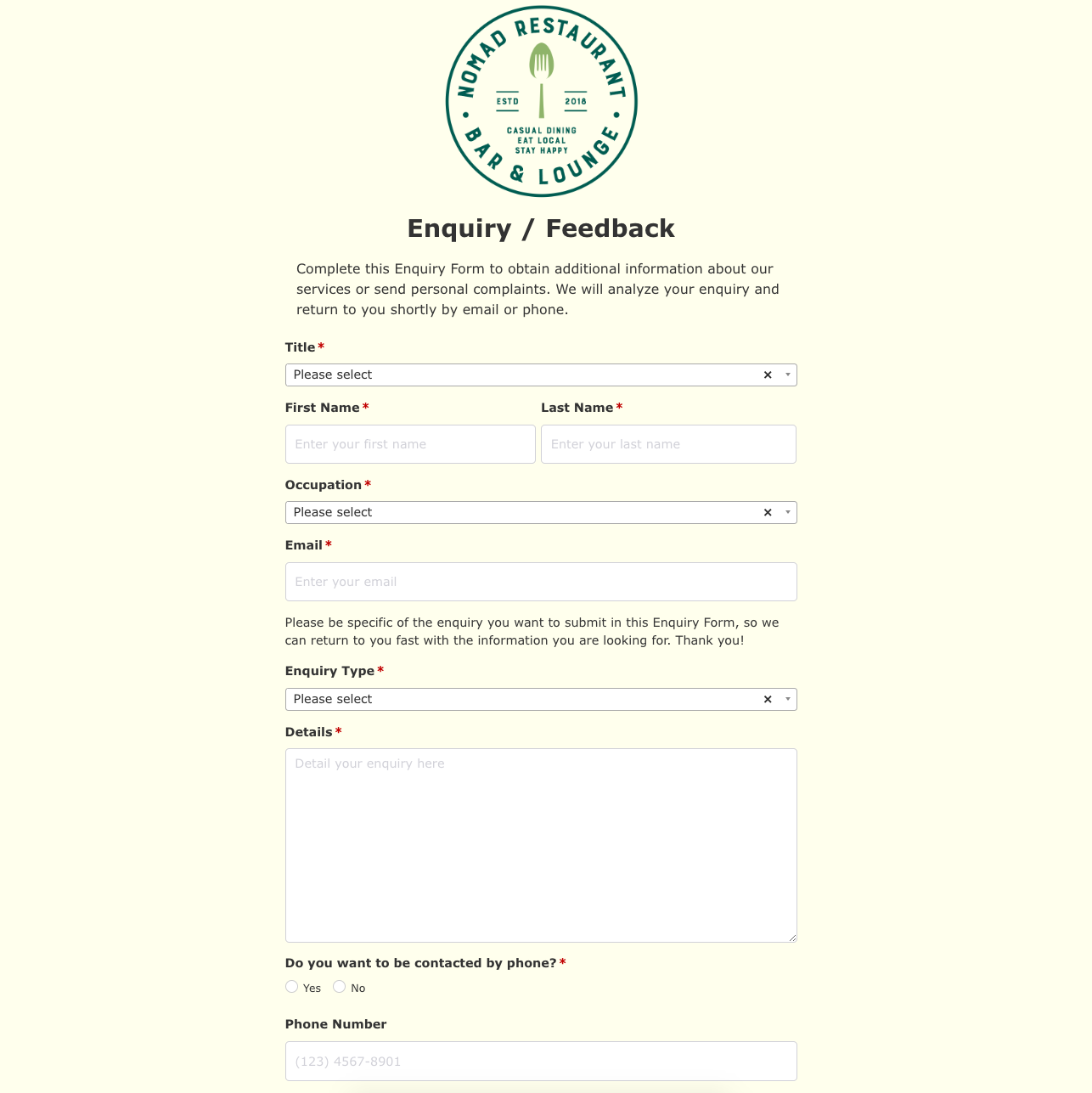 Enquiry / Feedback Form
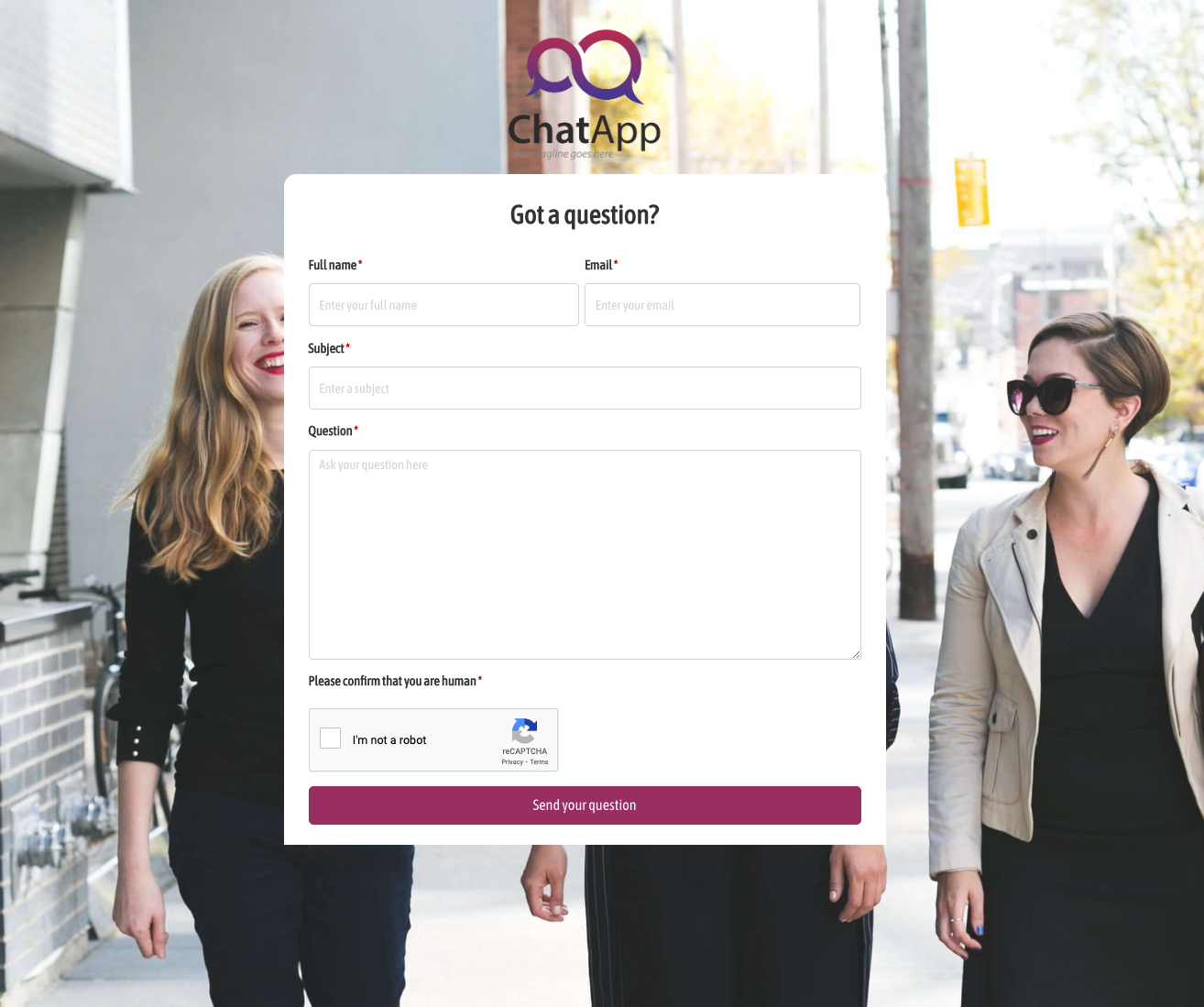 Got a question? Form
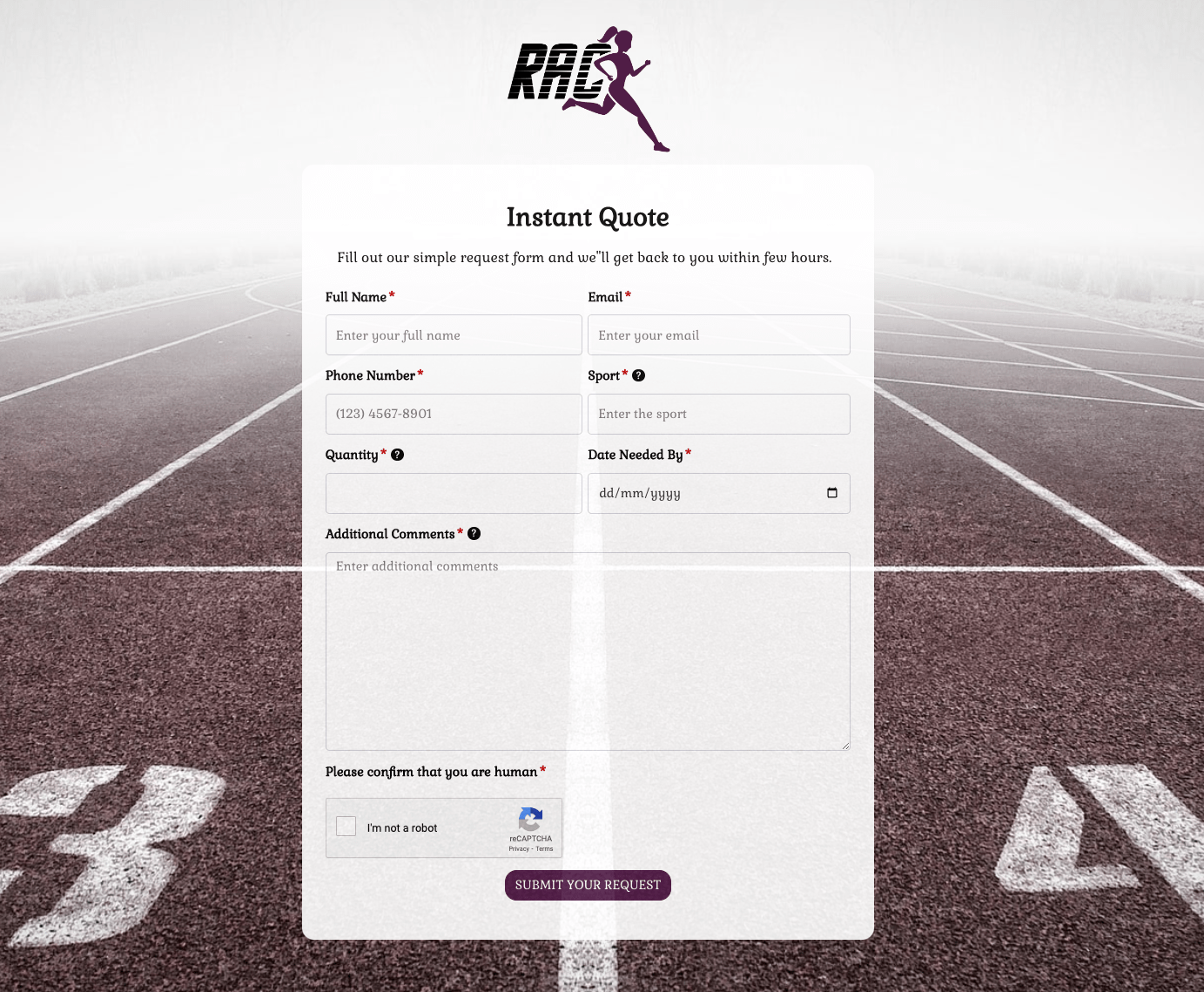 Instant Quote Form
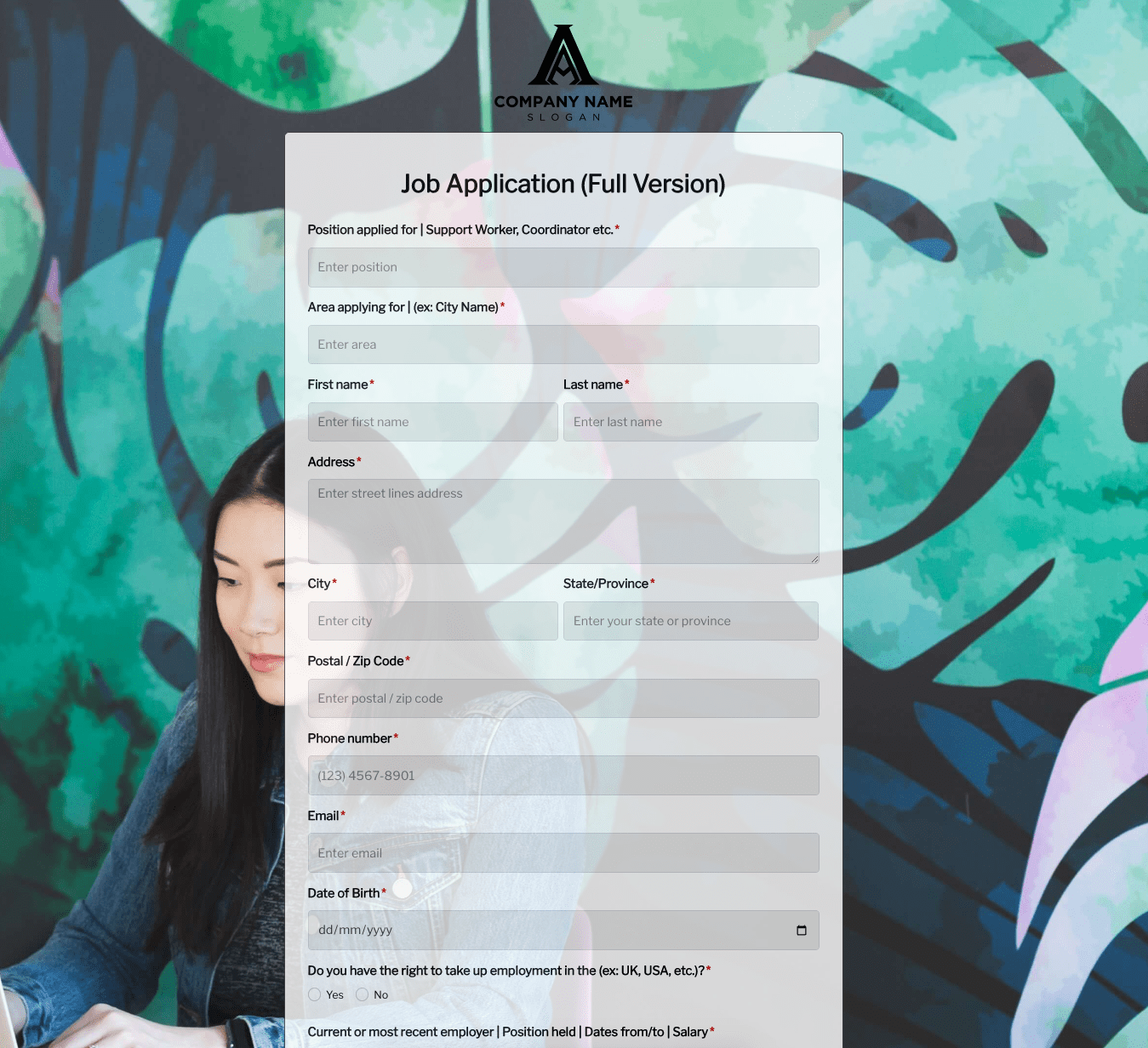 Job Application Form
 Language & Literacy Lab Form
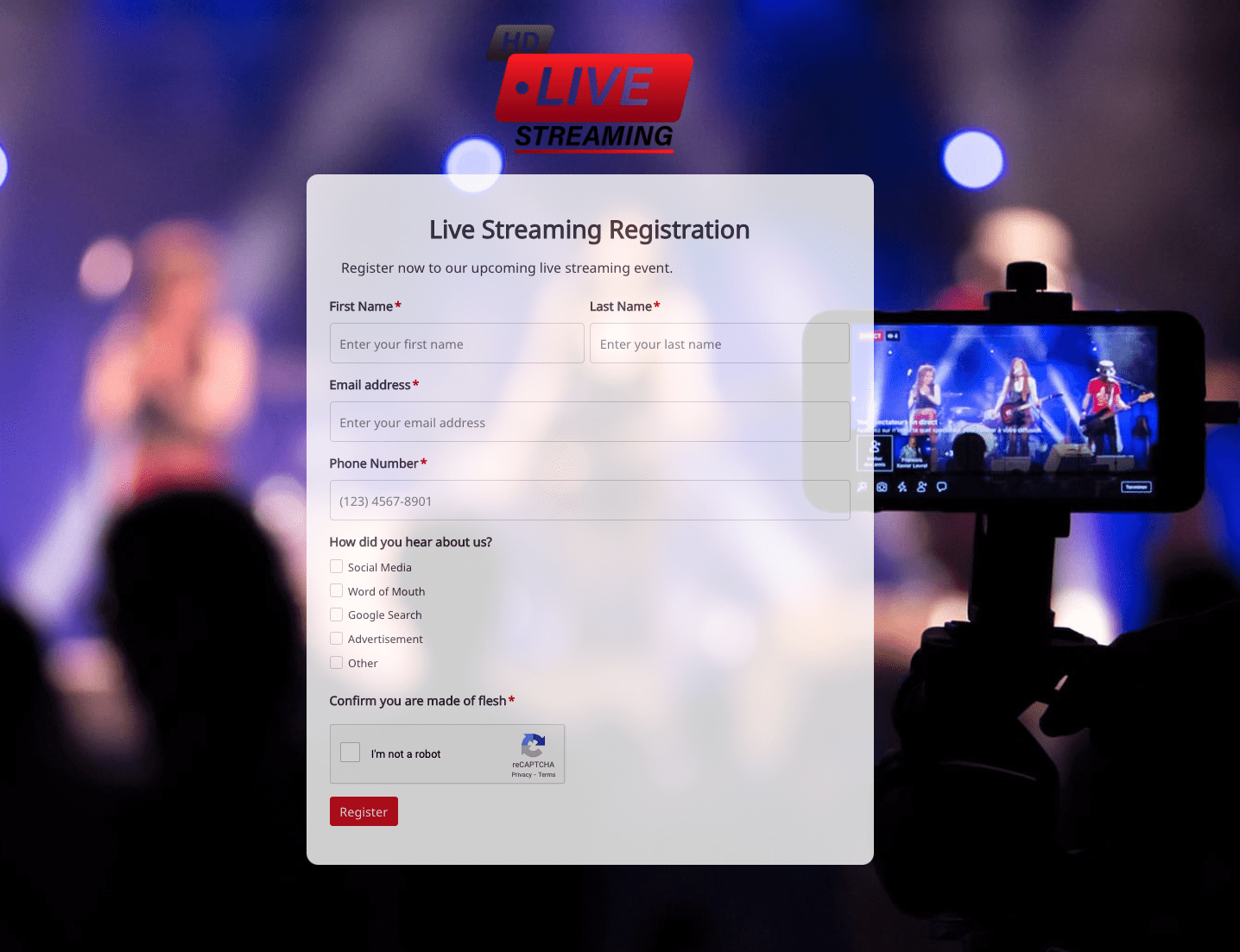 Live Streaming Registration Form
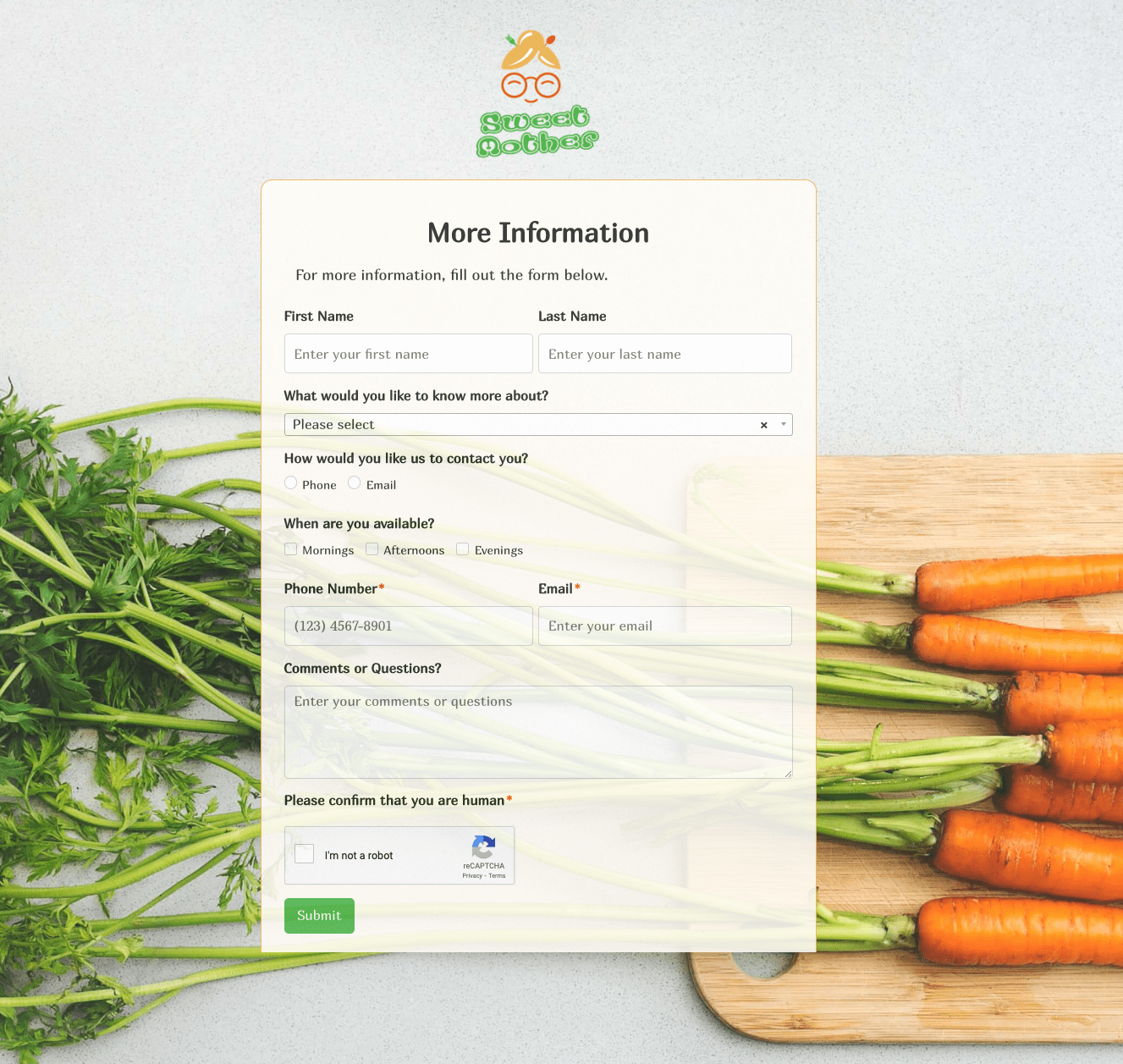 More Information Form
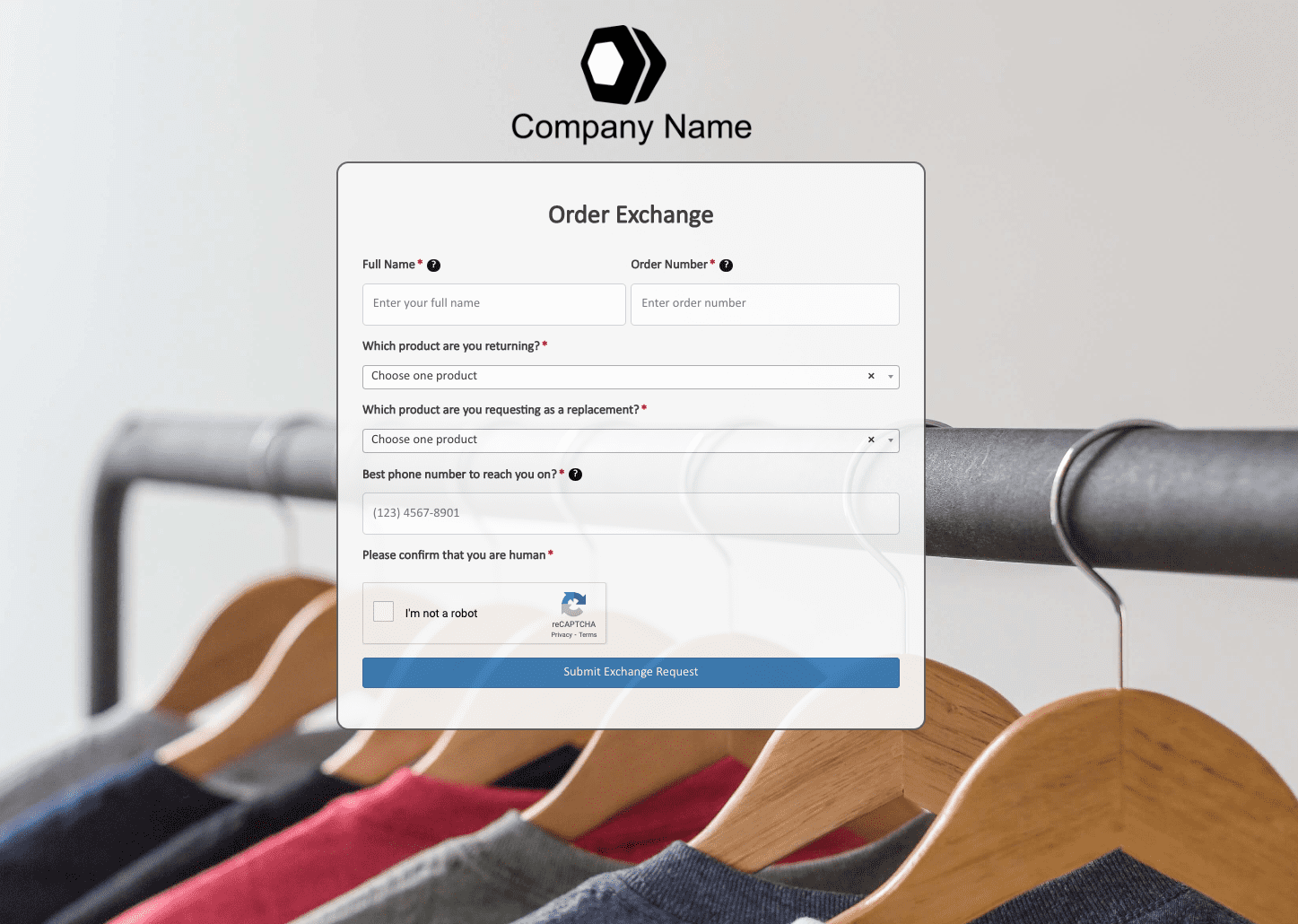 Order Exchange Form
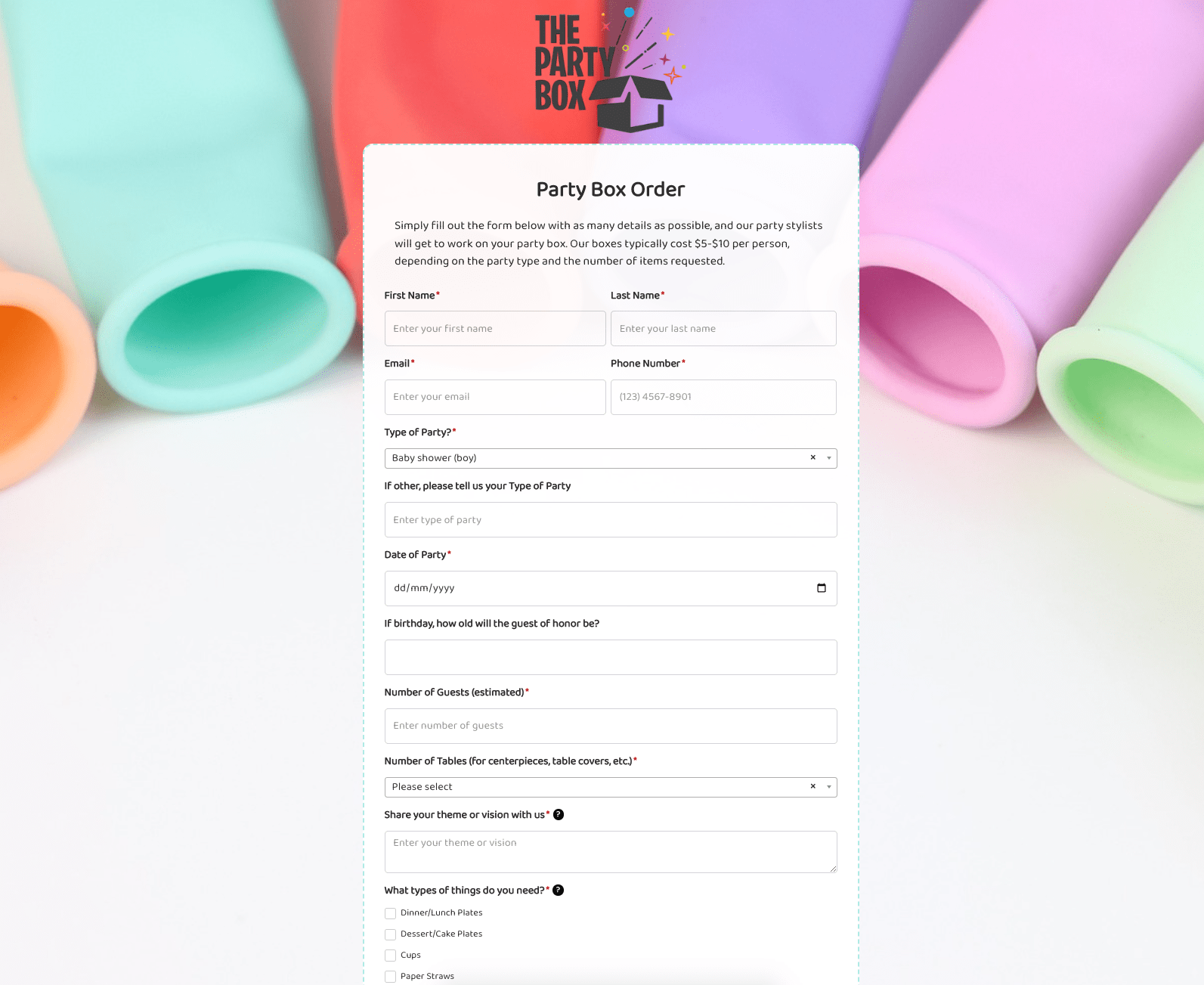 Party Box Order Form
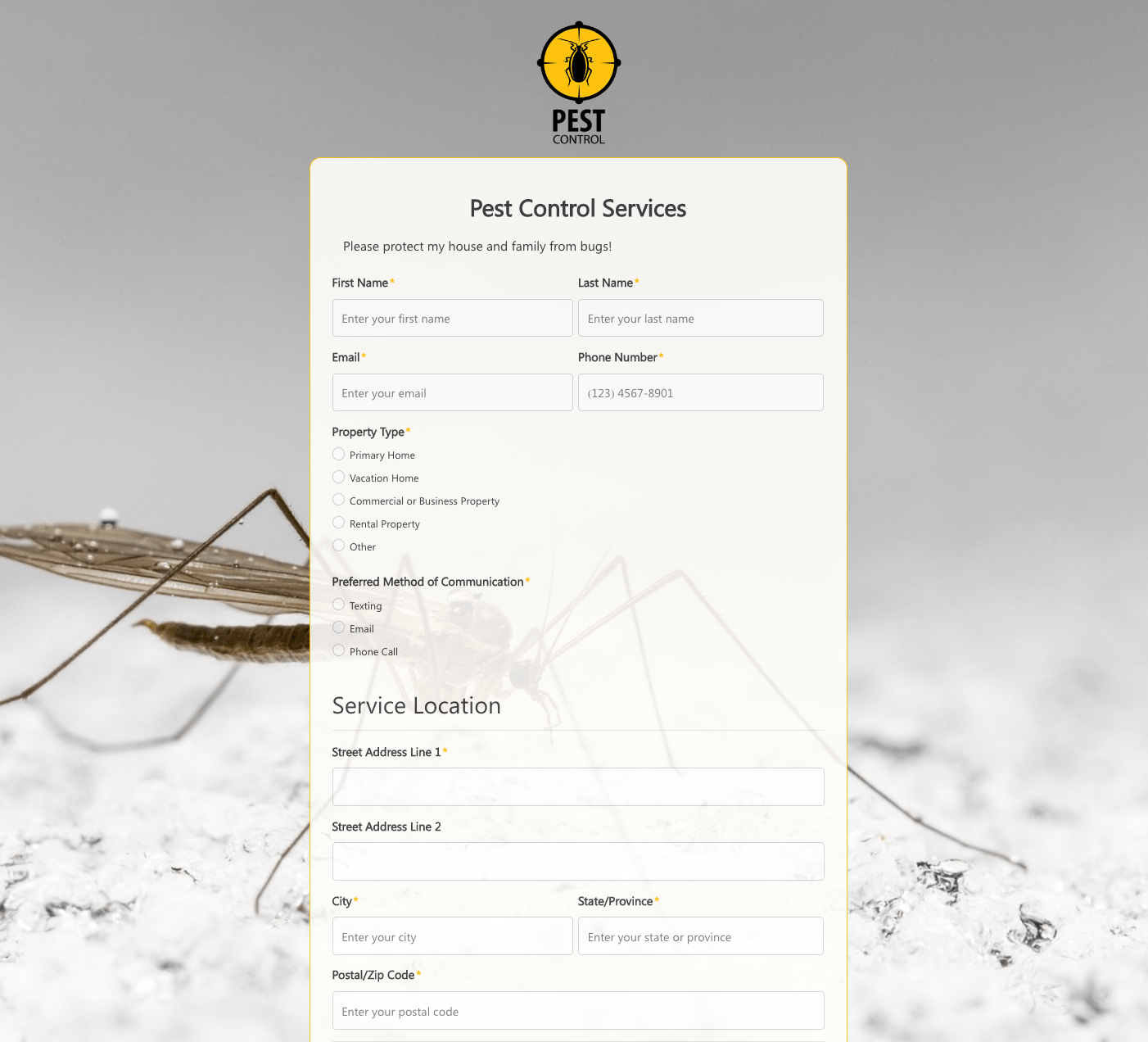 Pest Control Services Form
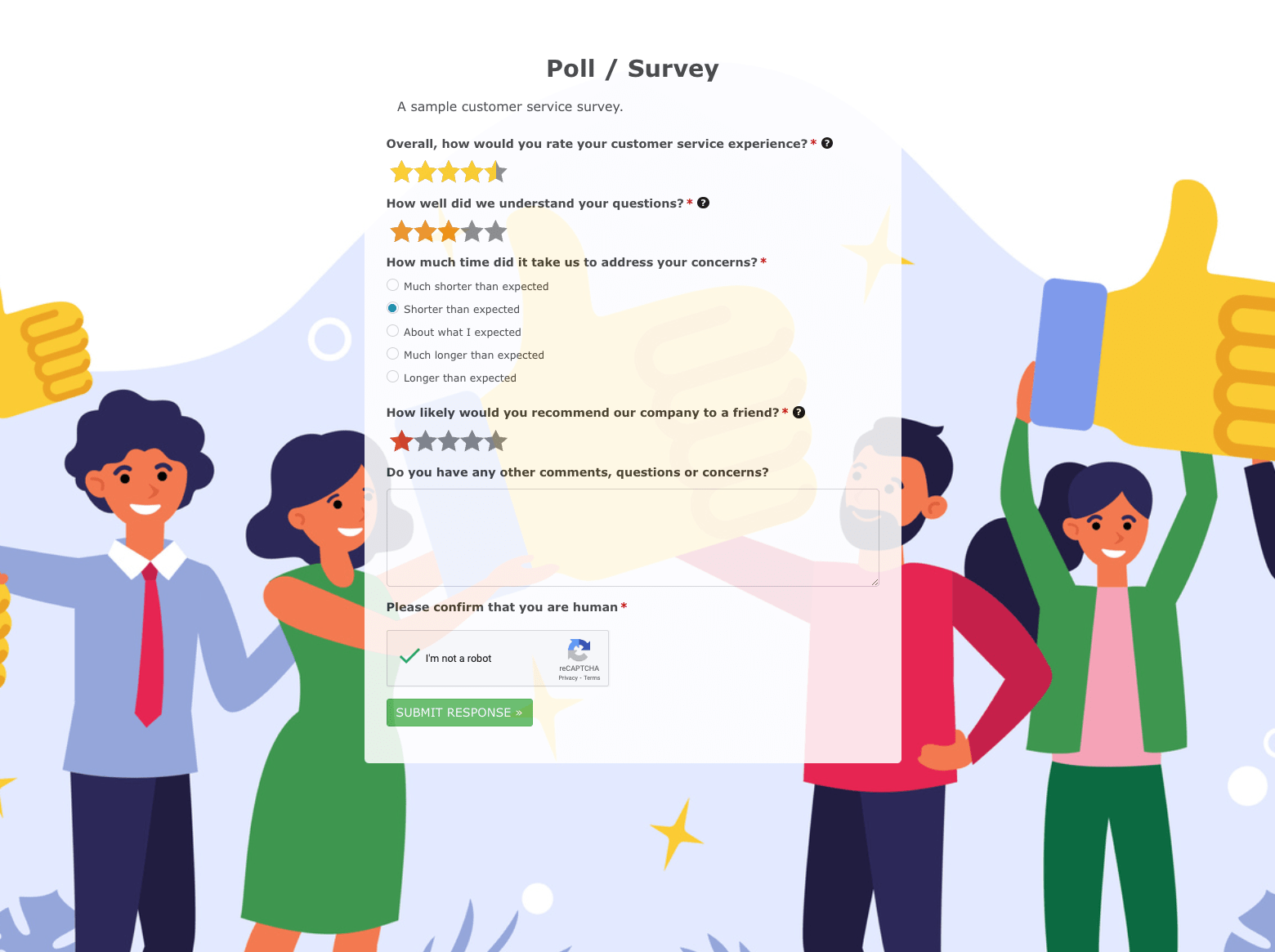 Poll / Survey Form
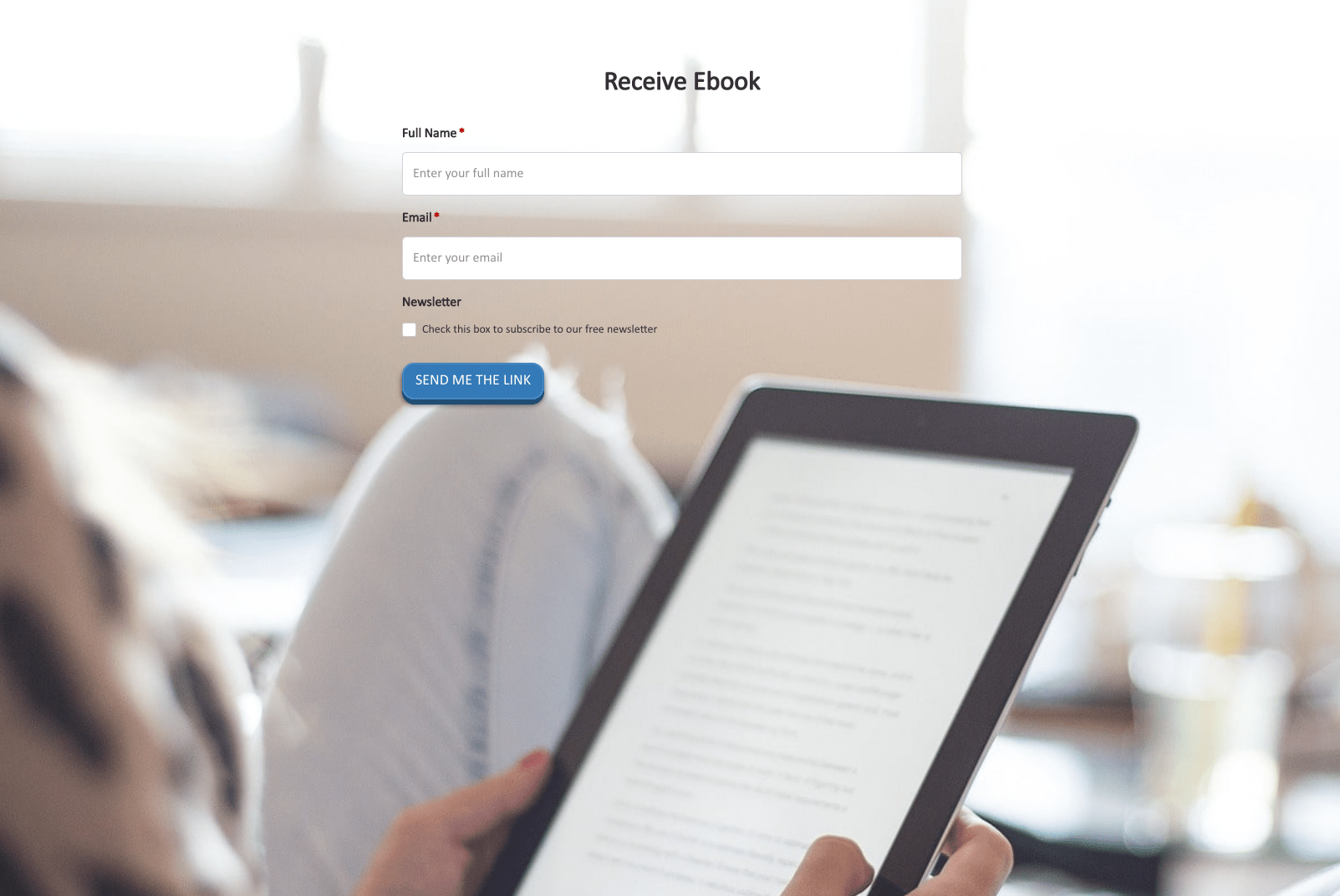 Receive Ebook Form
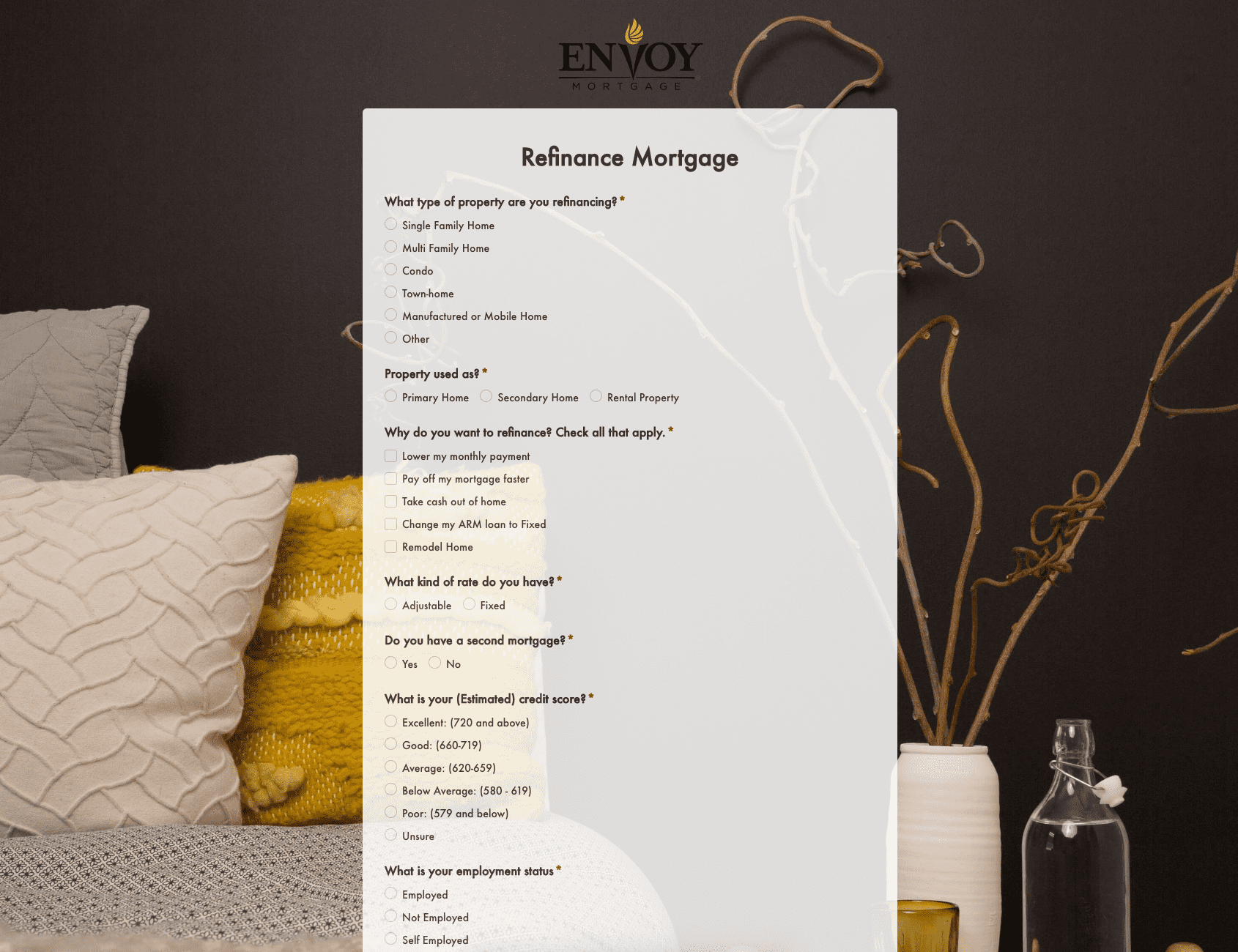 Refinance Mortgage Form
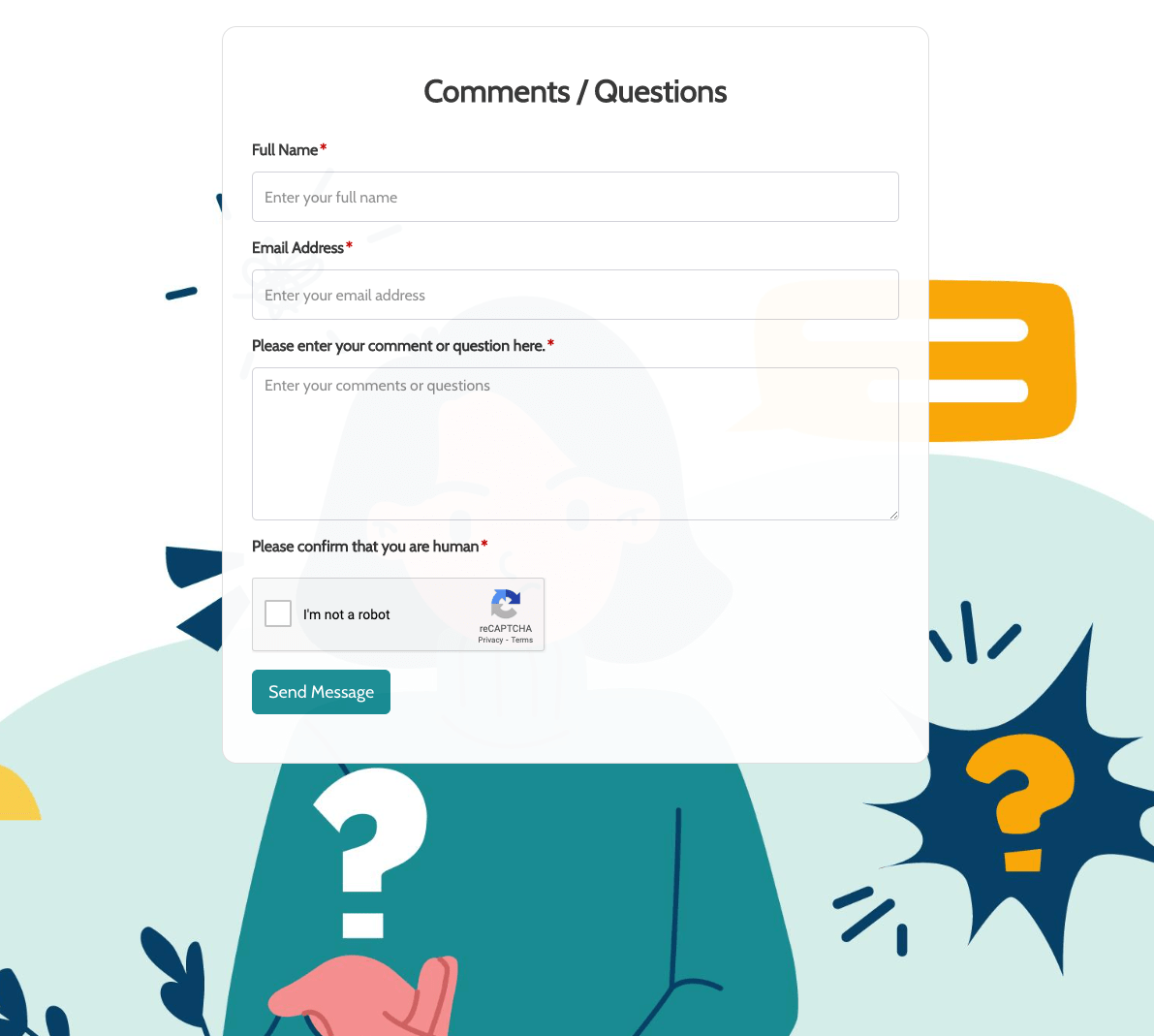 Remarks / Questions Form
 Report Driver Form
 Retreat Information Form
 Service Enquiry Form
 Skydiving Registration Form
 Spare Part Enquiry Form
 Staff Application Form
 Submission Form
 User Registration Form
 Website Under Construction Form
 Wedding Photographer Form
 Your Opinion Matters Form