Someone registers for an online workshop and sees a plain confirmation: “Your response has been received.” The form worked, but the attendee still wonders what happens next. When does the session begin? Will they need anything? Who is presenting? A concise welcome video can answer those questions while making the event feel more personal. A custom soundtrack created with a tool such as AI Song can add warmth, provided it never replaces essential written information. For event organizers, the real challenge is connecting a successful form submission to a clear, useful next step.
A Successful Form Is Only the Beginning
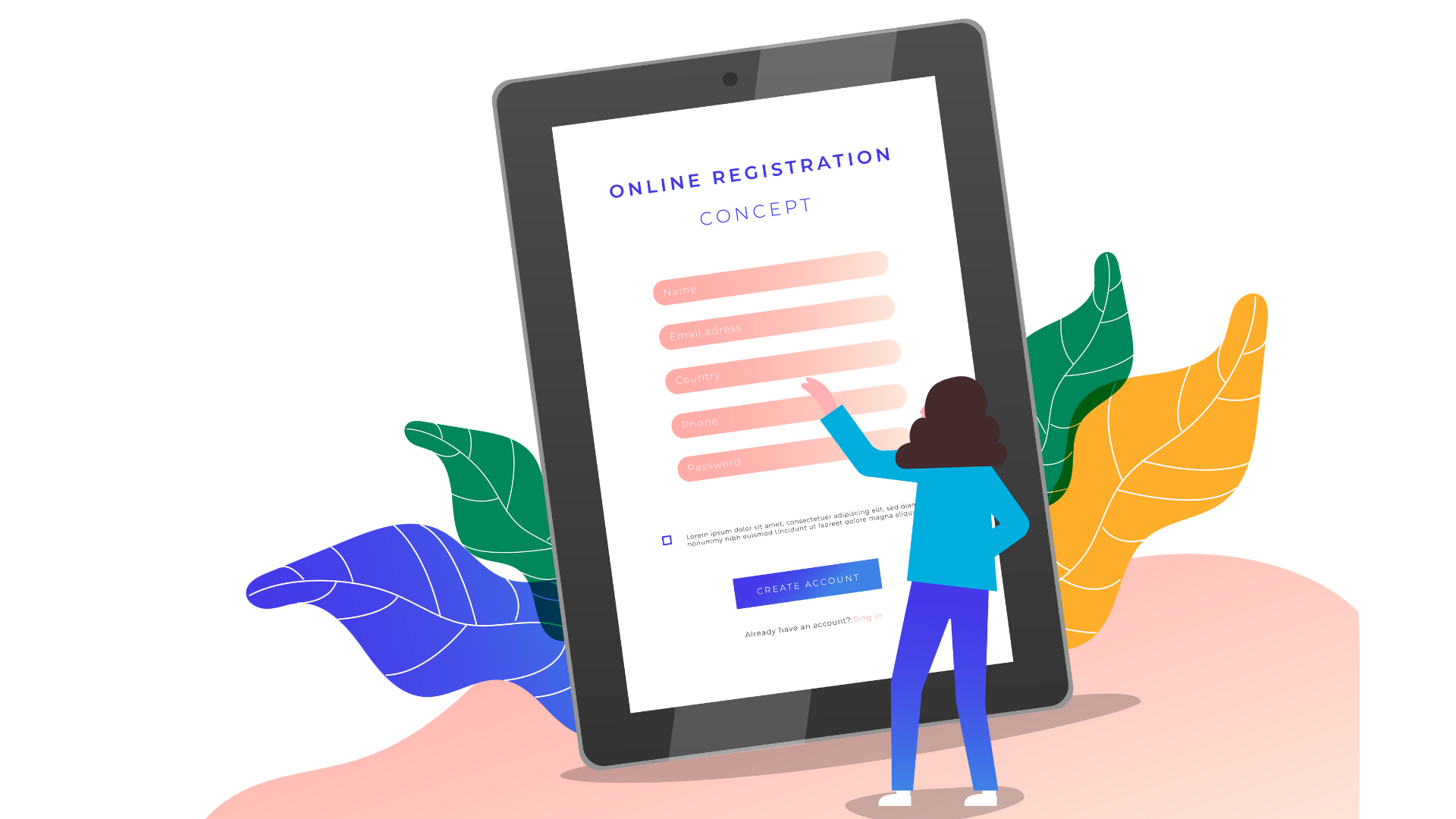
A sign-up form collects information. It does not automatically create confidence. A person who registers for a virtual art class may need a materials list. Someone joining a local networking breakfast may want directions and a start time. Both need practical answers, not an elaborate marketing sequence.
Map what attendees encounter after submitting. They may see a thank-you message, receive a confirmation email, or visit a separate information page. A welcome video is one optional addition to those communications. It should not be the only place where the event date or joining details appear.
Keep the form itself focused. Asking too many questions can discourage completion, while a confusing post-submit message leaves people uncertain whether their registration succeeded. An organizer should distinguish essential fields from optional interests, then explain exactly what will happen after submission.
Decide What the Video Must Accomplish
Consider a neighborhood makers' workshop. Instead of filming a generic promotional montage, the organizer records a forty-second welcome. The instructor greets participants, shows the tools they will use, and explains where to find the full materials list. A small amount of background music can keep the introduction friendly without competing with the speaker.
Write a simple outline before choosing a soundtrack. Put the welcome first, logistical details second, and a reassuring closing sentence last. If the video is meant for existing registrants, do not waste half of it persuading them to sign up again. They have already completed that step.
A sample script might say: “Thanks for joining Saturday's beginner pottery session. Bring an apron if you have one, and check your confirmation message for the address. We'll start with a quick demonstration before you try the wheel.” The message is useful even if the listener hears no music.
Three Ways to Match Sound to the Attendee's Moment
- A Warm Welcome After Registration
A short, gentle instrumental can support a greeting without making the message feel like an advertisement. Keep vocals out of the background if they compete with the host's words. For the pottery example, soft acoustic sounds might fit better than a fast electronic dance track.
Watch the first ten seconds. Can the participant clearly hear the instructor's name and the event title? If not, lower the music or remove it during the greeting. Establish trust before adding atmosphere.
- A Practical Preparation Reminder
A reminder video sent before an event should prioritize the checklist. A cooking class may ask attendees to prepare ingredients; a webinar may ask them to test their microphone. Background music should be nearly invisible while those instructions appear.
Where possible, put the same checklist directly in the accompanying text. Some people cannot play video at work, and others prefer scanning instructions. A successful reminder should not require everyone to watch a clip from beginning to end.
- A Follow-Up That Encourages a Real Reply
After the event, a host might share a short thank-you video with highlights or a prompt for feedback. Music can create a pleasant ending, but the request should remain clear: perhaps one question about what attendees found helpful and one about what they would change.
Do not confuse a celebratory montage with a useful follow-up. If the goal is collecting feedback, make the route to the feedback form obvious outside the video as well. Keep any music low enough that spoken appreciation still feels genuine.
Generating a Soundtrack Without Overcomplicating It
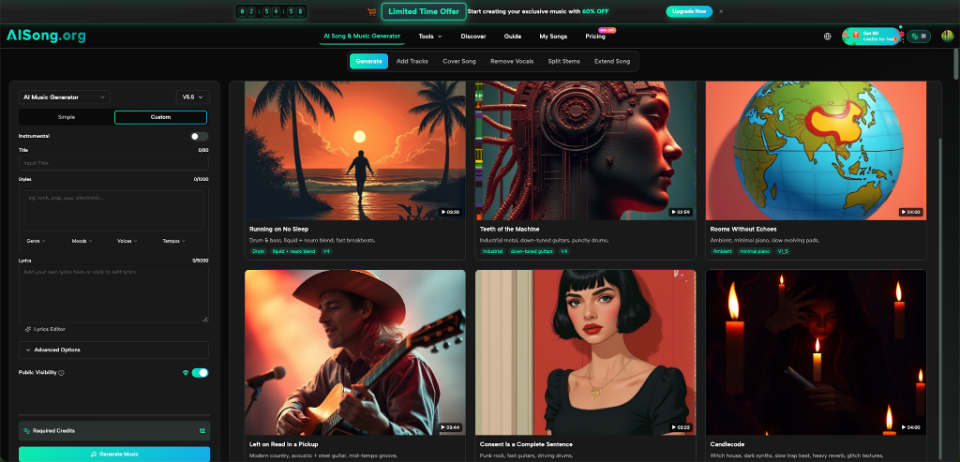
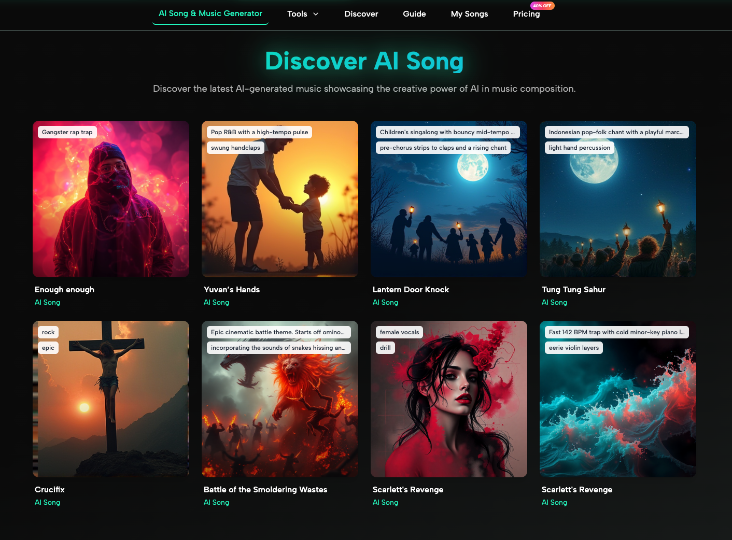
The AI Music Generator at AISong allows people to describe a musical mood, style, or genre. Its public interface also provides an Instrumental selection. For an event welcome video with speech, that is more directly relevant than creating a lyrical anthem.
A starting description could be: warm acoustic instrumental, gentle tempo, light percussion, friendly atmosphere, understated arrangement for a spoken welcome. Play the generated candidate against the actual recording rather than deciding from the audio alone. A cheerful track may still contain a sudden loud moment that distracts from a date or location.
Make the soundtrack optional during editing. Prepare one version with music and one without it. Ask a colleague who has never attended the event which version makes the instructions easier to remember. If the silent cut works better, use it. You do not need to fill every gap in speech.
Before publishing, review the terms applicable to your music and intended use. The ability to generate audio does not by itself establish permission for every channel or promotional purpose.
Connect the Message to Your Form Process
There is an important technical distinction between collecting a submission and delivering a video. An online form builder can help with collection and confirmation, while video hosting and email delivery may involve separate services or steps. Do not assume an ordinary form can embed or send a particular media file without checking what it supports.
Kontactr, for example, publicly describes customizable thank-you messages and email confirmations for forms. An organizer could plan the event communication around those touchpoints, while separately preparing a hosted welcome video and checking the available way to share its link. The music production step remains independent of the form's capabilities.
A practical communication map looks like this:
- At submission: confirm the registration and show the essential next step in text.
- In the confirmation message: provide the date, joining details, and an optional welcome-video link where supported.
- Before the event: send a brief reminder with a skimmable checklist.
- Afterward: thank participants and provide a straightforward feedback option.
Keep personal data and consent in mind. Collect only information needed for the event, and avoid assuming that a registration automatically means someone wants unrelated promotional messages.
Measure Clarity, Not Just Video Plays
A polished clip can receive views and still leave attendees confused. Better signals may be fewer repeated questions about the venue, clearer preparation, and useful responses to feedback requests. Organizers can also ask a small number of attendees whether the confirmation contained everything they needed.
If people repeatedly ask when an event begins, the issue is not a weak soundtrack. Move the date higher in the email or confirmation page. If participants cannot find the materials list, place a plain text link beside the video. Improve the information before redesigning its presentation.
Conclusion
The moment after someone submits a form deserves more attention than a generic thank-you screen, but it does not demand more noise. Start with the attendee's unanswered questions and provide the facts in accessible text. A welcome video can make a class, workshop, or online gathering feel more human, and thoughtfully chosen instrumental music may support that tone. Keep the video optional, confirm delivery methods, and test whether people understand what happens next. For your next event, write the confirmation message first, then decide whether a short welcome video would genuinely help.
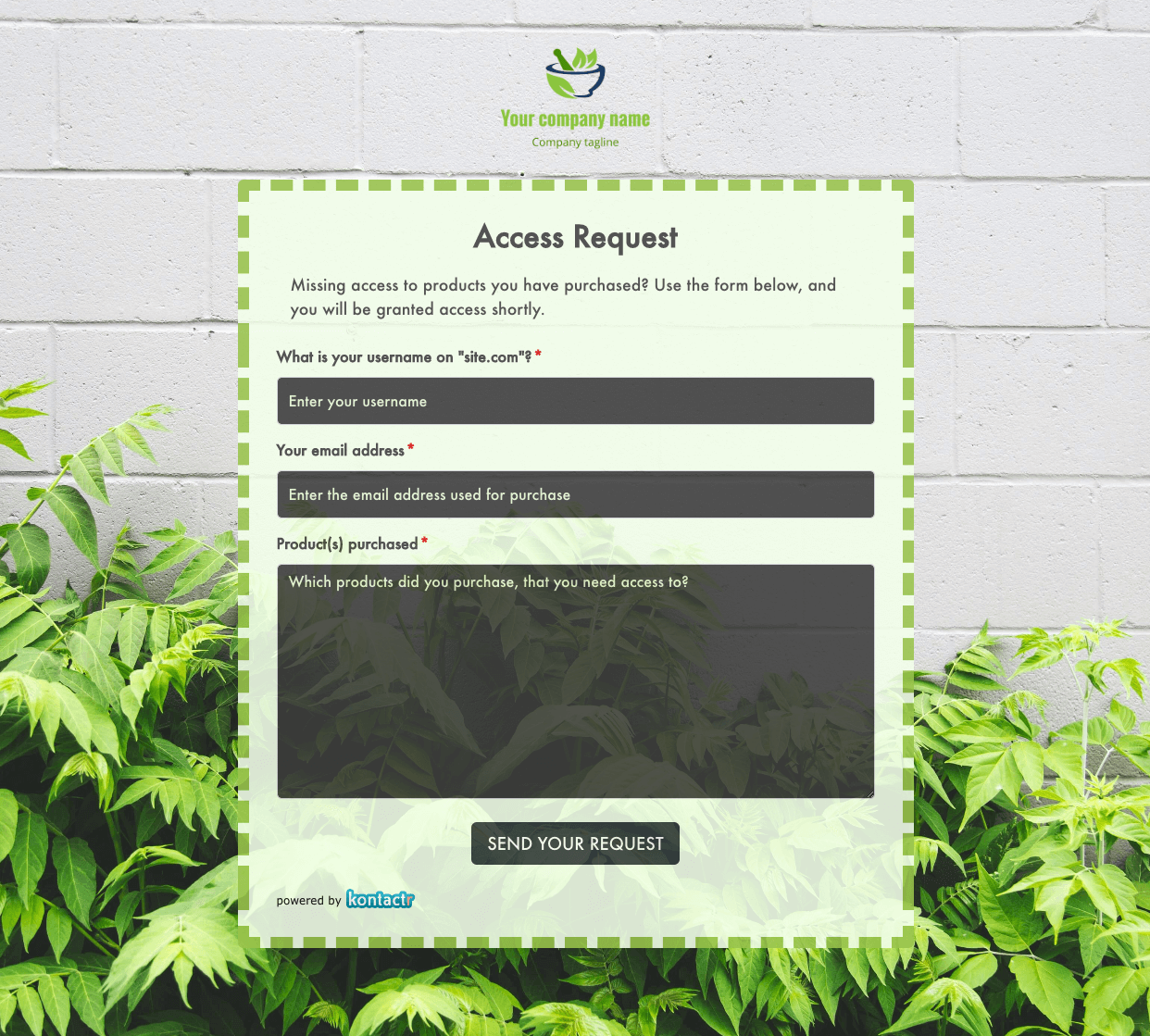 Access Request Form
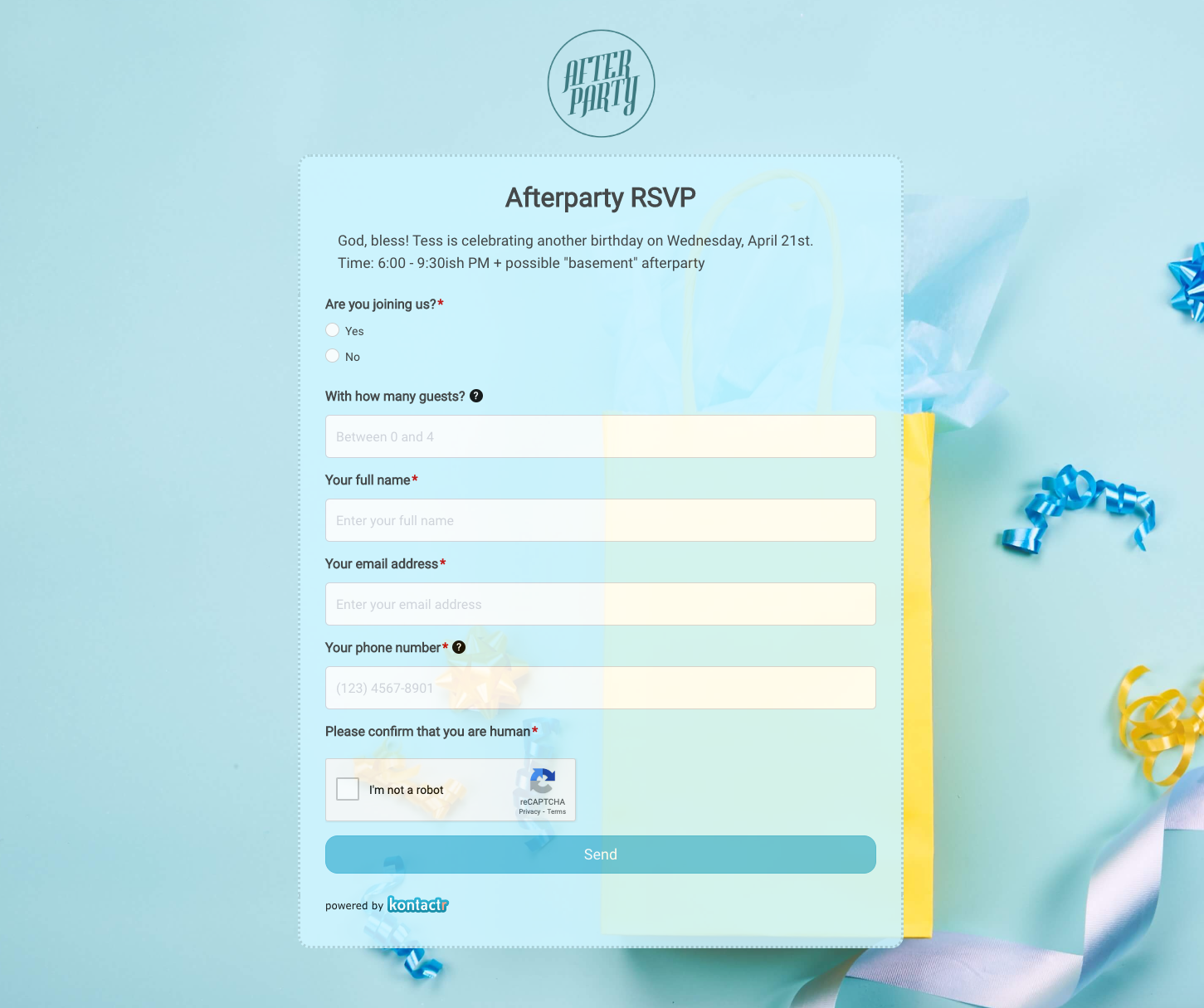 Afterparty RSVP Form
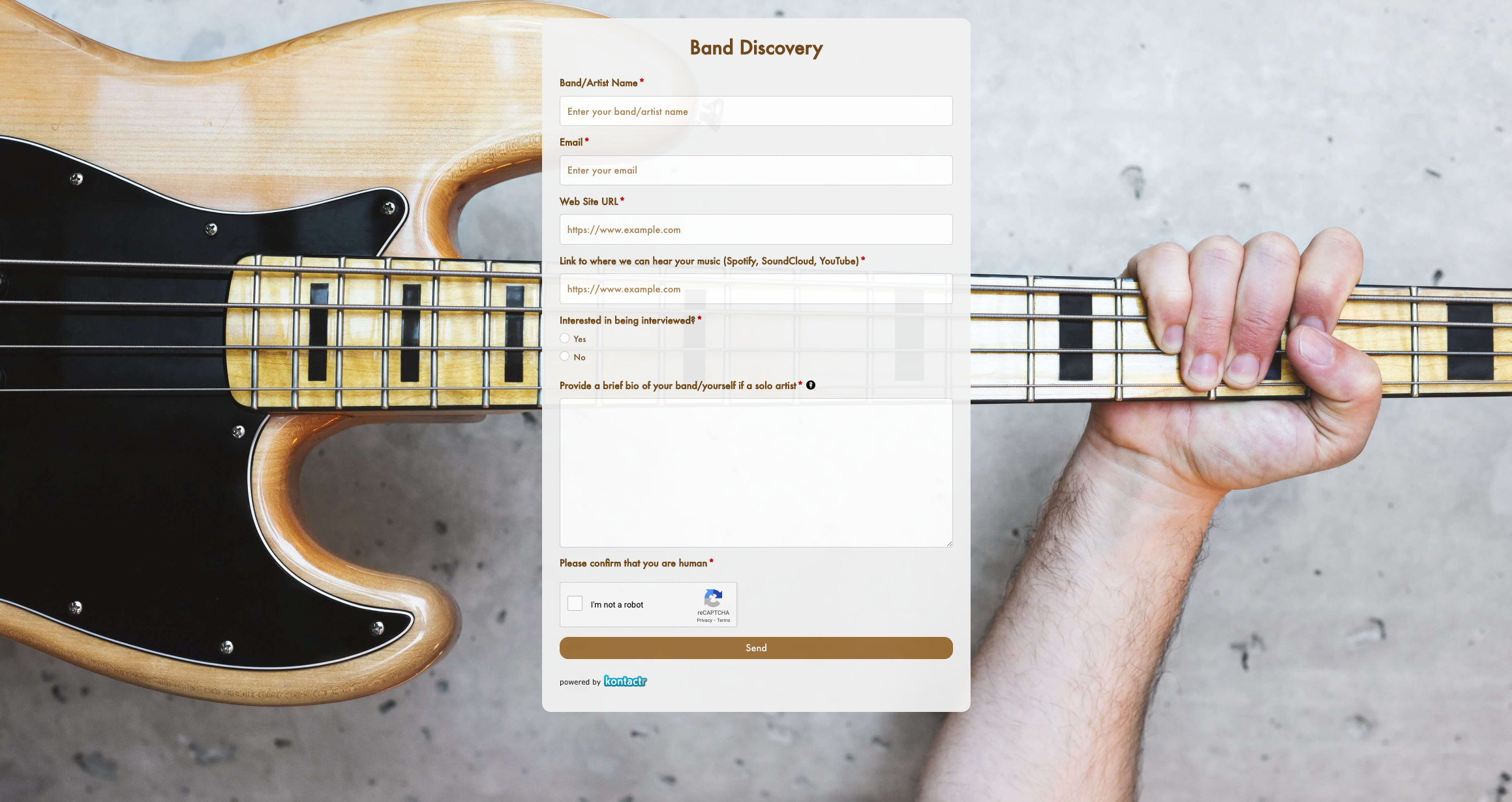 Band Discovery Form
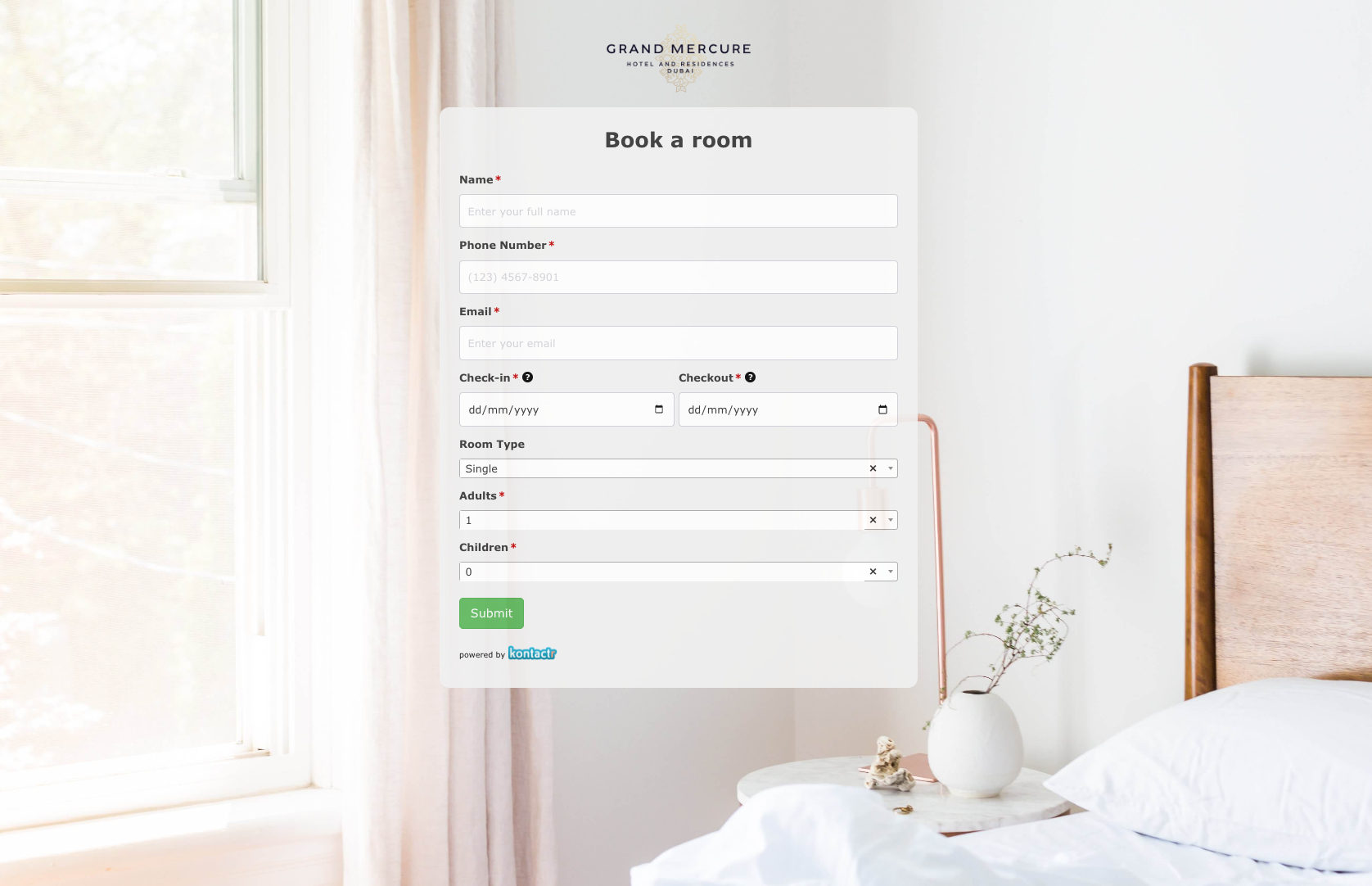 Book a room Form
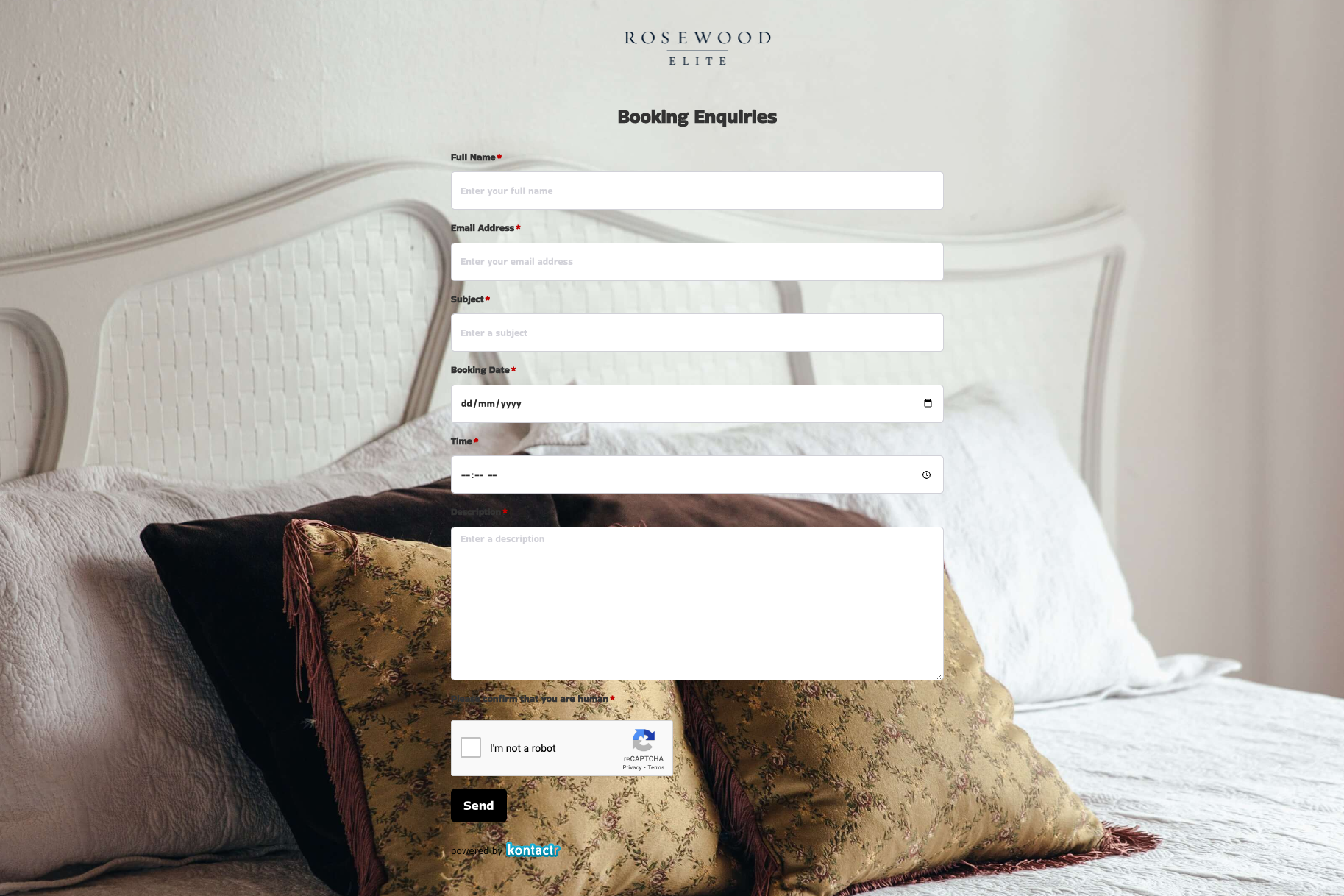 Booking Enquiries Form
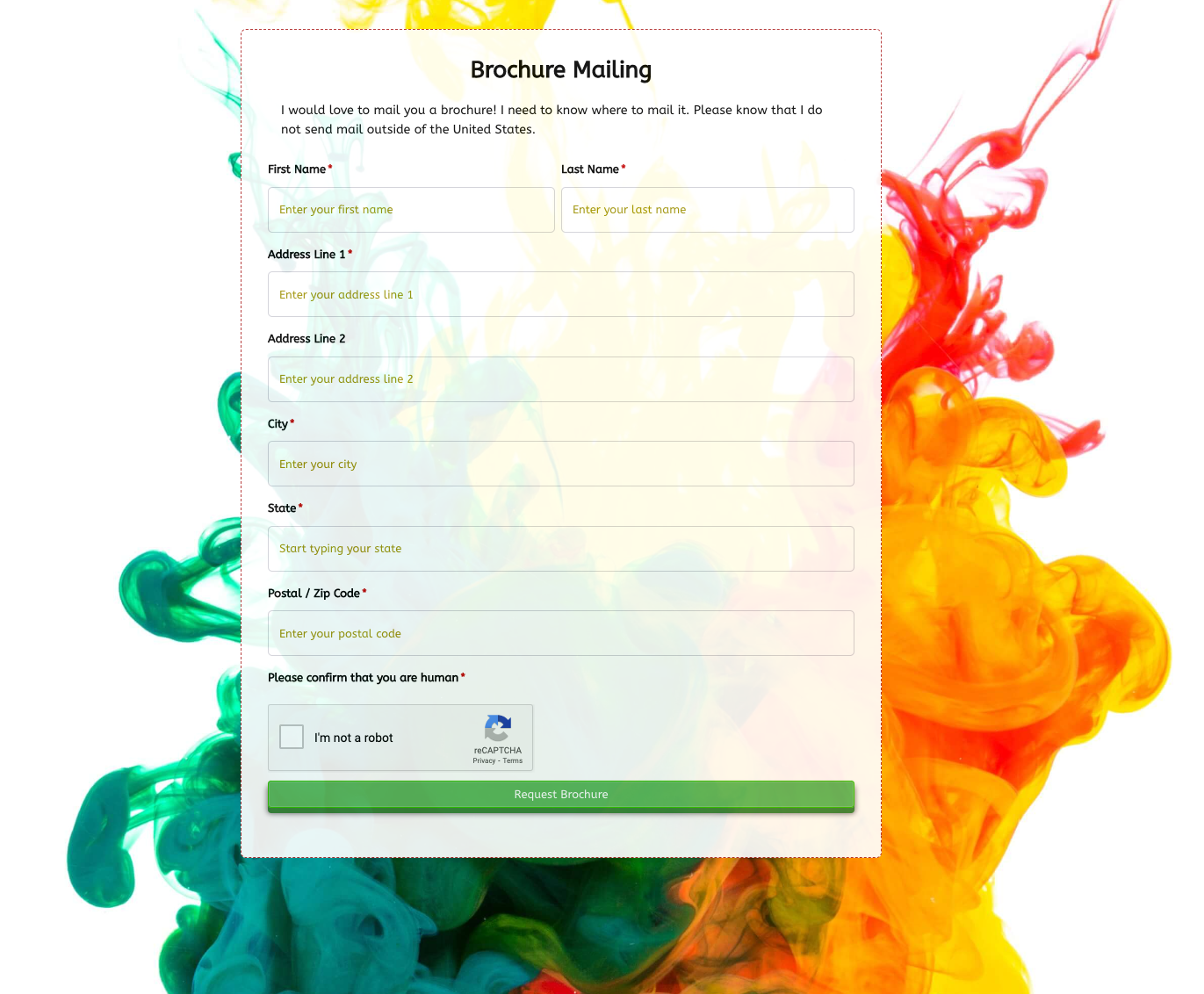 Brochure Mailing Form
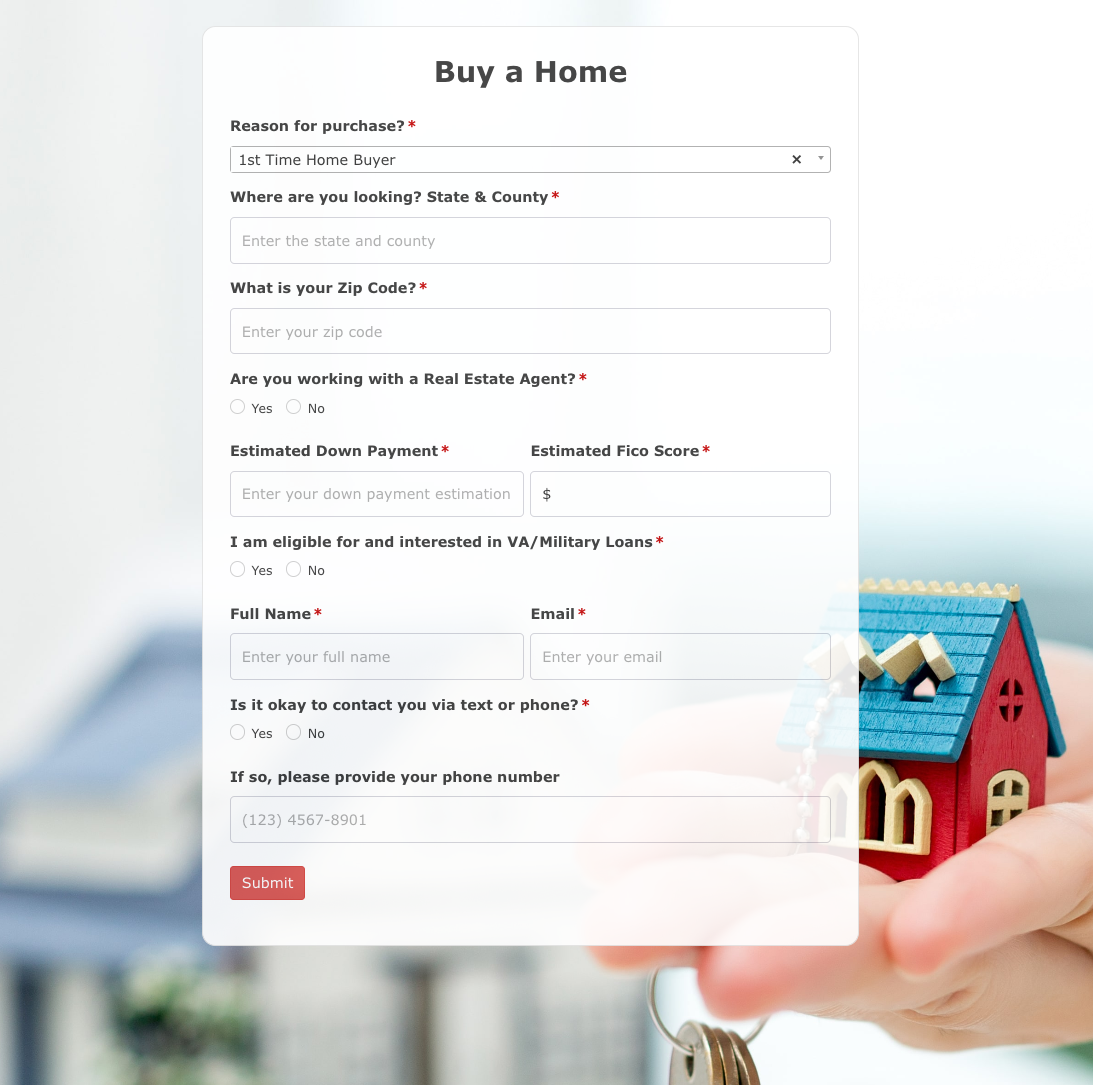 Buy a Home Form
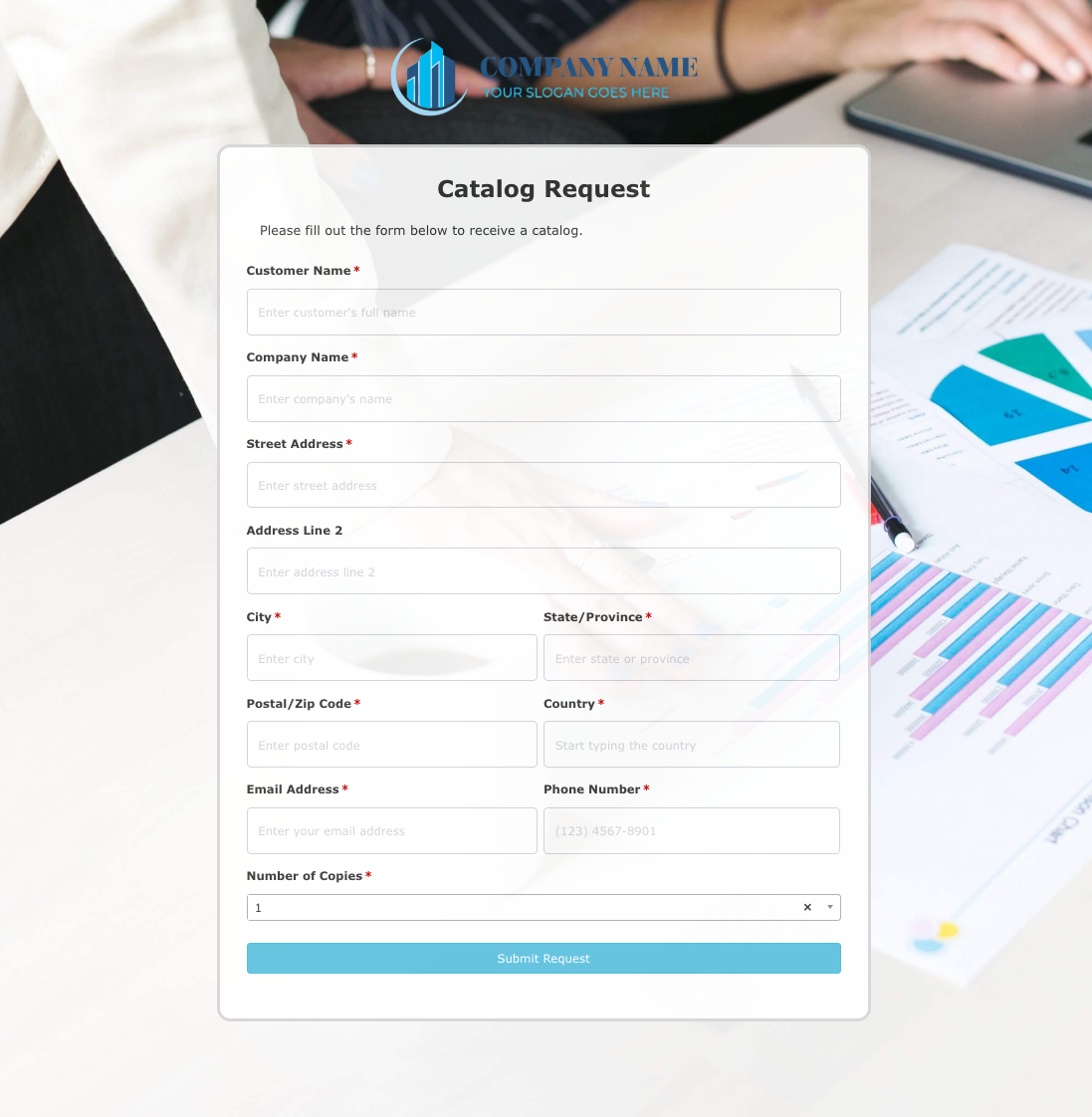 Catalog Request Form
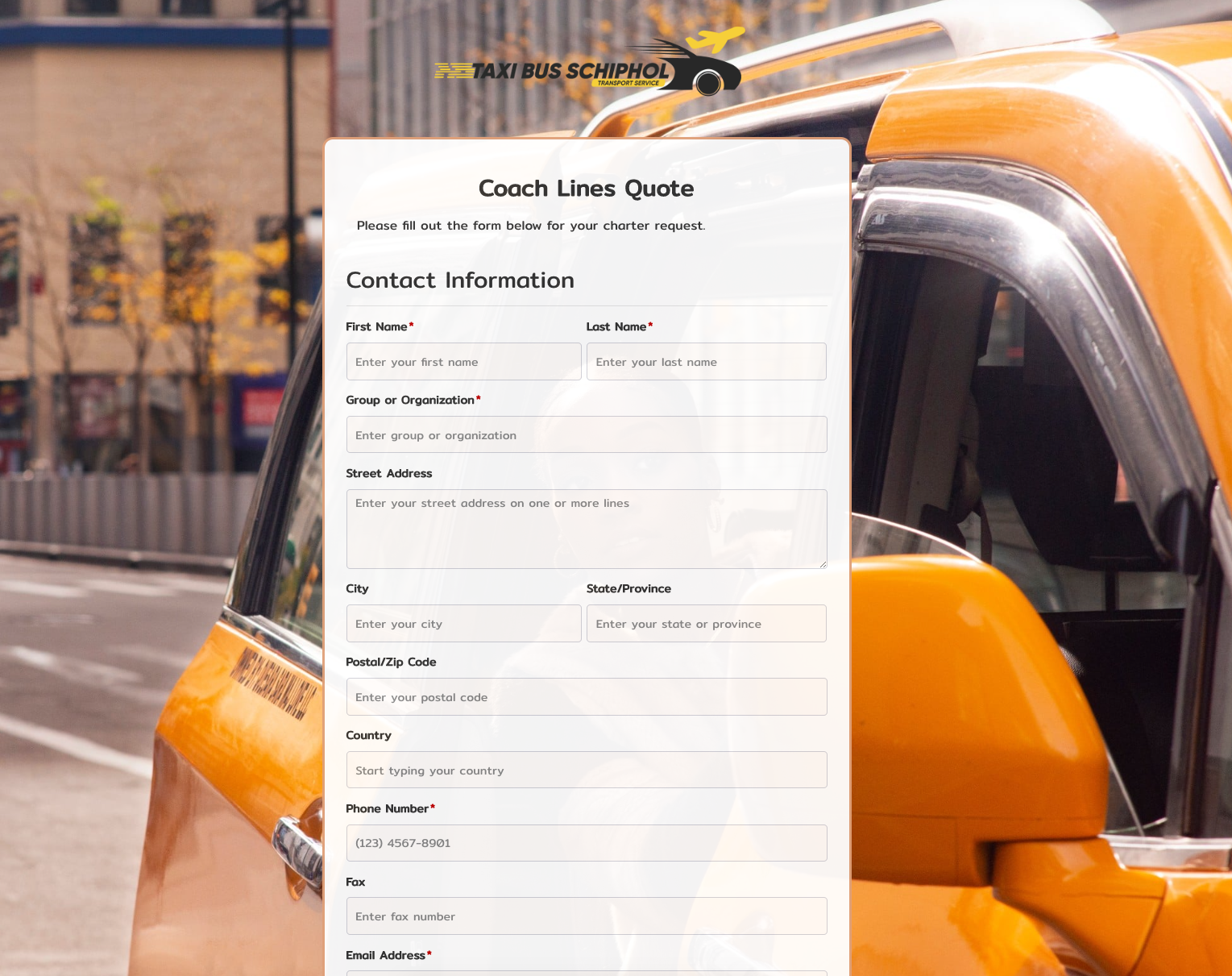 Coach Lines Quote Form
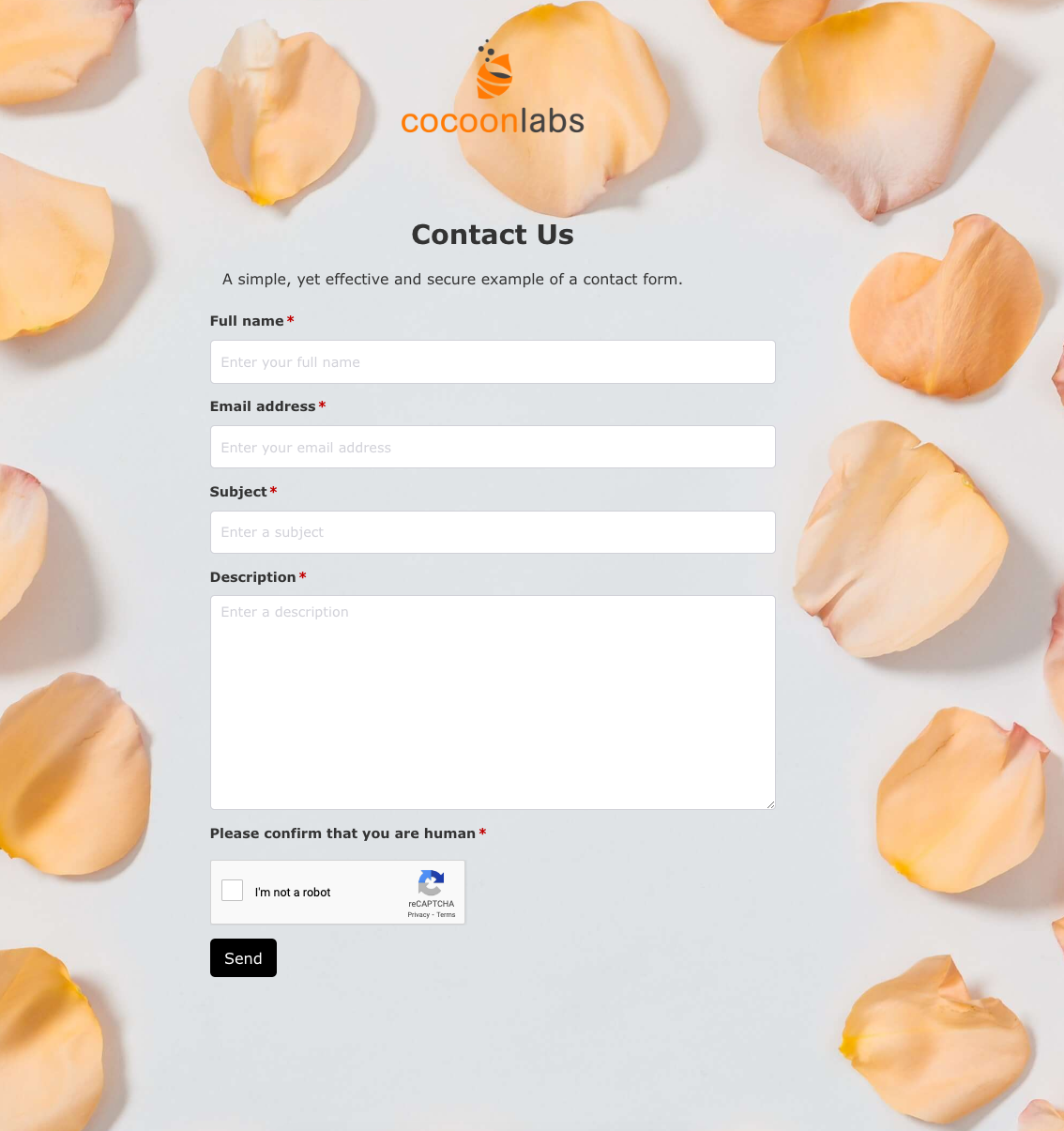 Contact Us Form
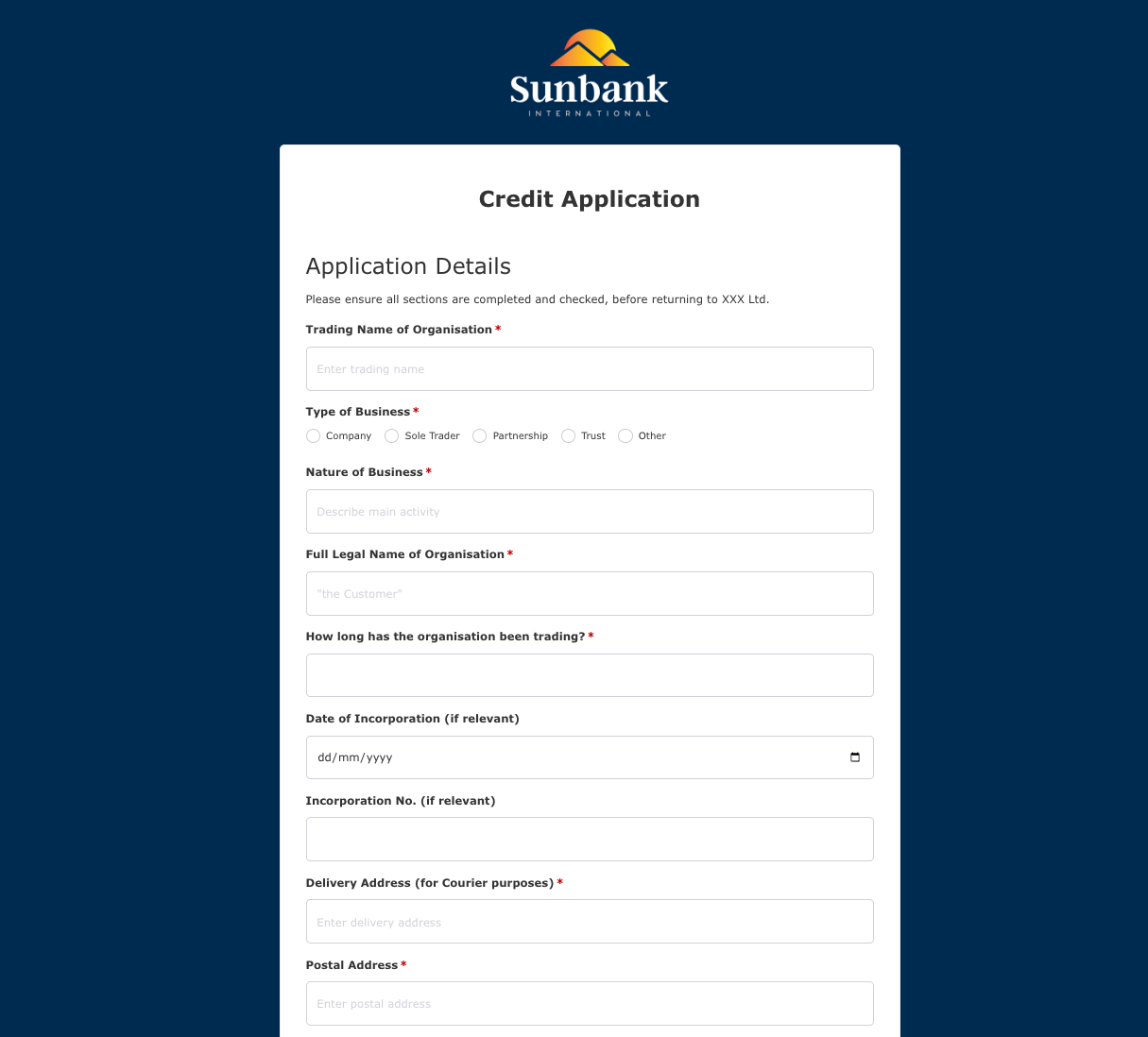 Credit Application Form
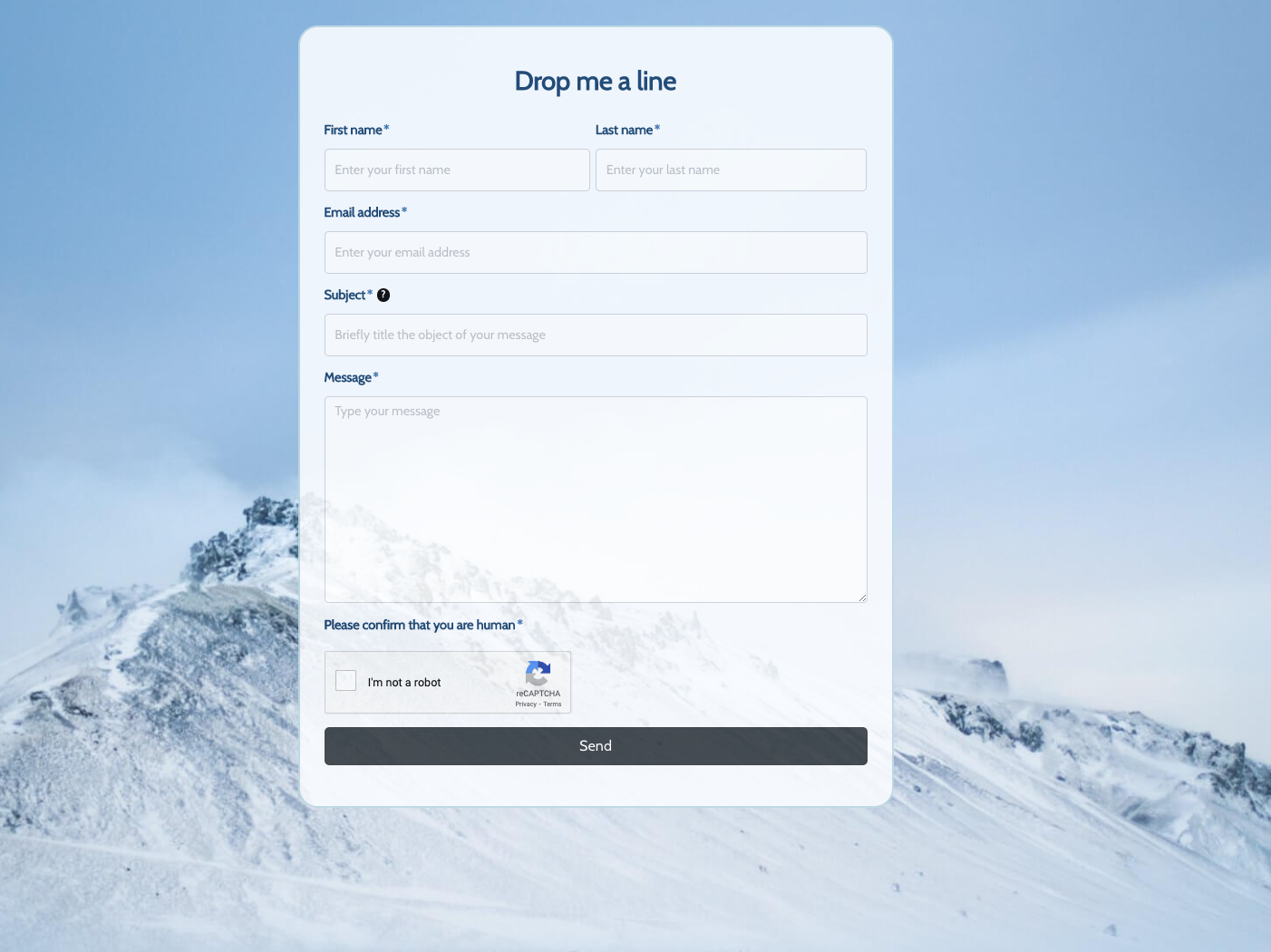 Drop me a line Form
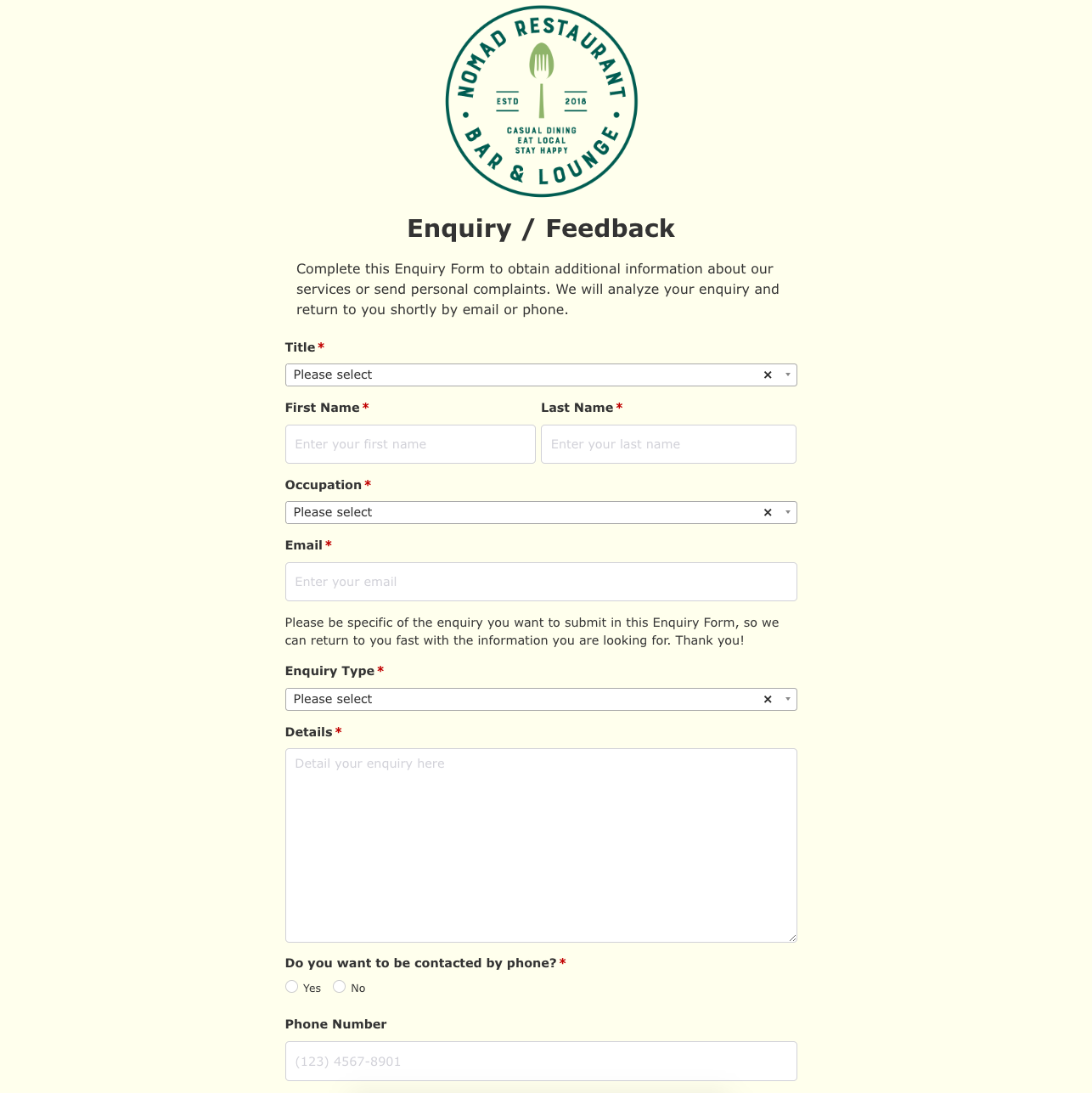 Enquiry / Feedback Form
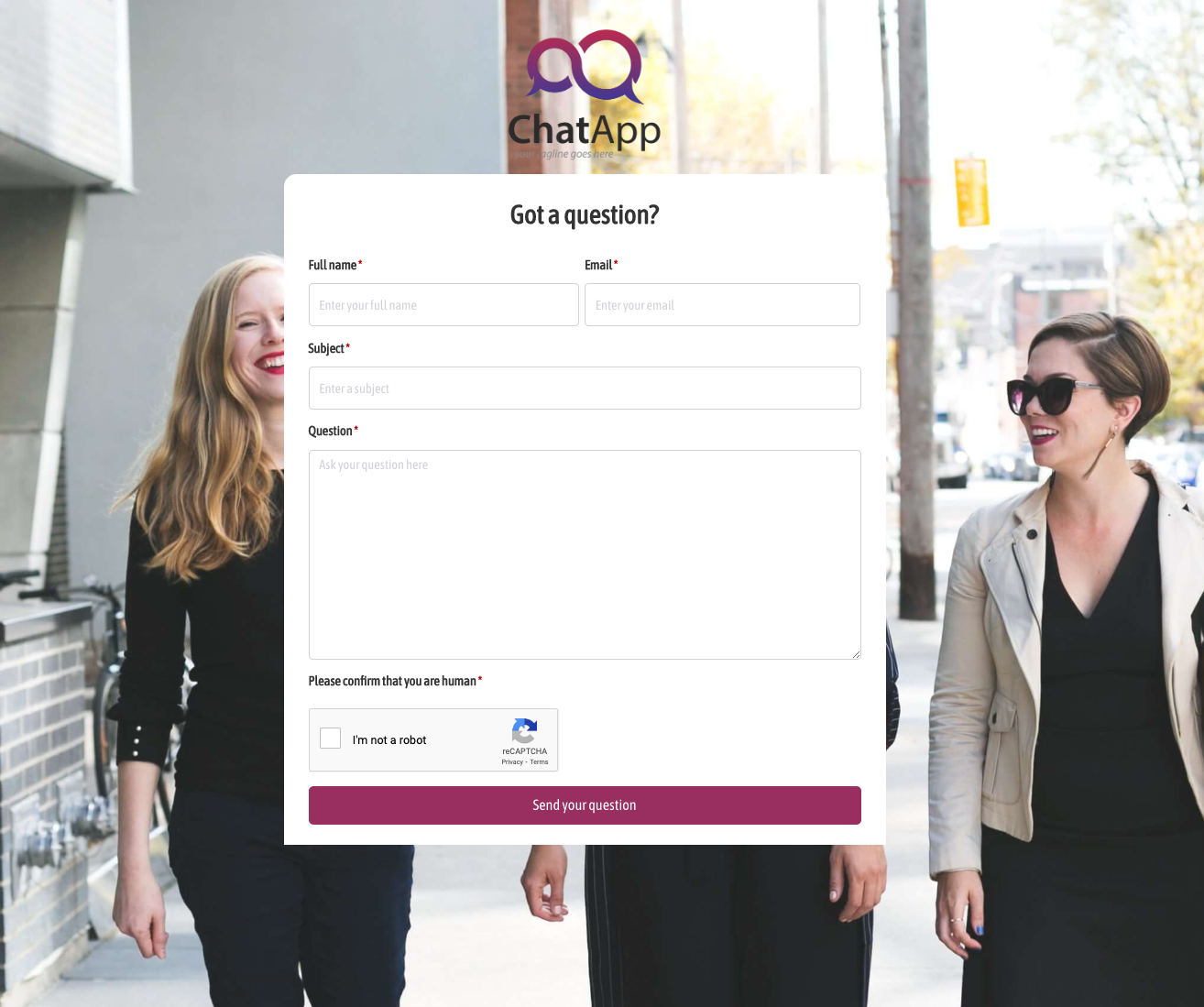 Got a question? Form
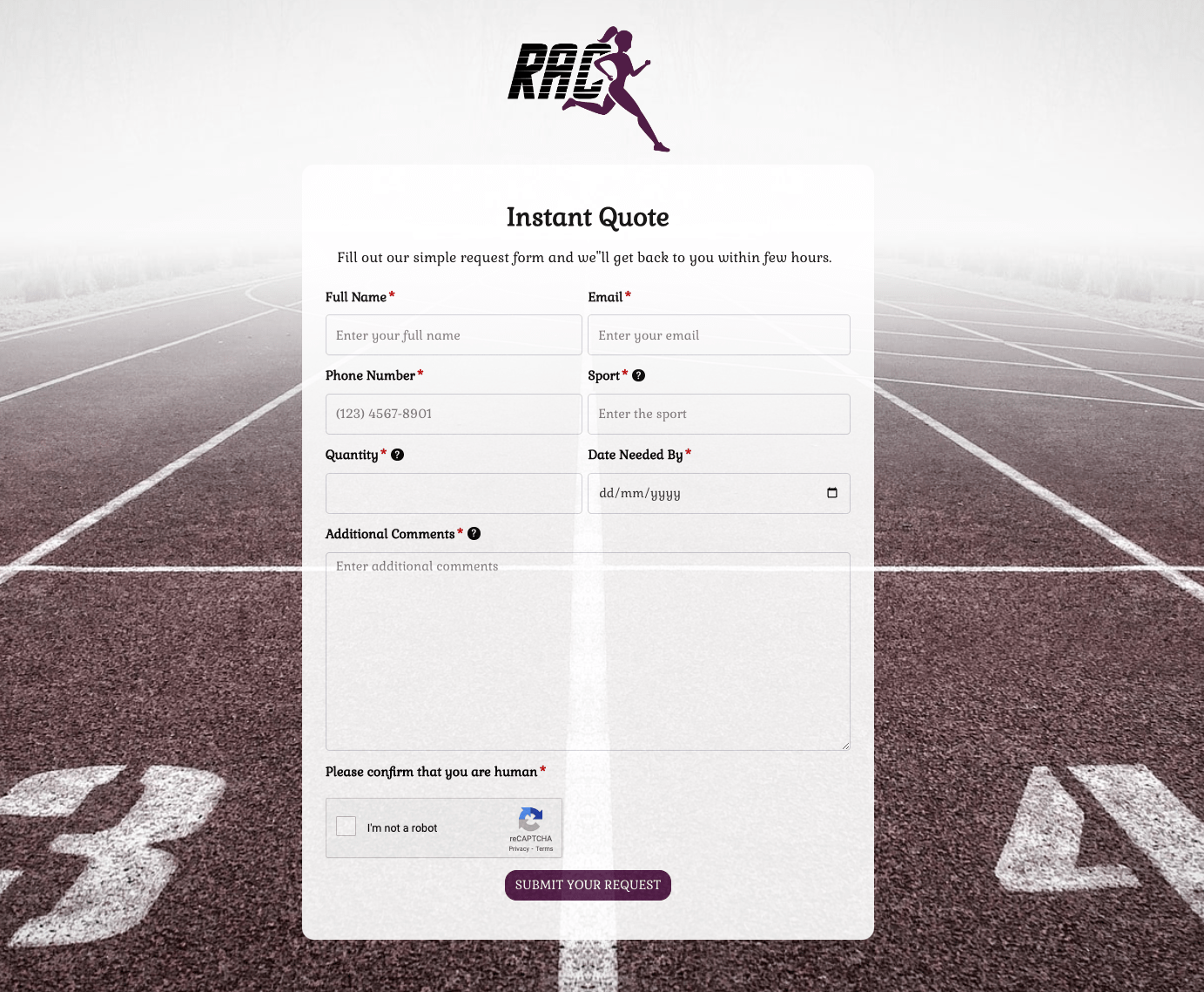 Instant Quote Form
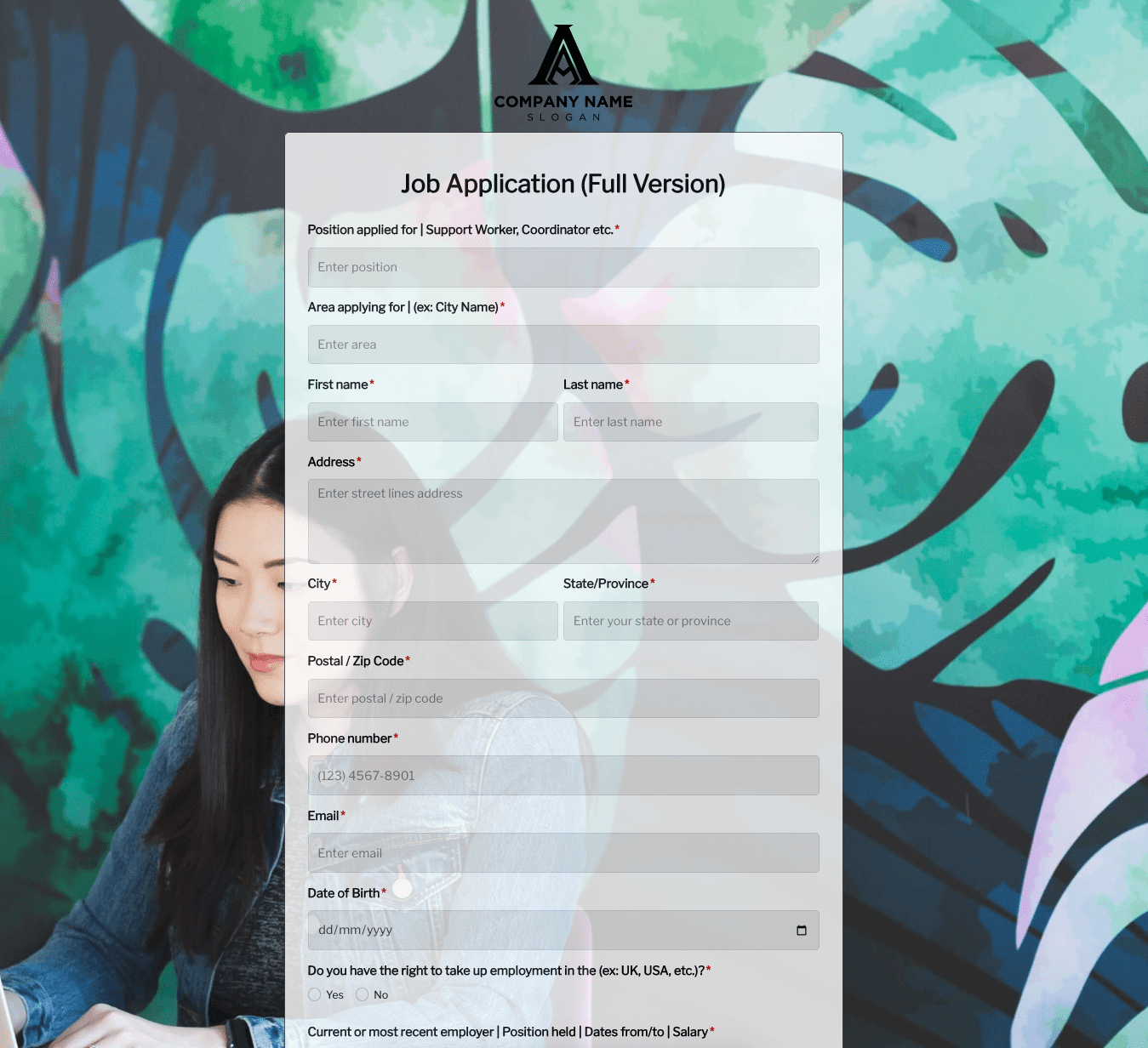 Job Application Form
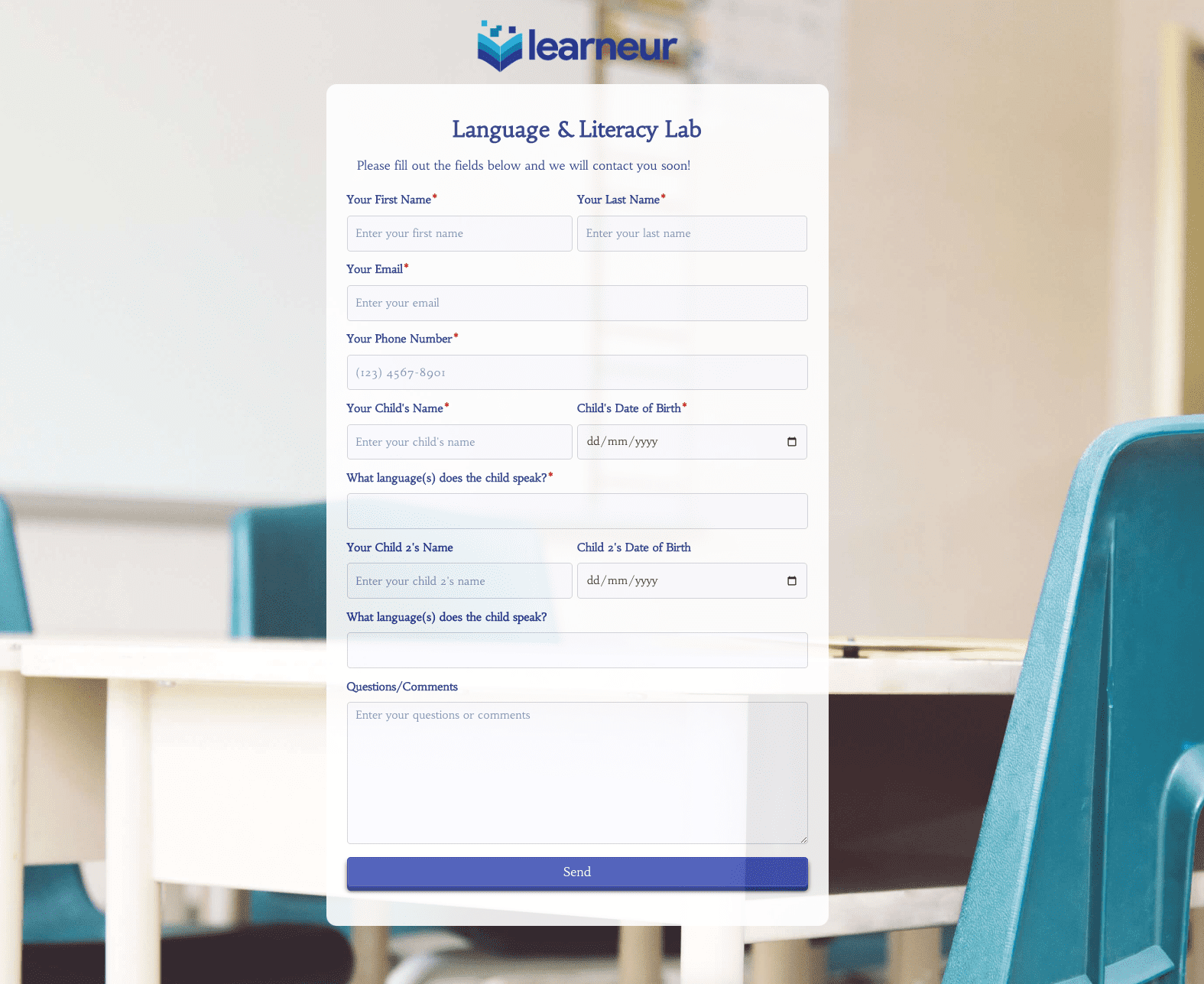 Language & Literacy Lab Form
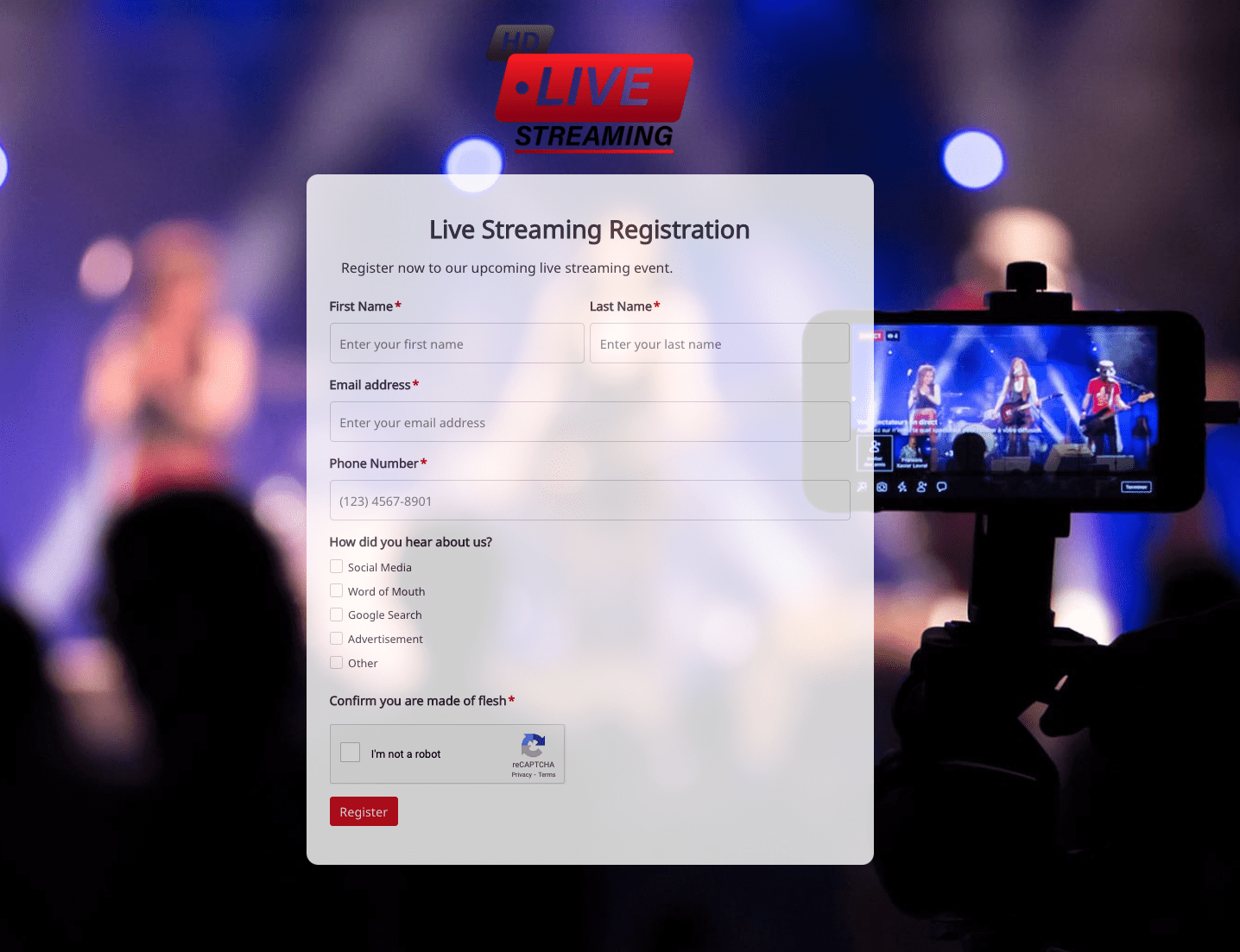 Live Streaming Registration Form
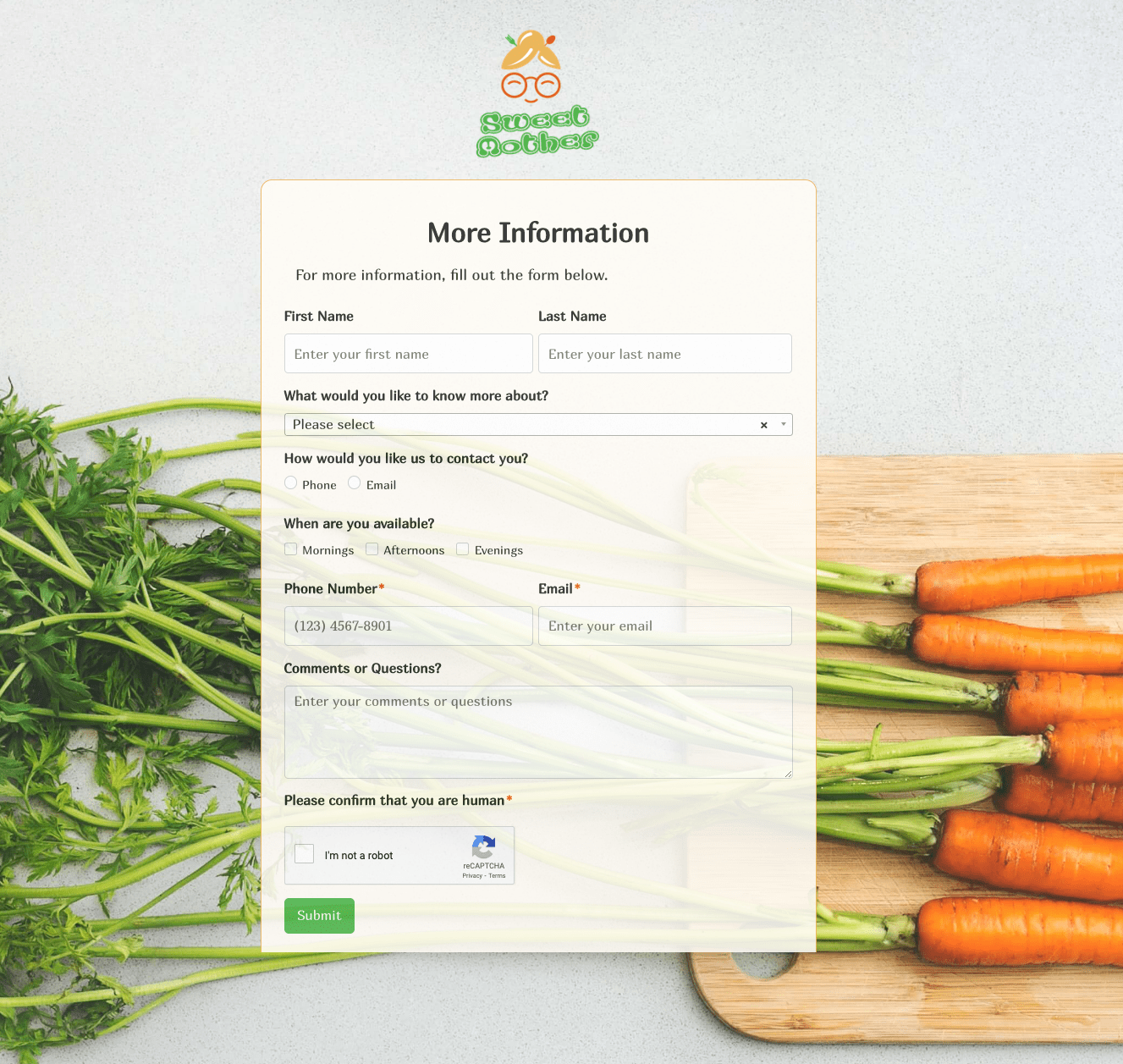 More Information Form
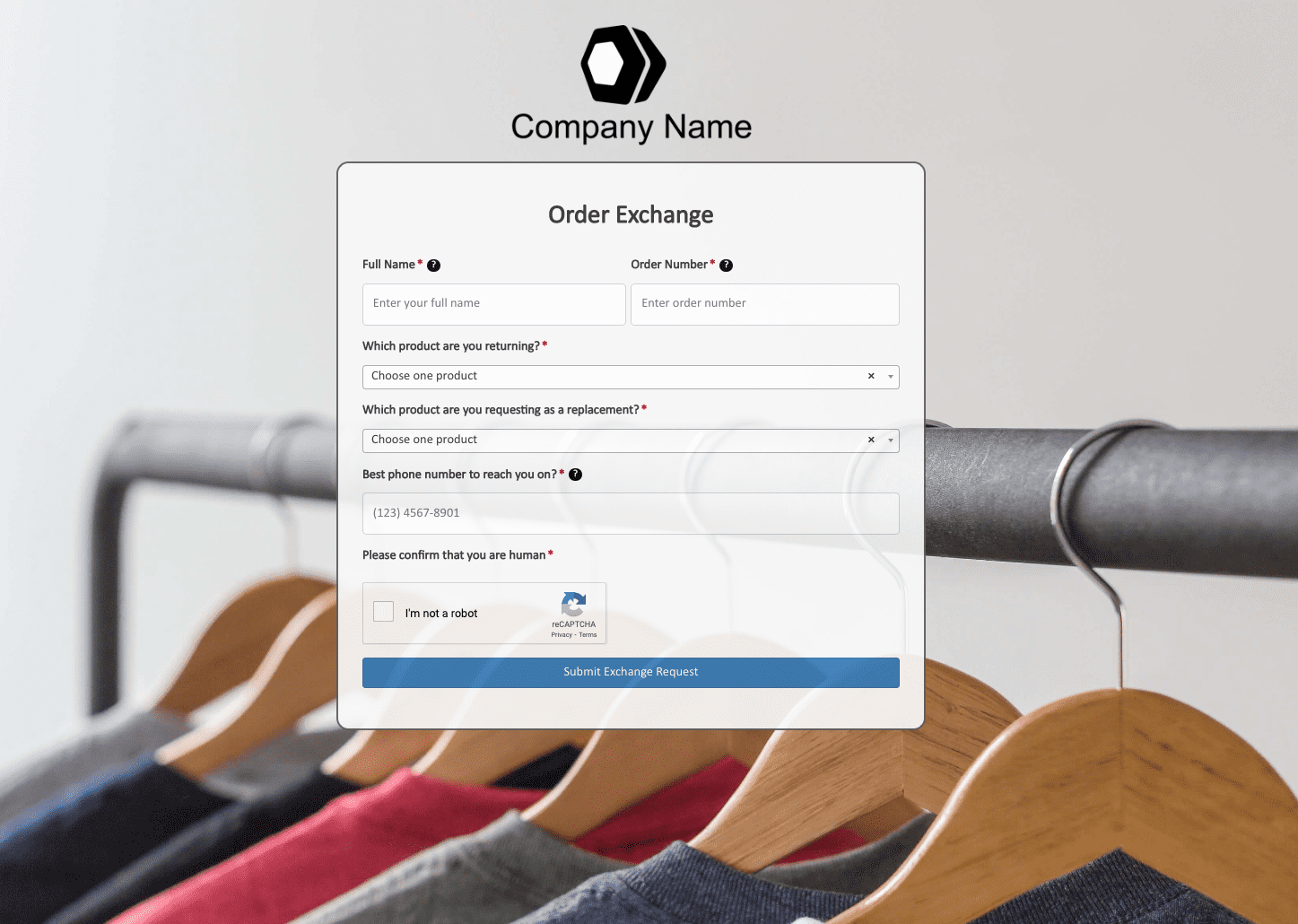 Order Exchange Form
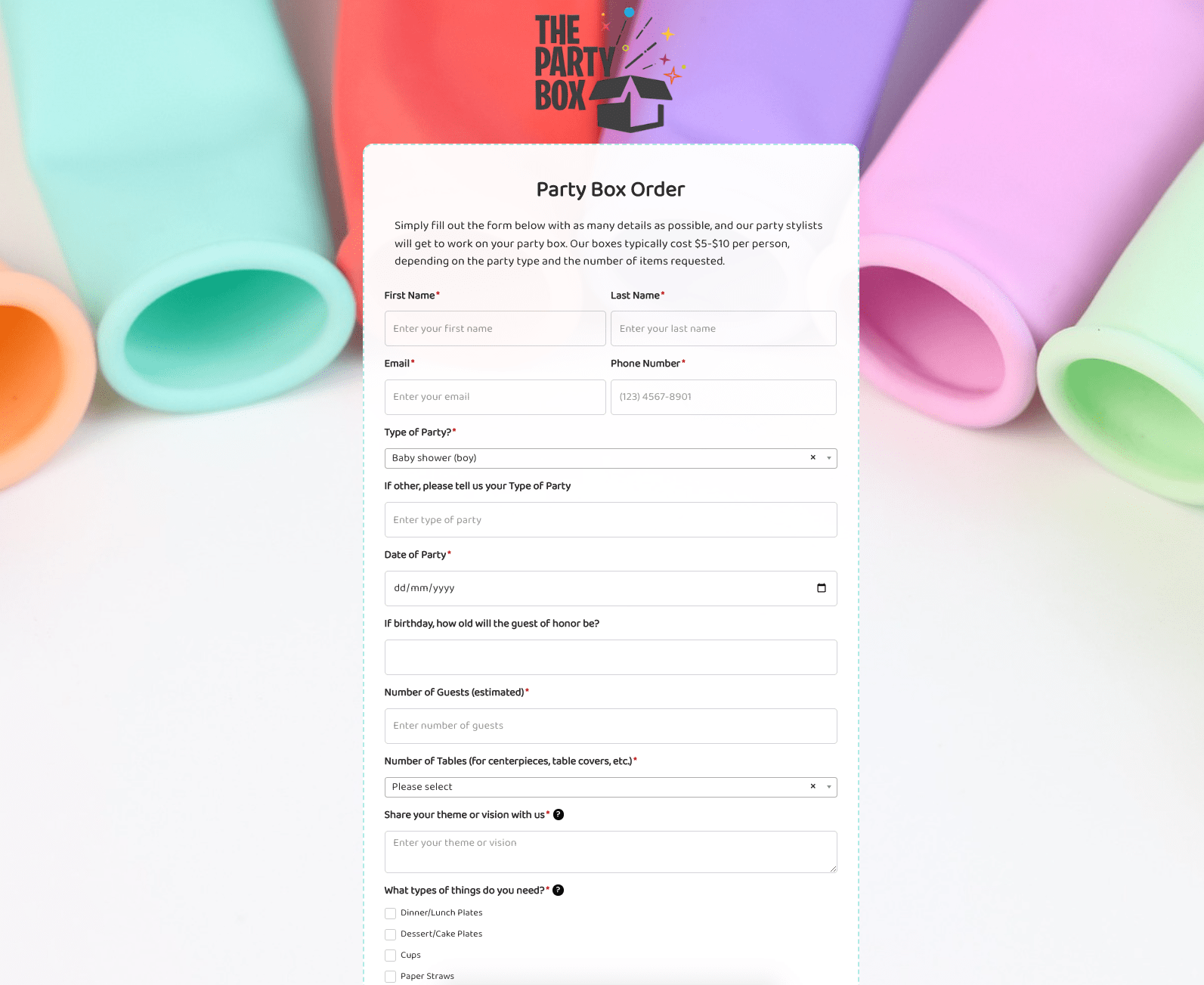 Party Box Order Form
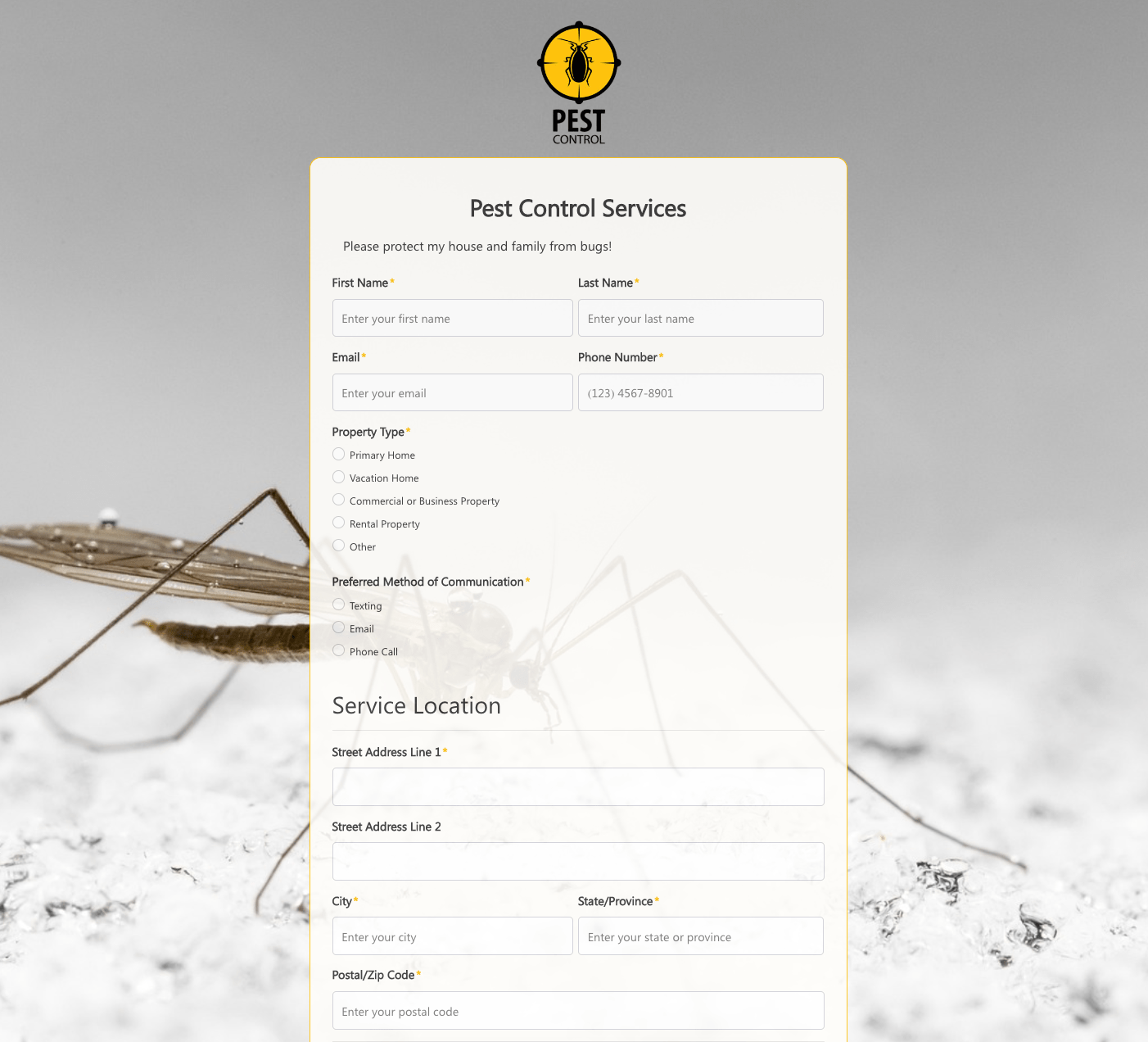 Pest Control Services Form
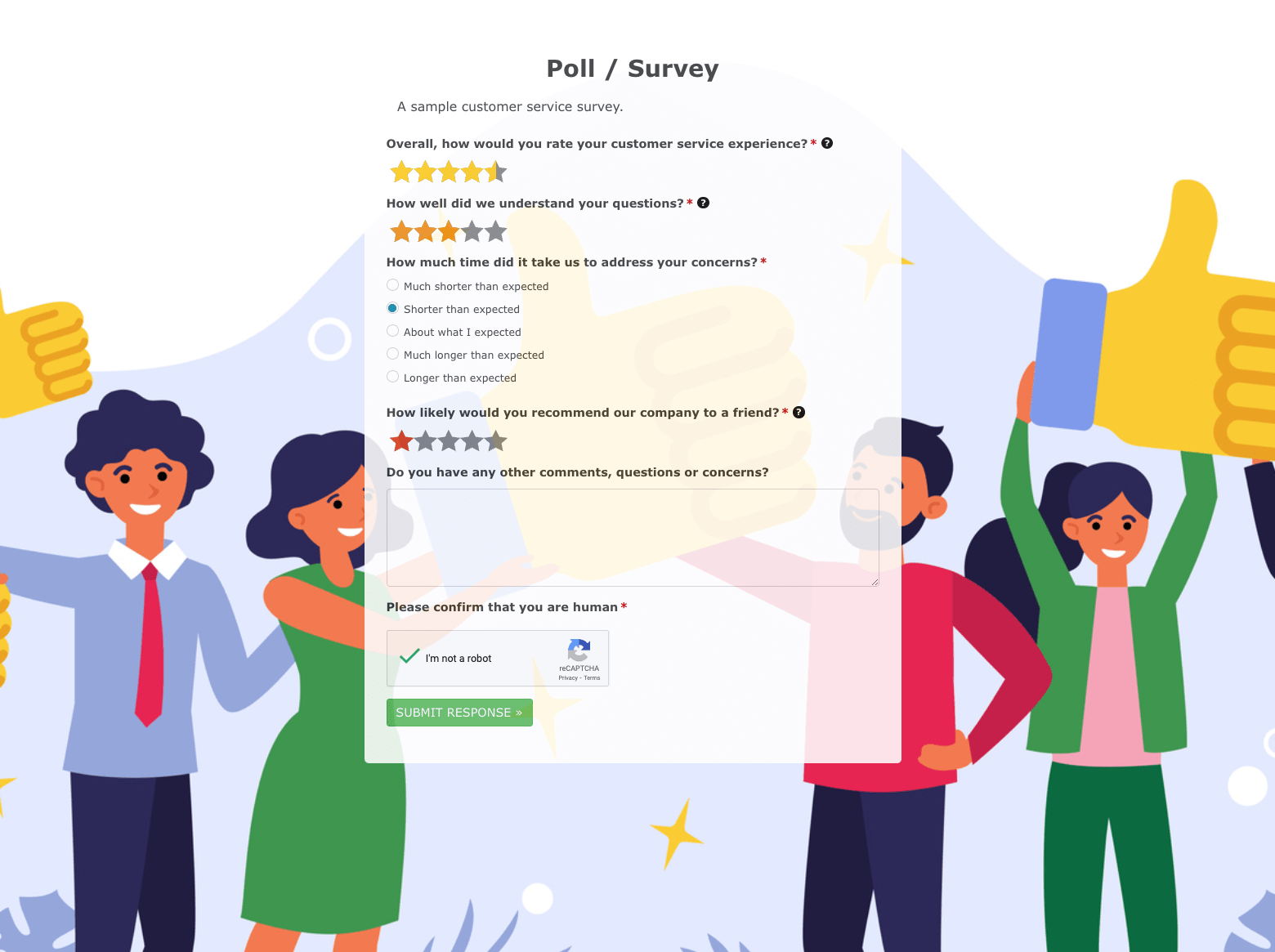 Poll / Survey Form
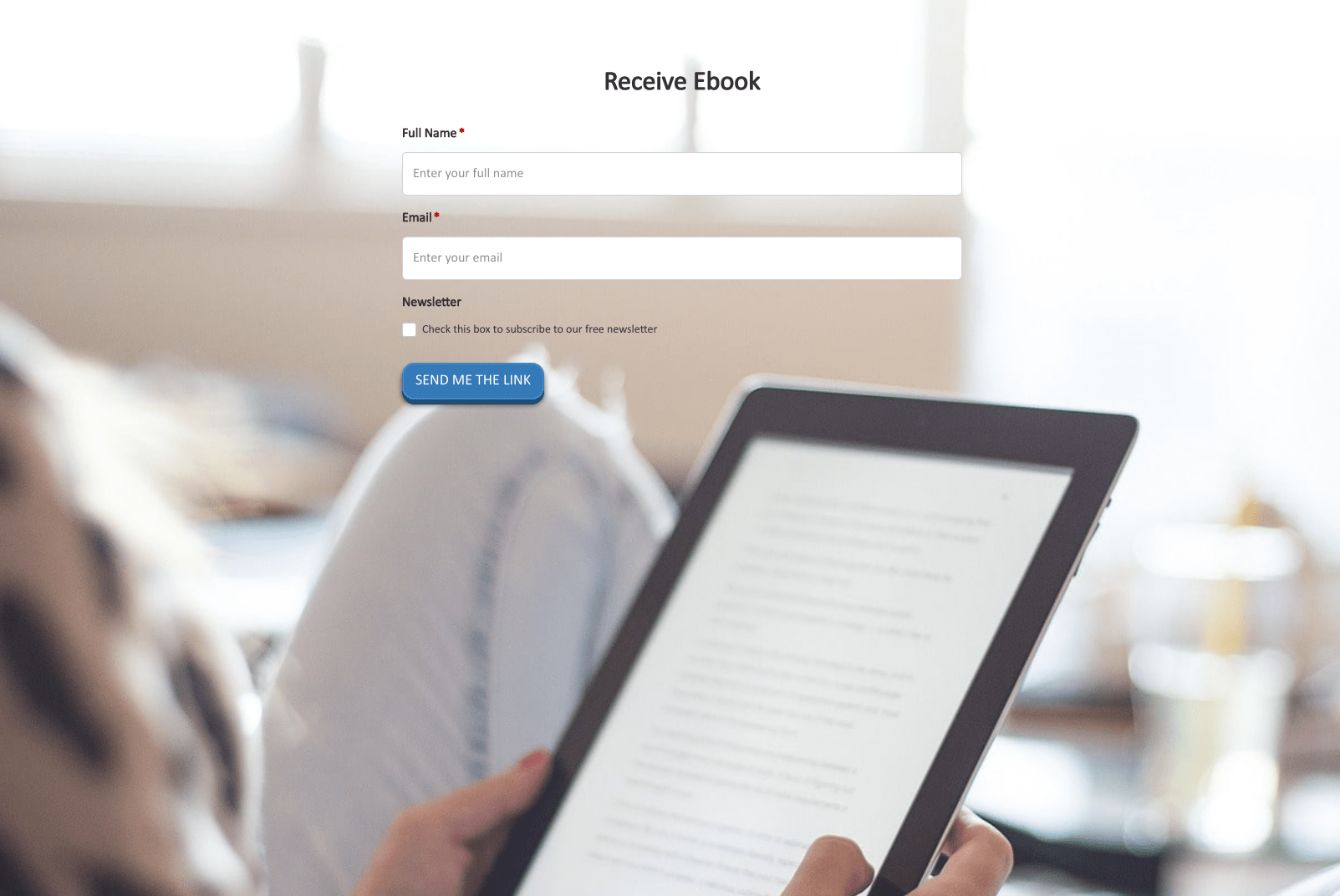 Receive Ebook Form
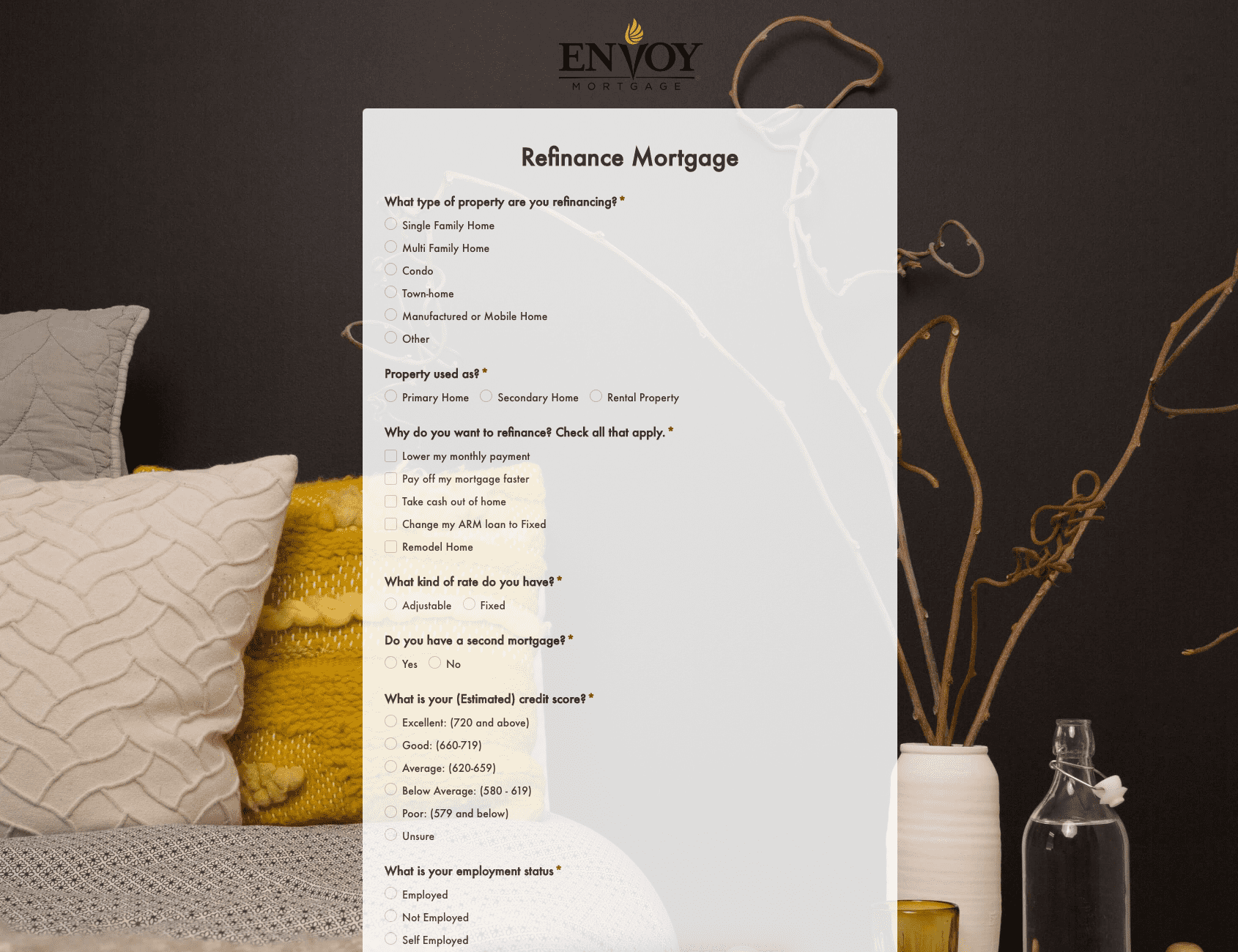 Refinance Mortgage Form
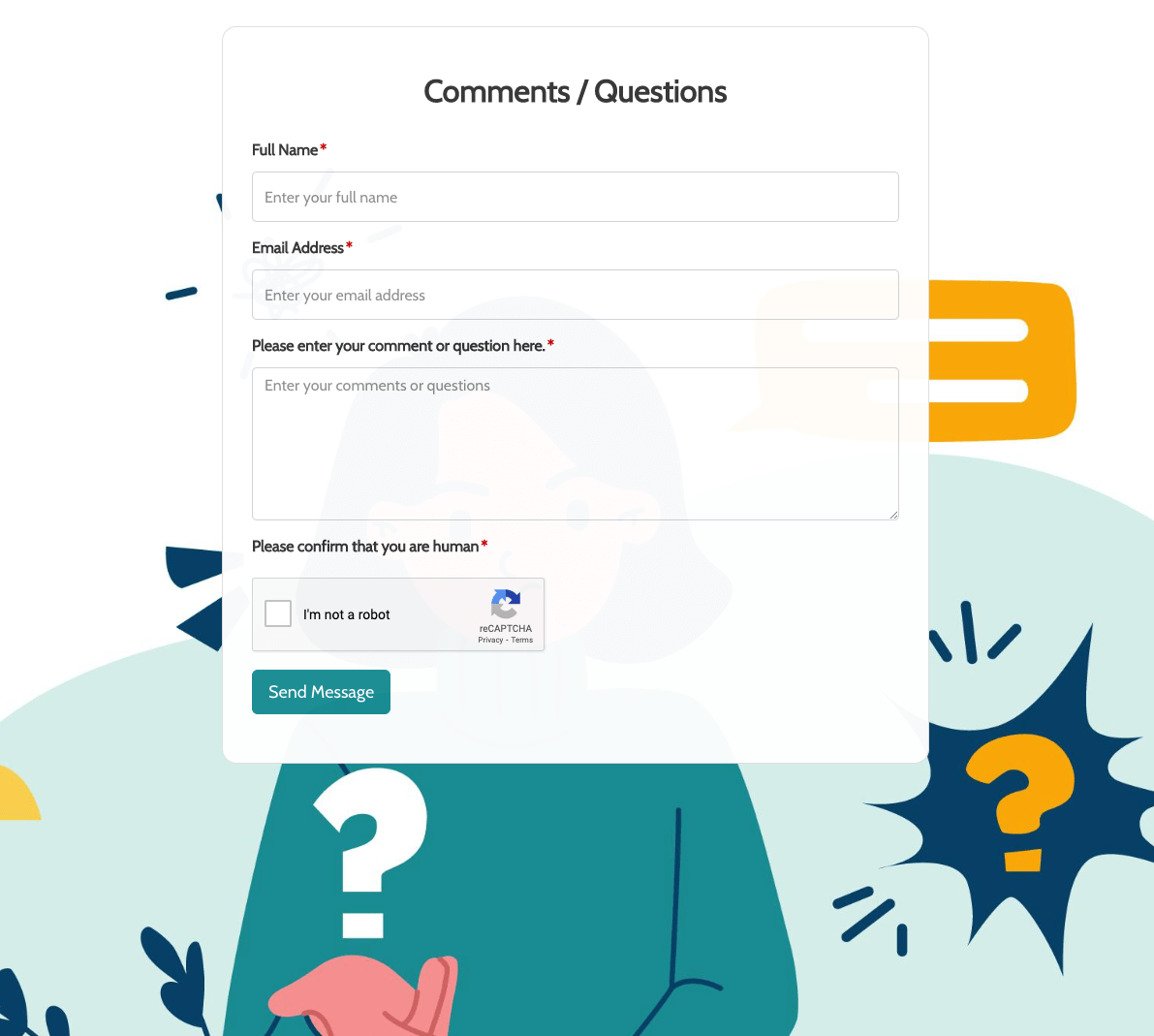 Remarks / Questions Form
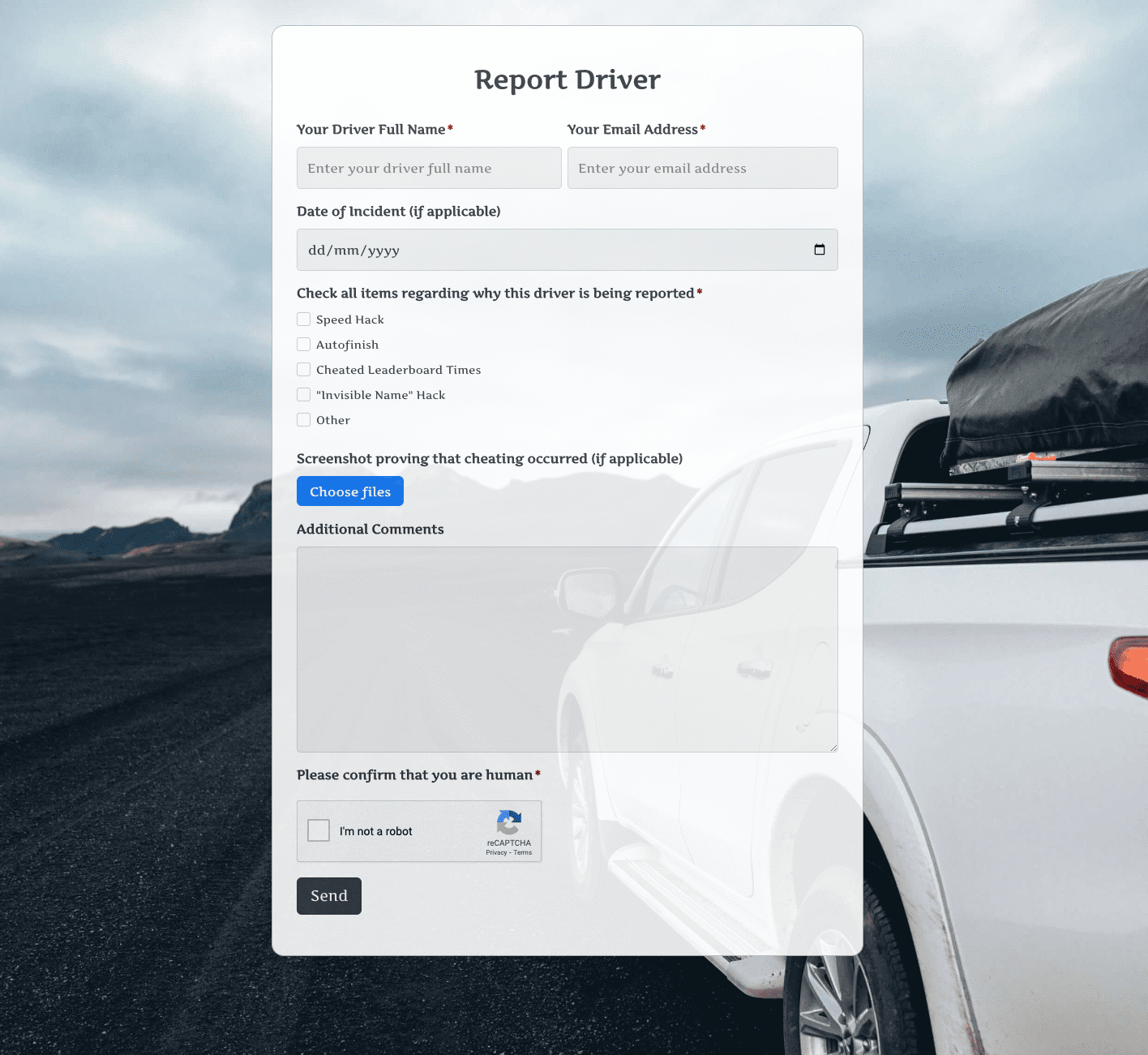 Report Driver Form
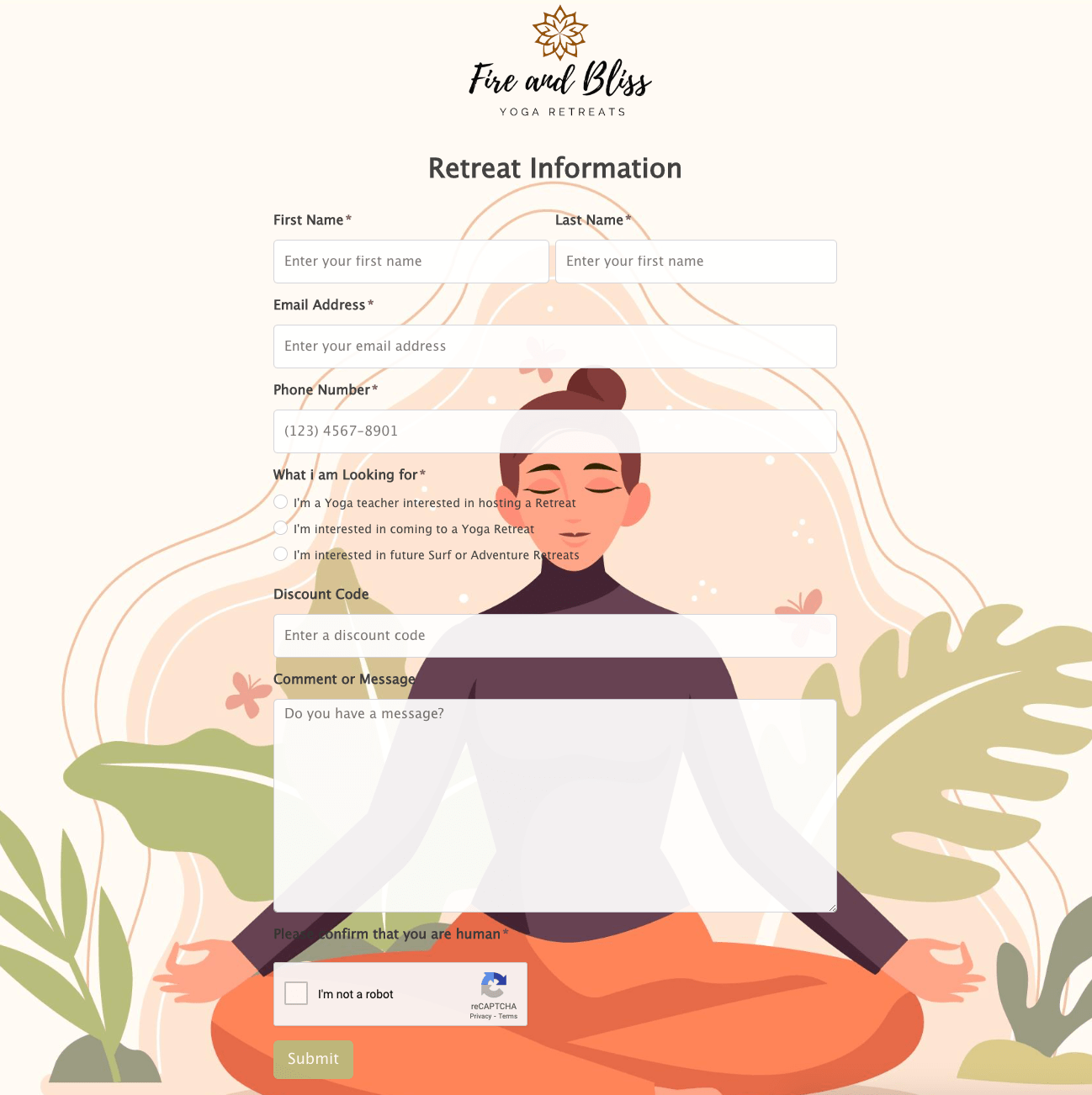 Retreat Information Form
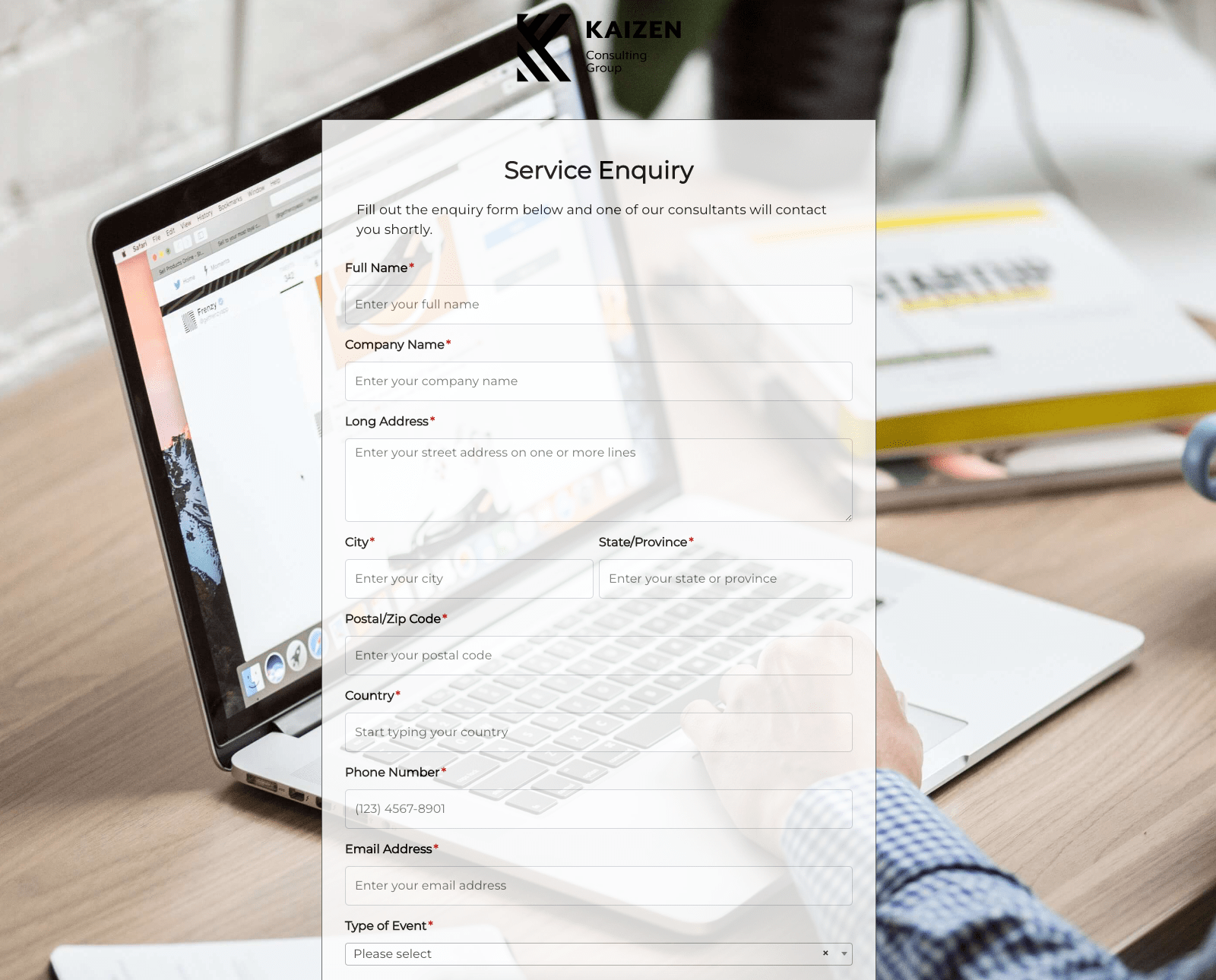 Service Enquiry Form
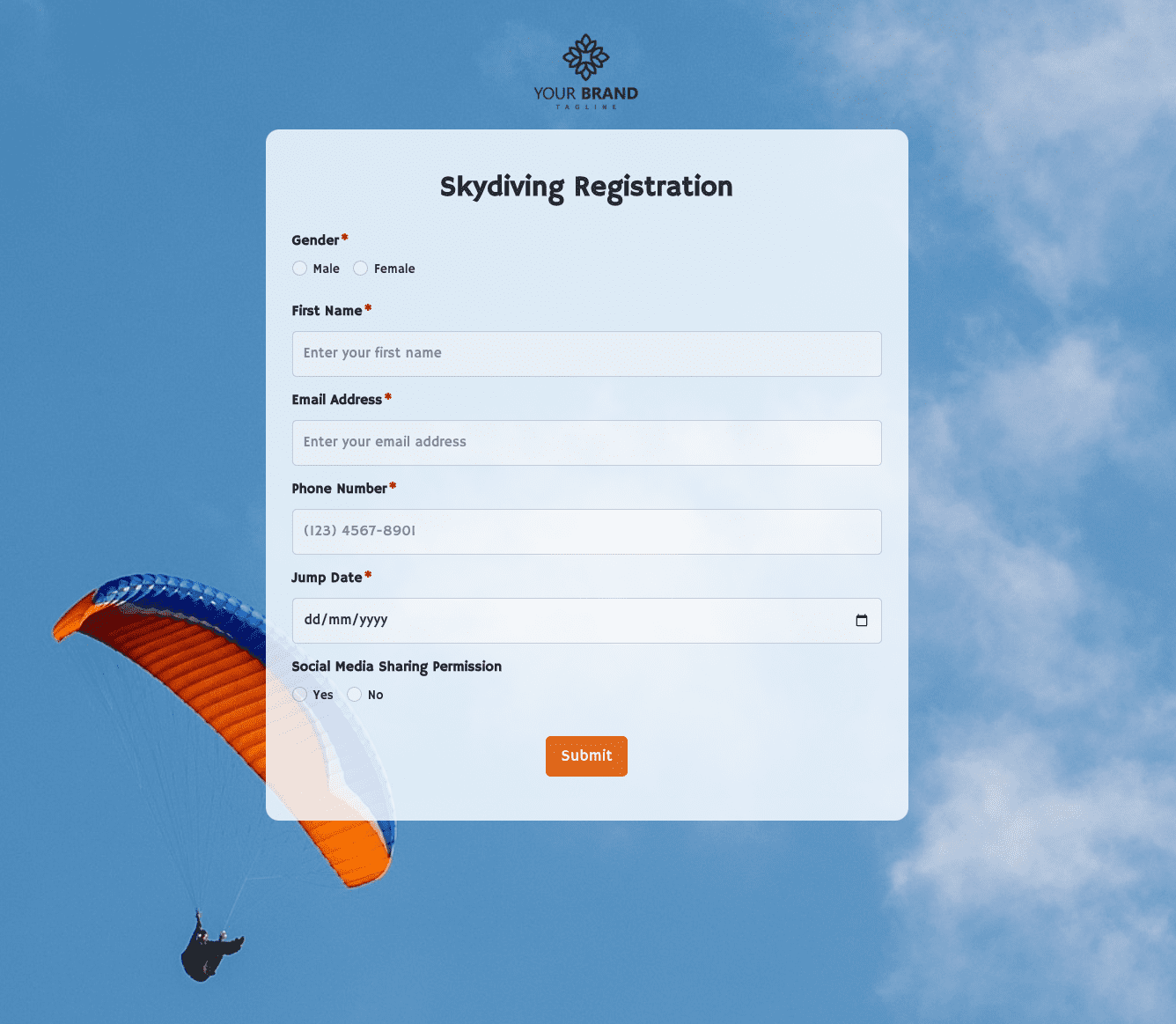 Skydiving Registration Form
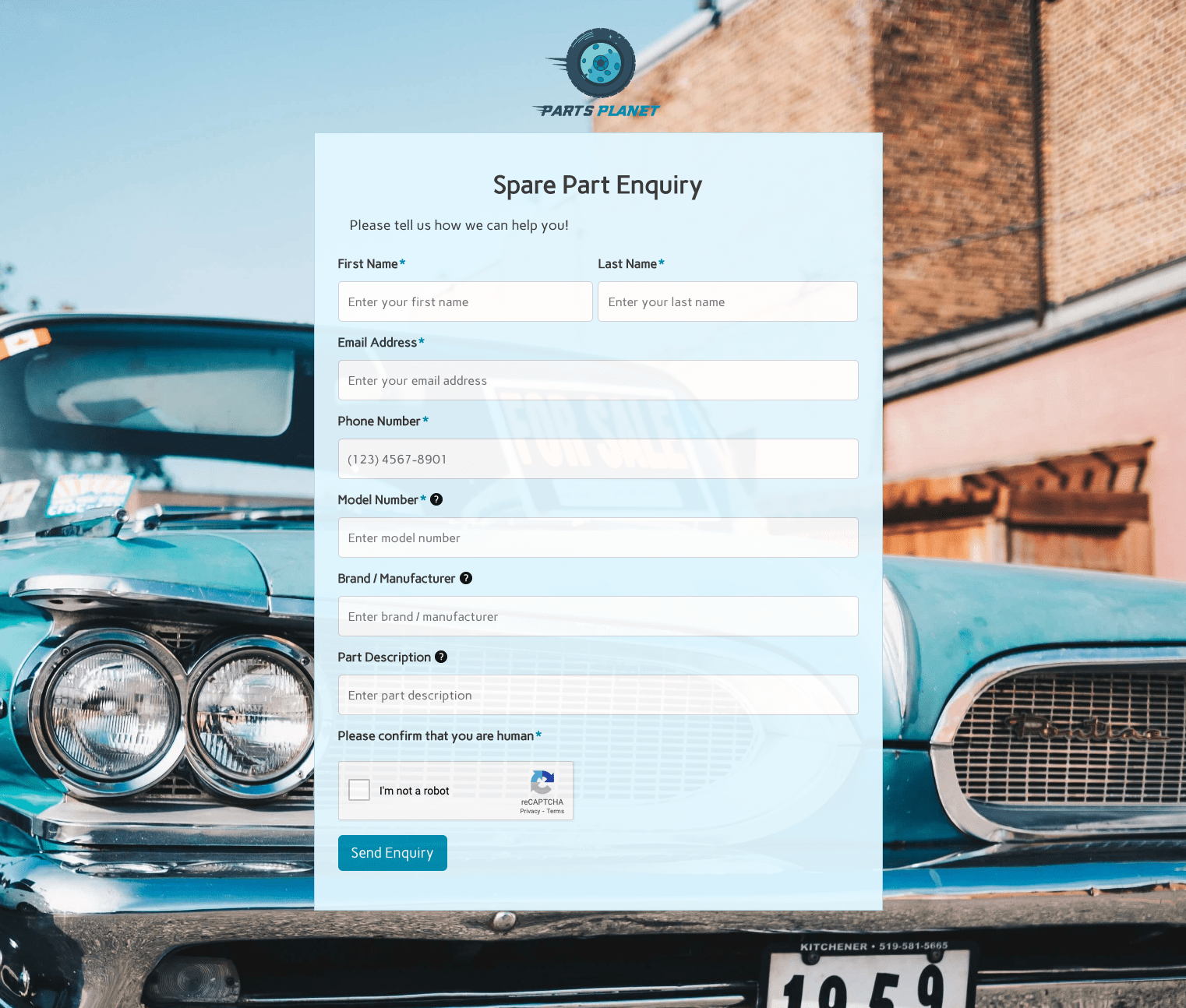 Spare Part Enquiry Form
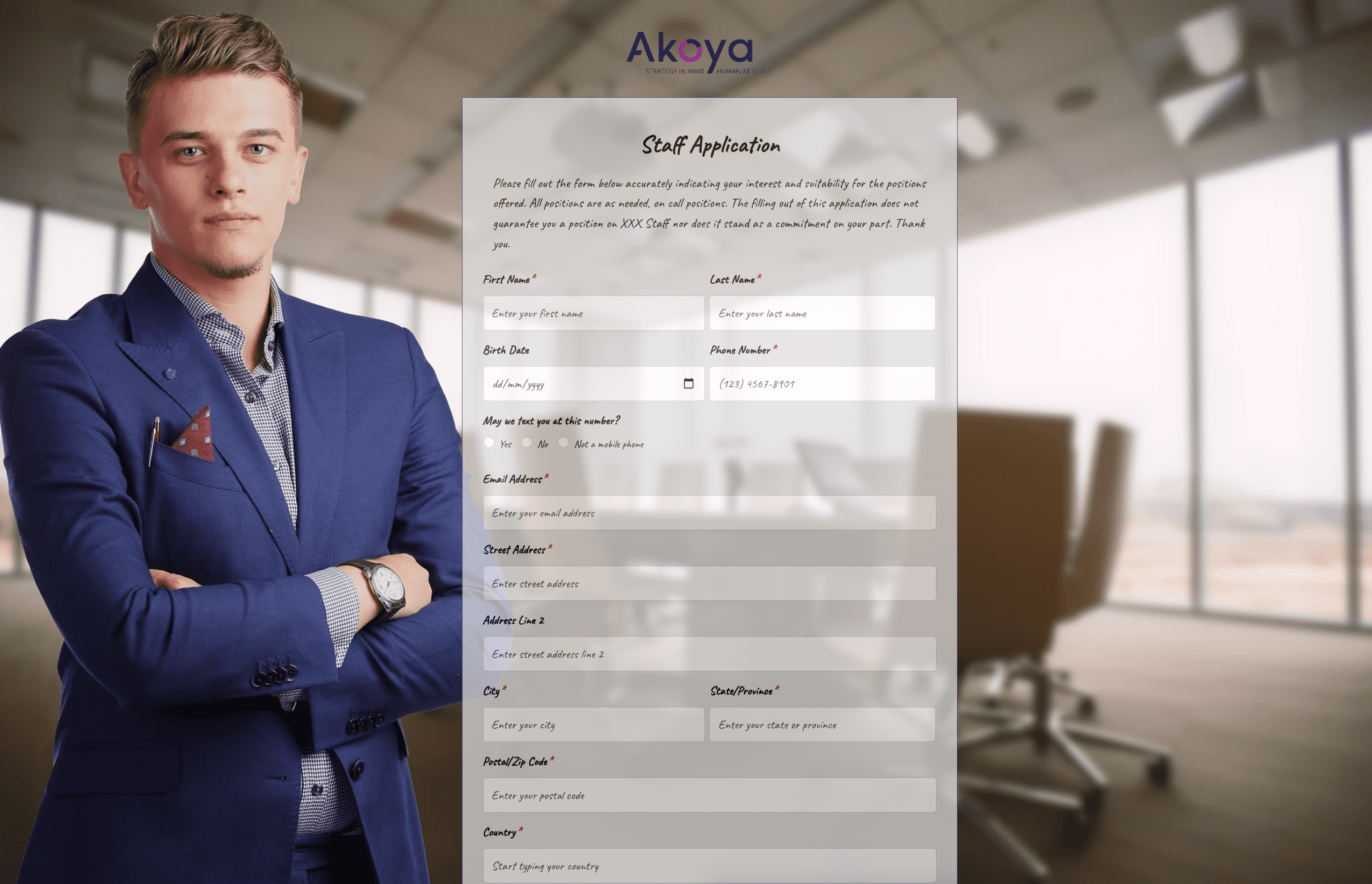 Staff Application Form
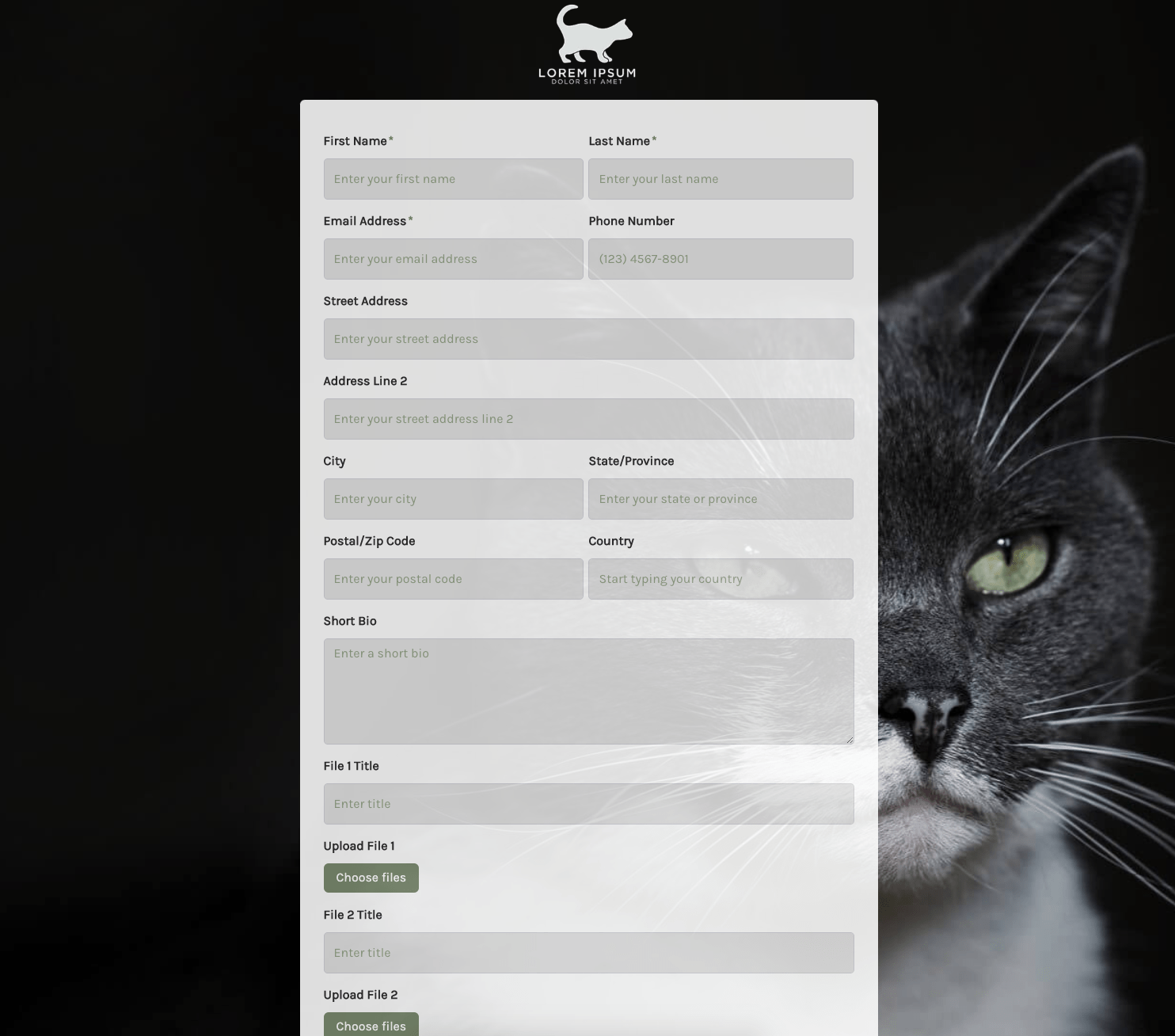 Submission Form
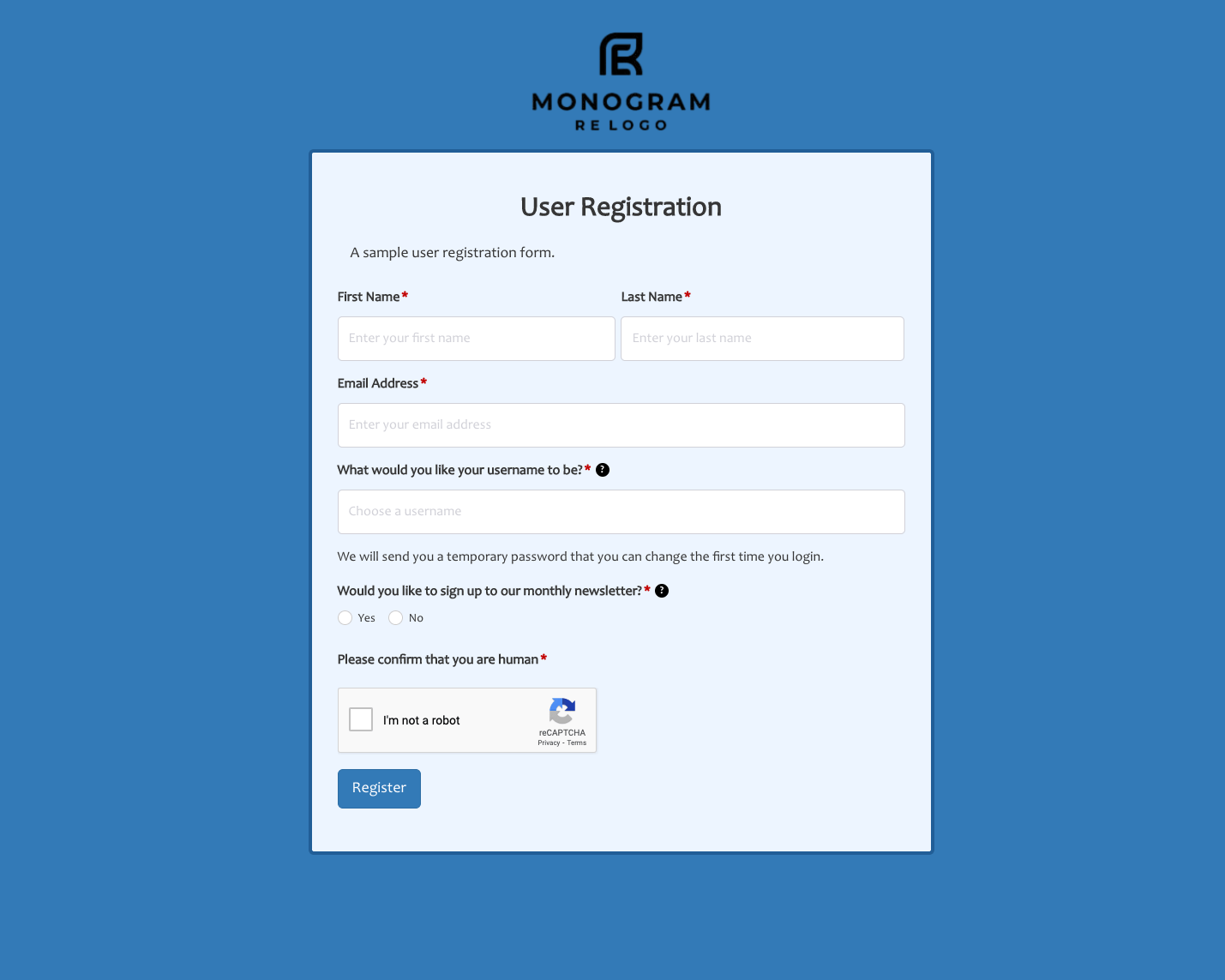 User Registration Form
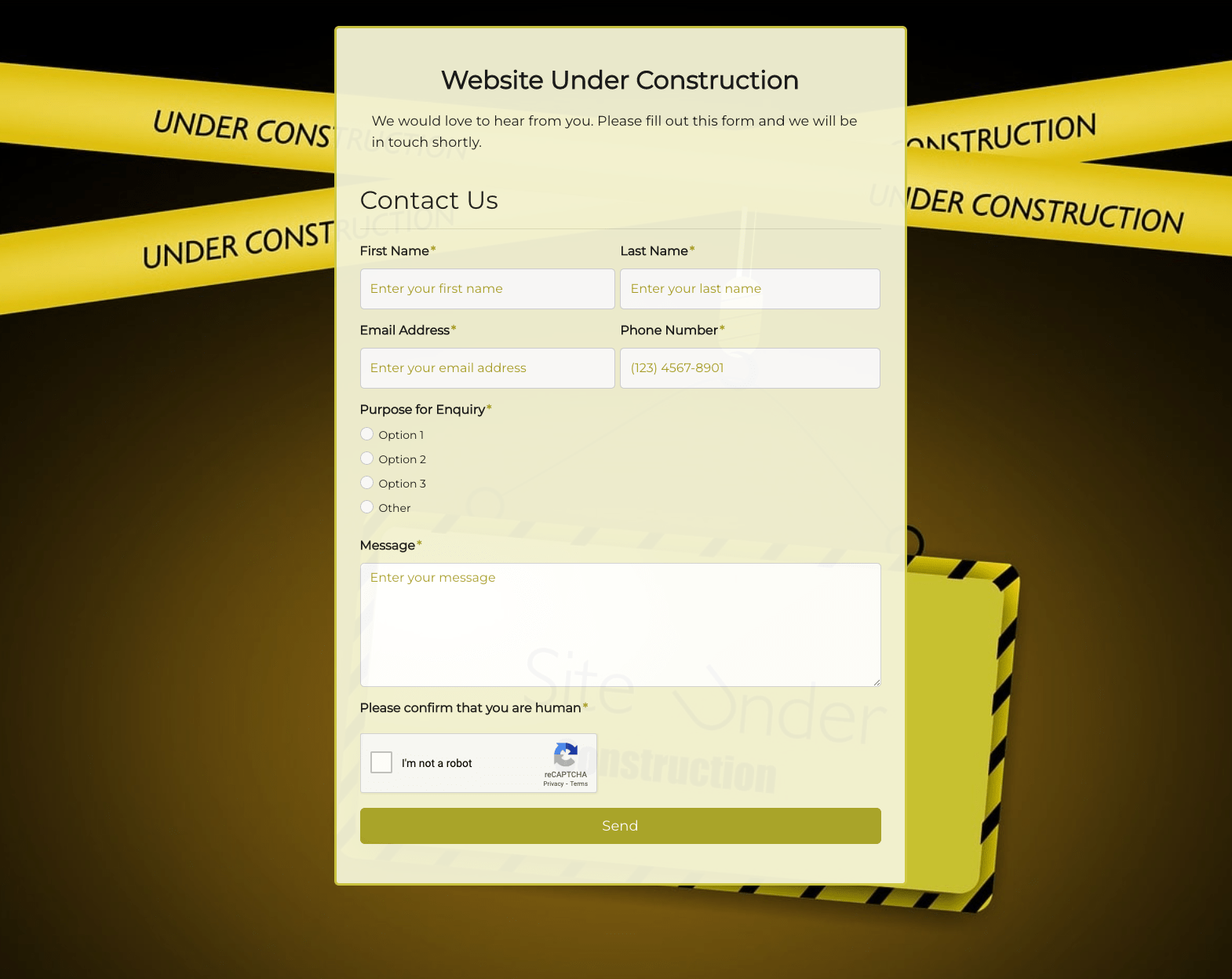 Website Under Construction Form
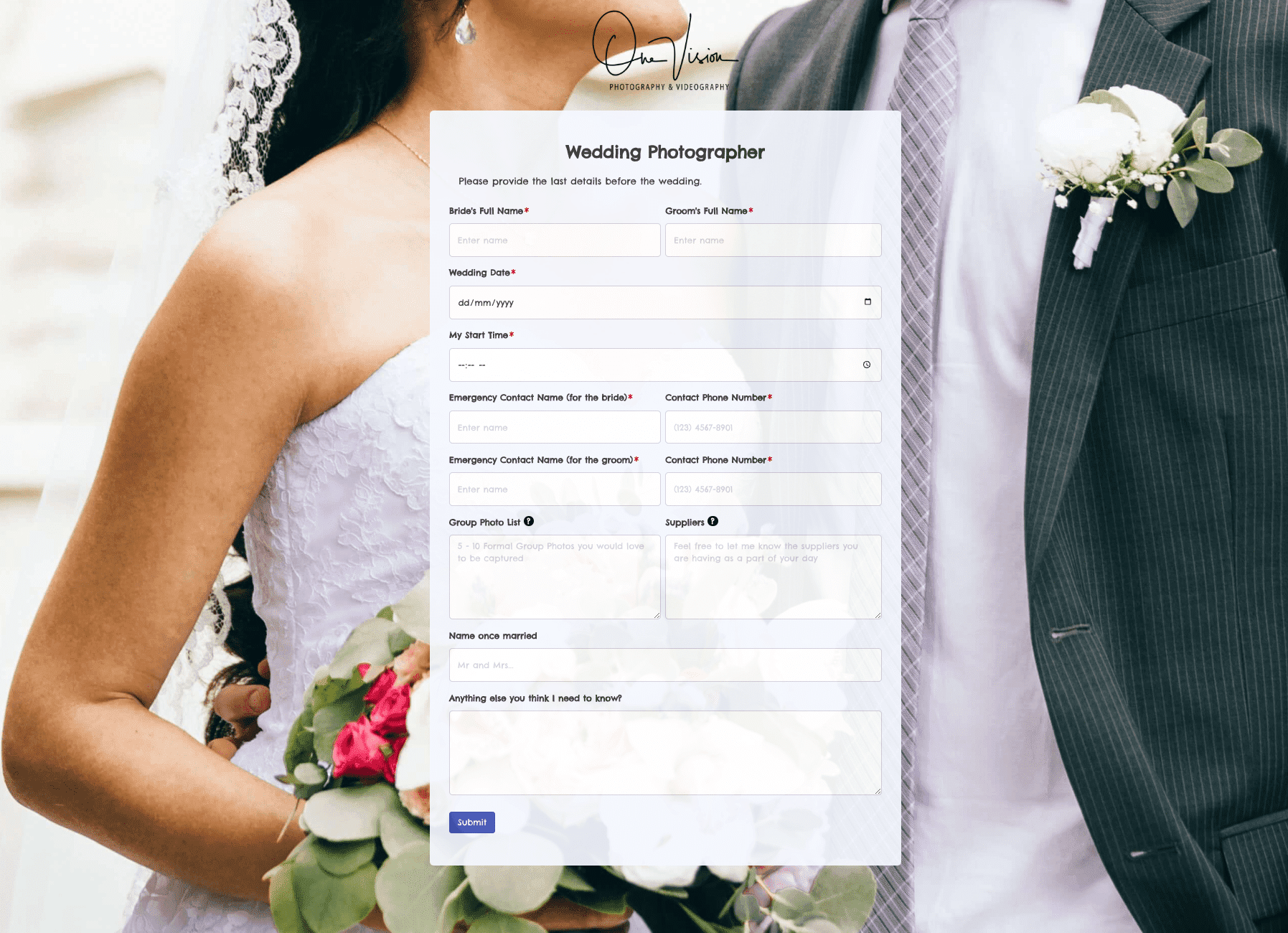 Wedding Photographer Form
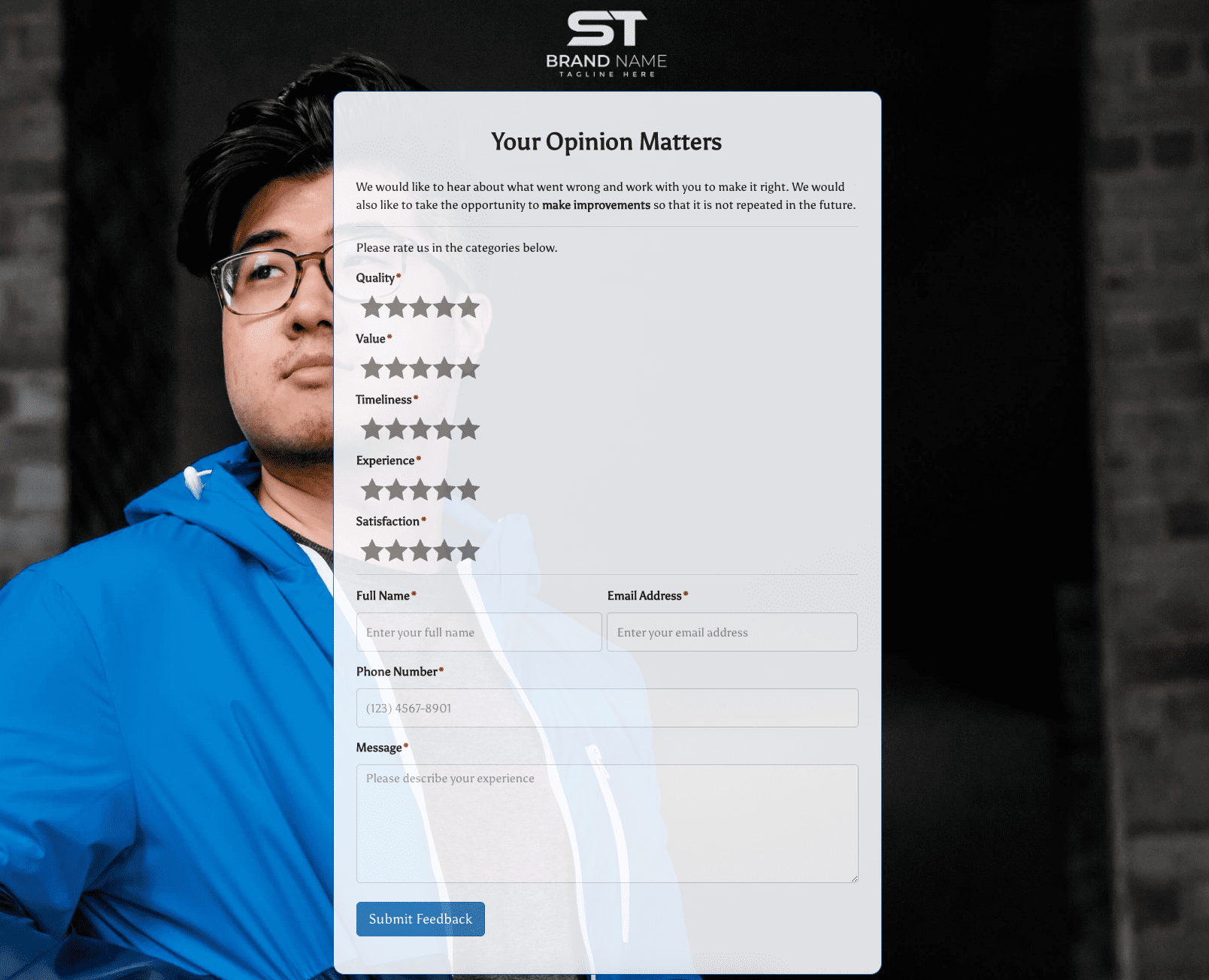 Your Opinion Matters Form